Phaser
100 posts on Sorceress about phaser.
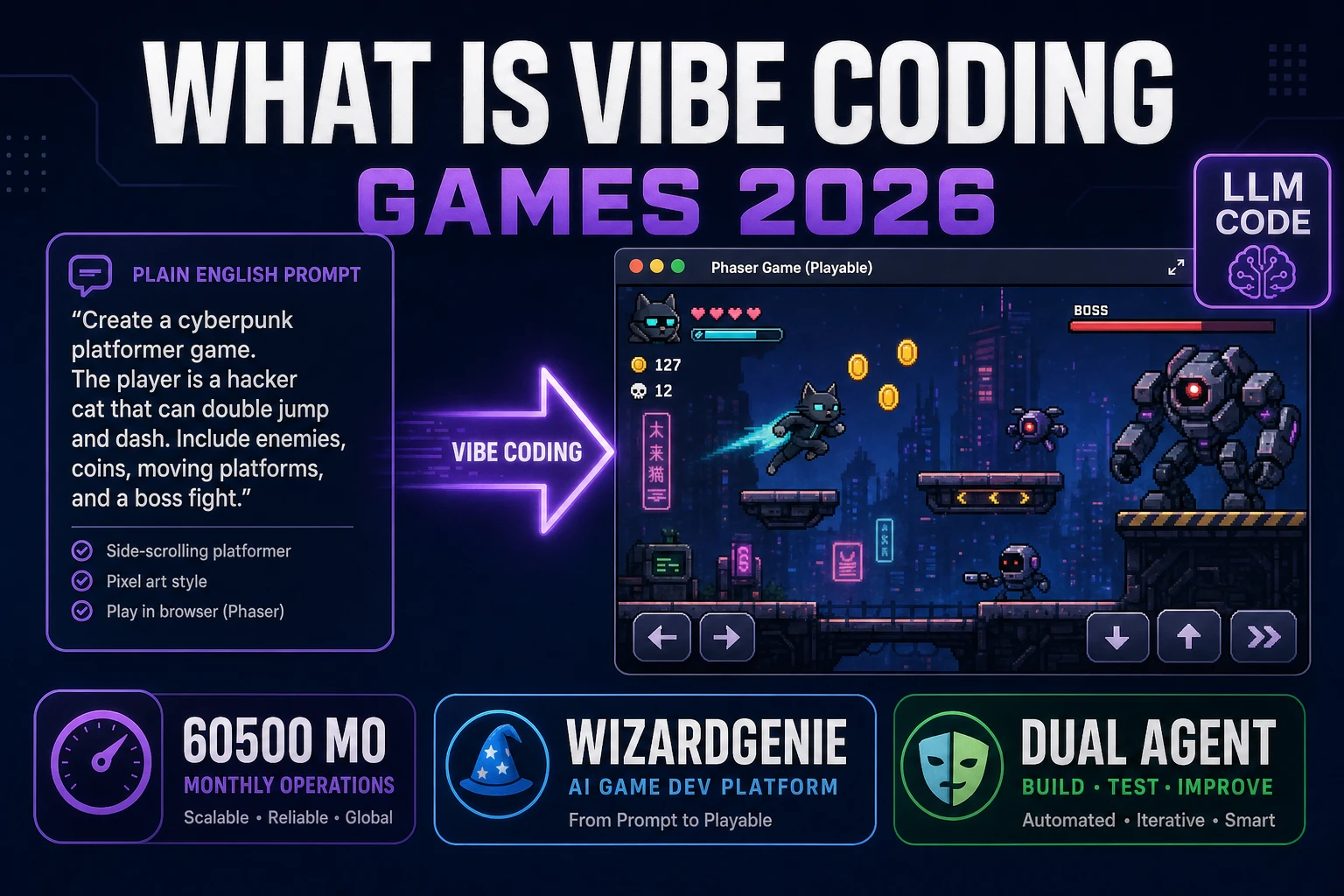
Decode What Is Vibe Coding (Games 2026)
What is vibe coding for indie games in 2026: Andrej Karpathy coined the term in February 2025; you describe playable loops in natural language, an LLM generates code, and you steer with tests. Sorceress WizardGenie adds Planner+Executor dual-agent economics in browser and desktop. Verified 2026-09-18.
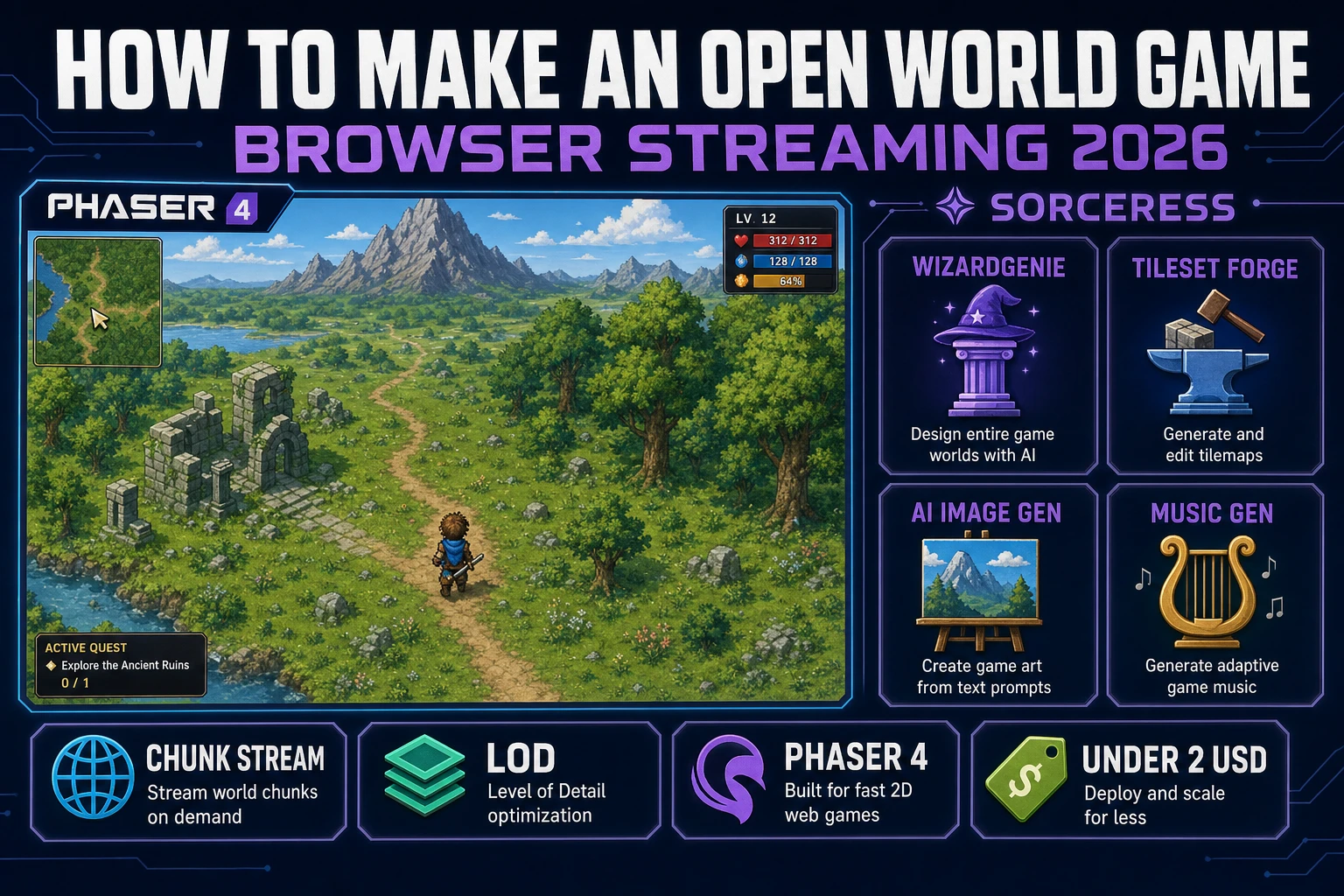
Vista How to Make an Open World Game (Streaming 2026)
How to make an open world game in 2026 as an indie: a browser chunk-streaming loop over Phaser 4, a chunked heightmap on disk, LOD swaps at distance, and the Sorceress asset stack dressing the vista under 0.61 USD on a first weekend.
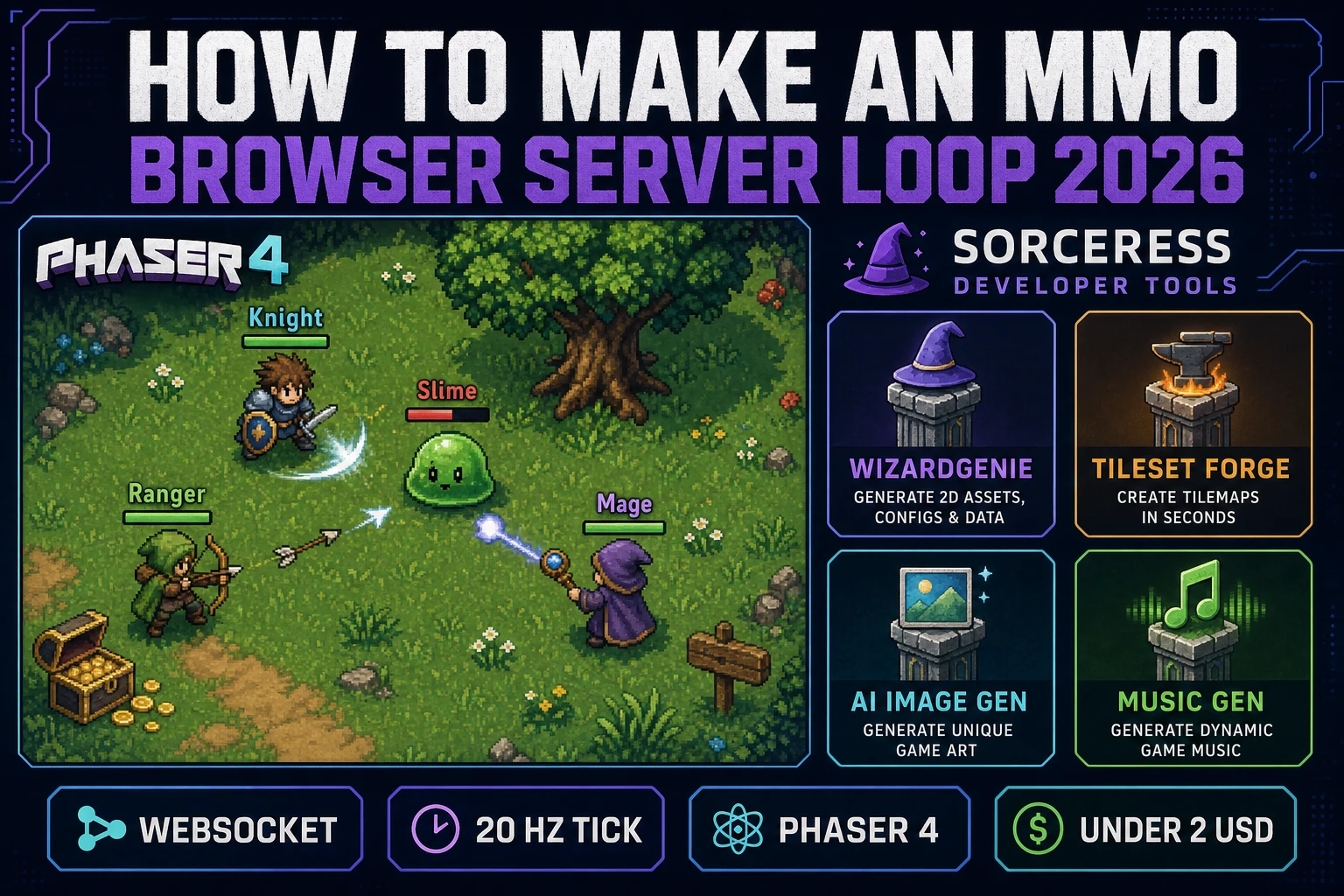
Realm How to Make an MMO (Browser Server Loop 2026)
How to make an MMO in 2026 as an indie: a small-scale browser server loop over Node WebSockets, a Postgres persistence row per player, a Phaser 4 client that interpolates two snapshots, and the Sorceress asset stack dressing the realm under two US dollars.
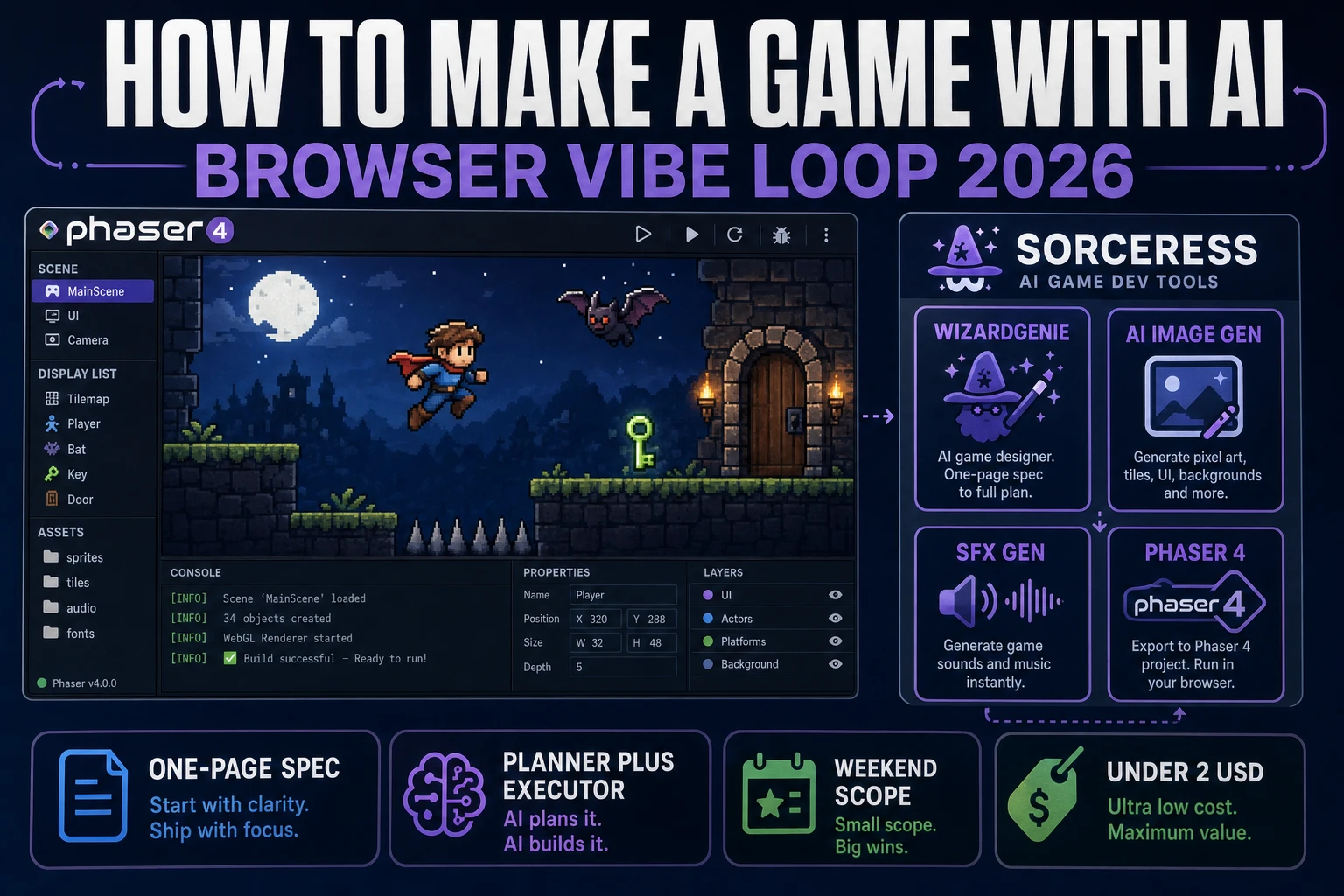
Prompt How to Make a Game With AI (Browser Vibe Loop 2026)
How to make a game with AI in 2026 as an honest prompt-run-patch loop: a one-page spec prompt, WizardGenie scaffolds a Phaser 4 loop from a Planner+Executor pair, AI Image Gen dresses the scene, SFX Gen lands three cues - a browser playable in a weekend for under two dollars.
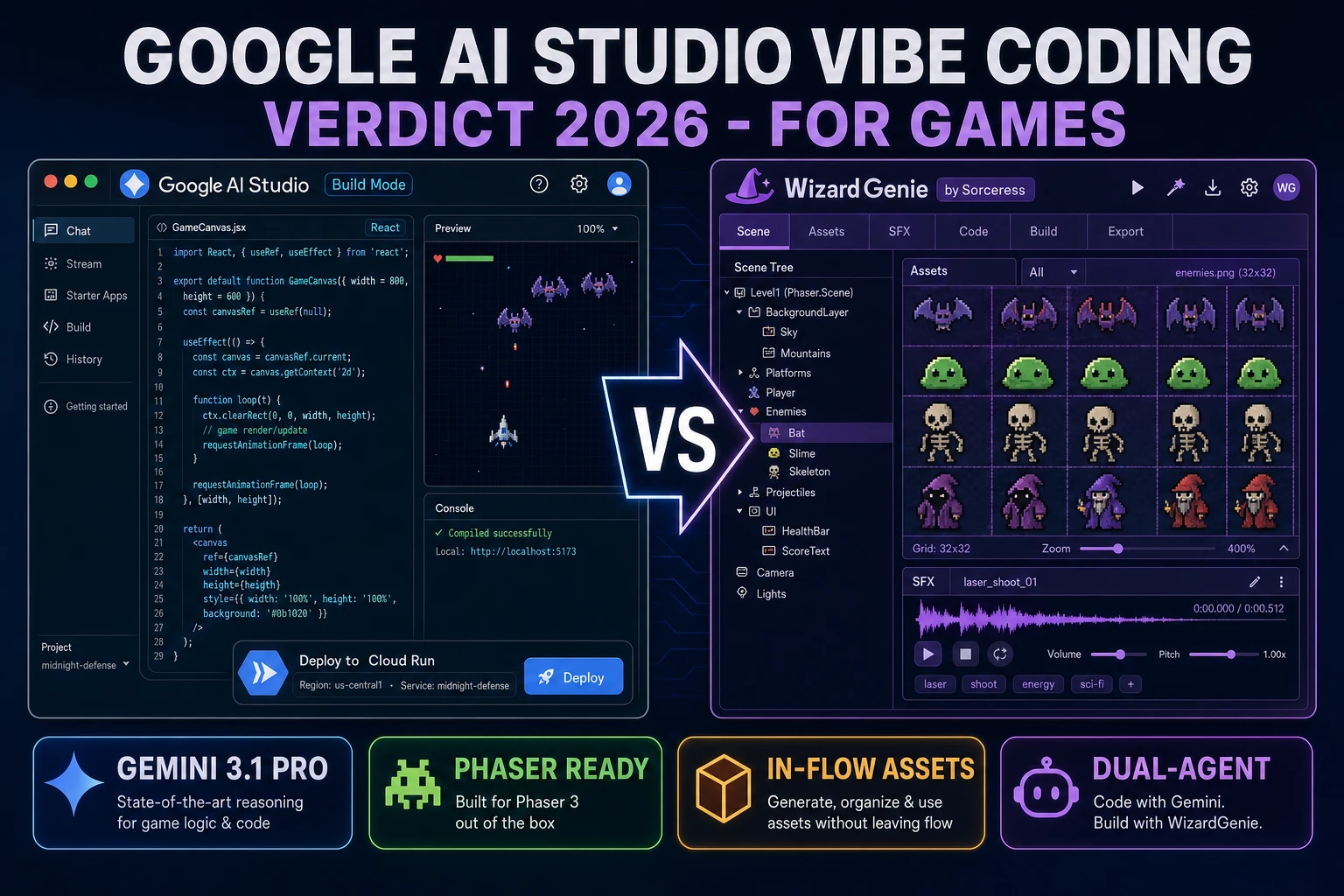
Google AI Studio Vibe Coding for Games (Verdict 2026)
Google AI Studio vibe coding ships a free Cloud Run tier and a fast Gemini 3.1 Pro loop that shines for CRUD web apps, then hits a React-first ceiling on games - the 2026 verdict against Sorceress WizardGenie with AI Image Gen, SFX Gen, and Music Gen.
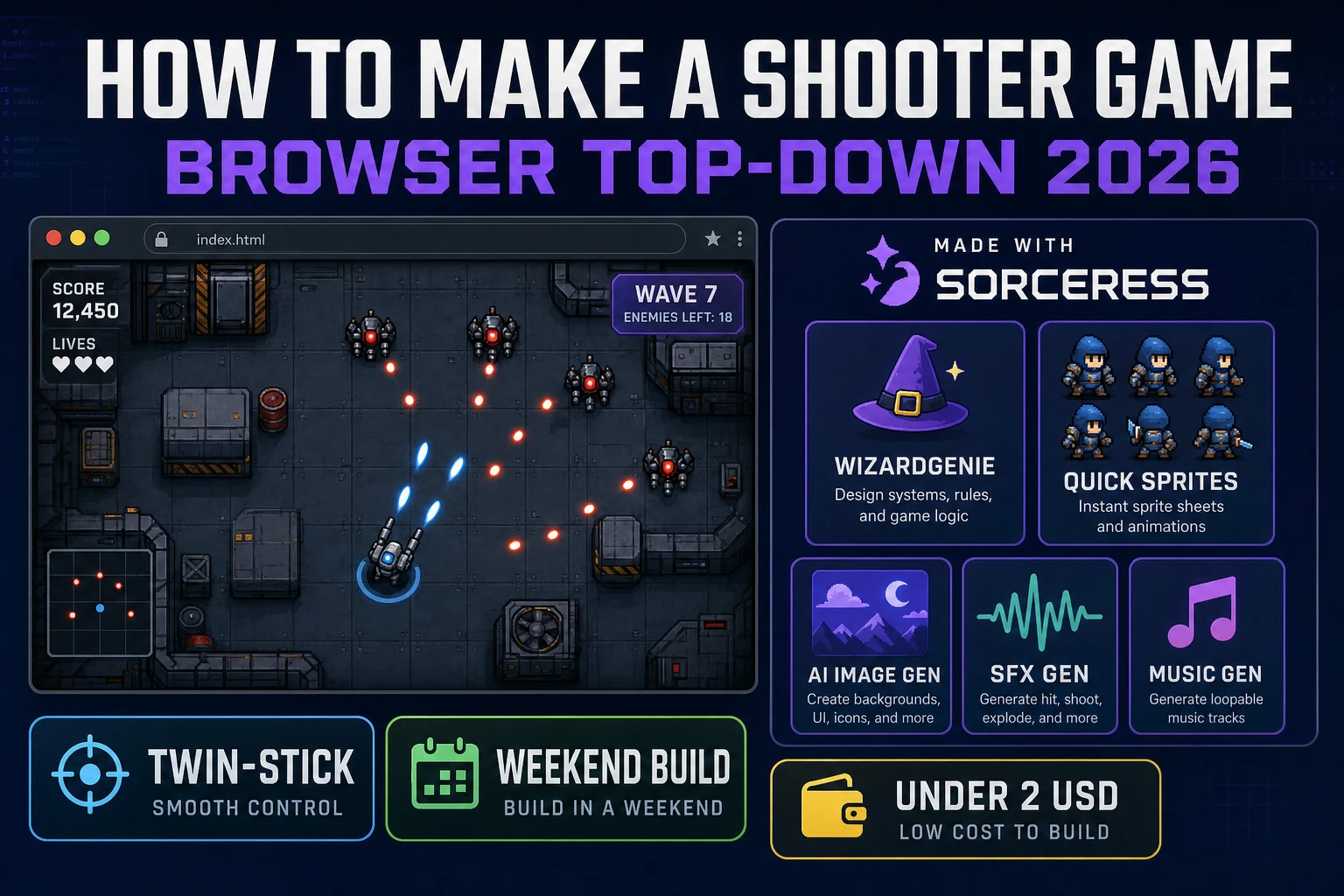
Top How to Make a Shooter Game (Browser Top-Down 2026)
How to make a shooter game in 2026: pick a top-down twin-stick arena rather than an FPS, scaffold player, bullets, and enemy spawn tables, wire collision, waves, and power-ups in WizardGenie, then add Quick Sprites, shots, and a combat bed.
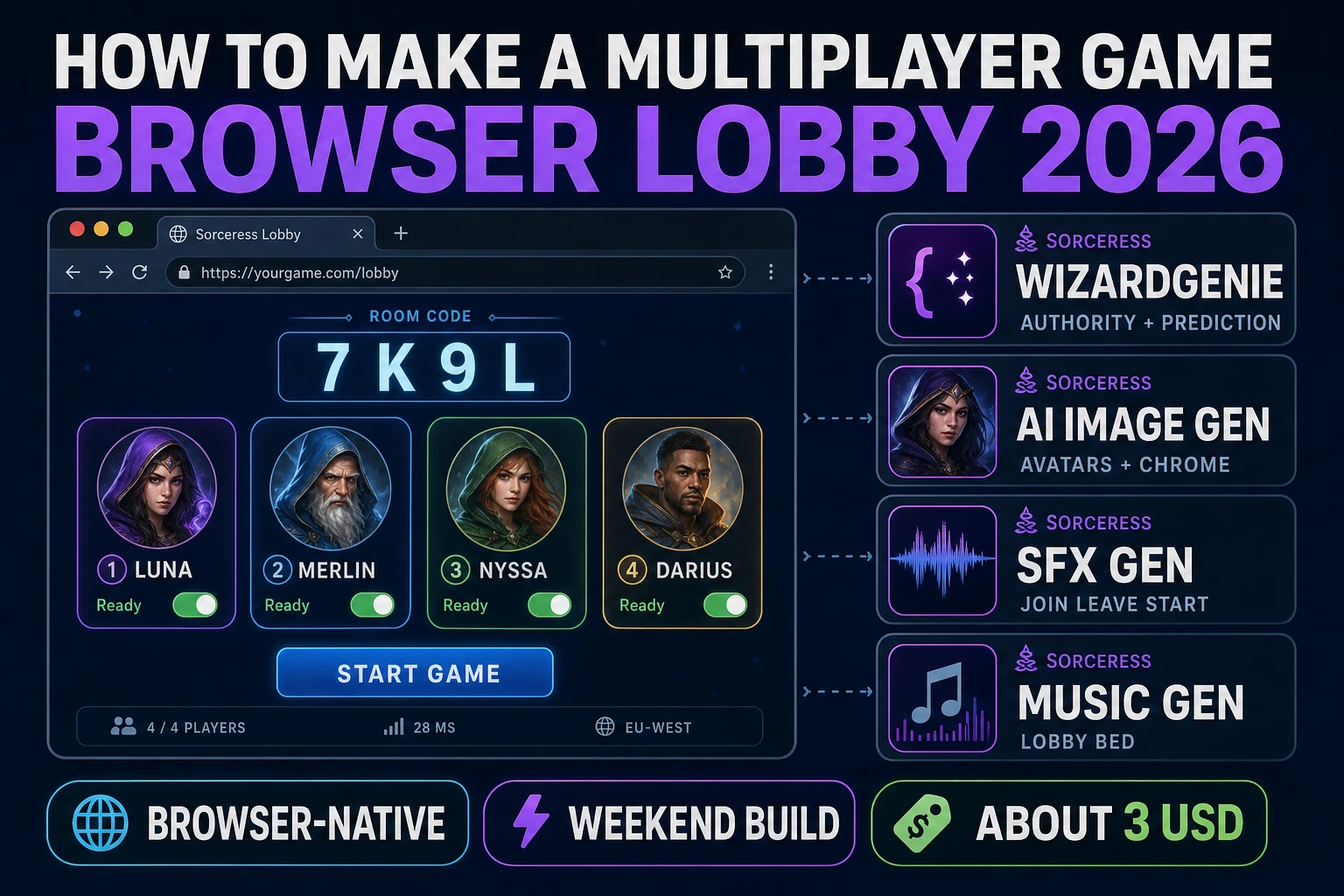
Multi How to Make a Multiplayer Game (Browser Lobby 2026)
How to make a multiplayer game in 2026: design a 2–4 player lobby with room codes, pick hot-seat, WebSocket, or peer-host sync, wire authority in WizardGenie, then add AI avatars and join audio. A first browser lobby ships in a weekend for about three dollars.
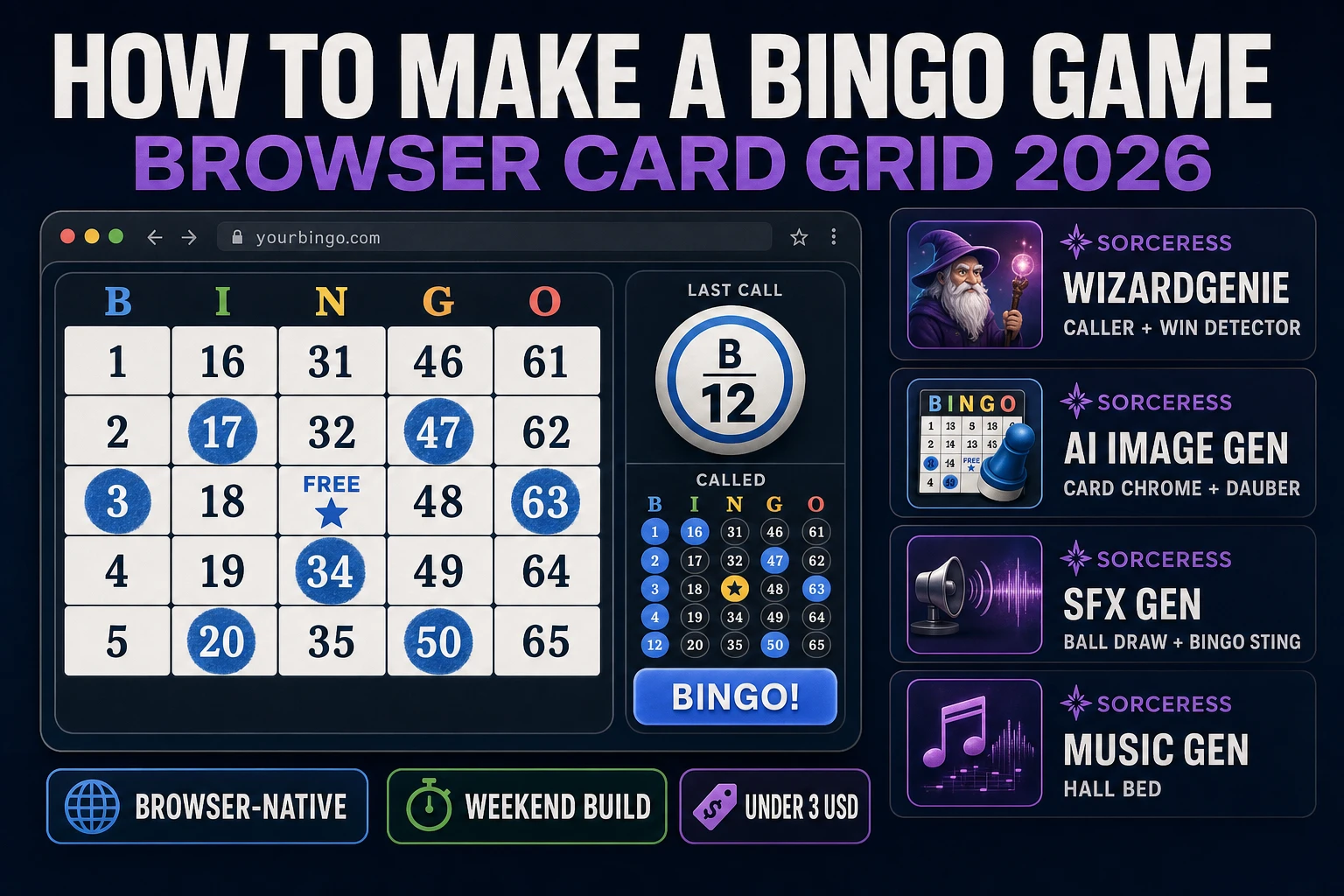
Bingo How to Make a Bingo Game (Browser Card Grid 2026)
How to make a bingo game in 2026: generate a 5×5 card with free center, wire caller and win-line detection in WizardGenie, add AI chrome plus caller audio, and ship a browser build under three dollars.
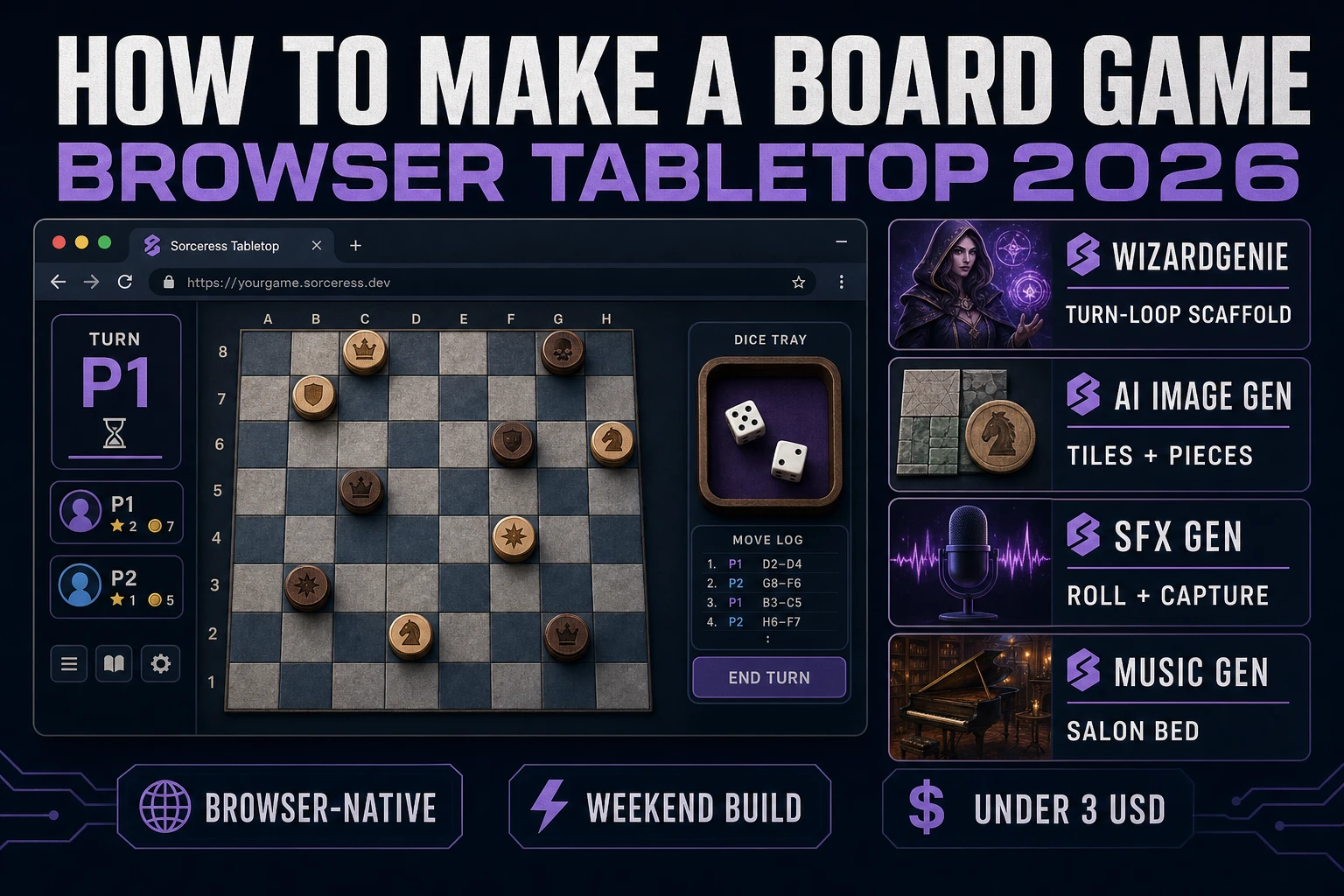
Board How to Make a Board Game (Browser Tabletop 2026)
How to make a board game in 2026: design the board grid, piece set, and win conditions, wire turns, dice or deck draws, and state save in WizardGenie, then add AI tiles, SFX, and music for a browser tabletop under three dollars.
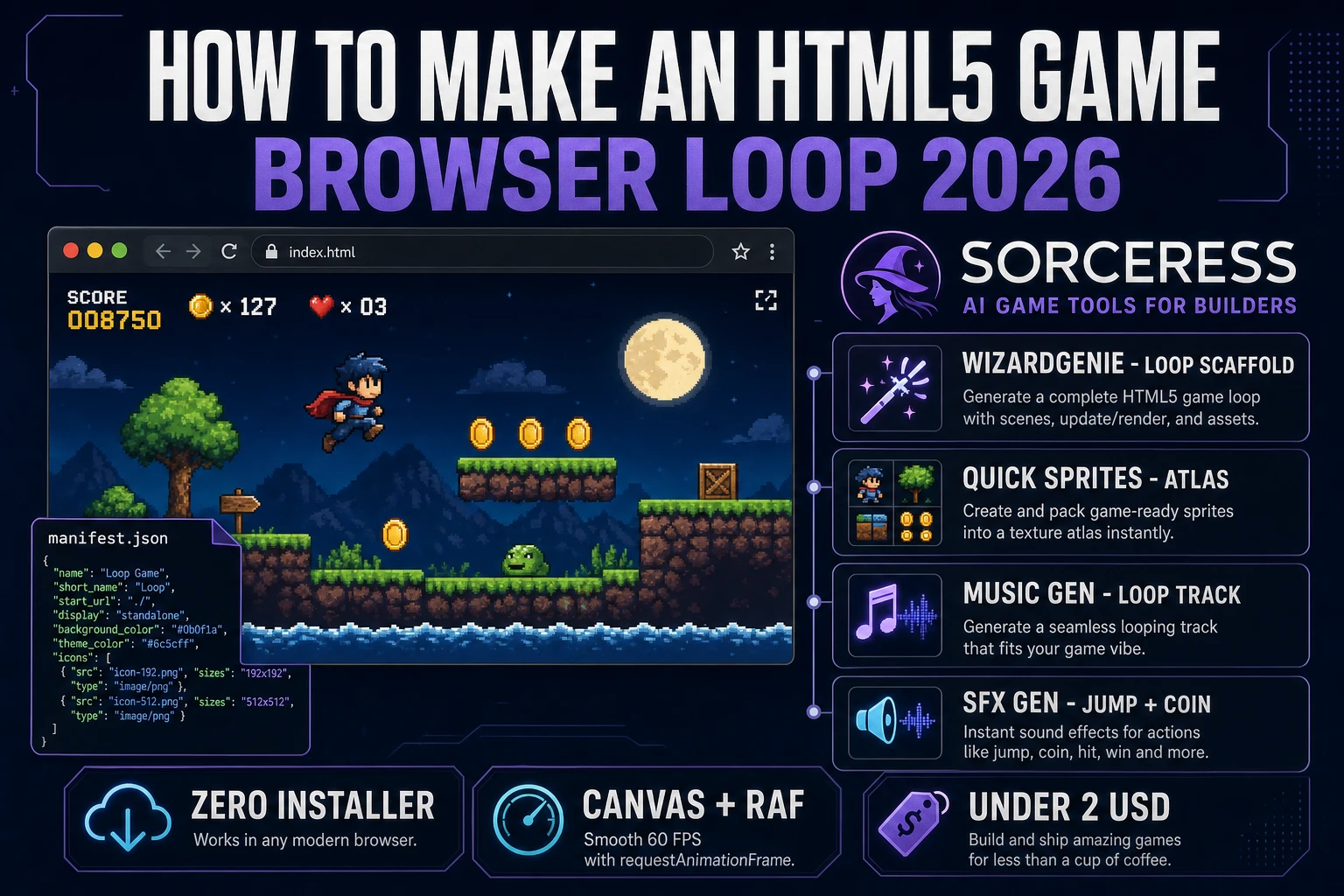
Wrap How to Make an HTML5 Game (Browser Loop 2026)
How to make an HTML5 game in 2026: scaffold a canvas host page and web manifest, wire the rAF update-draw loop in WizardGenie, add AI sprites plus music and SFX, then zip-and-ship for itch.io under two dollars.
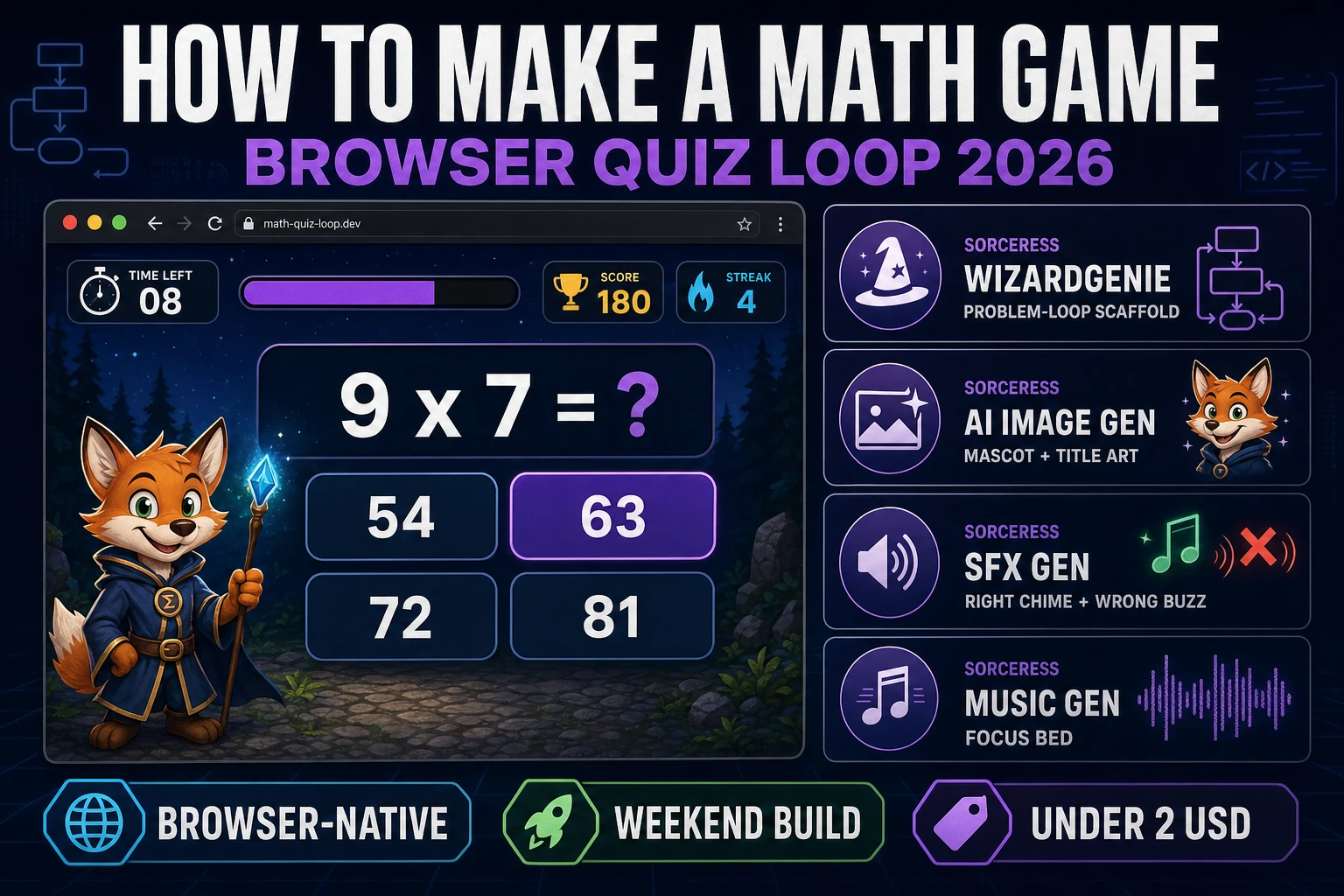
Sum How to Make a Math Game (Browser Quiz Loop 2026)
How to make a math game in 2026: build a procedural problem generator, wire the streak quiz loop in WizardGenie, add mascot art and audio, and ship a browser build under three dollars.
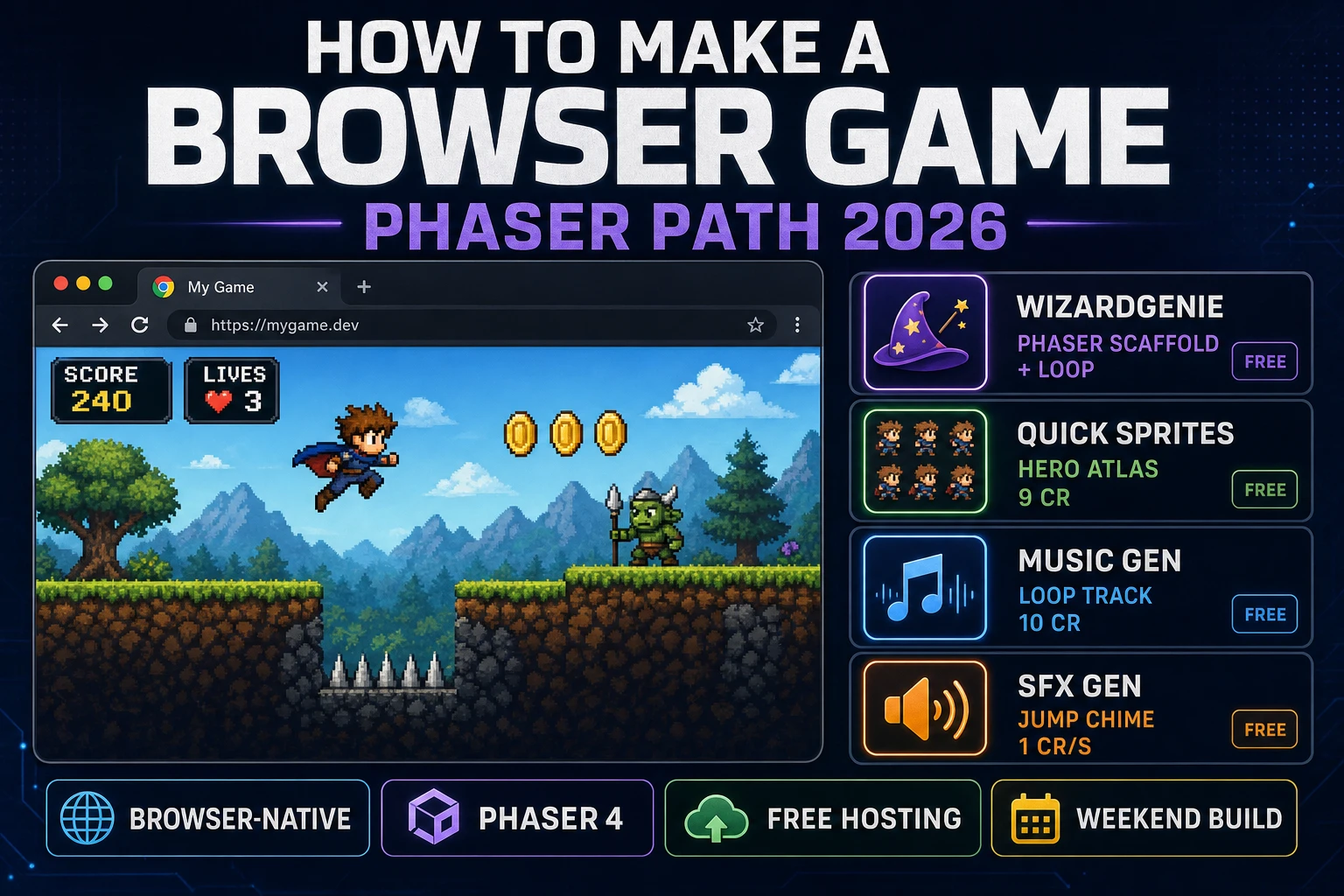
Serve How to Make a Browser Game (Phaser Path 2026)
How to make a browser game in 2026: a static HTML host page, a Phaser 4 or vanilla canvas game loop, an AI asset pack for sprites, music, and SFX, and a free static host. Ships in a browser tab under $2 with WizardGenie and the Sorceress tools.
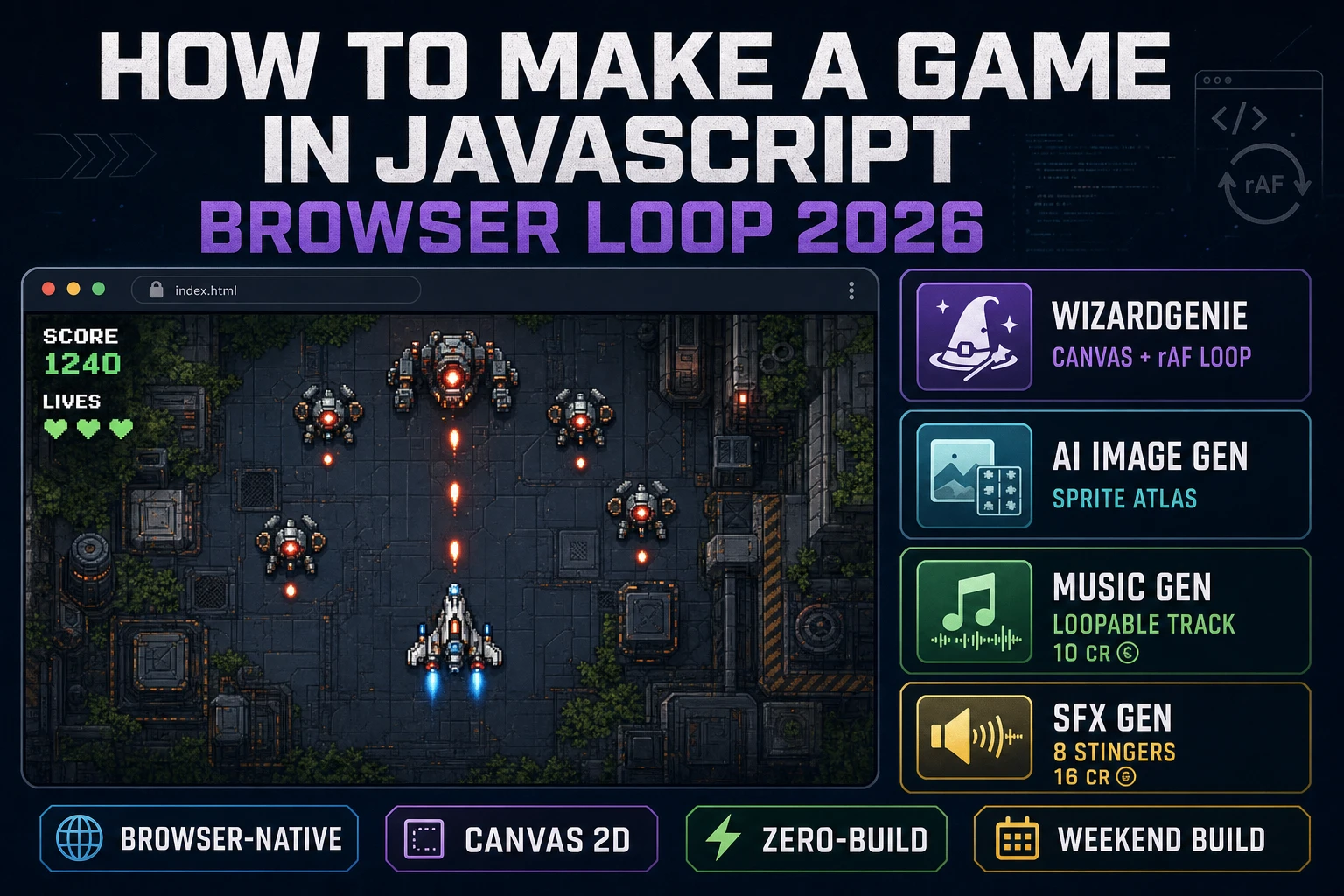
Code How to Make a Game in JavaScript (Browser Loop 2026)
How to make a game in javascript in 2026: an HTML canvas, a requestAnimationFrame update-and-draw loop with a delta-time accumulator, four DOM input listeners, and an AI asset pack for sprites, music, and SFX. Ships in a browser tab under $3 with WizardGenie and the Sorceress tools.
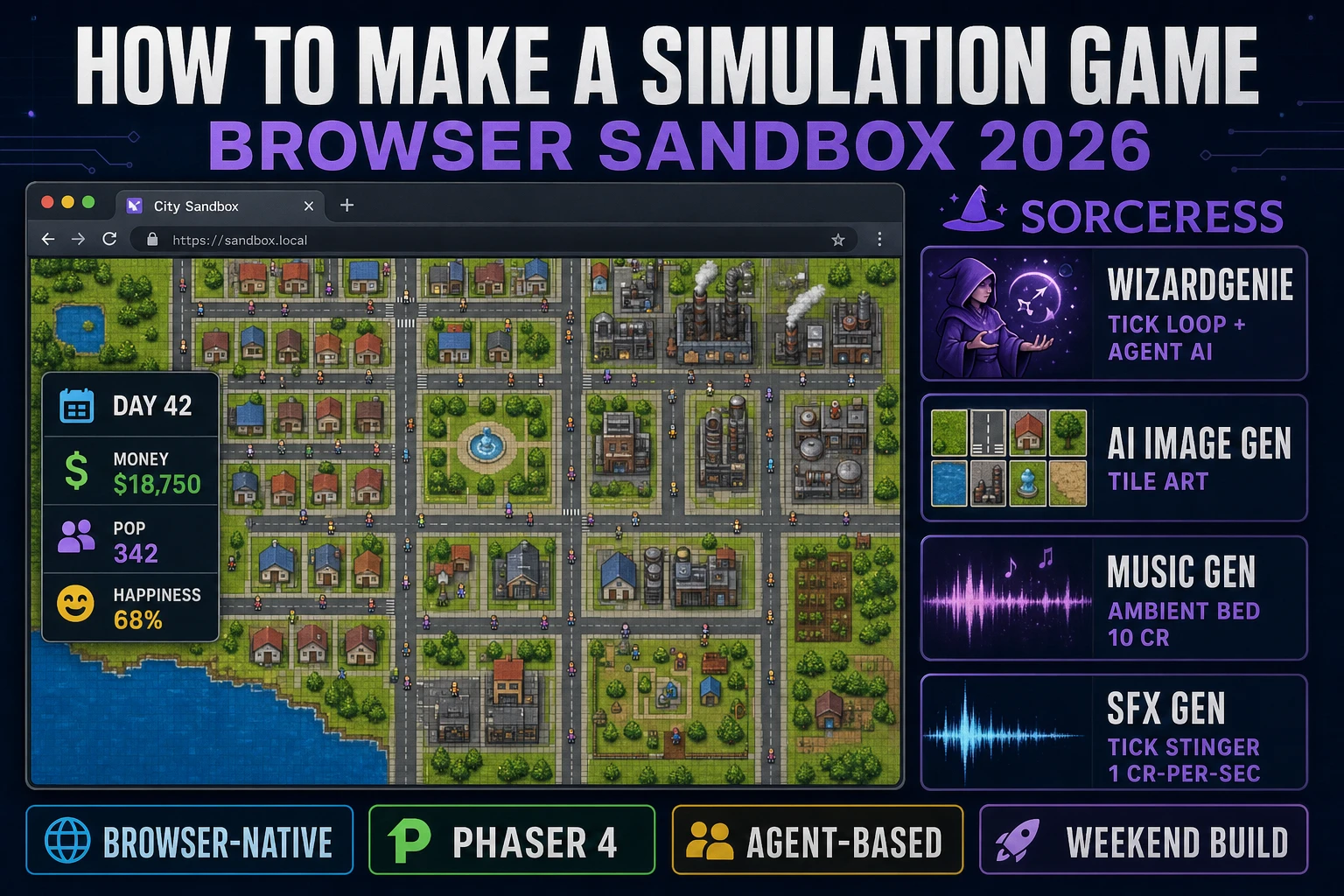
Sim How to Make a Simulation Game (Browser Sandbox 2026)
How to make a simulation game in 2026: a discrete-time tick loop that advances agents, resources, and a world grid one step at a time, plus a player-input layer that nudges the sim. Ships in a browser tab under $5 with WizardGenie and the Sorceress tools.
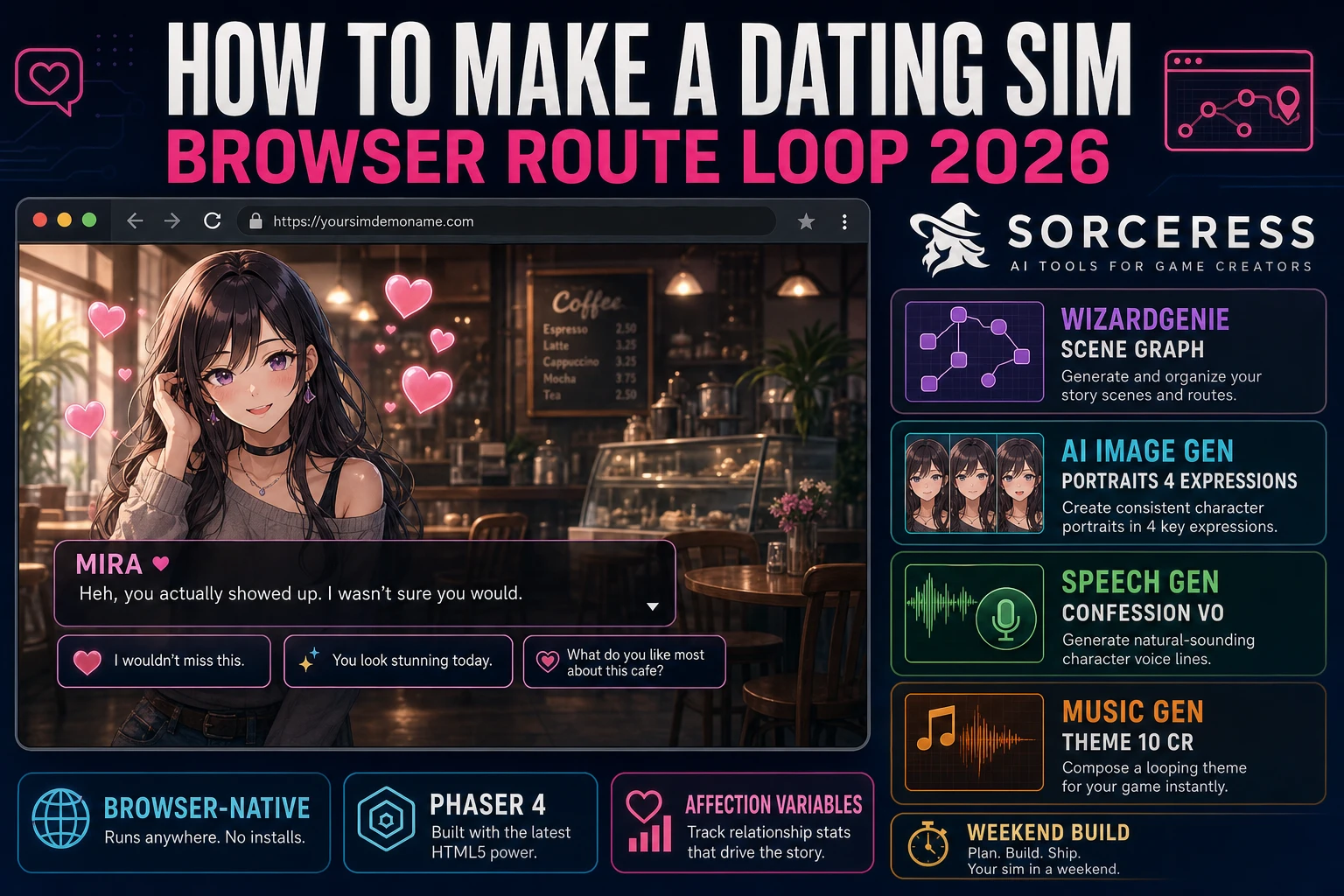
Heart How to Make a Dating Sim (Browser Route Loop 2026)
How to make a dating sim in 2026: three to five love interests, one hidden affection integer each, two thresholds per character for the good and neutral endings, a scene graph where every choice mutates affection, four-expression portrait sets, and Speech Gen VO on the confession scene.
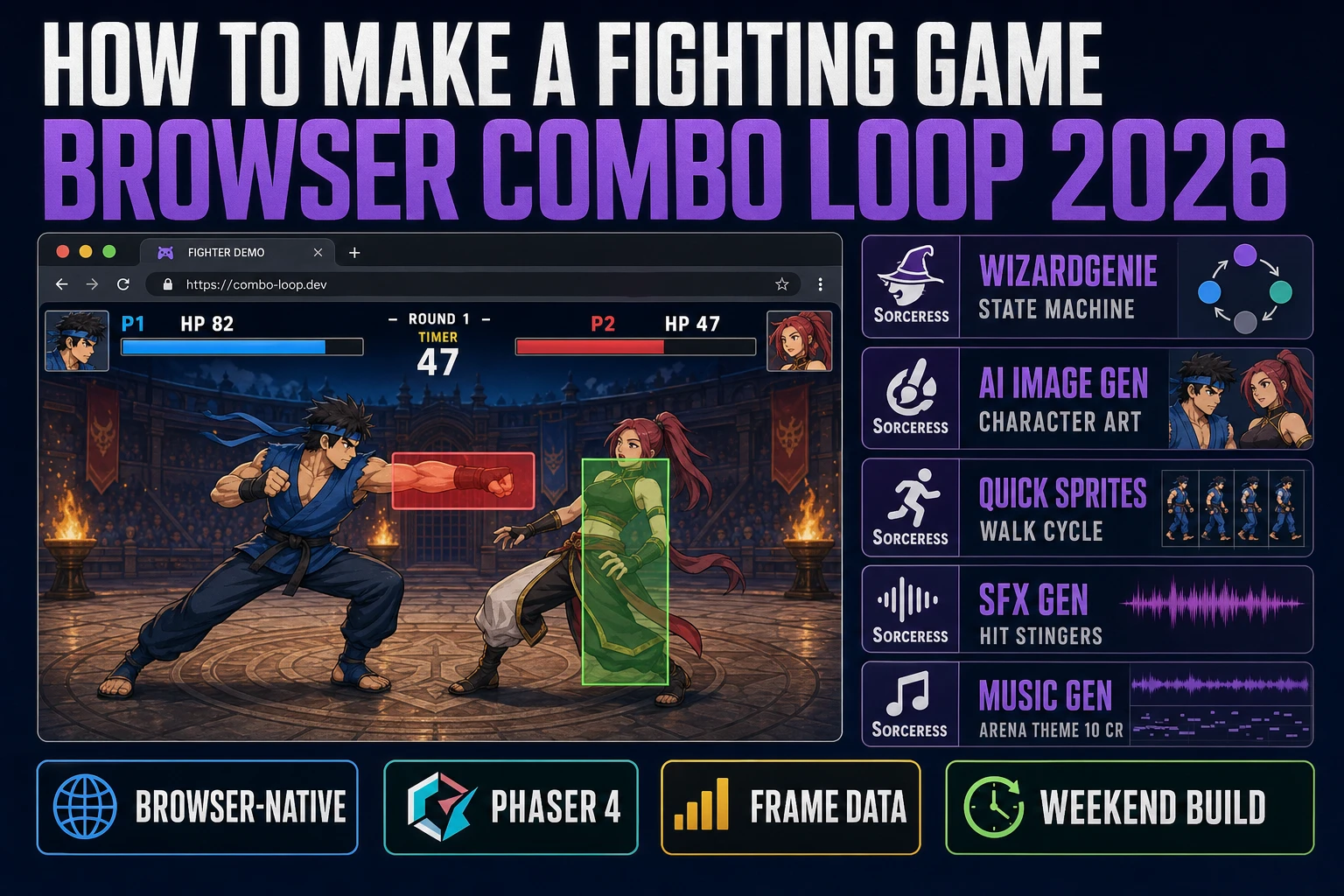
Court How to Make a Fighting Game (Browser Combo Loop 2026)
How to make a fighting game in 2026: model each character as an idle-walk-jump-attack-block-hitstun state machine, attach one hitbox and one hurtbox per active frame, publish a frame data table with startup active recovery counts, buffer inputs so combos land, and ship a browser build in a weekend.
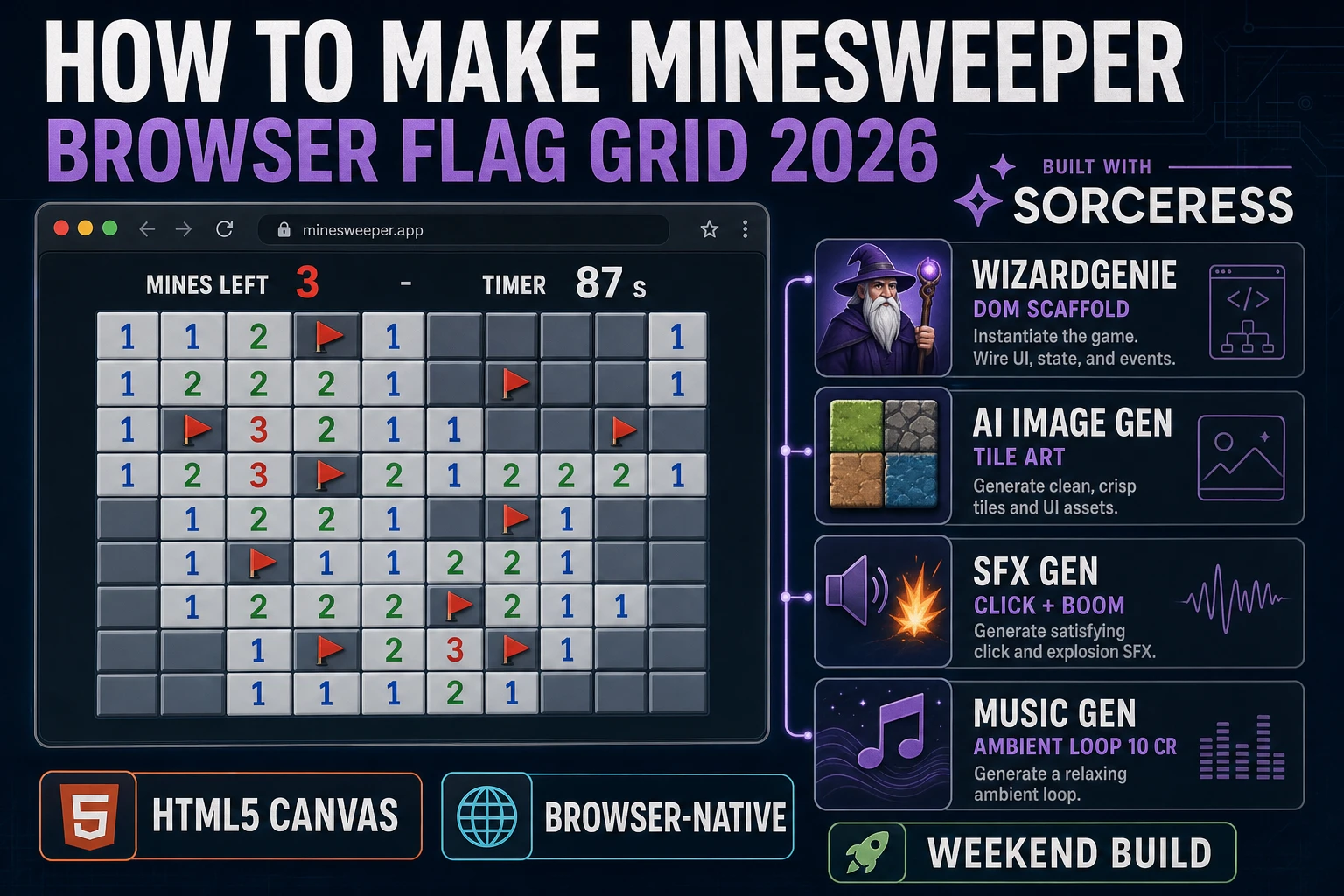
Sweep How to Make Minesweeper (Browser Flag Grid 2026)
How to make Minesweeper in 2026: render a grid of clickable cells, seed mines after the first click so the opener is safe, flood-fill reveal on zero-count neighbors, right-click to flag, and layer click plus boom SFX in a browser build a beginner can ship in a weekend.
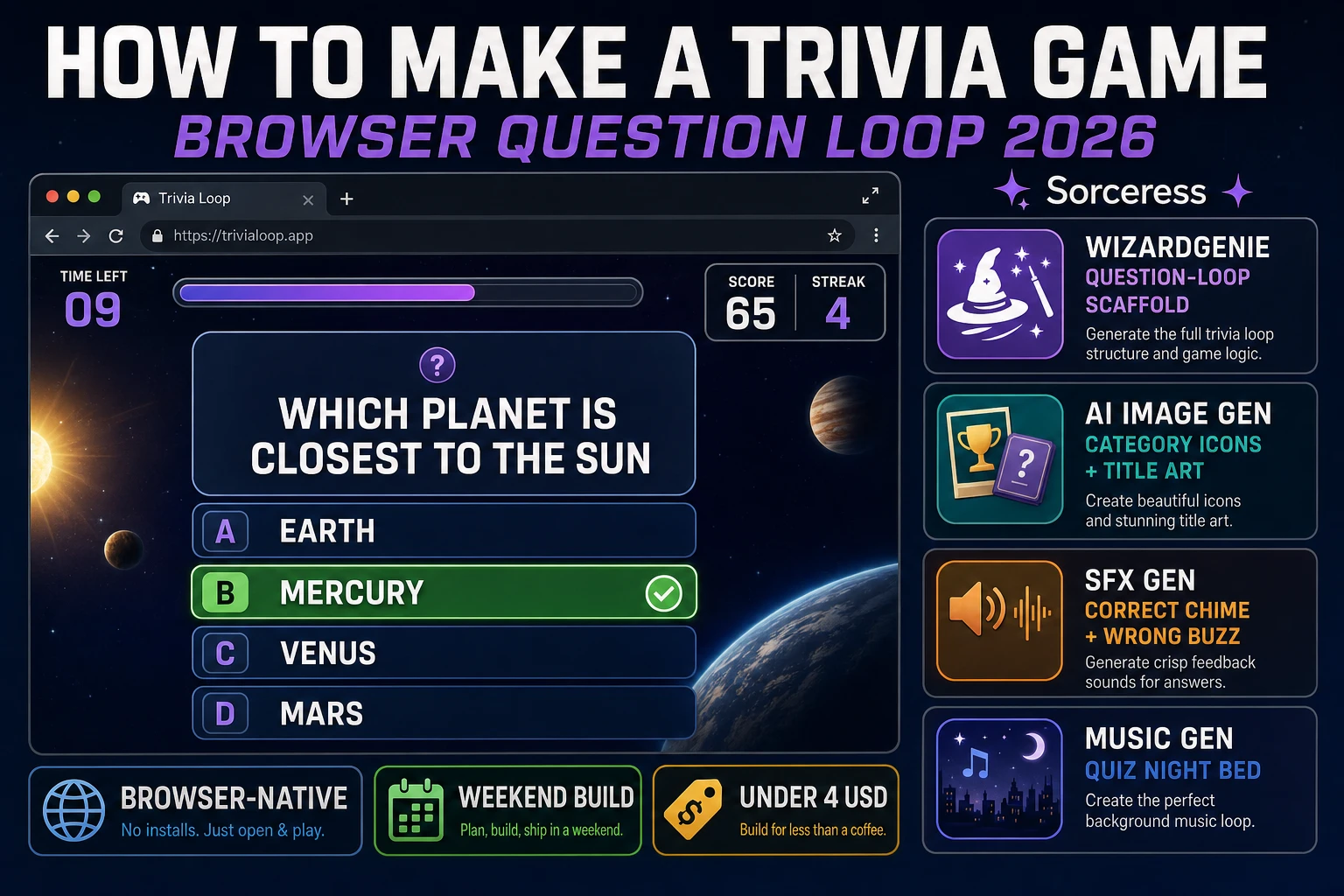
Quiz How to Make a Trivia Game (Browser Question Loop 2026)
How to make a trivia game in 2026: shape a JSON question bank with categories and difficulties, wire the draw-show-score-advance loop and a per-question timer in WizardGenie, generate category icons in AI Image Gen, add correct and wrong stingers from SFX Gen plus a low-tempo Music Gen bed, and ship a browser build in a weekend for under three dollars.
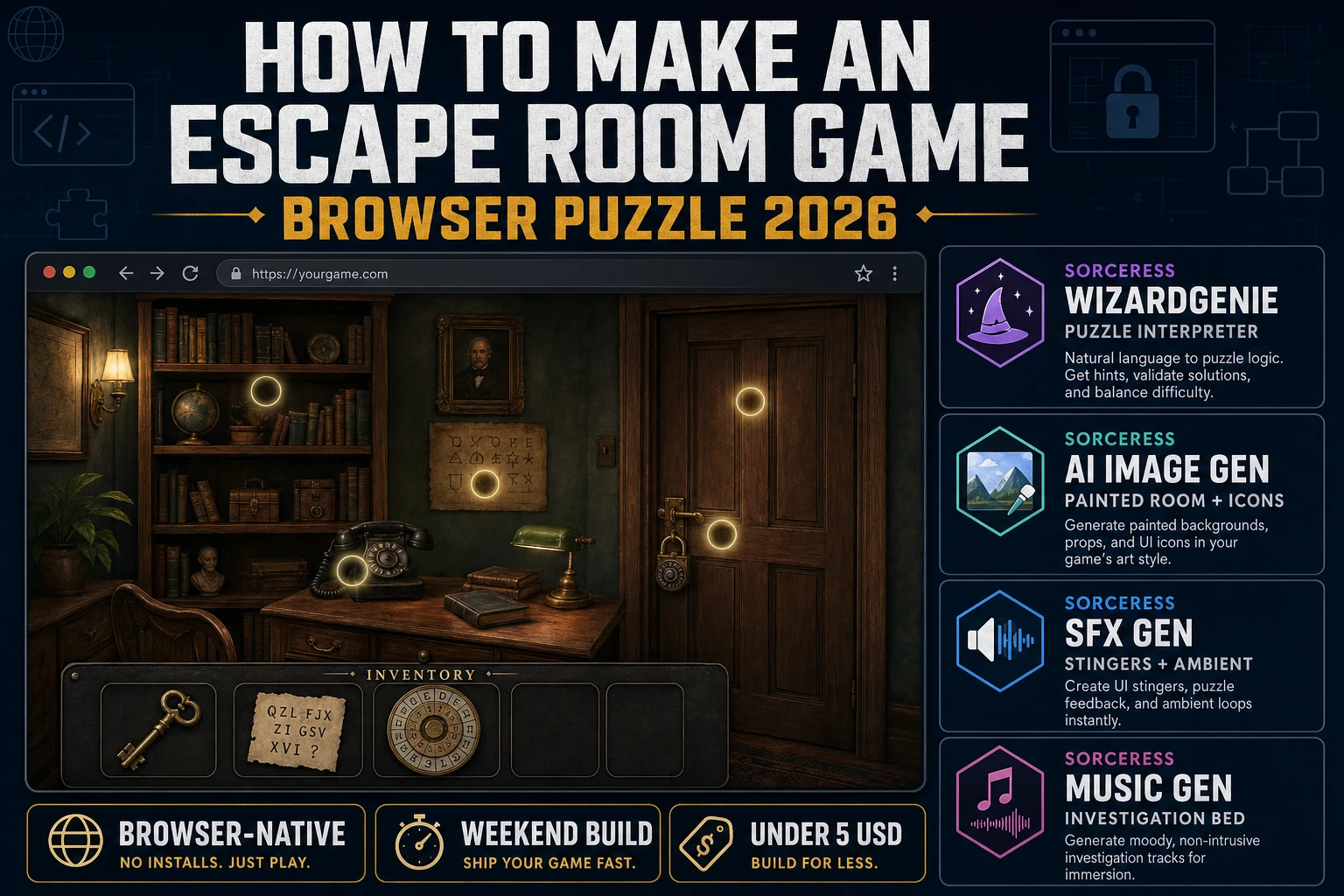
Escape How to Make an Escape Room Game (Browser Puzzle 2026)
How to make an escape room game in 2026: design a 3+1+1 clue chain, generate a painted room and inventory icons with AI Image Gen, wire click-hotspots and drag-combine in WizardGenie, add SFX Gen stingers and a Music Gen bed, and ship a full browser build in a weekend for under five dollars.
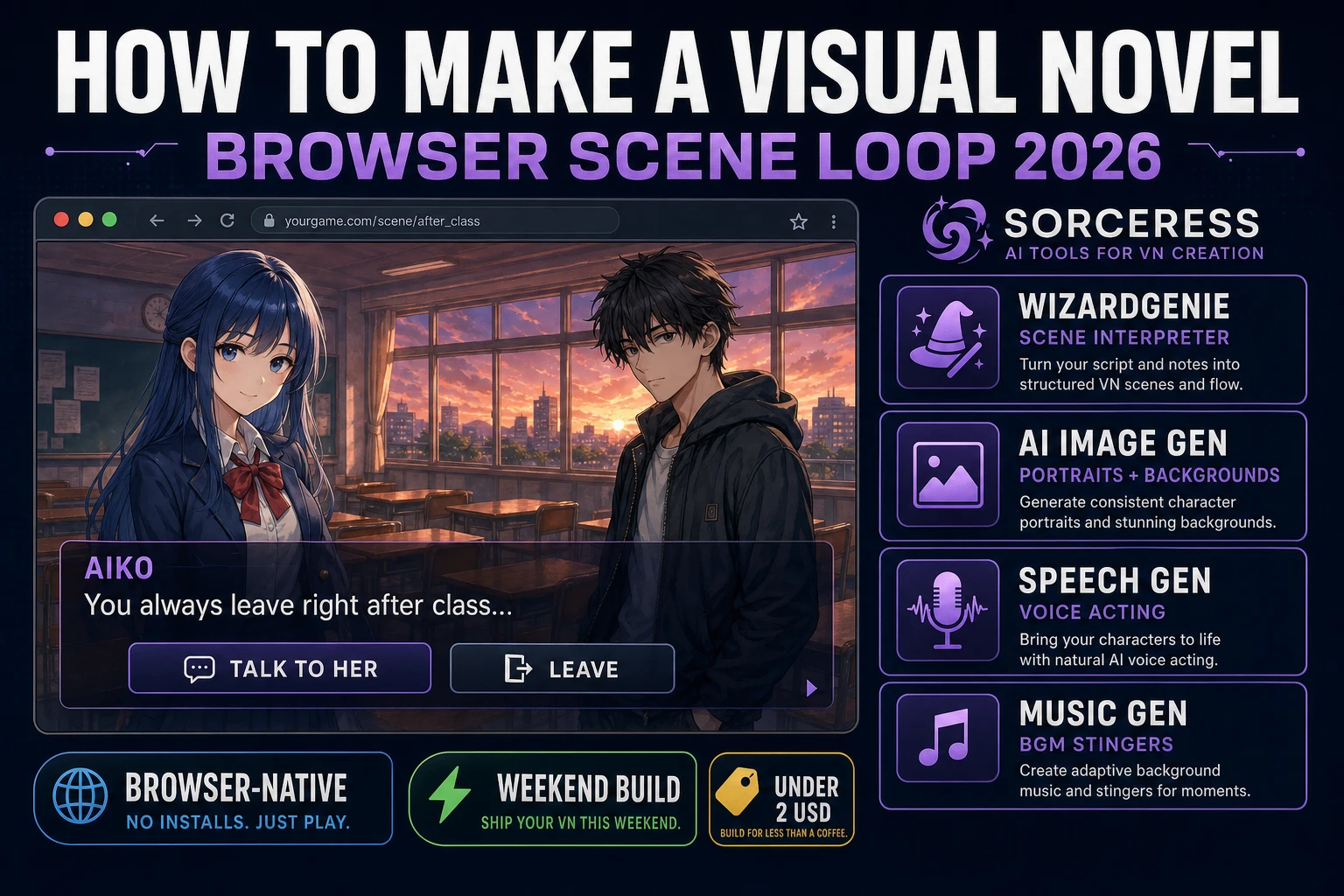
Pen How to Make a Visual Novel (Browser Scene Loop 2026)
How to make a visual novel in 2026: script the branching scene graph, generate expressive character sprites and painted backgrounds, add voice acting from Speech Gen and adaptive BGM from Music Gen, and ship a browser build a beginner can finish in a weekend.
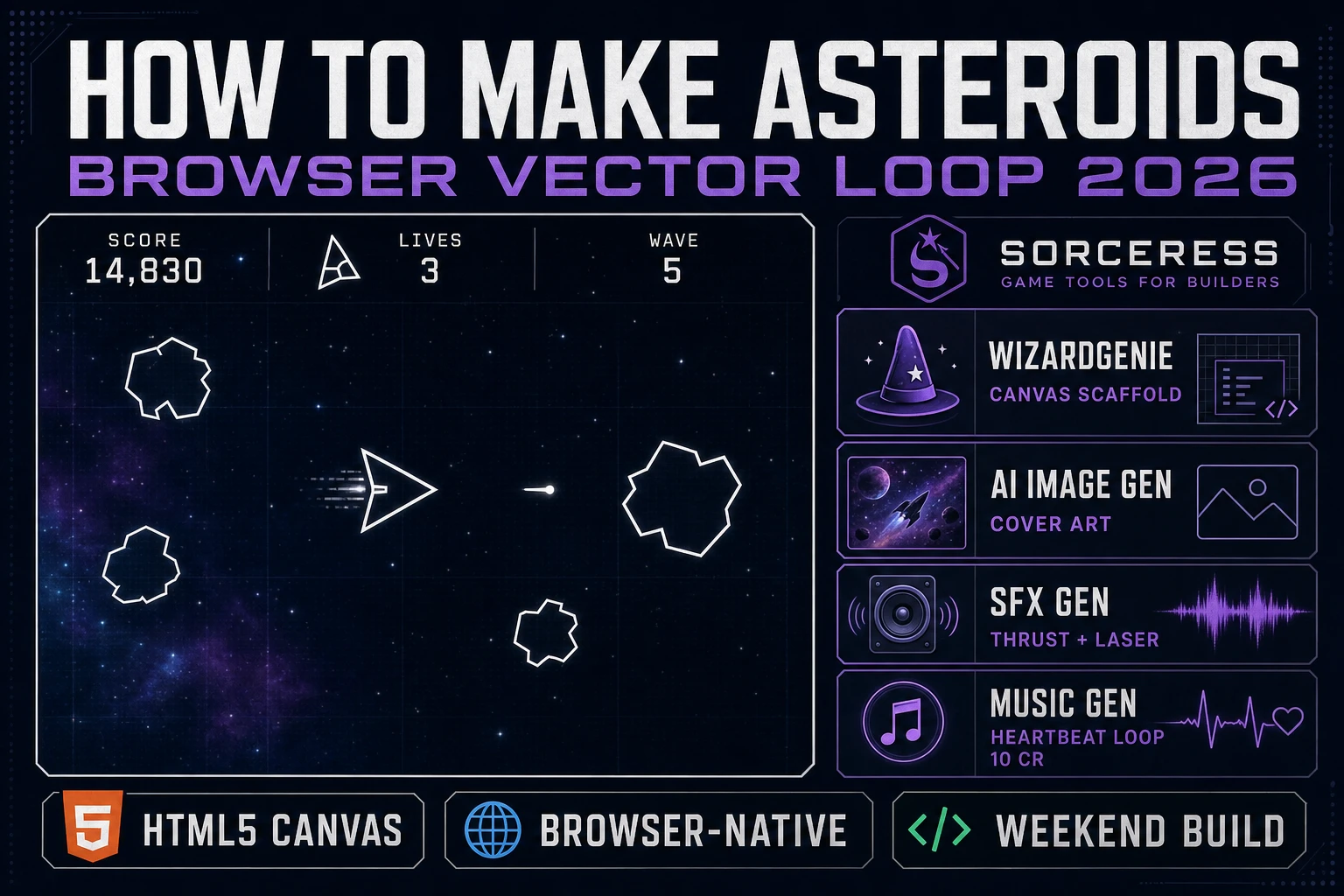
Blast How to Make Asteroids (Browser Vector Loop 2026)
How to make Asteroids in 2026: render the ship as a vector triangle on HTML5 Canvas, wire rotate-thrust-drag physics with screen-wrap edges, spawn rocks that break into smaller rocks, and layer thrust rumble plus laser SFX in a browser build a beginner can ship in a weekend.
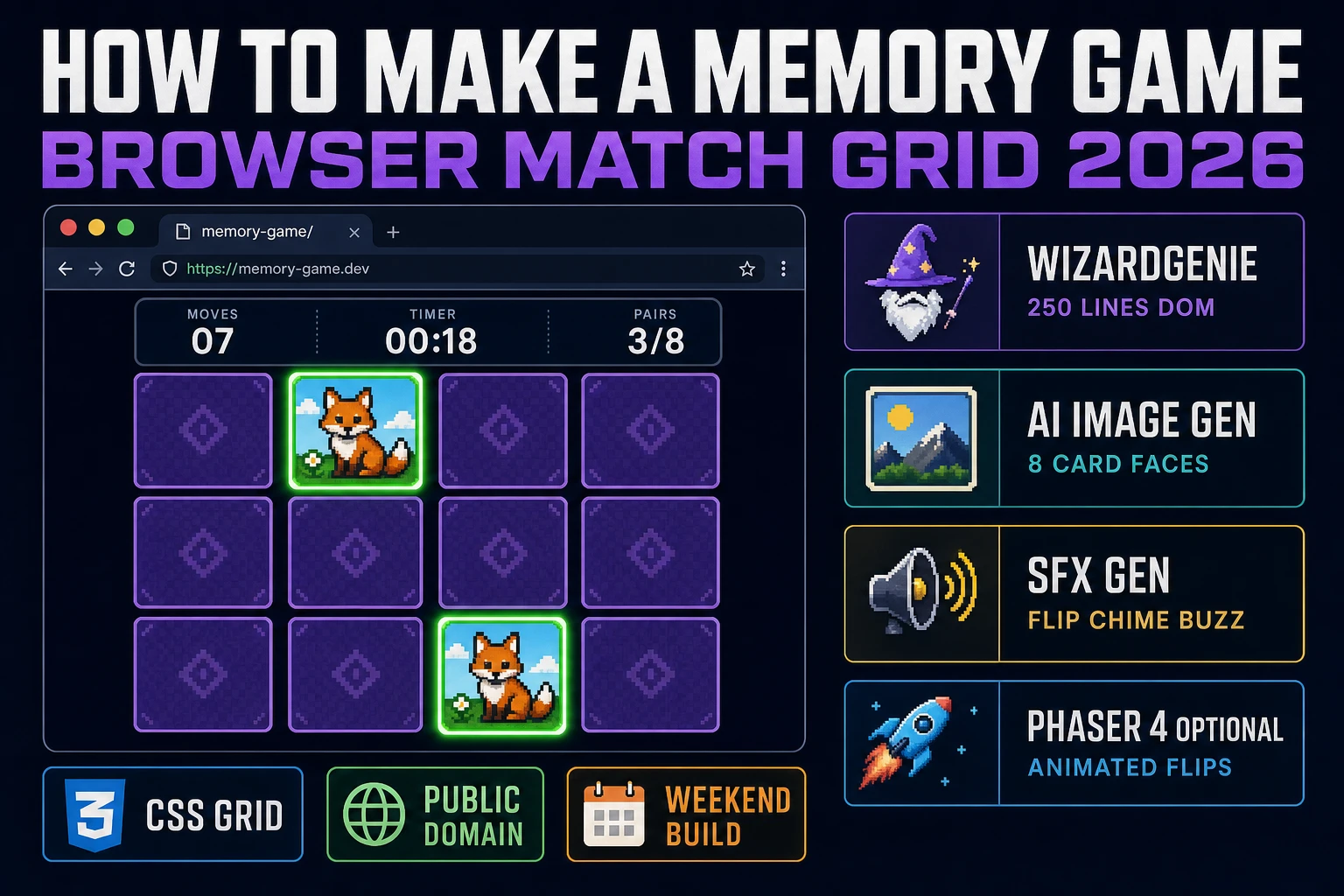
Recall How to Make a Memory Game (Browser Match Grid 2026)
How to make a memory game in 2026 as a browser match-grid: shuffle a paired deck into a 4x4 layout, wire the reveal-compare-match logic from Concentration in WizardGenie, and drop in AI Image Gen card art plus SFX Gen flip and match sounds for a weekend build.
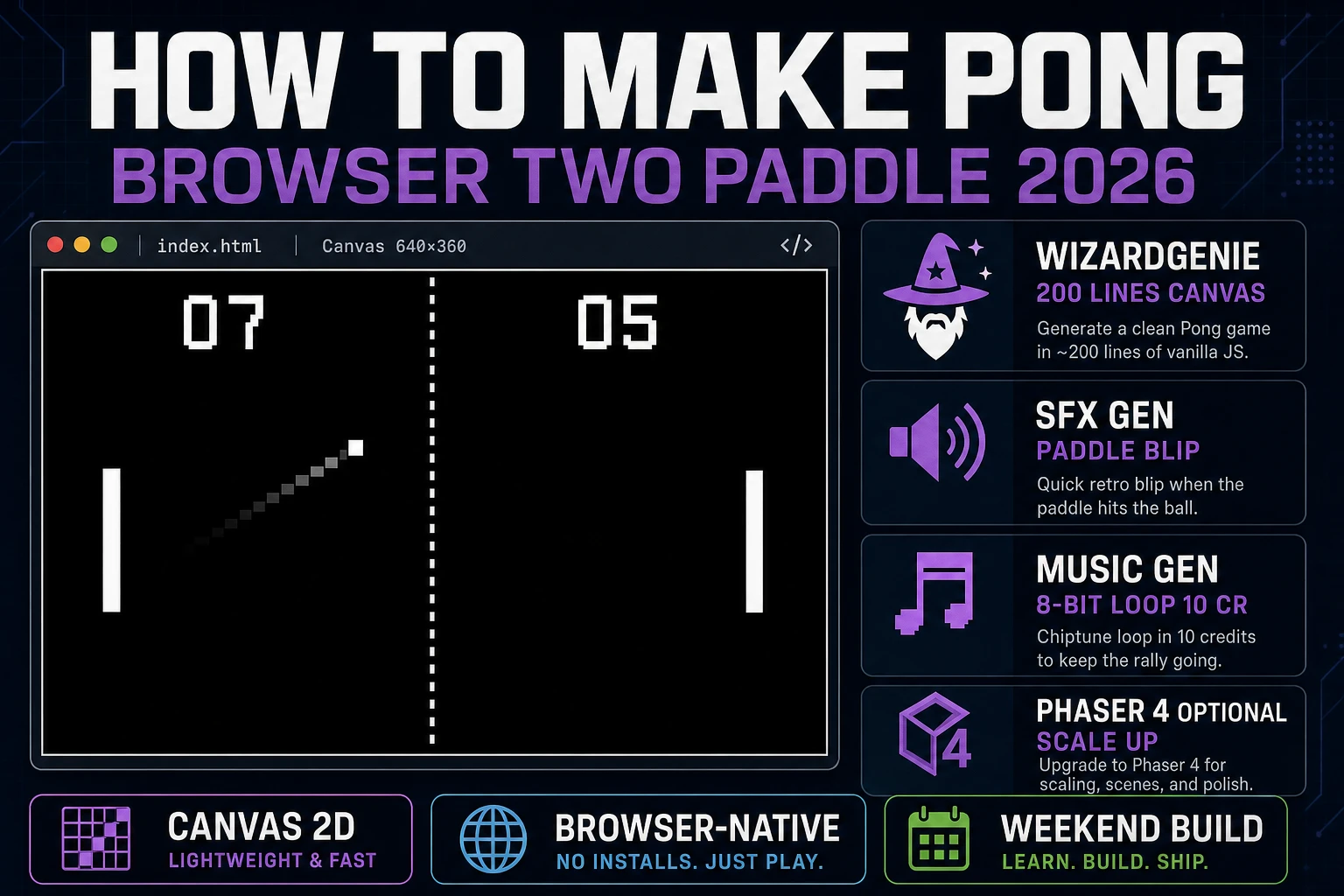
Volley How to Make Pong (Browser Two Paddle 2026)
How to make Pong in 2026 as a browser two-paddle game: render the arena in plain Canvas, wire the eight-segment paddle reflect and speed-up-on-return physics from Allan Alcorn's 1972 Atari original, and drop in AI blip SFX and an 8-bit chase loop for a weekend clone.
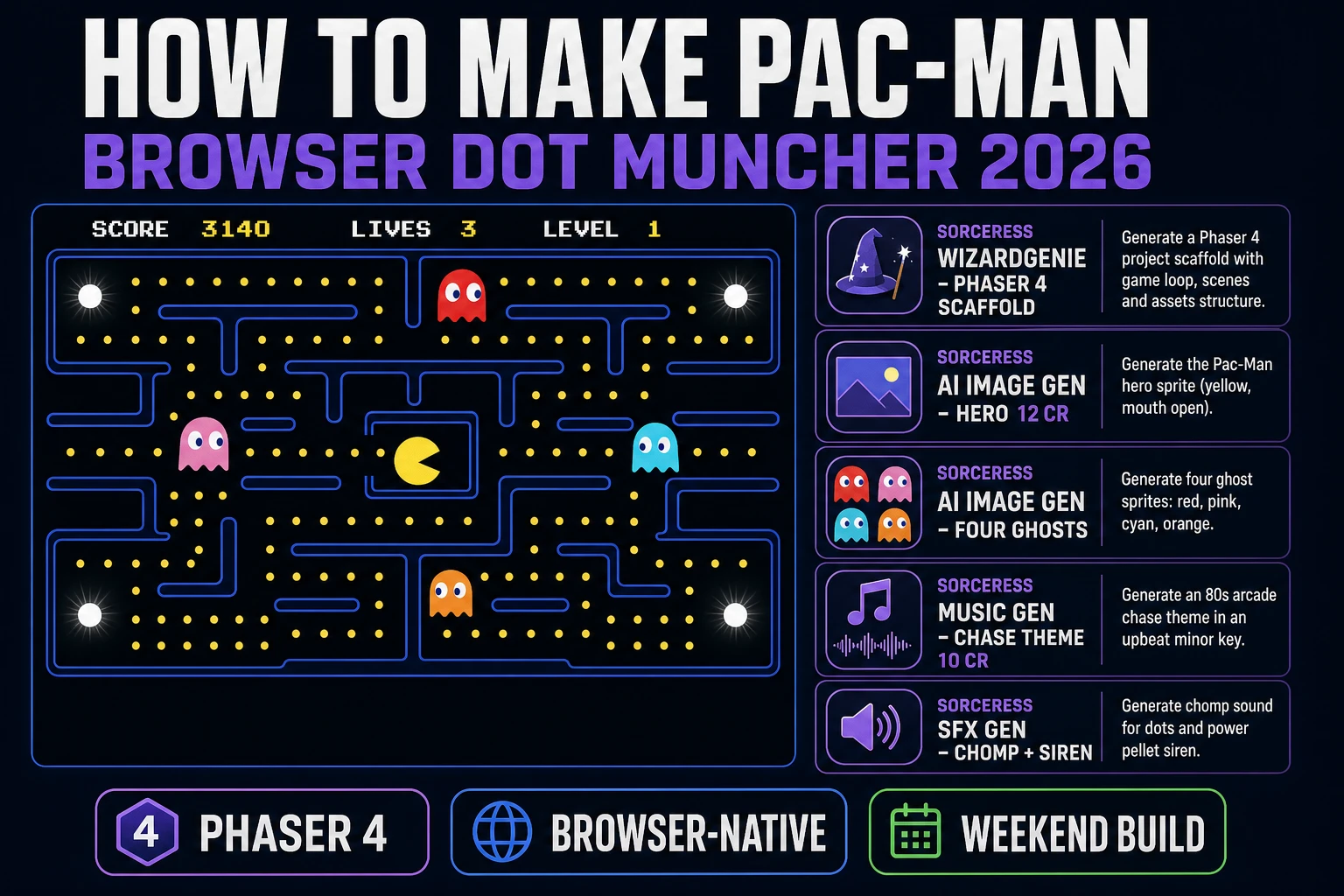
Chomp How to Make Pac-Man (Browser Dot Muncher 2026)
How to make Pac-Man in 2026 as a browser dot muncher: draw the maze, generate the hero and four ghost sprites in Sorceress, and let WizardGenie wire grid movement, dot collection, power pellets, and the four distinct ghost personality AIs for a weekend build.
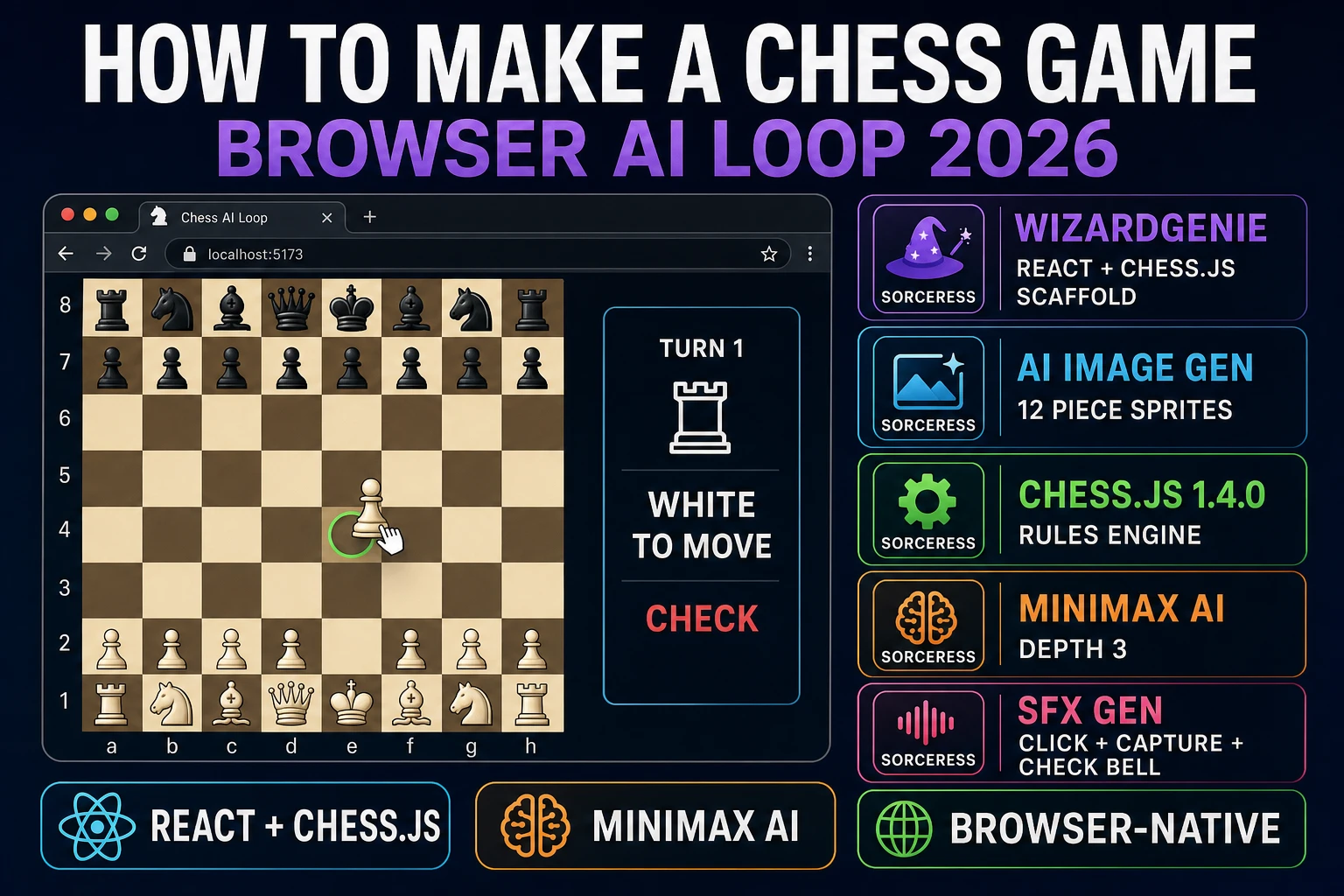
Mate How to Make a Chess Game (Browser AI Loop 2026)
How to make a chess game in 2026: use chess.js 1.4.0 for legal move generation and check detection, render an 8x8 CSS grid in React or Phaser 4, wire drag-and-drop, drop in a 40-line minimax AI opponent at depth 3, and finish with piece sprites from Sorceress AI Image Gen.
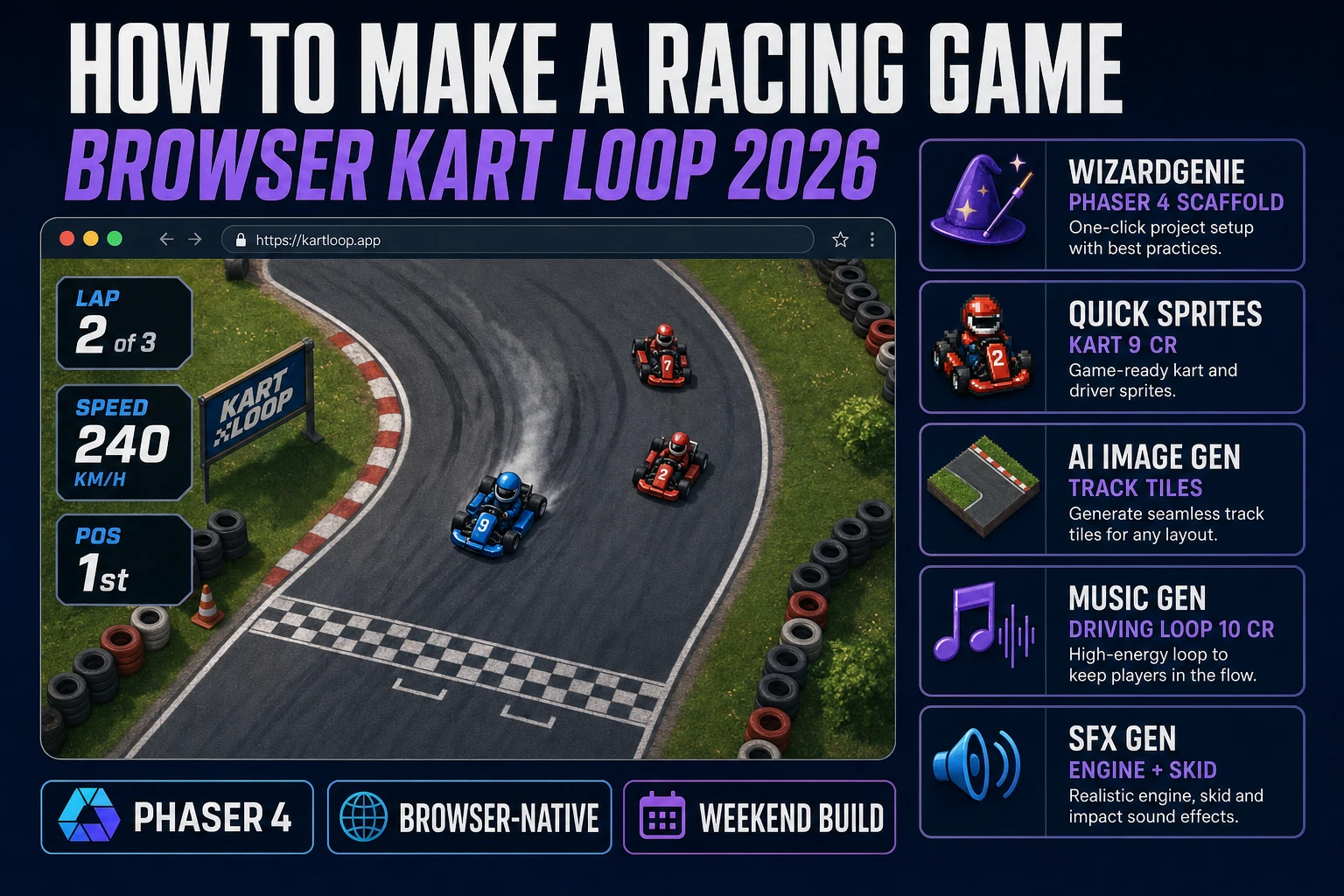
Rally How to Make a Racing Game (Browser Kart Loop 2026)
How to make a racing game in 2026: pick top-down kart or 3D driving, design the track and checkpoint order on paper, generate the kart sprite and track tiles in Sorceress, and let WizardGenie wire the accel-steer-drag physics, collision, and lap timer for a browser build.
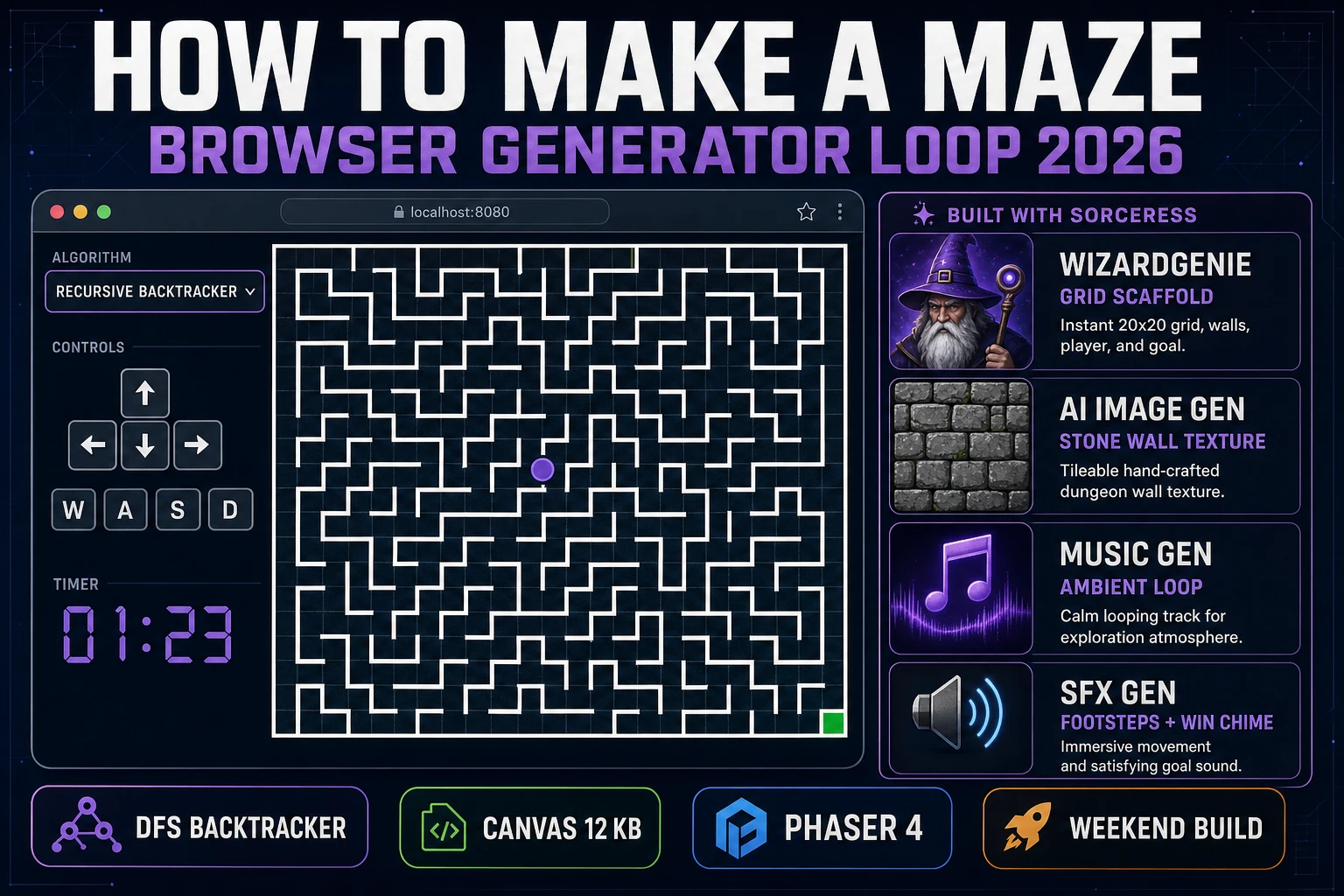
Weave How to Make a Maze (Browser Generator Loop 2026)
How to make a maze in 2026: pick a generator algorithm (recursive backtracker, Prim's, Kruskal's, recursive division), model the grid and walls, wire player navigation, and finish with Sorceress wall textures and an ambient loop for a browser maze build.
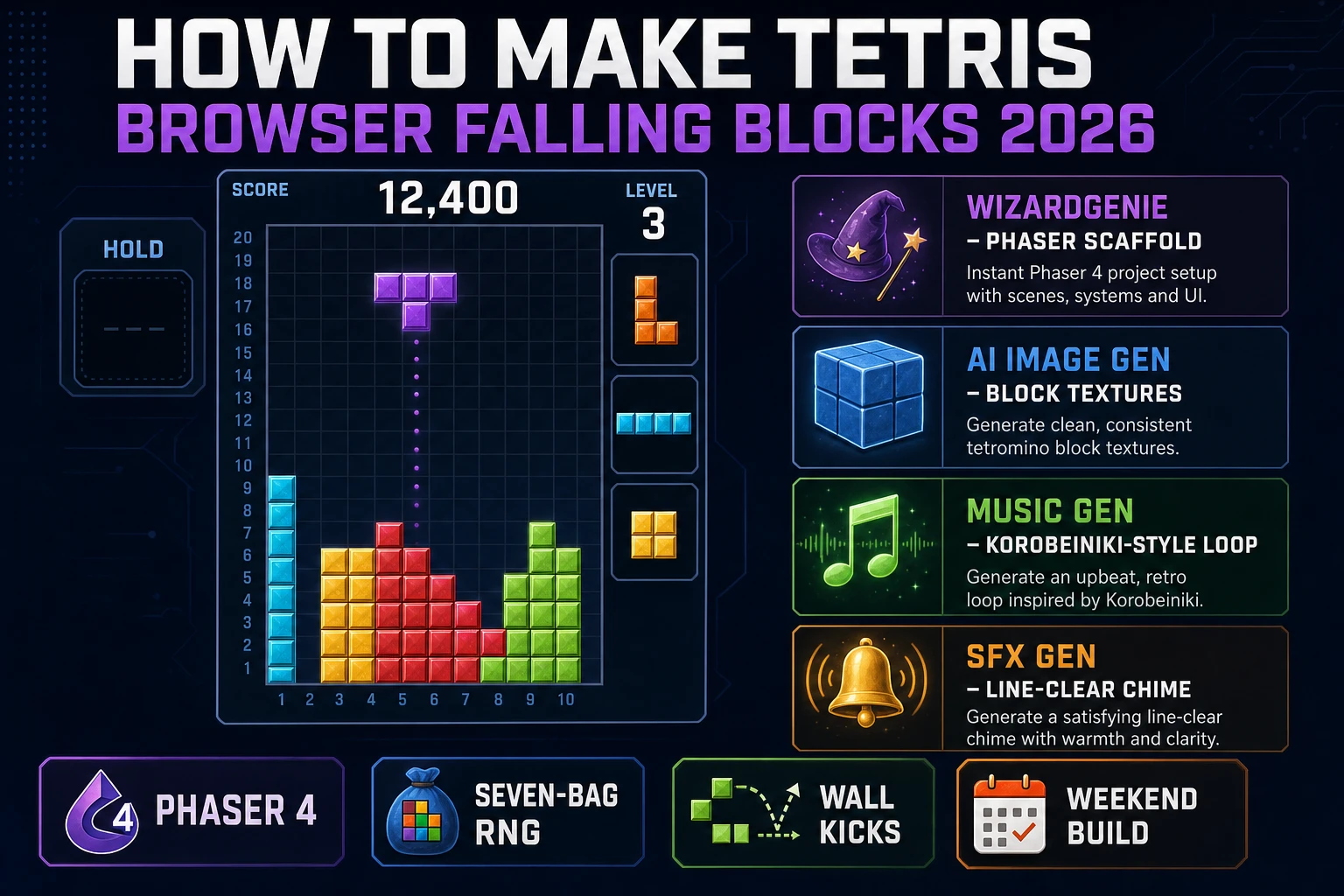
Stack How to Make Tetris (Browser Falling Blocks 2026)
How to make Tetris in 2026: model the 10-by-20 grid, encode the seven tetromino rotation matrices with a wall-kick table, wire gravity plus line-clear scoring, ramp the drop speed per level, and finish with Sorceress block art and a Korobeiniki-style loop.
Flap How to Make Flappy Bird (Browser Loop 2026)
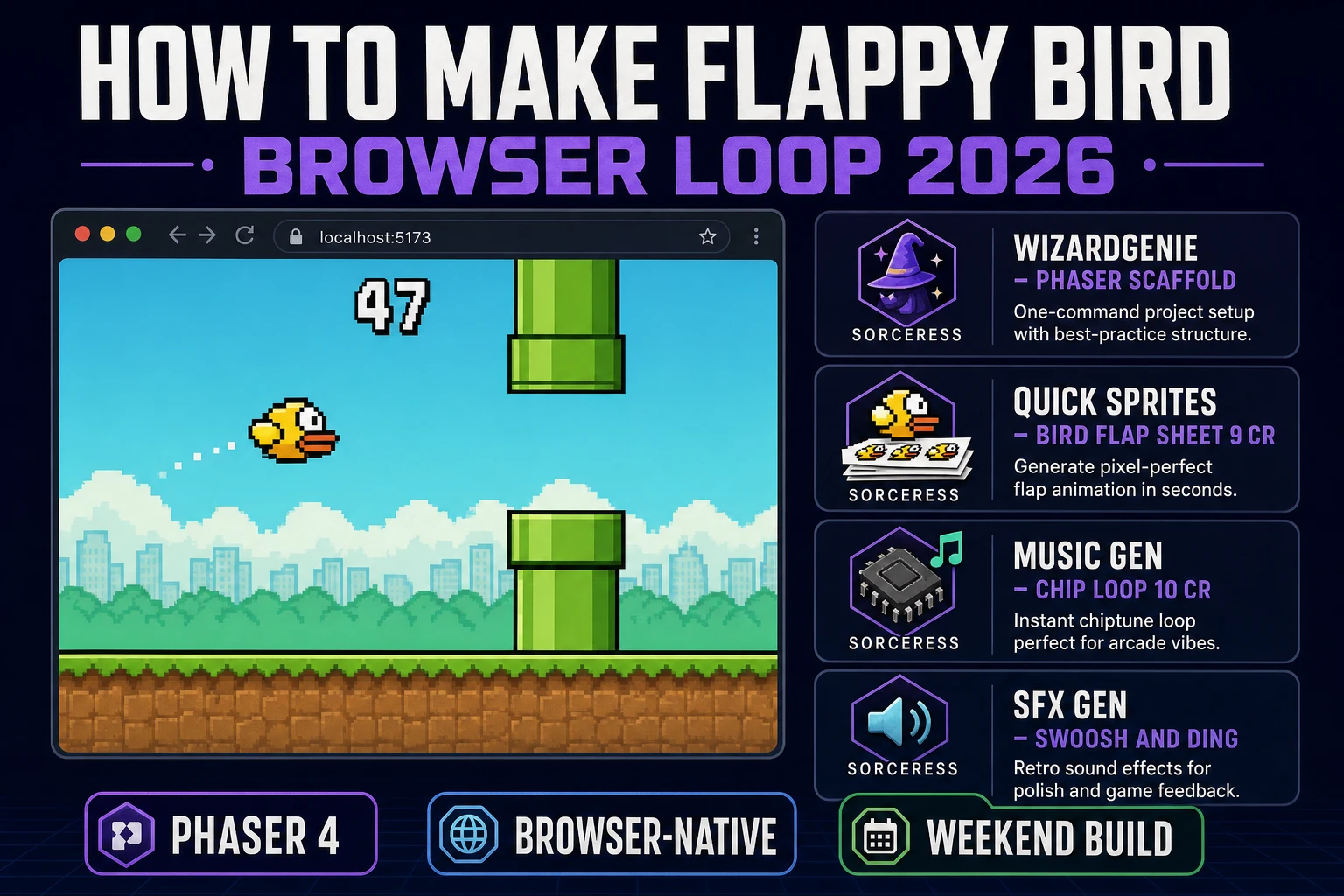
How to make Flappy Bird in 2026 without cloning anyone IP: build the tap-to-jump physics loop with gravity plus impulse, spawn pipe pairs on a timer, wire scoring, and generate the bird sprite and chip-tune music in Sorceress ready for a browser deploy.
Grip How to Make a 2D Platformer Game in Unity (Jam Loop)
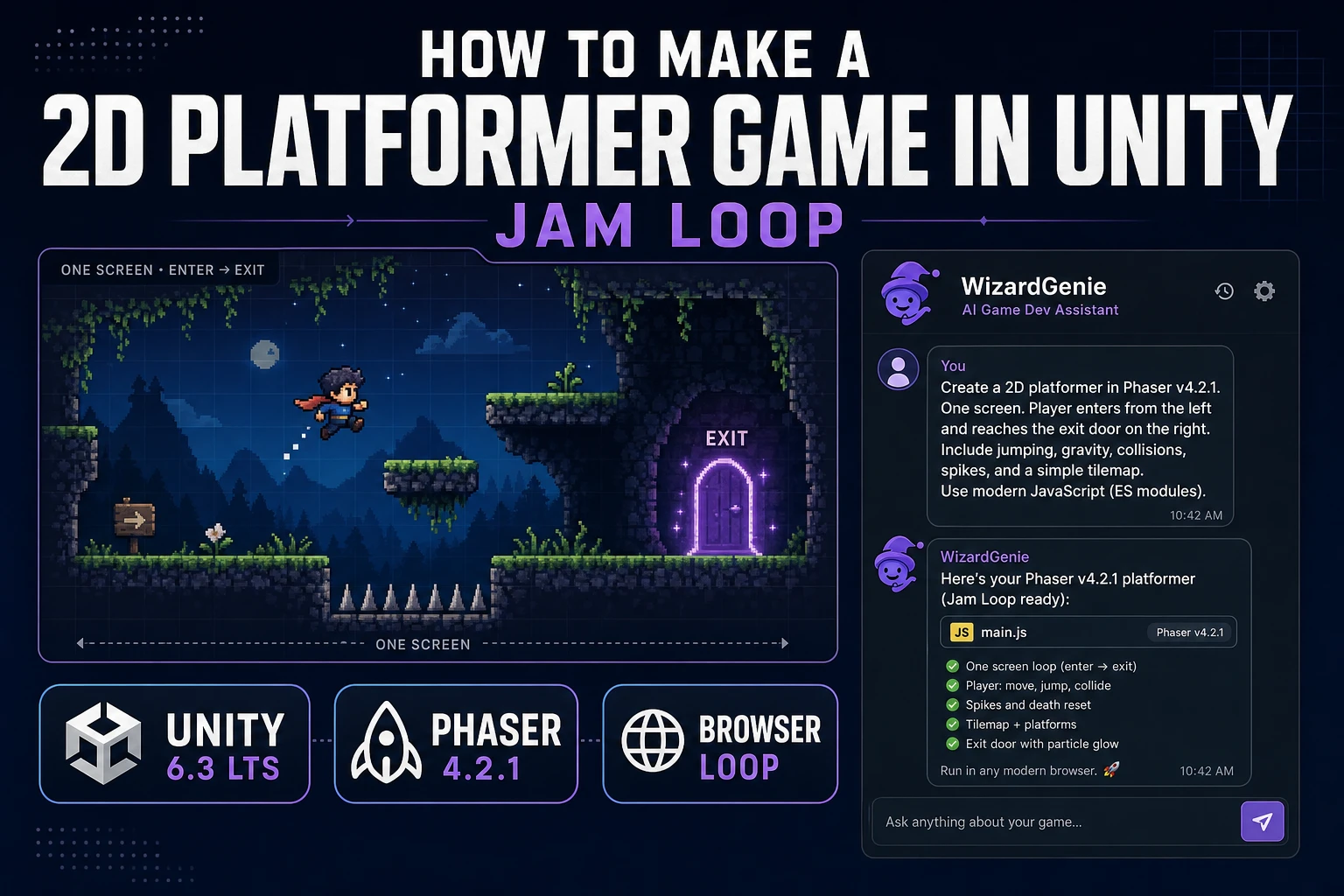
How to make a 2D platformer game in Unity for a jam scope: one level, one enemy, one exit. Unity 6.3 LTS benched against a browser AI loop with WizardGenie, Quick Sprites, and SFX Gen. Verified August 3, 2026.
Bench Vibe Coding Apps (Game Loop Grade)
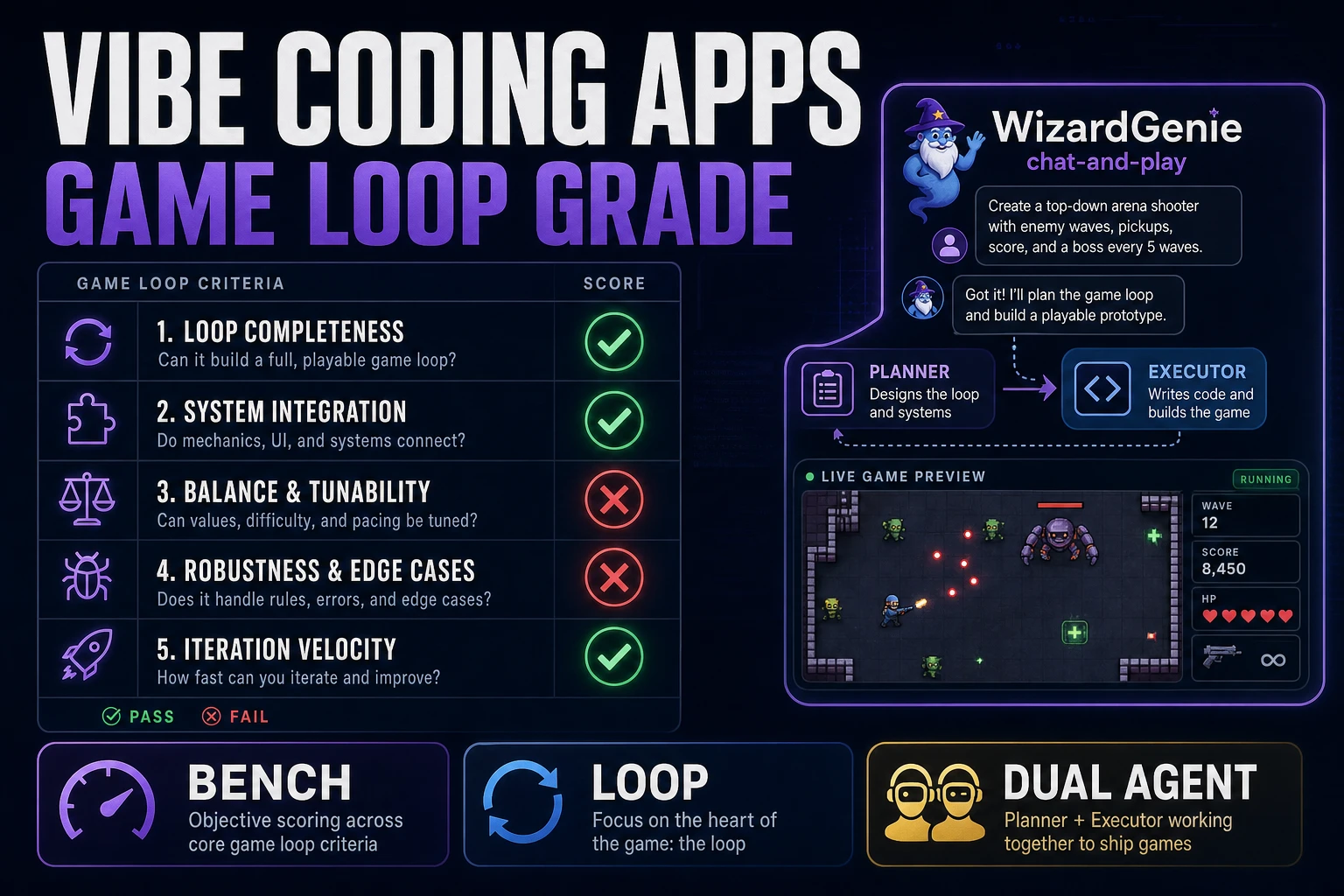
Bench vibe coding apps for weekend game builds: five pass/fail rows for slice, single-variable feel fix, asset add, reopen continuity, and planner/executor cost split. WizardGenie graded on the same bench. Verified August 3, 2026.
Ship How to Make a 2D Game (Browser AI Loop)
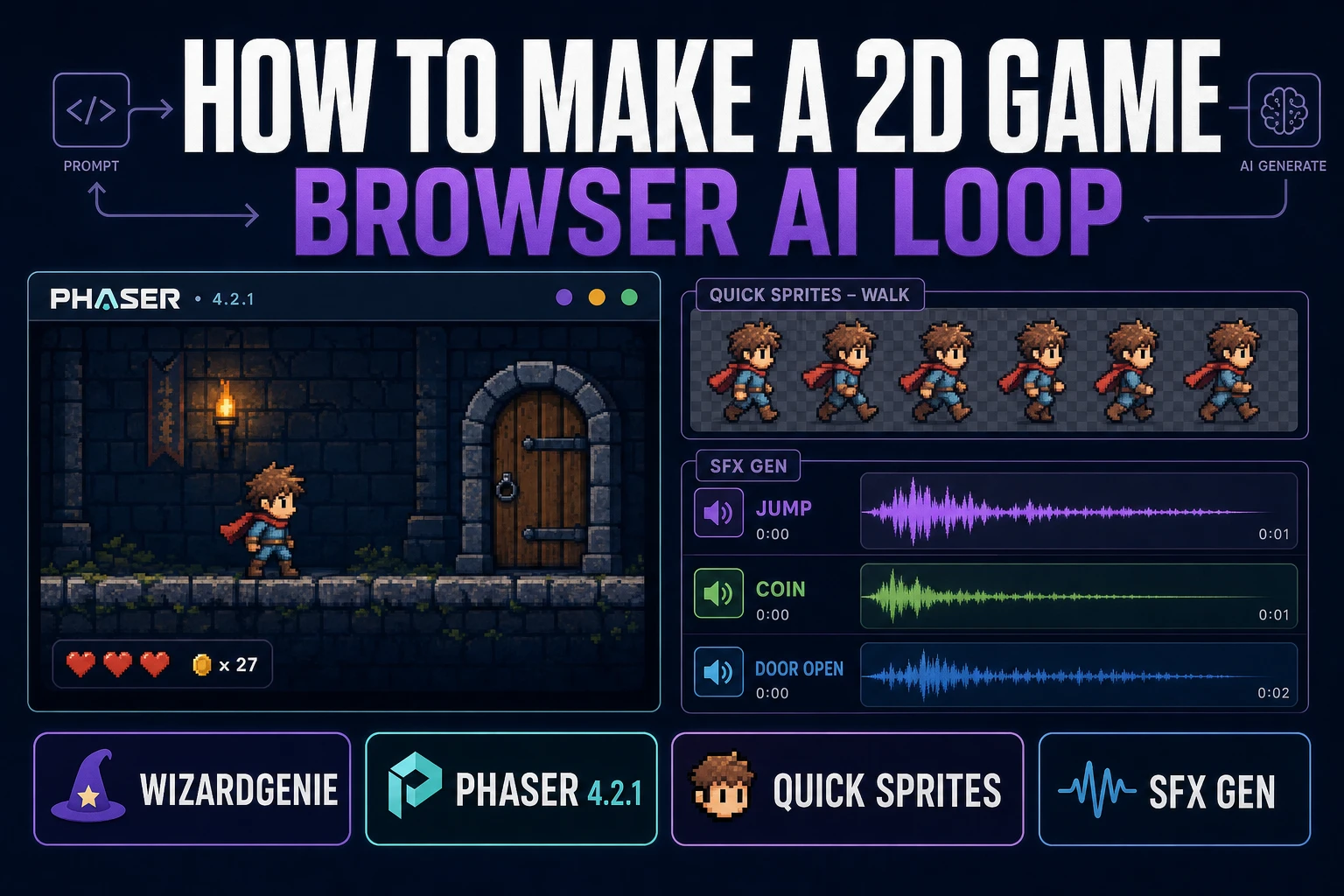
How to make a 2D game without committing to an engine first: a browser-native, engine-agnostic loop that starts from a one-screen scope, prompts WizardGenie for a Phaser 4 build, and ships hero sprites plus SFX cues in the same tab. Weekend jam scope, bounded credit spend, verified 2026-08-01.
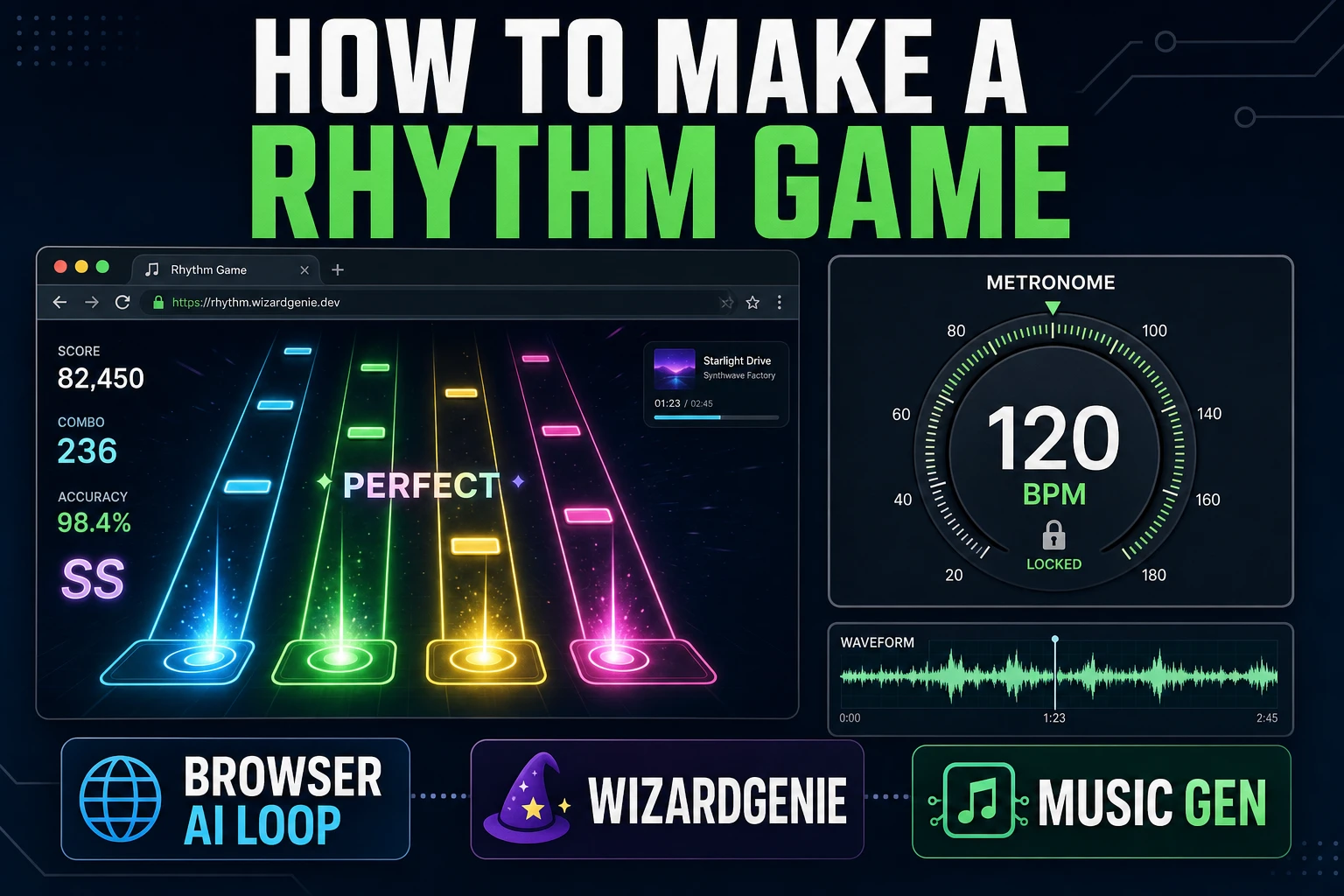
Beat How to Make a Rhythm Game (Browser AI Loop)
The honest browser path for how to make a rhythm game: lock BPM first, score a loopable track in Sorceress Music Gen at 10 credits, cut hit and miss cues in SFX Gen at 1 credit per second, then wire input in WizardGenie. Every credit verified Aug 1, 2026.
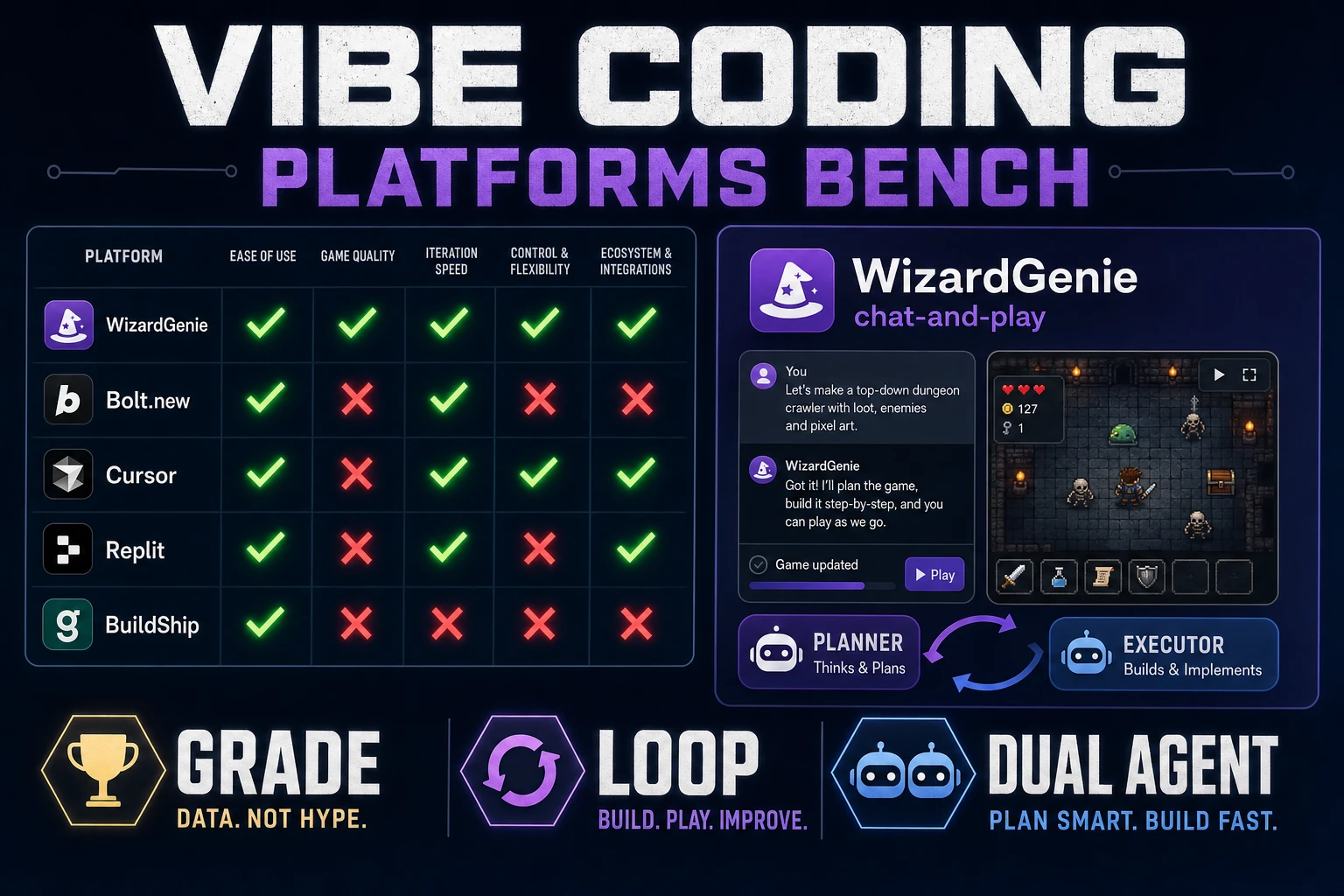
Grade Vibe Coding Platforms (Game Build Bench)
Bench vibe coding platforms for weekend game builds: five pass/fail rows for loop fidelity, WizardGenie dual-agent cost split, and AI Image Gen hooks that stay off the sacred constants. Verified July 29, 2026.
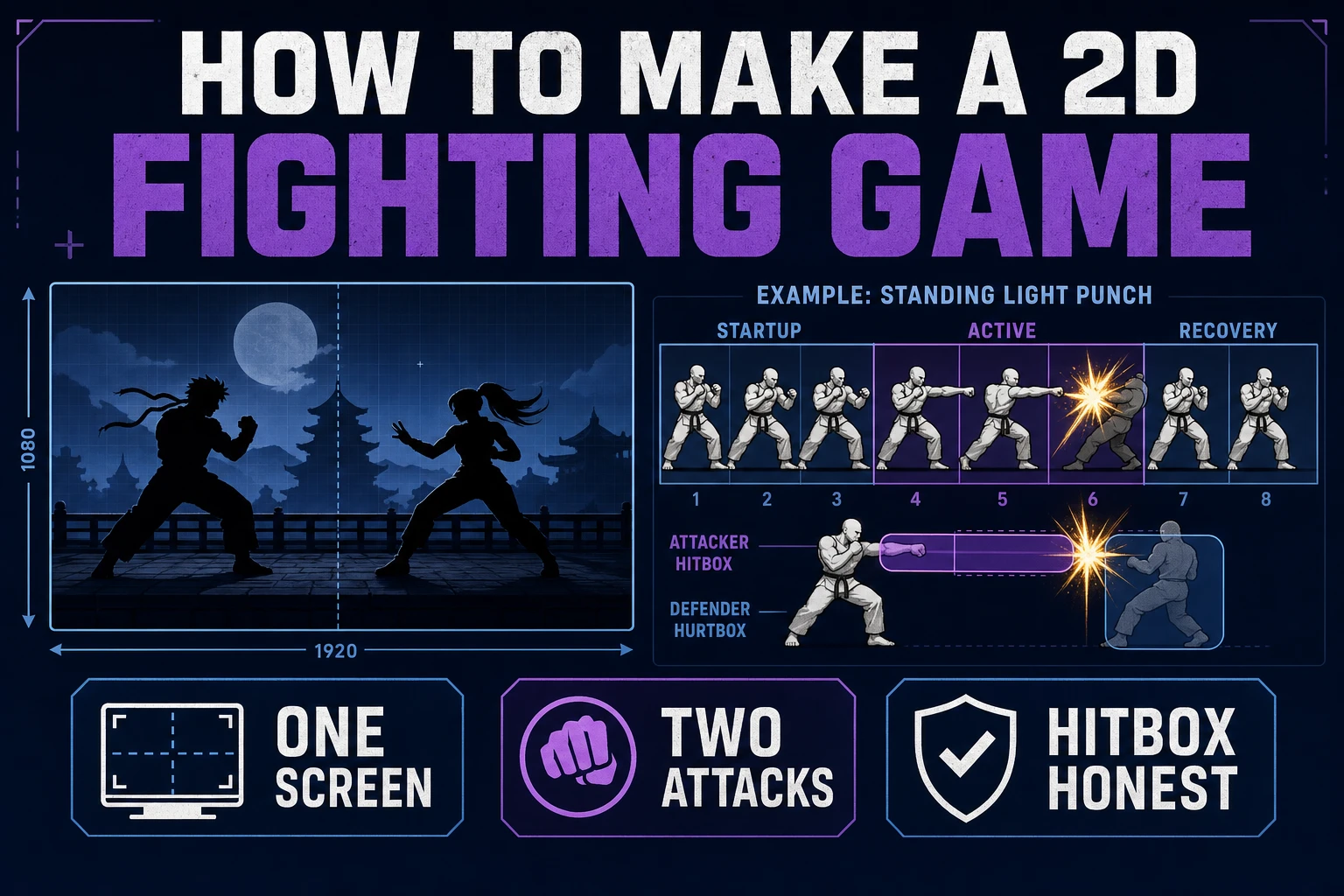
Brace How to Make a 2D Fighting Game (One Screen)
How to make a 2d fighting game on a jam clock: one screen, one hero, two attacks. Plan the loop in WizardGenie, ship walk and attack frames in Quick Sprites, then time the impact hits in SFX Gen so a punch reads before it lands.
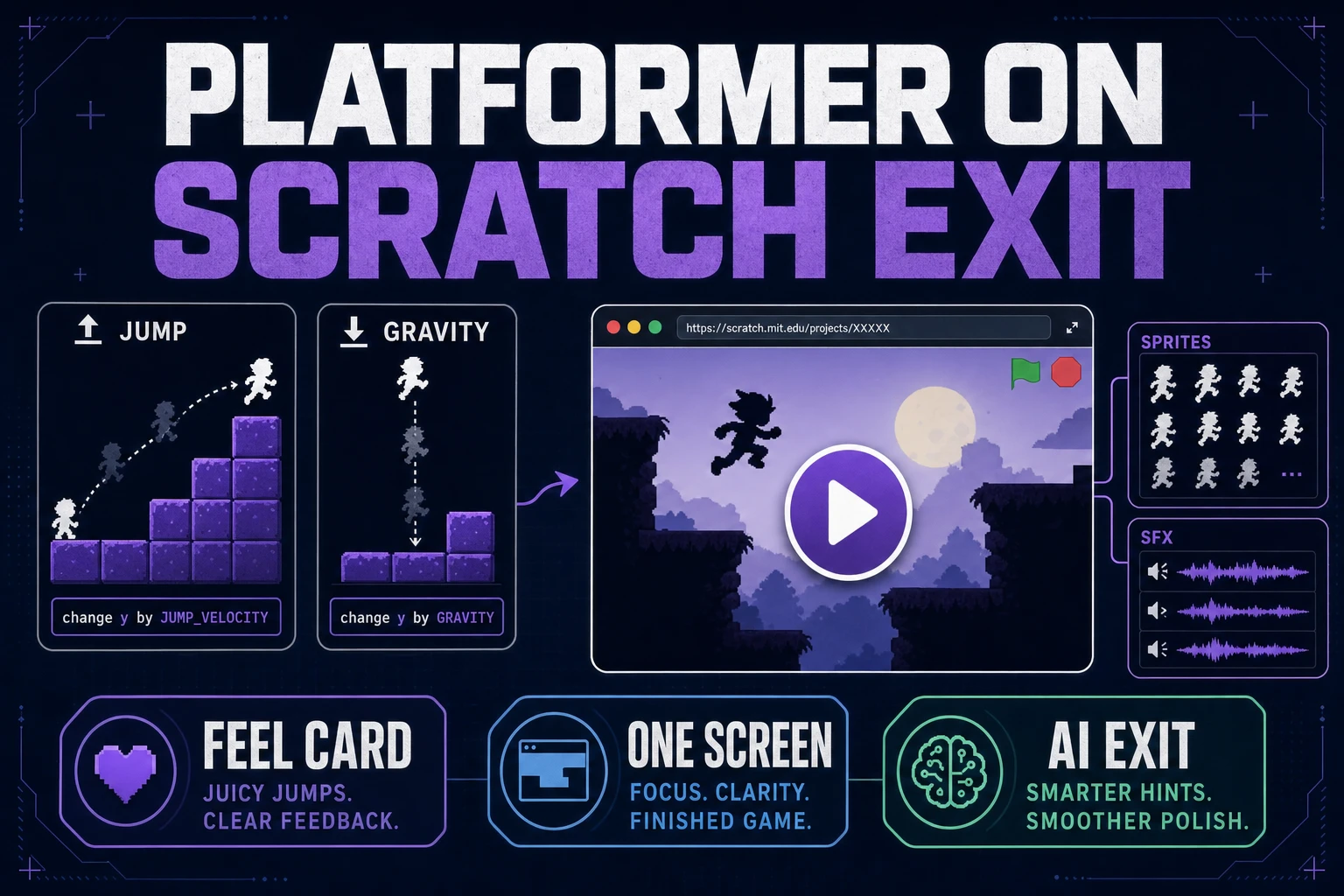
Leap How to Make a Platformer on Scratch (Exit Path)
Learn how to make a platformer on Scratch with gravity, ground, and jump scripts first. When Scratch stage limits slow the jam, port the feel card into WizardGenie and finish with Quick Sprites plus short SFX cues.
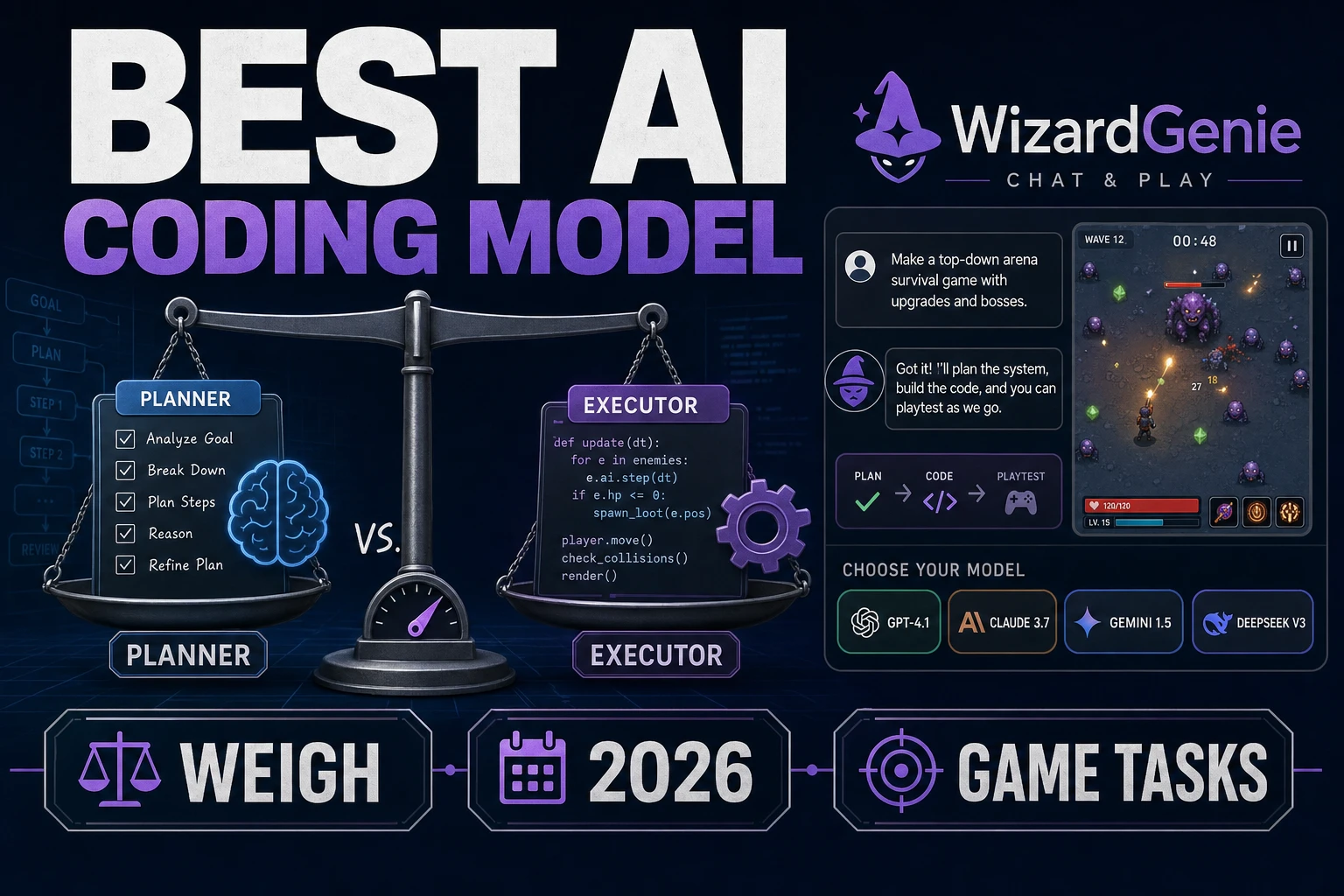
Weigh the Best AI Coding Model (Game Tasks 2026)
Weigh the best AI coding model for jam game tasks with a planner/executor scorecard in WizardGenie. Claude Opus 4.7, GPT-5.5, Gemini 3.1 Pro, and budget executors verified against CODING_MODELS on July 27, 2026.
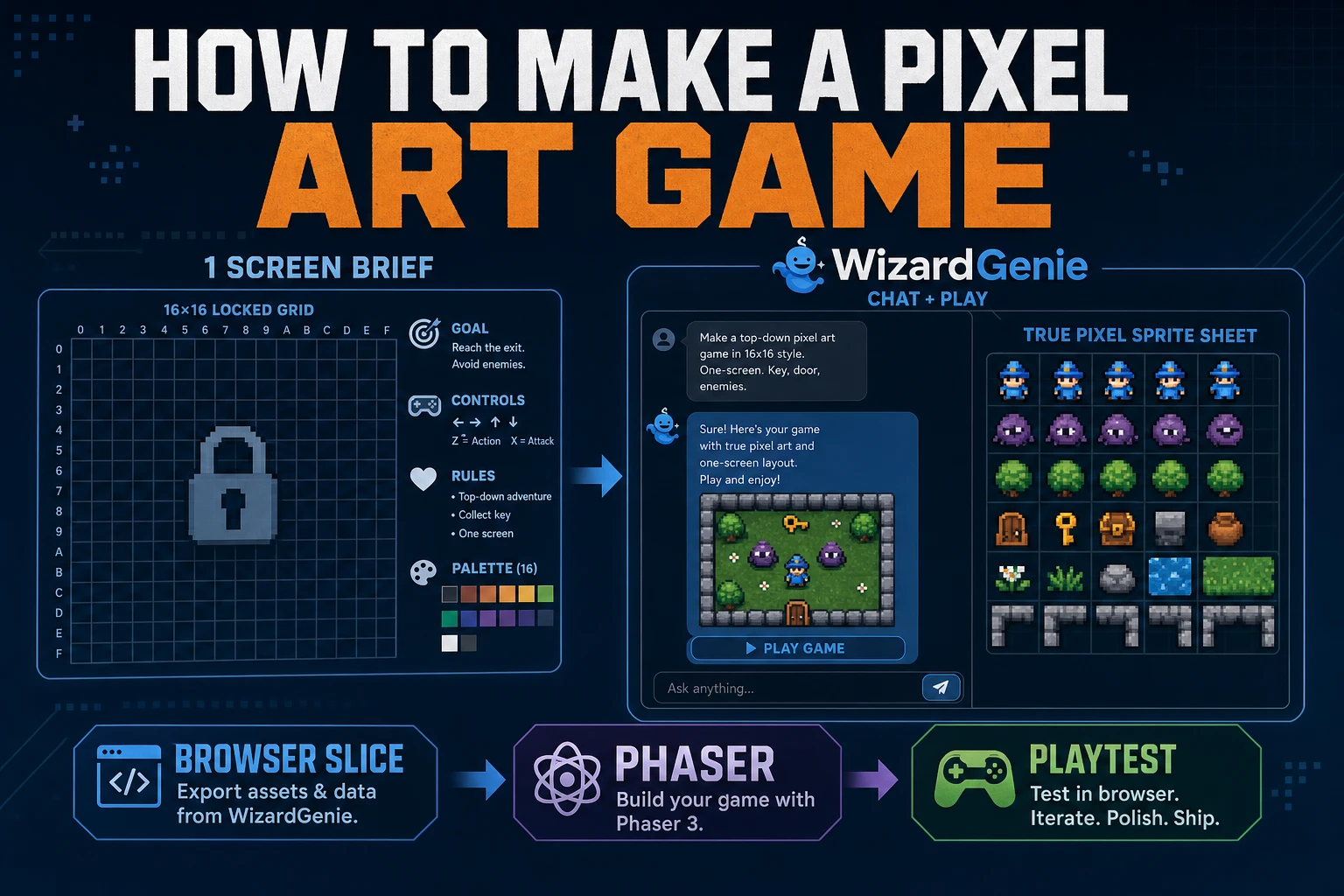
Forge How to Make a Pixel Art Game (Browser Slice)
A practical path for how to make a pixel art game: one-screen rules, WizardGenie scaffold, True Pixel sheets, and a jam playtest. Phaser v4.2.1 and models verified July 26, 2026.
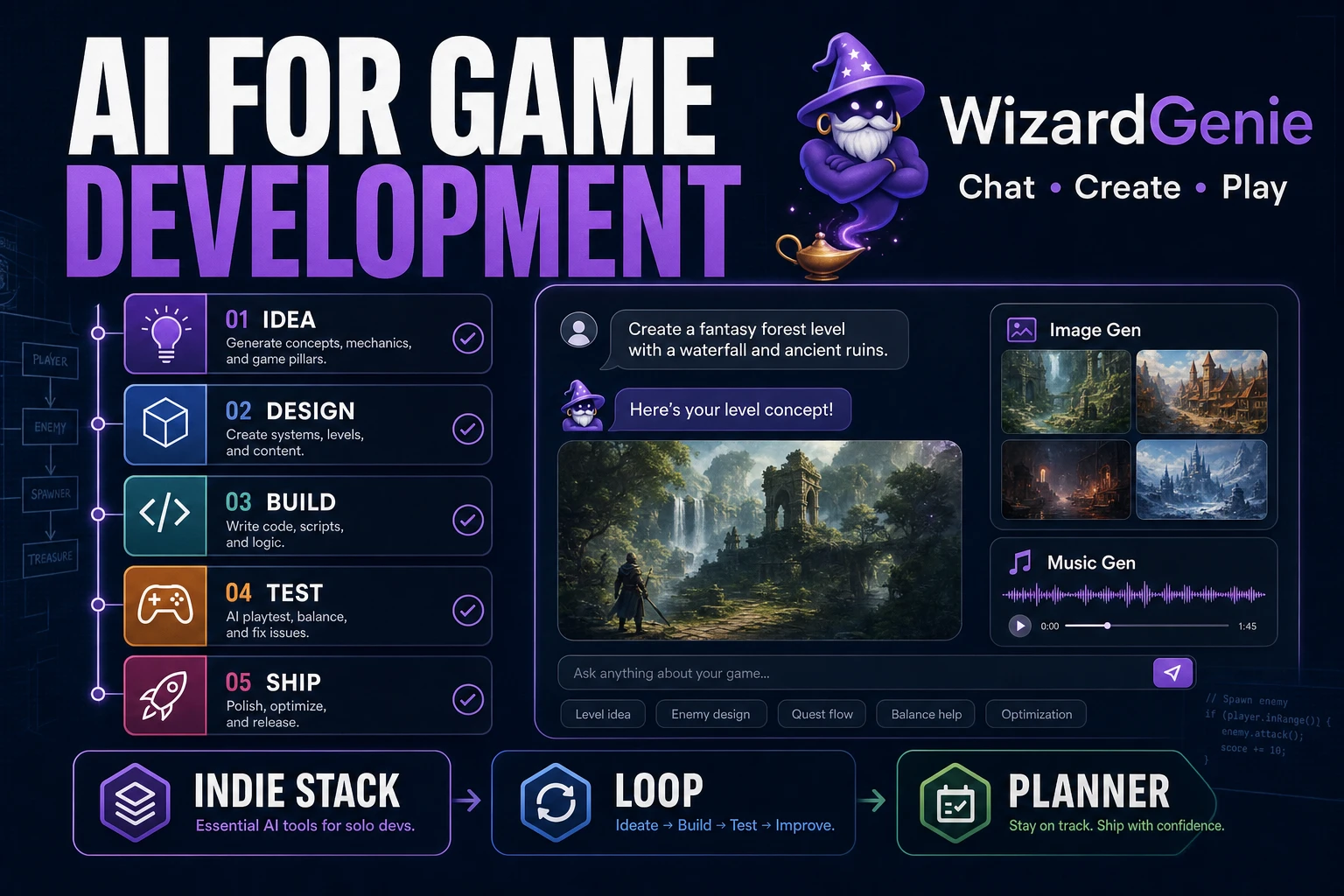
Guide AI for Game Development (Indie Stack)
A practical guide to ai for game development for indies: separate coding agents from art/audio tools, pick one playable slice, run the Sorceress loop, and keep frontier spend on planning. Verified July 26, 2026.
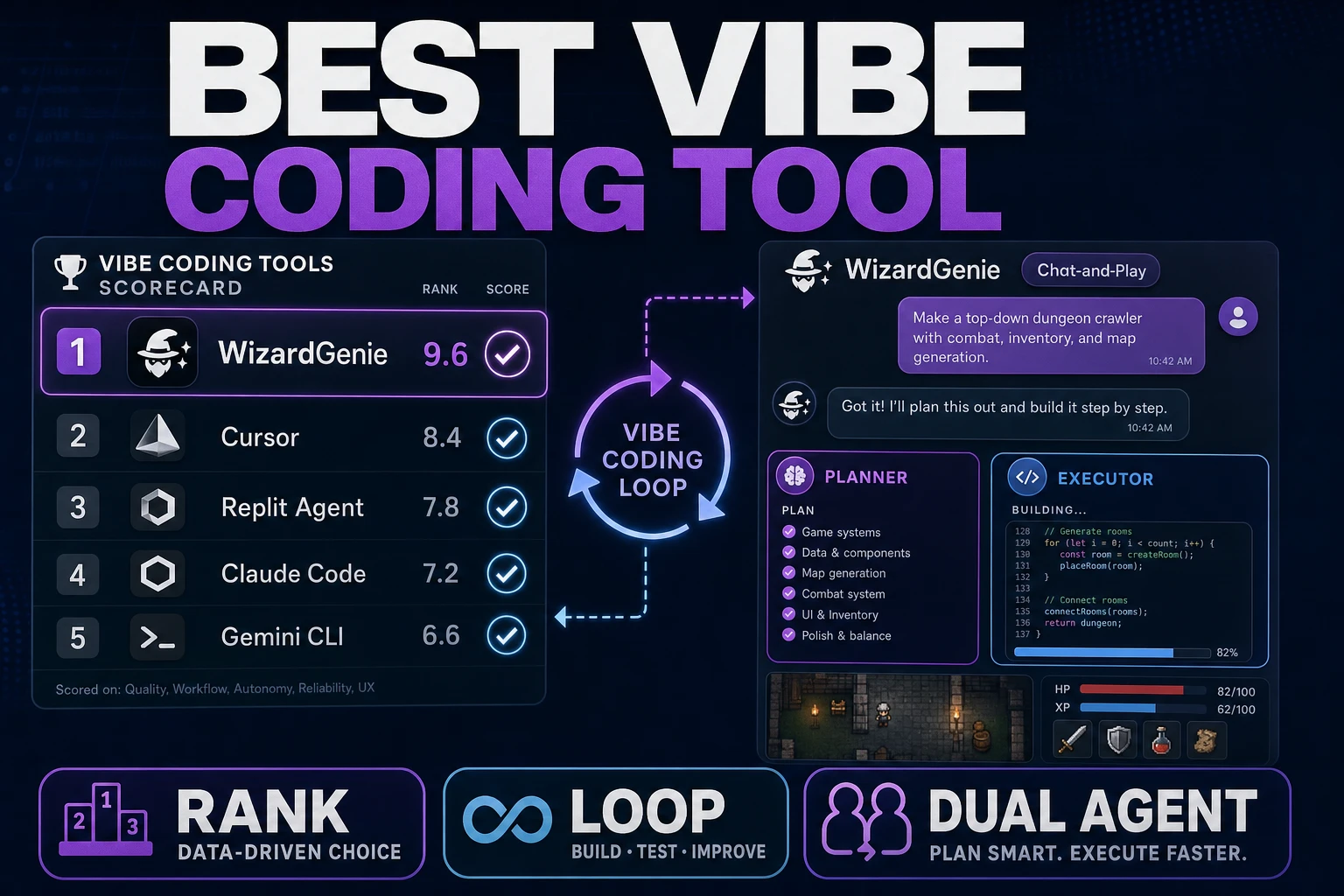
Rank Best Vibe Coding Tool (Game Agent Path)
Rank the best vibe coding tool for weekend game builds: loop fidelity vs chat demos, WizardGenie dual-agent cost split, and AI Image Gen hooks without scene rewrites. Verified July 26, 2026.
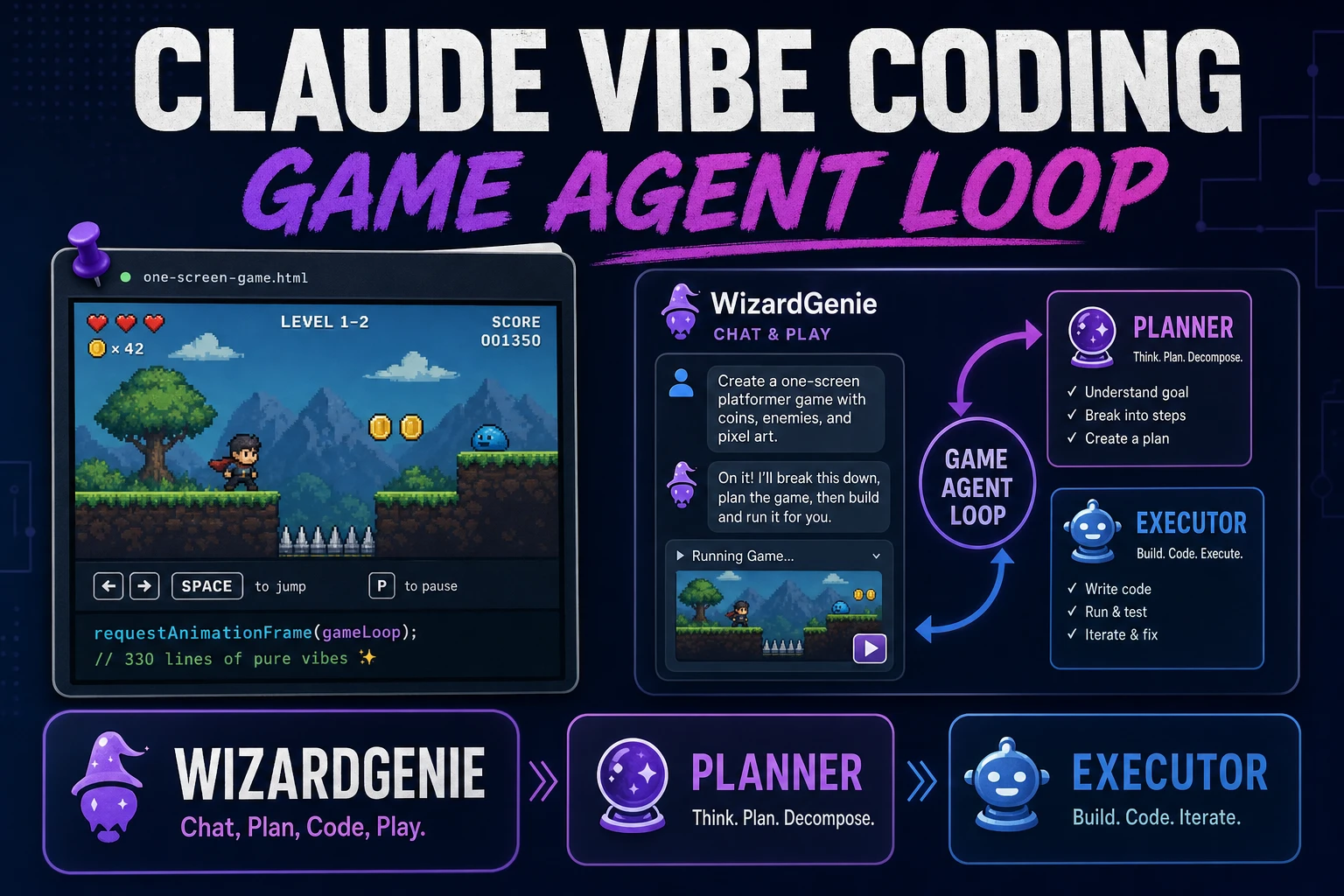
Pin Claude Vibe Coding (Game Agent Loop)
Pin Claude vibe coding as a game agent loop: scope one screen, pair Claude Opus 4.7 or GPT-5.5 as Planner with a cheap executor in WizardGenie, and feed playtest failures back without rewriting systems. Verified July 24, 2026.
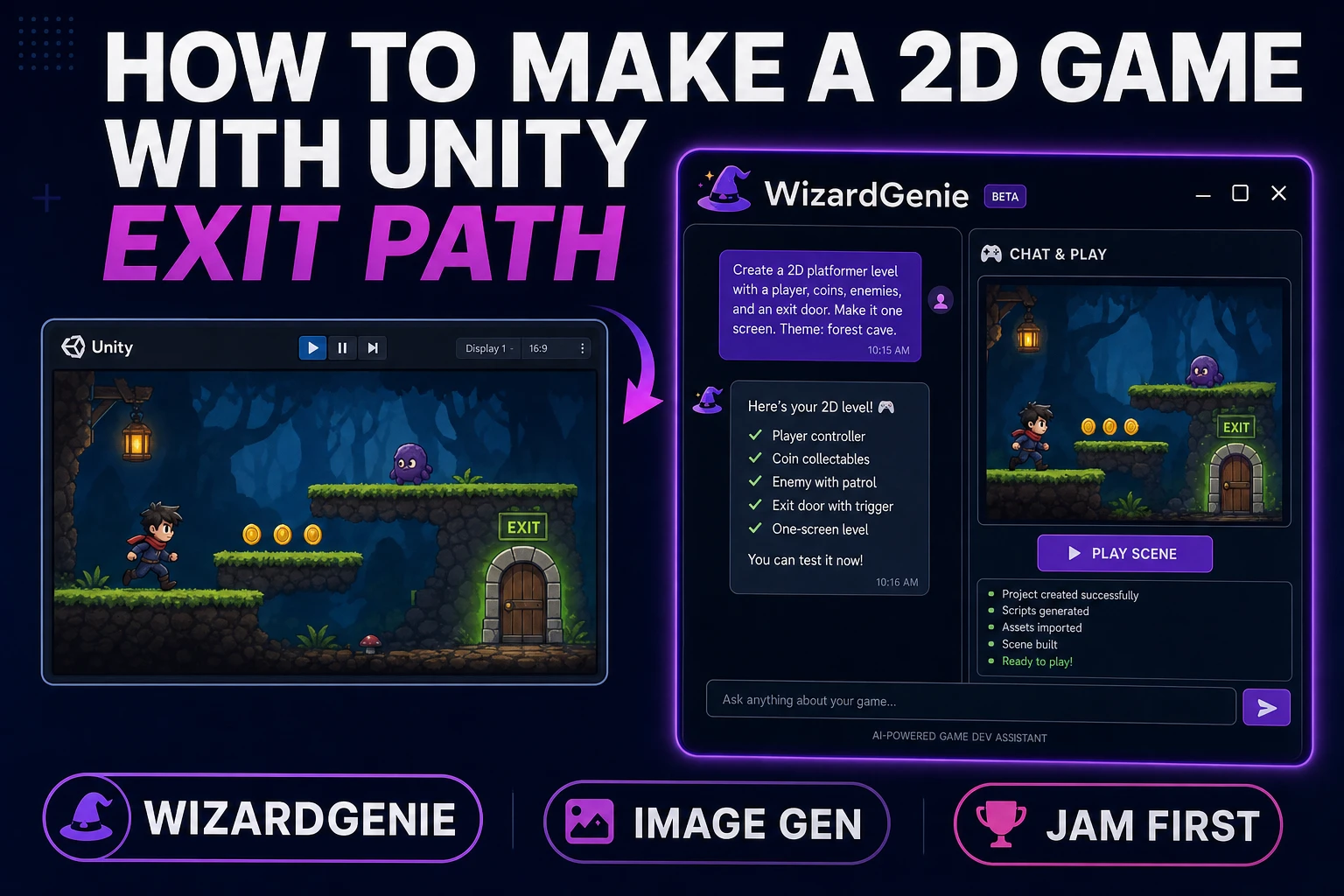
Boot How to Make a 2D Game With Unity (Exit Path)
Boot how to make a 2D game with Unity as an exit path: when a desktop engine is overkill for a jam, WizardGenie scaffolds a browser vertical slice and AI Image Gen fills art—Unity stays an honest later export. Verified July 24, 2026.
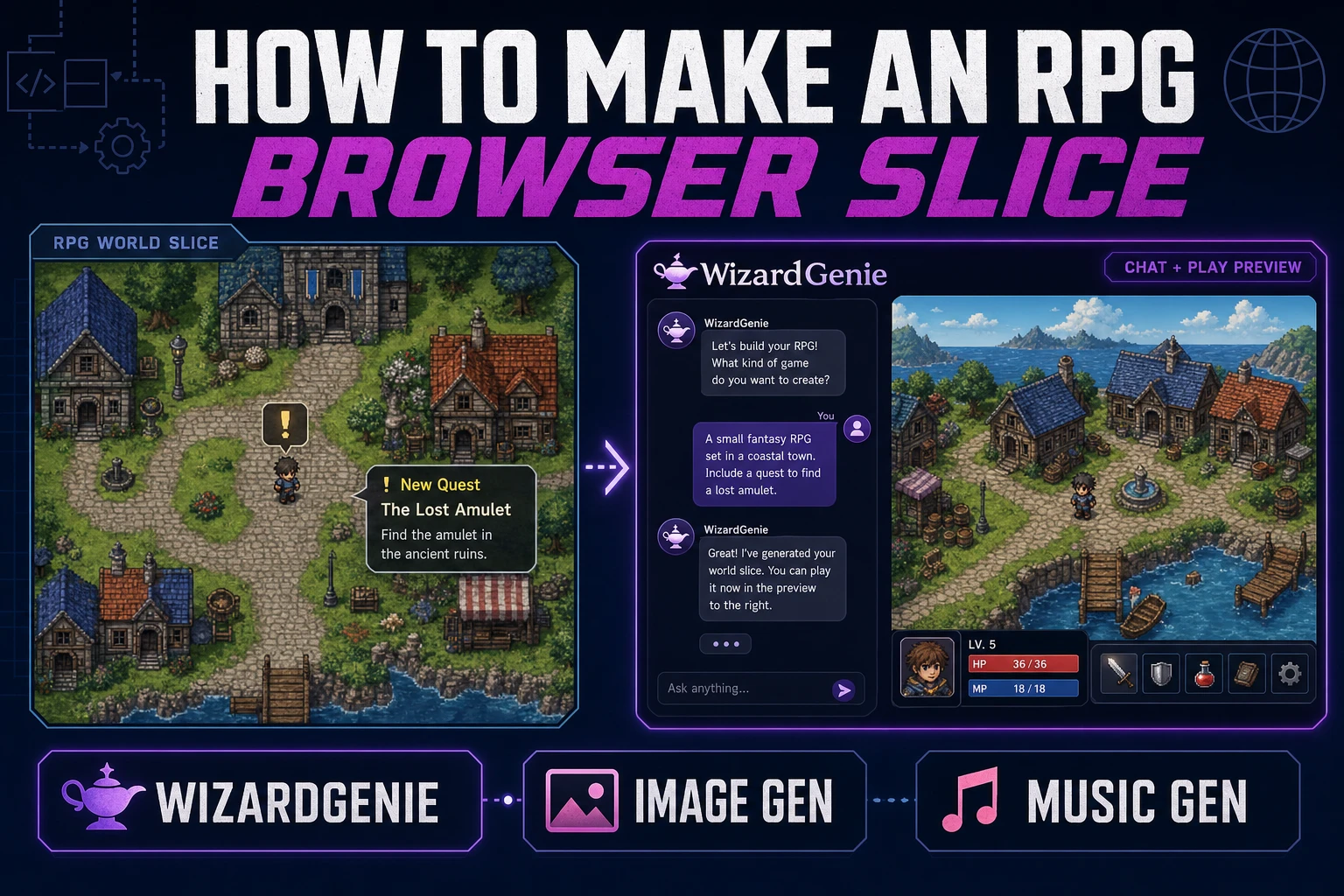
Quest How to Make an RPG (Browser Slice)
Quest how to make an RPG as a browser slice: WizardGenie scaffolds one town, one combat, and one quest; AI Image Gen fills the cast; Music Gen scores a short loop. Verified July 24, 2026.
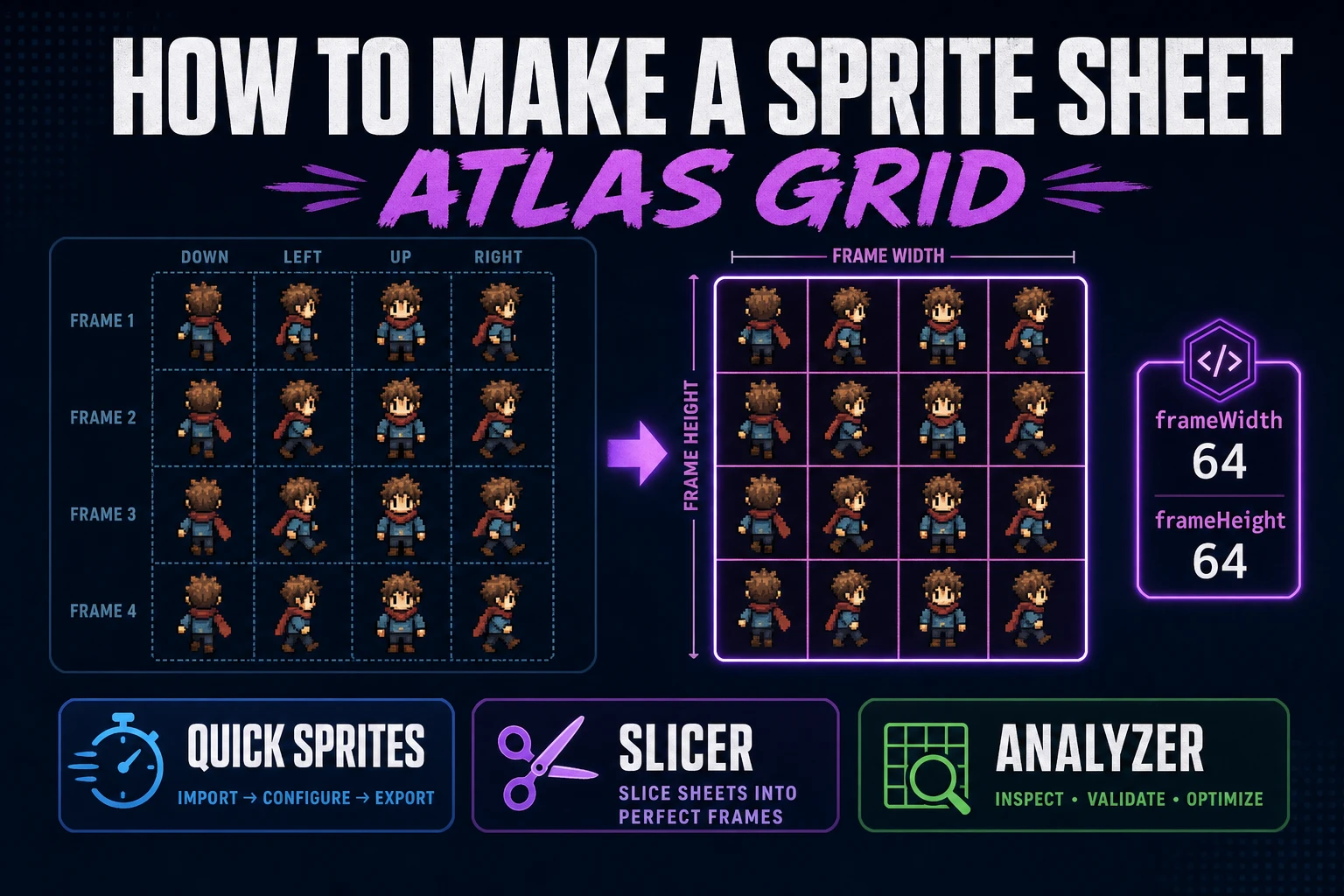
Pack How to Make a Sprite Sheet (Atlas Grid)
Pack how to make a sprite sheet as a fixed atlas grid: lock cell size, generate walk rows in Quick Sprites, preview timing, slice custom regions when needed, and load the PNG in a browser engine.
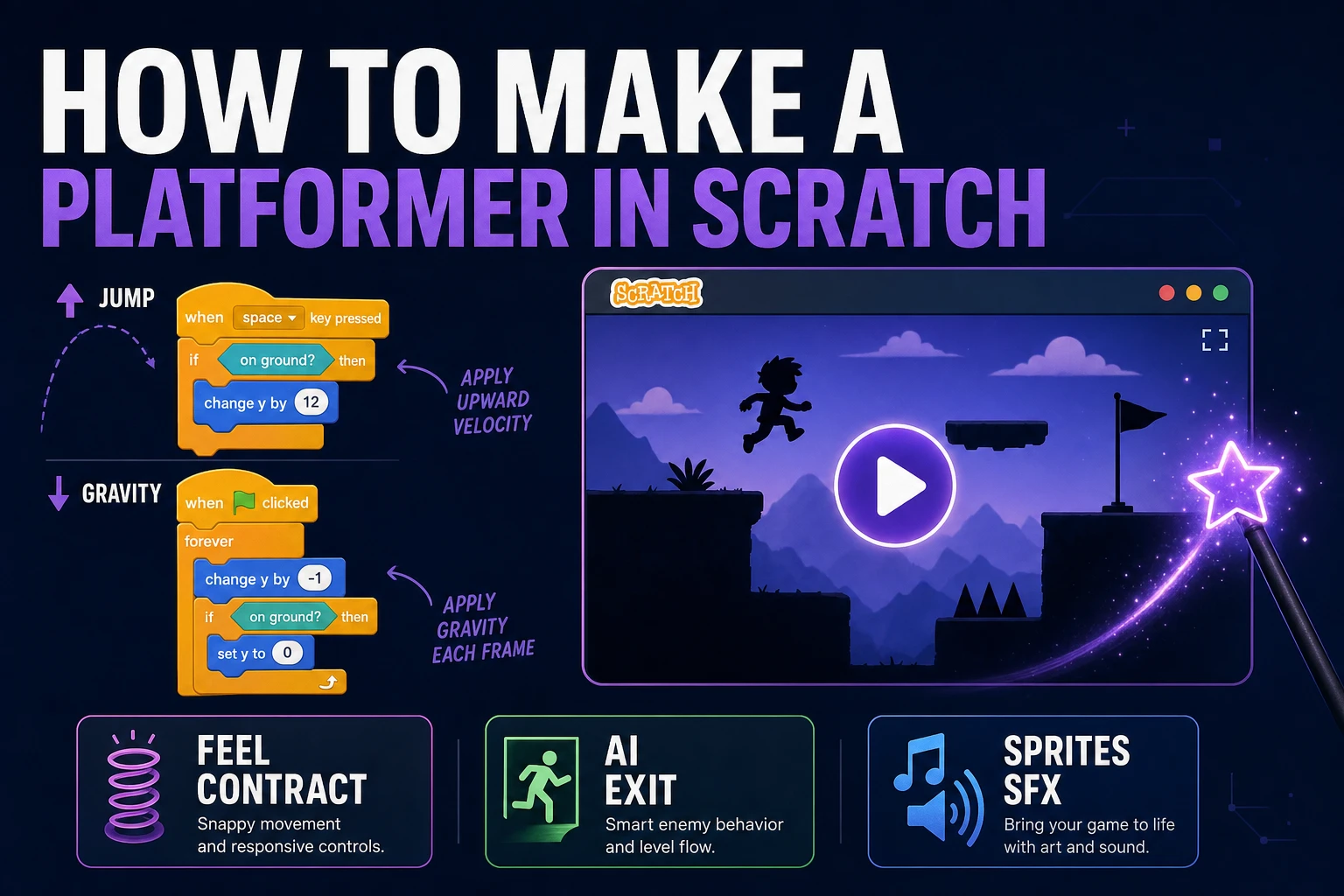
How to Make a Platformer Game in Scratch (AI Exit)
Build a Scratch platformer with gravity, ground sensing, and jump scripts first. When Scratch limits publishing or feel precision, port the same contract into WizardGenie with sprites and SFX.
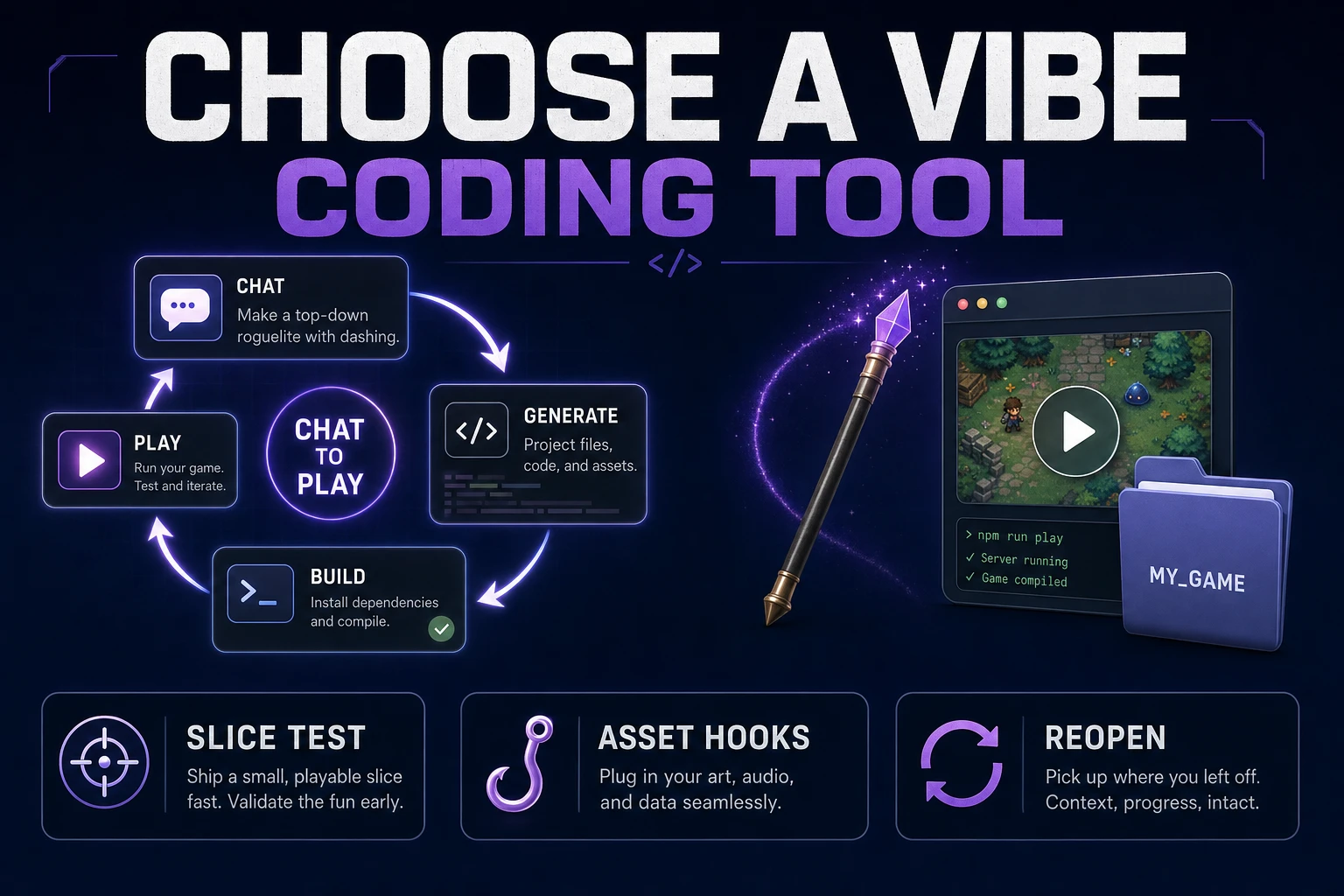
Choose a Vibe Coding Tool (Game Build Workflow)
Score vibe coding tools with a four-step game test: playable slice, single-variable fix, asset add, and reopen continuity. WizardGenie covers desktop and web with Sorceress art and audio hooks.
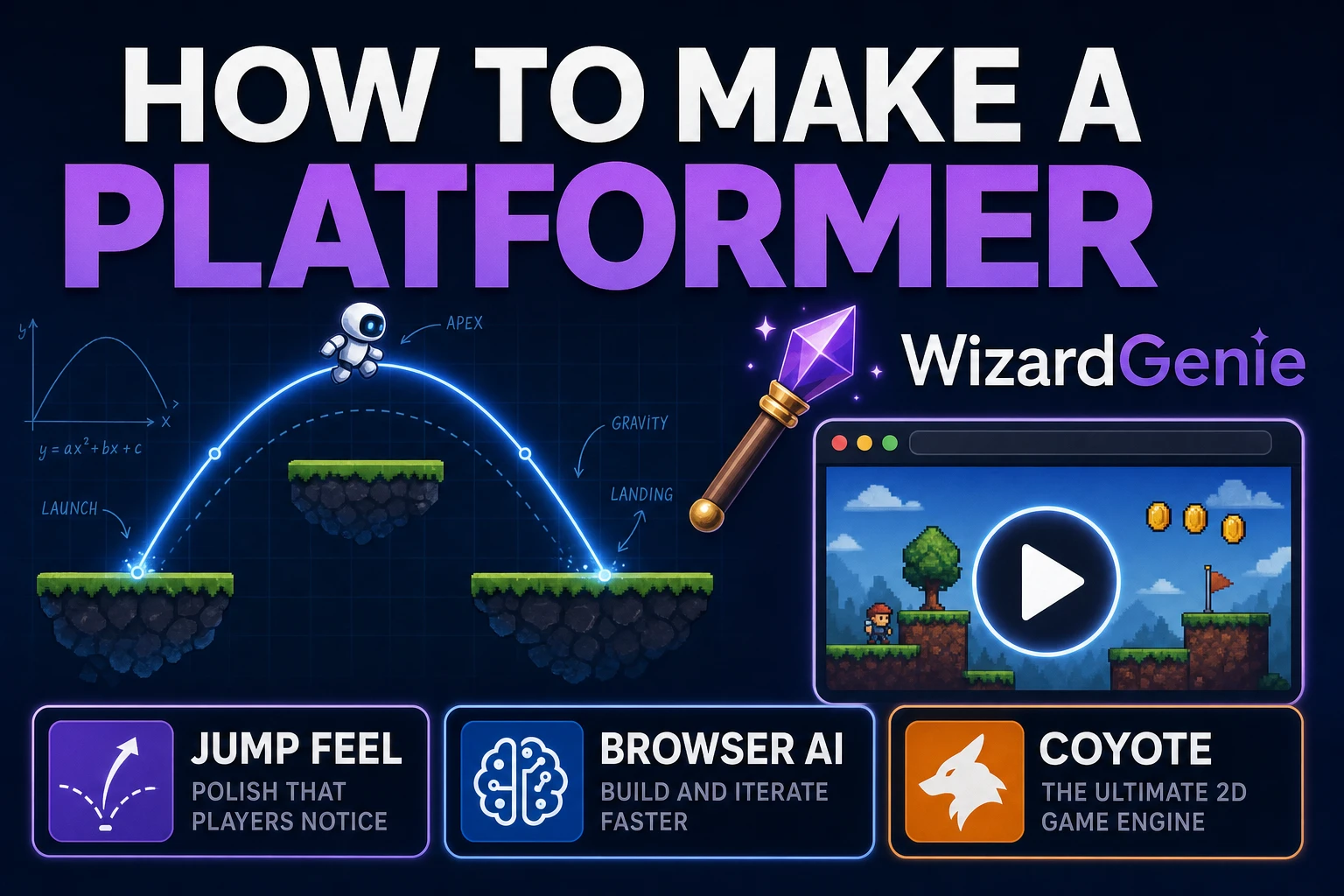
Dash How to Make a Platformer (Browser AI Loop)
Build a browser platformer around jump feel first. WizardGenie scaffolds movement and collisions, Quick Sprites supplies readable frames, and a short playtest catches coyote-time and death-recovery bugs.
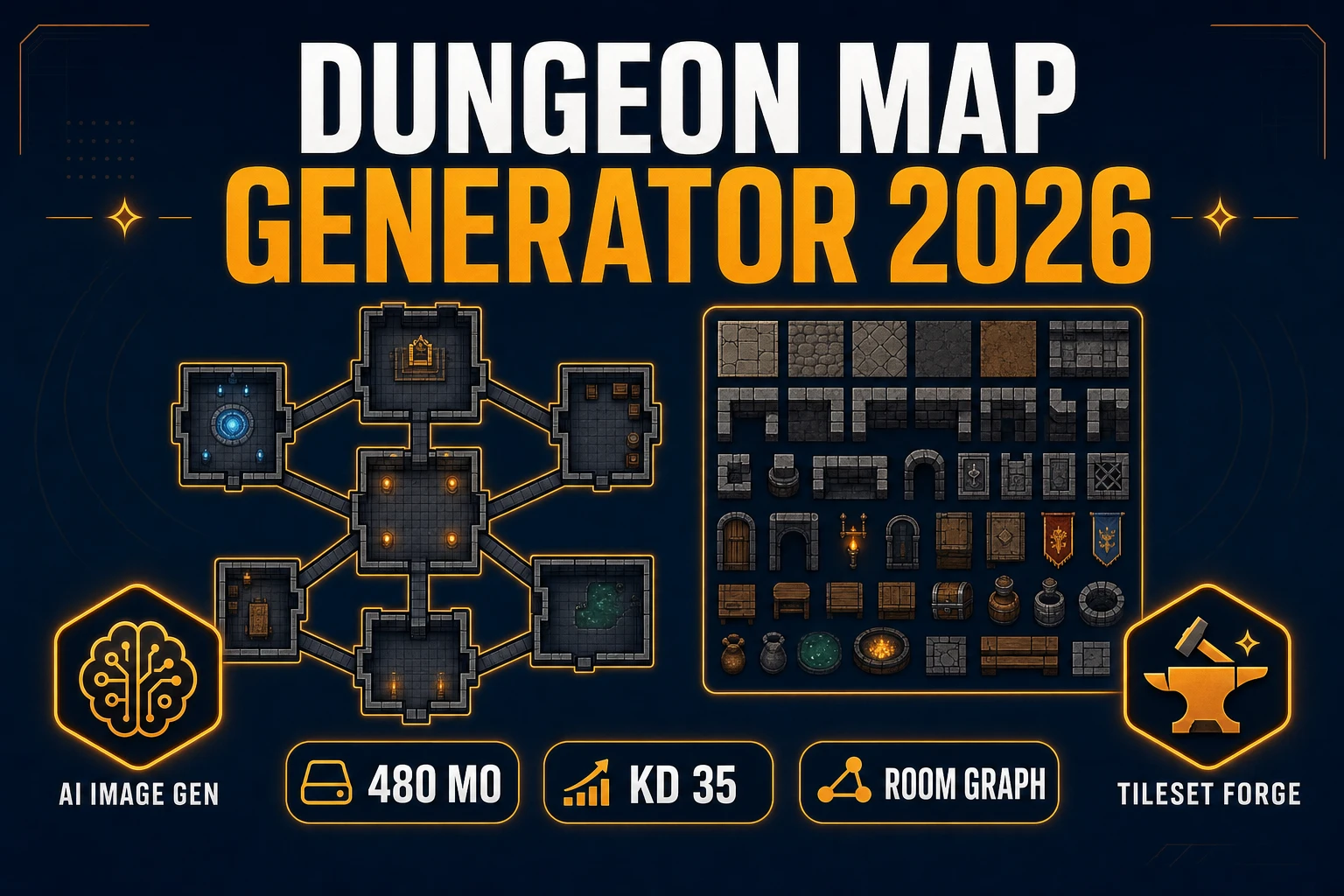
Cull a Dungeon Map Generator (Room Graph Pack 2026)
Ship a dungeon map generator room graph pack in 2026: AI Image Gen layouts, Tileset Forge grids, Canvas labels, WizardGenie + Phaser 4.2 wiring — connectivity first, not tabletop battle art. Verified July 17, 2026.
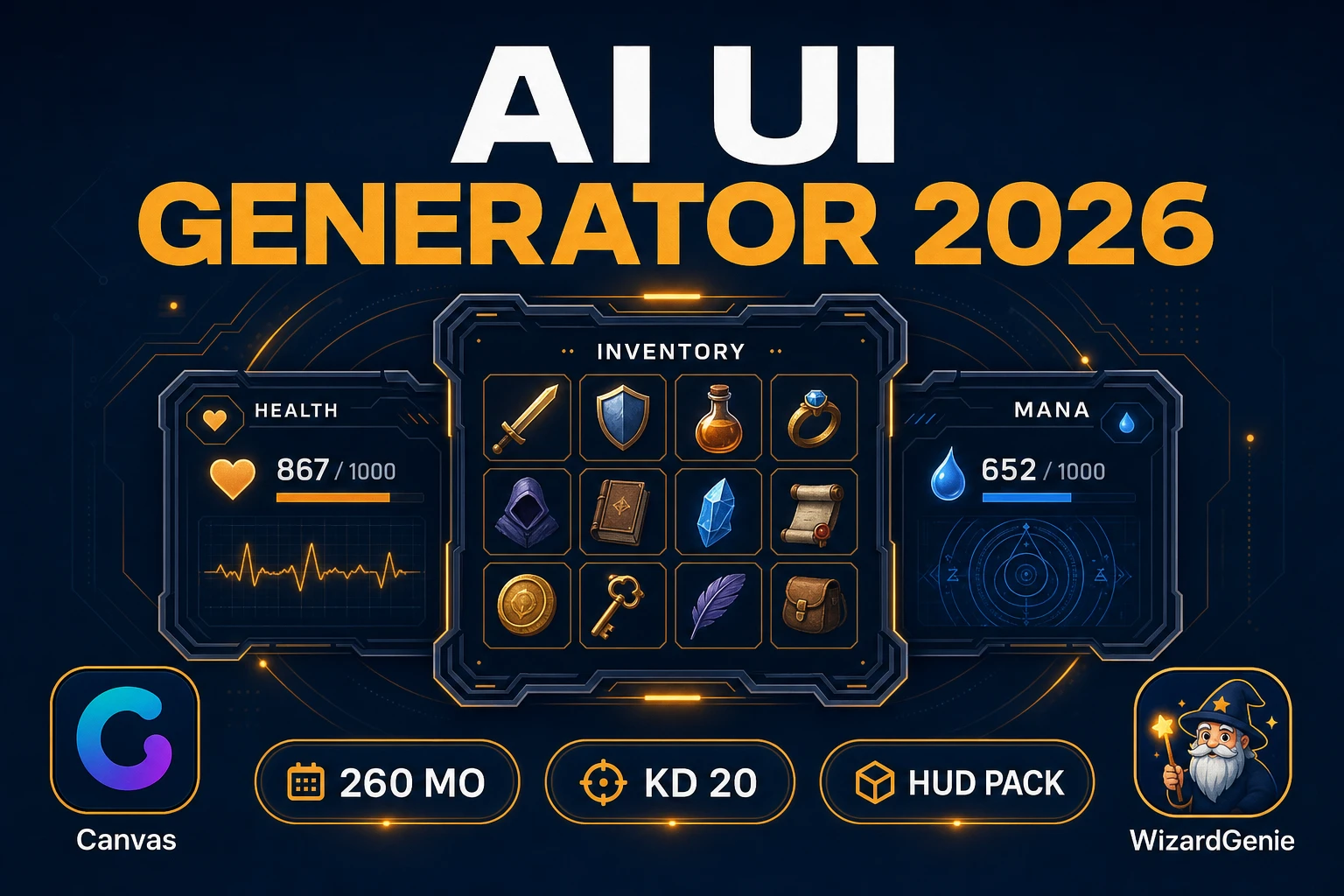
Nest an AI UI Generator (HUD Panel Pack 2026)
Ship an ai ui generator HUD panel pack in 2026: AI Image Gen chrome, Canvas nesting, WizardGenie + Phaser 4.2 HUD wiring — production panels, not layout mockups. Verified July 17, 2026.
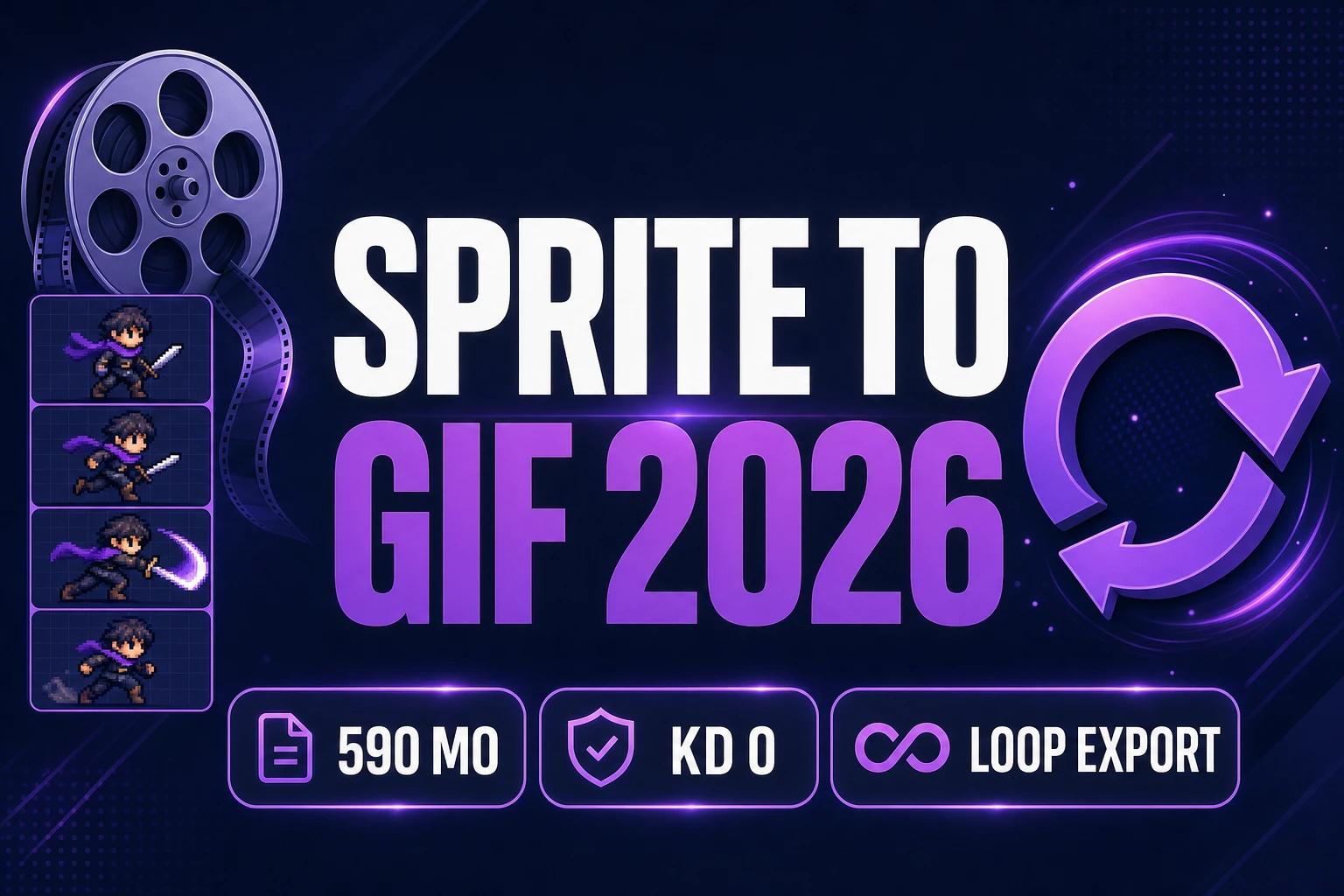
Reel a Sprite to GIF (Loop Preview Export 2026)
Turn game sprites into shareable loops with a sprite to gif pipeline: Sprite Analyzer validates timing, Canvas cleans frames, Quick Sprites exports Animated GIF — verified July 17, 2026.
Shuffle a Random Game Generator (Jam Pivot Pack 2026)
Build a random game generator jam pivot pack: WizardGenie locks axes and shuffles scored concepts, then scaffolds a Phaser 4.2 loop when your jam needs a clean turn — verified July 17, 2026.
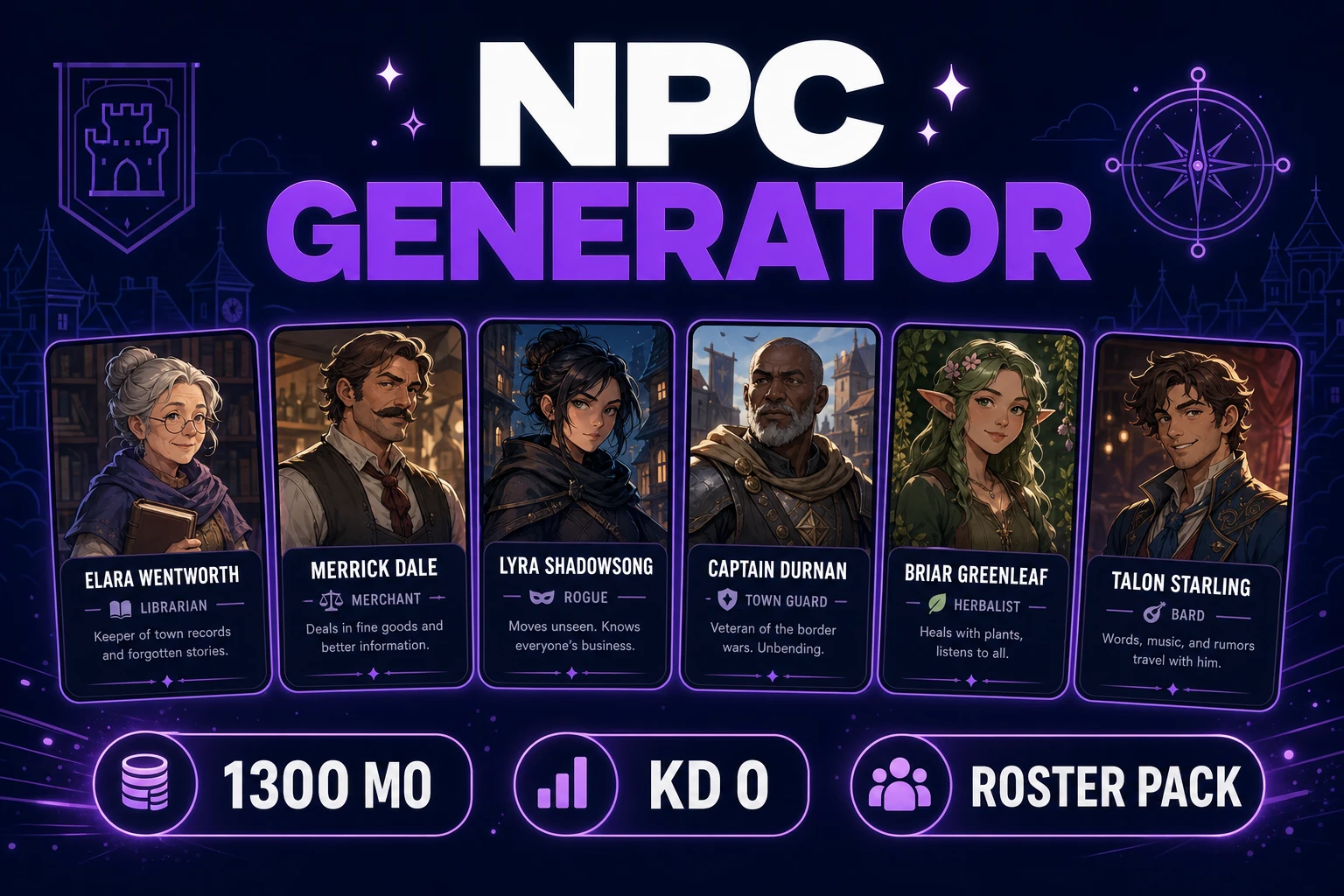
Roll an NPC Generator (Roster Bio Pack 2026)
Build an npc generator roster: WizardGenie fills bio fields, AI Image Gen stamps faces, Speech Gen cuts greetings for town casts — verified July 16, 2026.
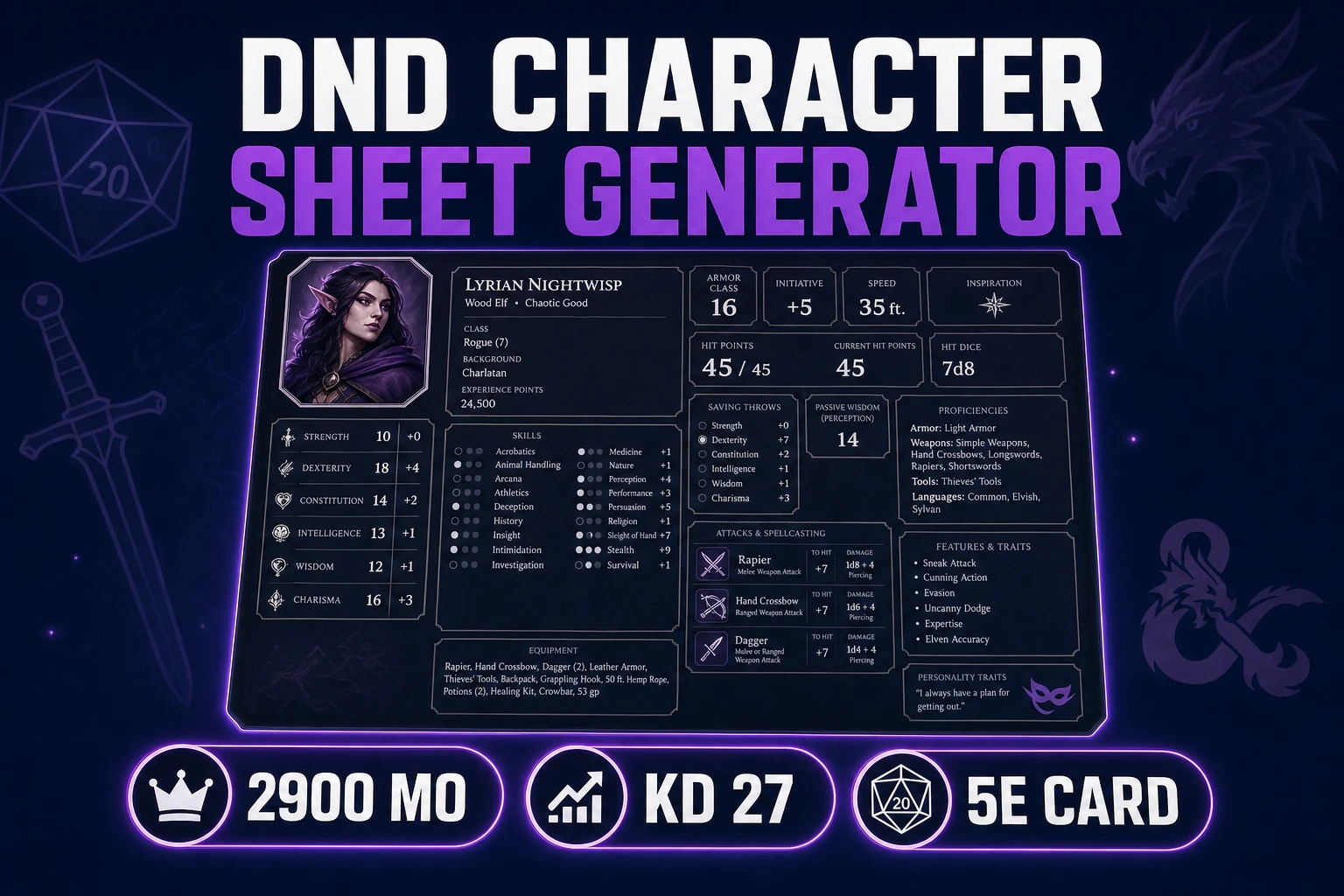
Fill a DnD Character Sheet Generator (Tabletop Card 2026)
Build a dnd character sheet generator card: WizardGenie fills 5e scores and skills, AI Image Gen stamps the portrait, Speech Gen cuts the intro VO — verified July 16, 2026.
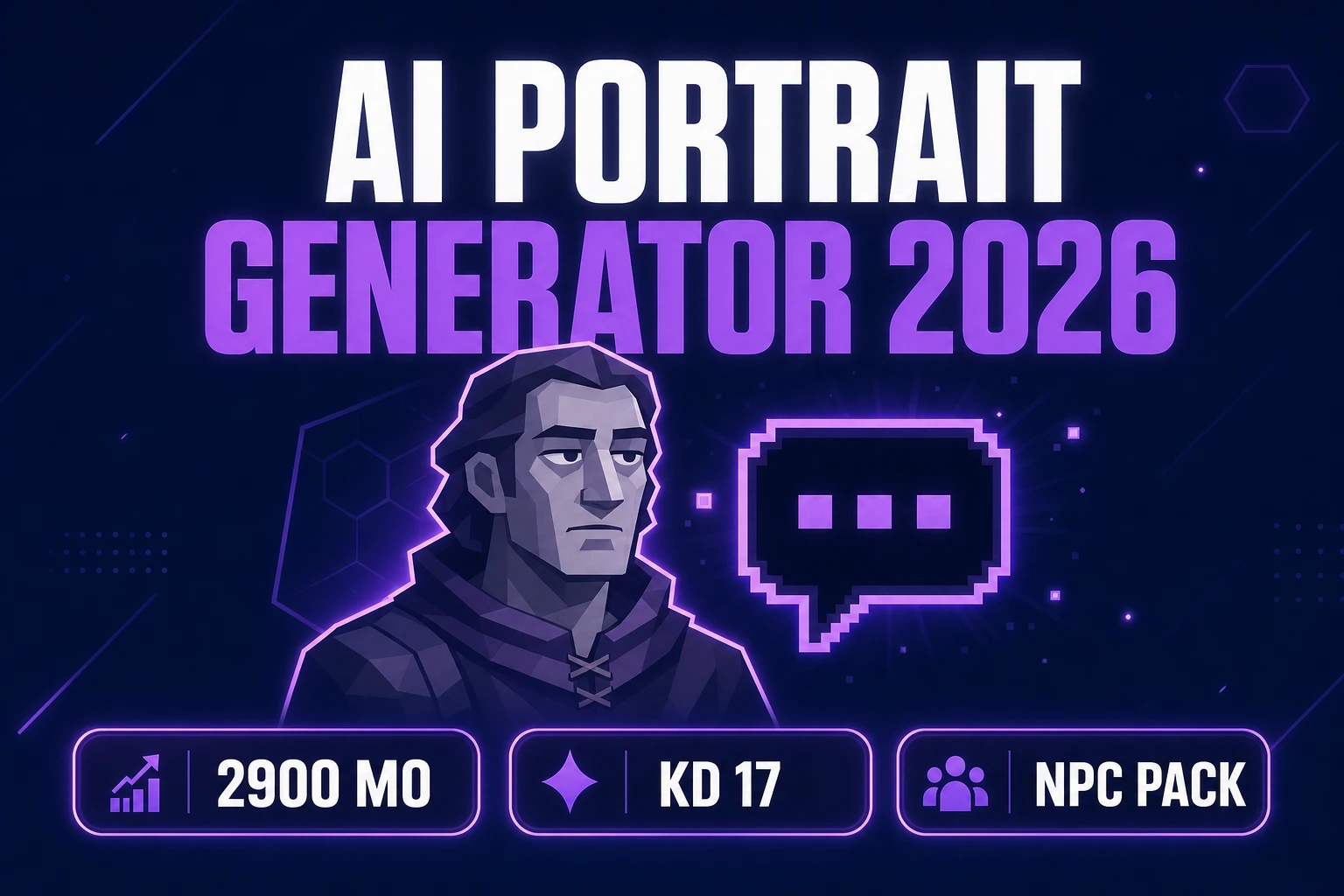
Pose an AI Portrait Generator (Game NPC Pack 2026)
Build an ai portrait generator NPC pack: AI Image Gen face cards, BG Remover cutouts, True Pixel dialogue icons, Phaser 4.2 wiring — verified July 16, 2026.
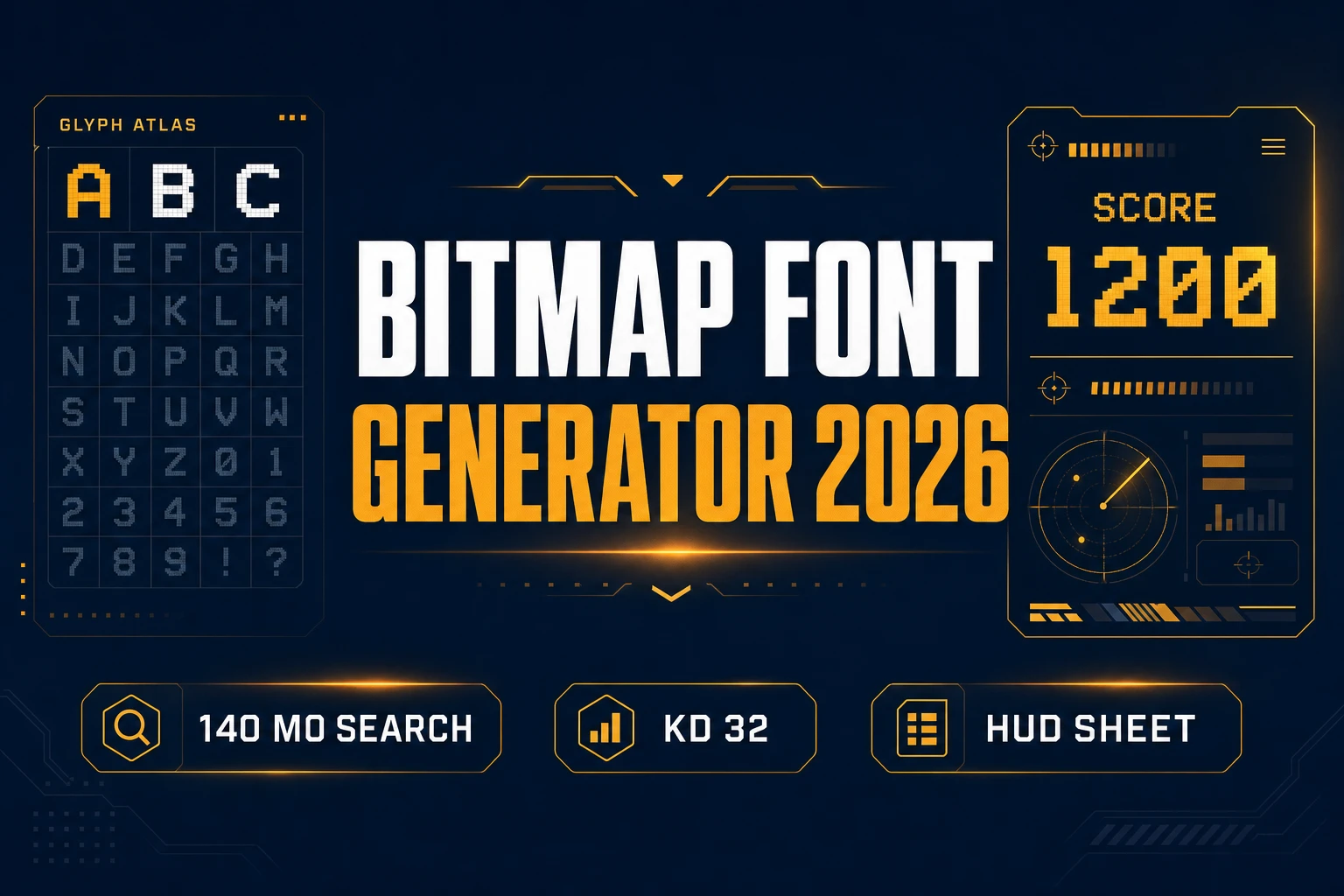
Stamp a Bitmap Font Generator (HUD Type Sheet 2026)
Build a bitmap font generator HUD sheet: AI Image Gen atlas, Canvas/True Pixel edge snap, Phaser 4.2 BitmapText load — verified July 16, 2026.
Score How to Make Music for a Video Game (AI Loop 2026)
How to make music for a video game without a DAW first — Music Gen Suno V5.5 loops at 10 credits, SFX Gen stingers, WizardGenie adaptive stems in Phaser 4.2. Verified July 14, 2026.
Haunt How to Make a Horror Game (Browser AI 2026)
How to make a horror game without a full studio first — WizardGenie Phaser 4.2 scare scaffold, SFX Gen dread beds, AI Image Gen foggy corridors. Verified July 14, 2026.
Branch an AI Text Adventure (Browser Quest Loop 2026)
AI text adventure workflow for indie browser quests — WizardGenie passage graphs, inventory flags, Speech Gen narration, Phaser 4.2 choice UI. Verified July 14, 2026.
Wire a Browser Game Engine (Phaser AI Loop 2026)
Browser game engine workflow for 2026 — Phaser 4.2 scaffolds, WizardGenie Planner+Executor loops, playable scene cards, and honest credit math. Verified July 13, 2026.
Spark a Game Idea Generator (Jam Prompt Pack 2026)
Game idea generator workflow for jam prompt packs — WizardGenie filter cards, ranked concepts, Phaser 4.2 scaffolds, AI Image Gen pitch art. Verified July 13, 2026.
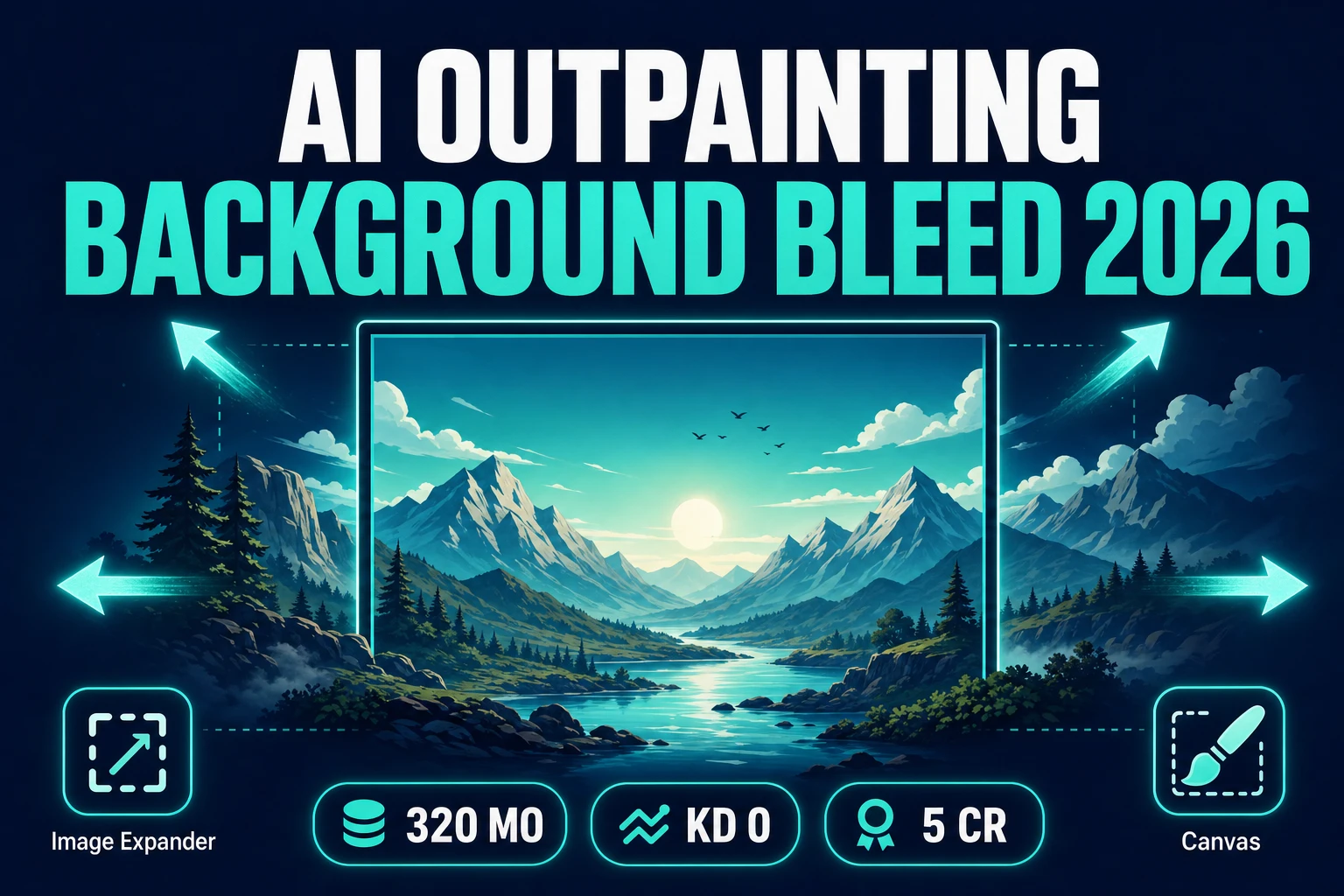
Expand AI Outpainting (Game Background Bleed 2026)
AI outpainting workflow for indie game background bleed — AI Image Gen midground plates, Image Expander aspect expand, Canvas finish, Phaser 4.2. Verified July 12, 2026.
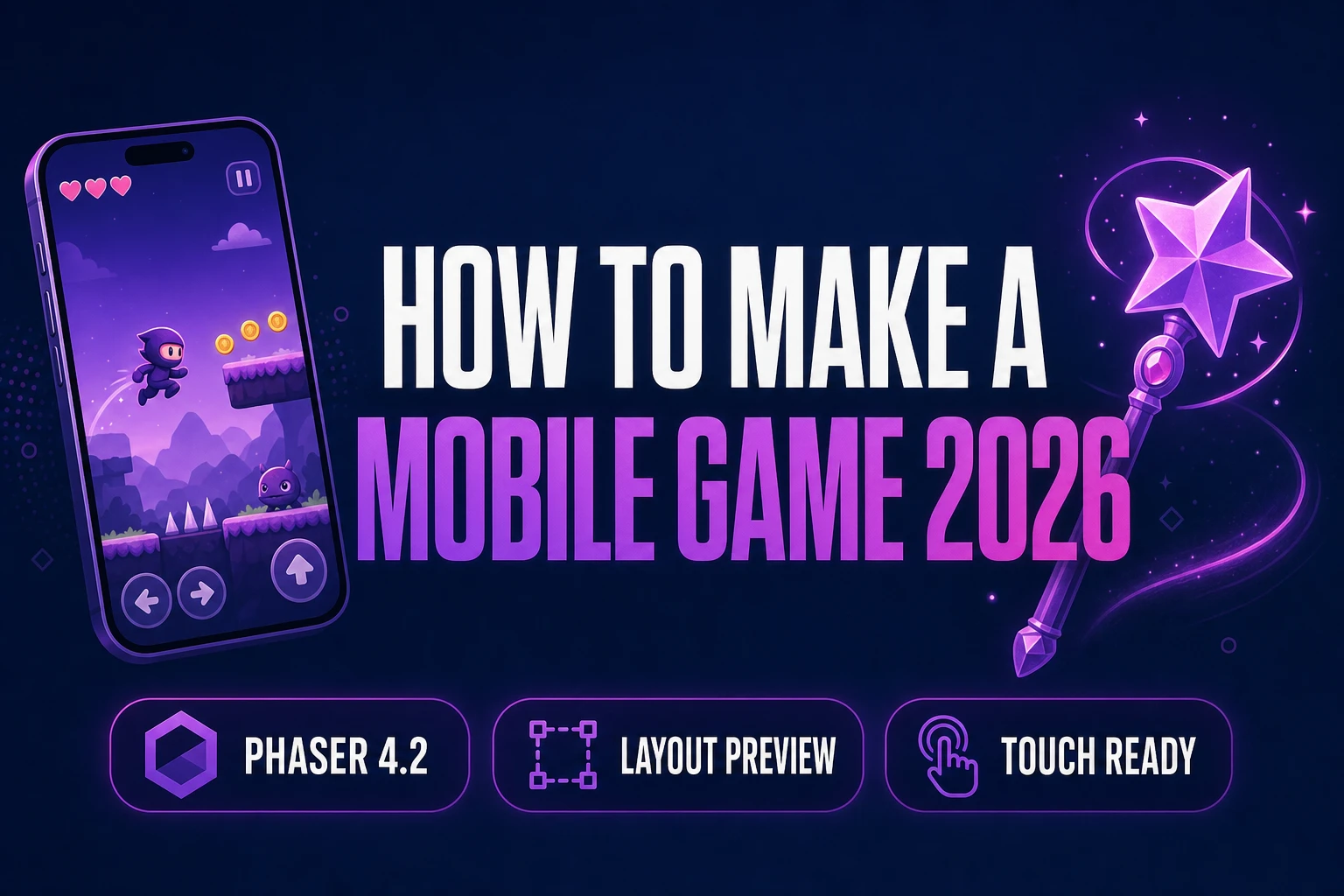
Tap How to Make a Mobile Game (Browser AI 2026)
How to make a mobile game without Xcode first — WizardGenie scaffolds Phaser 4.2 touch controls, Layout Preview checks phone frames, Quick Sprites fills HUD icons. Verified July 12, 2026.
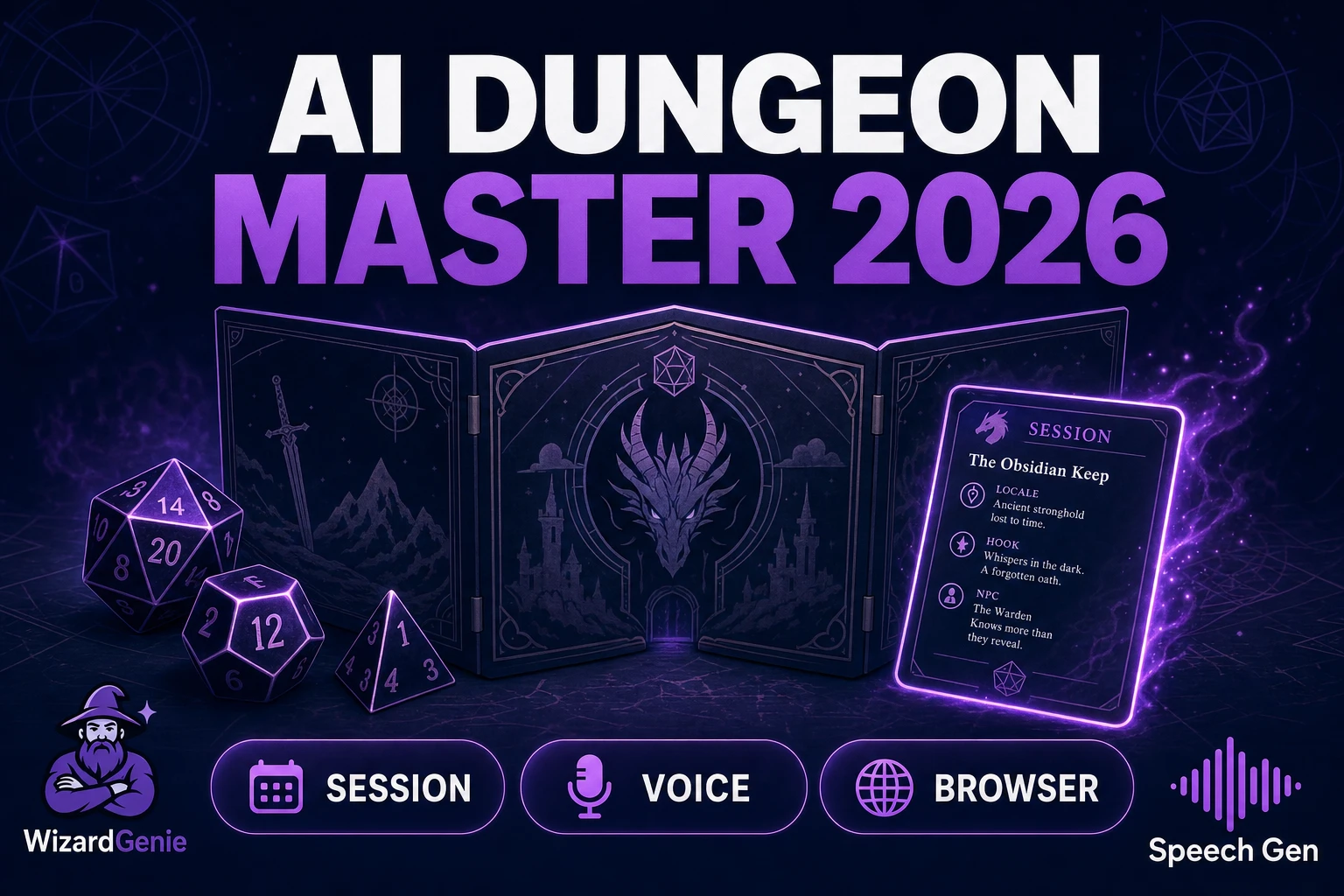
Lead an AI Dungeon Master (Tabletop Session AI 2026)
AI dungeon master workflow for indie tabletop sessions — WizardGenie session cards, Speech Gen NPC voices, AI Image Gen boards, Phaser 4.2. Verified July 12, 2026.
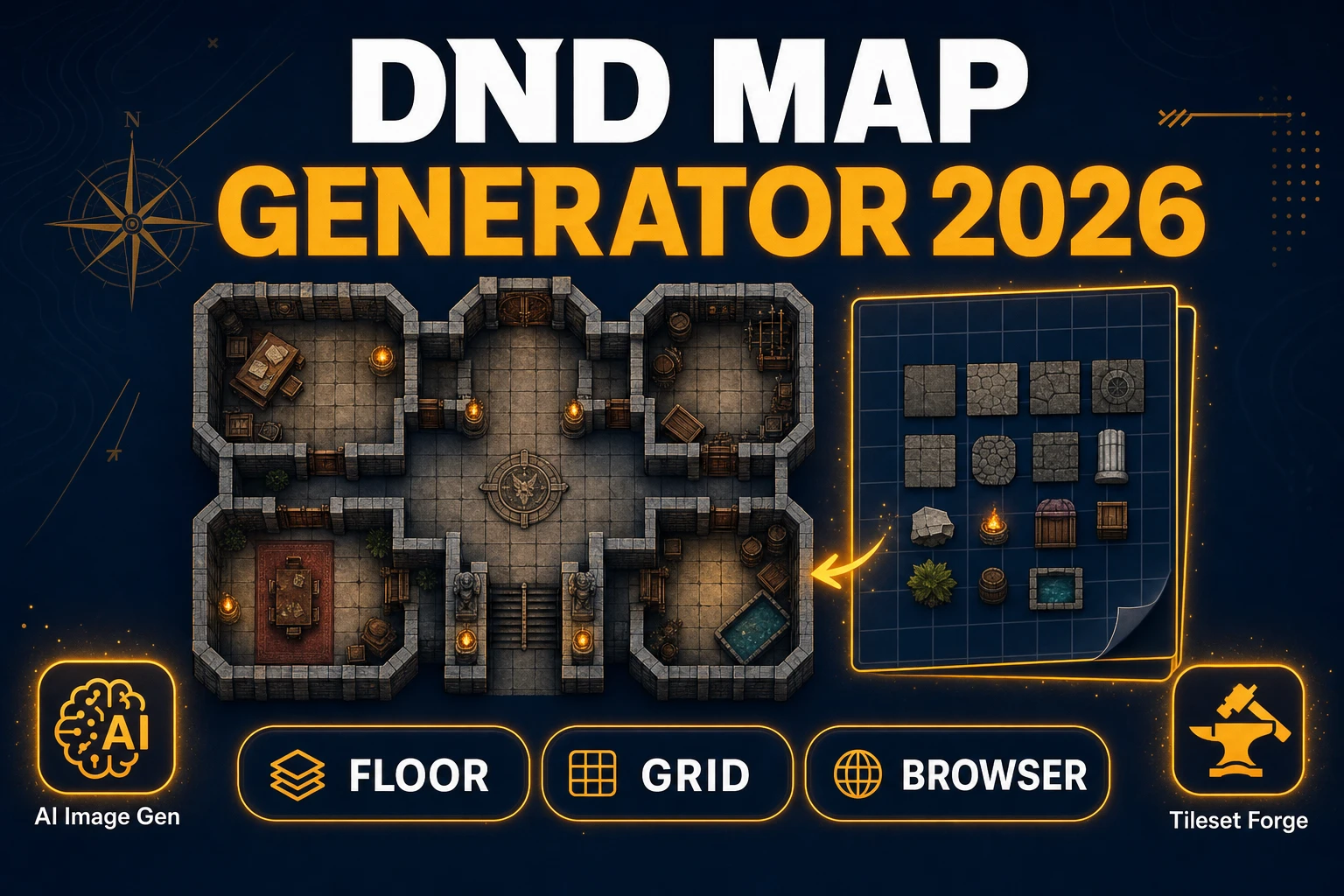
Scout a Dnd Map Generator (Tabletop Floor Plans 2026)
DnD map generator workflow for indie tabletop floor plans — AI Image Gen top-downs, Tileset Forge grids, Canvas room labels, Phaser 4.2 wiring. Verified July 12, 2026.
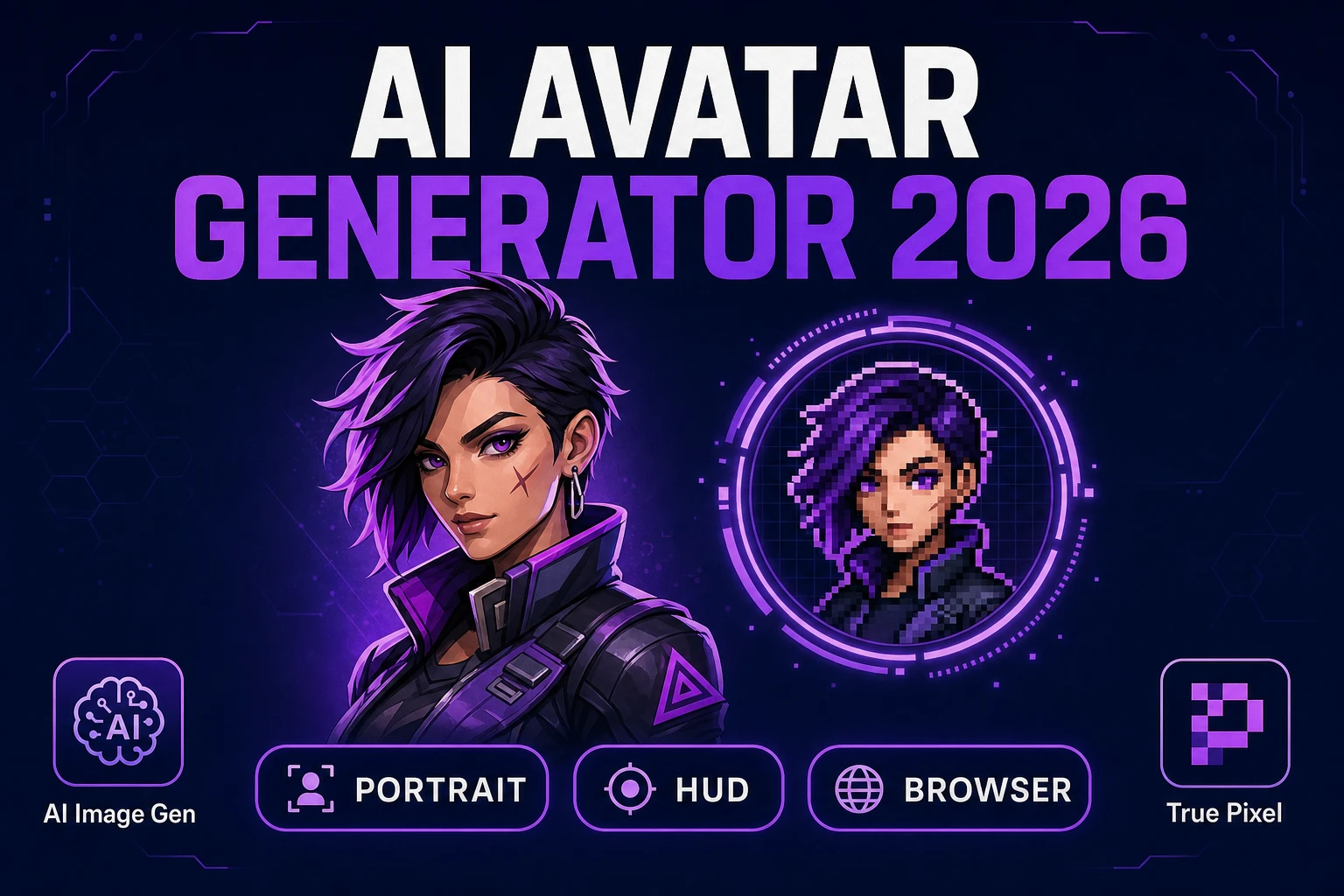
Face an AI Avatar Generator (Game Portrait Pack 2026)
AI avatar generator workflow for indie game portrait packs - AI Image Gen faces, BG Remover cutouts, True Pixel HUD icons, Phaser 4.2 wiring. Verified July 12, 2026.
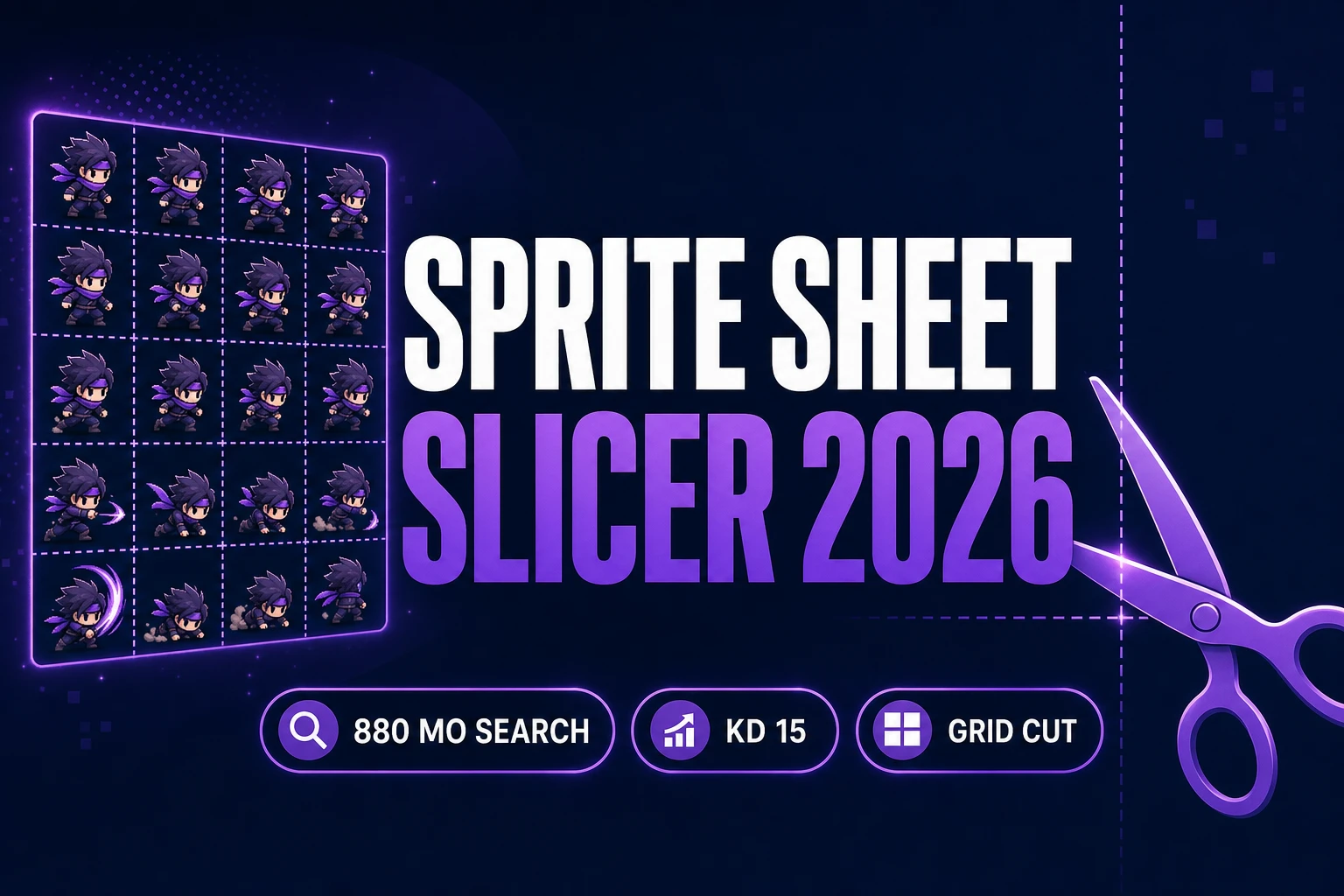
Slice a Sprite Sheet Slicer (Frame Grid Export 2026)
Cut AI grids into engine-ready cells with a sprite sheet slicer: Slicer Grid Slice, Sprite Analyzer atlas JSON, Canvas cleanup, Phaser 4.2.1 — verified July 11, 2026.
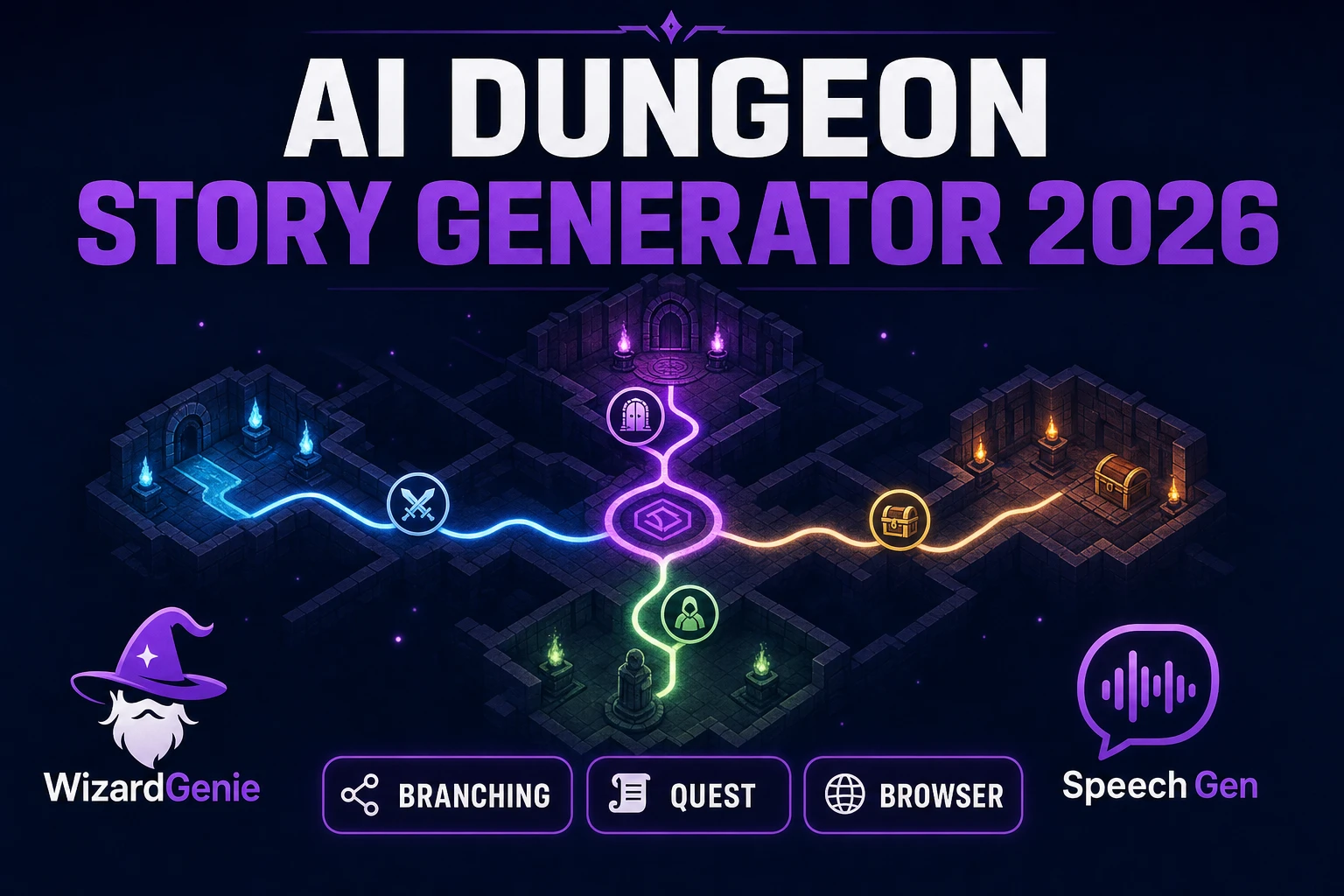
Narrate an AI Dungeon Story Generator (Branching Quest 2026)
AI dungeon story generator workflow for indie branching quests — WizardGenie quest graphs, choice nodes, AI Image Gen scenes, Speech Gen narration, Phaser 4.2. Verified July 11, 2026.
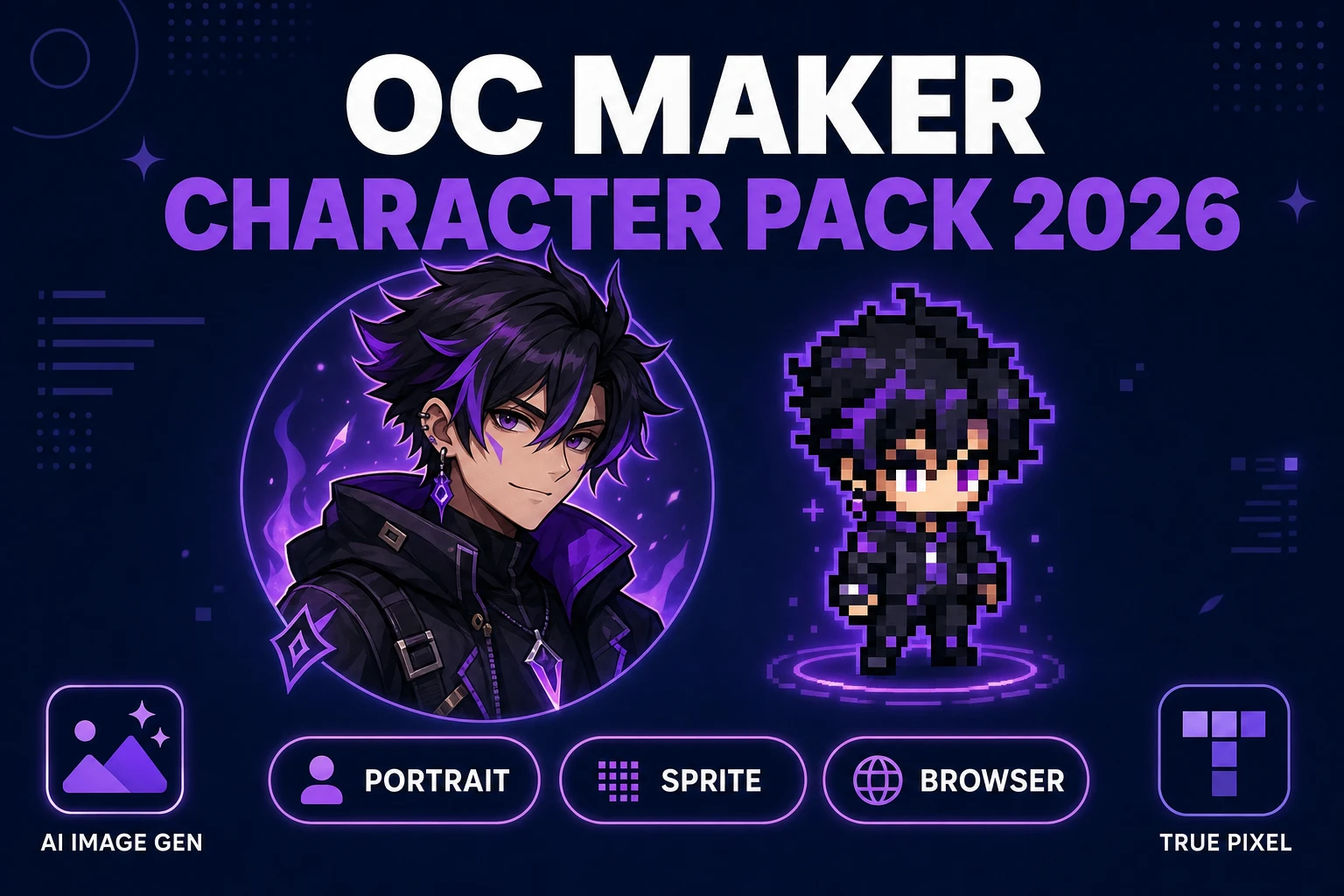
Sketch an OC Maker (Game Character Pack 2026)
OC maker workflow for indie game character packs - AI Image Gen portraits, BG Remover cutouts, True Pixel sprites, Phaser 4.2 wiring. Verified July 11, 2026.
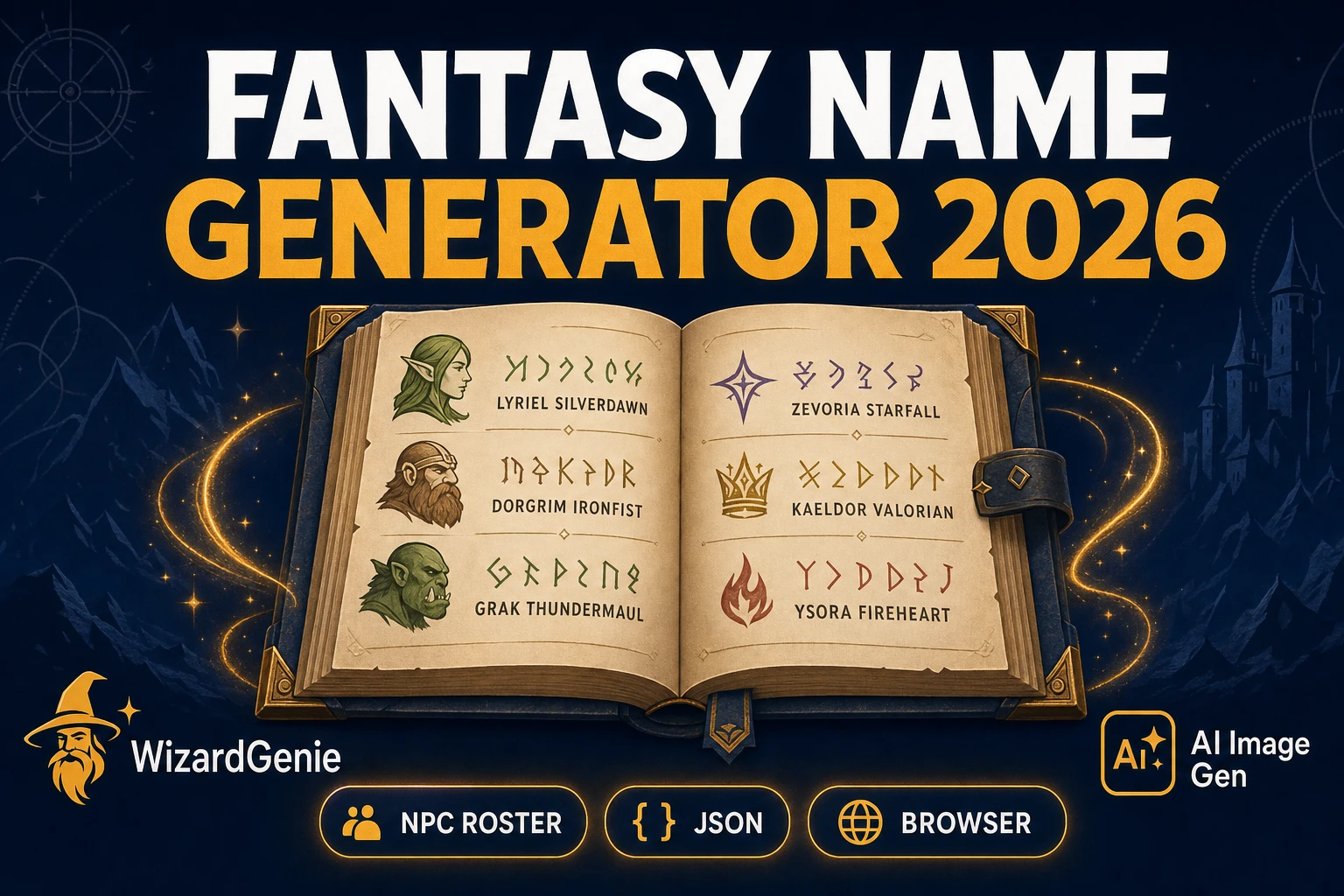
Forge a Fantasy Name Generator (RPG NPC Roster 2026)
Fantasy name generator workflow for indie RPG NPC rosters - culture phonology in WizardGenie, JSON name tables, AI Image Gen portraits, Phaser 4.2 dialogue. Verified July 11, 2026.
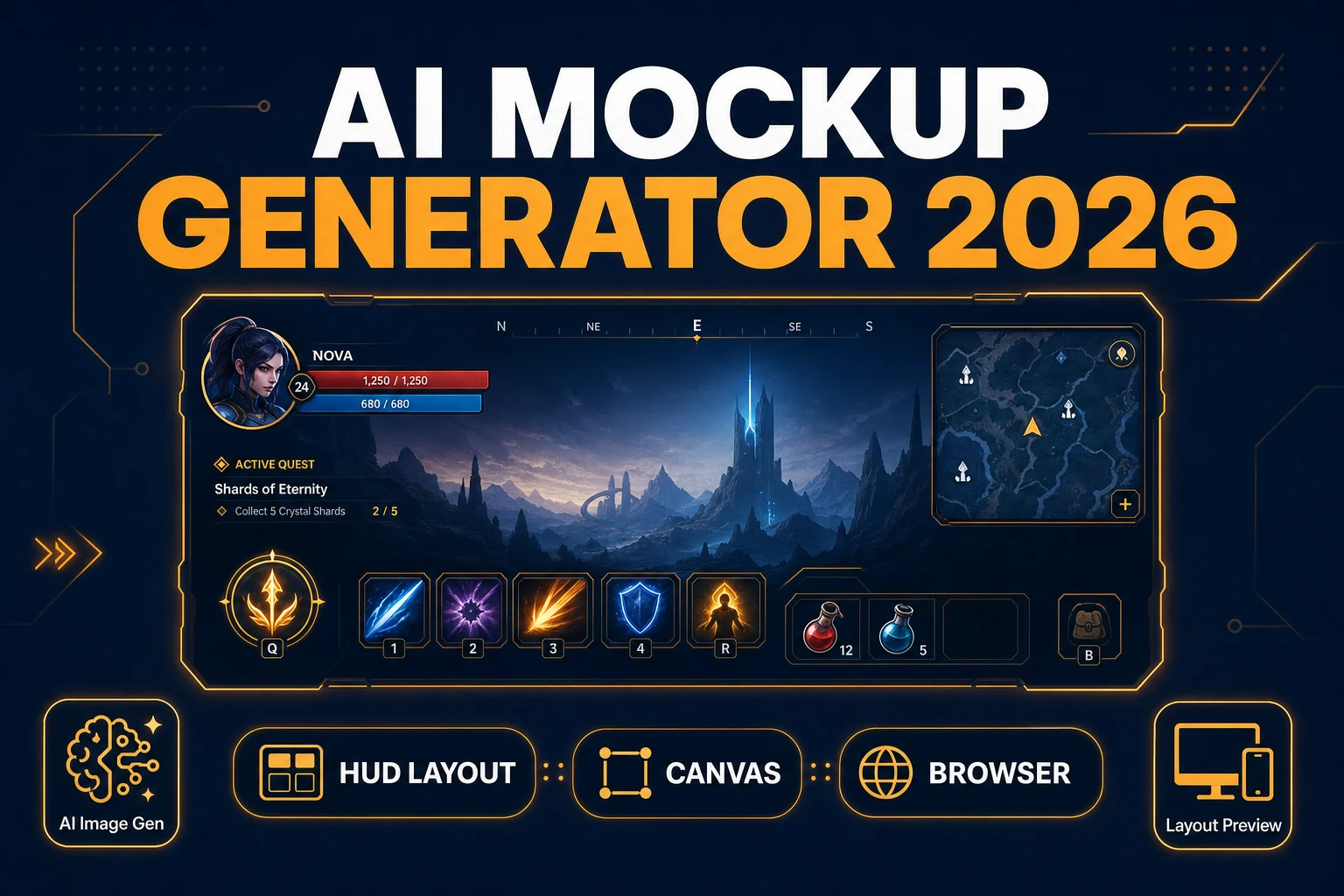
Mock an AI Mockup Generator (Game UI Layout 2026)
AI mockup generator workflow for indie game HUDs — AI Image Gen chrome, Canvas safe-zone compositing, Layout Preview aspect tests, Phaser 4.2 HUD scene. Verified July 11, 2026.
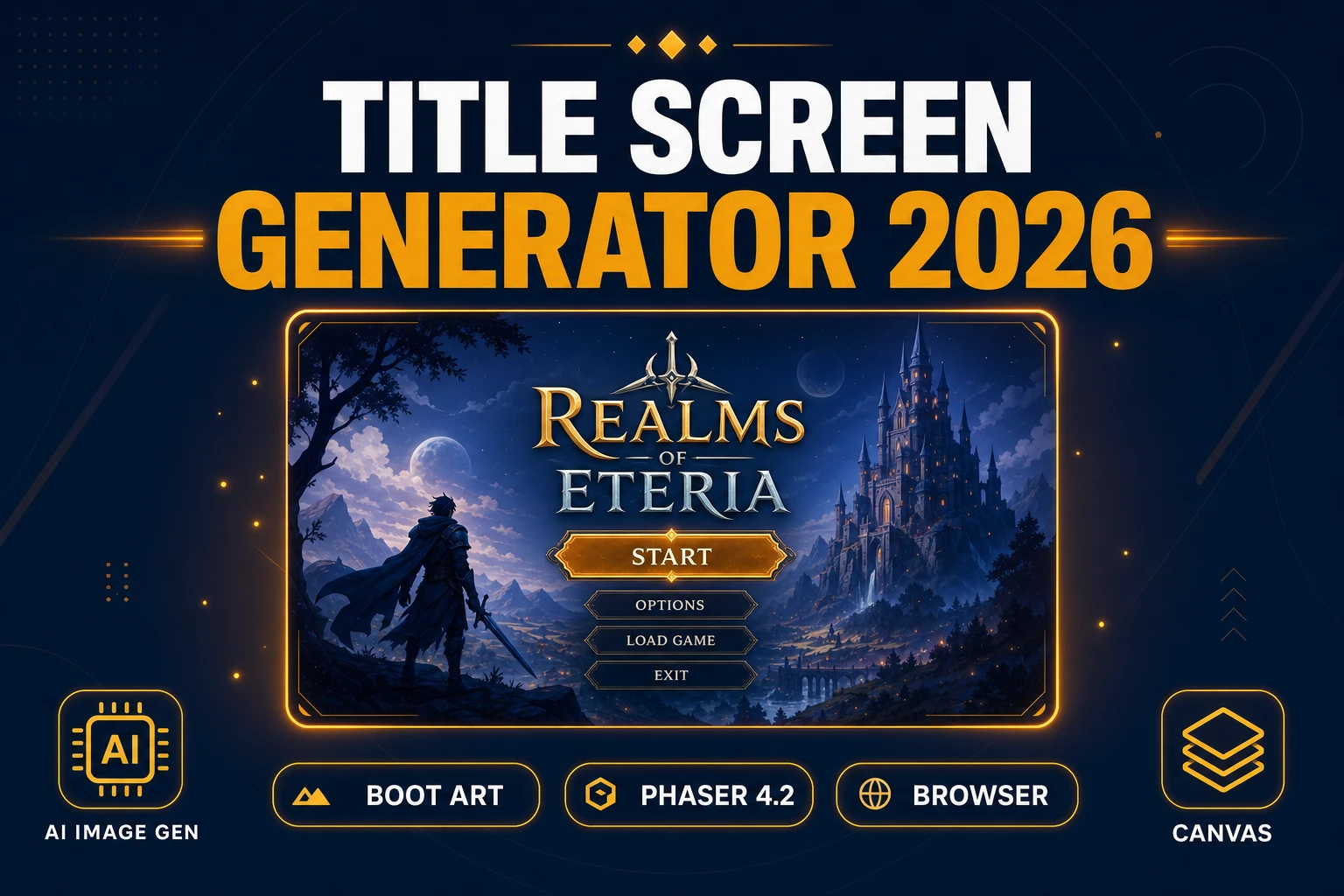
Frame a Title Screen Generator (Boot Art 2026)
Title screen generator workflow for indie browser games — AI Image Gen hero art, Canvas logo compositing, Phaser 4.2 menu scene. Boot art without Photoshop. Verified July 10, 2026.
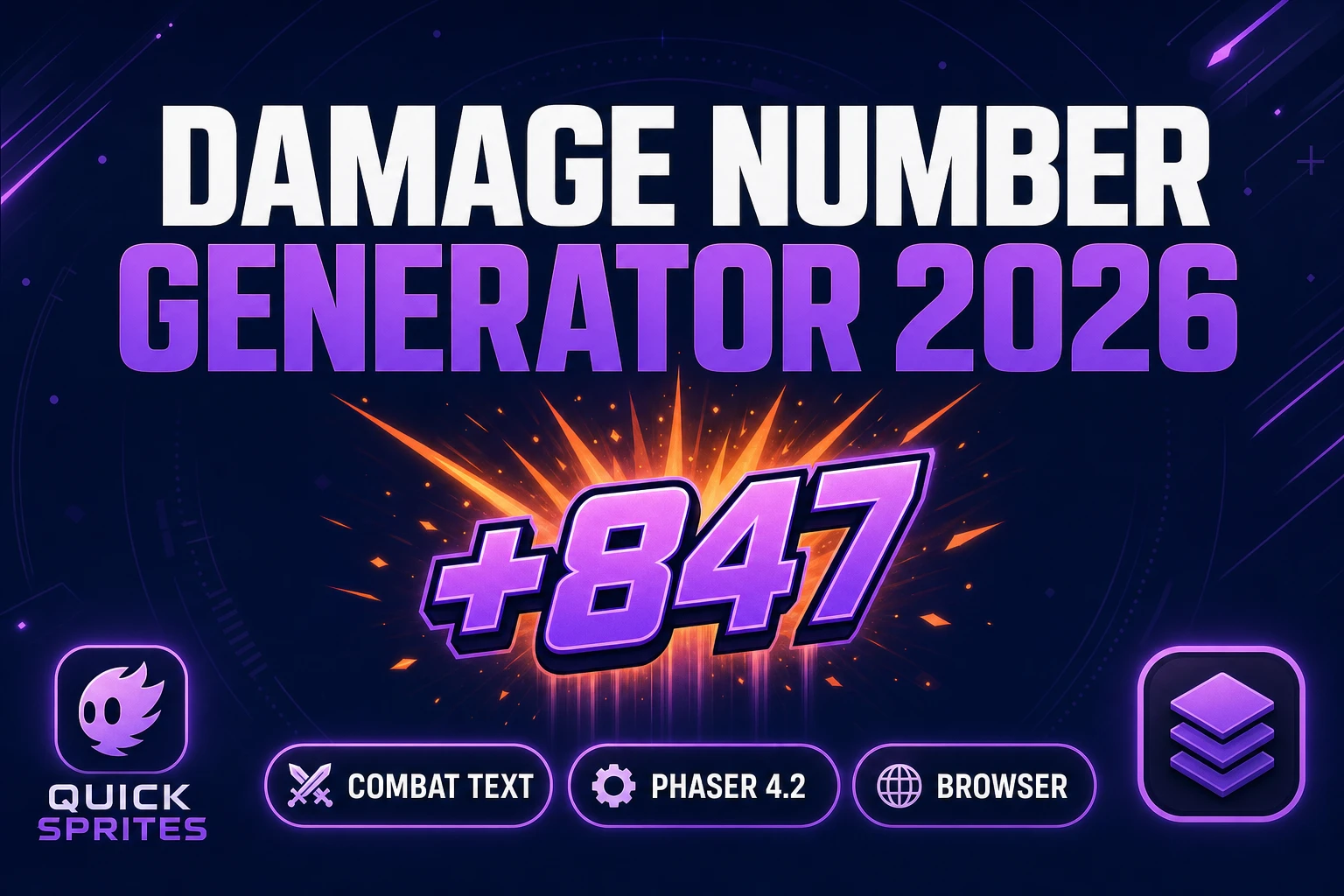
Gauge a Damage Number Generator (Combat Float Text 2026)
Damage number generator workflow for indie combat — Quick Sprites hit bursts, Canvas digit atlases, Phaser 4.2 float text. Floating damage text without Photoshop. Verified July 10, 2026.
Heft a Boss Health Bar Generator (Souls HUD 2026)
Boss health bar generator workflow for indie devs — AI Image Gen frames, Canvas layer compositing, Phaser 4.2 HP tweens. Dark Souls–style HUD art without Photoshop. Verified July 10, 2026.
Tick How to Make an Idle Game (Browser AI 2026)
How to make an idle game without leaving the browser — WizardGenie scaffolds the Phaser 4.2 economy loop, Quick Sprites fills upgrade icons, and save-state JSON handles prestige. Verified July 10, 2026.
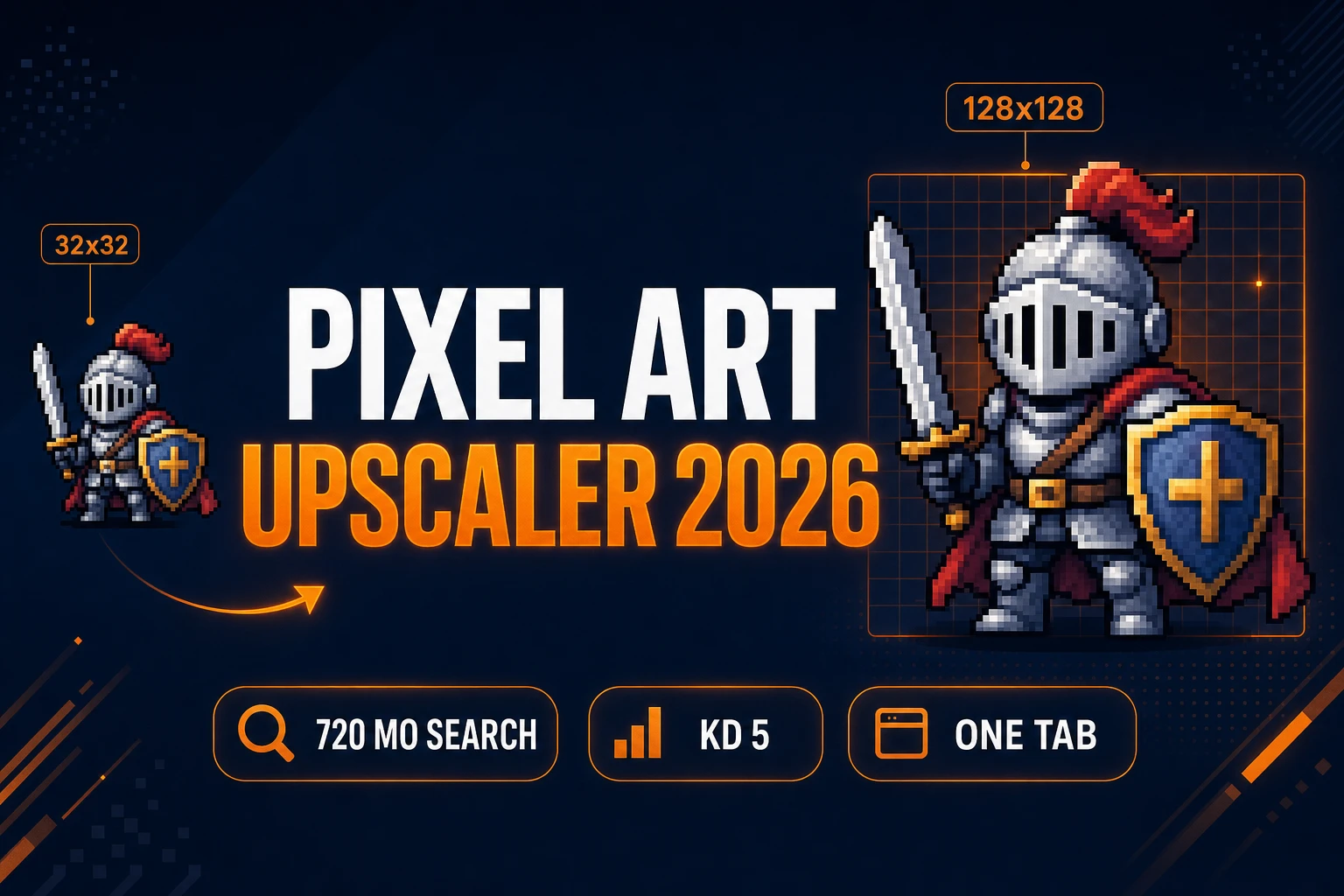
Scale a Pixel Art Upscaler (Sprite Clarity 2026)
Upscale pixel art without blur: Quick Sprites base sheet, True Pixel Pixel Scale export at 2x–16x, Phaser 4.2 pixelArt wiring — verified July 9, 2026.
Glyph a Pixel Font Generator (Game UI Type 2026)
Build HUD type with a pixel font generator: AI Image Gen atlas, Canvas grid cleanup, Phaser 4.2 BitmapText wiring — verified July 9, 2026.
Tint an AI Recolor (Sprite Palette Swap 2026)
Swap team colors with ai recolor: reference-locked variants in AI Image Gen, palette quantization in True Pixel, pixel touch-ups in Canvas — verified July 9, 2026.
Flip a GIF Sprite Sheet Maker (Browser Loop Export 2026)
Build prototype loops with a gif sprite sheet maker: Quick Sprites exports animated GIF or PNG grids, Slicer slices GIF inputs, Sprite Analyzer validates frame timing — verified July 9, 2026.
Drift a Parallax AI Generator (2.5D Game Backgrounds 2026)
Build 2.5D parallax backgrounds with parallax ai: AI Image Gen for depth plates, Image Expander for wide pans, Canvas for PNG export, WizardGenie wires Phaser 4.2 scroll logic — verified July 9, 2026.
Splash a Splash Screen Generator (Boot Art 2026)
Build a polished game splash screen with AI Image Gen boot art, Canvas logo compositing, and Phaser boot-scene wiring — verified July 8, 2026.
Load a Game Loading Screen (Indie Splash Pack 2026)
Ship a polished game loading screen with AI Image Gen key art, Canvas layer compositing, and Phaser preload wiring — verified July 8, 2026.
Cycle AI Sprite Animation (Browser Game Loops 2026)
Build game-ready walk and idle loops with ai sprite animation: Quick Sprites generates pixel cycles, Auto-Sprite v2 cleans frame strips, WizardGenie scaffolds Phaser 4.2 atlases — verified July 7, 2026.
Shade an AI Landscape Generator (Game Backgrounds 2026)
Build parallax game backgrounds with an ai landscape generator: AI Image Gen for sky and midground layers, Tileset Forge for ground strips, WizardGenie for Phaser 4.2 scroll logic — verified July 6, 2026.
Summon an AI Monster Generator (Indie Enemy Pipeline 2026)
Build indie enemy rosters with an ai monster generator: AI Image Gen for concept silhouettes, Quick Sprites for pixel sprites, WizardGenie for Phaser 4.2 spawn logic — verified July 6, 2026.
Chart an AI Fantasy Map Generator (RPG World 2026)
Build scrollable RPG overworlds with an ai fantasy map generator: AI Image Gen for continent art, Tileset Forge for terrain tiles, WizardGenie for Phaser 4.2 integration — verified July 6, 2026.
Script an AI Dialogue Generator (Game NPC Pipeline 2026)
Turn NPC context into voiced, branching dialogue with WizardGenie plus Speech Gen — the browser-native ai dialogue generator pipeline for indie RPGs and visual novels. Verified July 6, 2026.
Jam a Game Jam Theme Generator (Indie Brainstorm 2026)
Turn any game jam theme into a shippable browser prototype — WizardGenie interprets the constraint, Quick Sprites and AI Image Gen fill the asset folder, Music Gen and SFX Gen score the loop. Verified July 5, 2026.
Host How to Make a Web Game (Browser AI 2026)
How to make a web game without leaving the browser — WizardGenie scaffolds Phaser 4.2, Quick Sprites and AI Image Gen fill sprites, Tileset Forge handles tiles, Music Gen and SFX Gen cover audio. Verified July 5, 2026.
Tile a Seamless Texture Generator (Game-Ready Loops 2026)
Every indie hits the same wall on their first game floor: the texture tiles, but the seams show. A 2026 seamless texture generator solves that in a browser tab. Four image models, a live tile-check preview, and a $49 lifetime license on the Sorceress side.
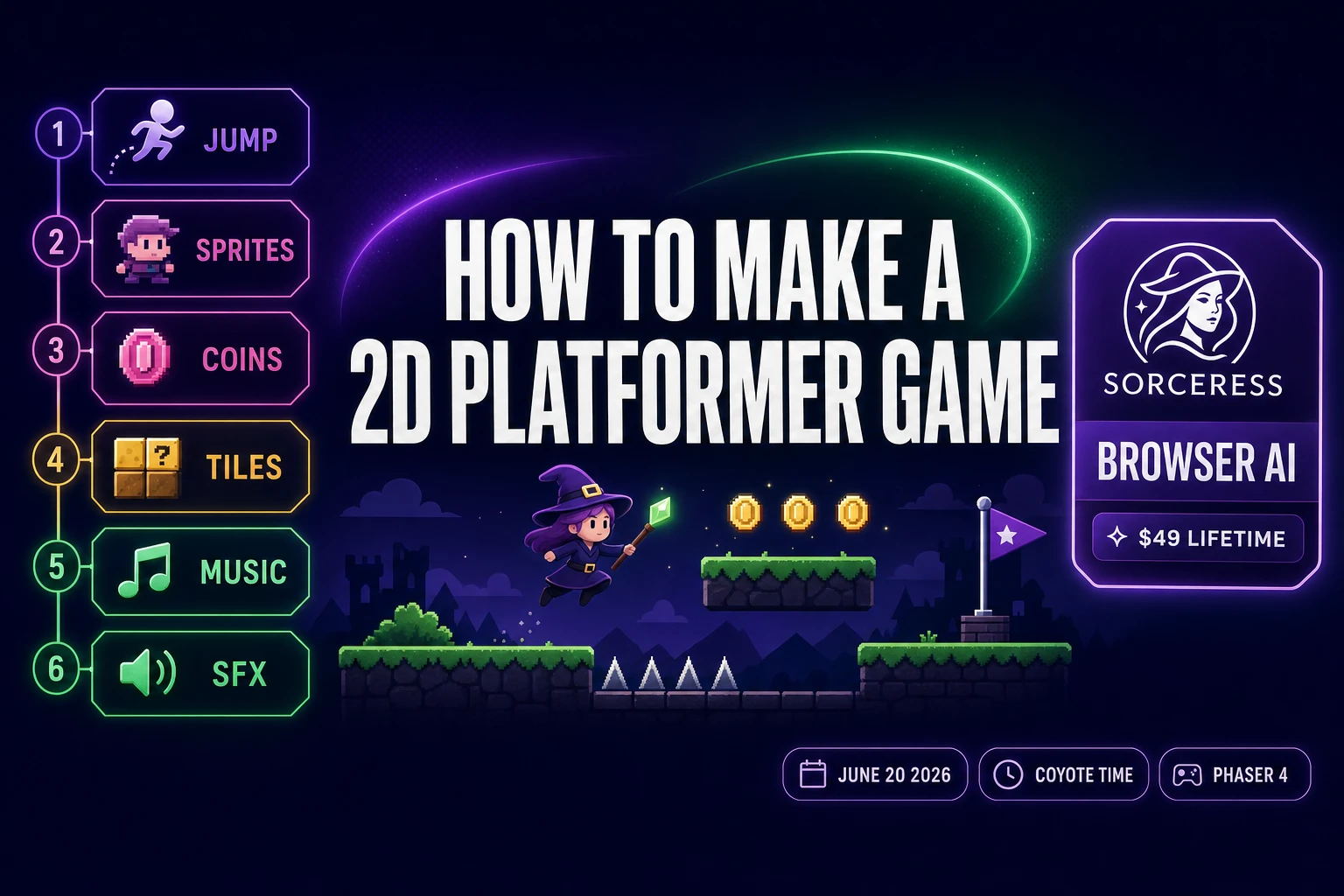
Pitch How to Make a 2D Platformer Game (Phaser AI 2026)
How to make a 2D platformer game in mid-2026 has crossed the line where one browser tab handles every layer the genre needs - jump physics, hero and enemy sprites, parallax tilesets, music loops, jump and coin SFX - in one Sorceress account, verified June 20, 2026.
Quest: How to Make an RPG Game (Browser AI 2026)
How to make an RPG game in 2026 — the honest browser AI stack runs WizardGenie for the game loop, AI Image Gen plus Quick Sprites for the cast, Tileset Forge for dungeons and towns, and Music Gen plus SFX Gen plus Speech Gen for the audio. Verified June 16, 2026.
Stake a Tileset Generator AI (Browser, Phaser-Ready)
A tileset generator AI workflow that actually clears the grid-alignment, seamless-tiling, and engine-import bars now ships entirely in the browser in 2026. This guide rates the honest free landscape and walks the two-tool Sorceress pipeline — AI gen in TileMaker, grid cleanup in Tileset Forge — from prompt to PNG to Phaser 4 and Godot 4.6 tilemaps.
Google AI Studio Vibe Coding (Game-Dev Honest Path)
Google AI Studio vibe coding ships full-stack web apps with Firebase and Kotlin Android prototypes via the Antigravity agent. The asset half of a game (sprites, tilemaps, 3D meshes, music) stops the same loop. The browser-tab path that closes that gap. Verified June 8, 2026.
Loop Vibe Coding With Claude (2026 Game-Dev Path)
Vibe coding with Claude pairs auto-edit Opus 4.8 or Sonnet 4.6 with the dev’s eyes on the screen. The loop ships gameplay code reliably and stops at the four-step asset wall. The browser path wraps Claude alongside image, sprite, 3D, and audio panels in one tab. Verified June 6, 2026.
Use Claude Code for Vibe Coding (Game-Dev Test)
An honest test of using Claude Code for vibe coding on a real game project. The CLI ships agentic gameplay code at the $20 / $100 / $200 a month plan ladder, then stops at the four-step asset wall. WizardGenie wraps the same Claude alongside the asset stack in one browser tab.
How to Make Pixel Art for Games (Sprite-Ready)
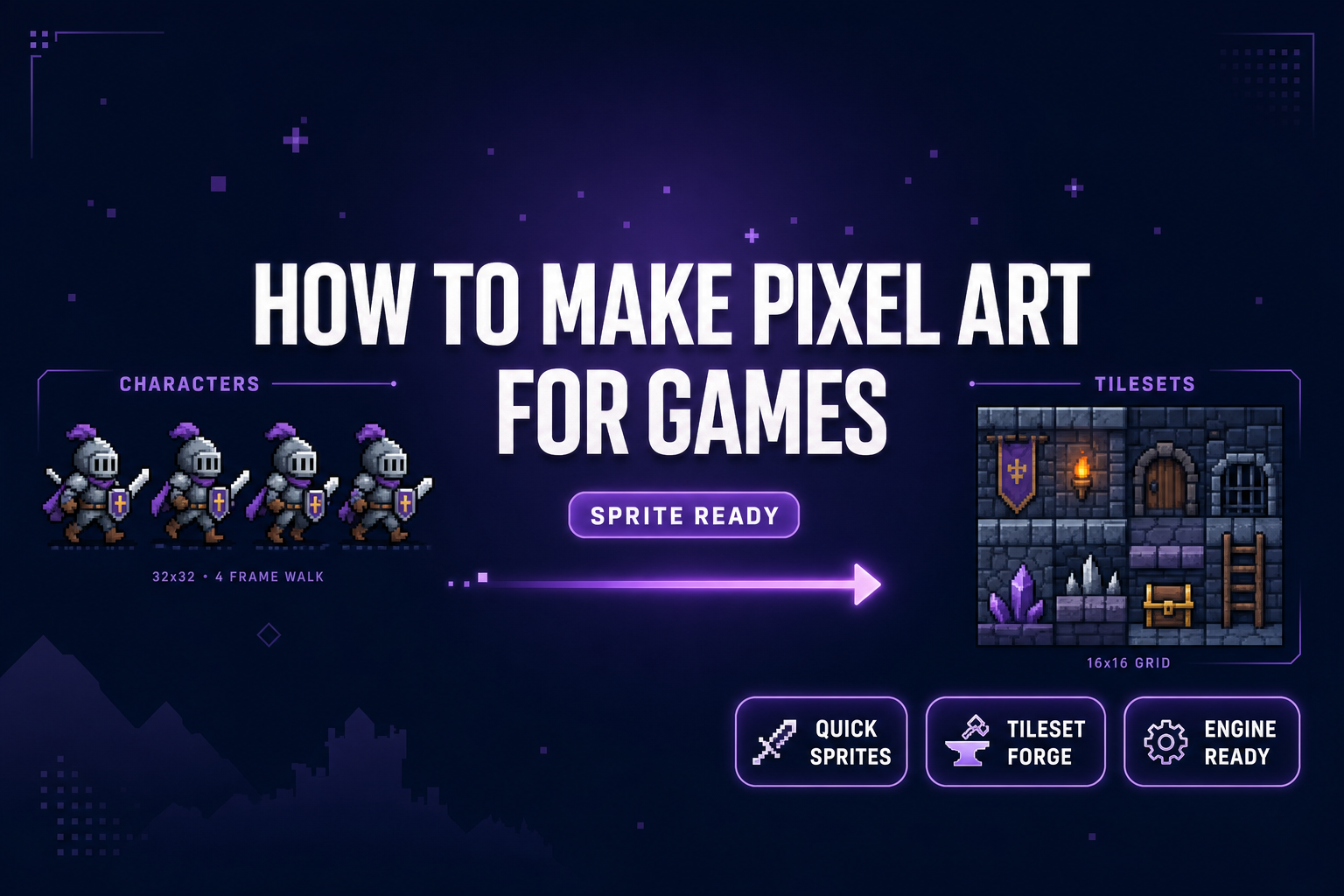
How to make pixel art for games in 2026 without a desktop pixel-art license: Sorceress Quick Sprites generates animated sprite sheets from a prompt, Tileset Forge aligns AI art onto a 16x16 grid, and the packed PNG drops into Phaser 4.1 or Godot 4.3 TileMapLayer.
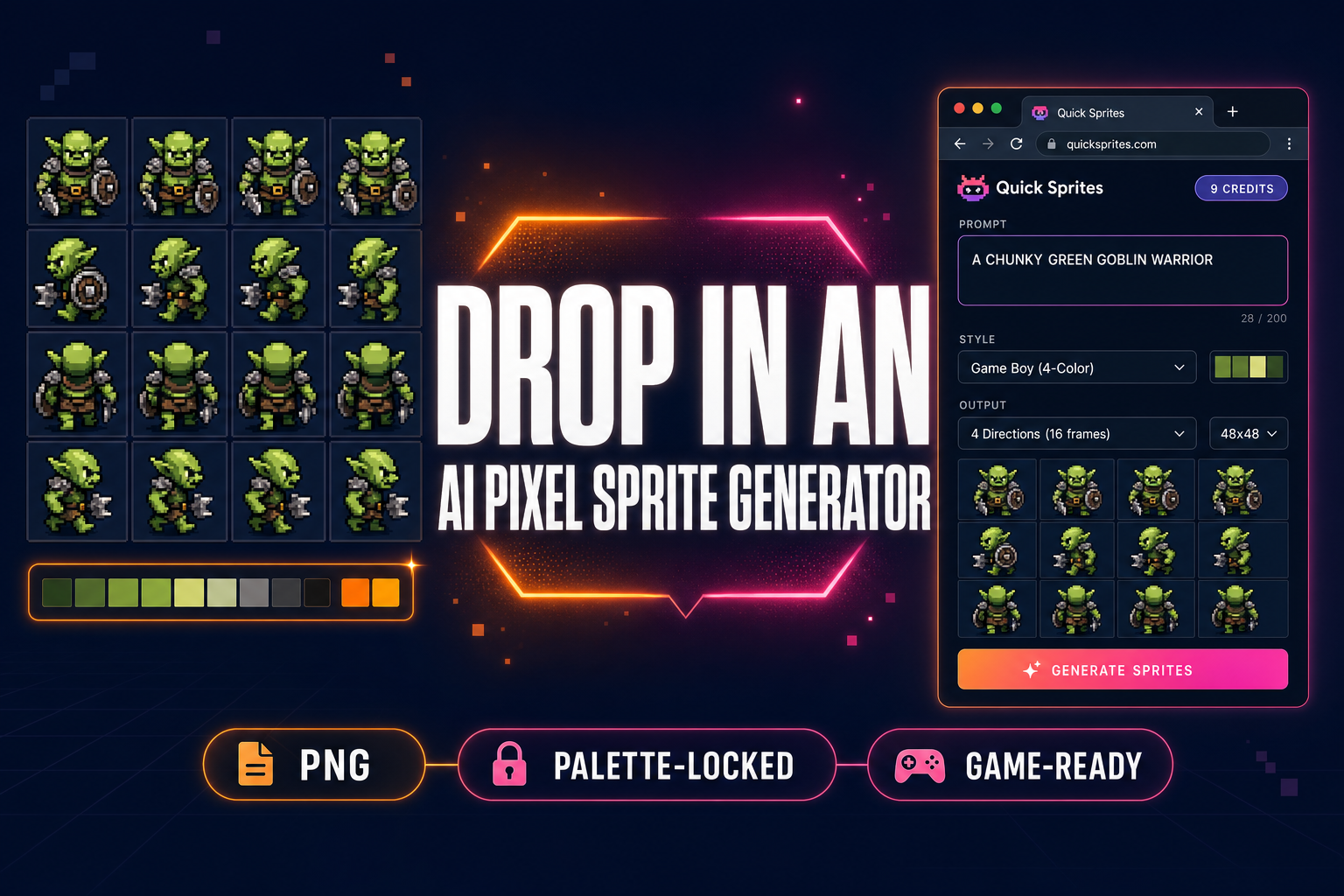
Drop In an AI Pixel Sprite Generator (No Aseprite)
An AI pixel sprite generator is the 2026 alternative to pushing pixels by hand in Aseprite. This guide walks the browser pipeline — prompt to four-direction walk cycle to palette-locked sprite sheet — using Quick Sprites + True Pixel. Verified May 22, 2026.
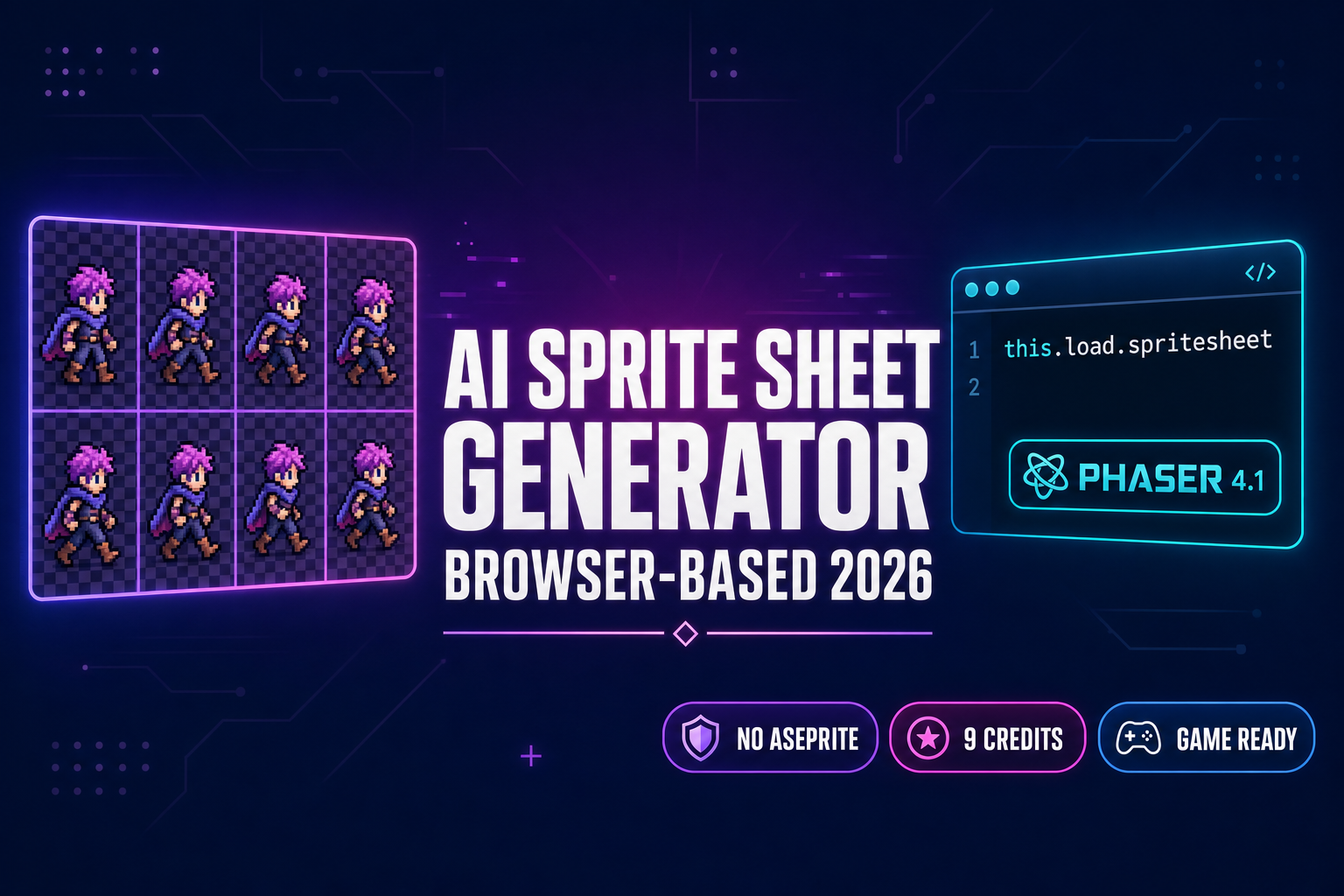
Spin Up an AI Sprite Sheet Generator (Browser-Based)
Five AI sprite sheet generators compared — OpenArt, PixelLab, CGDream, Komiko, SpriteLab — plus the Sorceress browser pipeline that runs Retro Diffusion rd-animation at 9 credits per pack and drops the atlas into Phaser 4. Verified May 20, 2026.
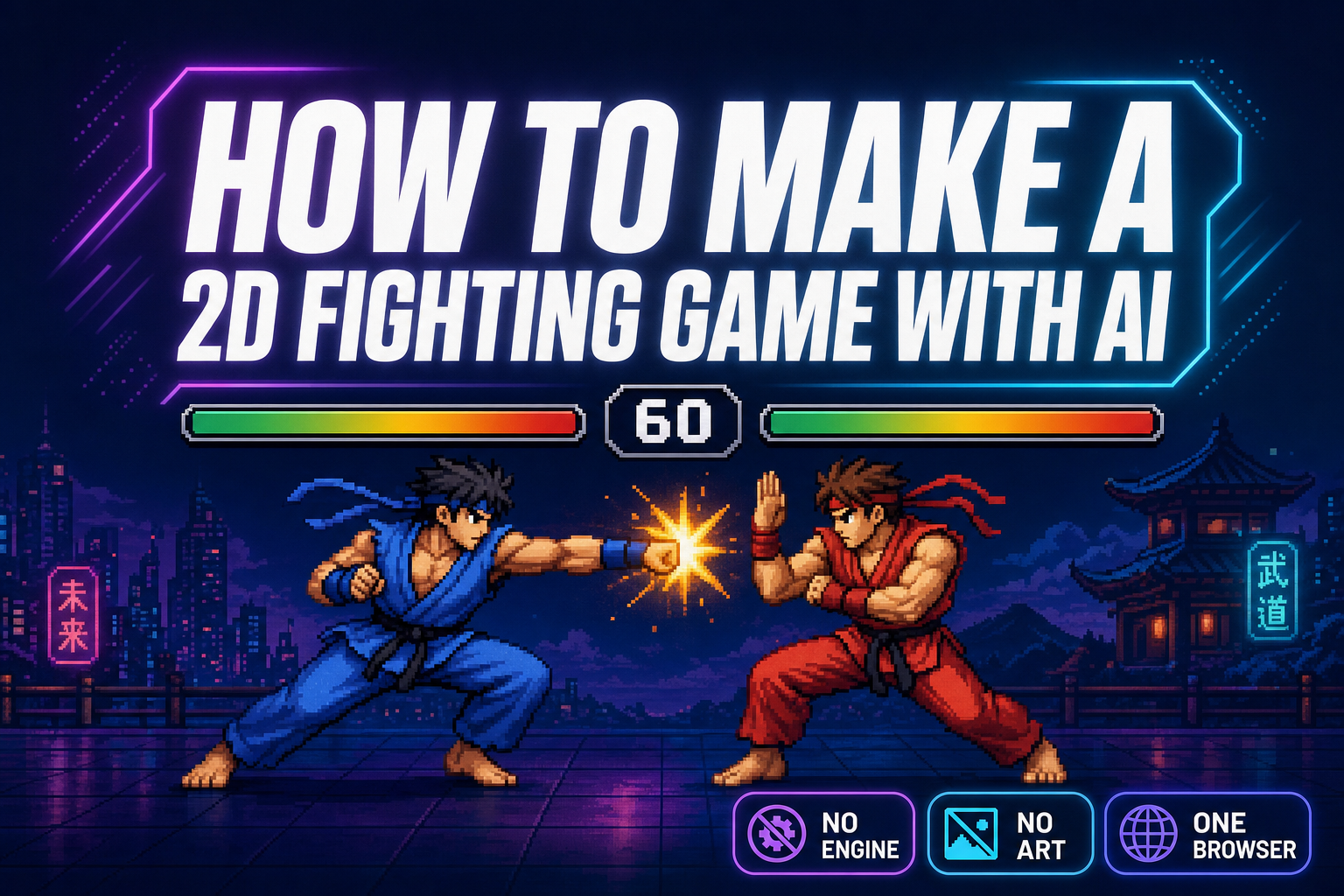
How to Make a 2D Fighting Game With AI in Your Browser
How to make a 2D fighting game with AI in your browser using WizardGenie + Quick Sprites + Phaser 4. AI writes the state machine; AI generates the frame strips. Verified May 18, 2026 against Phaser 4.1.0 and src/app/quick-sprites/page.tsx.
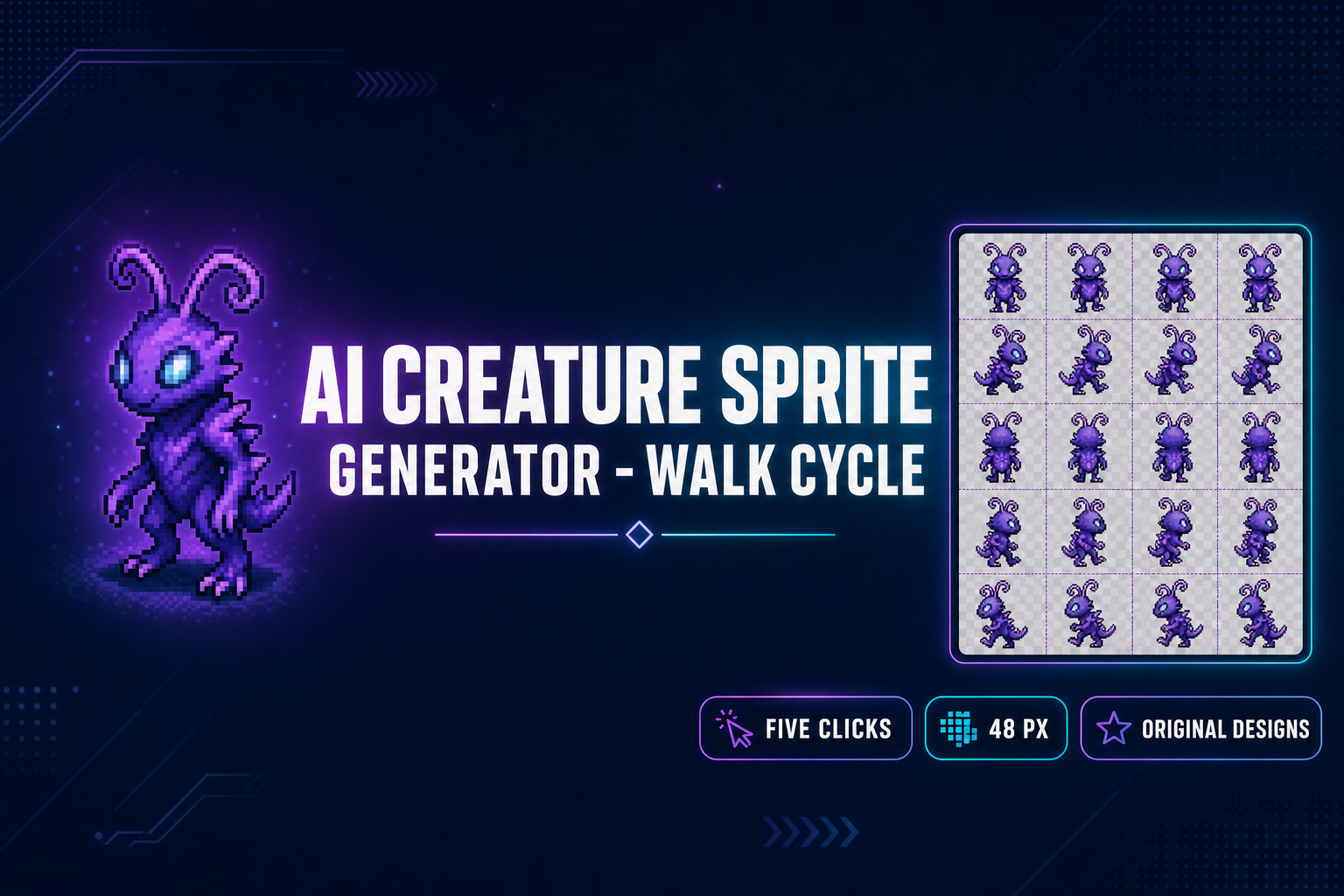
Use an AI Pokemon Sprite Generator (Walk Cycle in 5 Clicks)
An AI Pokemon sprite generator in five clicks. Sorceress Quick Sprites Four Angle Walking turns one prompt into a transparent 4-direction 48-pixel walk cycle, ready for Phaser, Godot, or RPG Maker. The prompt formula (era + type + contradiction) keeps the output on-style for fakemon and trainers.