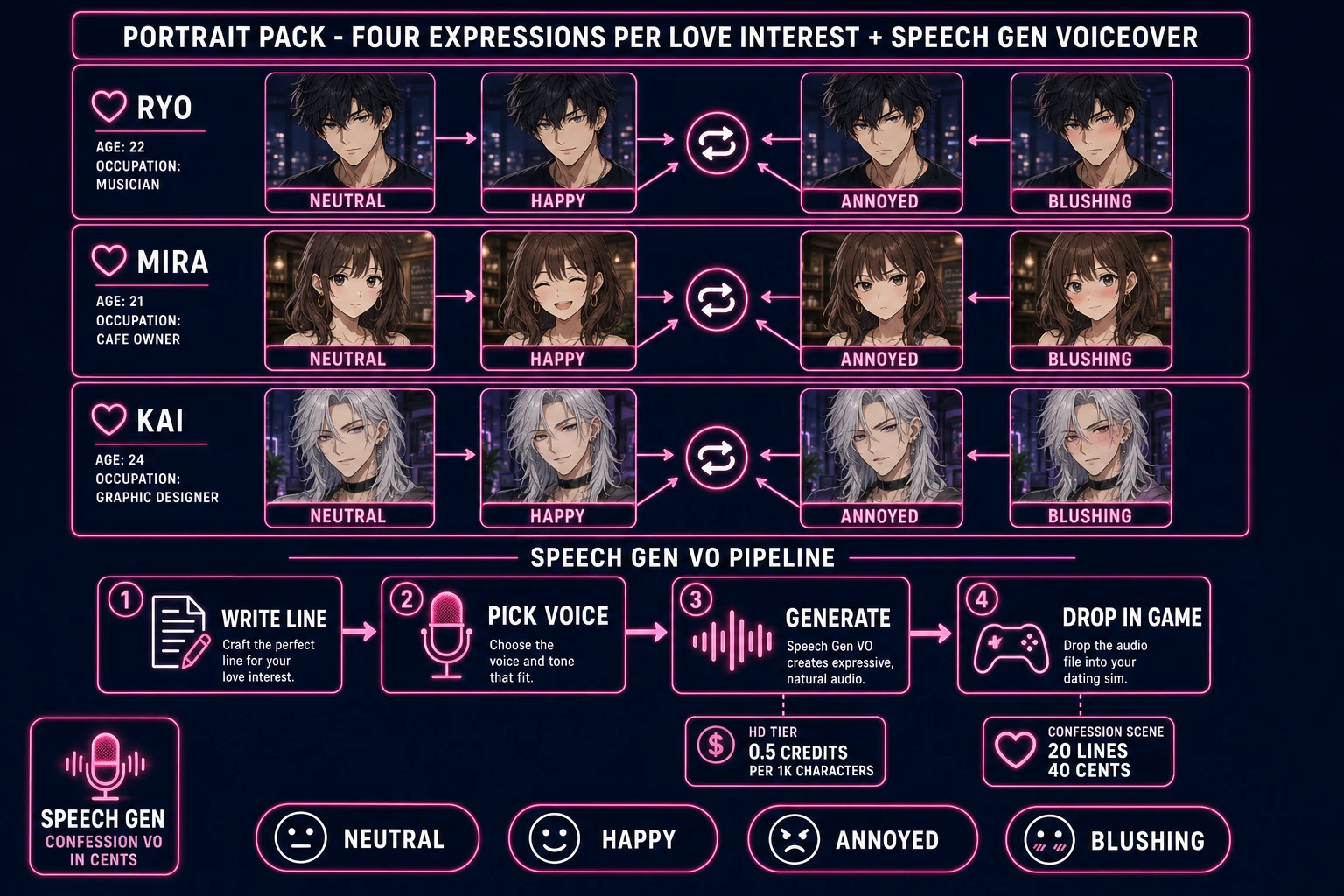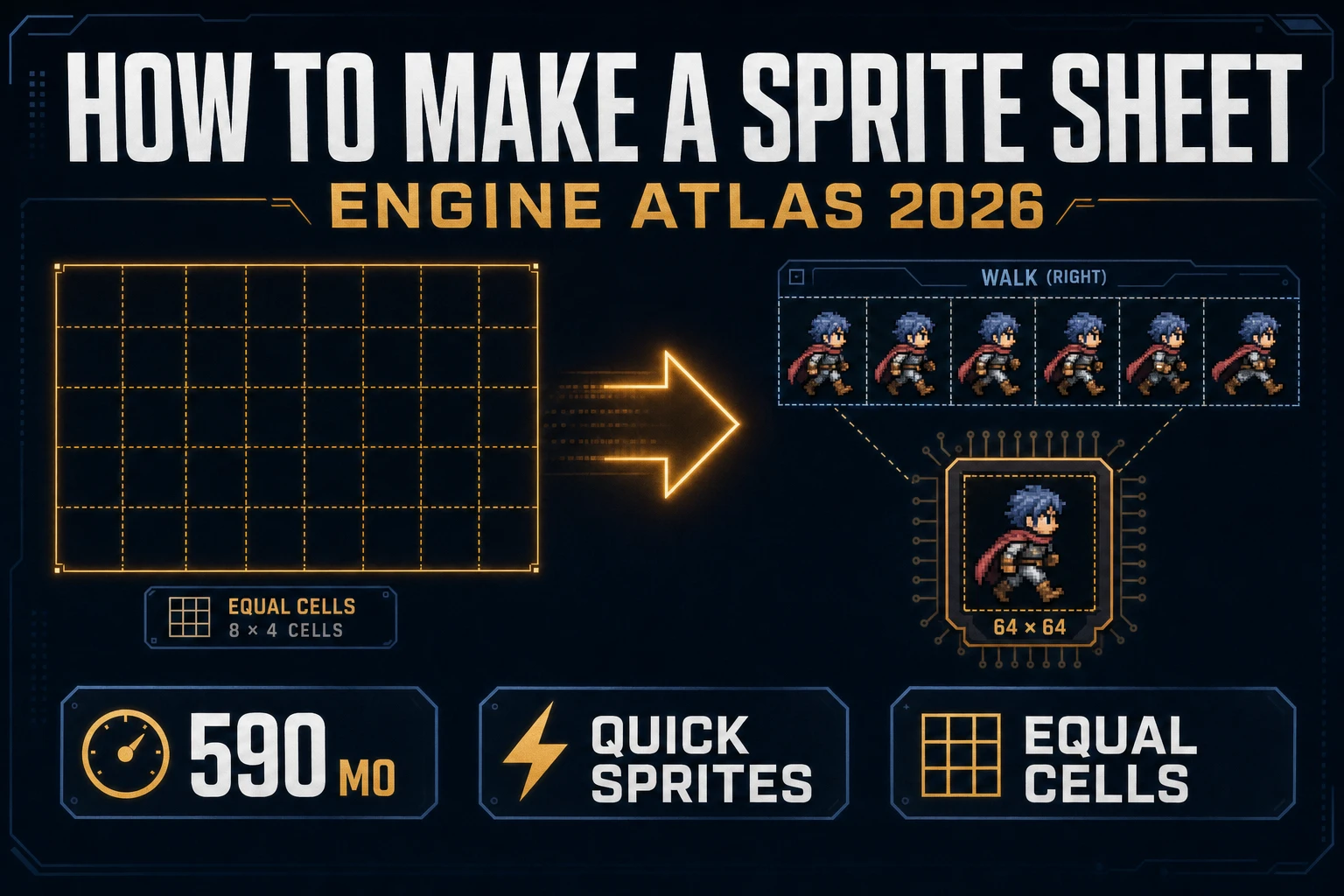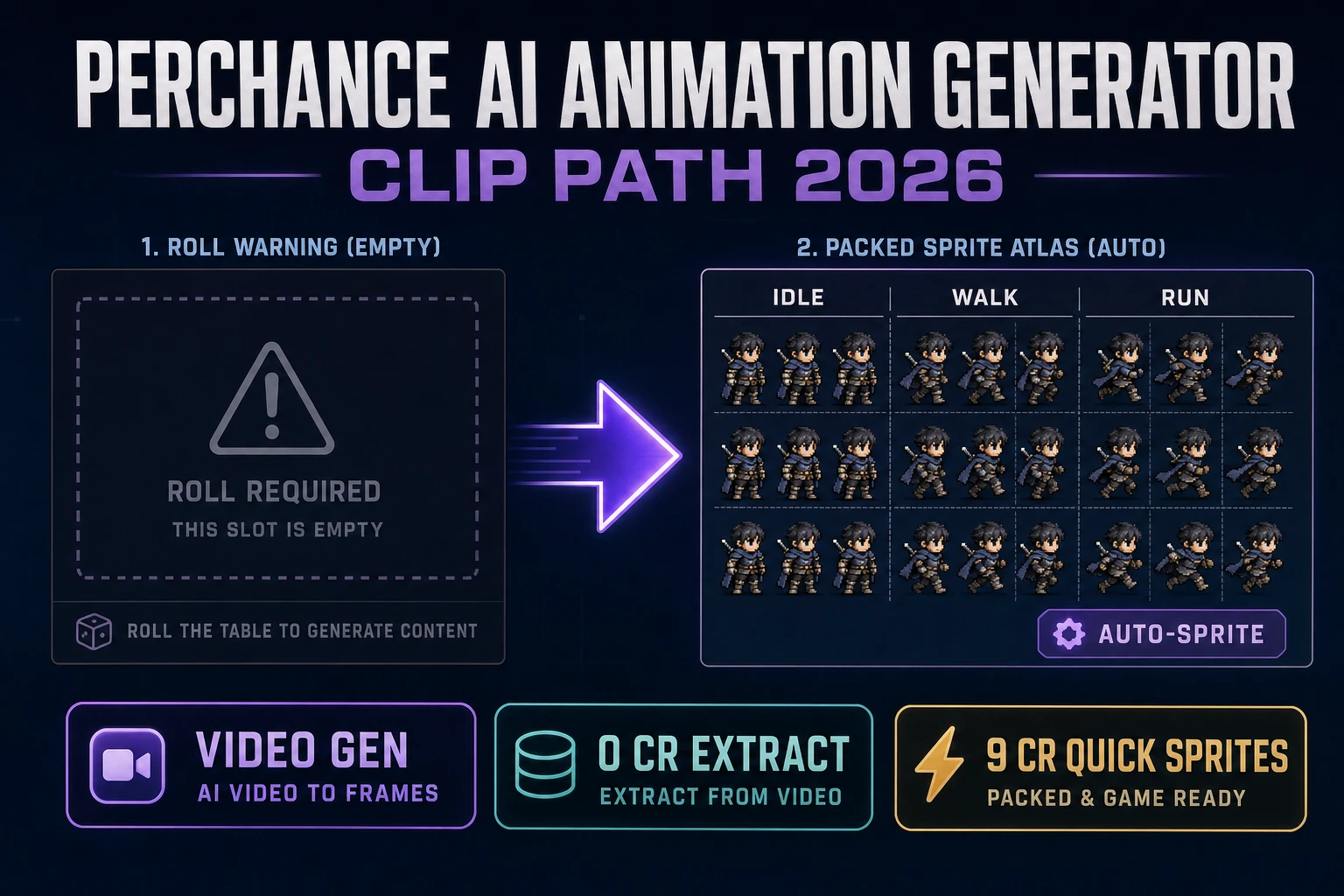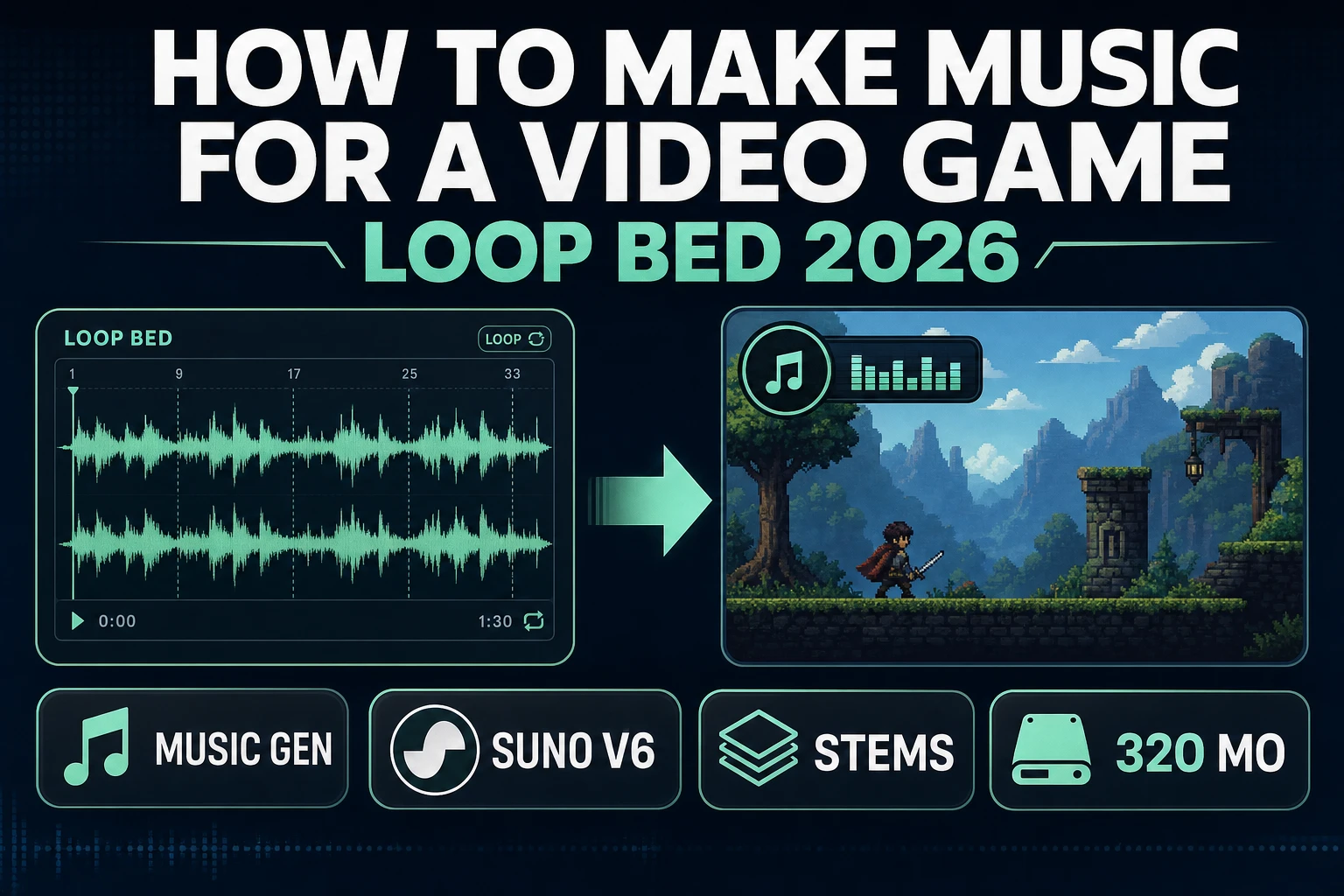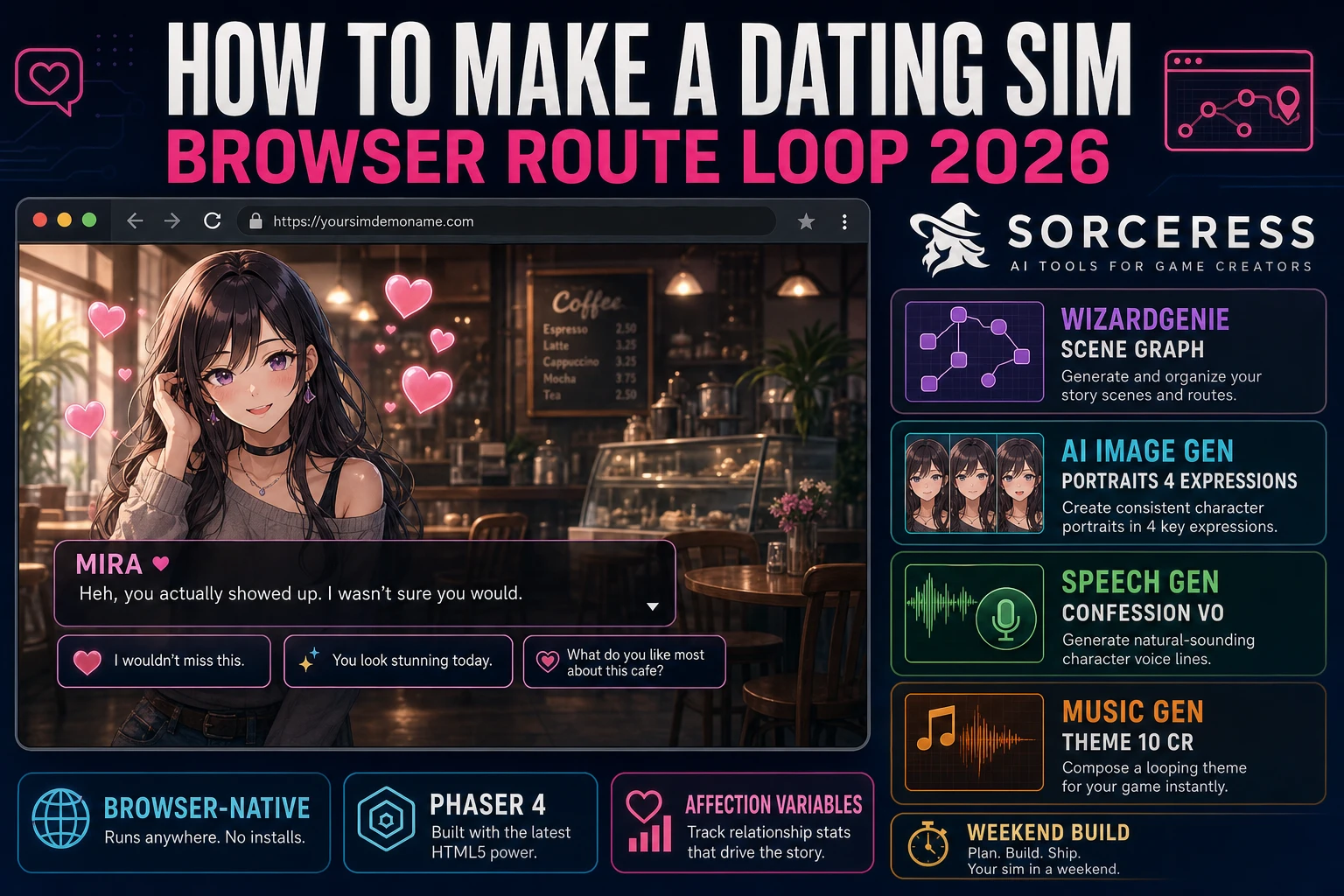
Konami shipped Tokimeki Memorial in 1994 (verified against en.wikipedia.org/wiki/Dating_sim on 2026-08-12), and every hobbyist who has tried to make one since has bounced off the same wall: writing five branching romance routes is a serious writing project, but the engine that runs them is genuinely small — a scene graph plus one integer per love interest plus a few threshold checks. Most first-time attempts at how to make a dating sim stall not because the code was hard, but because the writing scope collapsed under its own weight. The 2026 pipeline is very different: a coding agent scaffolds the scene-graph loop and the affection-and-threshold gates in one prompt, an image generator fills in the four-expression portrait set per love interest in twenty minutes, and a voice generator layers the confession scene in cents rather than dollars. That means WizardGenie to scaffold the scene graph and the affection variable model, Sorceress AI Image Gen for the character portraits and backgrounds, Speech Gen for voice acting on the confession and ending scenes, and Music Gen for the main theme and route-specific music. This guide is the honest end-to-end for how to make a dating sim in 2026.
What “how to make a dating sim” actually means in 2026
The query “how to make a dating sim” hides three very different requests. Some searchers want a bishoujo-style romance visual novel with three to five love interests, per-character routes, and a good / neutral / bad ending gate on each route (the Tokimeki Memorial and Amagami template). Some searchers want a lighter otome or single-love-interest romance with one main character and a smaller choice layer (the classic English-language indie template). And some searchers want a full life-sim hybrid with time-management, stat-training, and dating events layered on top (the Persona 5 spectrum). This guide targets the classic three-to-five-love-interest template first because it is the most searched shape of the genre, and because the mechanics (scene graph plus affection variables plus threshold gates) are exactly the same in every subgenre — a life-sim just adds a time-management shell around the same core.
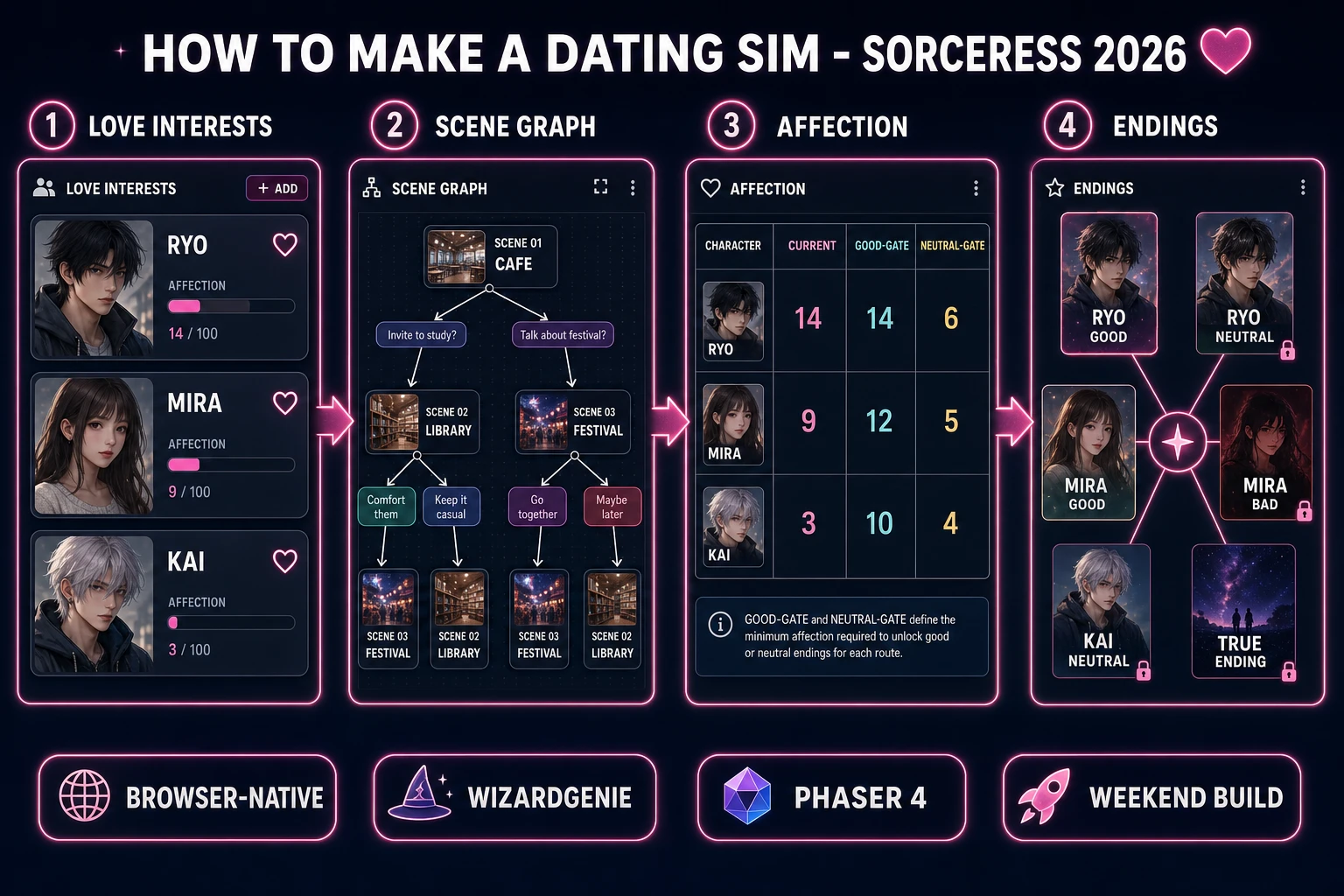
Four systems separate a dating sim from a plain visual novel. The love-interest roster is the frontage; three to five romanceable characters, each with a name, a portrait set, and a distinct personality template so choices feel weighted differently per character. The affection variable model is the balance sheet; every love interest gets one integer counter that mutates on player choices — usually by plus or minus one to three points, occasionally by larger swings on route-critical scenes. The scene graph is the story spine; every scene node has a list of choices, and every choice specifies which characters’ affection counters mutate and by how much, plus which scene comes next. The route-unlock gate is the payoff; each love interest has two threshold checks (a good-ending threshold and a neutral-ending threshold) that decide which ending scene the player sees on the final path. Get these four right and the game is a real dating sim on a first pass, even if the writing is only the first draft.
The dating sim game loop in one minute (scene, choice, mutate, branch)
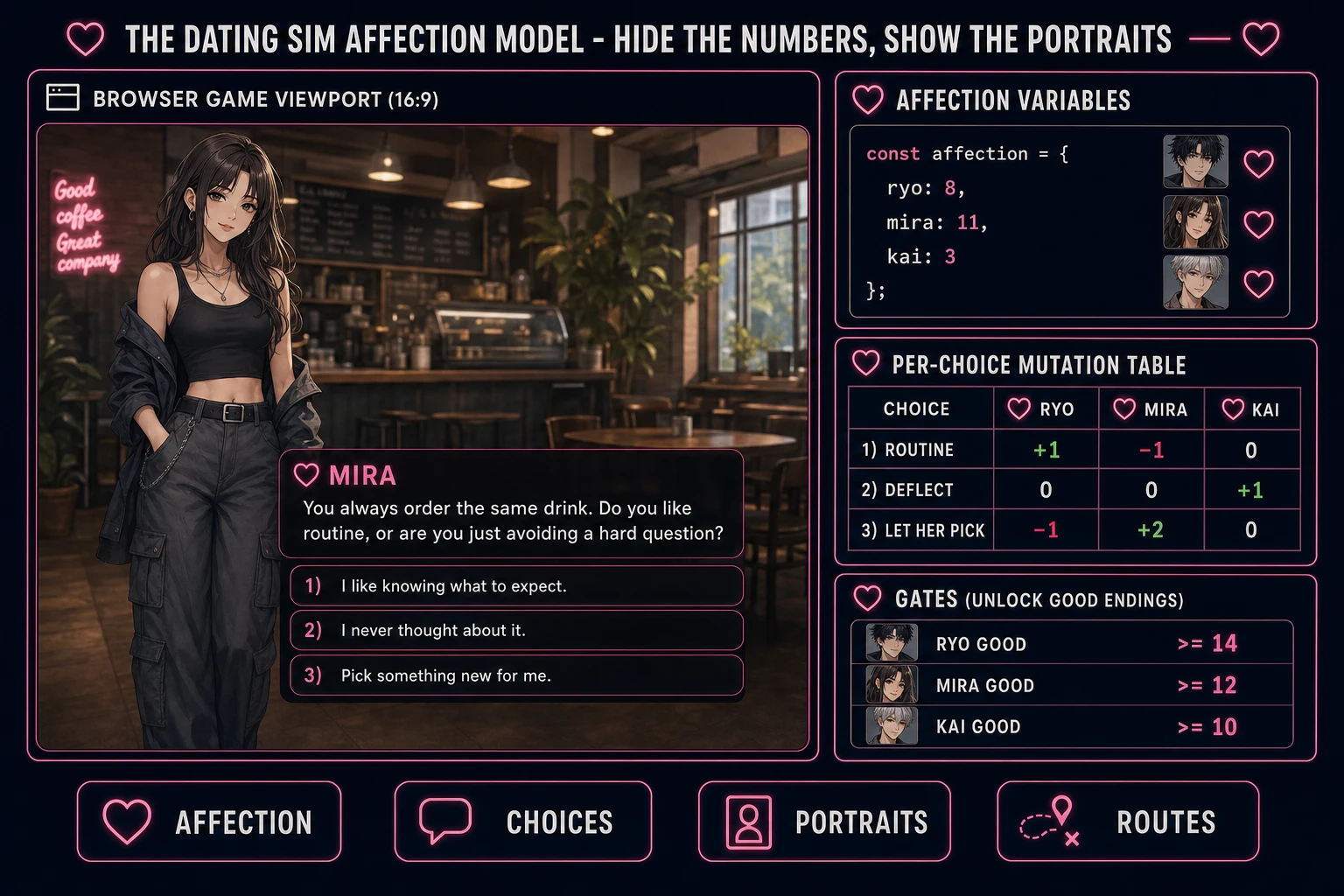
Four moving parts and nothing else, in a strict order per scene. First, render the current scene node: draw the background image for the location, layer the correct character sprites in the correct positions with the correct expression, and print the current line of dialogue in the textbox. Second, present the choice buttons for the current scene — usually two to four choices with short prompts that give the player a hint at the tone of the response rather than a walkthrough-style label. Third, on player click, apply the affection mutations that the chosen option specifies (each choice carries a small dictionary of character-name to delta pairs, so a single choice can nudge one character up and another down at the same time). Fourth, look up the next scene id from the choice’s target field and jump to it — and if the target is a special sentinel like ROUTE_GATE, run the threshold checks against the current affection values and pick the good, neutral, or bad ending scene per love interest before jumping.
That is the entire game. Four steps, driven by a click handler on each choice button, called once per scene rather than once per frame. There is no game loop in the arcade sense — the code sits idle waiting for the player to read and click. Everything else — the main-menu title screen, the character-select portrait grid, the confession-scene voice-over layer, the CG unlock gallery, the save slots via localStorage on the browser Window API, the ending credits — is polish layered on top of these four steps. If you keep the scene graph declarative (the scenes and choices are pure data, not code), you can hand the JSON file to a writing partner who does not code, iterate on the story in a spreadsheet, and re-run the game to test a new draft in seconds.
Pick your engine for how to make a dating sim: vanilla JS, Phaser 4, or WizardGenie
Three good browser targets in 2026, each with a very different trade-off. Vanilla HTML plus CSS plus a small JavaScript scene-graph interpreter is the right pick if you want to understand every line and keep the total build size under 100 KB (before assets). A working dating sim engine is roughly 400 lines of JavaScript: the scene loader (parse the JSON, render background plus portraits plus textbox), the choice handler (mutate affection, look up next scene id), the save system (serialize scene id plus affection plus flags to localStorage), and the ending resolver (run threshold checks and jump to the ending scene). You render layered images with plain <img> tags in absolute-positioned divs, style the textbox with CSS, and handle clicks with a single event listener. Everything is under your control, which matters for a game where the writing is the star and the engine should be invisible.
Phaser 4.2.1 “Giedi” (released 9 July 2026, verified against phaser.io/download/stable on 2026-08-12) is the honest default if you plan to layer any animation on top of the base VN spine — wobbling character sprites on emotional beats, background parallax, cinematic camera zooms, or a Persona-style menu with animated transitions. Phaser ships Scene management, an asset loader, tween animations, and audio playback in one file, roughly 900 KB minified. Its Scene class maps naturally to the dating-sim concept of a scene node, and the tween system makes character portrait swaps feel alive (a small vertical bounce plus a fade is the difference between static and expressive). If you know you want animation from day one, start with Phaser; if you want minimum bytes and maximum control, stay in vanilla.
Ren’Py 8.5.3 “We Can Go to the Moon” (released 15 May 2026, verified against renpy.org/latest.html on 2026-08-12) is the industry standard for VN and dating sim development, and it does have a browser export target through the Renpyweb component. It is a strong pick for a full-length 30-plus-hour multi-route project with Live2D animated portraits and voiced dialogue on every line, because it has a battle-tested script language purpose-built for the genre. For a first browser dating sim in a weekend, it is heavier than what you need: the script language is its own thing to learn and the Python-based build system asks for a separate SDK install. Start browser-native; graduate to Ren’Py when the project outgrows the weekend scope.
WizardGenie is not a separate rendering engine — it scaffolds whichever of the above you pick, from a single natural-language prompt. WizardGenie is the Sorceress game-native coding agent. It ships as both a Windows desktop app (installer with auto-update, available to Early Access supporters and above) and a no-install web build at the same URL, and its coding-model lineup (verified 2026-08-12 in src/app/_home-v2/_data/tools.ts) covers Claude Opus 4.7, Claude Sonnet 4.6, GPT-5.5, Gemini 3.1 Pro, DeepSeek V4 Pro, Kimi K2.5, Grok 4.2, and MiniMax M2.7. For a dating sim with a three-character roster and roughly forty scene nodes, any of the frontier models scaffolds the entire scene-graph interpreter plus the affection variable model plus the localStorage save system in one prompt. If you want to run cheap on a longer session, pair a frontier planner (Claude Opus 4.7 or GPT-5.5) with a budget executor (DeepSeek V4 Pro or Kimi K2.5) — the planner writes the scene JSON schema and the ending threshold table, the executor types the code. That pairing runs at roughly one-fifth the cost of a single-frontier session.