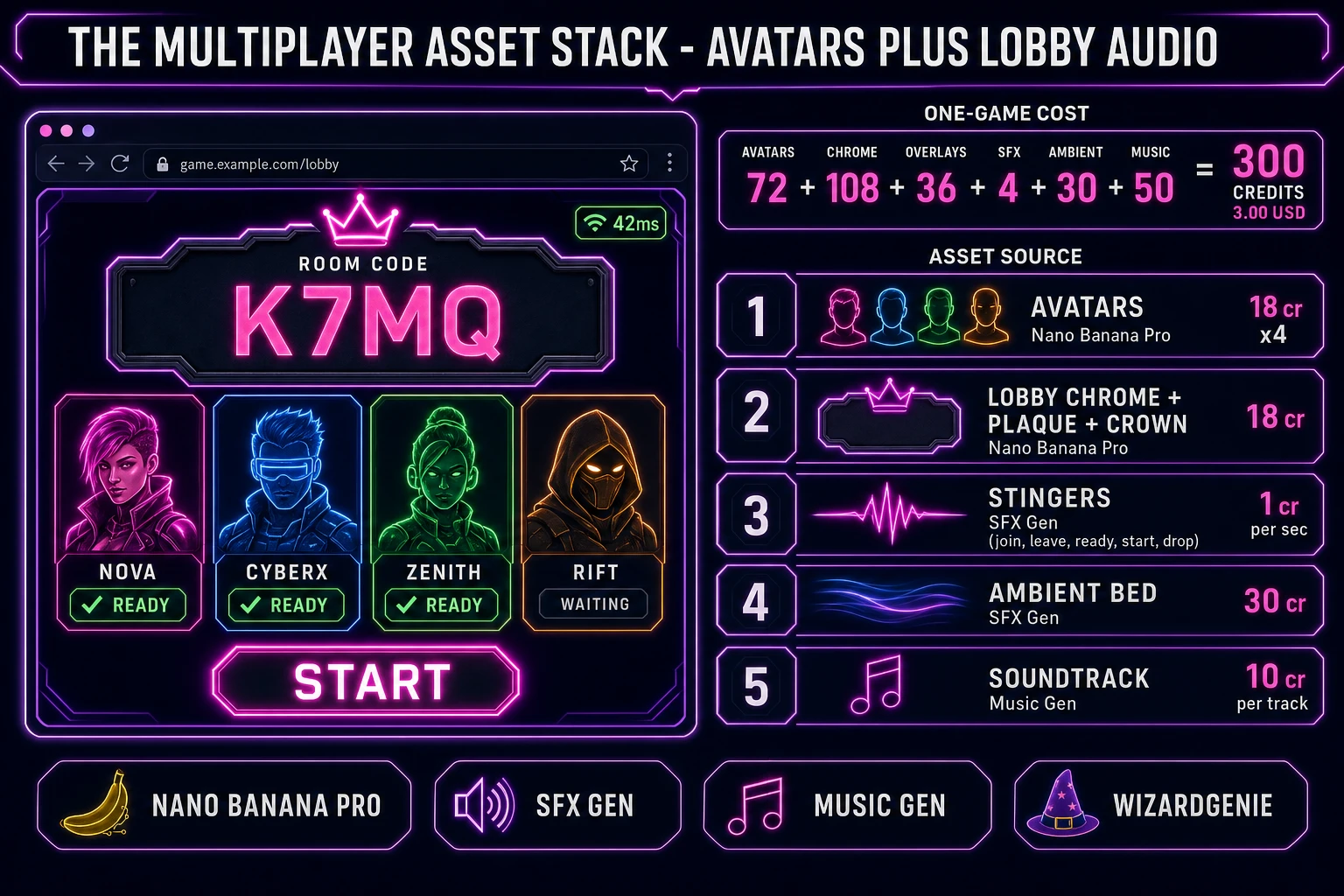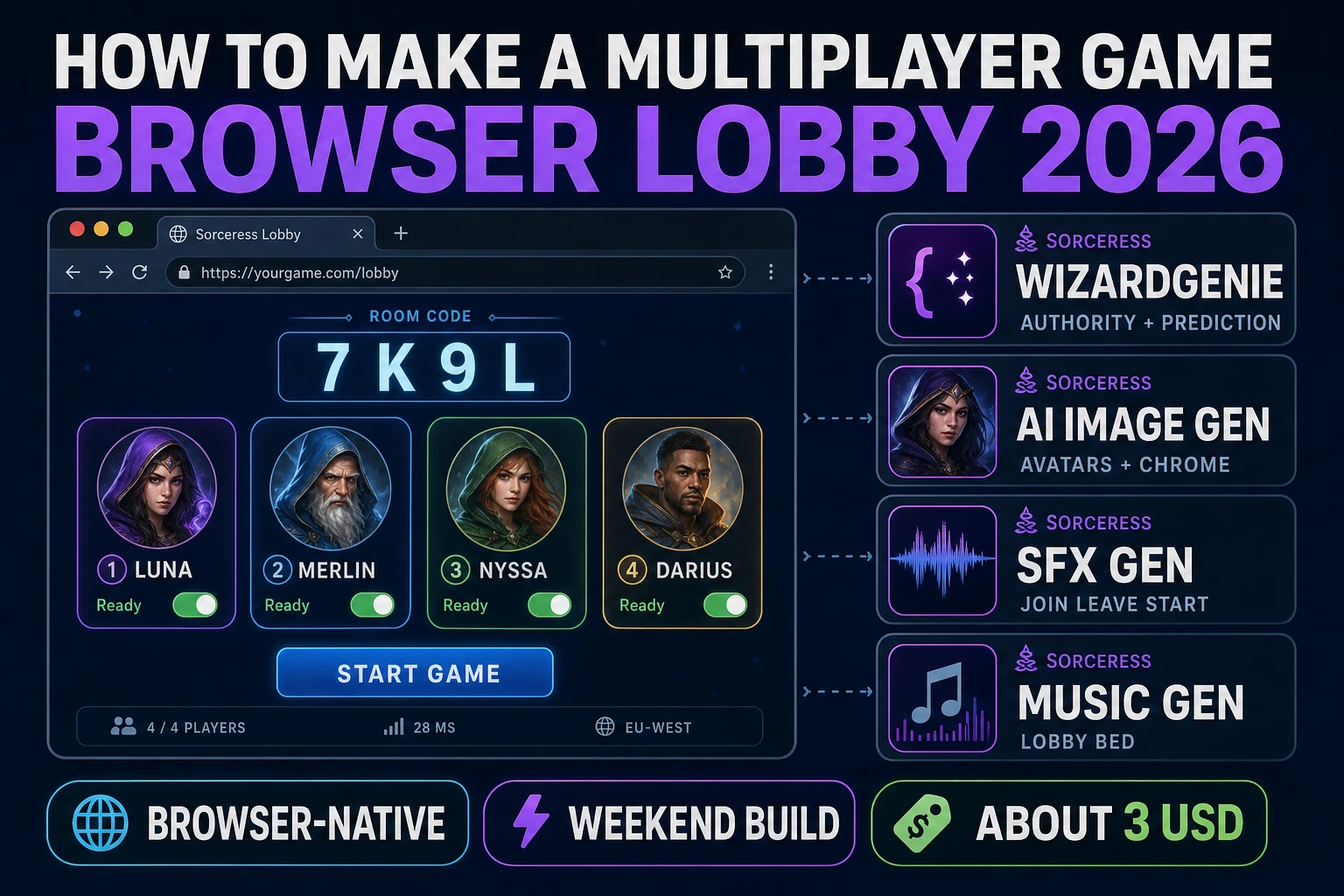
How to make a multiplayer game is the query that hides three different products. One is a same-keyboard hot-seat: two people share WASD and arrows, no network, a Saturday ship. The second is a four-player browser lobby with a room code, a host start button, and a tiny relay so phones on different Wi-Fi can share one match. The third is a persistent online world with matchmaking and a billed cluster, which is a product company, not a weekend tutorial. Almost every searcher who types how to make a multiplayer game wants the second product and accidentally reads a guide for the third. The 2026 browser path is different. A coding agent scaffolds the lobby, the tick, and the authority from one prompt, and AI generation covers avatars and join audio. In a browser that means WizardGenie for the loop, Sorceress AI Image Gen for lobby chrome and player portraits, SFX Gen for join, leave, and start stings, and Music Gen for a waiting-room bed. That is the weekend path for how to make a multiplayer game without pretending an MMO is free.
What how to make a multiplayer game actually means in 2026
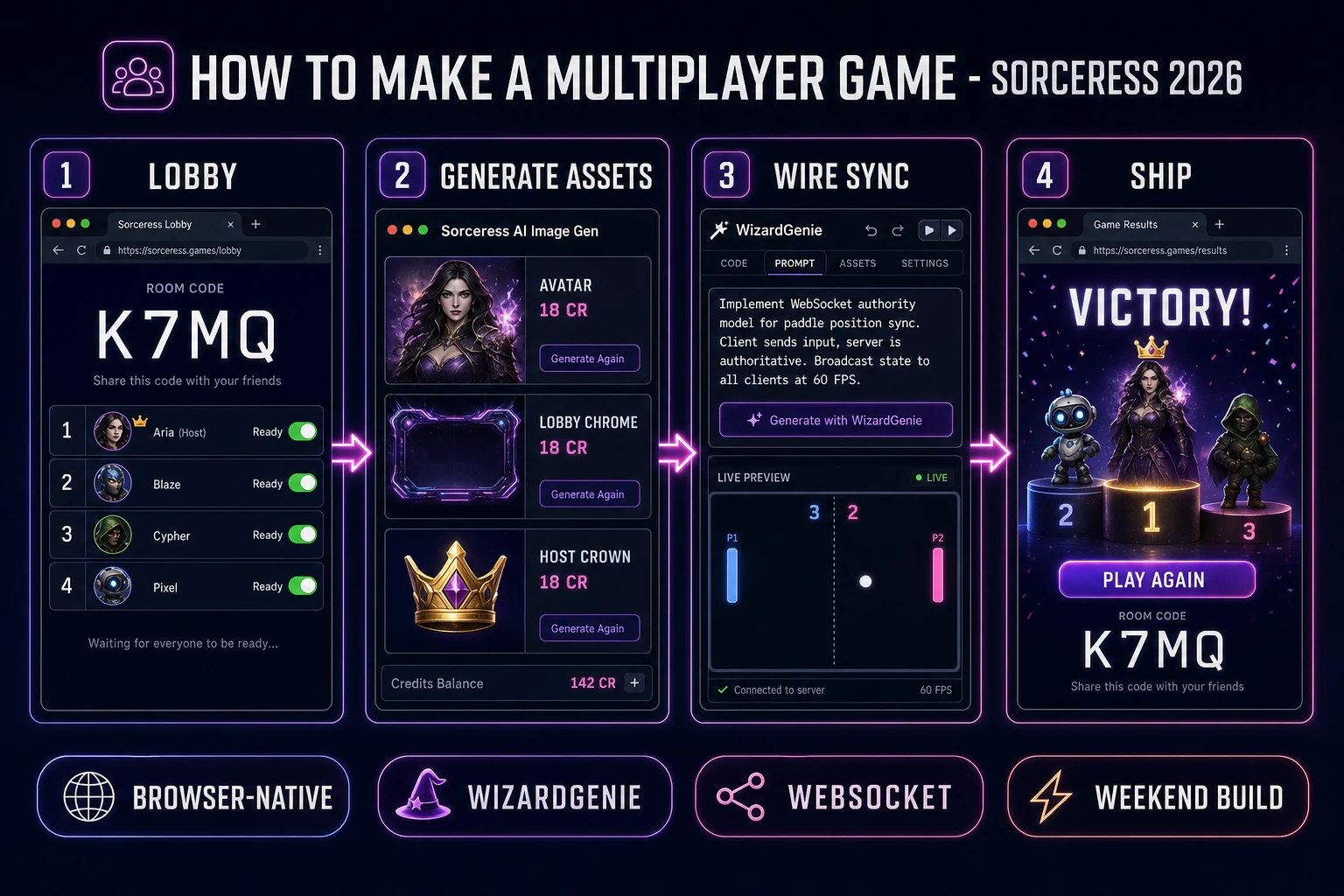
The query “how to make a multiplayer game” hides three intents, and picking the wrong one burns the weekend. Some searchers want couch play: two paddles, two keyboards, or a hot-seat where players take turns on one machine. That is local multiplayer as documented on the multiplayer video game Wikipedia page, the same lineage that runs from 1962’s Spacewar! through 1972’s Pong and 1993’s Doom on a LAN. A second intent is a live online lobby: one host creates a four-character room code, friends type it in, slots fill, everyone hits Ready, the host starts, and a shared clock drives the match. That needs a network path (WebSocket to a relay, or a WebRTC data channel between peers) and an authority that decides who hit whom. The third intent is a massively multiplayer world with accounts and shards. That is not a first project. This guide targets the second intent, with the first as the on-ramp: ship hot-seat so the game loop is real, then add the lobby so the same loop speaks to a remote peer.
The presentation contract is small and strict. A title screen shows the game name, a Create Room button, a Join Room field, and a player-count picker (2 or 4). The lobby screen shows a four-character code in a huge monospace glyph, two to four named slots with Ready toggles, a host crown on slot 0, and a Start button that stays disabled until every occupied slot is ready. The play screen shows each player’s avatar, a shared score, a tiny ping badge per remote peer, and a Disconnect overlay if the host drops. On match end, a results card lists placements and a Rematch button that returns everyone to the same lobby. That “gather, then play” shape is why a browser lobby renders cleanly: it is a slot table plus a shared tick.
The multiplayer loop in one minute (input, send, reconcile, render)
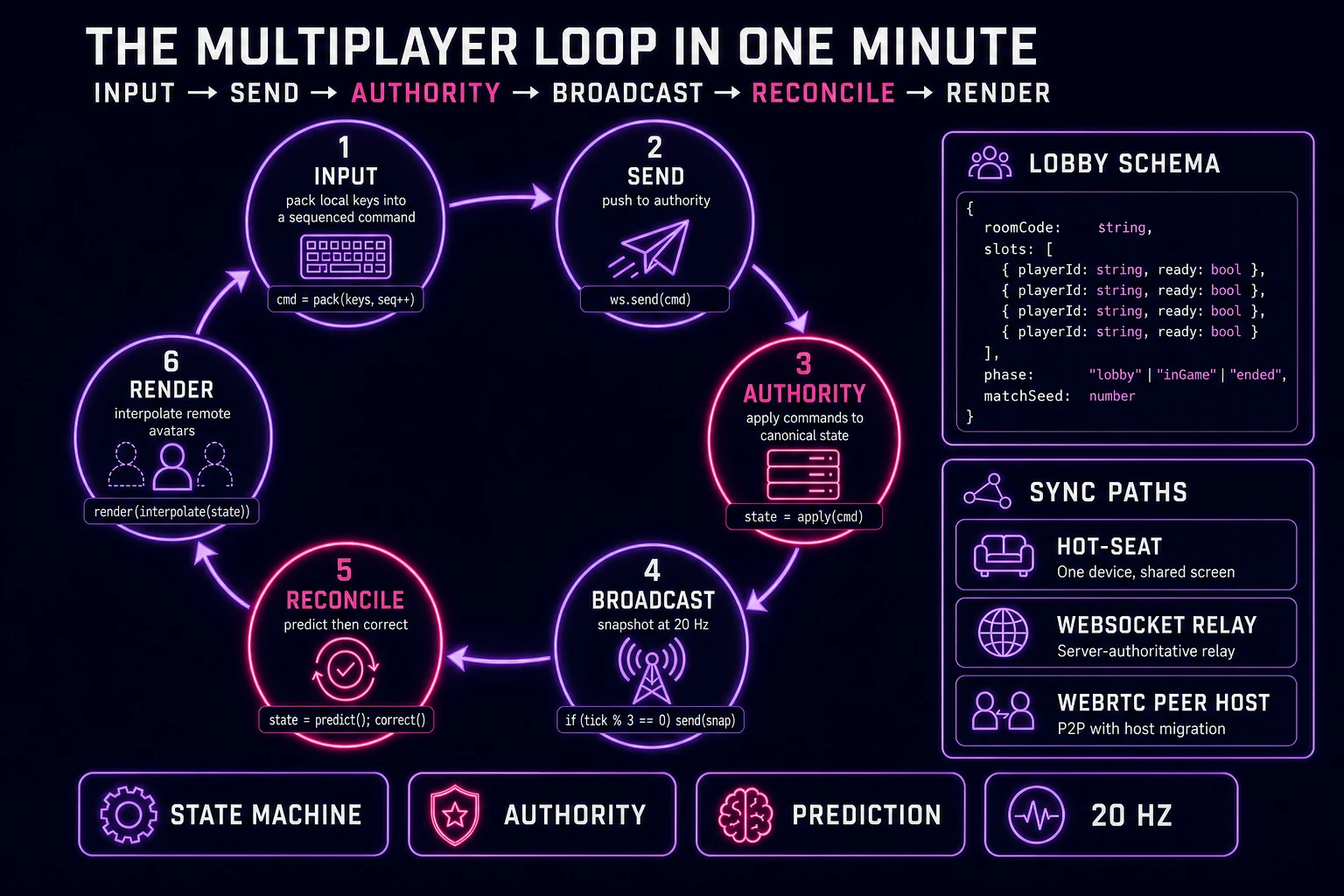
Six moving parts and nothing else, in strict order per tick. First, input — read local keys or pointer, pack them into a small command (move vector, fire flag, ready flag) with a monotonically increasing sequence number. Second, send — push that command to the authority. On hot-seat the authority is the same process. On a WebSocket lobby it is the host or a tiny relay. Third, authority — apply every command against one canonical state: positions, scores, timers, who occupies which slot. Never let a client decide “I scored.” Fourth, broadcast — send a compact snapshot (or a delta) to every connected peer at a fixed rate, typically 20 ticks per second for a casual lobby game. Fifth, reconcile — the local client predicts its own motion so the keyboard feels instant, then corrects when the snapshot disagrees. Sixth, render — interpolate remote avatars between the last two snapshots so they do not stutter. Jumping a client-side “I won” without authority verification is how you invent the classic “I hit you on my screen” argument.
Autosave the last room code, display name, and preferred slot color to localStorage under a key like multi.prefs. Do not persist the live match: a reconnect should rejoin the lobby, not ghost a mid-tick corpse. That is the entire game. Six steps, executed per tick, driven by a plain JavaScript state machine plus one network socket. Everything else — interpolation curves, lag compensation, a “host migrated” banner — is polish. Keep the core loop tight, ship one full hot-seat round end-to-end, and only then open a socket.
Pick your sync path for how to make a multiplayer game: local hot-seat, WebSocket, or peer host
Three good browser targets in 2026, each with a different trade-off. Local hot-seat or split input is the honest default and the pick this guide recommends you ship first. Two players on one machine: WASD versus arrow keys, or take-turns on a shared pointer. No server, no NAT, no “why is my friend stuck on Connecting.” Total code footprint for a working two-player arena is under 500 lines and ships as a single static HTML file. The Web Storage API handles display-name and color prefs. No engine to install, no build step, deploys to GitHub Pages, Netlify, or Vercel with a drag-and-drop. If the question is still how to make a multiplayer game and you have never shipped one, stop here until two humans can finish a round on one laptop.
WebSocket to a small relay becomes the right pick the moment two browsers on two machines need a shared clock. The WebSocket API is Baseline widely available since July 2015 (verified 2026-08-18 on MDN). The client opens new WebSocket(url), sends JSON or binary frames, and listens for message. The authority lives on the server: it owns room codes, slot lists, and the tick. A first relay can be a single Node process on a cheap VPS, a Cloudflare Worker with a Durable Object per room, or a Fly.io machine. The important rule is not the host brand. The important rule is that clients never mutate canonical state. They send intents. The relay applies them. That is how you how to make a multiplayer game that does not desync the first time someone has 180 ms of ping.
Peer host over WebRTC data channels is the third path: one player’s browser is the authority, everyone else connects to it, and a tiny signaling server only helps the handshake. The RTCDataChannel interface is Baseline widely available since January 2020 (verified 2026-08-18 on MDN) and is intentionally similar to WebSocket’s send/message model. The WebRTC API will still need STUN (and sometimes TURN) so two phones behind nasty NATs can find each other. Use peer host when you want zero match-time server cost and you can tolerate “if the host leaves, the match ends.” Do not use it as your first network. Signaling plus ICE plus host migration is a second weekend, not a first afternoon.
Phaser v4.2.1 “Giedi” (released 9 July 2026, verified 2026-08-18 on the official download page) becomes the right rendering pick if you want interpolated sprites and a Scene lifecycle that maps onto title-lobby-play-results. Phaser is a JavaScript library you include, not a desktop install. For a first lobby it is optional weight. Use a DOM lobby plus a canvas arena when the product is a correct tick and a correct room code.
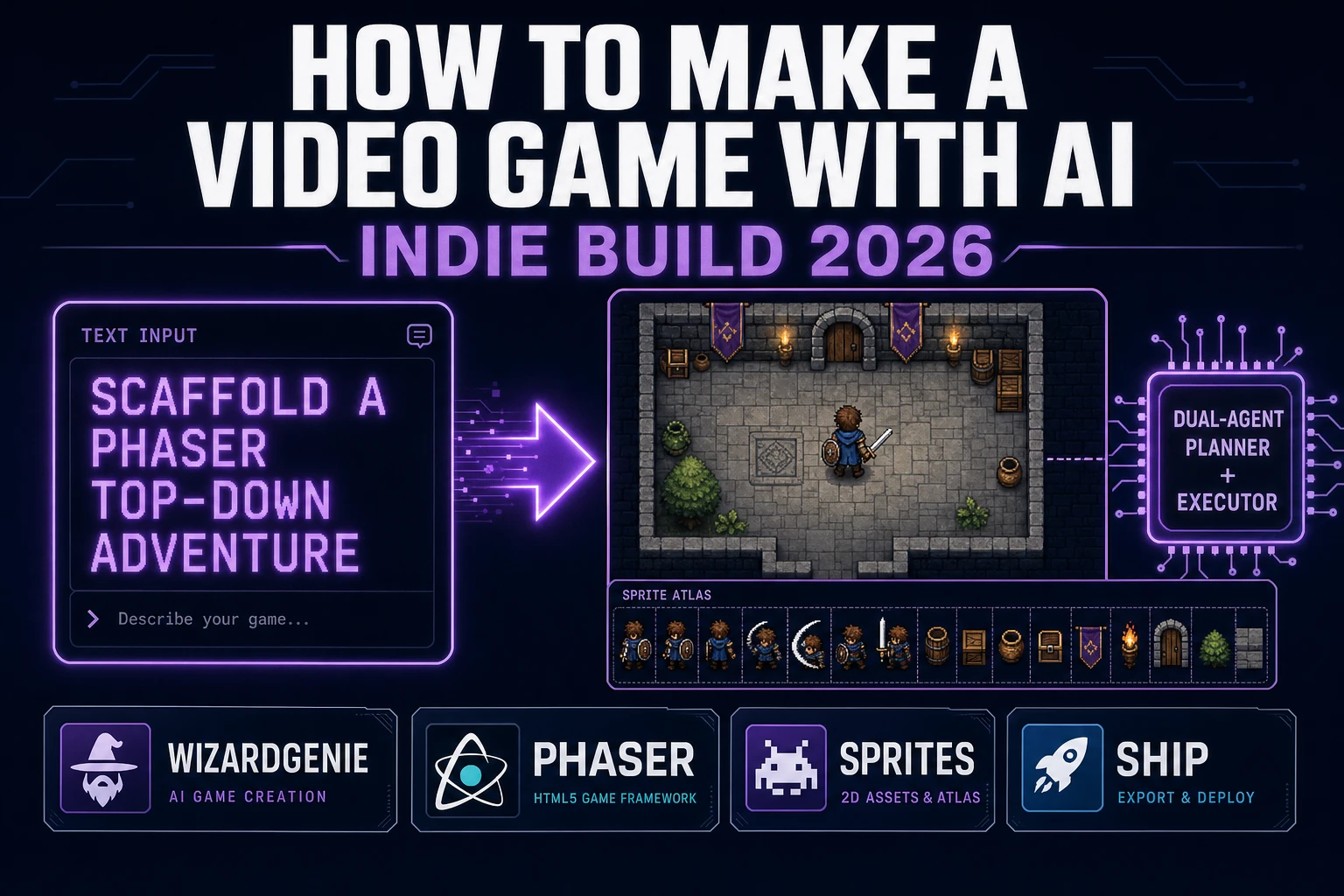
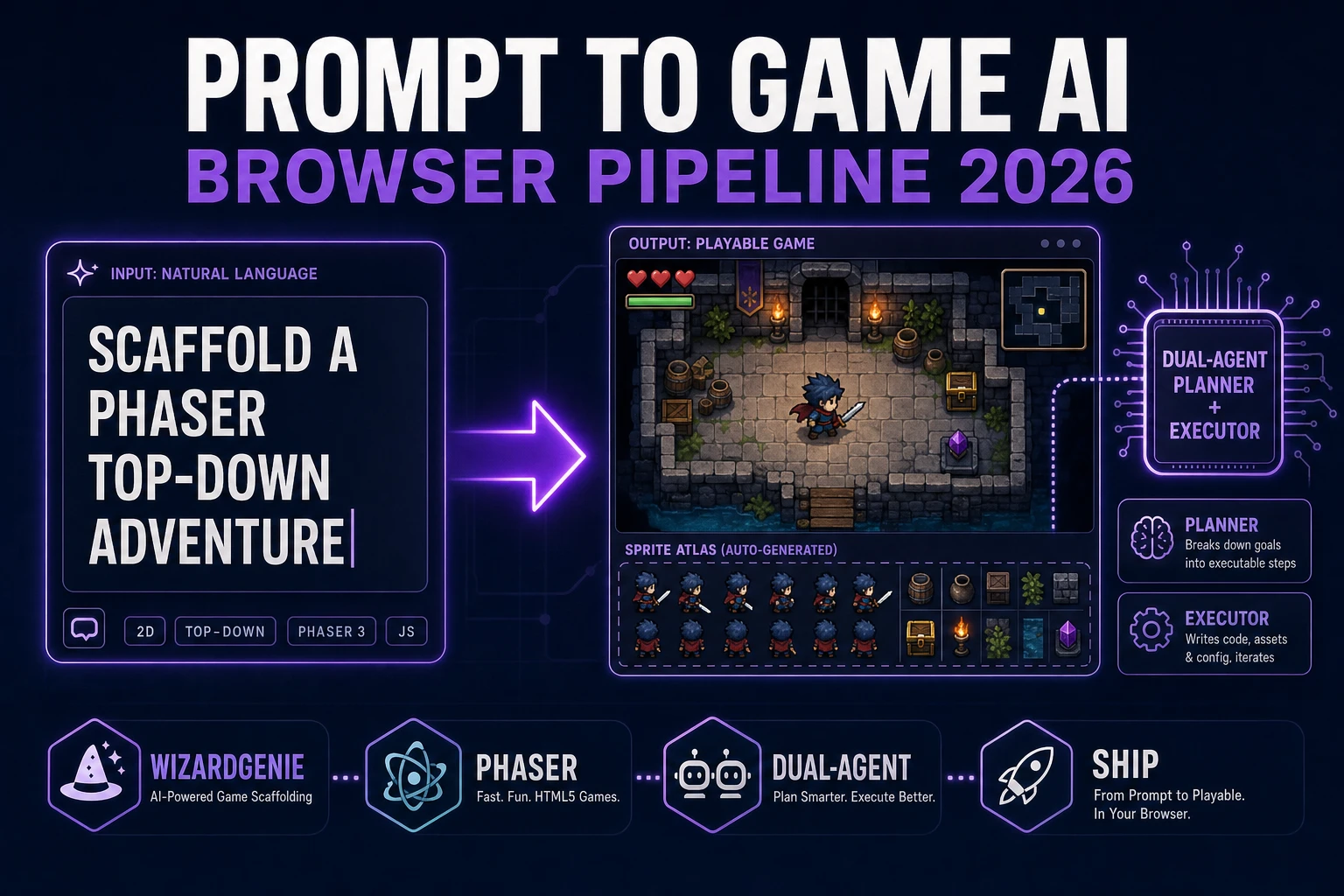
WizardGenie is not a separate rendering engine. It scaffolds whichever of the three sync paths you pick, from a single natural-language prompt. WizardGenie is the Sorceress game-native coding agent. It ships as both a desktop app (Windows installer with auto-update, available to Early Access supporters and above) and a no-install web build at the same URL. Its coding-model lineup covers Claude Opus 4.7, Claude Sonnet 4.6, GPT-5.5, Gemini 3.1 Pro, DeepSeek V4 Pro, Kimi K2.5, Grok 4.2, and MiniMax M2.7 (verified 2026-08-18 in src/app/_home-v2/_data/tools.ts). For a first how to make a multiplayer game session, any frontier model can plan the lobby schema. If you want to run cheap, pair a frontier planner (Claude Opus 4.7 or GPT-5.5) with a budget executor (DeepSeek V4 Pro, Kimi K2.5, or MiniMax M2.7) and let the executor do the typing. Never put Opus, GPT-5.5, Gemini 3.1 Pro, or Sonnet on the executor side. The Dual-agent planner-and-executor pattern is why WizardGenie exists, and it lands most projects at roughly one-fifth the single-frontier cost.