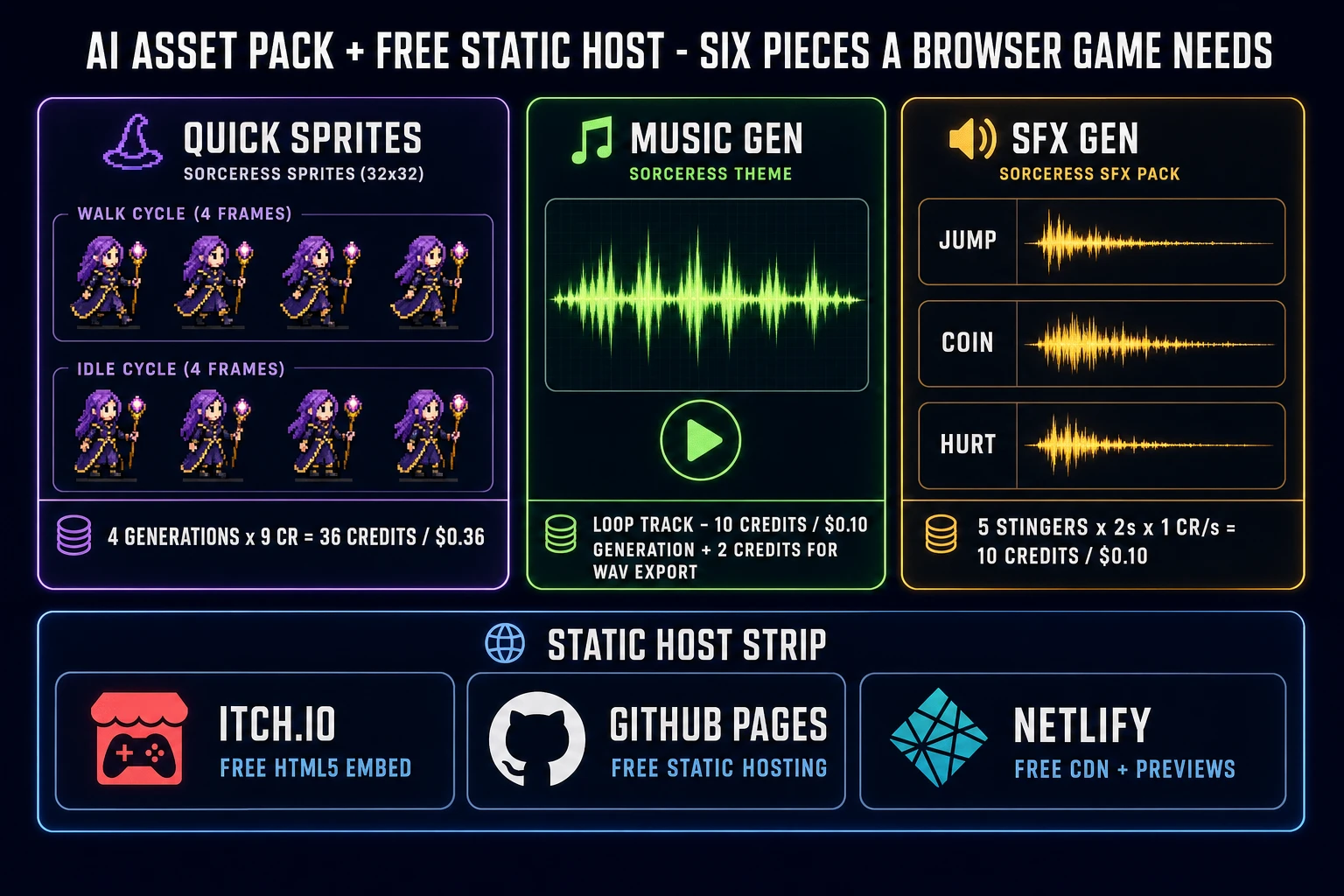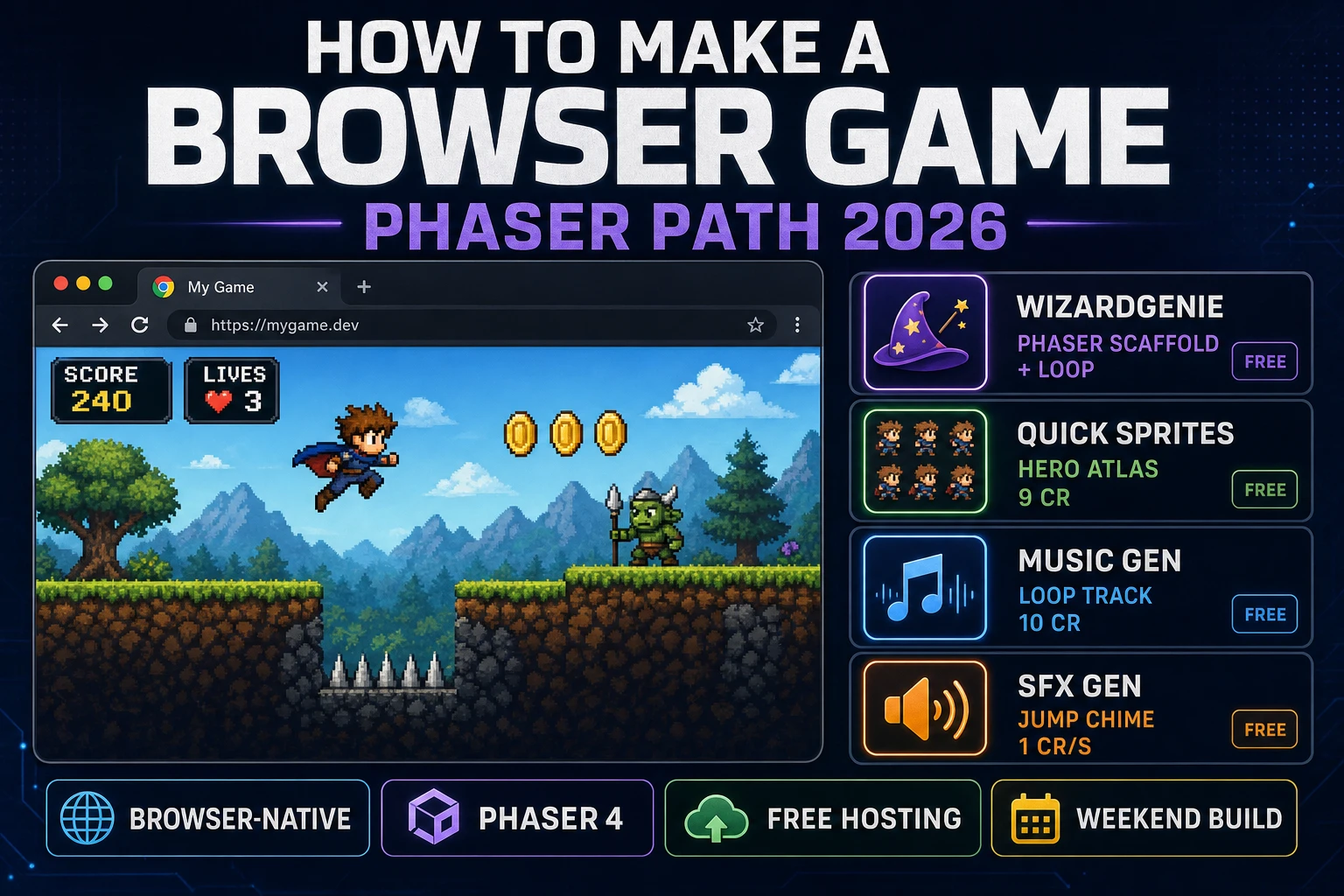
Browser games have shipped continuously since Earth 2025 opened in 1995 (per en.wikipedia.org/wiki/Browser_game verified 2026-08-16), and every question of the form “how to make a browser game” still comes back to the same four moving parts thirty-one years later: a static index.html that boots a canvas, a game loop that runs once per animation frame, an asset pack that fills the canvas with something worth watching, and a static host that serves the whole bundle at a URL a player can share. The 2026 stack has not changed those primitives, but everything above them — the sprite atlas, the loop-ready music, the punchy SFX, and the code that wires the loop — is now a one-prompt problem instead of a one-month problem. That means WizardGenie to scaffold the Phaser 4 game loop or the vanilla-canvas one, AI Image Gen for the hero sprite and background, Music Gen for the loopable soundtrack, and SFX Gen for the jump, coin, and hit stingers that separate a coding demo from a game. This guide is the honest end-to-end for how to make a browser game that ships in a browser tab in a weekend in 2026, under two dollars in Sorceress credits.
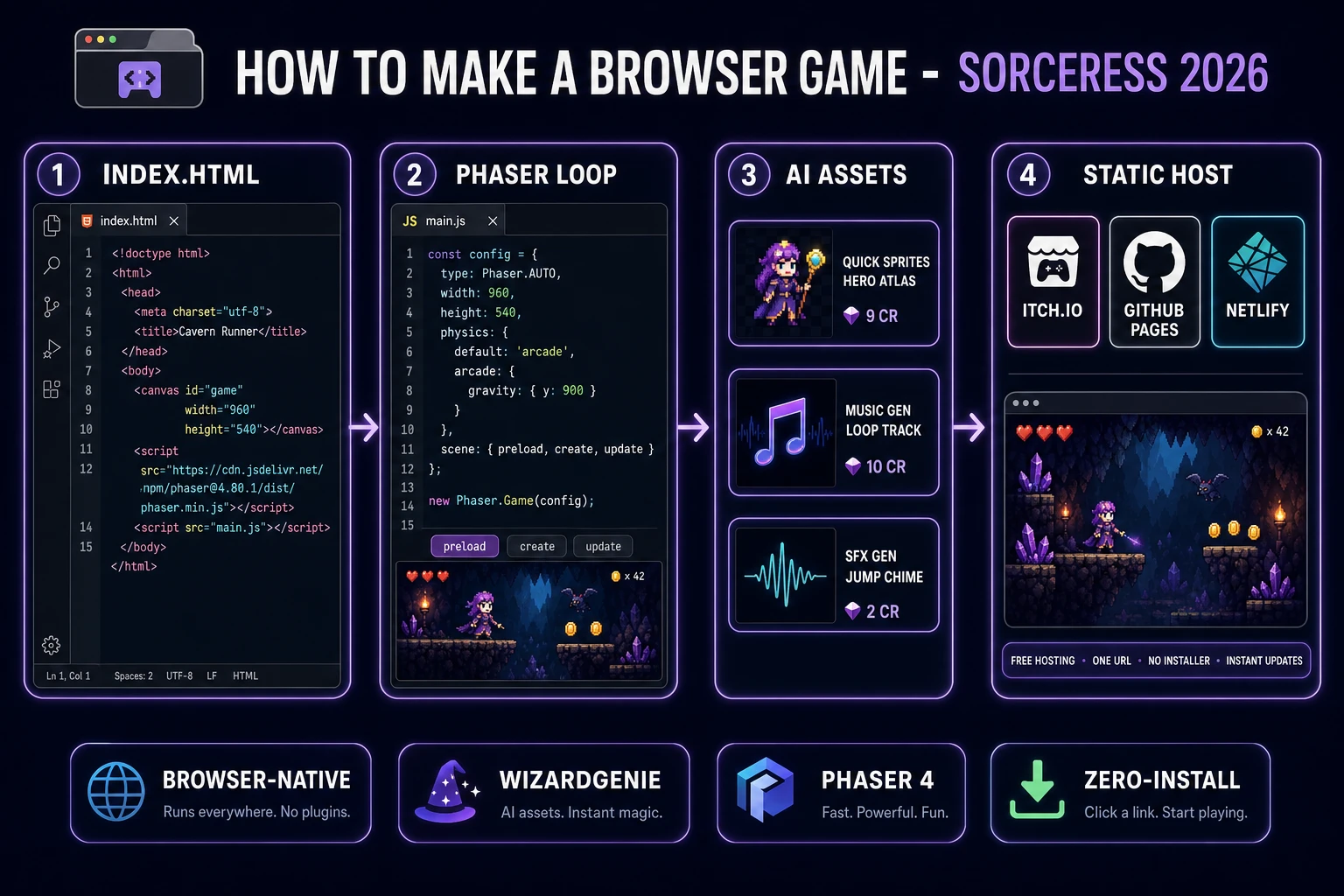
index.html, a Phaser 4.2.1 or vanilla-canvas game loop, an AI asset pack from Sorceress, and a free static host (itch.io, GitHub Pages, or Netlify) that serves it all from one URL.What “how to make a browser game” actually means in 2026
The query “how to make a browser game” hides three related but different intents. Some searchers want a browser-native arcade game — a self-contained HTML5 build that runs entirely client-side, hosted at a public URL, playable by clicking a link. That is the shape most first browser games take, and it is the shape this guide targets. Some searchers want a browser MMO or .io game — the same client-side canvas plus a websocket server that syncs many players in real time (Agar.io in April 2015 kicked off the .io wave per the same Wikipedia entry). And some searchers want a hybrid PWA game — a browser game that also installs on mobile home screens via a Web App Manifest. The core is identical across all three: <canvas> + requestAnimationFrame + input listeners + a static host. Get that base right and the .io server layer or the PWA install prompt are additive.
Four things make how to make a browser game still the best home for a first game in 2026. First, distribution is a URL: a player clicks a link, the game loads, they play. No App Store review, no signing certificate, no installer, no update prompt. Second, the tooling is free and mature: HTML5 shipped in 2008 (with the canvas element), WebGL landed in 2011, and WebGPU landed in 2021, and each layer is now stable and Baseline-widely-available. Third, the hosts are free: itch.io hosts HTML5 games for free with a browser embed player, and GitHub Pages and Netlify both host any static folder for free. Fourth, assets are now generative: sprites, music loops, and SFX stingers used to take three weeks of art-and-audio hire; on Sorceress they take under two hours and under two dollars.
The browser game loop in one minute
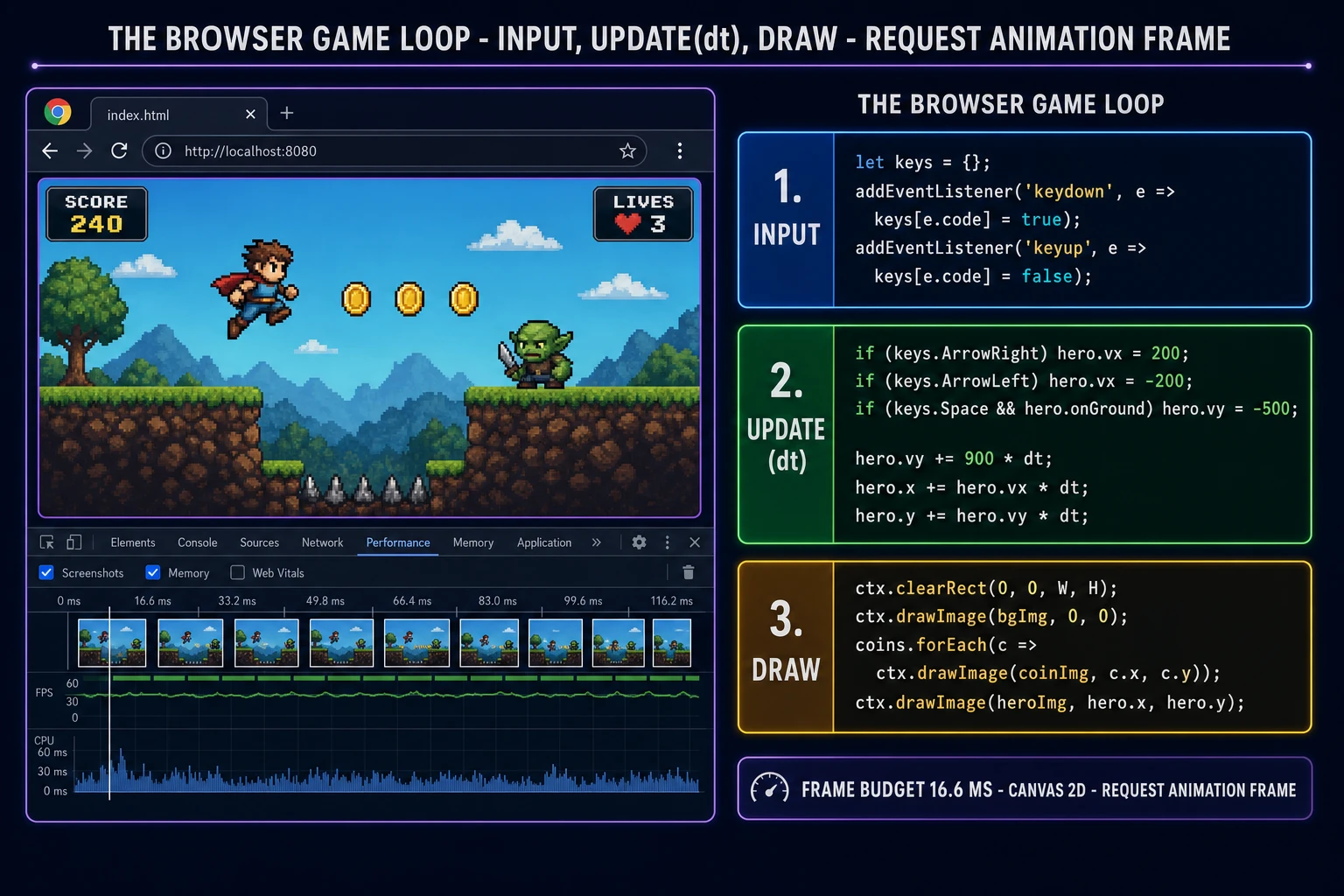
Every browser game is the same three-line skeleton on top of the browser''s requestAnimationFrame API (Baseline widely available since July 2015, verified 2026-08-16 on MDN). Read input — drain the keys object that keydown/keyup listeners have been populating since page load. Update — advance every game object by its velocity times dt (the seconds elapsed since the previous frame), apply gravity, and resolve collisions. Draw — clear the canvas with ctx.clearRect(0, 0, W, H) and call ctx.drawImage once per sprite. That is the whole loop, and in modern JavaScript it fits in about thirty lines with zero dependencies.
The critical discipline is the same one that keeps a text-based game honest: the draw function never mutates state and the update function never touches the DOM. Concretely: keep a state record as a plain JS object (hero position and velocity, an array of enemies, an array of collectibles, the score, the number of lives), the keys object populated by input listeners, and a small ctx reference to the canvas 2D context. The update function reads keys, mutates state. The draw function reads state, calls drawImage. Everything else — the audio playback, the pause menu, the score persistence via the browser''s localStorage API verified 2026-08-16 — is layered on top of those three pieces.
Pick your engine for how to make a browser game: vanilla JS, Phaser 4, or WizardGenie
Three good targets in 2026, each with a very different trade-off. Vanilla HTML plus a single JavaScript file on a plain <canvas> is the right pick when the game is small: a single scene, a single mechanic, under 500 lines of gameplay code. You get zero build step, zero framework to learn, a bundle under 20 KB before art, and a debugger session that reads exactly like the source. This is the honest default for a game jam entry, a mechanic prototype, or a js13kGames submission where the whole build must fit in 13 kilobytes. Everything the game needs is in the browser standard: the Canvas API verified 2026-08-16, the input event listeners, the Audio constructor.
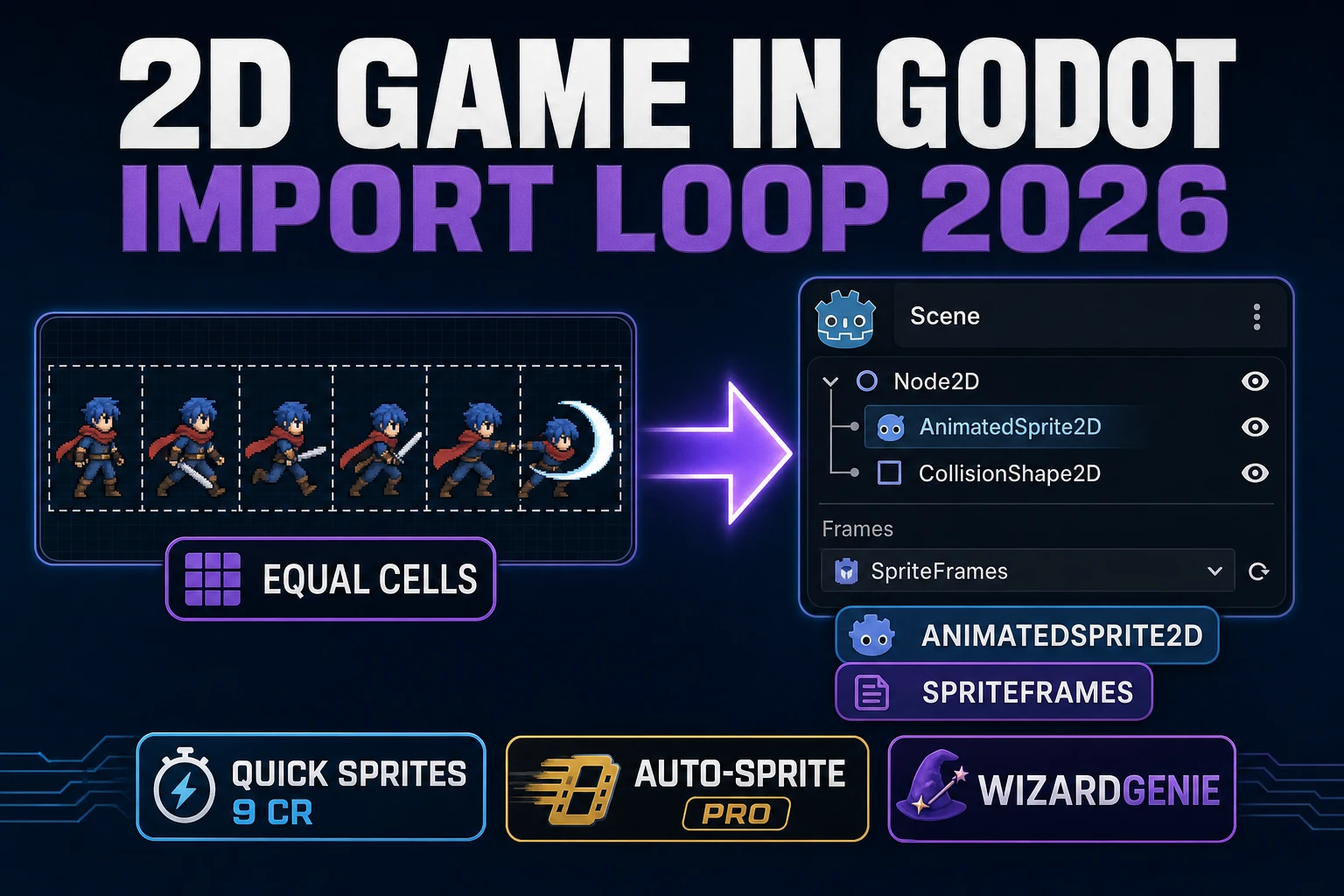
Phaser 4.2.1 “Giedi” (released 9 July 2026, verified against phaser.io/download/stable on 2026-08-16) is the right pick when the game grows past a single scene. Phaser gives you a scene manager (title screen, gameplay, game over), an asset loader with a progress bar, a physics engine (Arcade physics for platformers, Matter for rigid-body sim), a sprite class with animation frames, a keyboard/gamepad input abstraction, a tween system, and an audio manager — all in one library. Include Phaser from jsDelivr with a single script tag pointing to https://cdn.jsdelivr.net/npm/phaser@4.2.1/dist/phaser.min.js and you skip the entire bundler setup. Phaser''s game config is exactly one object: { type: Phaser.AUTO, width: 960, height: 540, physics: { default: ''arcade'', arcade: { gravity: { y: 900 } } }, scene: { preload, create, update } }, and new Phaser.Game(config) boots the loop.
WizardGenie is not a separate engine — it scaffolds whichever of the two above you pick from a single natural-language prompt. WizardGenie is the Sorceress game-native coding agent, and it ships as both a Windows desktop app (installer with auto-update, available to Early Access supporters and above) and a no-install web build at the same URL. Its coding-model lineup (verified 2026-08-16 in src/app/_home-v2/_data/tools.ts lines 767 through 774) covers Claude Opus 4.7, Claude Sonnet 4.6, GPT-5.5, Gemini 3.1 Pro, DeepSeek V4 Pro, Kimi K2.5, Grok 4.2, and MiniMax M2.7. For a first browser game, any model in the lineup writes the whole skeleton in under two minutes. If you want to run cheap on a long build session, pair a frontier planner (Claude Opus 4.7 or GPT-5.5) with a budget executor (DeepSeek V4 Pro or Kimi K2.5) — the planner designs the scenes and the mechanic, the executor types the code and wires the sprite atlas. That pairing runs at roughly one-fifth the cost of a single-frontier session.