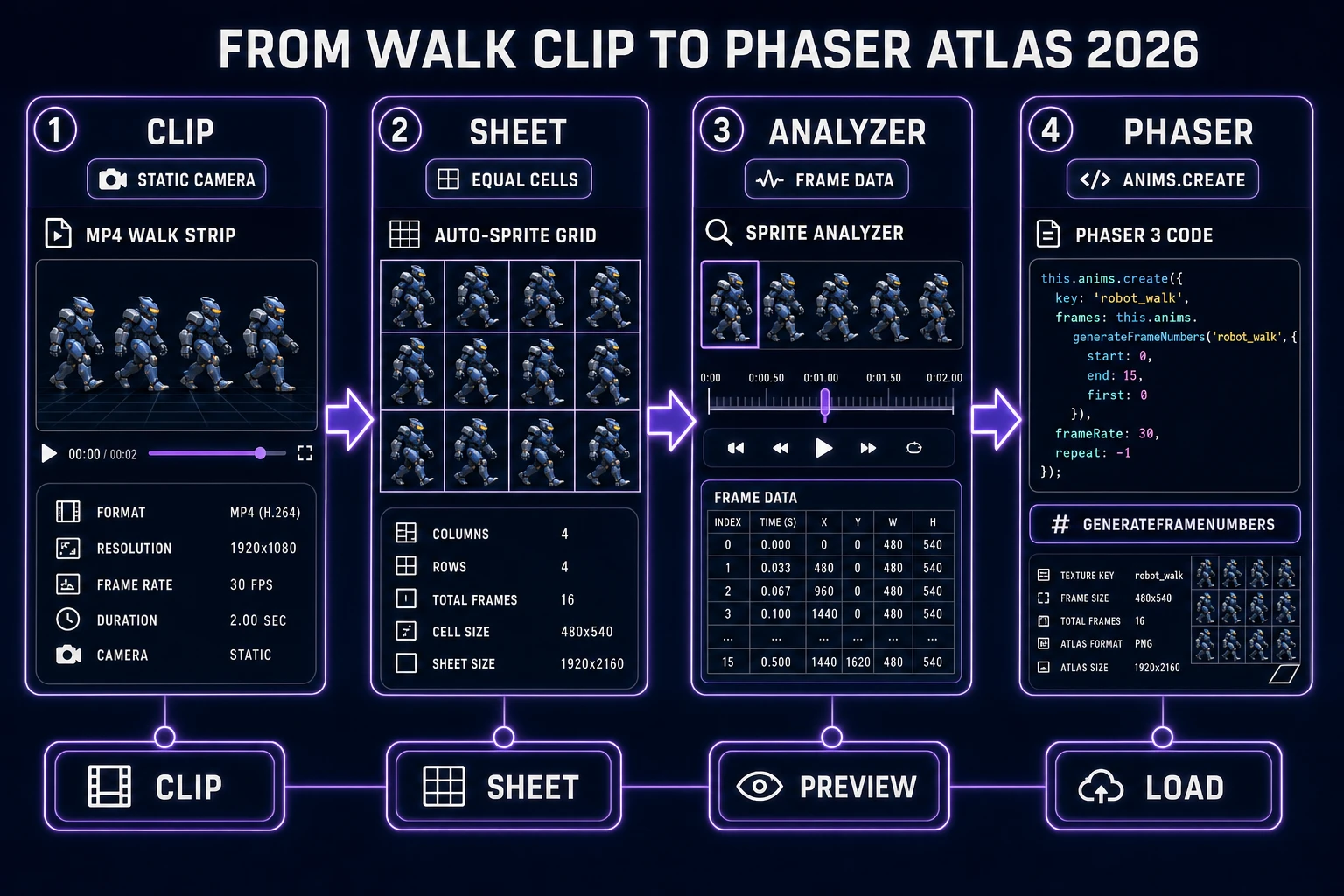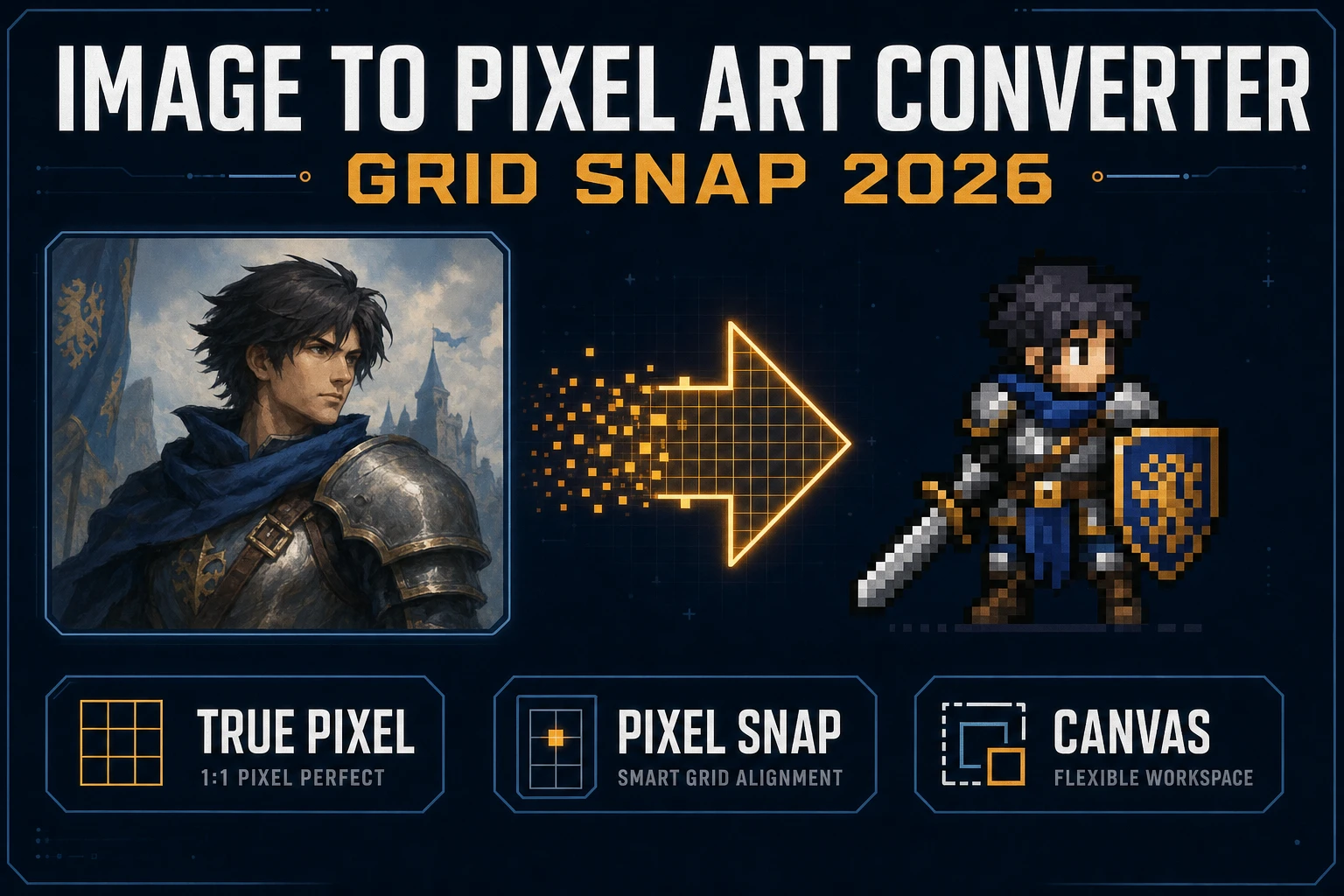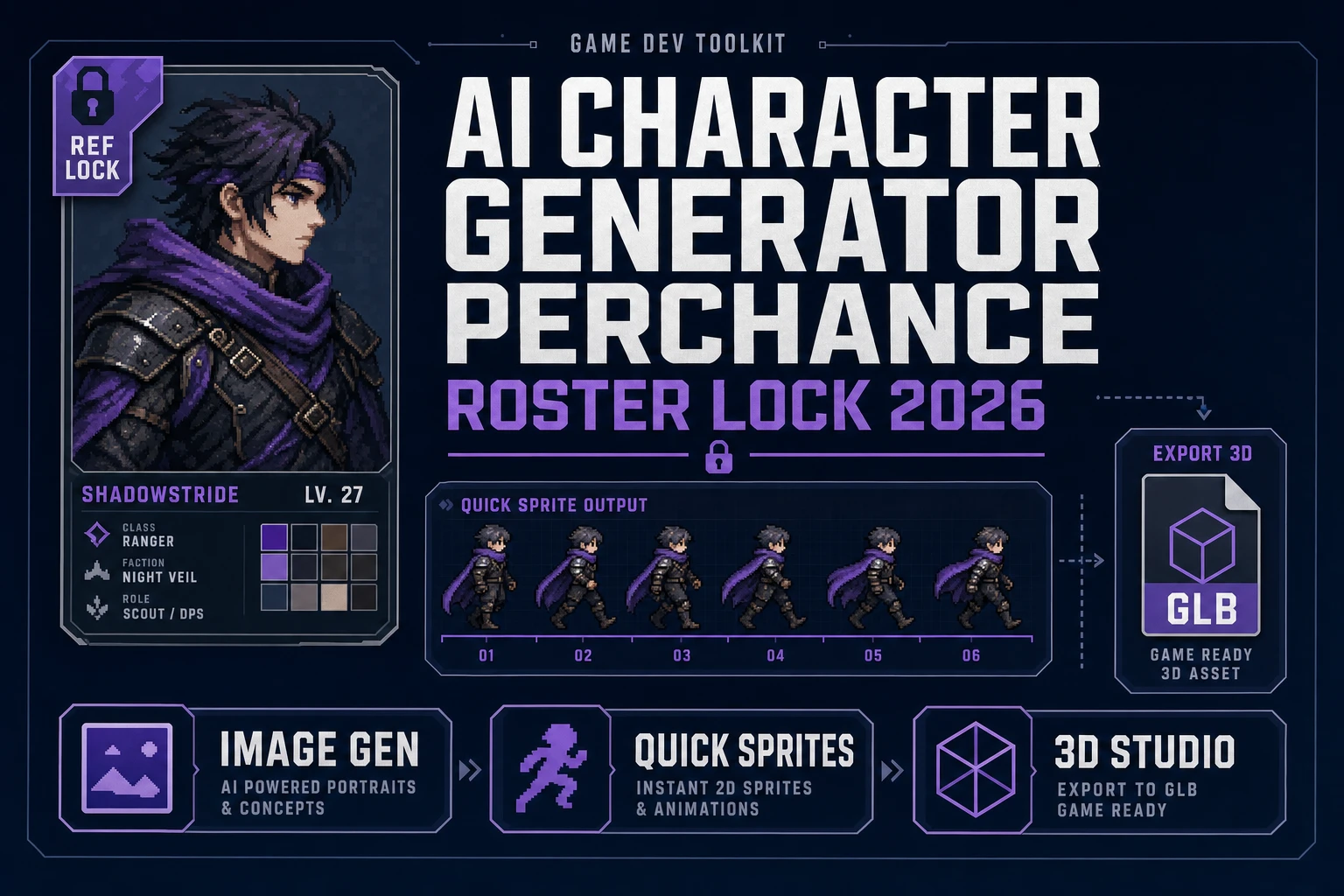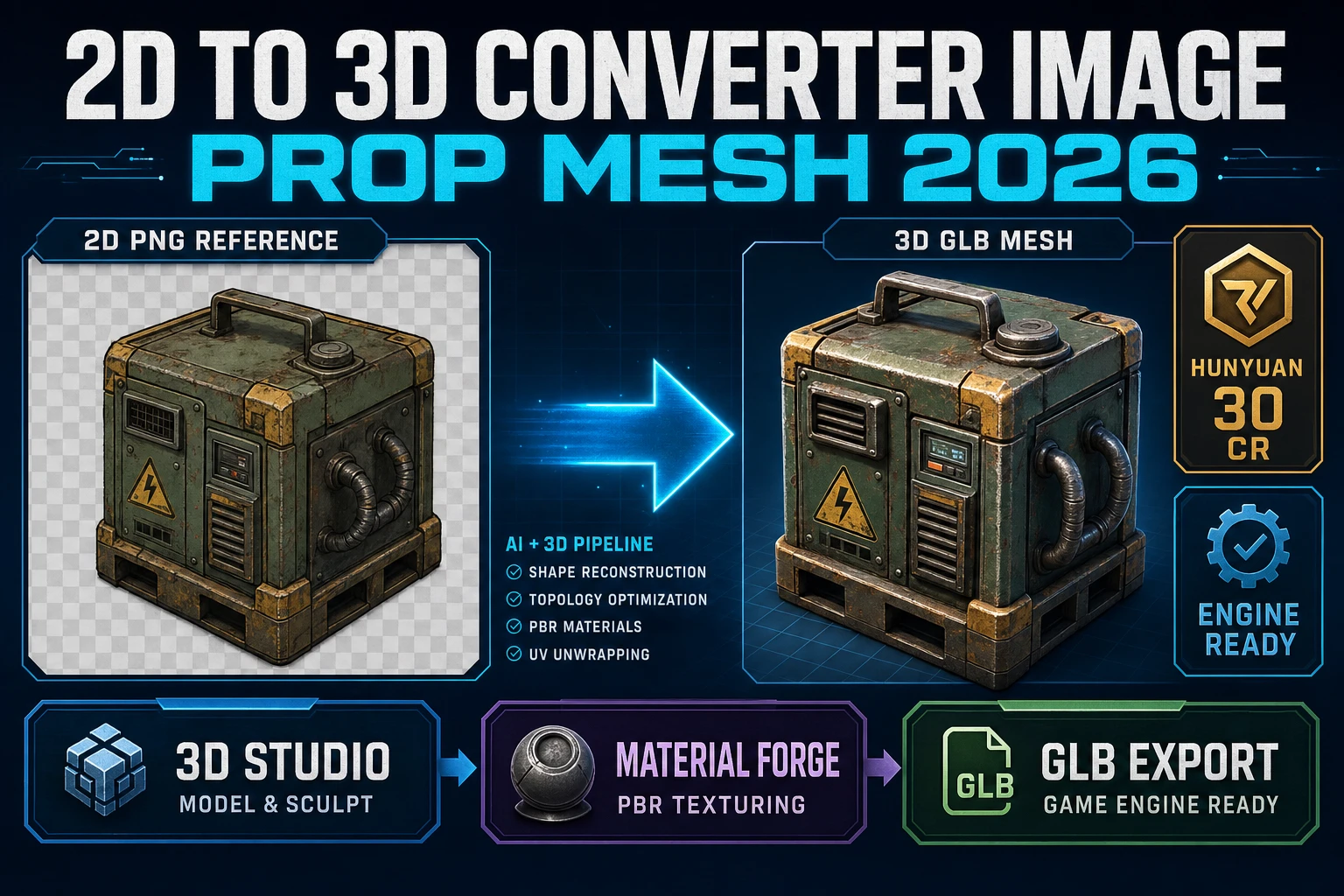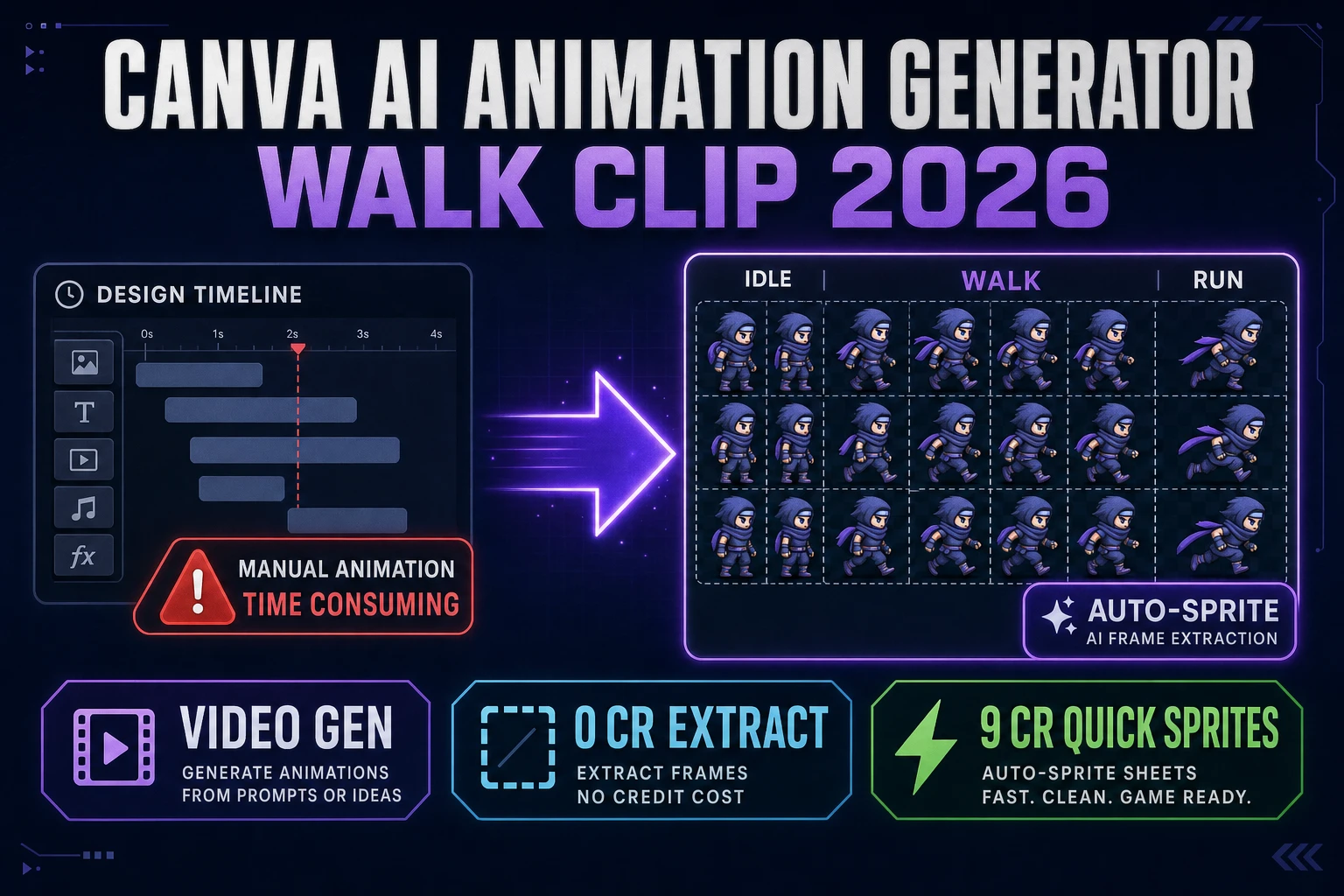
Search canva ai animation generator in September 2026 and the intent splits: design timelines that bounce logos across a slide, versus game frames that loop a walk cycle in an engine. Canva is a familiar brand for motion on posters and reels. A jam build needs something else — equal cells, alpha edges, and a sprite atlas an AnimationManager can scrub. This how-to lifts the honest walk-clip path: a short clip from AI Video Gen, zero-credit extract in Auto-Sprite v2, optional Quick Sprites packs at 9 credits, and a Phaser-ready sheet. Every badge, credit formula, and model name below was verified 2026-09-27 against src/app/_home-v2/_data/tools.ts, src/app/autosprite-v2/page.tsx, src/app/quick-sprites/page.tsx, src/lib/video-models.ts, src/app/plans/page.tsx, and the Phaser v4.2.1 Giedi release notes. Canva is named in plain text only — no outbound competitor link.
What a canva ai animation generator search actually wants
DataForSEO lists canva ai animation generator at 320 searches per month with KD 28 (verified 2026-09-26 in tools/research-supplement.md). That volume sits above the Perchance sibling query and below head terms like ai animation generator. Intent is transactional: people want a browser tool that turns a still into motion without a desktop DCC install. Secondary phrasings in the same cluster — ai animation from image, walk clip, sprite frames — all point at the same production shape once the destination is a game, not a social post.
Design-tool animation timelines excel at entrance fades, sticker pops, and brand kits. They do not export equal-cell texture atlases with keyed backgrounds. Wikipedia’s texture atlas page (re-checked 2026-09-27) still describes the grid pattern engines load: fixed frame width and height, sequential cells, optional JSON/XML metadata. A canva ai animation generator workflow that stays honest therefore separates slide motion from shipping sprites. Keep the design tool for marketing stills if you already use it. Hand off the moment you need identity-stable walk cycles, alpha-clean edges, and a grid Phaser can scrub.
Three outcomes dominate that game intent in September 2026. First, a short lateral walk with a static camera so cells crop evenly. Second, a matte path that does not charge for every classic chroma run. Third, an optional AI pixel pack lane when you need enemy variants without another video pass. Miss the first and the sheet jitters. Miss the second and you burn wallet for work the browser already does. Miss the third and a one-hero jam stalls when you need side characters.
Auto-Sprite v2 as the extract engine for the walk clip
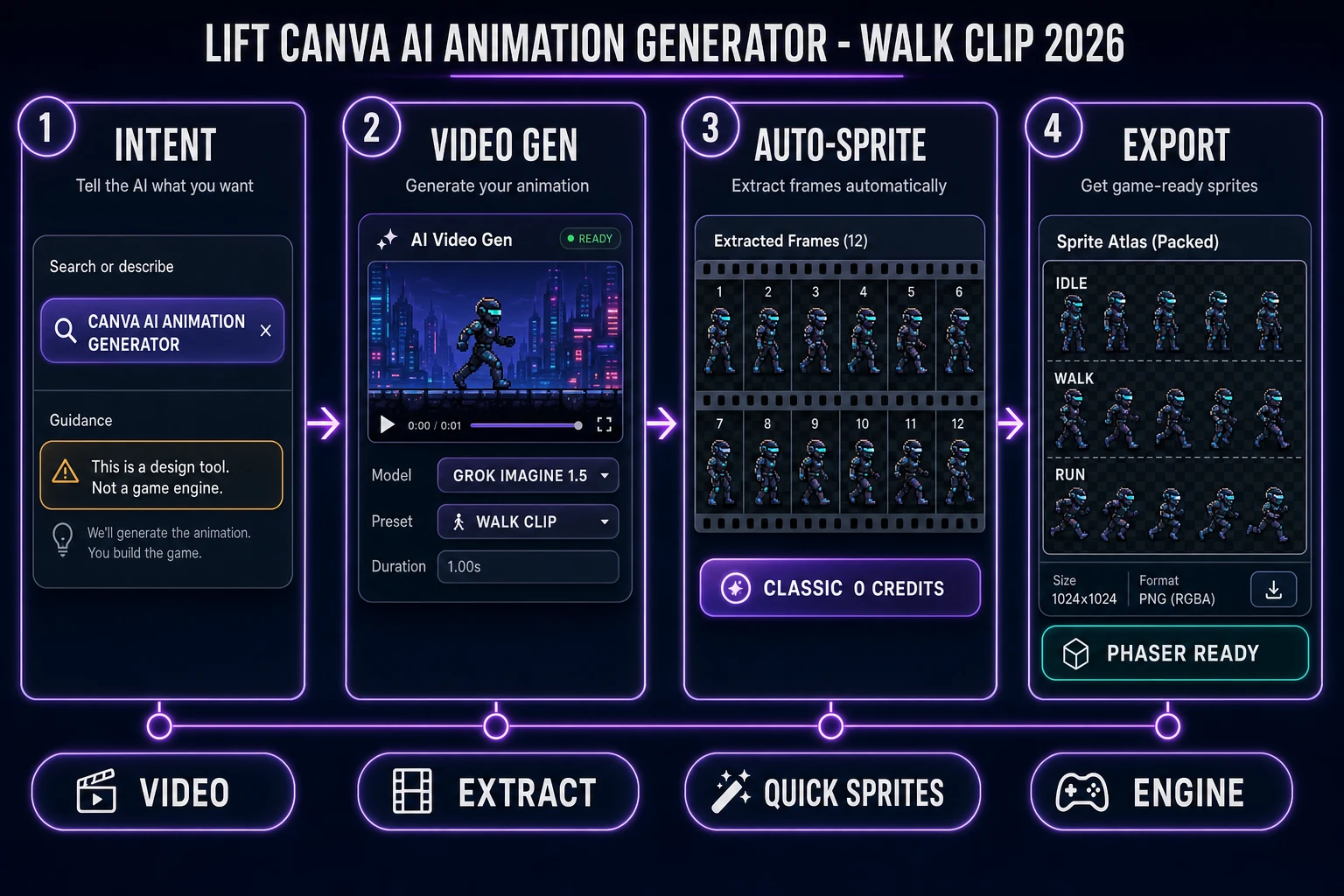
Auto-Sprite v2 is the featured extract tool for a canva ai animation generator replacement aimed at games. Verified 2026-09-27 in the home-v2 catalog: badge Pro, card copy “Prompt → animated 2D sprite sheet,” href /autosprite-v2. The three-step surface is generate a character, animate with AI video, then turn the clip into a clean game-ready sheet with background removed and frames aligned.
For credit math the important surface is the processing mode picker, not the marketing three-step.
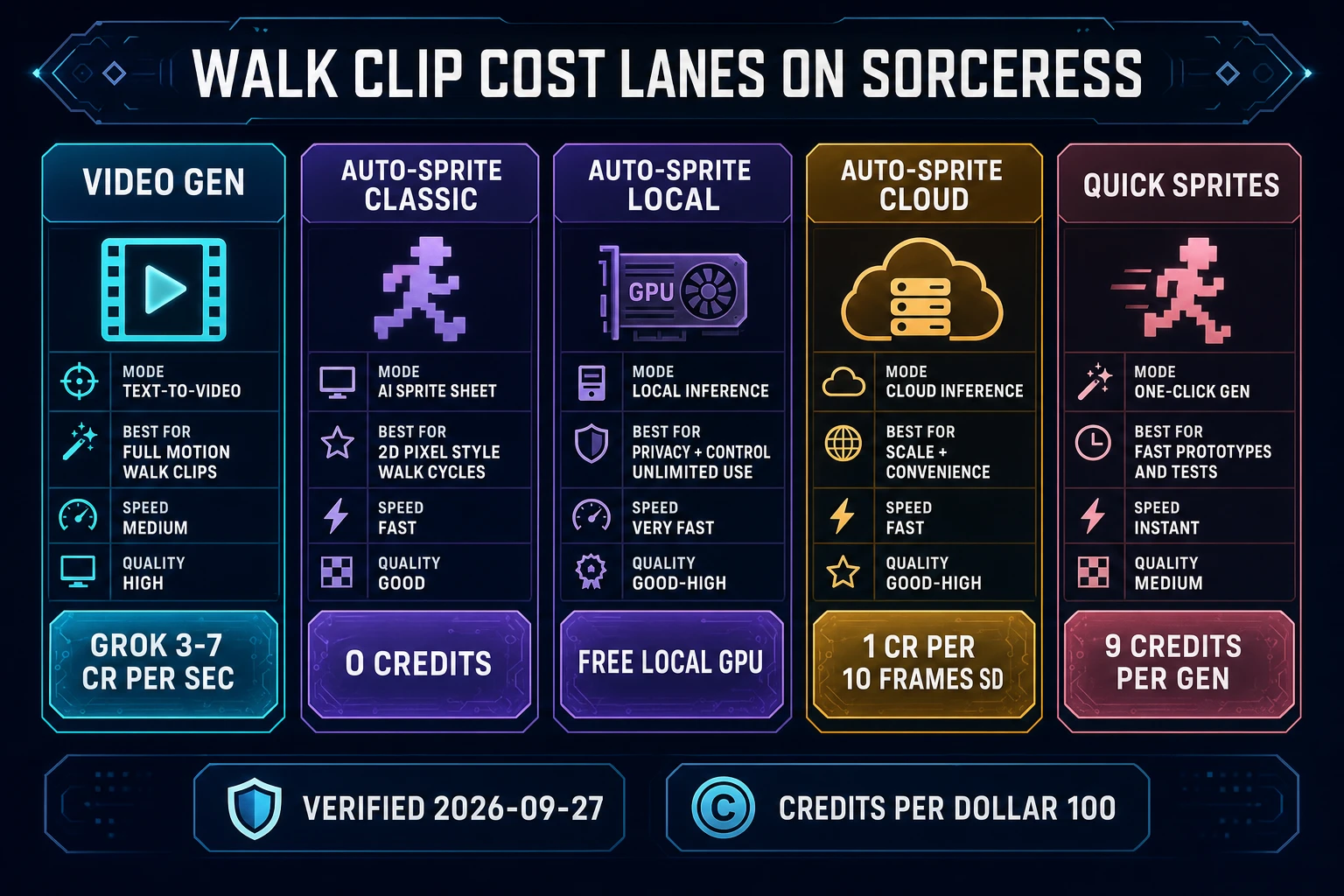
- Classic chroma key removes a picked plate color (green, blue, red, or custom) instantly in the browser. Jobs write
creditsCost: 0. Best when the walk clip already has a flat plate. - Local GPU CorridorKey is the neural keyer on your machine. The cost breakdown labels local backend Free; require NVIDIA CUDA with 6GB+ VRAM for the local server. Still 0 credits on the ledger.
- Cloud CorridorKey is the paid neural path:
Math.max(1, Math.ceil(frameCount / 10) * (isHiRes ? 2 : 1))whereisHiRes = maxDim > 512(verified 2026-09-27 ingetCreditCostinsidesrc/app/autosprite-v2/page.tsx). A 40-frame standard-res job is 4 credits ($0.04 atCREDITS_PER_DOLLAR = 100). VIP Cloud GPU is free and unlimited.
Frame sampling uses HTMLVideoElement.requestVideoFrameCallback (MDN baseline since October 2024, page last modified 2025-09-11, re-checked 2026-09-27) so extracted frames match the true video timeline instead of a naive seek race. For a canva ai animation generator reader who wants game frames: feed a 4–6 second lateral walk, pick Classic or Local, export the PNG atlas. That is animated sprite output without pretending a design timeline is a sprite pipeline.
Video to sheet: AI Video Gen walk clips into Auto-Sprite
Upstream of extract sits AI Video Gen. Verified 2026-09-27 in src/app/_home-v2/_data/tools.ts, the panel routes Grok Imagine Video, Wan 2.7, Seedance 2.0, and Kling 3.0 from one picker. For a canva ai animation generator walk clip you want a short, boring camera and loud character motion — not a trailer pan and not a slide wipe.
Recommended jam recipe (verified credit hooks in src/lib/video-models.ts on 2026-09-27):
- Lock a full-body still in AI Image Gen on a flat green or white plate (Z-Image Turbo for budget, Nano Banana 2 or GPT Image 2 for cleaner edges).
- Open AI Video Gen in image-to-video mode. Pick Grok Imagine Video 1.5 for a fast walk (about 3 credits/sec at 480p, 4 at 720p, 7 at 1080p on the standard rail) or Kling / Wan when you need longer or sharper motion.
- Prompt only the action: “lateral walk cycle, arms swinging, feet plant cleanly, static camera, plain background.” Avoid camera drift — it breaks equal cell crops.
- Target 4–6 seconds. Drop the MP4 into Auto-Sprite v2, Classic chroma if the plate is flat, Local CorridorKey if edges need neural help at 0 credits.
That video-to-sheet loop is the core canva ai animation generator substitute for games: the brand search promised easy motion; the Sorceress path delivers measurable frames with named credit math. Sibling deep-dives for related long-tails live at Spin Perchance AI Animation Generator (Clip Path 2026) and Video to Sprite With an AI Animation Generator (2026) — this article stays on the Canva-shaped query and the jam-length walk pack.