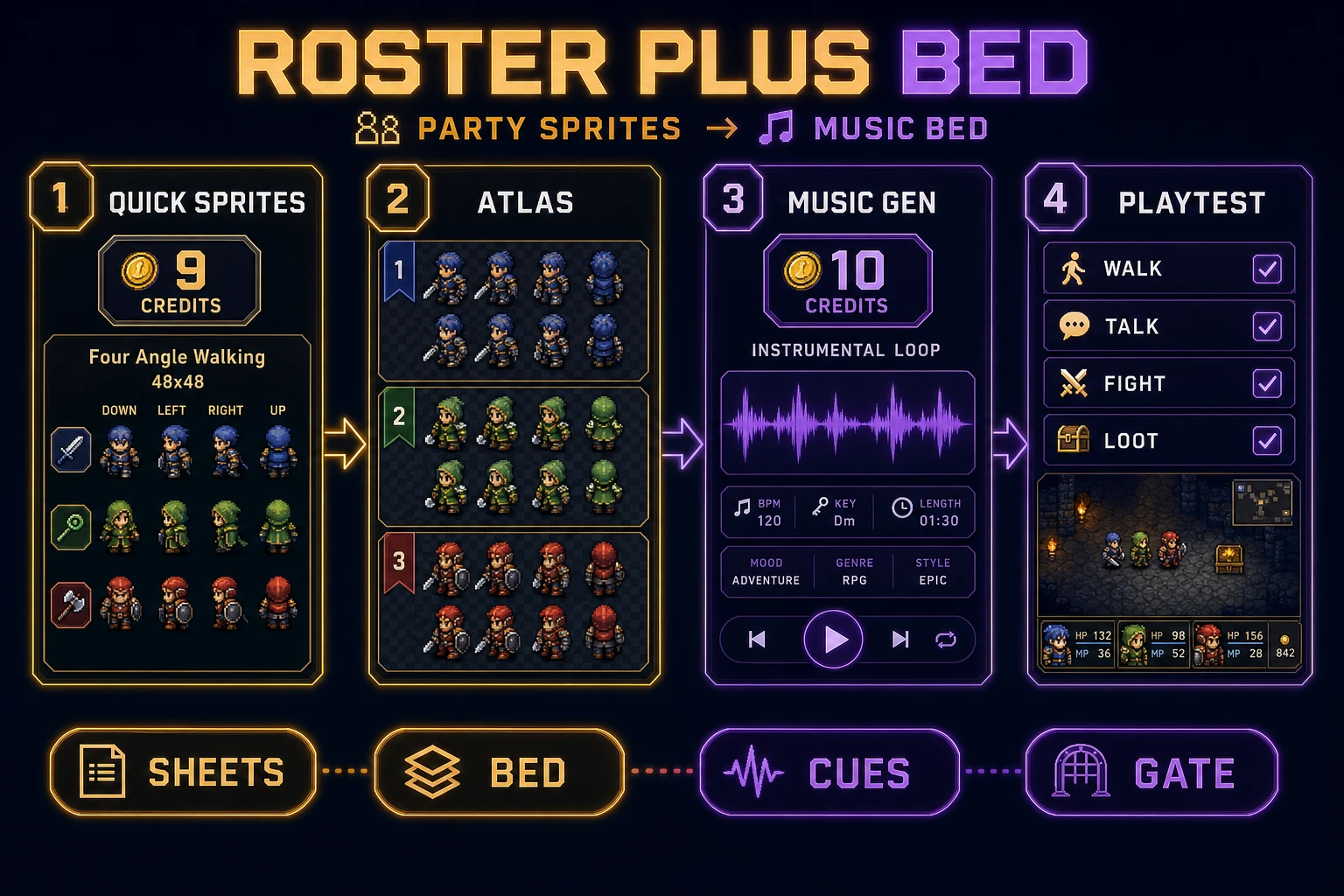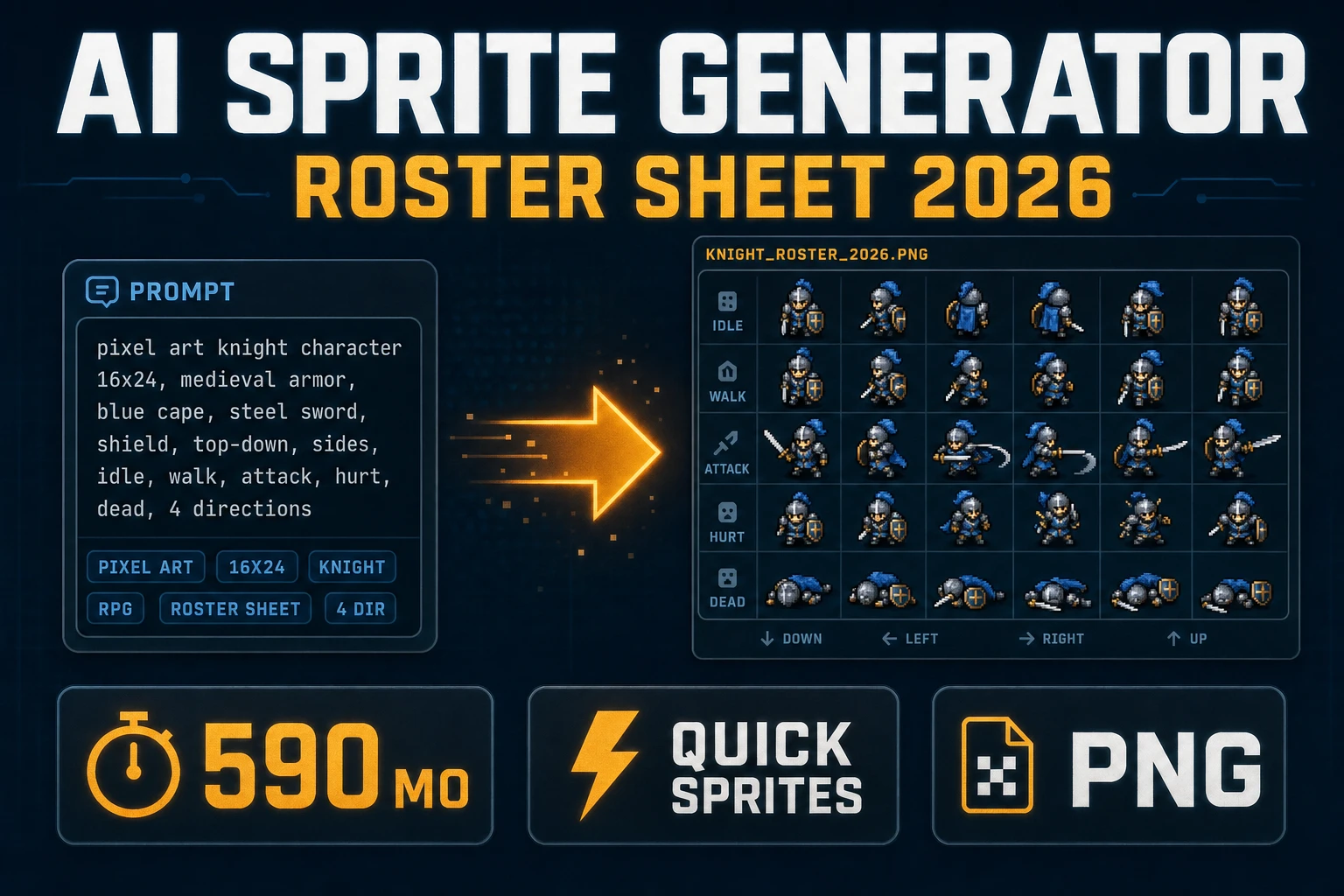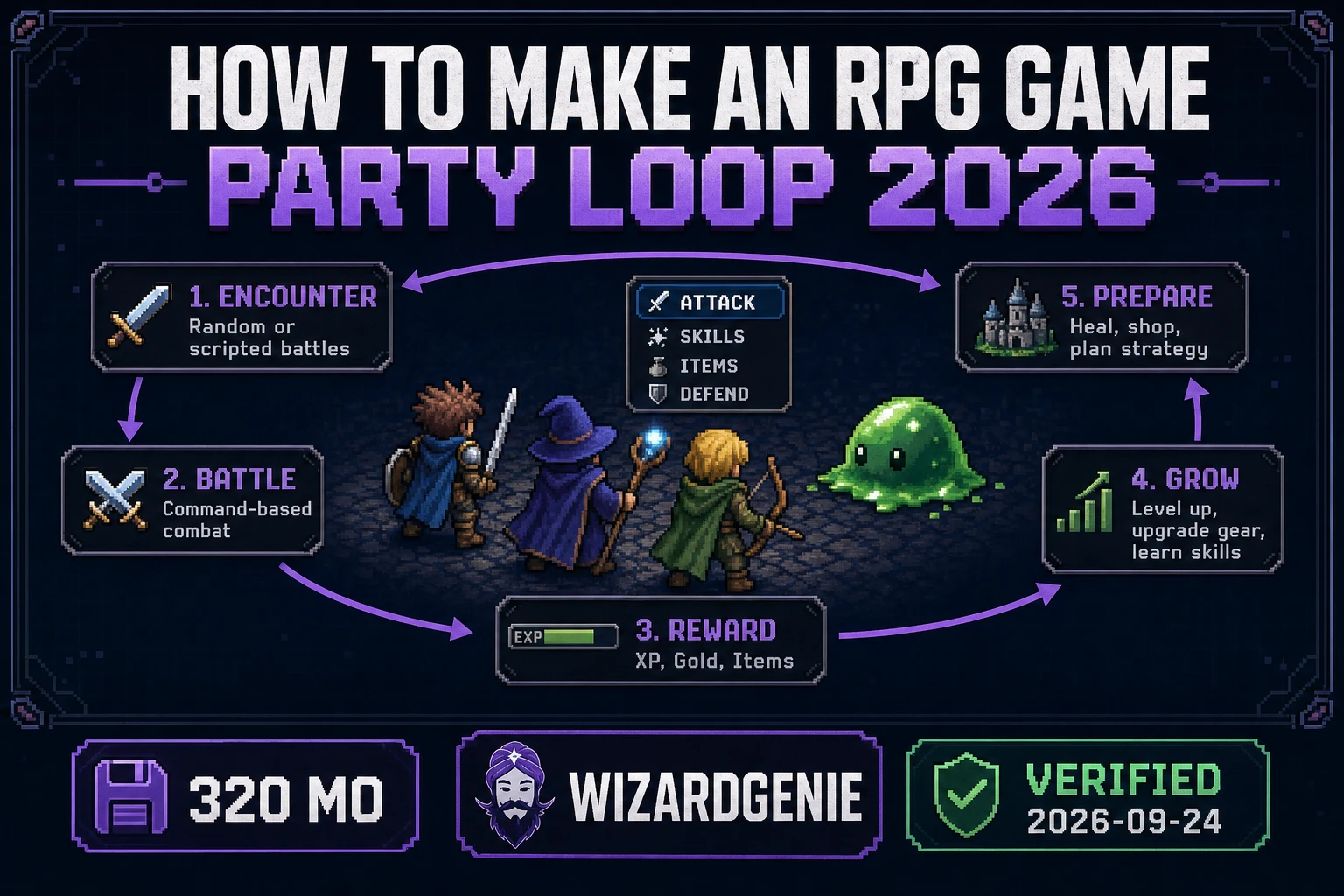
Most people who search how to make an RPG game do not need a second open world. They need one closed party loop they can feel in a browser: walk a short path, talk to one NPC, finish one fight, and keep one reward that unlocks the next door. Wikipedia’s Role-playing video game page (checked 2026-09-24) still defines the genre through story, character advancement, and combat—not through map count. This guide builds that slice on Sorceress with WizardGenie for code, Quick Sprites for the roster, and Music Gen for a looping bed.
How to make an RPG game: the smallest party loop
DataForSEO lists how to make an rpg game at 320 searches a month, KD 4 (confirmed 2026-09-22 in tools/research-supplement.md). Neighboring rows include how to make an rpg (320/mo, KD 5) and thinner Scratch or engine-tagged variants. The open query wants a genre recipe. A Maker-specific recipe is a different post. Keep this page on the party loop.
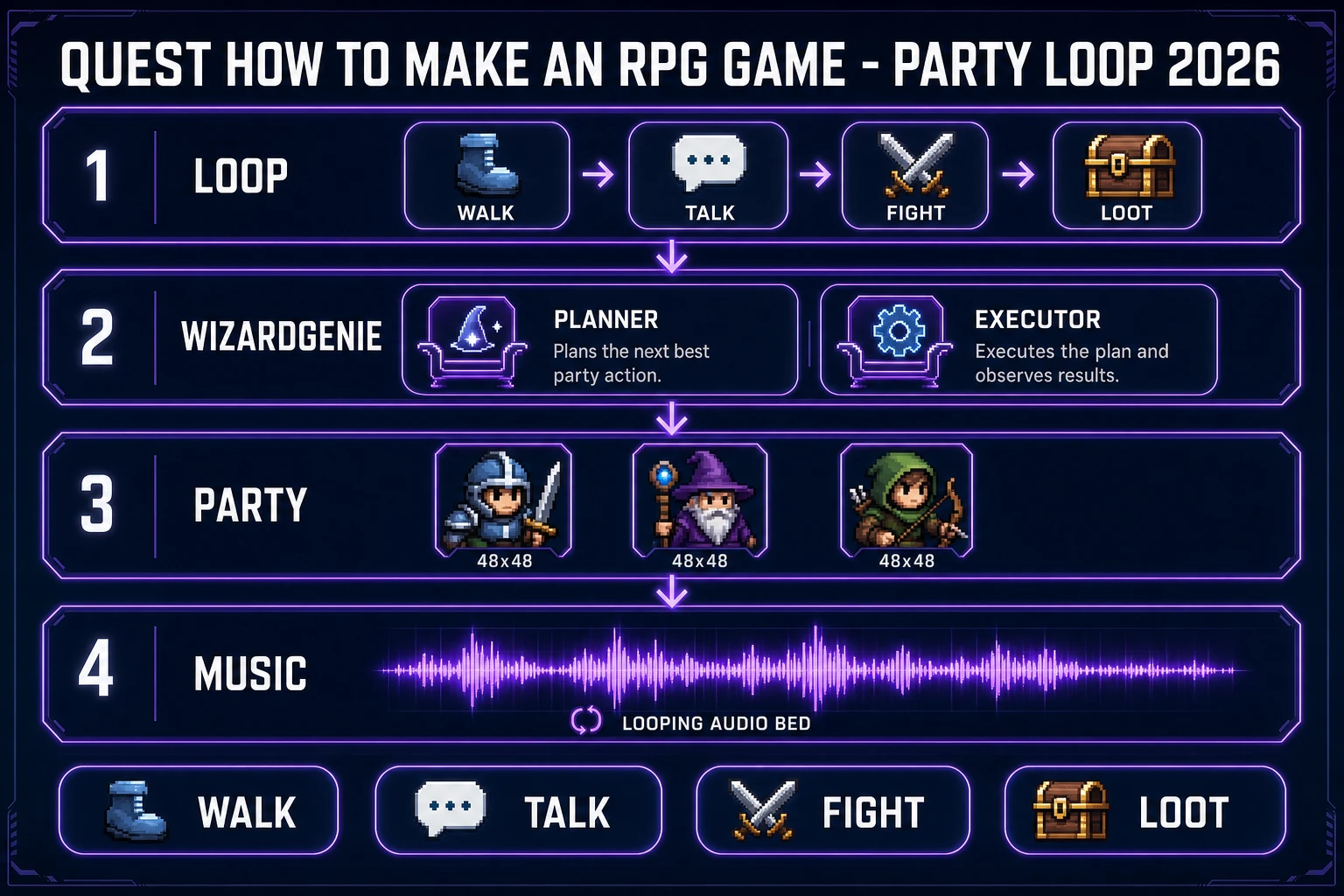
Wikipedia (checked 2026-09-24) notes that RPG characters typically grow through experience, skills, or levels, and that victory often comes from completing quests or a central storyline. For a jam, compress that into four verbs:
- Walk — move a party token across one room or one outdoor strip.
- Talk — trigger one dialogue tree with two choices.
- Fight — resolve one encounter (turn-based or simple action) with a clear win and lose state.
- Loot — grant one item, level bump, or key that changes the next door.
MDN’s Anatomy of a video game (checked 2026-09-24) reduces every title to present → accept → interpret → calculate → repeat. Your RPG loop is that cycle with RPG nouns attached. If the four verbs are not fun, how to make an RPG game as a larger campaign will not save you.
Scope you refuse on day one: crafting trees, romance routes, multiplayer parties, procedural dungeons, and a second town. Those belong after the first loop survives ten playtests.
WizardGenie scaffolding for the party loop
WizardGenie is the Sorceress AI-native game engine: describe the game, watch it write, run, and iterate in real time. The marketing page (read 2026-09-24) ships the same engine as two builds. Desktop is the cutting-edge release with a native filesystem. The web build at /wizard-genie/app is free to try and receives features after they stabilize on desktop. Do not call WizardGenie browser-only.
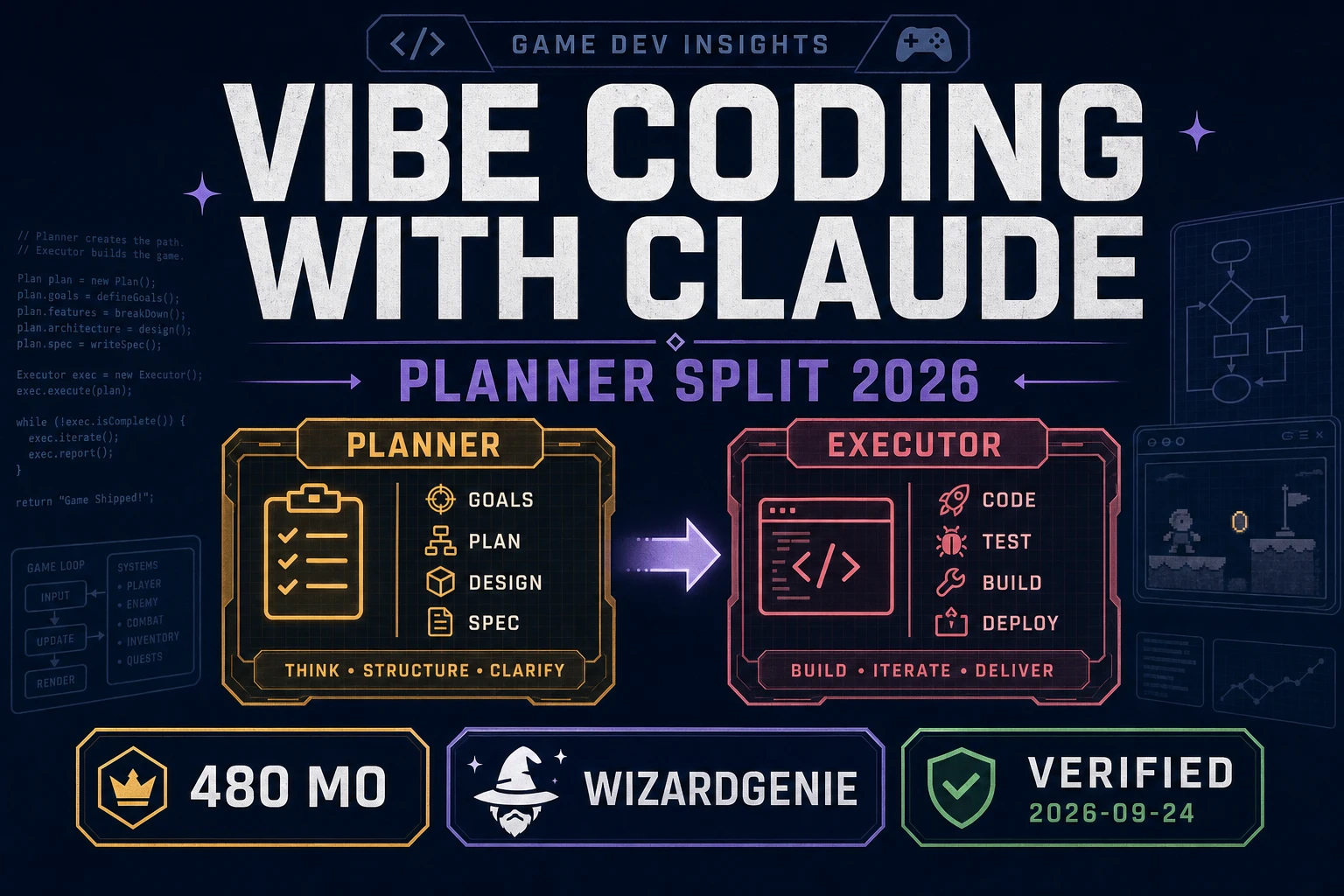
Use Dual-agent Planner + Executor. The page frames it as a smart Planner that thinks and a cheap Executor that codes. Roster verified 2026-09-24 in src/app/_home-v2/_data/tools.ts CODING_MODELS:
- Planners: Claude Opus 4.7, GPT-5.5, Gemini 3.1 Pro, Grok 4.2.
- Executors: DeepSeek V4 Pro, Kimi K2.5, MiniMax M2.7.
Never put a frontier model on the typing chair when you how to make an RPG game this way. Bulk typing on Opus or Sonnet erases the cost reason for the split. Sibling method notes live on how to vibe coding and vibe coding with Claude.
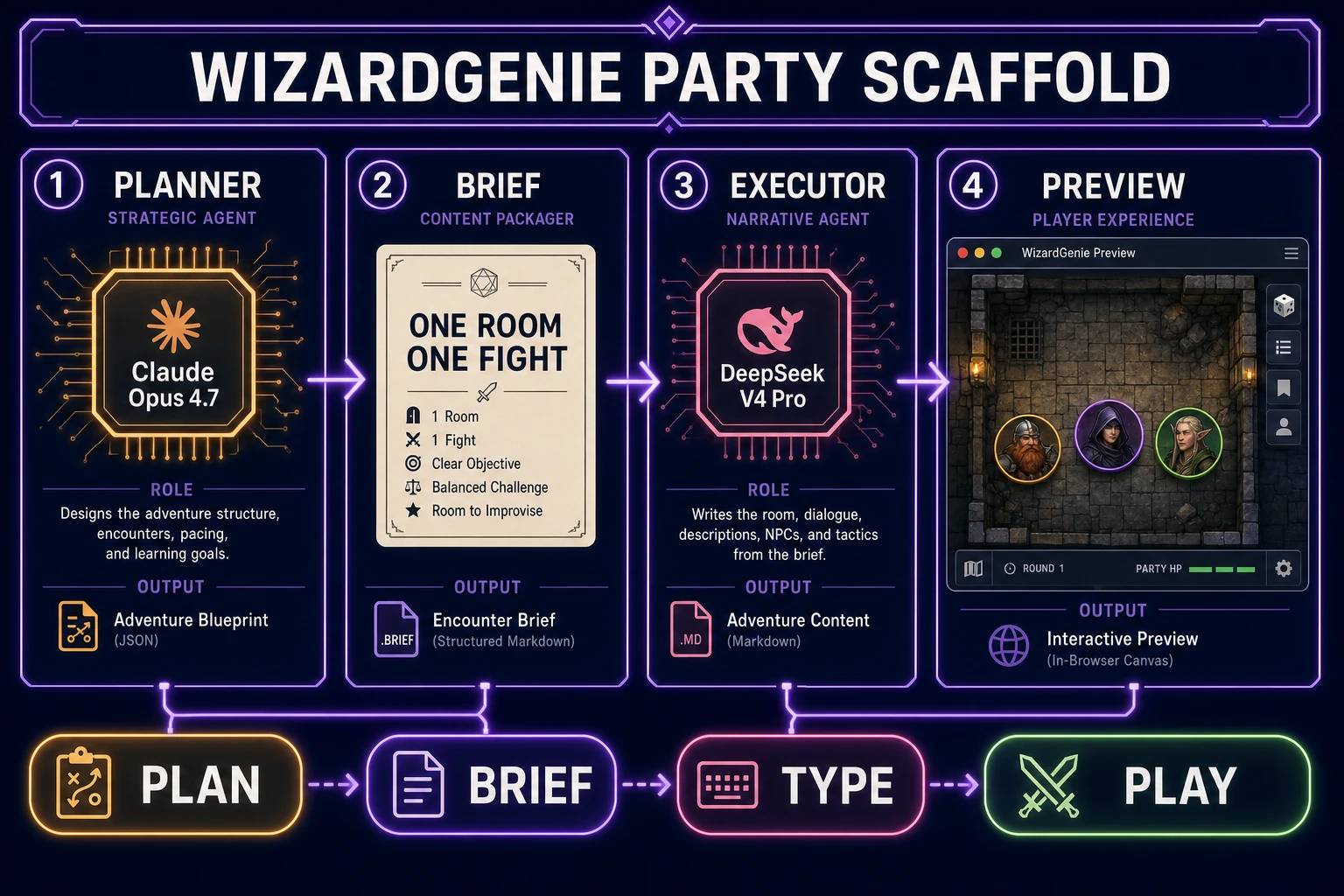
First Planner brief that stays honest:
Build a single browser RPG slice.
Present a 12x8 tile room, a player party of three tokens, and one NPC.
Accept arrow keys to move and Enter to talk or confirm.
Interpret talking as a two-choice dialogue that starts a fight.
Calculate a three-turn turn-based fight against one slime with HP bars.
On win, grant a brass key and open the north door.
On lose, restart at the room entrance.
Repeat with requestAnimationFrame or a turn queue.
Do not add a second map, inventory UI beyond the key, or crafting.
Phaser v4.2.1 “Giedi” (released 9 July 2026, stable download page checked 2026-09-24) is a common runtime for that scene. Plain Canvas works too. MDN’s Game development hub (checked 2026-09-24) stays the neutral browser reference. WizardGenie does not auto-publish finished games to an arcade—export and host where you choose.