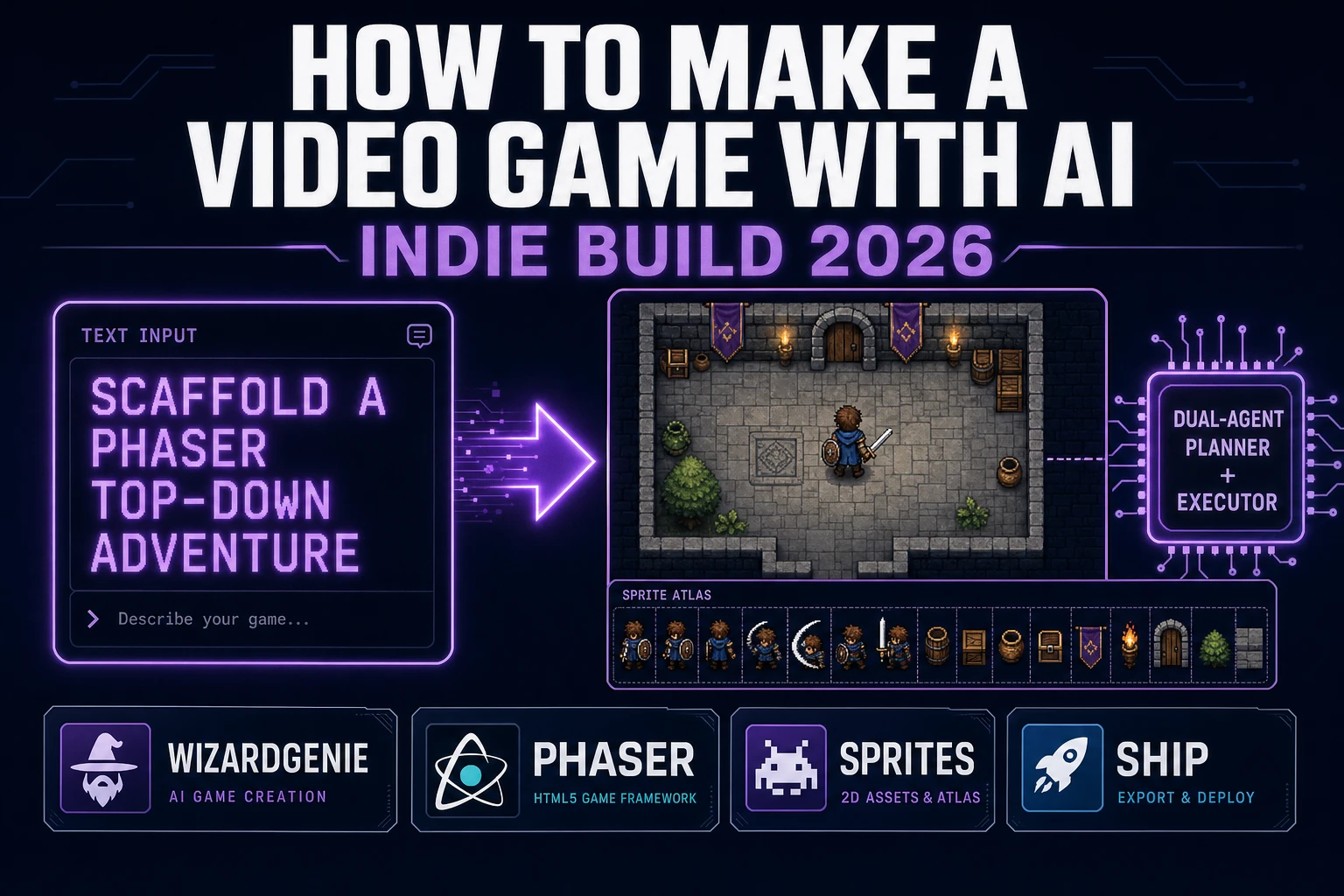
When a developer types how to make a video game with AI into Google in late 2026, they are not shopping for a chatbot. They want a honest pipeline that goes from an English sentence to something playable — preferably without installing a 10 GB engine, learning C#, or spending Steam-release money on a weekend hobby. This guide is that pipeline. It walks the 2026 state of AI video game creation, the dual-agent coding engine that keeps the token bill honest, where the asset layer hooks in so the art and audio do not become the bottleneck, and the two ship paths that take a browser session to a real playable build.
What people really ask when they search “how to make a video game with ai”
DataForSEO lists how to make a video game with ai at 70 searches per month at a Keyword Difficulty of 40 and a competitive-density score of 0.55, CPC $13.97 (verified 2026-10-01 in tools/research-output.md under the Build a game with AI cluster). The sibling long-tail how to make a game with ai runs at 110 per month at KD 26, and the Roblox variant how to make a roblox game with ai at 140 per month at KD 5. The three queries share a cluster but target different intents: the Roblox query is Studio-specific, the plain “game with AI” query is broad vibe-coding, and the “video game” query is the one this piece addresses — a dedicated indie-style playable build with its own art, audio, and ship path.
Two reader intents sit behind the phrase. First, the honest-feasibility intent: is this actually a thing I can do, or is it a demo-reel pitch that falls apart the moment I try? The 2026 answer is yes for small indie scope (one or two scenes, one core loop, AI-generated or hand-authored assets) and still no for genuinely complex multi-hour games with branching narrative or multiplayer. Second, the stack-selection intent: which AI tools fit together as an actual pipeline, and what does the credit math look like at the end of a weekend? Both audiences land on the same answer — a browser-first toolchain built around a dual-agent coding engine — so this guide covers both.
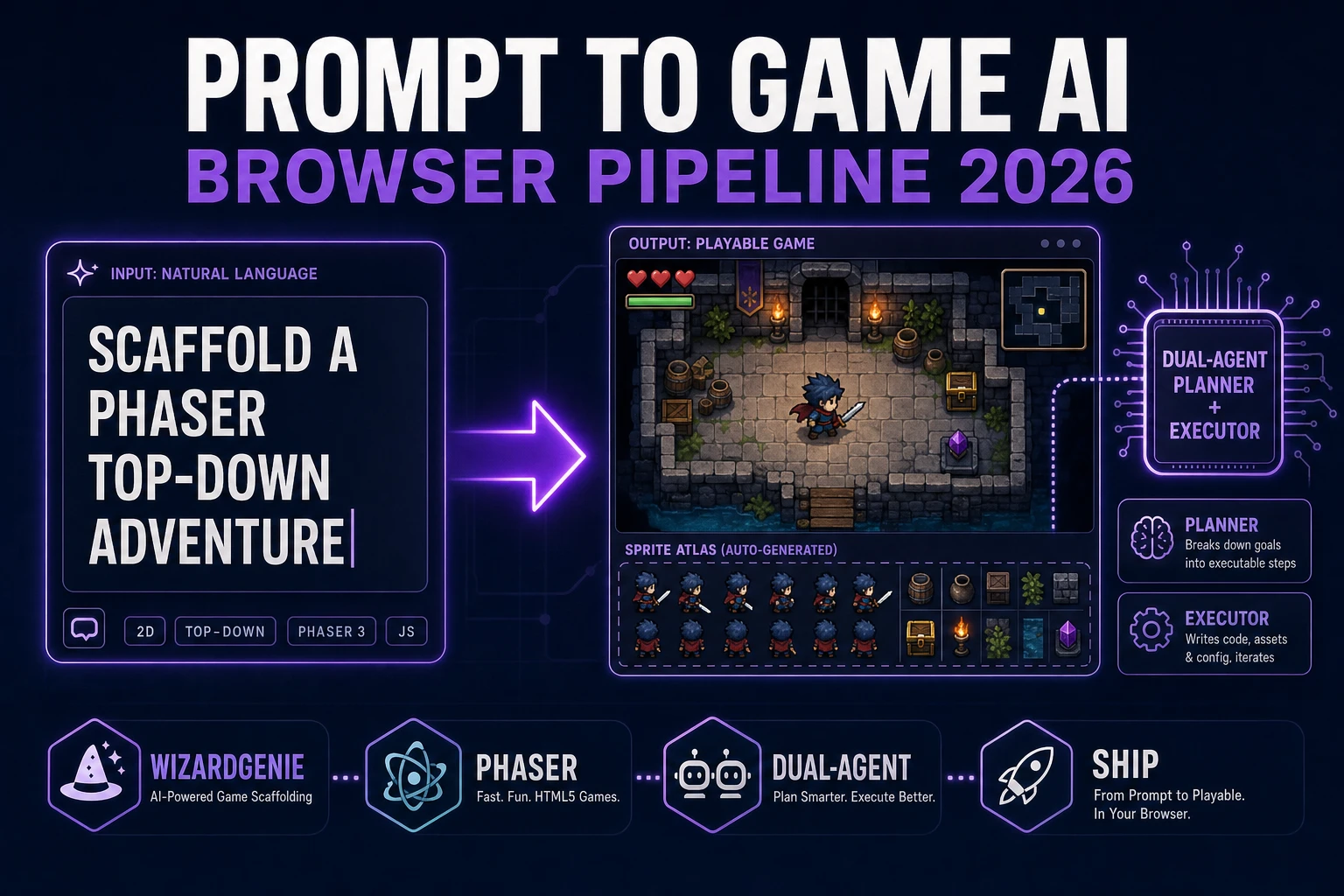
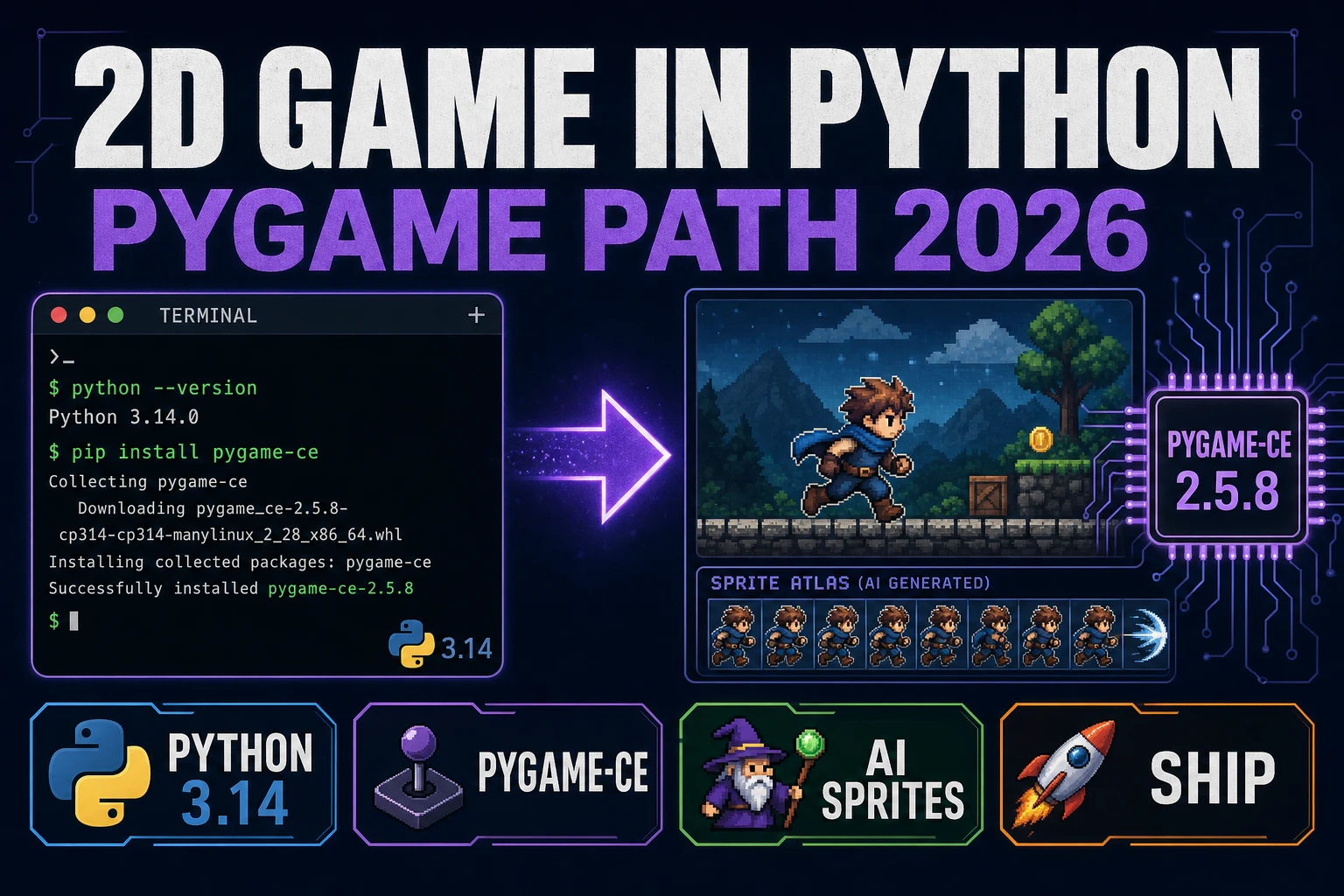
For sibling pieces already on this blog, what is vibe coding defines the broader movement, prompt to game AI covers the dual-agent architecture in depth, and how to make a 2D game in Python walks the Pygame alternative for devs who prefer a desktop runtime. This page sits one level up from all three — the complete indie video game pipeline, not any one slot of it.
The honest 2026 state of AI video game creation
The 2026 state of making a video game with AI has three unambiguous facts and one quietly honest caveat.
Fact one: AI can write the code for a complete small game loop. A dual-agent coding engine running a frontier Planner (Claude Opus 4.7, GPT-5.5, Gemini 3.1 Pro, Grok 4.2) paired with a cheap Executor (DeepSeek V4 Pro, Kimi K2.5, MiniMax M2.7, Gemini 3.1 Flash) scaffolds a scene manager, sprite groups, input layer, collision detection, and a title screen in a two-hour evening session. The output is real code in a real framework, not a template.
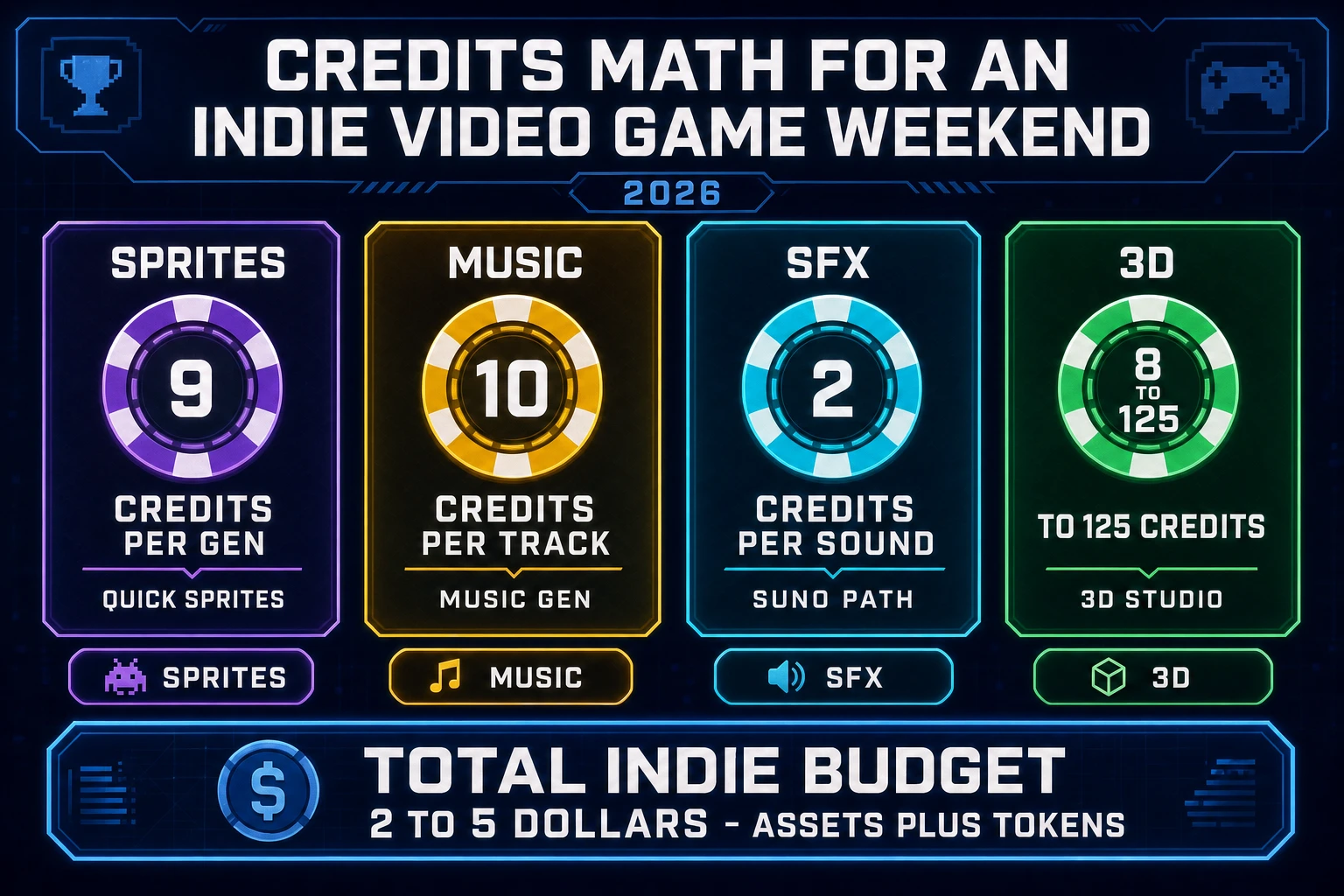
Fact two: AI can generate every category of asset the game needs. Sprites, pixel art, tilesets, PBR textures, 3D meshes, rigged characters, animated sprite sheets, background music, sound effects, and NPC voice lines all have browser-based generators in the current Sorceress suite — and the per-generation cost is in the single-digit cents range for most of them.
Fact three: the output ships. A browser-first video game export compiles to a static dist/ folder with the engine runtime, the game bundle, and the asset directory, which runs on itch.io, GitHub Pages, Cloudflare Pages, or any other static host. Wrap it in Electron or Tauri for a native desktop installer (Electron Fiddle quick-start on version 44.5.1 verified 2026-10-01). The MDN Games reference frames the publish-side benefit directly: HTML5 games have the freedom of distribution, promotion, and monetization on the Web rather than each version being locked into a single store controlled by one company (verified 2026-10-01).
Honest caveat: scope is the single biggest determinant of success. A one-scene arcade shooter ships in an evening. A one-level platformer or top-down adventure ships over a weekend. A three-to-five scene vertical slice ships over two to three weeks of nights-and-weekends. A full RPG with branching narrative and a save system still exceeds what a browser-first AI pipeline can honestly complete on an indie budget — not because the AI cannot write the code, but because the content layer (writing, voice, hundreds of unique sprites) breaks the math for a one-person team.
The browser-first toolchain, panel by panel
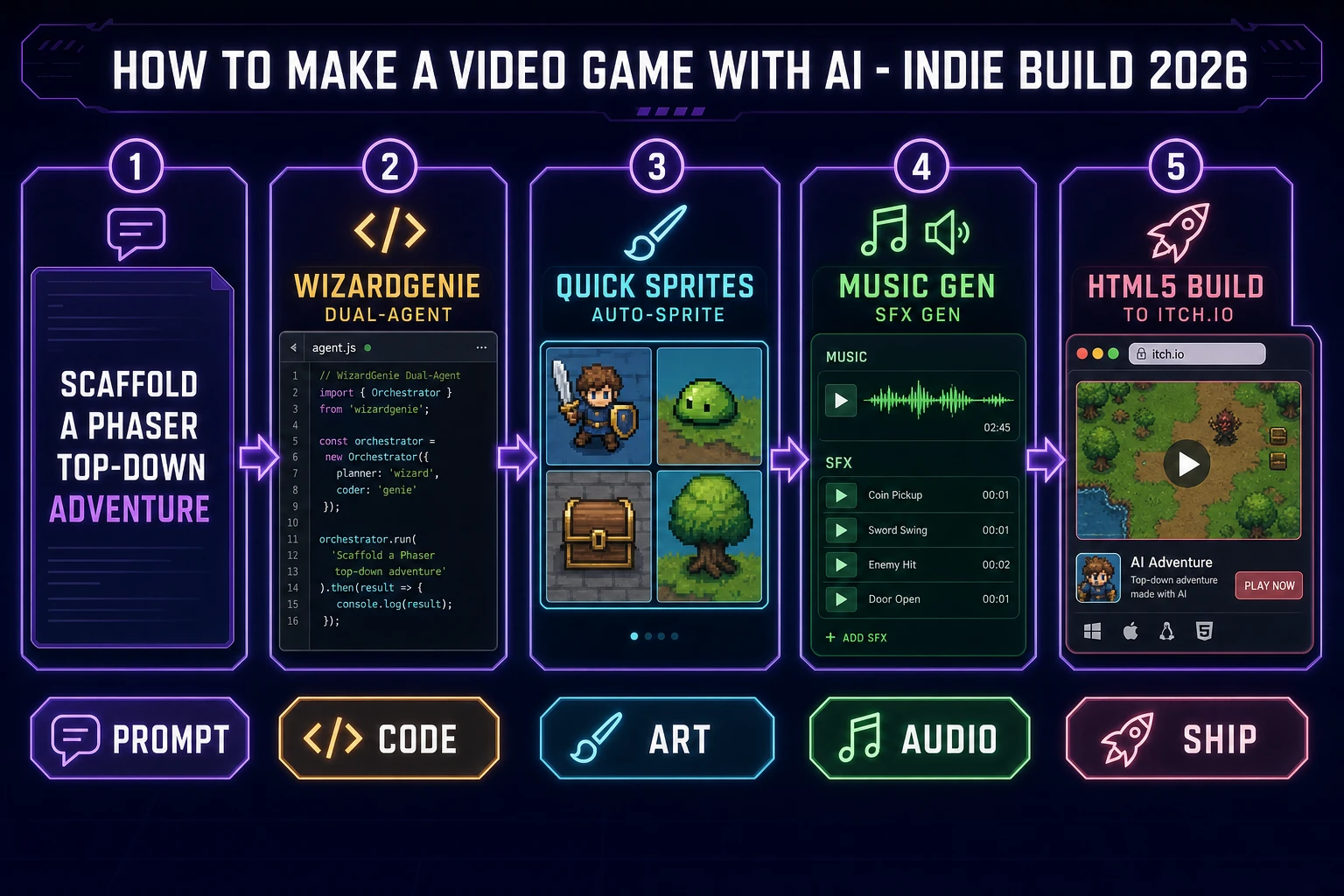
Making a video game with AI on Sorceress is a five-panel pipeline: prompt → code → art → audio → ship. Each panel is a single tool or a tight pair, and each hands off to the next with zero format conversion.
Panel 1 — Prompt: a one-paragraph English description with four explicit slots (engine plus version, genre plus core loop, scene list, input plus win-and-lose condition). The prompt is pasted into WizardGenie.
Panel 2 — Code: WizardGenie dual-agent writes the actual game. For 2D the Planner picks Phaser 3, which is a fast, free, and fun open source HTML5 game framework offering WebGL and Canvas rendering across desktop and mobile web browsers, actively developed for over 11 years (verified 2026-10-01 at docs.phaser.io/phaser/getting-started/what-is-phaser). For 3D the Planner picks Three.js (official docs at threejs.org/docs, verified 2026-10-01). For specific graphics requirements, the W3C WebGPU 1.0 Recommendation covers the lower-level path (verified 2026-10-01).
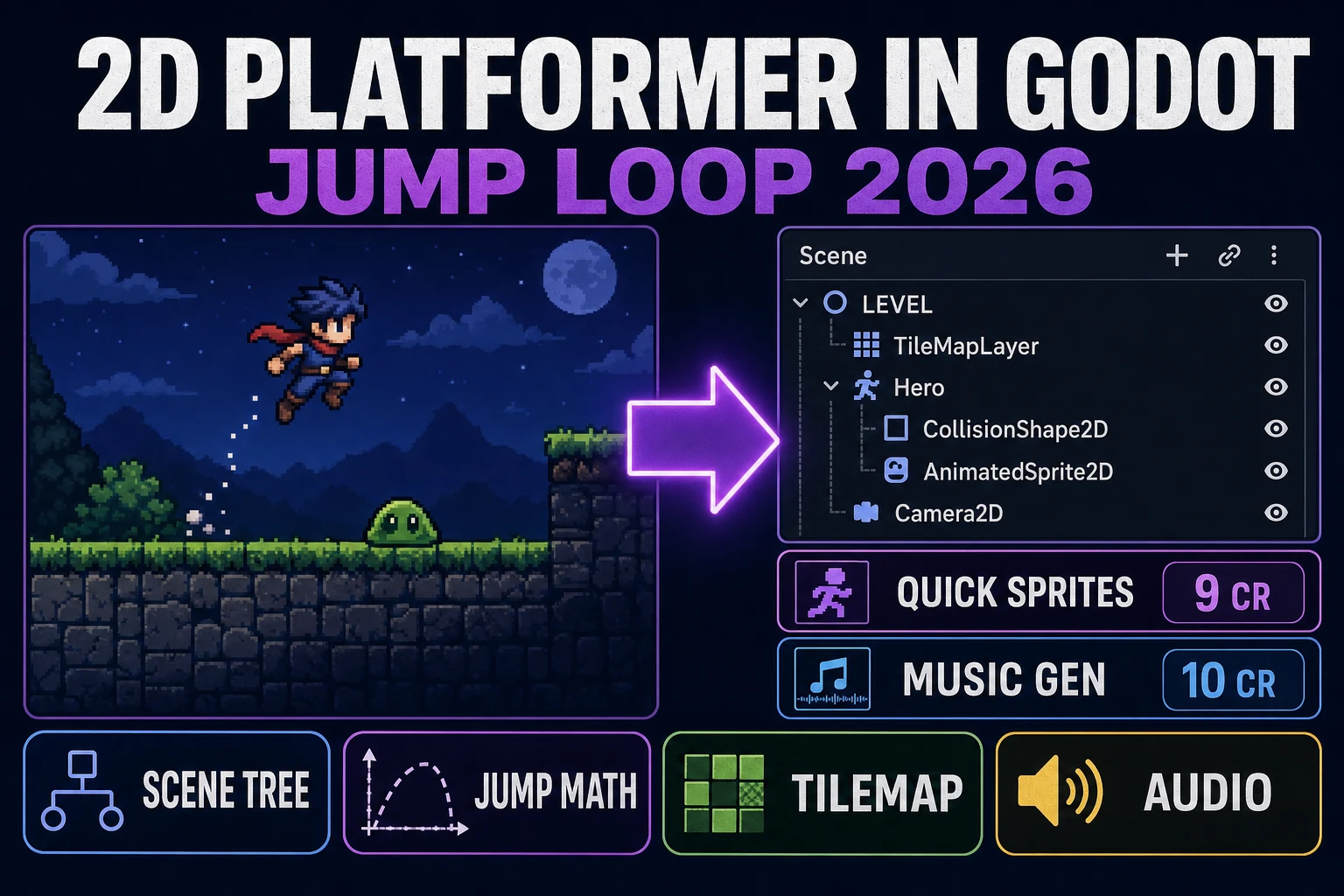
Panel 3 — Art: Quick Sprites for the main sprite roster, AI Image Gen for reference-locked style exploration, Auto-Sprite v2 for motion-driven animation sheets, and 3D Studio for 3D props and characters.
Panel 4 — Audio: Music Gen for the gameplay bed and SFX Gen for the hit-and-pickup effects.
Panel 5 — Ship: HTML5 build to itch.io or Cloudflare Pages for the fast lane, Electron or Tauri for a native desktop installer. For the broader tool overview and which Sorceress tool handles which asset type, see the tools guide.
Dual-agent coding with WizardGenie Planner plus Executor
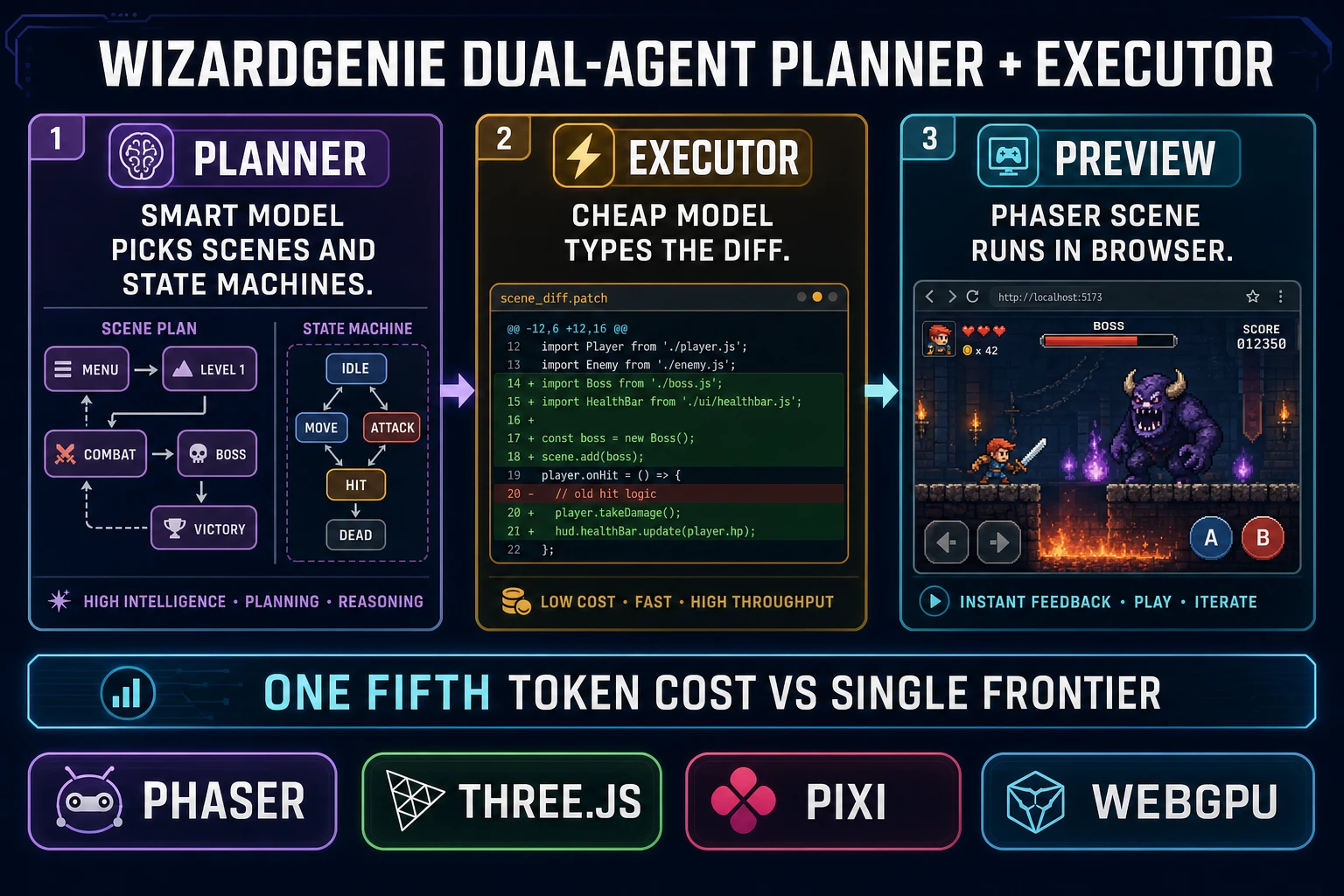
WizardGenie is Sorceress AI-native game engine and the house option for an AI video game workflow. Its dual-agent architecture is labeled literally on the product page as Dual-agent Planner + Executor with the explainer A smart Planner thinks; a cheap Executor codes. Same quality at roughly a quarter of the token cost. Verified in src/app/wizard-genie/page.tsx line 297 through 299 on 2026-10-01.
The split works like this. The Planner receives the prompt, the project context (what already exists in the file tree), and the current conversation state. It thinks through the architecture — which scenes, which state machines, which sprite groups, which input handlers — and writes a plan. The Executor receives the plan plus the current file contents, and emits the actual code changes. Only the Planner needs frontier-grade reasoning; the Executor just needs to be a competent typist with a big context window.
WizardGenie drives the full current frontier coding lineup for the Planner slot: Claude Opus 4.7, GPT-5.5, Gemini 3.1 Pro, DeepSeek V4 Pro, Kimi K2.5, Grok 4.2, and MiniMax M2.7 (model list verified 2026-10-01 in src/app/_home-v2/_data/tools.ts line 767 through 774). Users bring their own API key or use the fallback trial. The pairing discipline that keeps the token math honest: put an expensive reasoner on the Planner side (Claude Opus 4.7, GPT-5.5, Gemini 3.1 Pro, or Grok 4.2) and a cheap fast typer on the Executor side (DeepSeek V4 Pro, Kimi K2.5, MiniMax M2.7, or Gemini 3.1 Flash). Never put a Pro, Opus, or frontier-priced model on the Executor side — that erases the entire cost advantage that makes the pattern worth running.
The reader-level benefit: a two-hour evening session that scaffolds a complete scene manager, sprite groups, input layer, title screen, and game-over screen for an indie video game runs under a dollar in token cost on this pairing — versus roughly five to ten dollars on a single-frontier generation-two tool. For a deeper look at the specific pairings and the executor-side economics, see best AI model for vibe coding.
WizardGenie runs on both desktop (Windows installer with auto-updater) and web (/wizard-genie/app). The desktop build gives native filesystem access and longer-running agent sessions; the web build is zero-install for a prompt-to-game session on any browser. Pick whichever matches your dev loop — the same dual-agent workflow runs identically on either side.