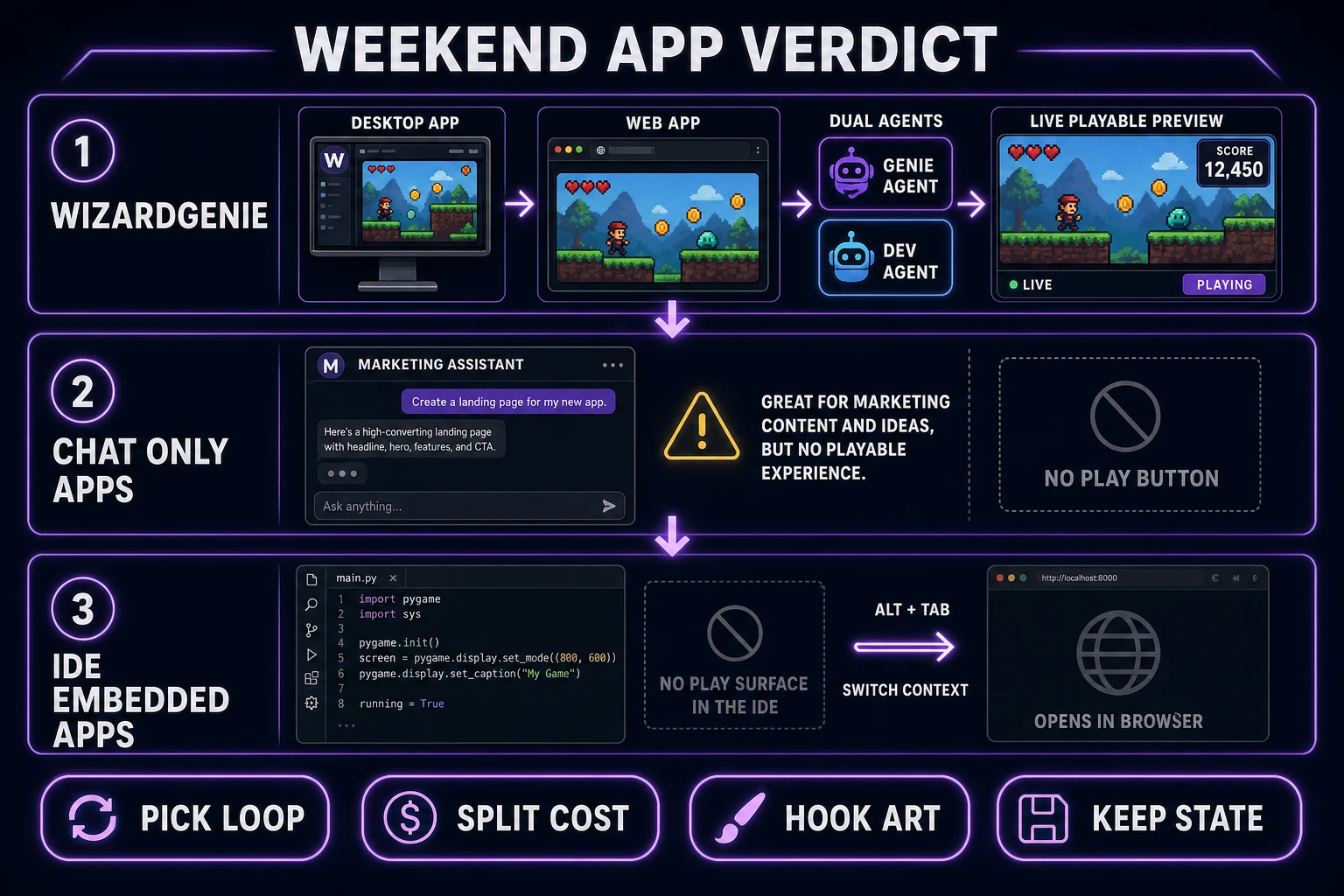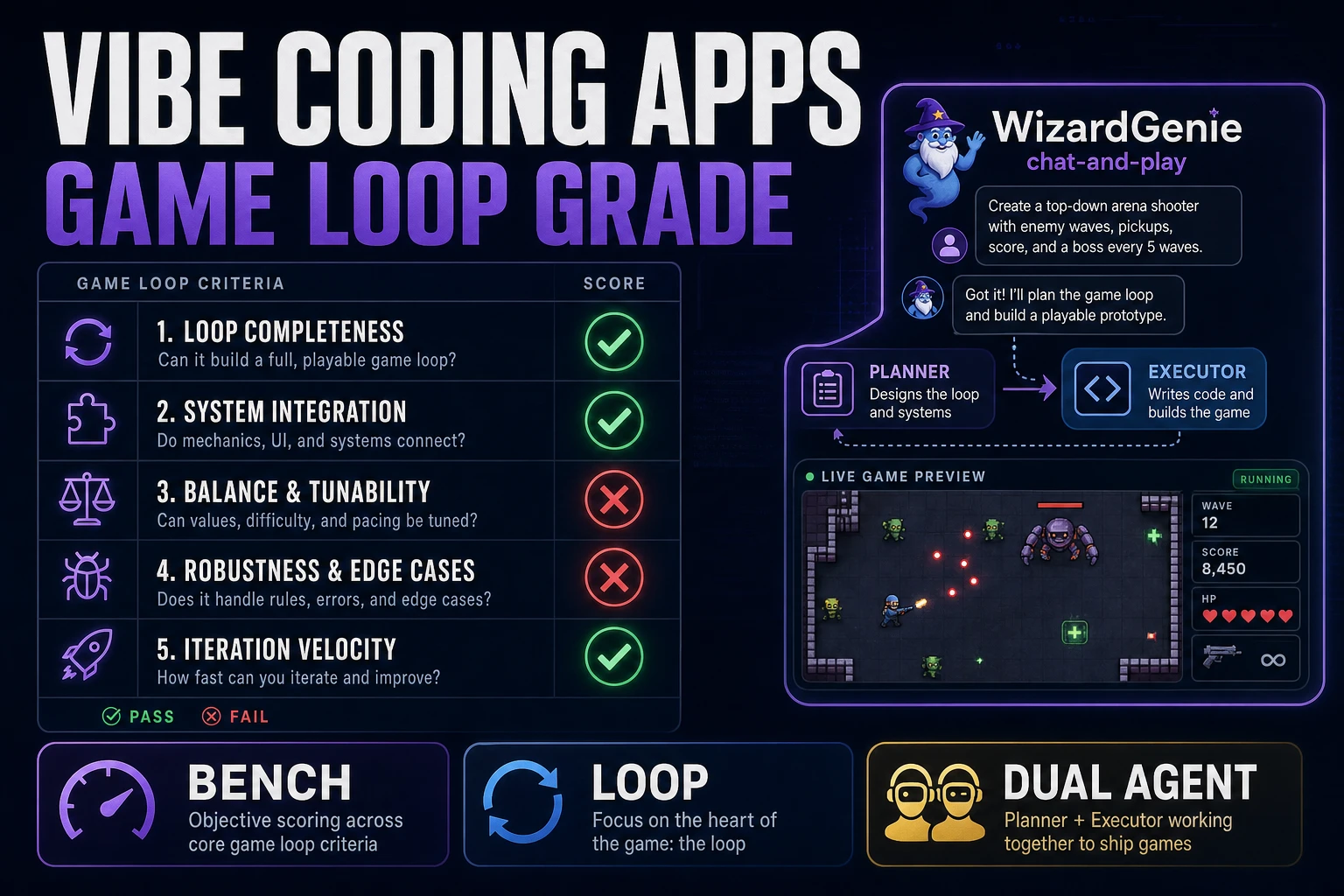
Vibe coding apps ship demo GIFs of a paragraph turning into a game. The GIF ends before hour two, which is where every weekend jam actually gets decided. This post benches vibe coding apps on the axes that matter for a playable loop — five pass/fail rows first, then a head-to-head between chat-only surfaces, IDE-embedded assistants, and WizardGenie, plus how AI Image Gen hooks in without asking the agent to rewrite the scene. Coding model names match the Sorceress CODING_MODELS catalog in src/app/_home-v2/_data/tools.ts, verified August 3, 2026. Phaser v4.2.1 "Giedi" was live-checked the same day against the official GitHub release notes.
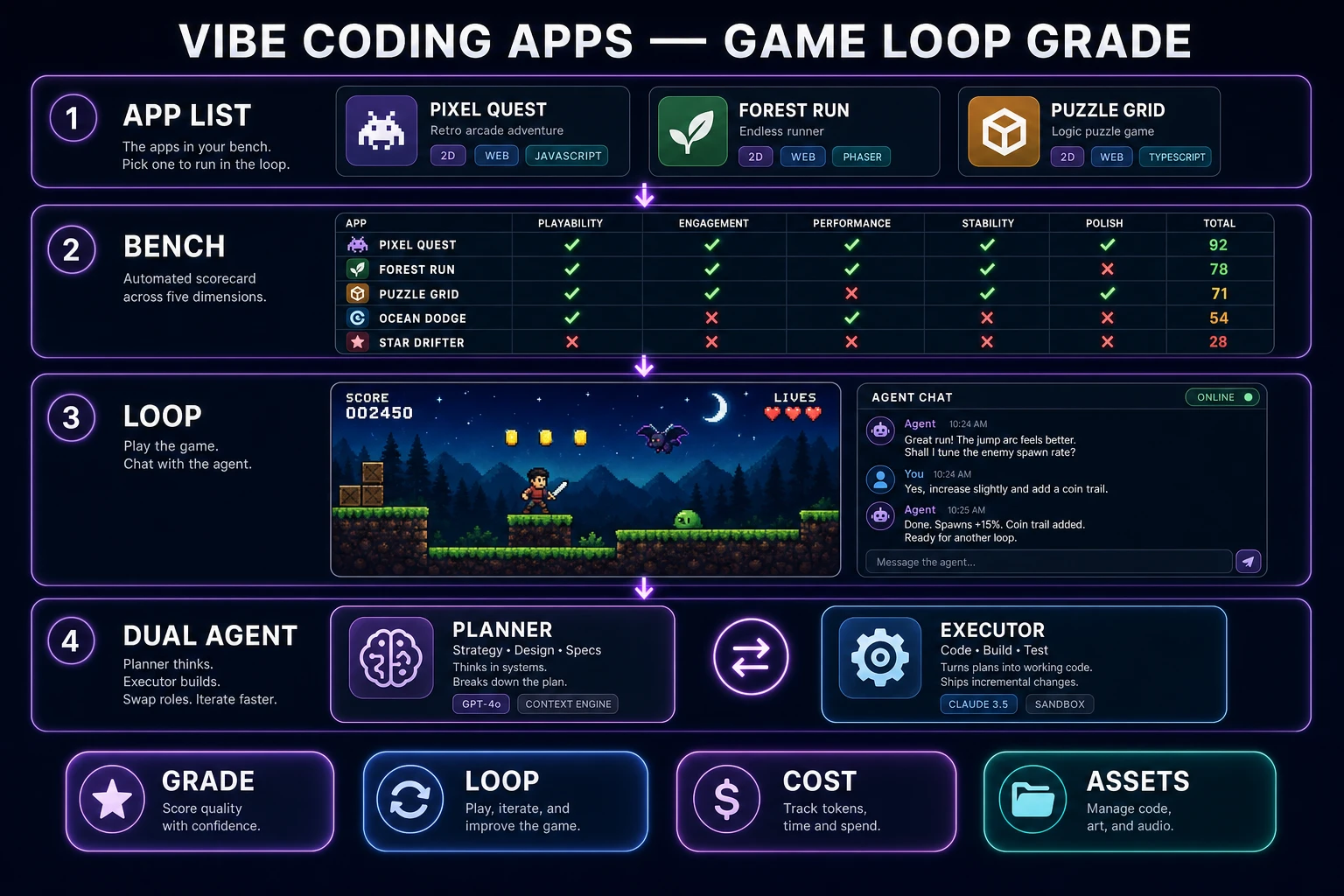
What vibe coding apps means for a jam
DataForSEO lists vibe coding apps at 1,300 monthly searches with KD 23 in research-supplement.md, verified August 3, 2026. The plural matters: the reader is not shopping for a single CLI they can install once and forget. They want a shortlist of concrete applications — browser tabs, desktop installers, IDE extensions — that they can open on Friday and still trust on Sunday. The sibling post that graded whole vibe coding platforms covered the surface level; this article drops one level and benches the apps that actually run on your machine.
Wikipedia's vibe coding entry (checked August 3, 2026) traces the term to Andrej Karpathy on February 2, 2025 and marks it Collins English Dictionary's Word of the Year for 2025. Martin Fowler separates pure "forget the code exists" vibe coding from agentic programming where structure still matters. A jam game sits firmly in the second bucket. You may not hand-type every line, but you absolutely care whether gravity, hitboxes, restart rules, and named constants survive the next prompt.
So for a weekend build, the query collapses to five demands. Any vibe coding app worth putting on the shortlist must let you keep one project folder warm across sessions, show a live preview beside the chat, accept a scoped feel fix without regenerating the world, swap sprites and SFX as file drops, and split expensive reasoning from cheap typing. Apps that fail any one of those demands are demotion candidates for a game. The bench in the next section formalizes that into a fixed scorecard.
Fixed bench: five pass/fail rows
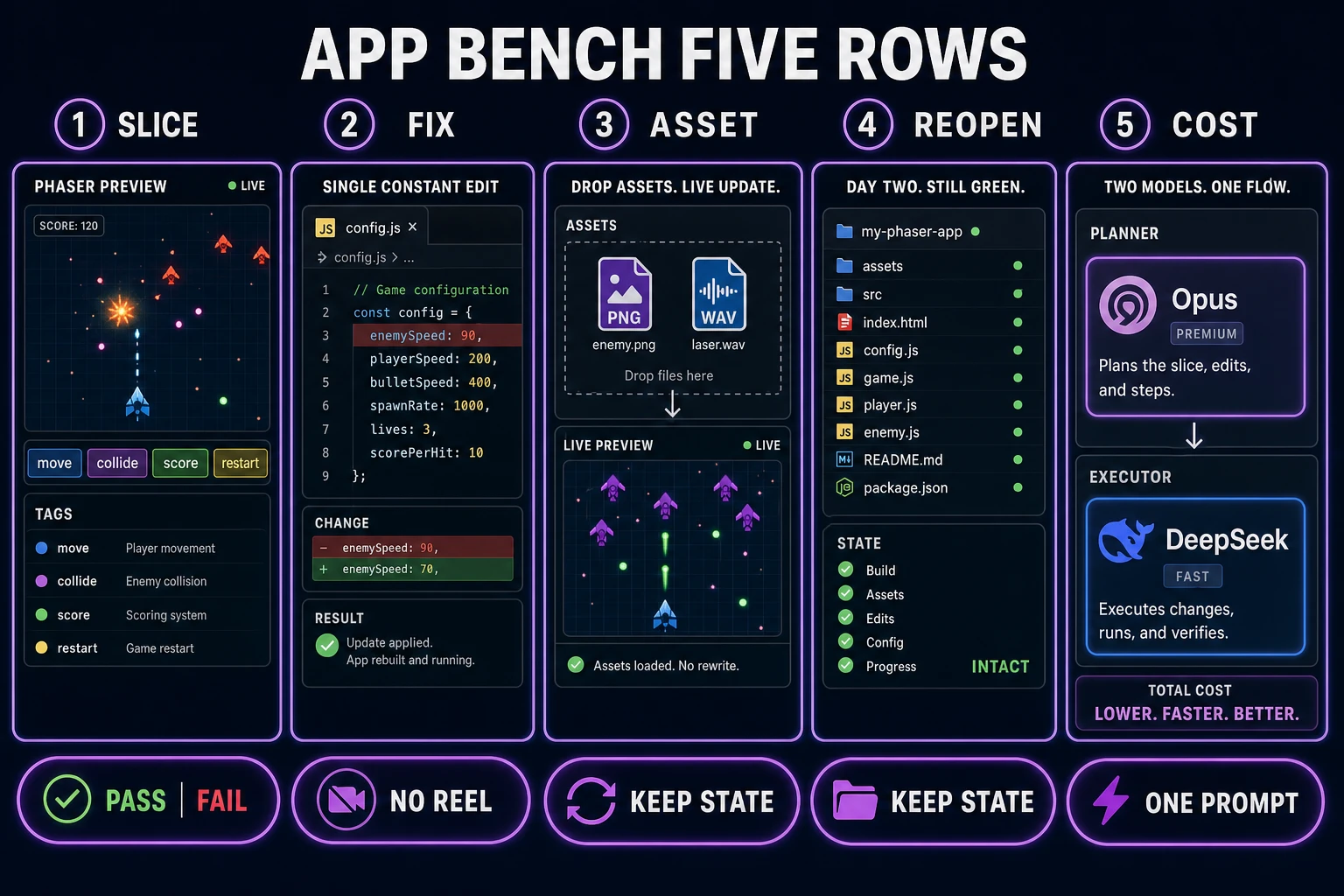
Ignore the landing page trailer. Score five rows on paper before you commit a weekend to any candidate. MDN's overview of web games still centers on a running loop, input handling, and asset intake — a fair bench for vibe coding apps has to center on the same surfaces, not on the app's marketing copy.
| Check | Pass looks like | Fail looks like |
|---|---|---|
| Playable slice | Move, collide, score, restart in one screen | Pretty menu with no loop |
| Single-variable fix | One constant changes; rest stays | Whole scene regenerates |
| Asset add | One PNG + one SFX drop in cleanly | "Rebuild the game with art" |
| Reopen continuity | Day-two folder still runs | Disposable sandbox evaporates |
| Cost split | Frontier plans, cheap model types | Frontier model on every gravity tweak |
Two housekeeping rules make the bench honest. First, pin a runtime before you scaffold. As of August 3, 2026, the stable Phaser release on phaser.io/download/stable is Phaser v4.2.1 "Giedi" (released July 9, 2026 per the GitHub release notes). Naming the version in every scaffold prompt keeps physics behavior identical across every app you grade.
Second, run one prompt against every candidate. Vary the prompt to flatter one app and the bench turns into marketing. Paste this into each candidate verbatim:
Build a one-screen browser action prototype on Phaser v4.2.1. Side view. Player moves and collides with platforms. Collect three pickups to raise score. Touching an enemy restarts the run. Colored rectangles only. No inventory, no dialogue. Expose
moveSpeedandenemySpeedas named constants. Do not invent extra systems.
Then demand a single-variable fix: "Enemy speed 90 feels unfair on the first screen; lower to 70 and keep player speed fixed." Any app that rewrites the world for that request gets a red mark on row two. The rest of the sections walk each app class through the same five rows.
Chat-only apps vs playable-loop apps
Chat-only vibe coding apps are the loudest category. One input, one output, and a landing page that shows a full game appearing out of a paragraph. They earn narrow wins and predictable failures on the bench.
Wins: throwaway UI demos, one-shot experiments, and non-game side quests. If you need a landing page, a CRUD mock, a pitch deck helper, or a sixty-second silly minigame you will never open again, a chat-only app can be faster than any engine. That is a real use case; do not throw the whole category out. Marketing pages, jam trailer sites, and README landing pages are all fine.
Failures: everything the bench actually measures. Row-one slice often passes on the first prompt and then collapses on the second, because "add a second loop" is heard as "start over." Row two fails constantly, because "lower enemySpeed to 70" is heard as "regenerate the scene with slower enemies." Row three fails when you drop a sprite in and the app rewrites the collision code around a new atlas. Row four is the killer: without a durable project folder, day two is a fresh disposable sandbox with none of yesterday's tuned constants. Row five may pass on unit price but usually fails on architecture, because the app only exposes one model and no planner/executor slot.
Playable-loop apps take the opposite trade. They keep a live preview beside the chat, hold a project folder across sessions, and expose named constants so a scoped fix stays scoped. On the bench, they typically pass rows one, two, and four cleanly, and pass row three when the asset intake is real. They win the weekend even when their chat window looks less flashy than a chat-only app's landing page. Grade the loop, not the chat.