Sprite Sheets
24 posts on Sorceress about sprite sheets.

How to Make a 2D Top Down Game in Unity (With C# Code)
A practical walkthrough of a top-down Unity project: 2D setup, sprite import settings, a complete C# movement script, Tilemap walls, Cinemachine follow and Y-sorting, plus how WizardGenie and Sorceress art tools shorten the path.

AI Stick Figure Animation Generator for Game Sprites
Stickman clips are easy to generate with AI. Getting one into a playable game is harder. Here’s how to prompt a clean stick figure, animate it, turn it into a sprite sheet and get it running in Phaser.

God Mode AI Sprite Generator: How It Works and Alternatives
What the God Mode AI sprite generator is, where its open-source models came from, how it compares with other AI sprite tools, and a Phaser example for dropping any generated sprite sheet into your game.

Video to Sprite Sheet: Convert Any Clip (With Code)
A practical walkthrough of turning video into a game-ready sprite sheet: frame rates, background removal, loop points, grid packing and Phaser code, plus the AI pipeline that skips most of the cleanup.

AI Pixel Art Generator for Game Sprites (Text or Image)
Most AI pixel art looks right at a glance but breaks inside a game: uneven pixels, too many colours, baked-in backgrounds. Here’s how AI pixel art generators work, what “game-ready” means, and a workflow that goes from prompt to sprite sheet.
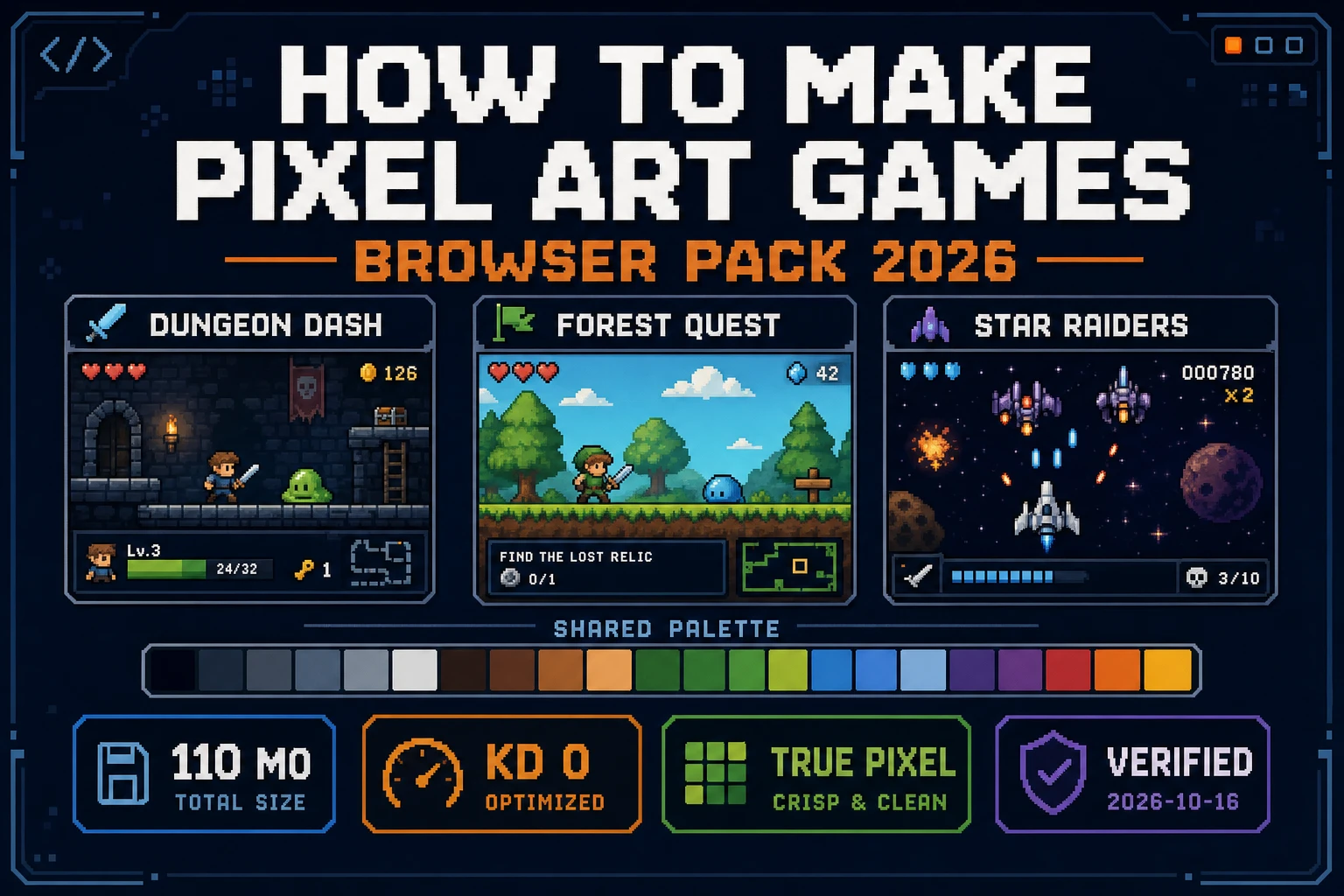
Knit How to Make Pixel Art Games (Browser Pack 2026)
How to make pixel art games without a new style per jam: one palette lock, Quick Sprites sheets at 9 credits, True Pixel cleanup, crisp Phaser import, WizardGenie Dual-agent for the playable loop. Verified 2026-10-16.
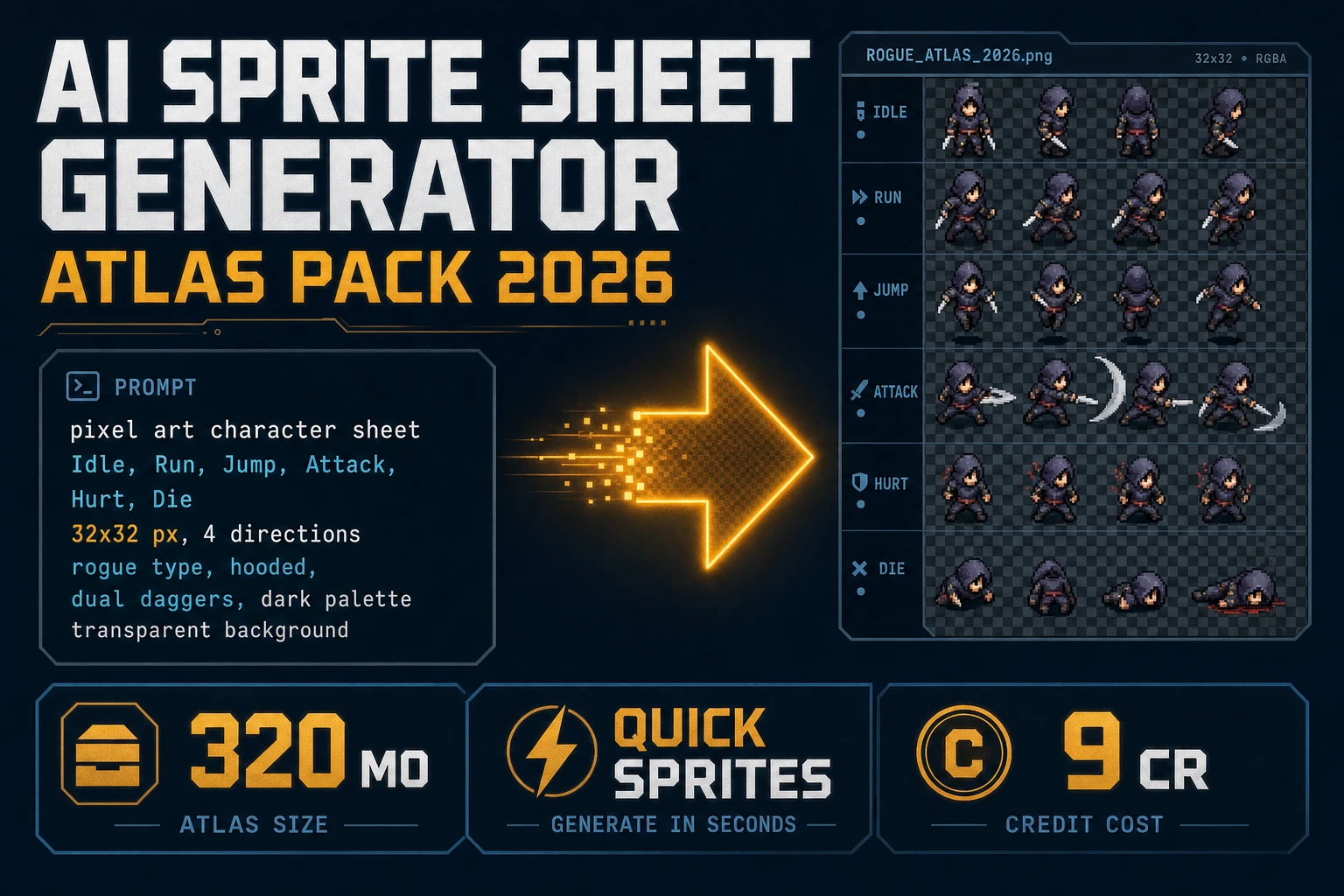
Forge AI Sprite Sheet Generator (Atlas Pack 2026)
Forge an ai sprite sheet generator atlas pack in 2026: prompt Quick Sprites for a transparent PNG grid at 9 credits, extract walk clips in Auto-Sprite v2 when you already have video, and load Phaser with image-rendering: pixelated. Verified 2026-10-16.
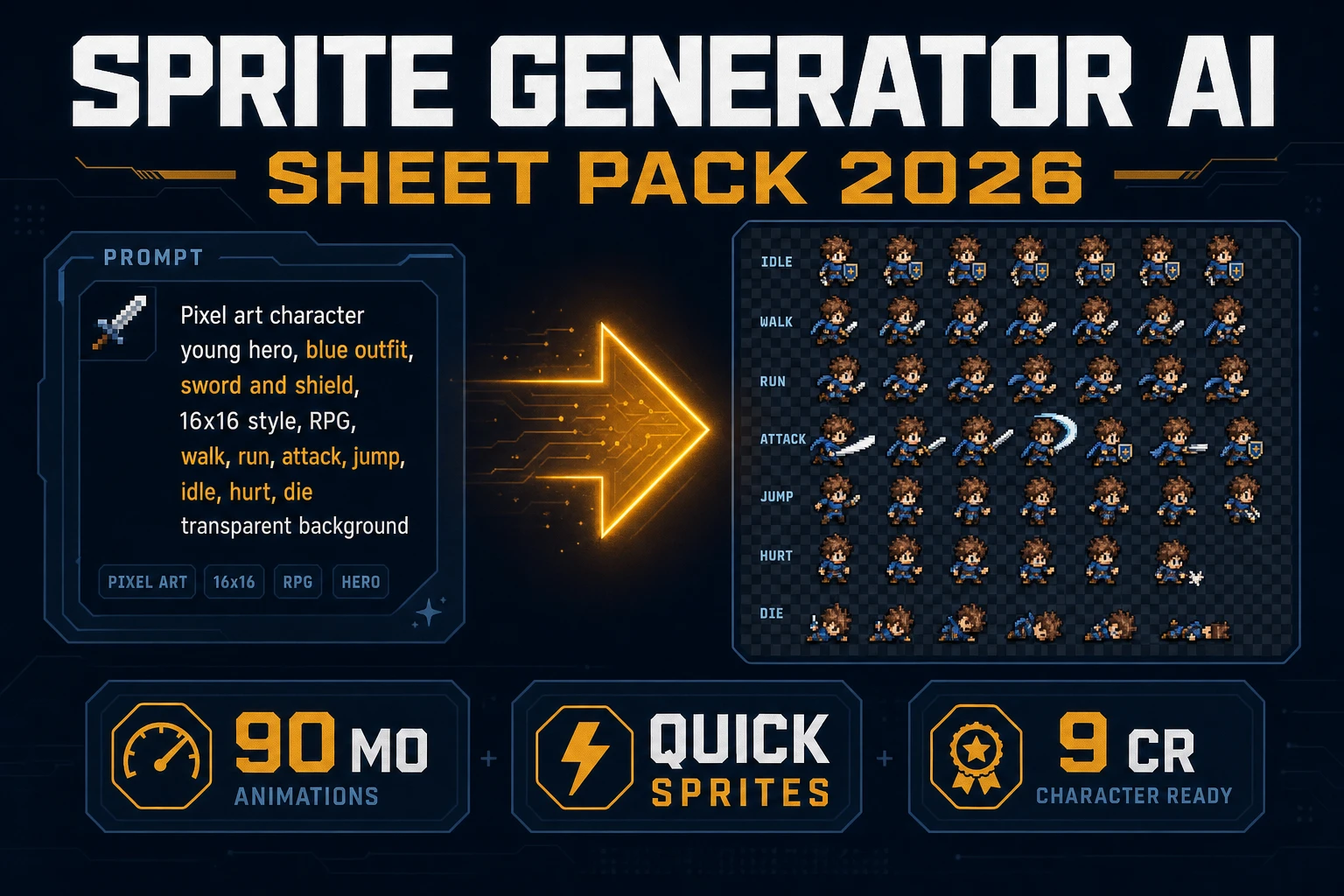
Spin Sprite Generator AI (Sheet Pack 2026)
Spin a sprite generator AI sheet pack in 2026: prompt Quick Sprites for a transparent PNG grid at 9 credits, lock the palette in True Pixel when needed, and load Phaser with image-rendering: pixelated. Verified 2026-10-14.

Minecraft Image to Pixel Art (Sprite Grid 2026)
Minecraft image to pixel art is a three-step pipeline — grid-snap to 16 pixels, quantize to 16 colors, clean edges, export a sheet. This article walks the browser-native way to do it in 2026 (no mods, no Photoshop) and the three honest use cases it covers.
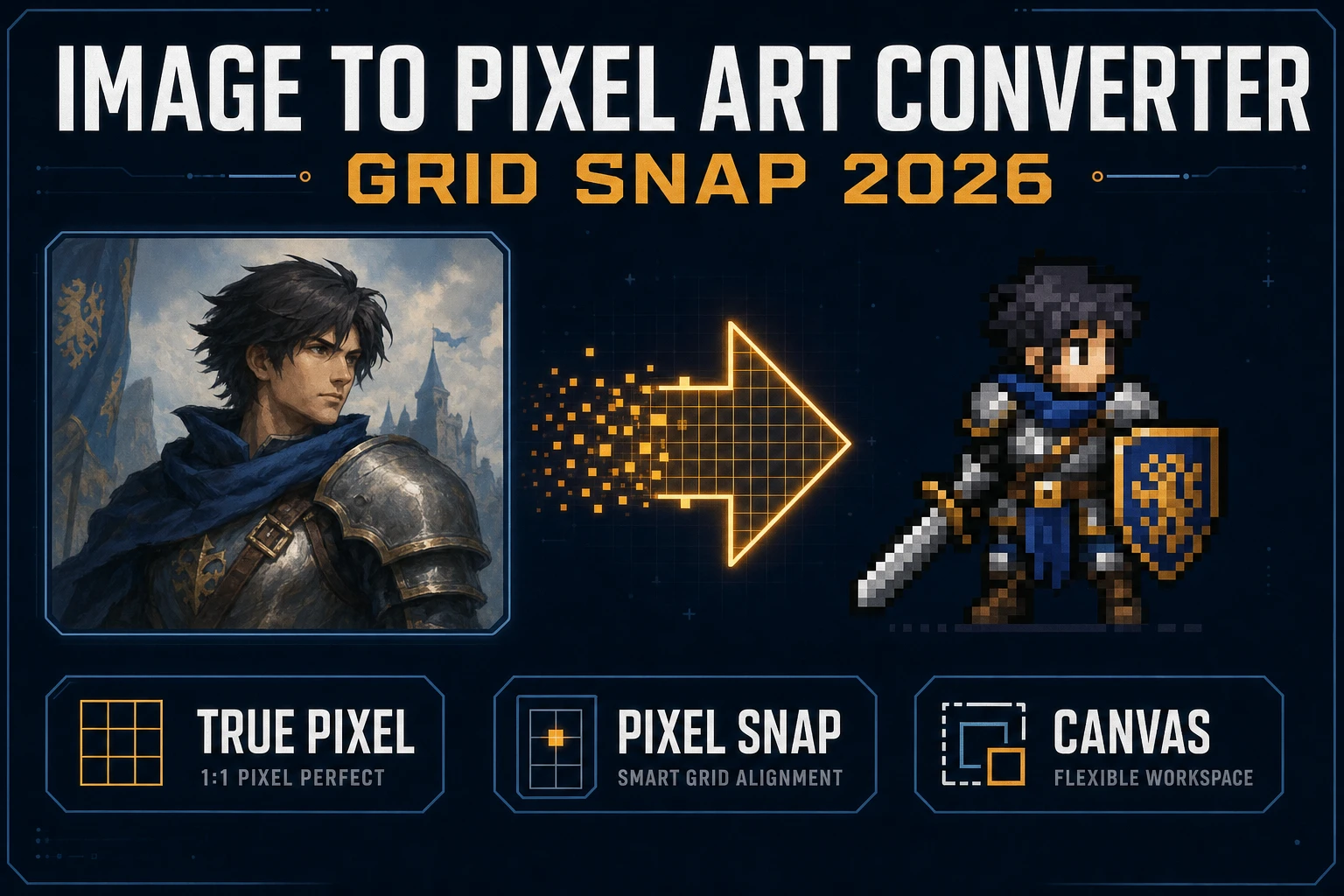
Slice Image to Pixel Art Converter (Grid Snap 2026)
Run an image to pixel art converter path for indie sprites: Canvas crop, True Pixel palettes and dither, Pixel Snap for AI soft-art, nearest-neighbor import. Local Corridor Key is free. Verified 2026-09-27.
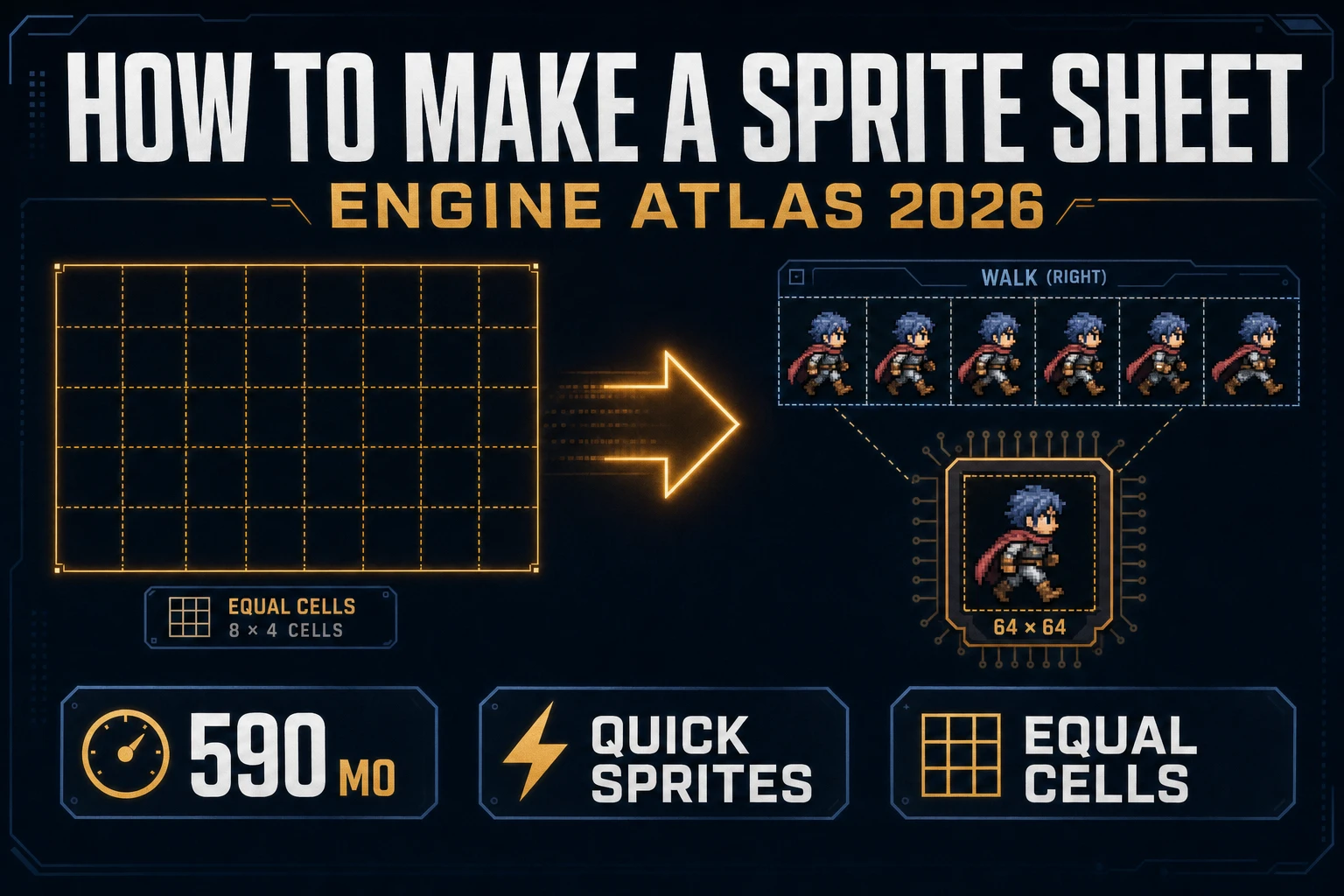
Grid How to Make a Sprite Sheet (Engine Atlas 2026)
How to make a sprite sheet as an engine atlas: Quick Sprites Four Angle Walking or Small Sprites, equal cell packing, True Pixel if the palette drifts, Sprite Analyzer row preview, then nearest-neighbor import so frames stay sharp. Verified 2026-09-26.
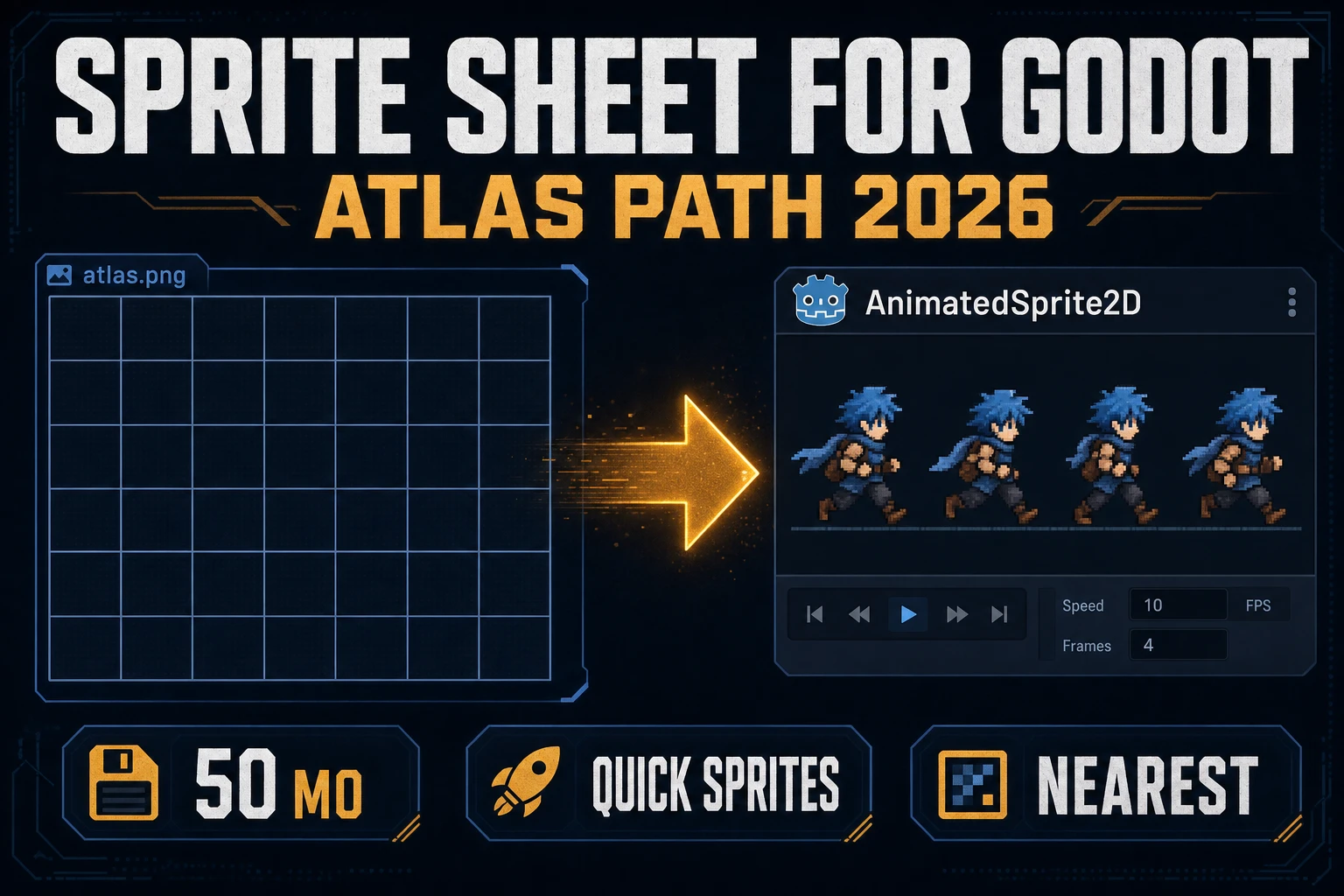
Node How to Make a Sprite Sheet for Godot (Atlas Path 2026)
How to make a sprite sheet for Godot as a jam atlas: Quick Sprites Four Angle Walking or Small Sprites, True Pixel if the palette drifts, equal cell packing, then nearest-neighbor import so AnimatedSprite2D stays sharp. Verified 2026-09-25.
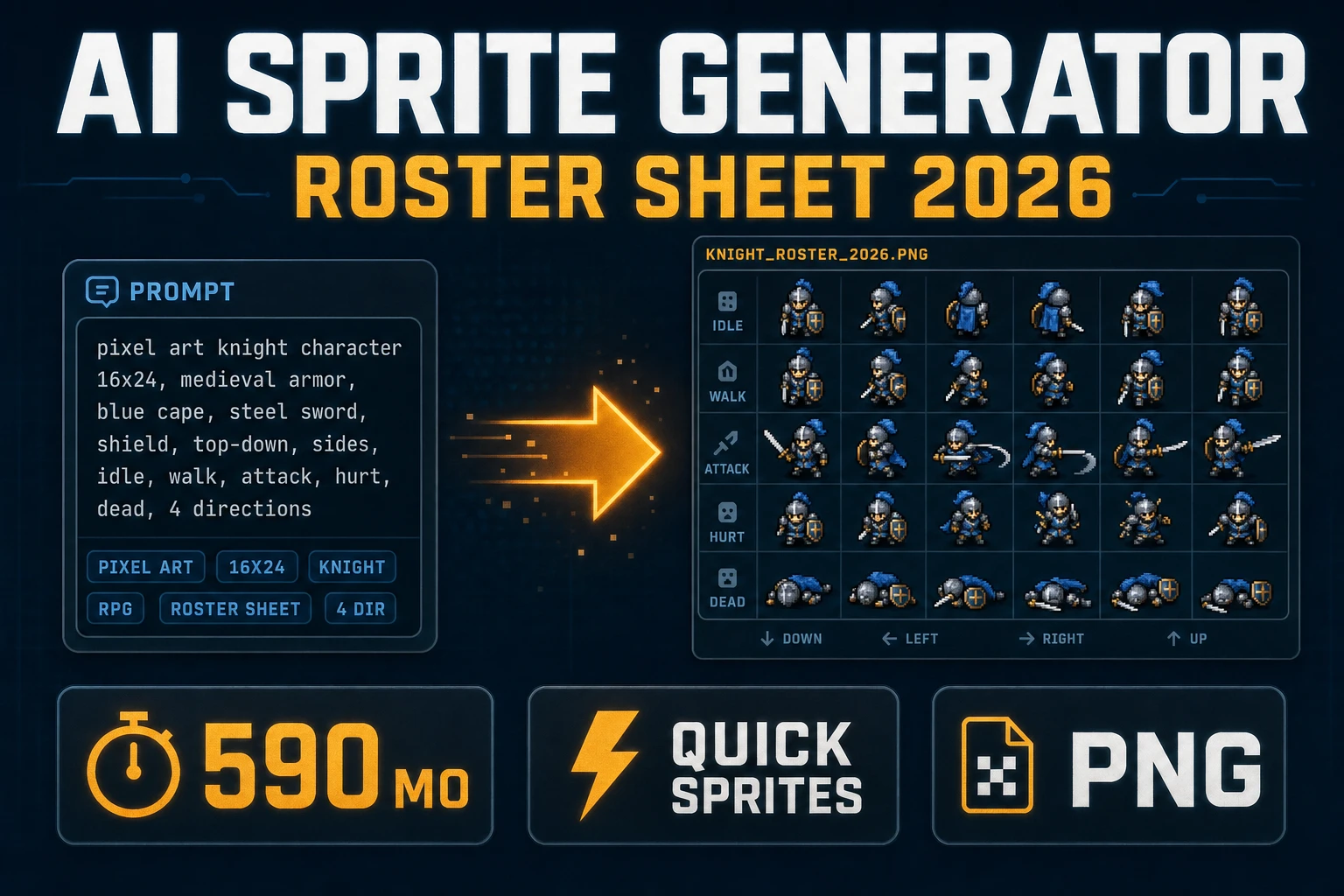
Ink AI Sprite Generator (Roster Sheet 2026)
Ship an ai sprite generator roster sheet in 2026: prompt Quick Sprites for Four Angle Walking or Small Sprites, lock the palette in True Pixel, pack a uniform grid, and load it with image-rendering: pixelated. Verified 2026-09-24.
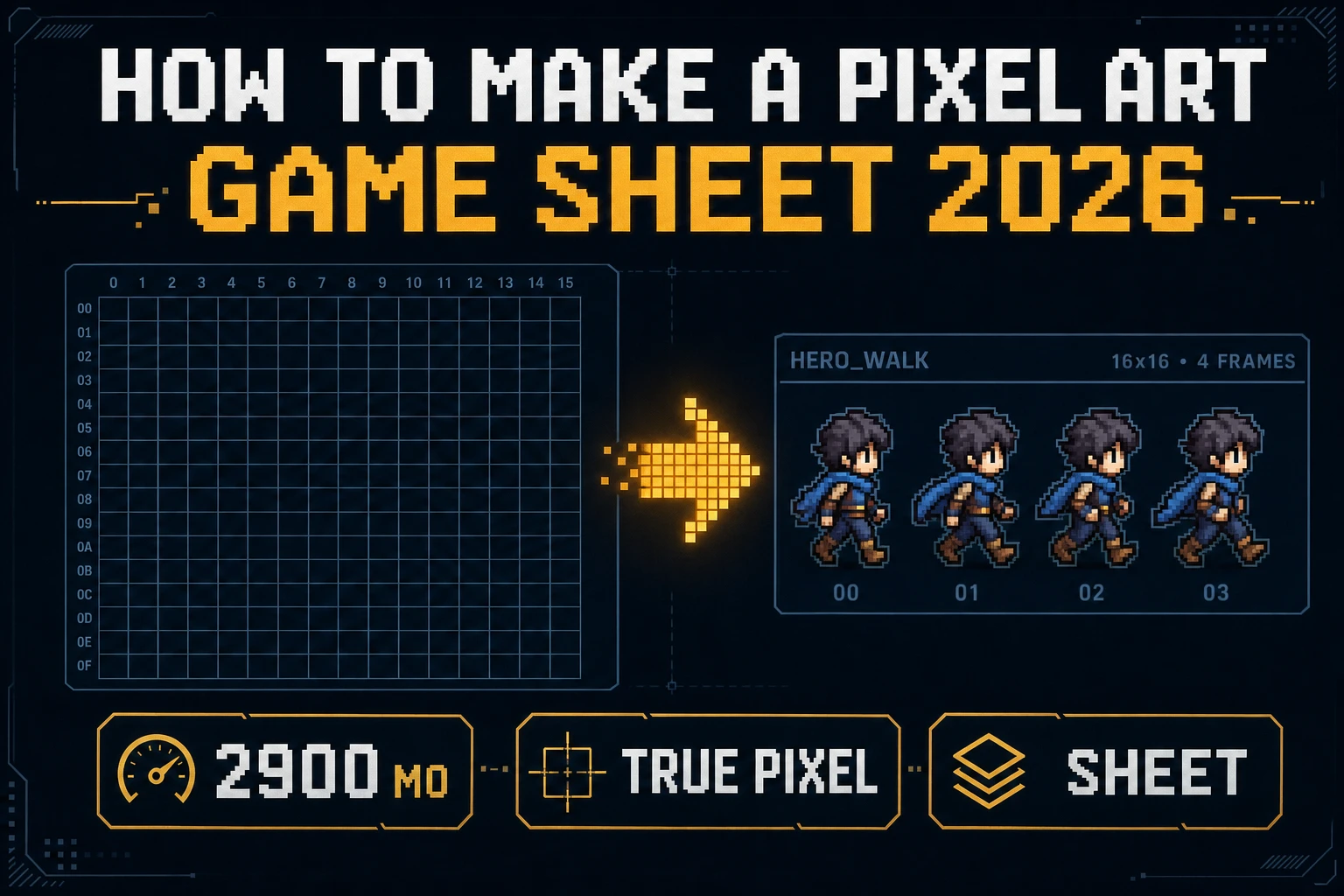
Latch How to Make a Pixel Art (Game Sheet 2026)
How to make a pixel art sheet for a jam: True Pixel presets (PICO-8 to 1-Bit), Canvas fringe cleanup, Quick Sprites at 9 credits, nearest-neighbor import. Local Corridor Key is free. Verified 2026-09-23.
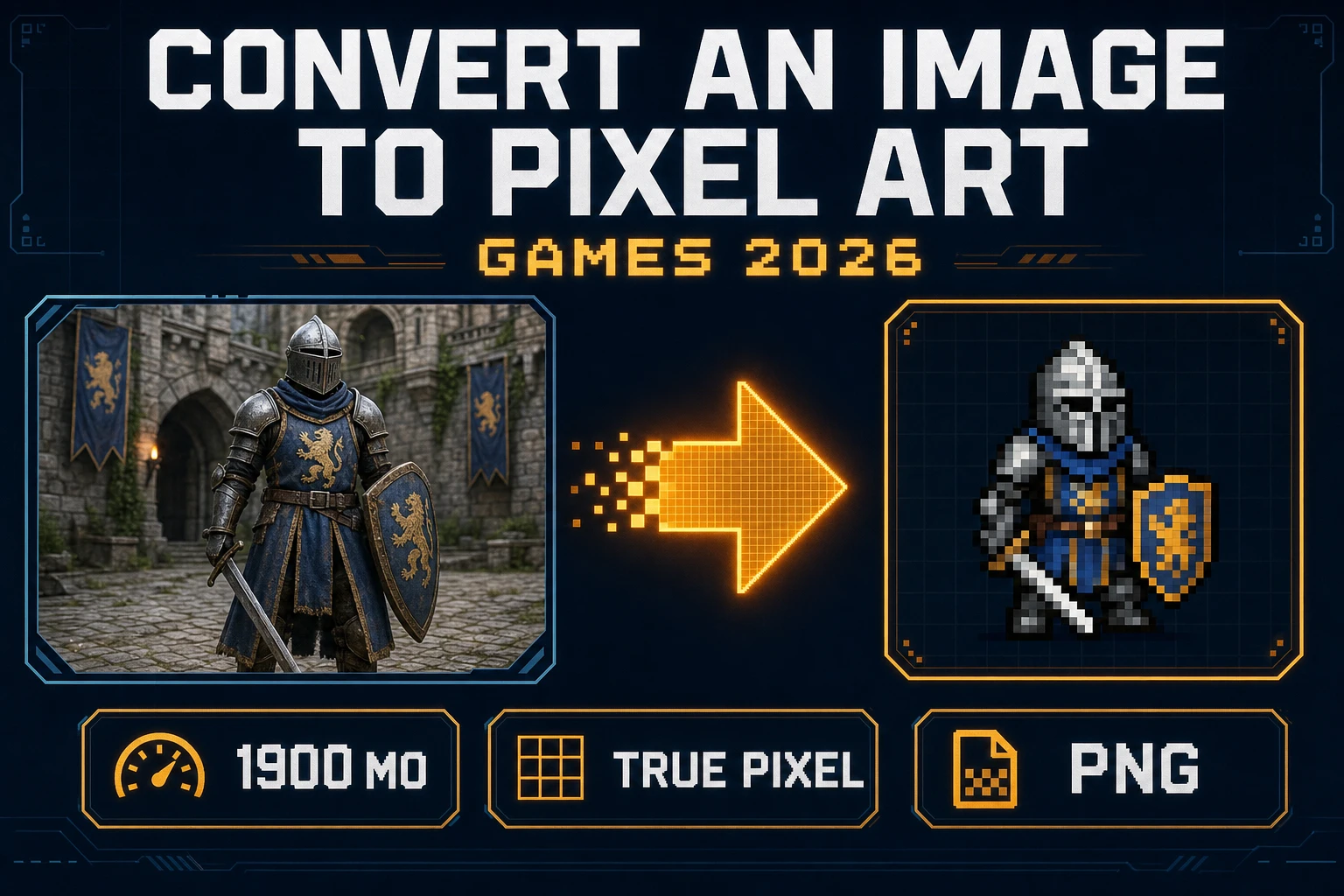
Stamp Convert an Image to Pixel Art (Games 2026)
Convert an image to pixel art for a jam sprite: matte messy backdrops, run True Pixel with an 8-preset palette and a dither mode, export PNG, then import with image-rendering: pixelated. Local Corridor Key is free. Verified 2026-09-22.
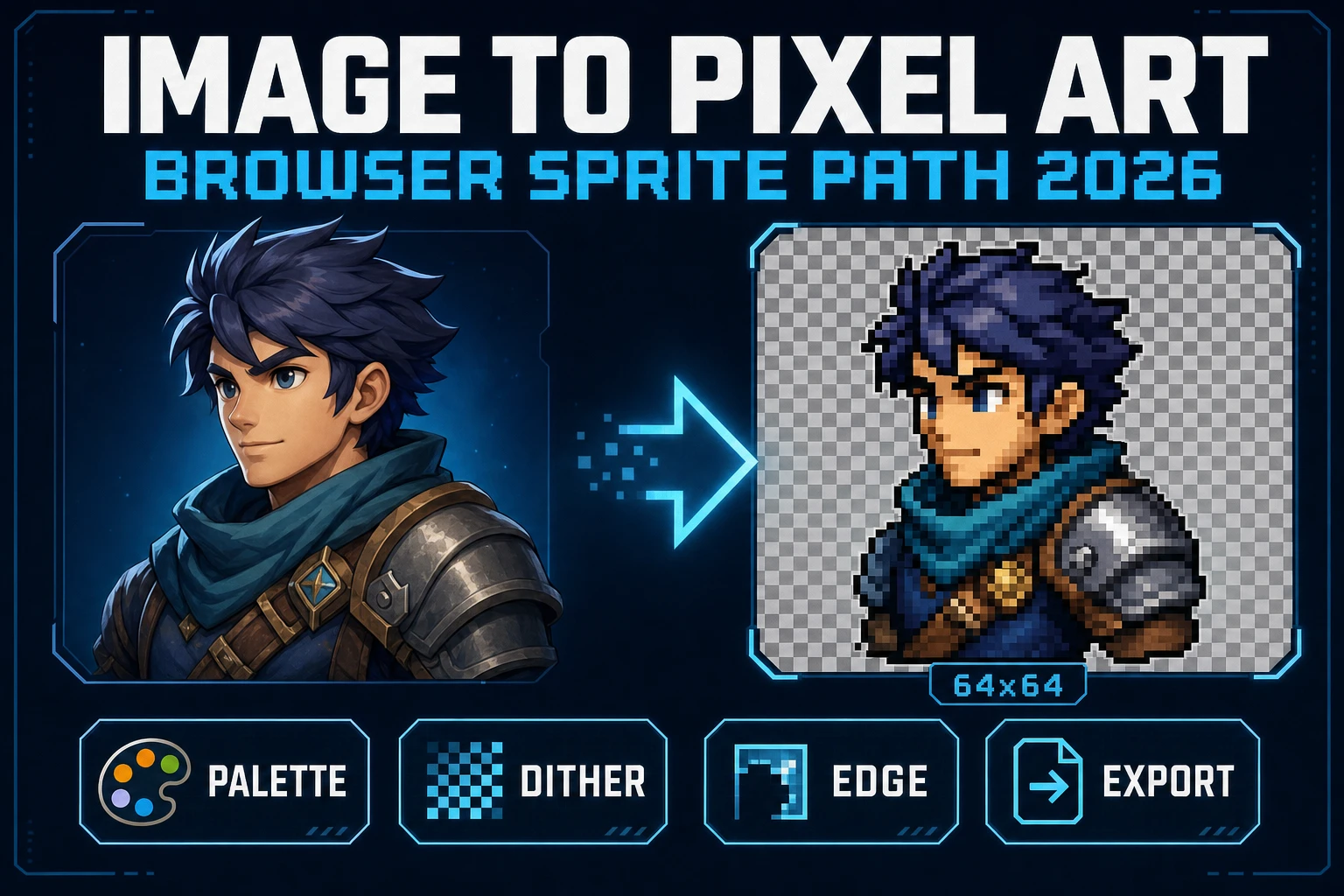
Image to Pixel Art in the Browser (Sprite Path 2026)
Image to pixel art in 2026 is Sorceress True Pixel - upload a source, lock a target resolution, pick one of 8 palette presets from PICO-8 to NES, choose a dither mode, and export a game-ready PNG sprite in the browser. Local mode is free; batch and video pipelines share the same surface.
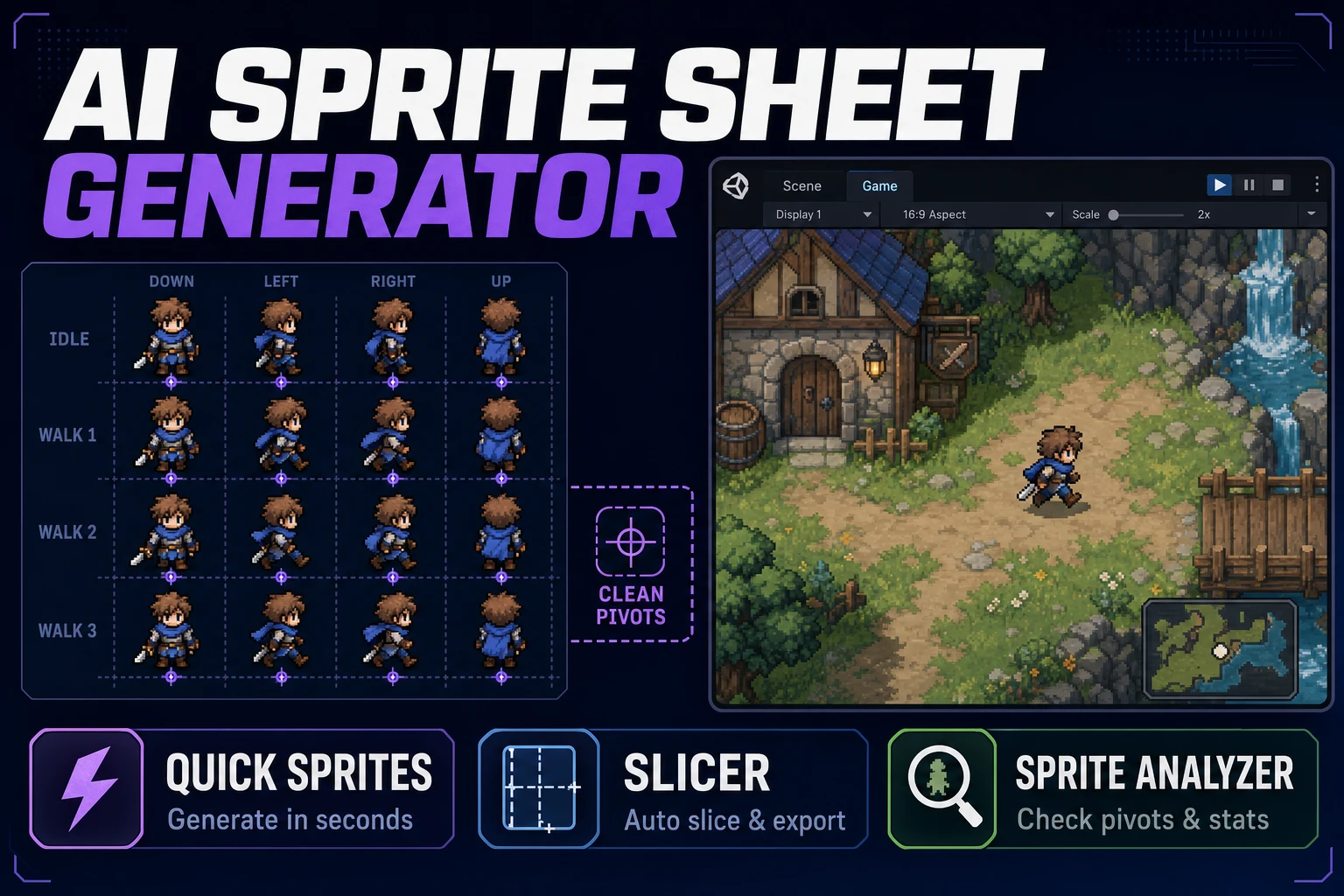
Align AI Sprite Sheet Generator (Atlas Pack)
Align an AI sprite sheet generator with your engine's grid rules: lock 32×32 or 48×48 first, generate one action row in Quick Sprites, slice uneven cells in Slicer, verify frames in Sprite Analyzer before you hand the atlas to Godot or Phaser.
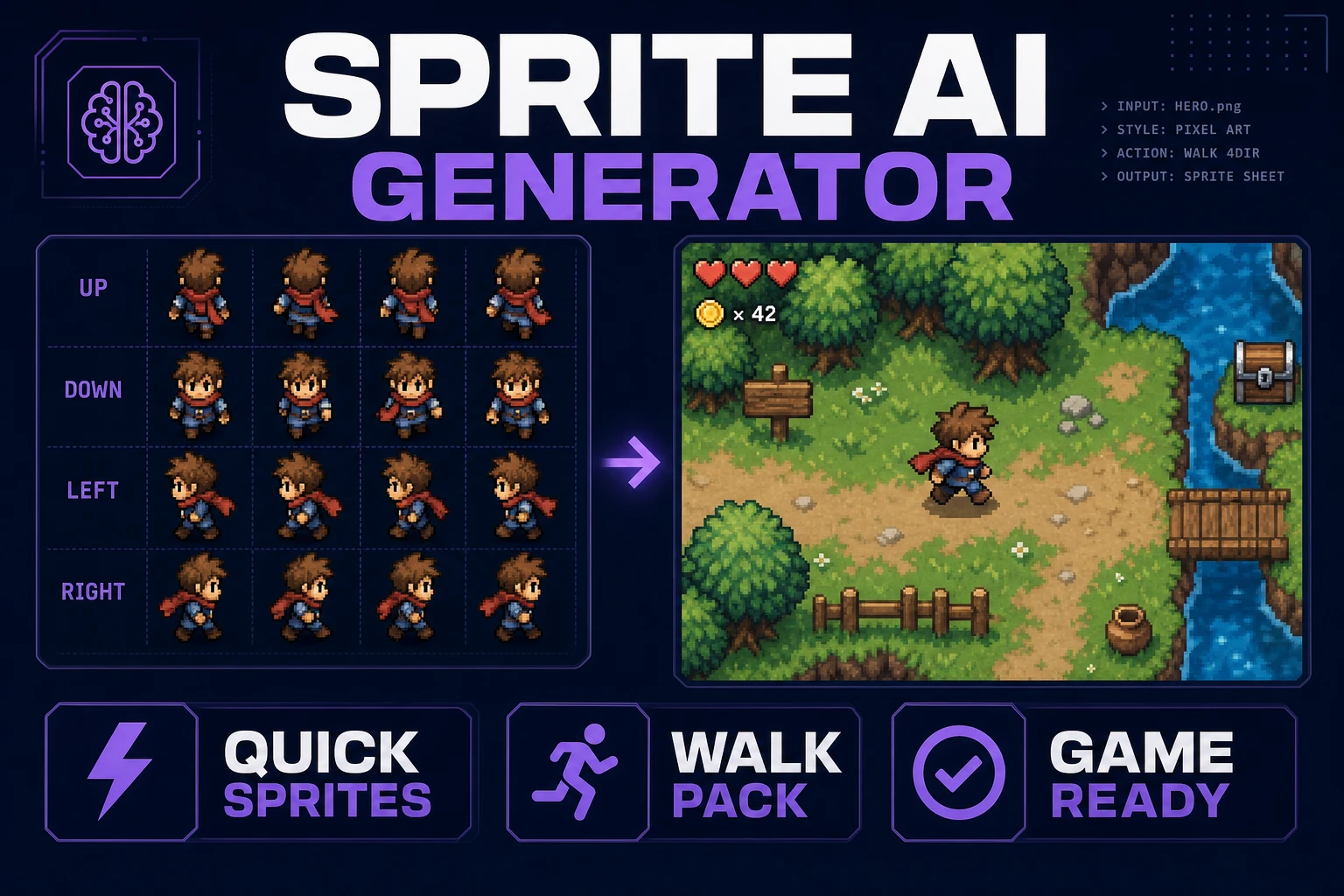
Stamp a Sprite AI Generator (Walk Pack)
Stamp a sprite AI generator walk pack in the browser: lock pixel size, generate directional walk rows in Quick Sprites, slice and name the grid, then drop the sheet into a one-screen playtest before you burn more credits.
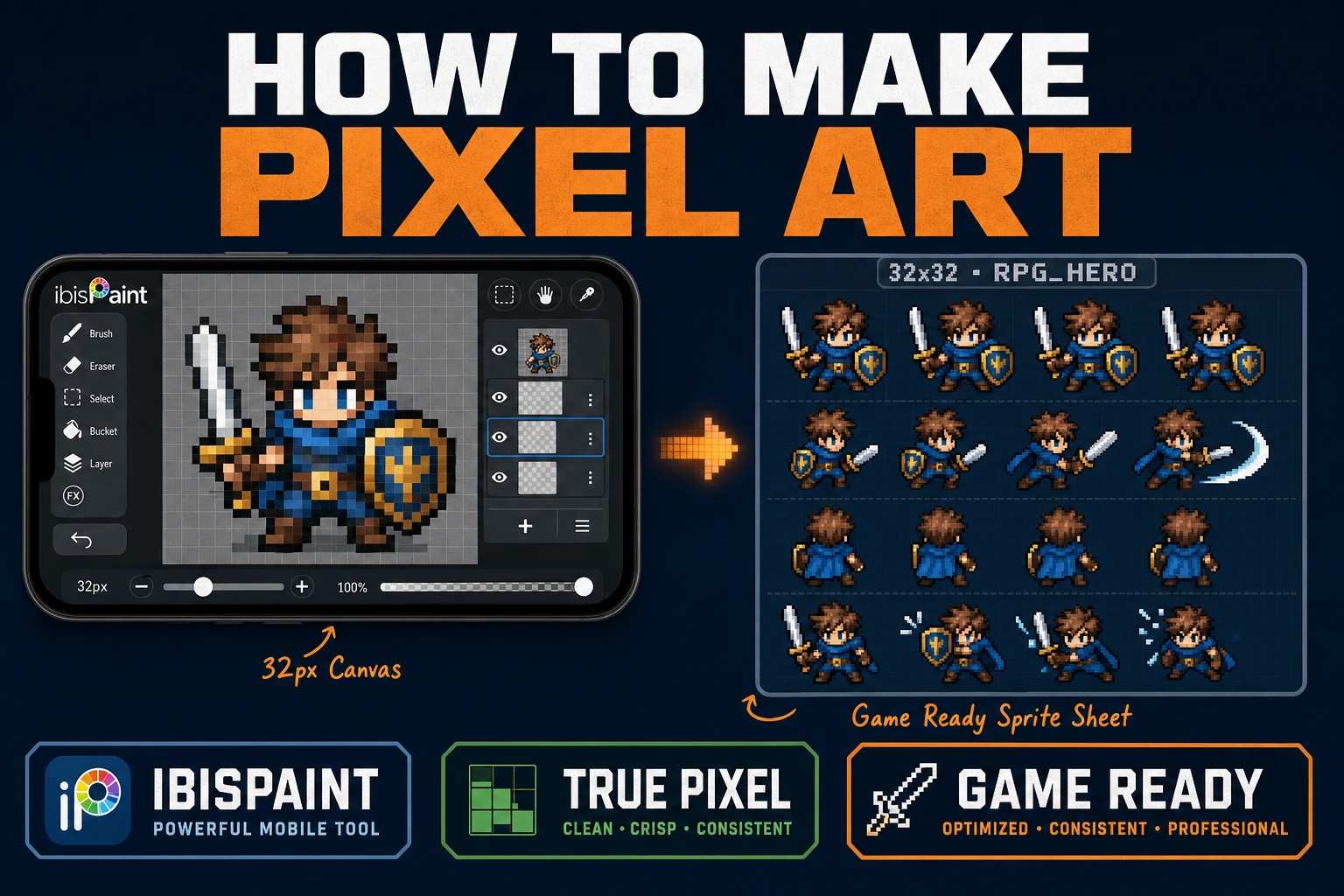
Learn How to Make Pixel Art in IbisPaint for Games
Learn how to make pixel art in IbisPaint for game sprites: lock a small grid, use Pixelated zoom and a 1px Digital Pen, export without soft resampling, then clean and sheet in True Pixel, Canvas, and Sprite Analyzer.
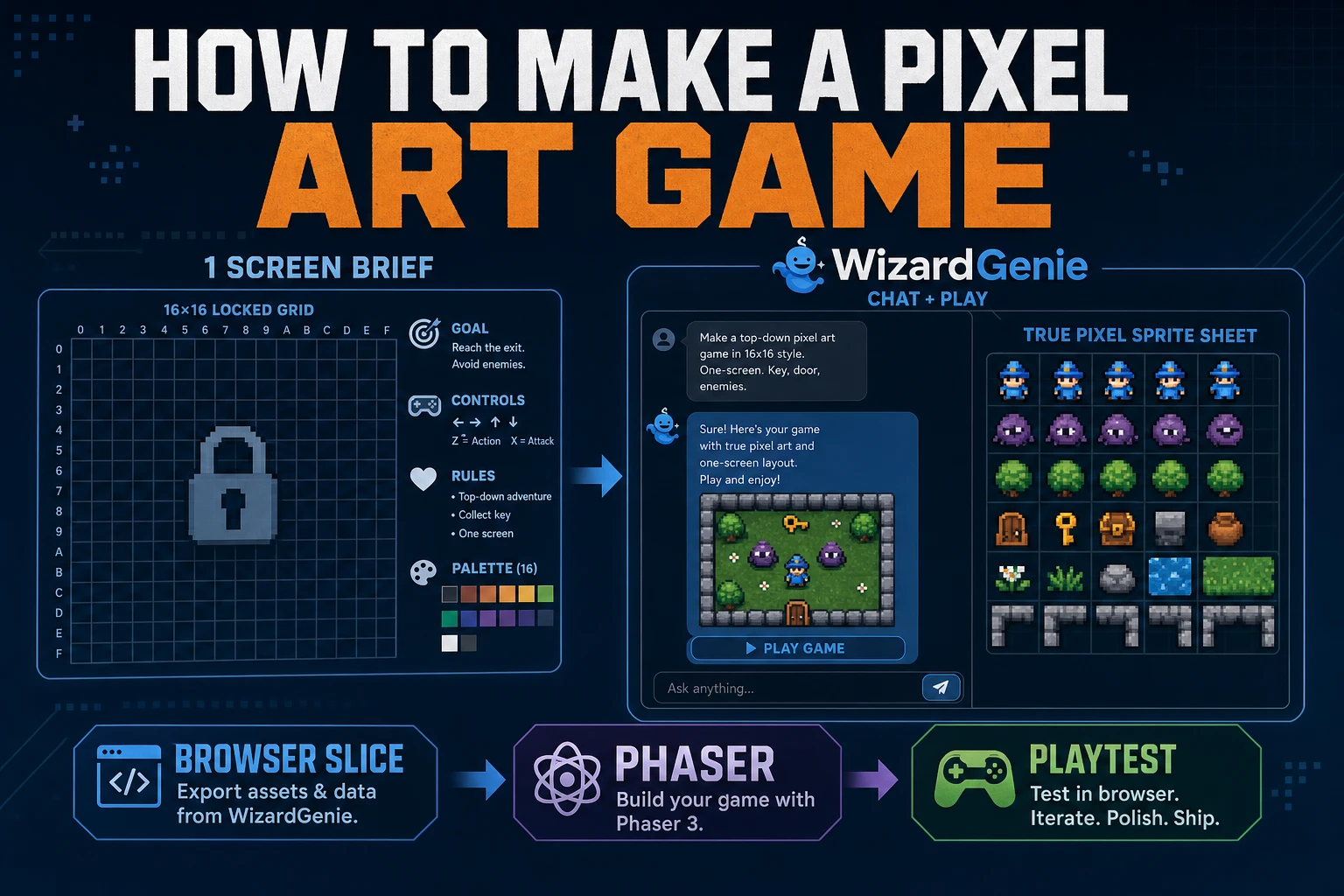
Forge How to Make a Pixel Art Game (Browser Slice)
A practical path for how to make a pixel art game: one-screen rules, WizardGenie scaffold, True Pixel sheets, and a jam playtest. Phaser v4.2.1 and models verified July 26, 2026.
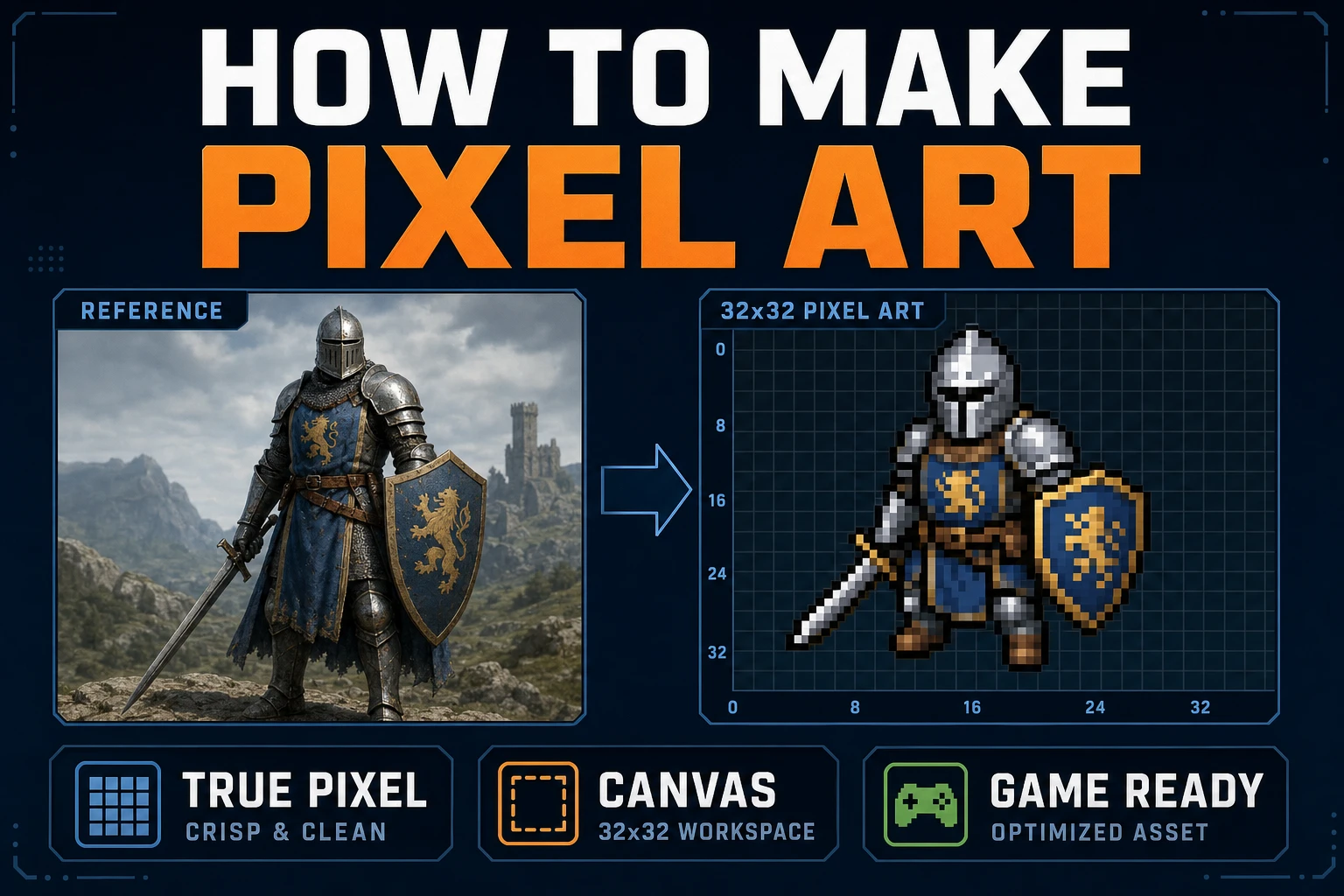
Map How to Make Pixel Art (Browser Canvas)
Map how to make pixel art on a browser canvas: lock grid size and palette, convert in True Pixel, clean cells in Canvas, export sharp PNGs, and drop frames into a one-screen playtest.
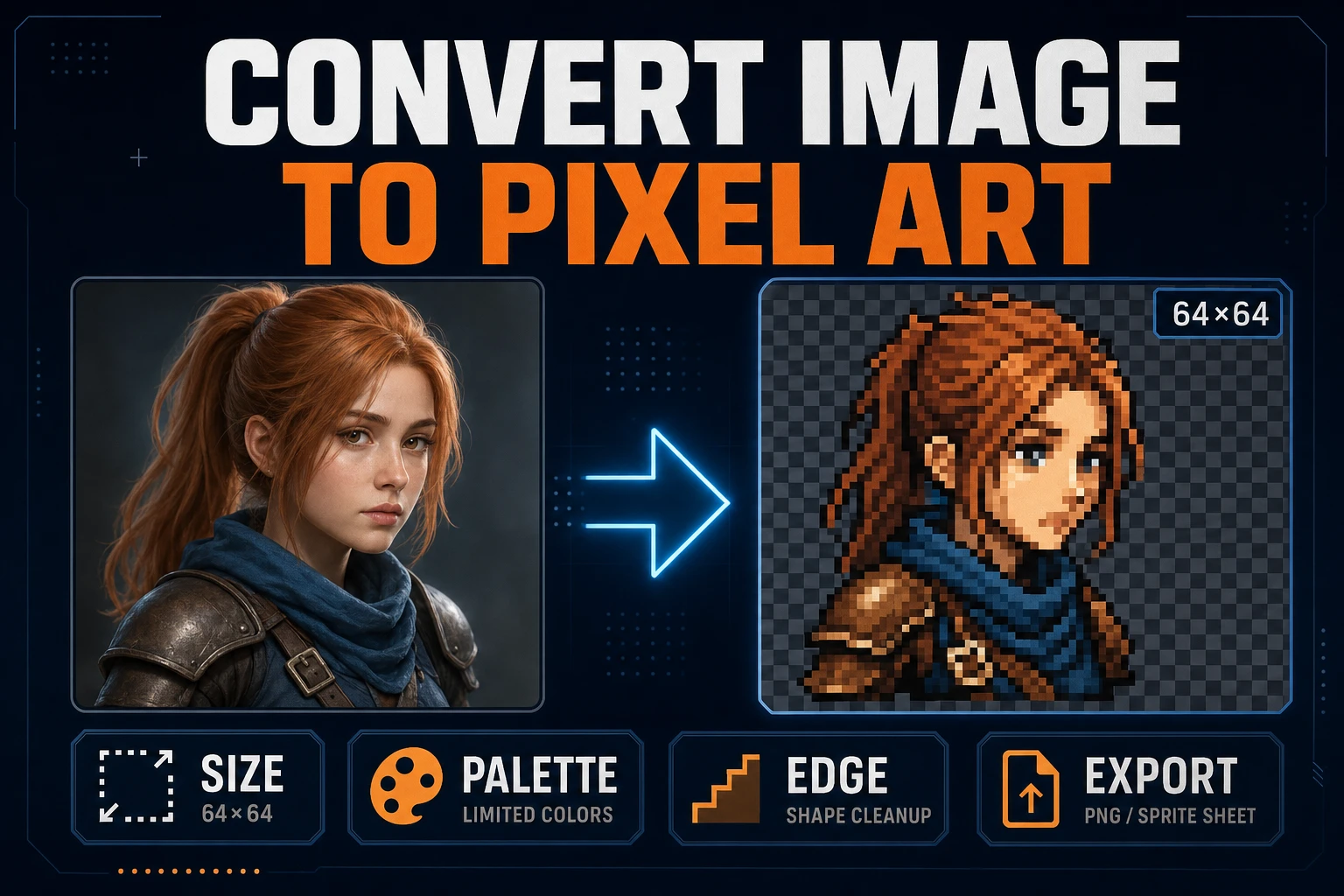
Convert Image to Pixel Art (Game Sprite Pipeline)
Lock target size and palette, convert a readable source in True Pixel, clean edges, inspect the grid, and export a sharp PNG sprite without resampling blur.
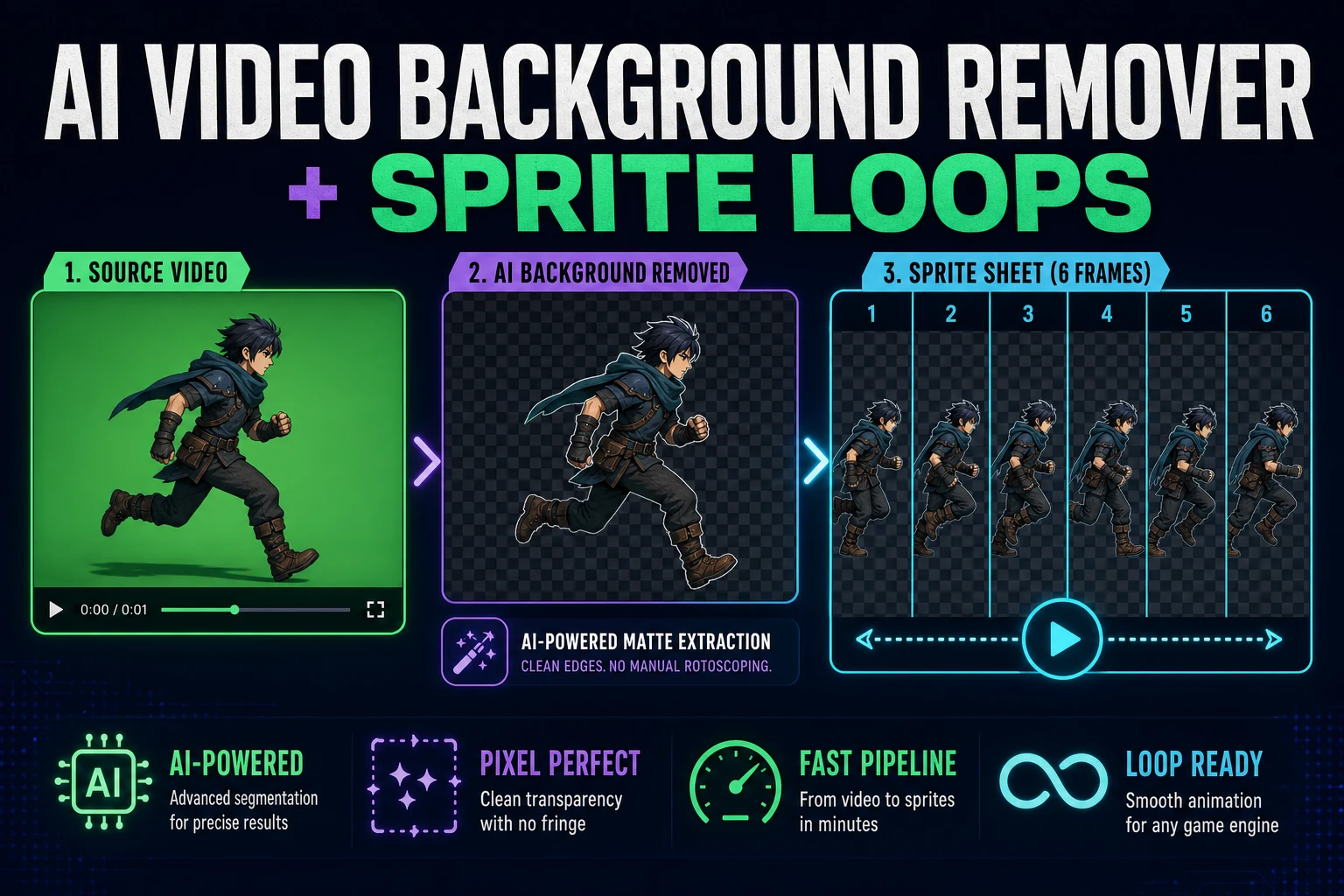
Clean an AI Video Background Remover for Sprite Loops
Turn a short character clip into transparent animation frames, clean edge spill, normalize the frame box, and export a sprite sheet that survives a loop preview.
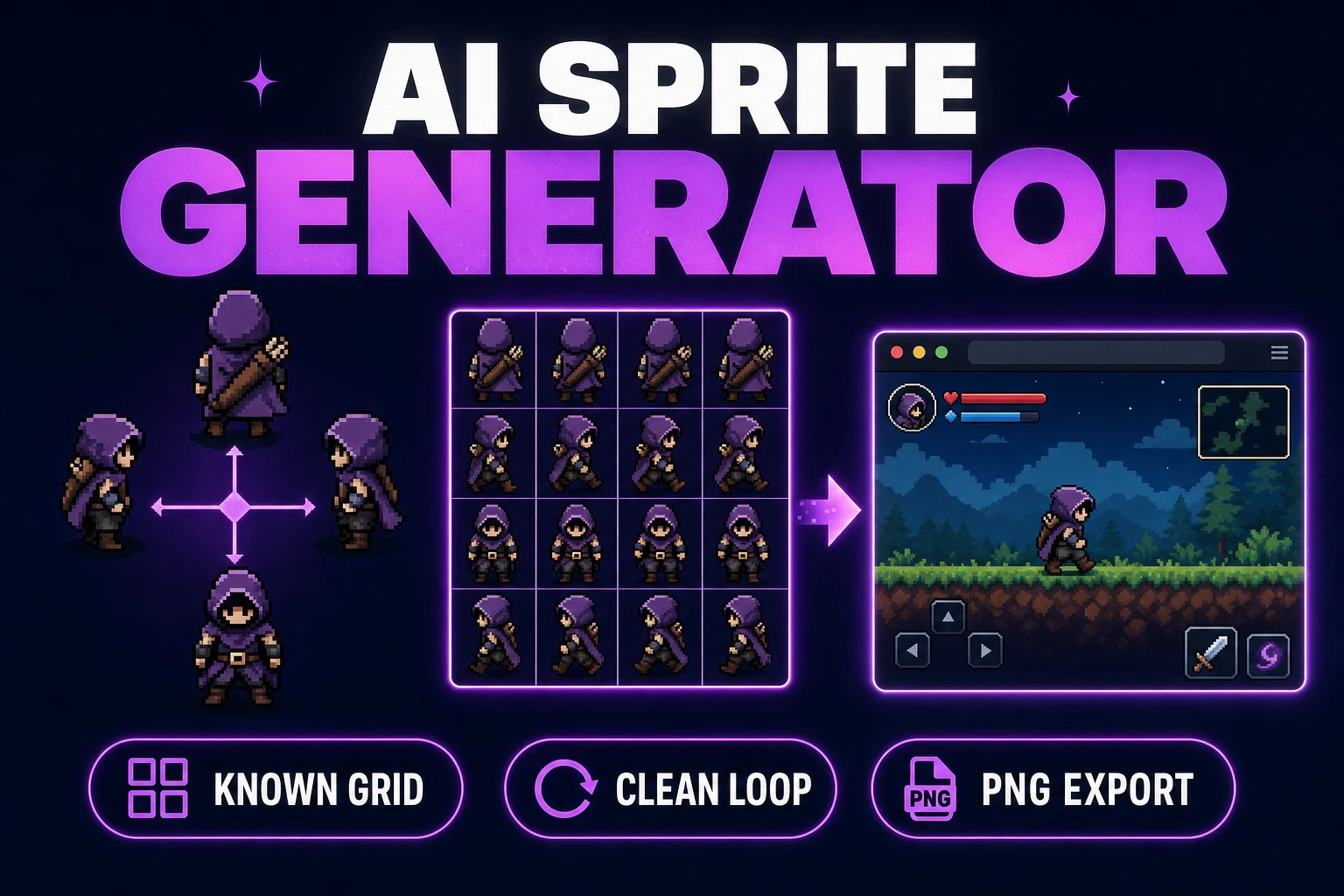
Use an AI Sprite Generator (Game-Ready Sheet)
Generate a directional sprite sheet in Quick Sprites, inspect every row and frame in Sprite Analyzer, clean pixel edges when needed, and export usable metadata.