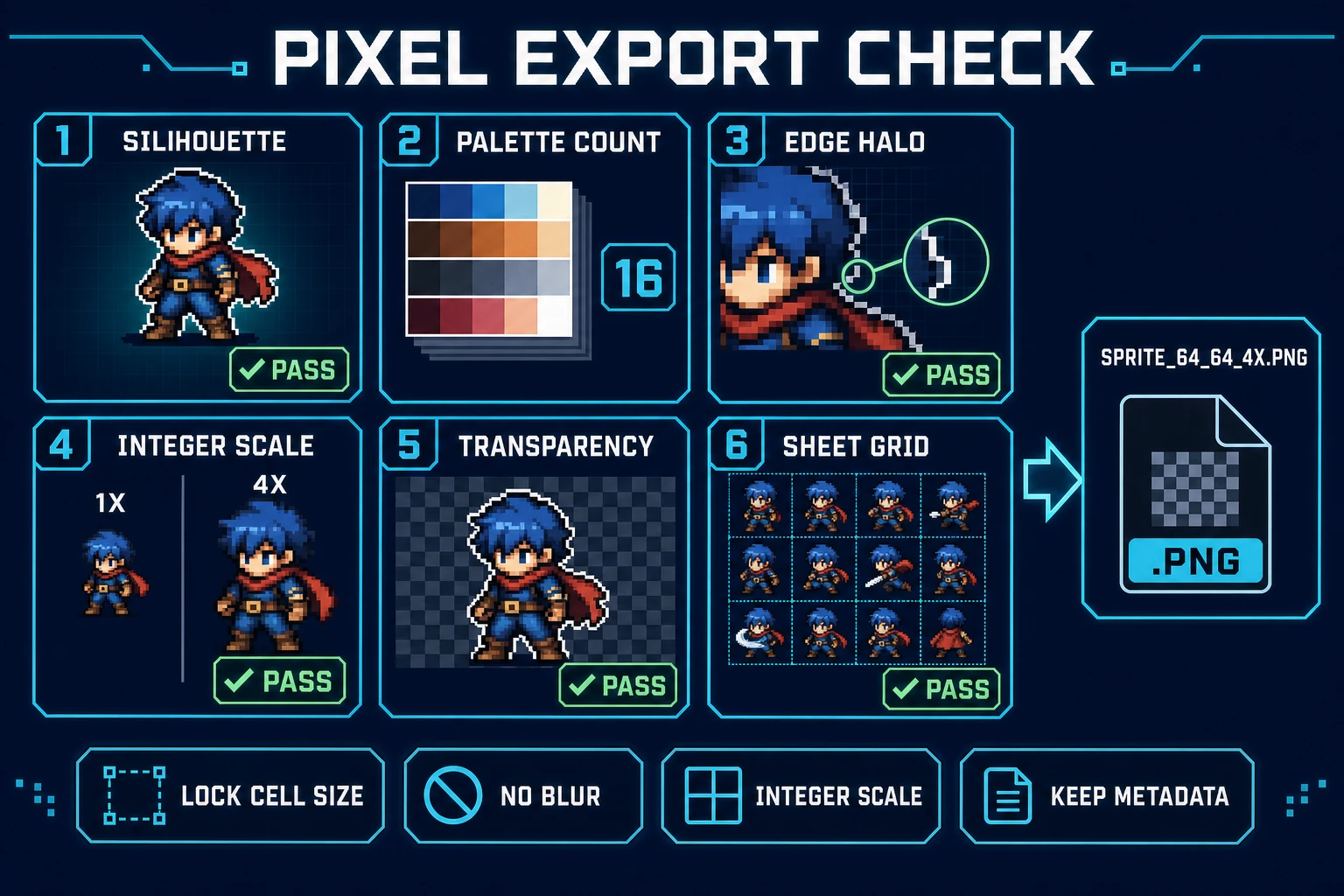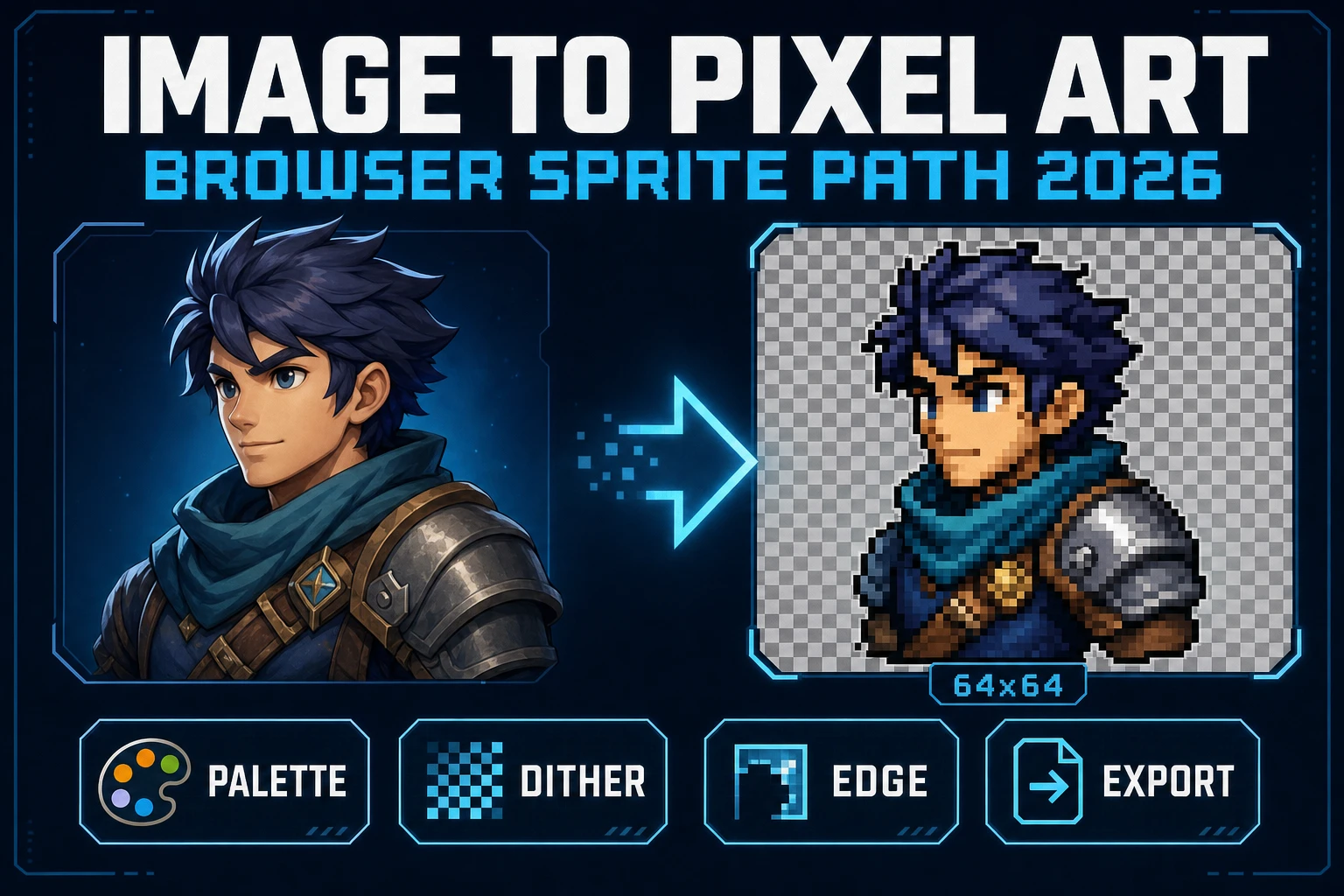
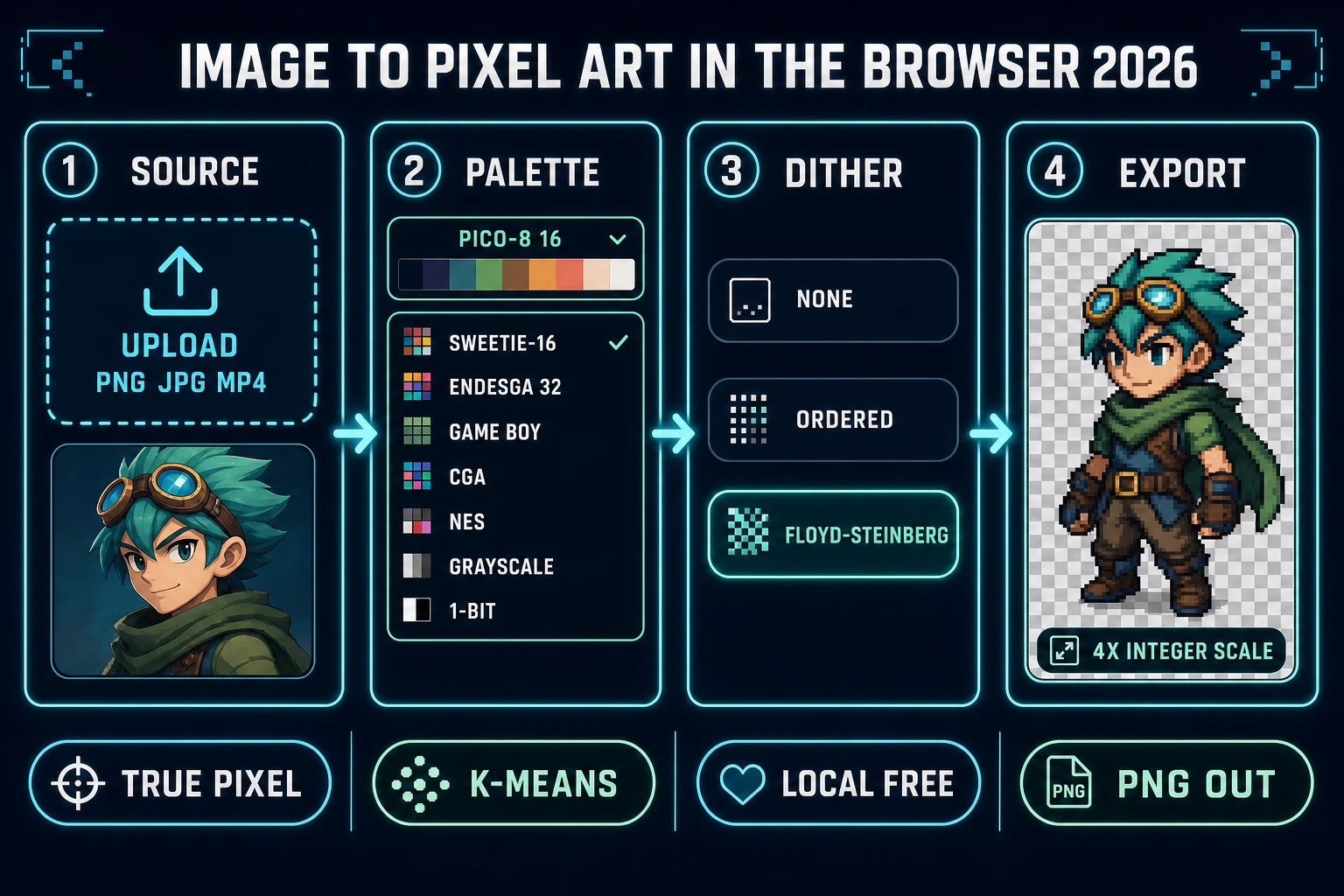
Searchers who type image to pixel art in 2026 want a fast, honest way to turn a full-resolution source - an AI Image Gen render, a scanned illustration, a photograph, a video frame - into a game-ready pixel sprite without opening a desktop editor or wrestling with plugins. The Sorceress answer is True Pixel, a browser tool that downscales, quantizes to one of 8 built-in palette presets, offers three dither modes, and exports a transparent PNG (or a full ZIP of frames) in one pass. The rest of this piece is a working recipe: pick a source, pick a palette, tune the dither, clean the edges, and export a sprite that reads sharp in Godot, Unity, Phaser, or a plain <canvas>. Every fact below was verified 2026-09-04 against src/app/pixel-art/page.tsx and the Sorceress Tools Guide.
What image to pixel art actually means for a 2026 game sprite
Three overlapping meanings hide inside image to pixel art, and mixing them up wastes hours. Single-frame conversion is the flow every jam artist reaches for first: one high-resolution character bust becomes one 64 x 64 sprite. Batch conversion is the same operation across a folder of drawings - a full NPC roster or a tileset atlas - so every sprite in the game shares an identical palette and grid. Video-frame conversion is the one people forget exists until they need it: an mp4 or webm becomes a sequence of quantized PNGs that stitch into a walk cycle or an attack animation.
All three paths share the same two-step math: downscale first, then quantize. Downscaling turns a 1024 x 1024 source into a 64 x 64 grid; quantization remaps every one of those 4,096 pixels onto a small palette (usually 4 to 64 colors). Skip either step and the result reads wrong. A 64 x 64 grid with a 16-million-color palette is a shrunk JPEG, not pixel art. A 4-color palette applied to a 1024 x 1024 source without downscaling is a poster, not a sprite. Both steps have to happen, in that order, at a target resolution the game engine can honor with an integer scale. That is the entire job True Pixel exists to do.
Why an in-browser image to pixel art converter beats a desktop suite for game work
The desktop stack for pixel art still exists and still has its place: Aseprite for hand-pixeling from scratch, GIMP or Photoshop for compositing, ImageMagick on the command line for scripted batches. None of them are the fastest path from a rough source to a game-ready sprite in 2026. A browser image to pixel art converter wins on three concrete axes for indie game work:
- Zero-install iteration. Drop a file, tweak a palette, hit convert, save the PNG. No plugin install, no version pin, no license seat, no filesystem-permission dialog. On a Chromebook or a locked-down school machine the browser is often the only option that runs at all.
- K-means color quantization out of the box. True Pixel builds an auto palette with K-means clustering when no preset is picked - the same algorithm the color quantization Wikipedia entry lists as the industry default. In a desktop tool that same behavior lives behind a plugin or a script; in the browser it is the second-click.
- Video mode without a separate app. The same page that converts a still also extracts frames from an mp4 or webm and quantizes the whole batch to one shared palette. That combination - video-to-sprite-sheet with palette lock - is normally a two-tool workflow (extract with ffmpeg, quantize with ImageMagick) and it fits in one browser tab here.
None of that argues that True Pixel replaces Aseprite for a pixel artist who hand-draws every frame. It does argue that for a game jam, a first indie build, or a designer who needs 200 sprites by Friday, the browser path is the honest fastest route.
Sorceress True Pixel as the browser image to pixel art surface
True Pixel lives at /pixel-art and is the single tool that owns the image to pixel art job on Sorceress. The relevant knobs, all verified 2026-09-04 in src/app/pixel-art/page.tsx:
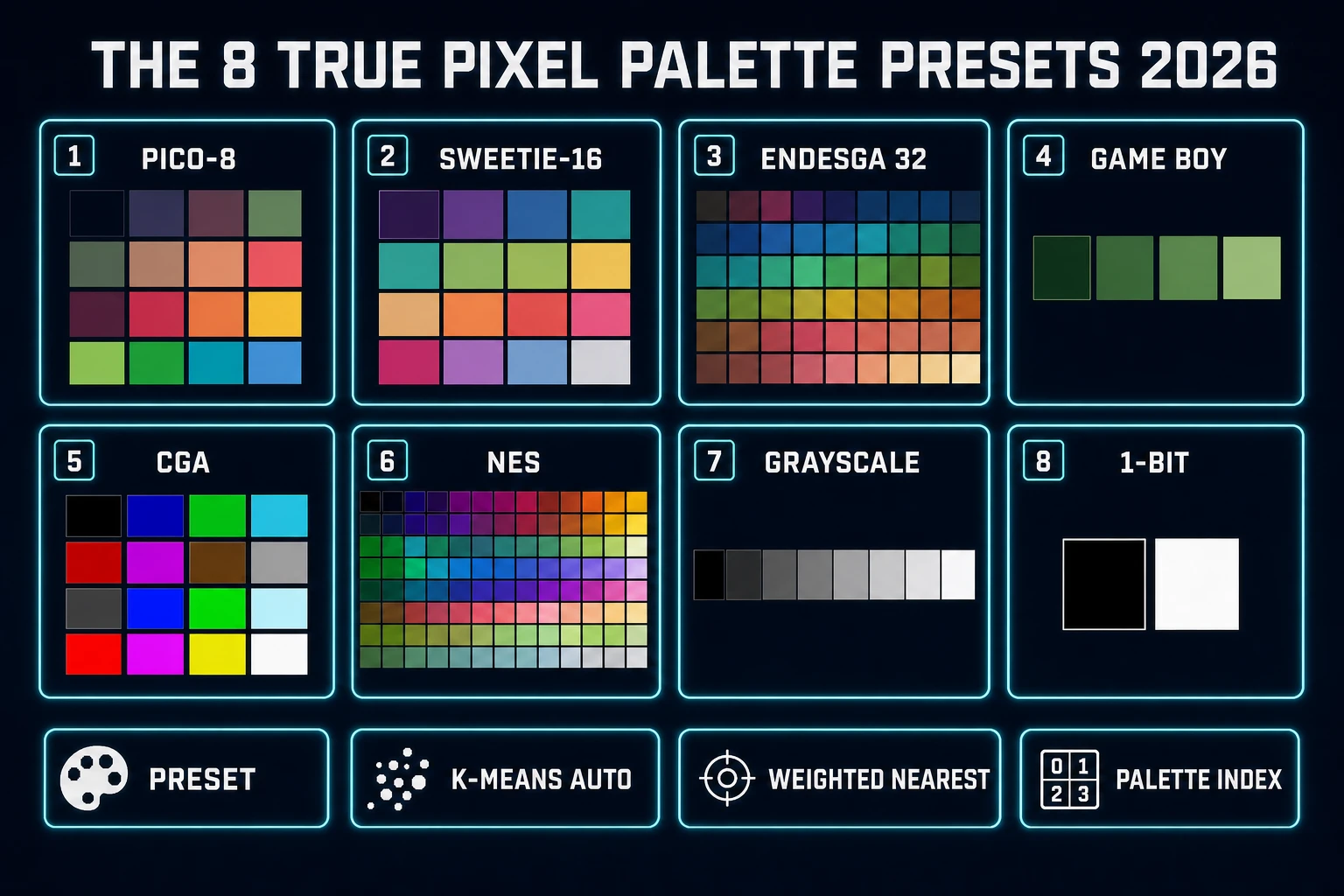
- 8 built-in palette presets in the
PALETTE_PRESETSarray: PICO-8 (16 colors), SWEETIE-16 (16), Endesga 32 (32), Game Boy (4), CGA (16), NES (54), Grayscale (8), and 1-Bit (2). Every preset ships with an exact color list; no invention, no drift between runs. - K-means auto palette when no preset is picked, with a configurable color budget. Under the hood True Pixel calls
extractPalette(imageData, maxColors)to sample the downscaled source and pick the K most representative colors. The distance metric is a weighted-Euclidean nearest match that up-weights green (the channel the human eye reads most). - 3 dither modes:
none,ordered(Bayer matrix), andfloyd-steinberg. Floyd-Steinberg is the 1976 error-diffusion kernel that the Wikipedia article on the algorithm describes; it distributes each pixel's quantization error to the four neighbors below and to the right, in the 7/16, 3/16, 5/16, 1/16 pattern. Ordered dithering trades a slightly patterned look for zero temporal jitter on video, which is why the video path defaults to it. - Master resolution longest-side cap of 256 px (
MASTER_RES_LONGSIDE = 256). True Pixel runs an internal denoise and quantization at that resolution, then downsamples once more to the final sprite grid. That two-stage pipeline is why a 2K photo and an 800 px AI render both convert to a clean 64 x 64 sprite - the intermediate 256 px pass gives the K-means enough votes to build a stable palette. - Chroma-key background removal with a color picker, a tolerance slider, and an Auto Edge Chroma toggle. The AI Corridor Key backend does neural matting on hair, glass, and motion blur; the local backend does simple color threshold matting at zero cost.
- Batch export as a ZIP for video frames. True Pixel uses JSZip to package every quantized frame as
<basename>_frame_0001.png,<basename>_frame_0002.png, and so on. The archive is downloaded from the browser directly - no round trip to a server, no upload cap.
Read the current per-tool credit pricing on the Sorceress plans page before locking a project budget. The one thing True Pixel does not do is hand-pixel touch-up - if a sprite needs a two-pixel eye highlight after export, do that pass in the Canvas editor or a desktop tool.
Step 1: pick a legible source and (optionally) generate one
Bad input, bad output. An image to pixel art conversion inherits the readability of the source - if the source silhouette is muddy, the sprite silhouette is muddier. Two rules that keep the conversion honest:
- Prefer high resolution. A 1024 x 1024 source going to a 64 x 64 sprite averages 256 source pixels per output pixel; a 128 x 128 source averages 4. The K-means quantizer needs the votes. If the only reference is small, upscale it once with a good algorithm before conversion - not with browser interpolation.
- Prefer flat lighting and a clean background. The chroma key step is easier when the background is a single unused color (magenta, chroma green, pure white). Complex backgrounds force the neural backend and burn a credit; flat backgrounds fall to the free local backend.
The Sorceress-native way to get both is AI Image Gen with a prompt that spells out the frame explicitly. A working template for a hero sprite:
Full-body character portrait, 3/4 view, arms at sides,
neutral pose, clean flat magenta background,
studio-lit, no shadow contact, no lens blur,
1024x1024, high detail, sharp silhouette.
Magenta is a background choice that reads well for chroma keying because it almost never appears in a character's skin, hair, cloth, or metal palette. If the character is a magenta-clad villain, swap to chroma green or a hot cyan. The key backdrop color goes into the True Pixel color picker after upload, and the tolerance slider (0-100) controls how forgiving the match is.