Game Assets
26 posts on Sorceress about game assets.

AI Character Generator From Text (Prompts to Game-Ready)
How to get a usable character out of a text prompt: what to write, which model to try, and how to turn the result into a rigged 3D model or 2D sprites for your game, step by step.

Tomodachi Life Image to Pixel Art for Beginners
Turn a photo or logo into Tomodachi Life pixel art: pick a clean source, shrink it, limit colors, and copy it cell by cell. Includes a browser snippet and a Sorceress cleanup tool for sprites.

How to Create a 3D Model From a 2D Image (for Game Assets)
Turn a sketch, concept art or photo into a textured 3D model. Compare manual modeling, depth maps and AI image-to-3D, prepare your image properly, and load the finished GLB in a browser game with a short Three.js example.

Maker World Image to 3D Model: Printing vs Game Assets
MakerWorld’s Image to 3D tool turns a single picture into a printable model. This guide covers how it works, where single-image 3D falls short, and how to get a rigged, animated character that your game engine can load.

AI Pixel Art Generator for Game Sprites (Text or Image)
Most AI pixel art looks right at a glance but breaks inside a game: uneven pixels, too many colours, baked-in backgrounds. Here’s how AI pixel art generators work, what “game-ready” means, and a workflow that goes from prompt to sprite sheet.

AI Image Expander for Game Backgrounds and Key Art
Need a wider background or a different aspect ratio without repainting? Here is how an AI image expander works, where it breaks, and how to use it on game art, from title screens to parallax layers.
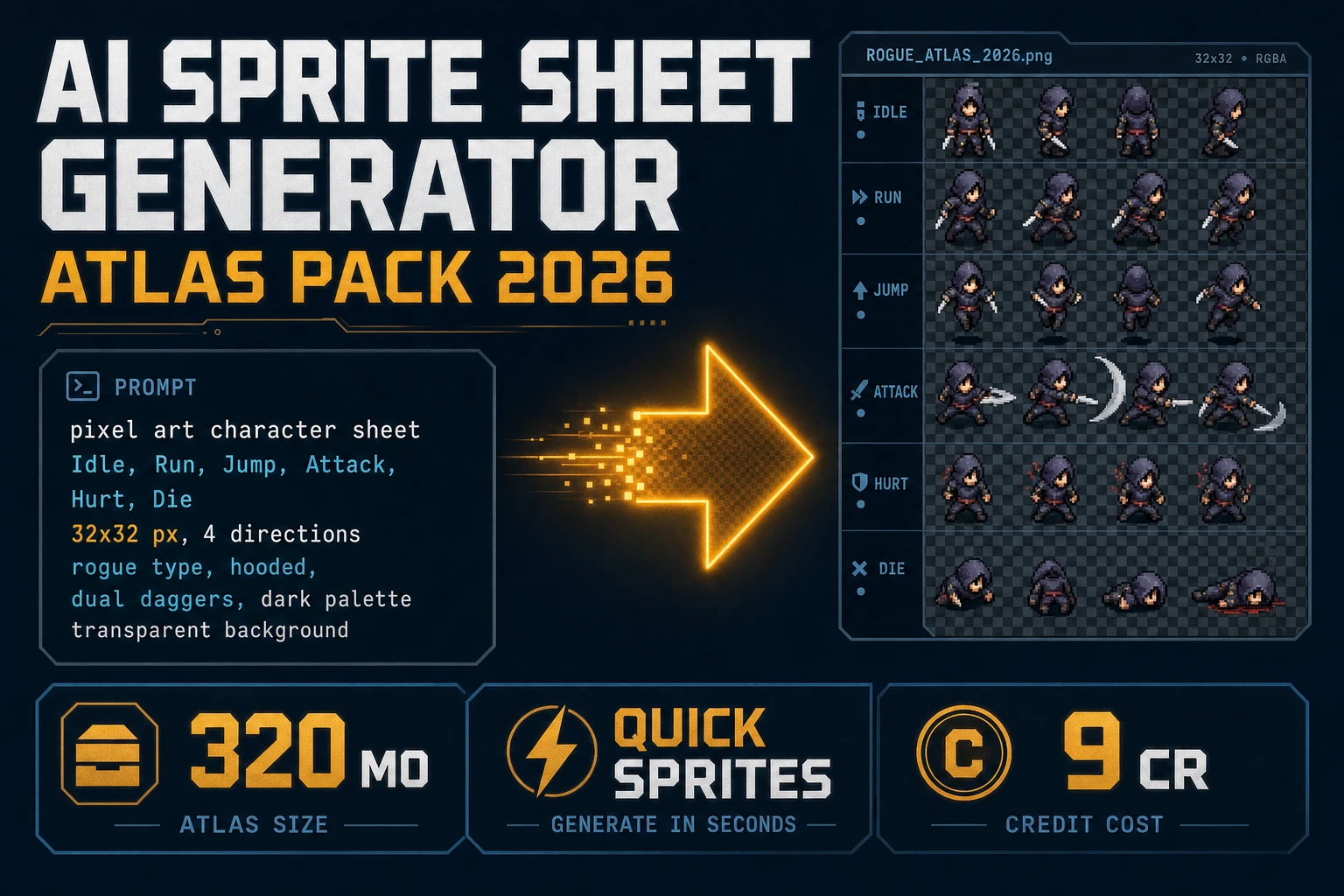
Forge AI Sprite Sheet Generator (Atlas Pack 2026)
Forge an ai sprite sheet generator atlas pack in 2026: prompt Quick Sprites for a transparent PNG grid at 9 credits, extract walk clips in Auto-Sprite v2 when you already have video, and load Phaser with image-rendering: pixelated. Verified 2026-10-16.
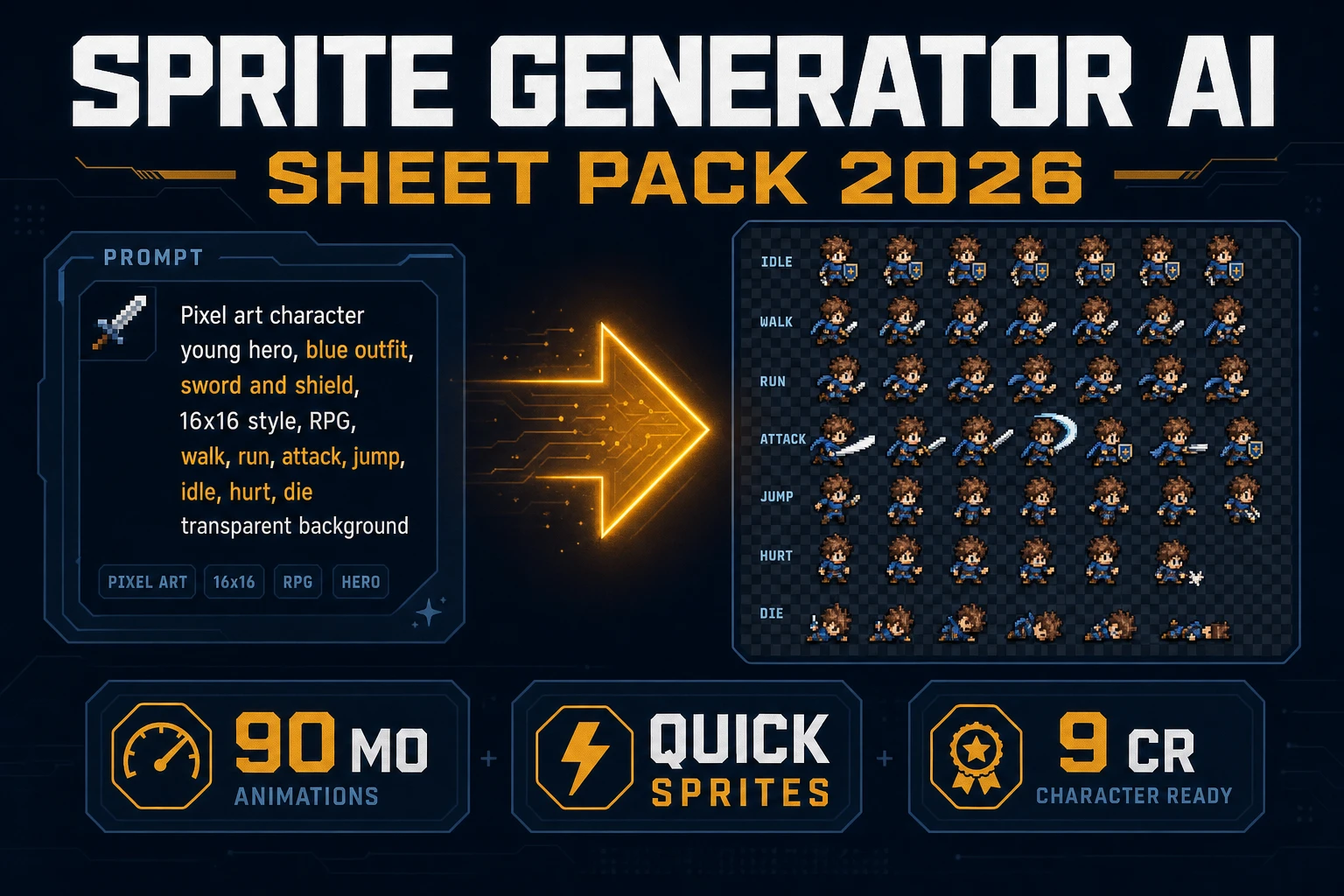
Spin Sprite Generator AI (Sheet Pack 2026)
Spin a sprite generator AI sheet pack in 2026: prompt Quick Sprites for a transparent PNG grid at 9 credits, lock the palette in True Pixel when needed, and load Phaser with image-rendering: pixelated. Verified 2026-10-14.
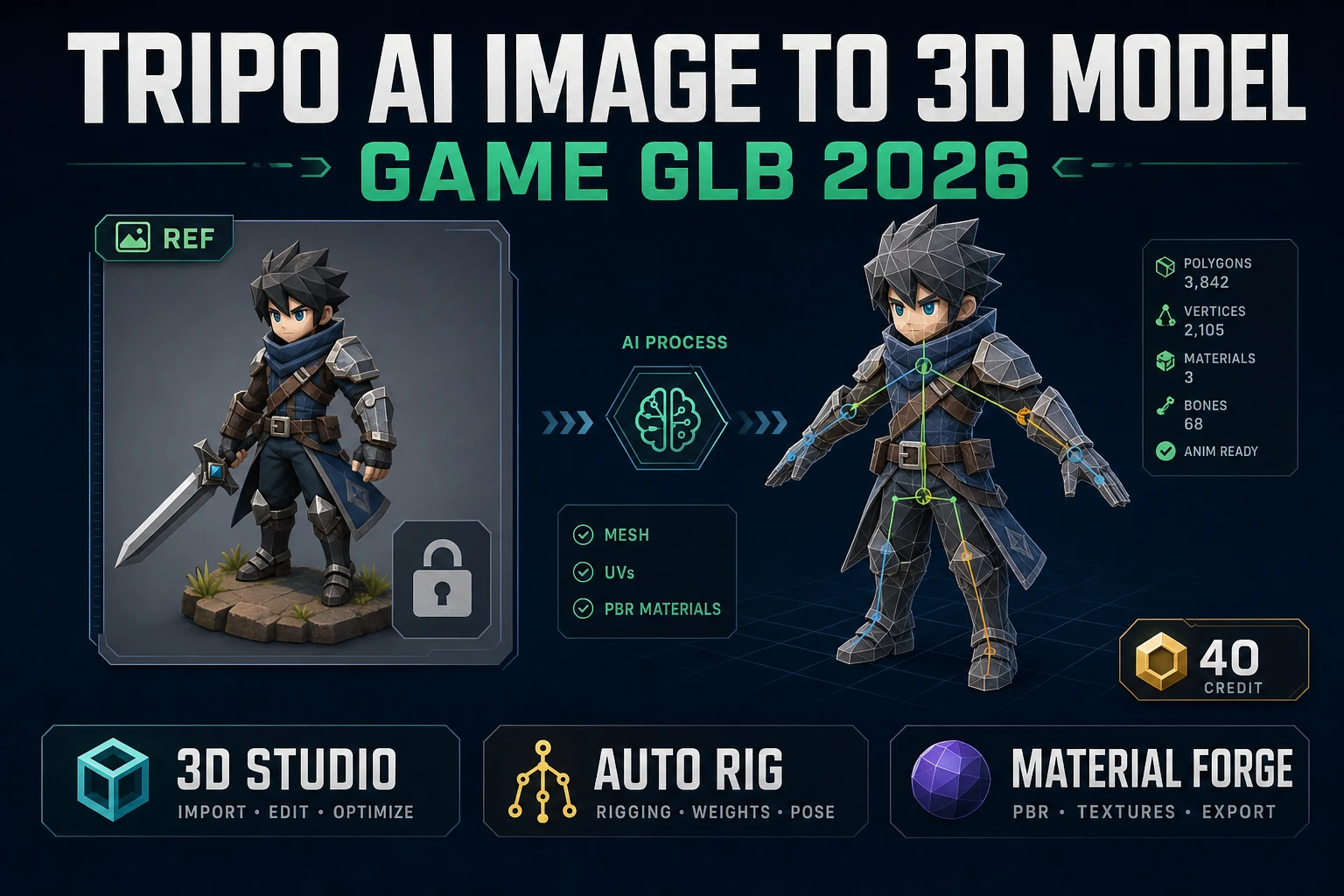
Prop Tripo AI Image to 3D Model (Game GLB 2026)
Turn a tripo ai image to 3d model query into a shipped game GLB: Sorceress 3D Studio with Tripo v3.1 at 40 credits, Auto-Rigging on Pro, Material Forge PBR maps, engine-ready export. Verified 2026-09-29.
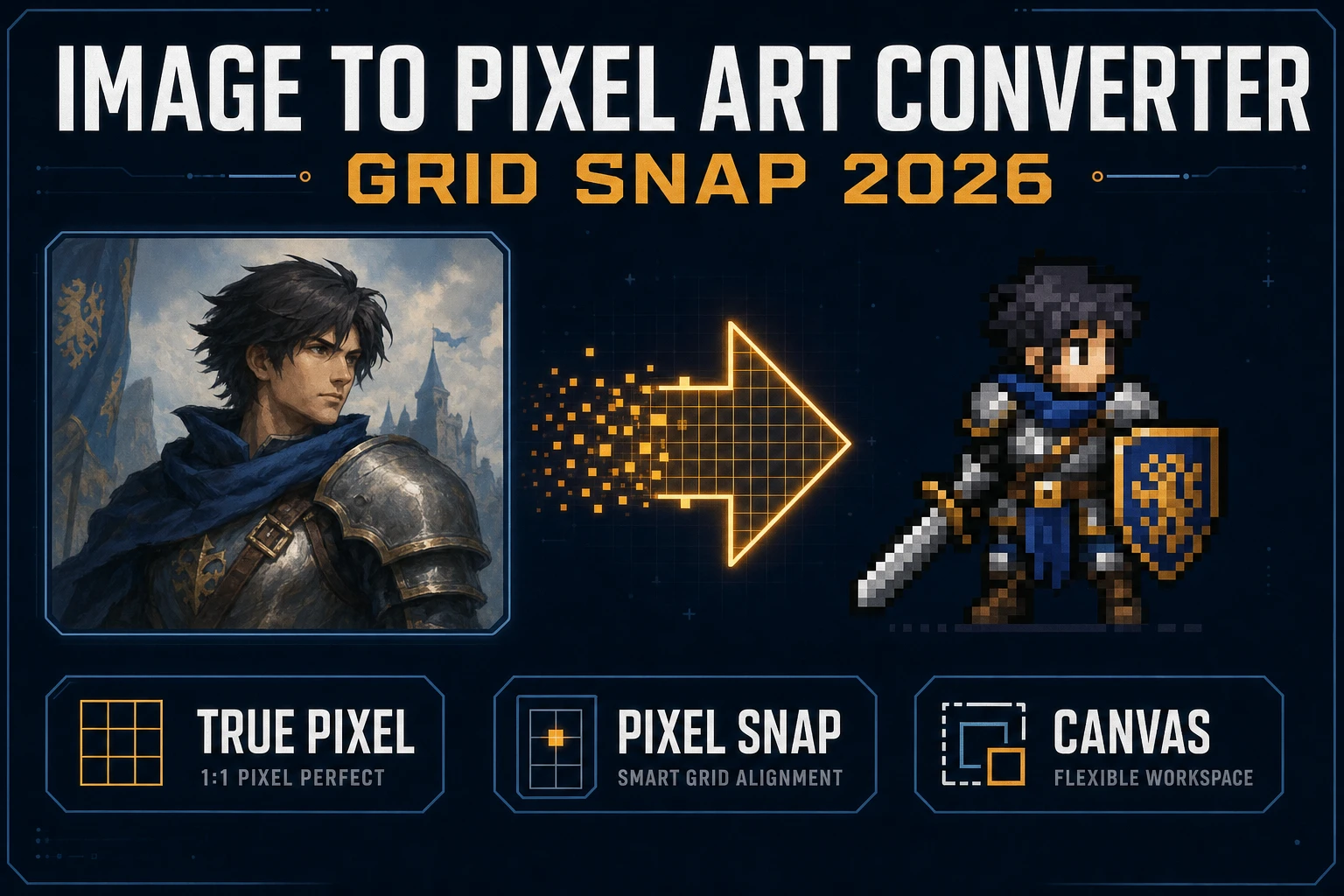
Slice Image to Pixel Art Converter (Grid Snap 2026)
Run an image to pixel art converter path for indie sprites: Canvas crop, True Pixel palettes and dither, Pixel Snap for AI soft-art, nearest-neighbor import. Local Corridor Key is free. Verified 2026-09-27.
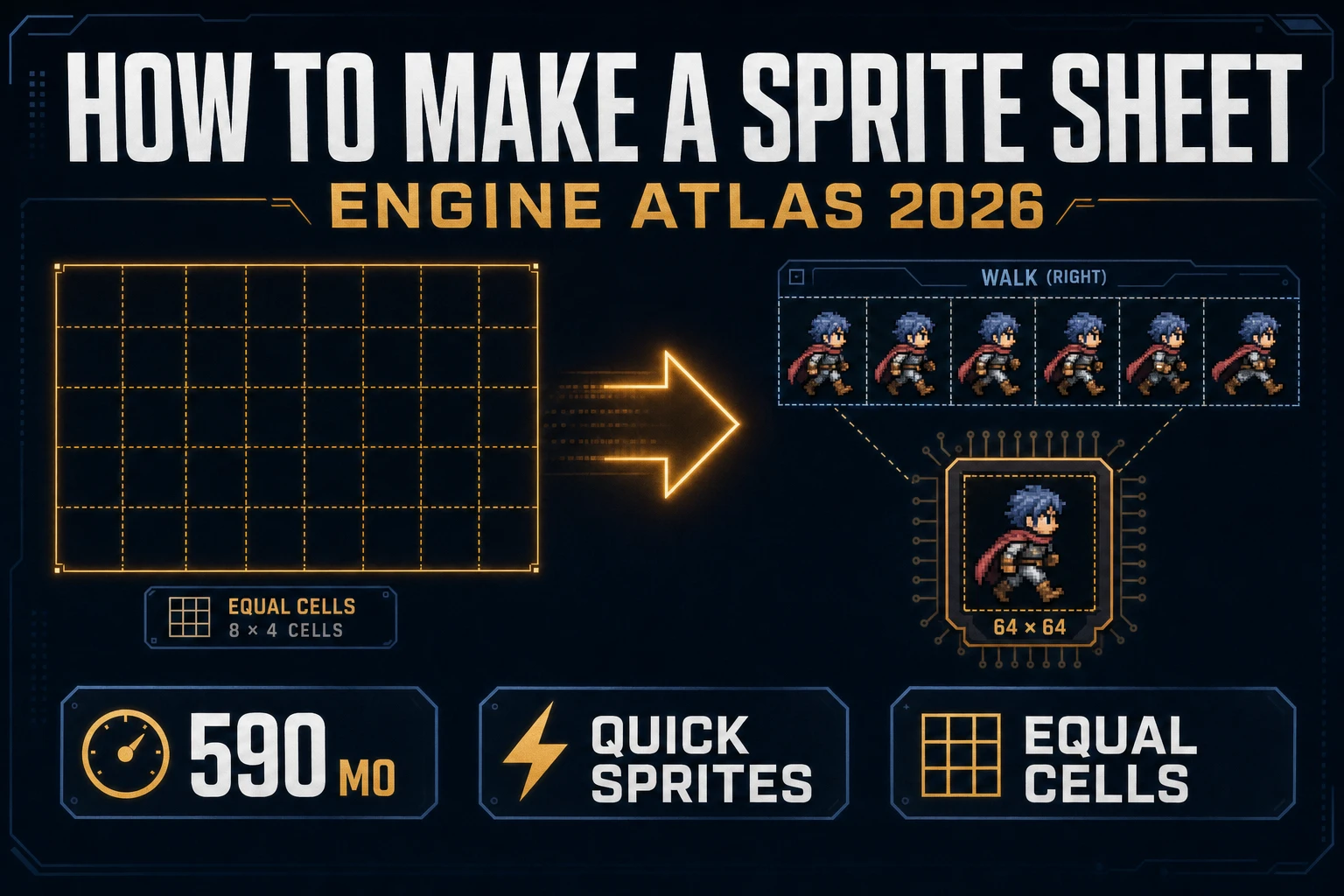
Grid How to Make a Sprite Sheet (Engine Atlas 2026)
How to make a sprite sheet as an engine atlas: Quick Sprites Four Angle Walking or Small Sprites, equal cell packing, True Pixel if the palette drifts, Sprite Analyzer row preview, then nearest-neighbor import so frames stay sharp. Verified 2026-09-26.
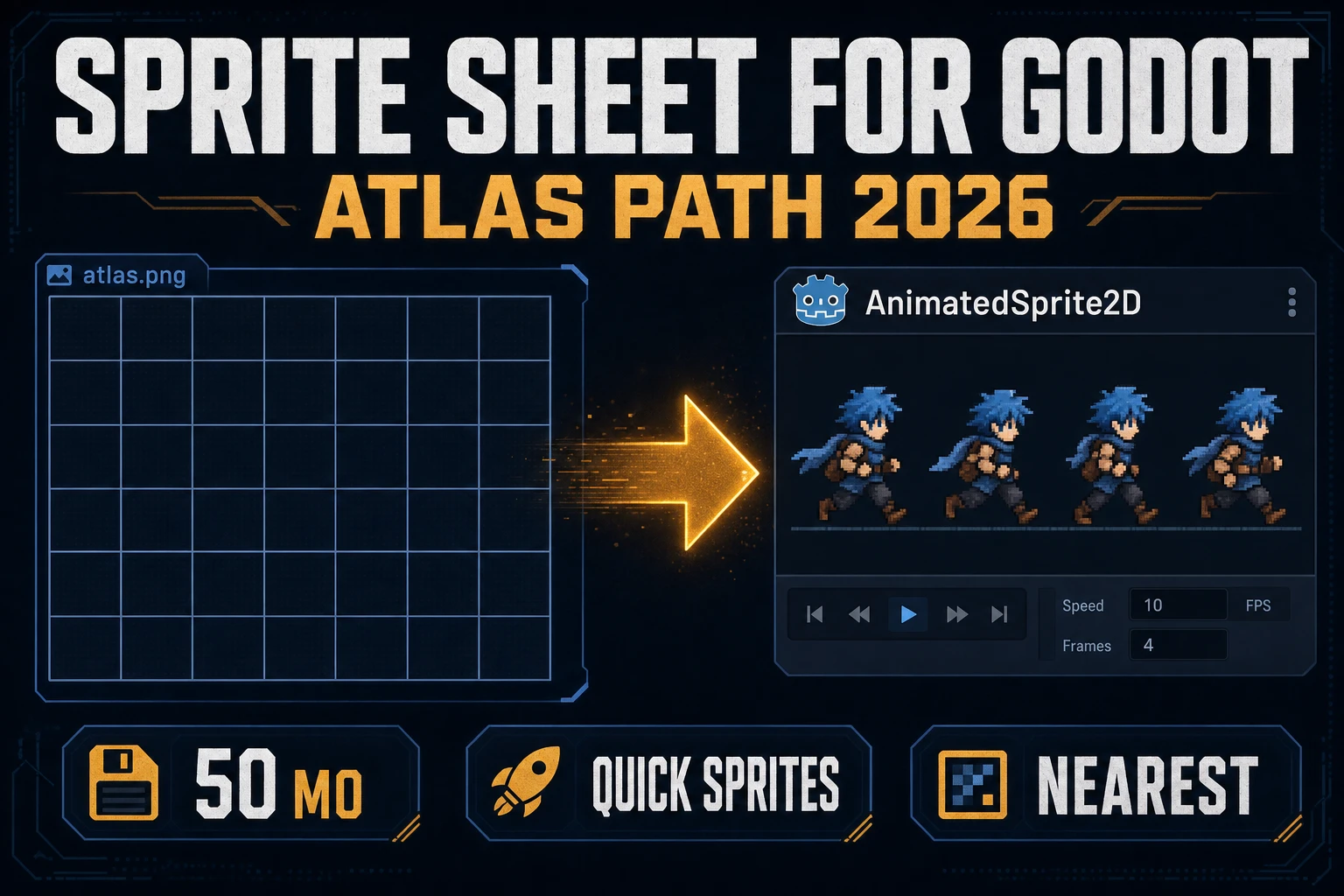
Node How to Make a Sprite Sheet for Godot (Atlas Path 2026)
How to make a sprite sheet for Godot as a jam atlas: Quick Sprites Four Angle Walking or Small Sprites, True Pixel if the palette drifts, equal cell packing, then nearest-neighbor import so AnimatedSprite2D stays sharp. Verified 2026-09-25.
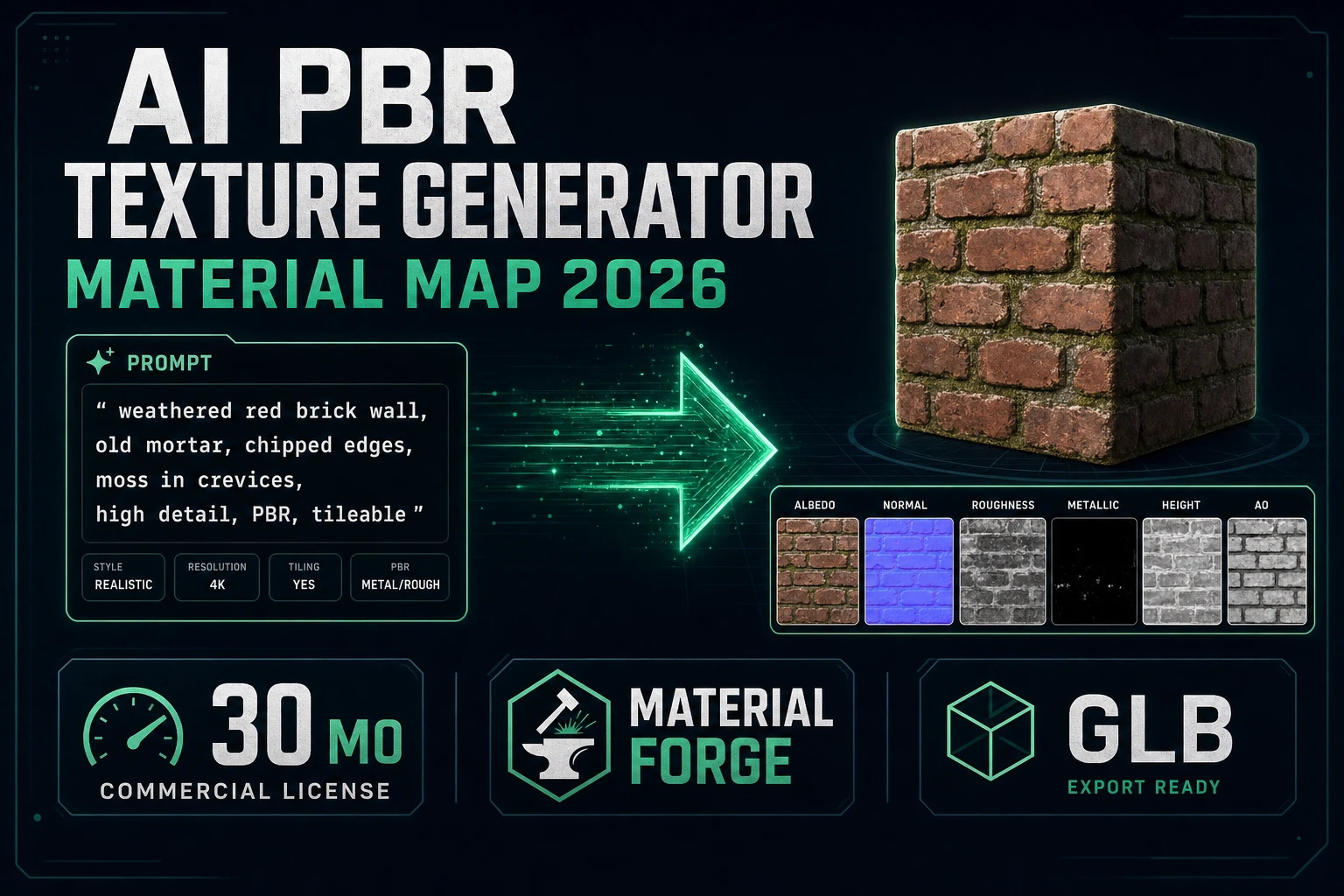
Bake AI PBR Texture Generator (Material Map 2026)
Bake an ai pbr texture generator material map set in 2026: Material Forge turns one image into albedo, normal, roughness, metallic, and AO with a live 3D preview, then exports GLB or engine-ready packs. Verified 2026-09-25.
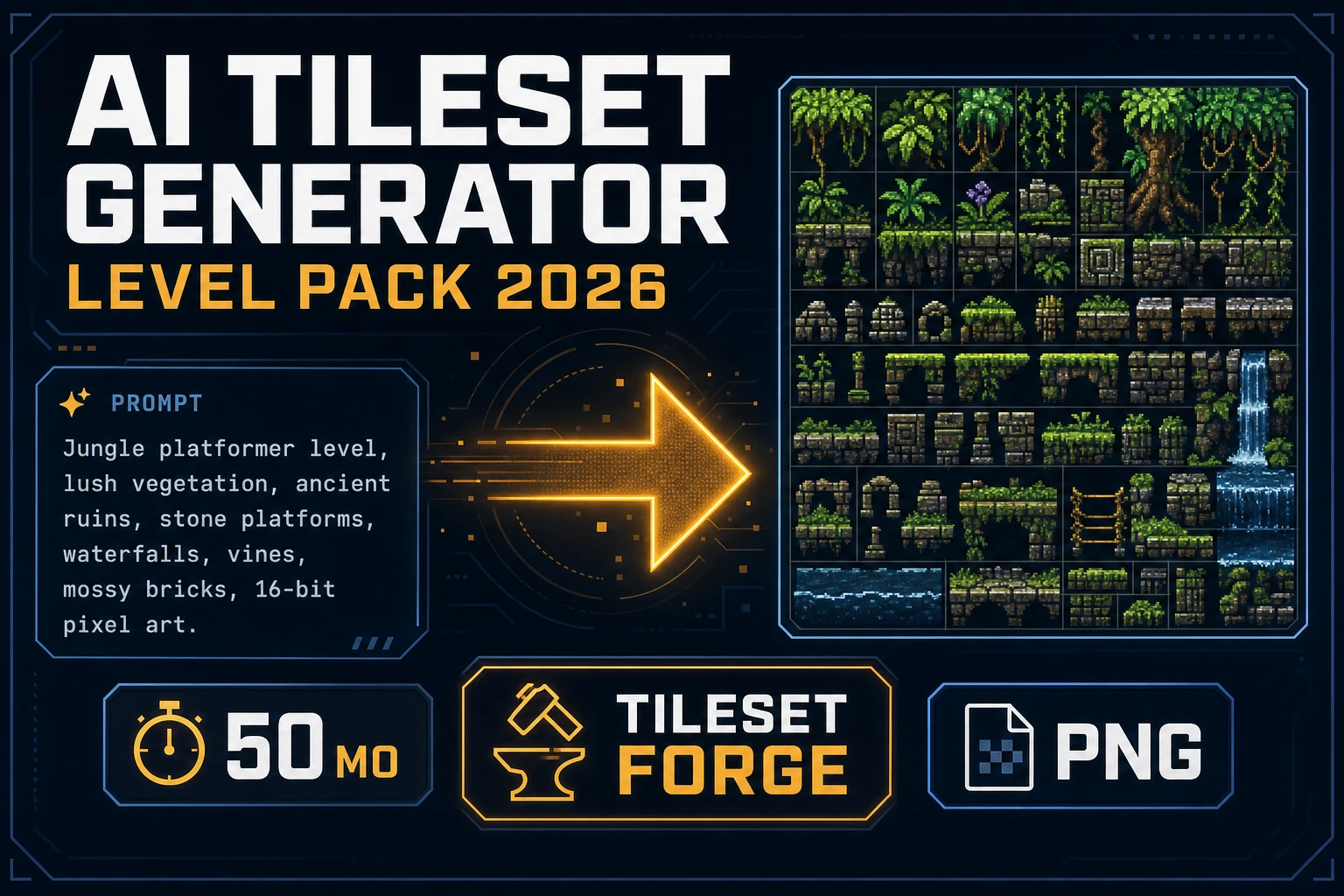
Seal AI Tileset Generator (Level Pack 2026)
Ship an ai tileset generator level pack in 2026: prompt Tileset Forge for a uniform grid, fill seamless terrain in Seamless Tile Gen, clean fringes in Canvas, and import at one tile size with image-rendering: pixelated. Verified 2026-09-25.
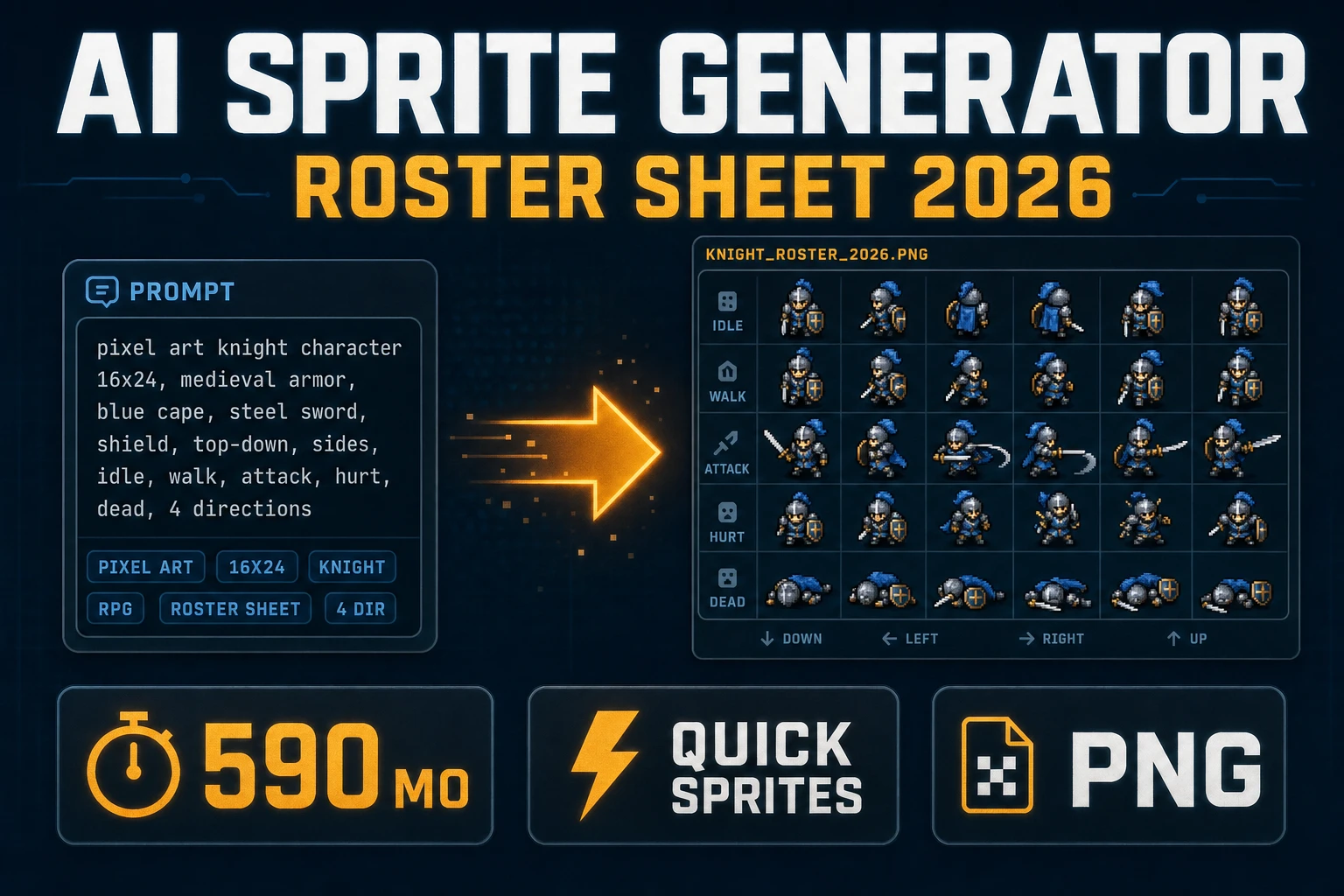
Ink AI Sprite Generator (Roster Sheet 2026)
Ship an ai sprite generator roster sheet in 2026: prompt Quick Sprites for Four Angle Walking or Small Sprites, lock the palette in True Pixel, pack a uniform grid, and load it with image-rendering: pixelated. Verified 2026-09-24.
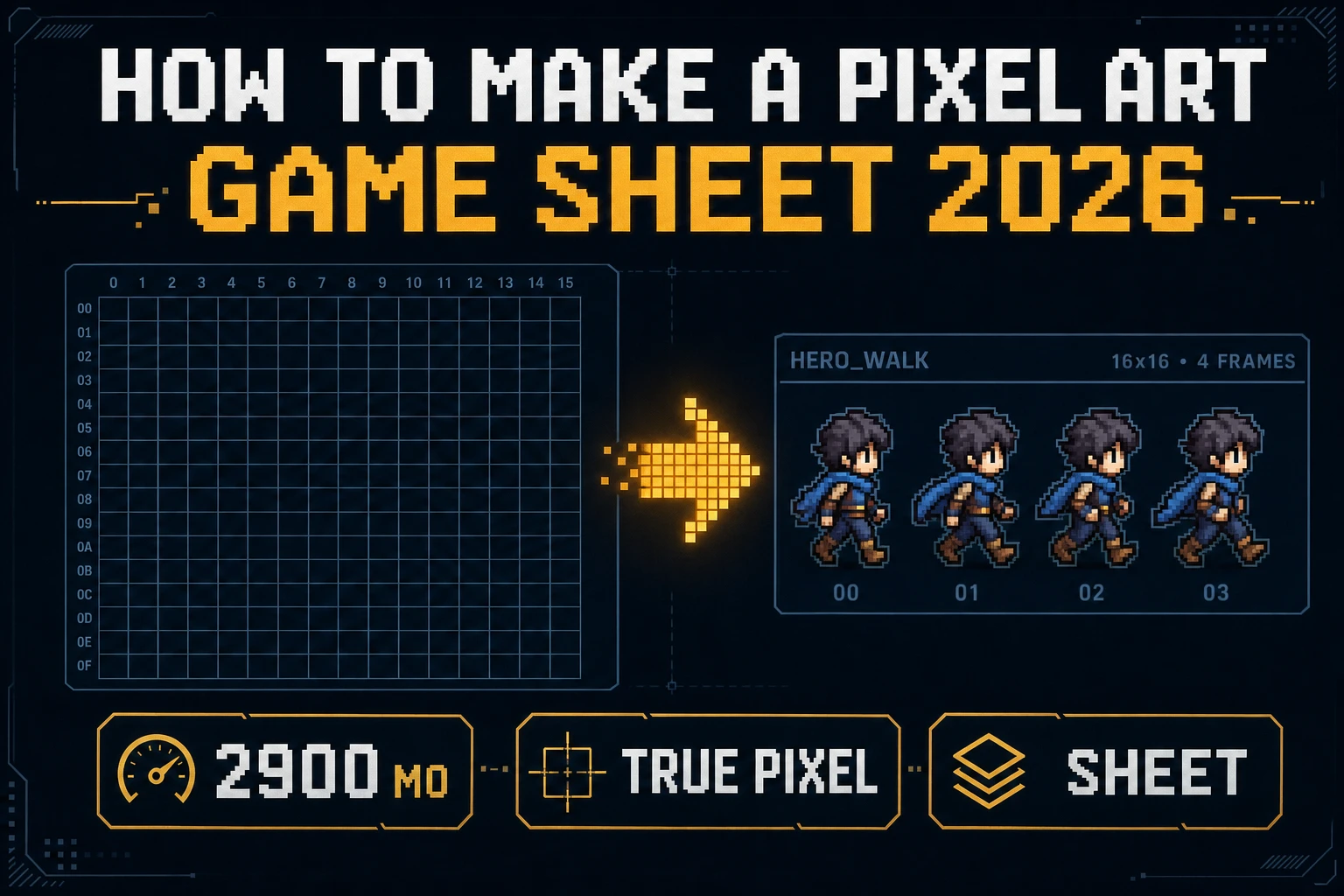
Latch How to Make a Pixel Art (Game Sheet 2026)
How to make a pixel art sheet for a jam: True Pixel presets (PICO-8 to 1-Bit), Canvas fringe cleanup, Quick Sprites at 9 credits, nearest-neighbor import. Local Corridor Key is free. Verified 2026-09-23.
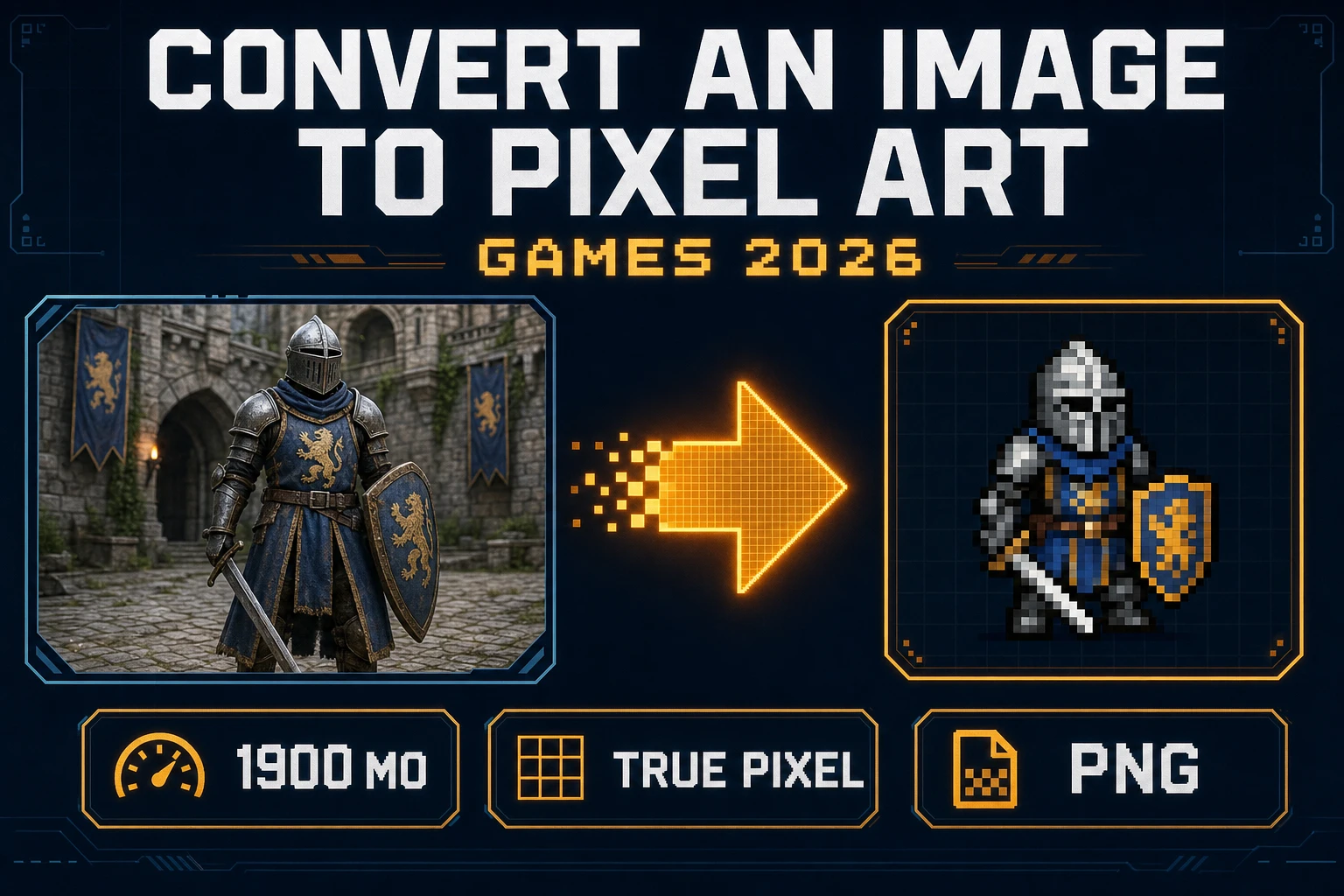
Stamp Convert an Image to Pixel Art (Games 2026)
Convert an image to pixel art for a jam sprite: matte messy backdrops, run True Pixel with an 8-preset palette and a dither mode, export PNG, then import with image-rendering: pixelated. Local Corridor Key is free. Verified 2026-09-22.
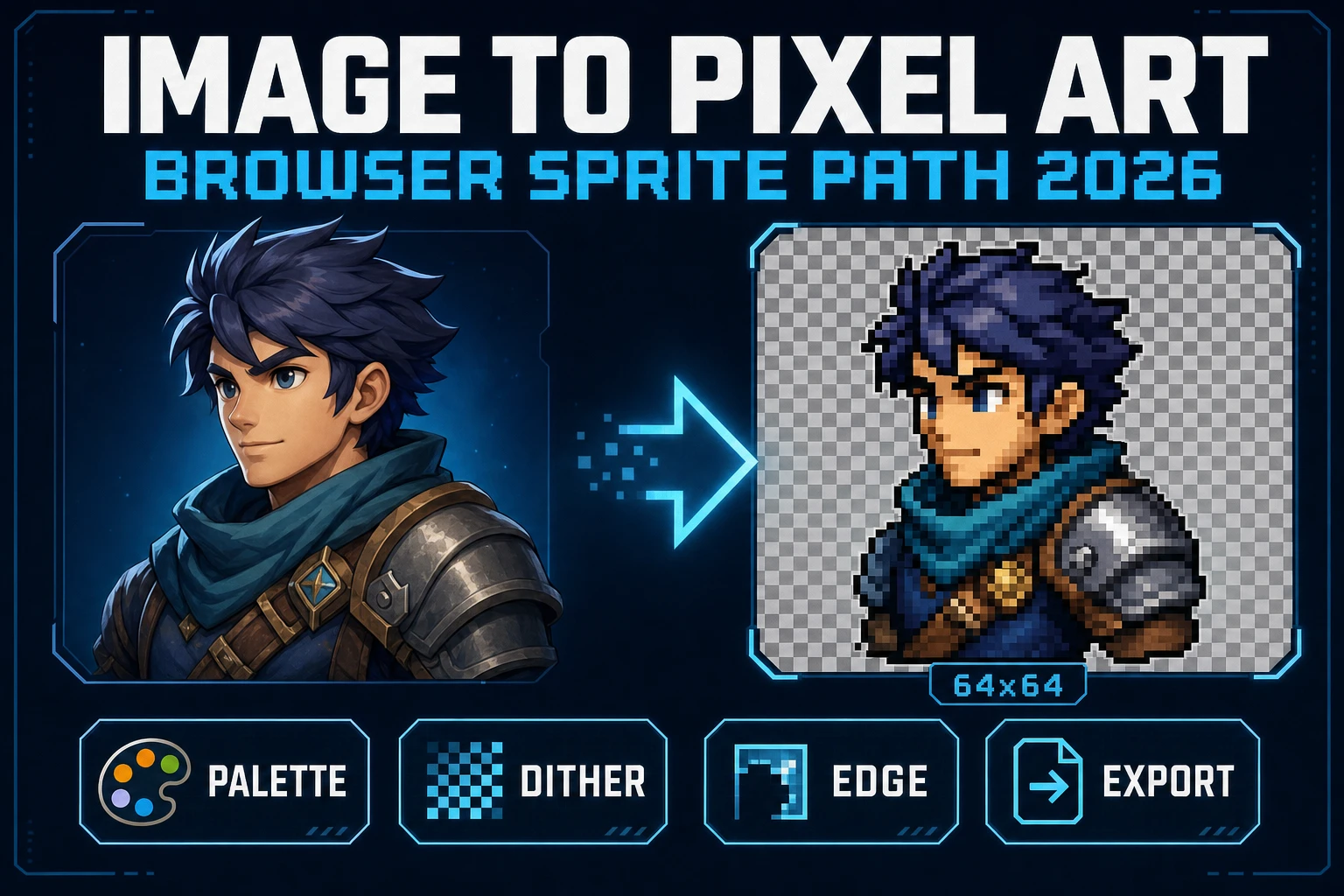
Image to Pixel Art in the Browser (Sprite Path 2026)
Image to pixel art in 2026 is Sorceress True Pixel - upload a source, lock a target resolution, pick one of 8 palette presets from PICO-8 to NES, choose a dither mode, and export a game-ready PNG sprite in the browser. Local mode is free; batch and video pipelines share the same surface.
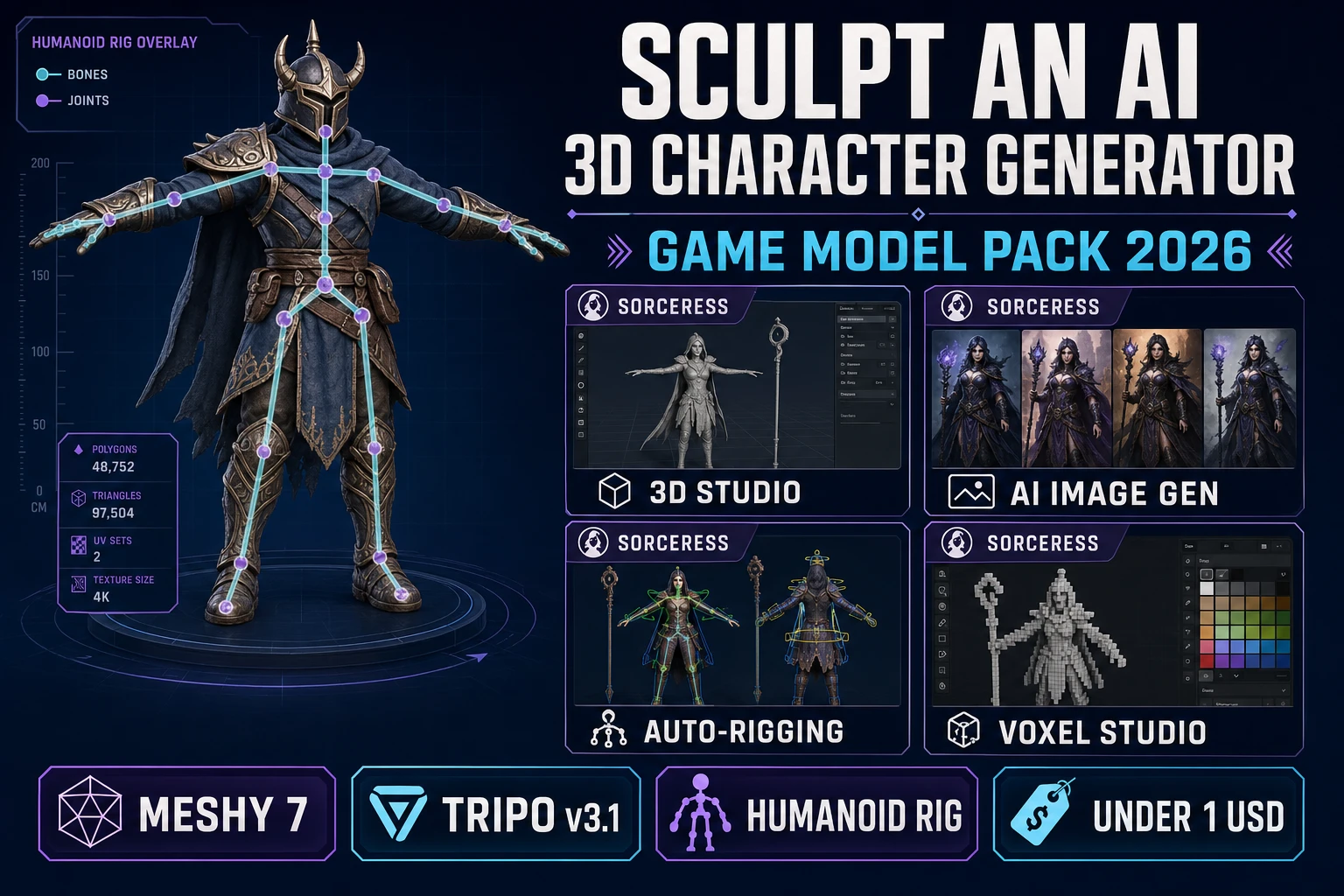
Sculpt an AI 3D Character Generator (Game Model Pack 2026)
An ai 3d character generator in 2026 that actually ships a rigged, game-ready GLB from a single prompt - three-quarter concept in AI Image Gen, image-to-mesh in 3D Studio (Meshy 7 or Tripo v3.1), humanoid Auto-Rigging in the browser, under 130 credits and under one dollar per character.
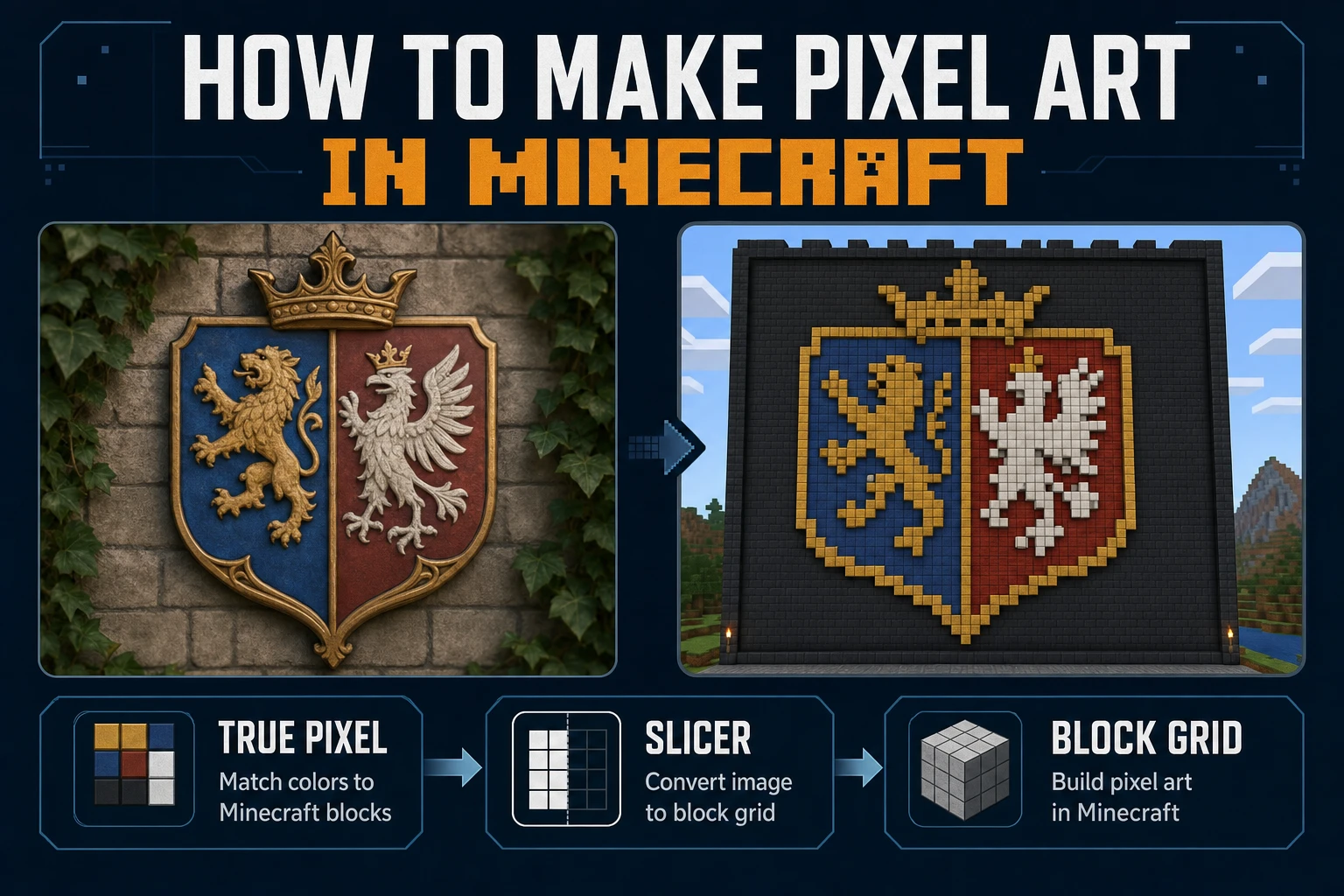
Mine How to Make Pixel Art in Minecraft (Block Grid)
Mine how to make pixel art in Minecraft on a block grid: lock mural size, map a limited block palette, convert the reference in True Pixel, slice rows in Slicer, and place without seam drift. Verified July 24, 2026.
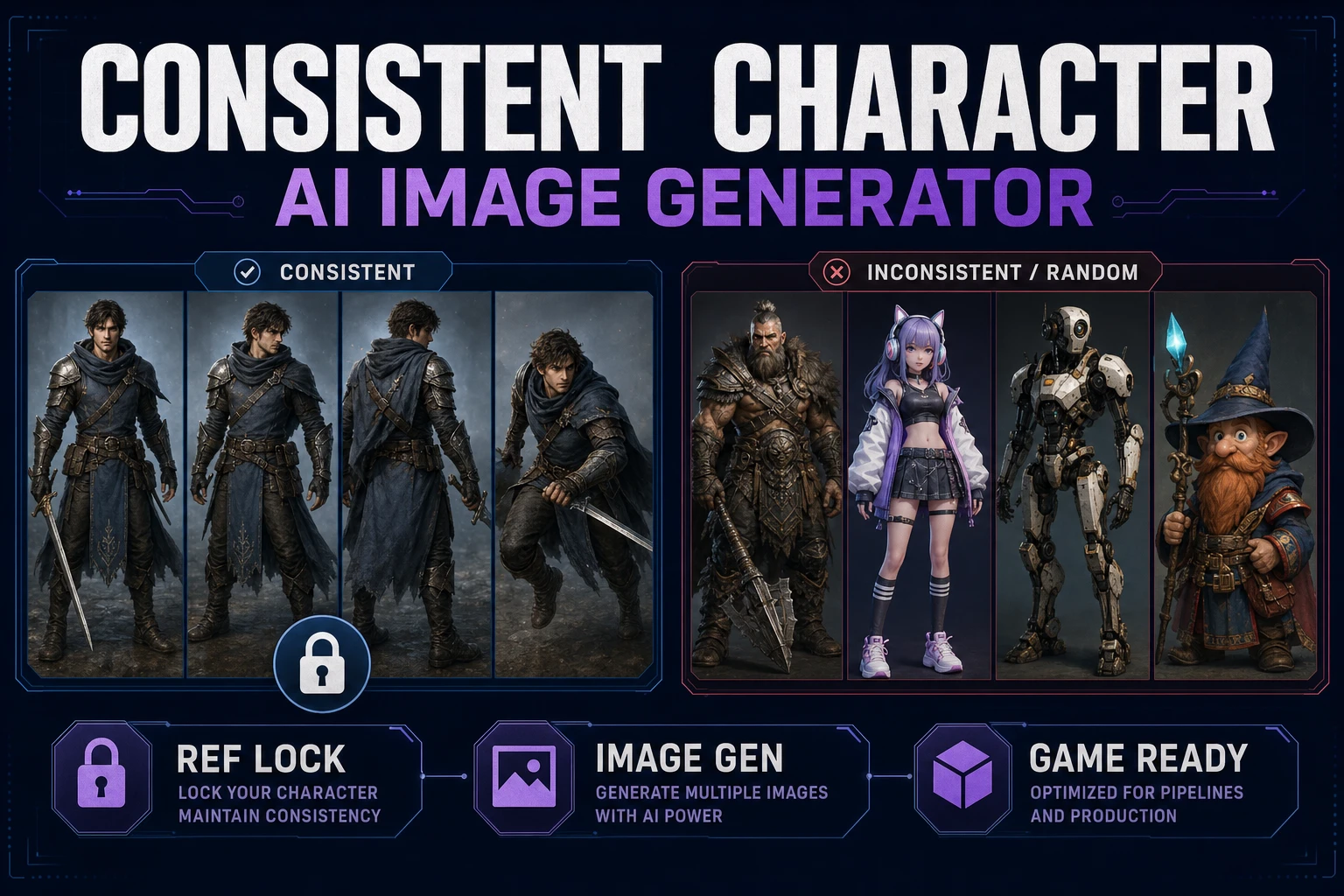
Create With a Consistent Character AI Image Generator
Build a reusable identity card, run a consistent character AI image generator workflow in Sorceress Image Gen, reuse references across portraits and action poses, then remove backgrounds and hand off clean frames to Quick Sprites.
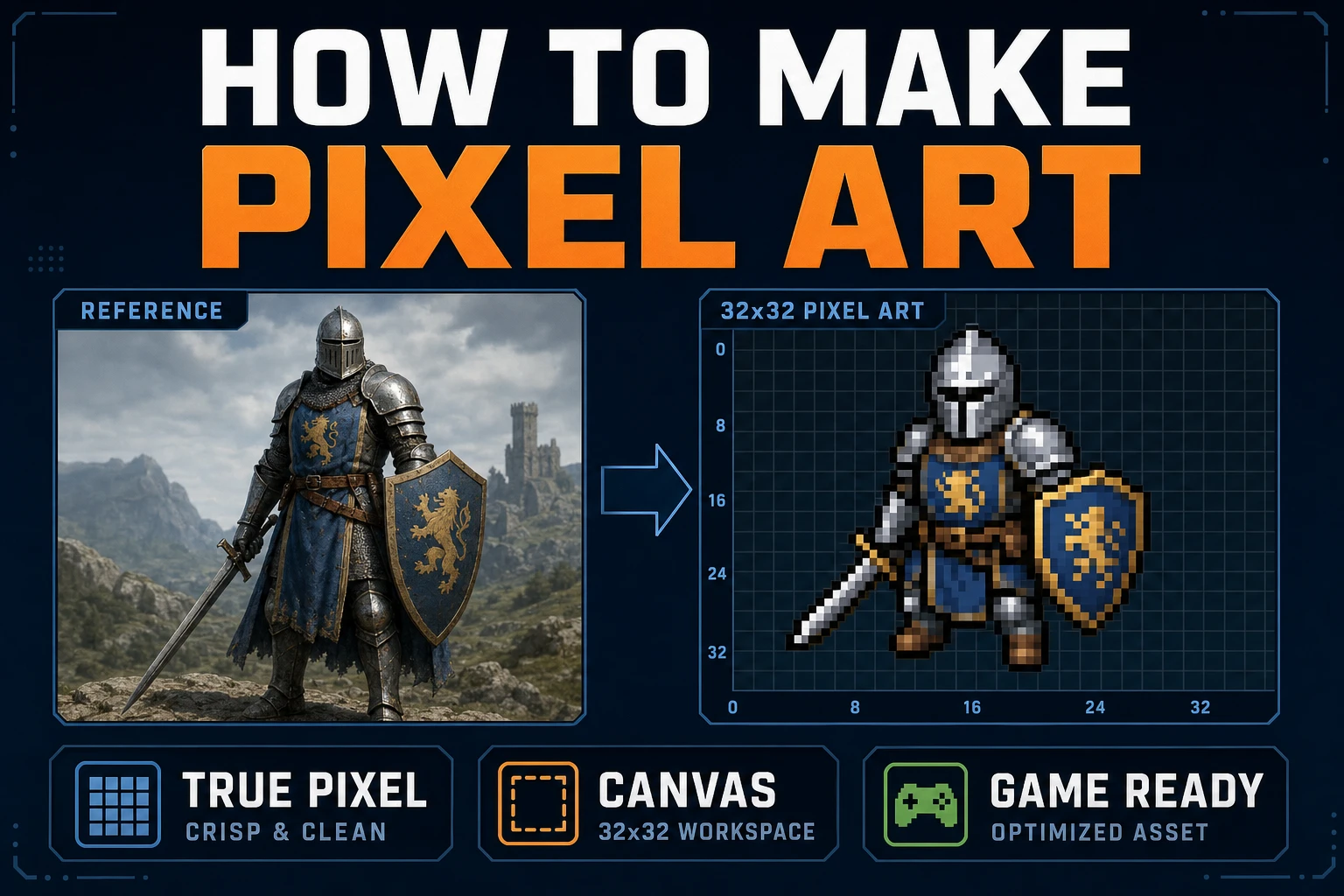
Map How to Make Pixel Art (Browser Canvas)
Map how to make pixel art on a browser canvas: lock grid size and palette, convert in True Pixel, clean cells in Canvas, export sharp PNGs, and drop frames into a one-screen playtest.
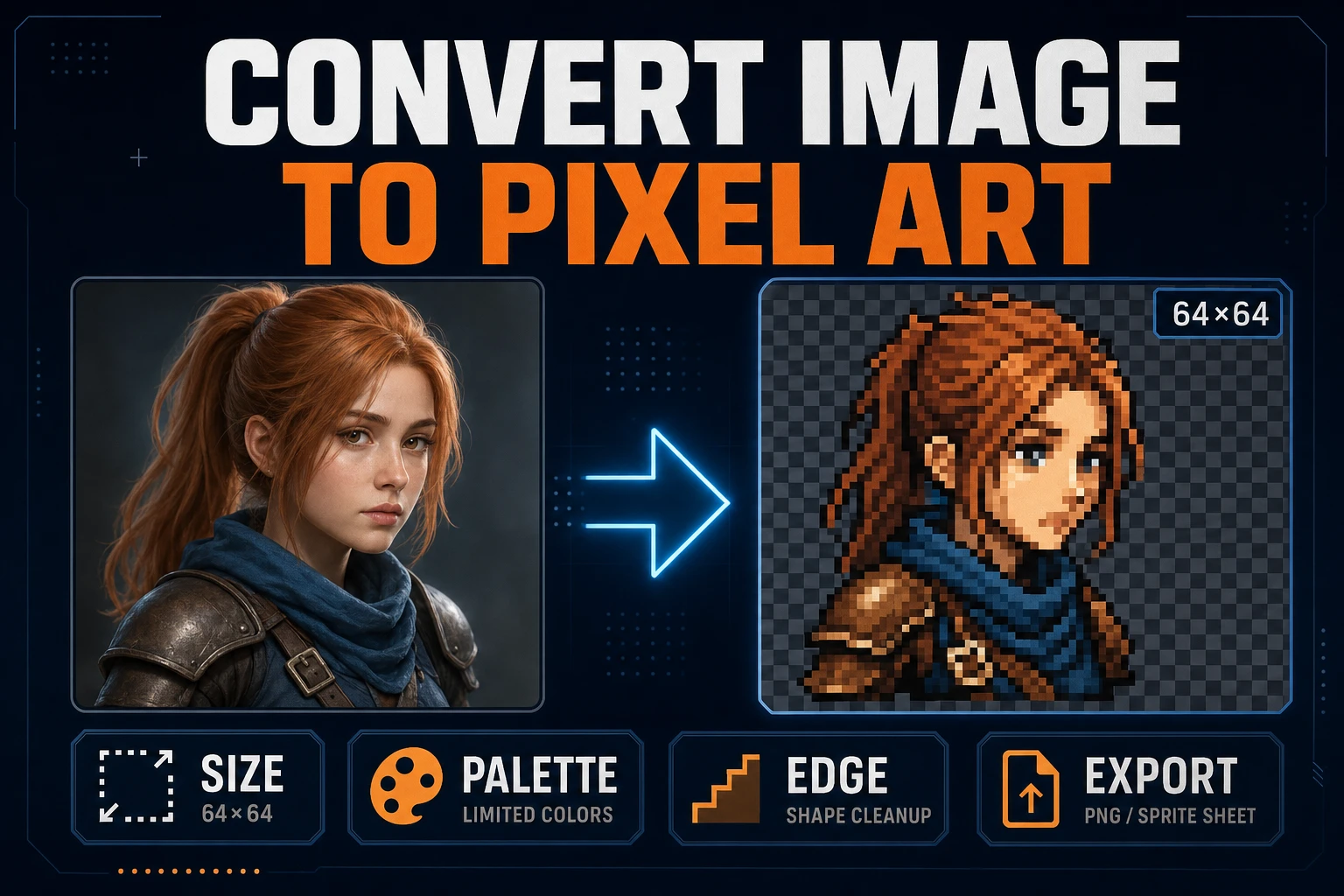
Convert Image to Pixel Art (Game Sprite Pipeline)
Lock target size and palette, convert a readable source in True Pixel, clean edges, inspect the grid, and export a sharp PNG sprite without resampling blur.
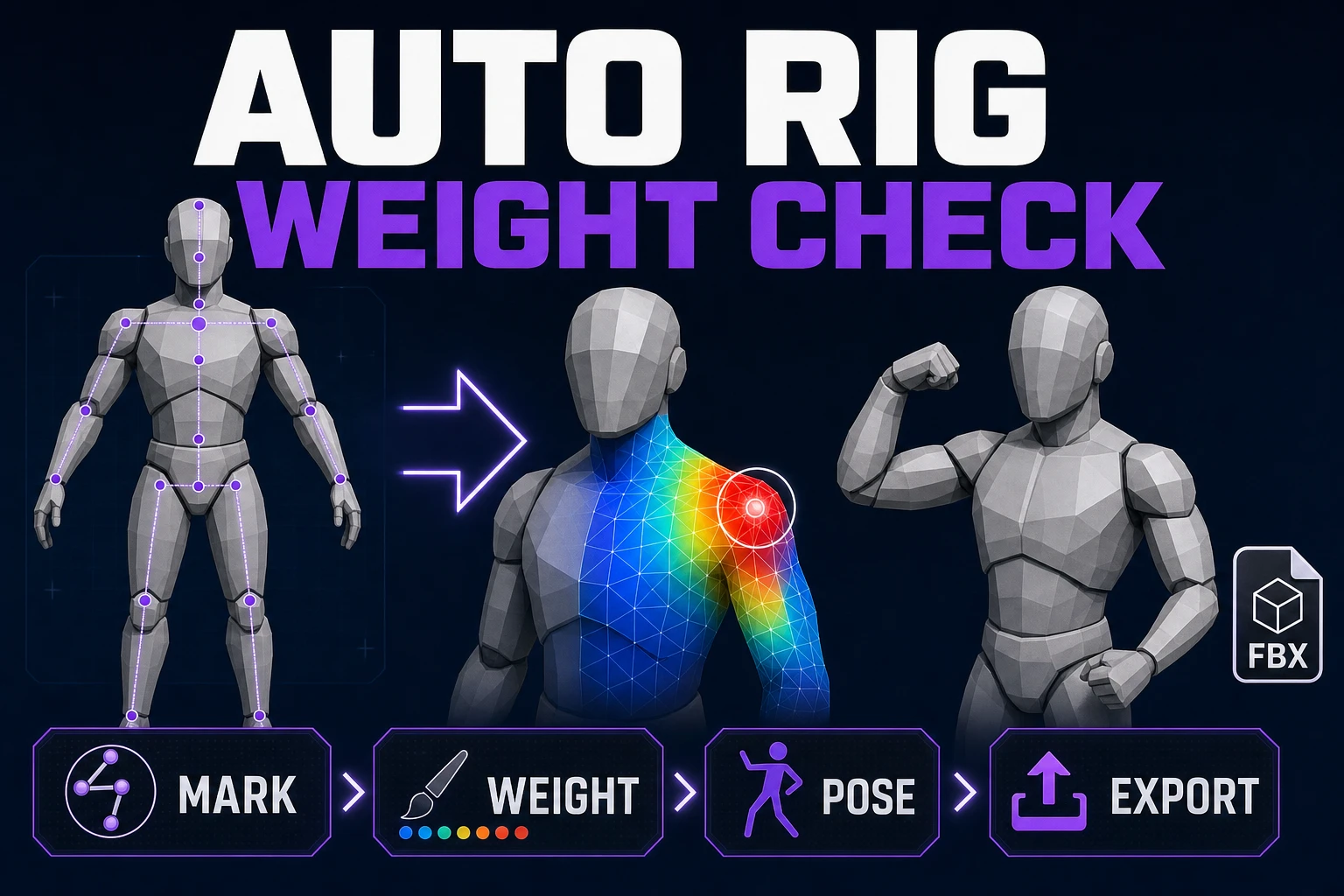
Rig With Auto Rig for Game Characters (Weight Check)
Load a humanoid mesh, place anatomical markers, build its skeleton, compute skin weights, test difficult poses, and validate the exported rig.
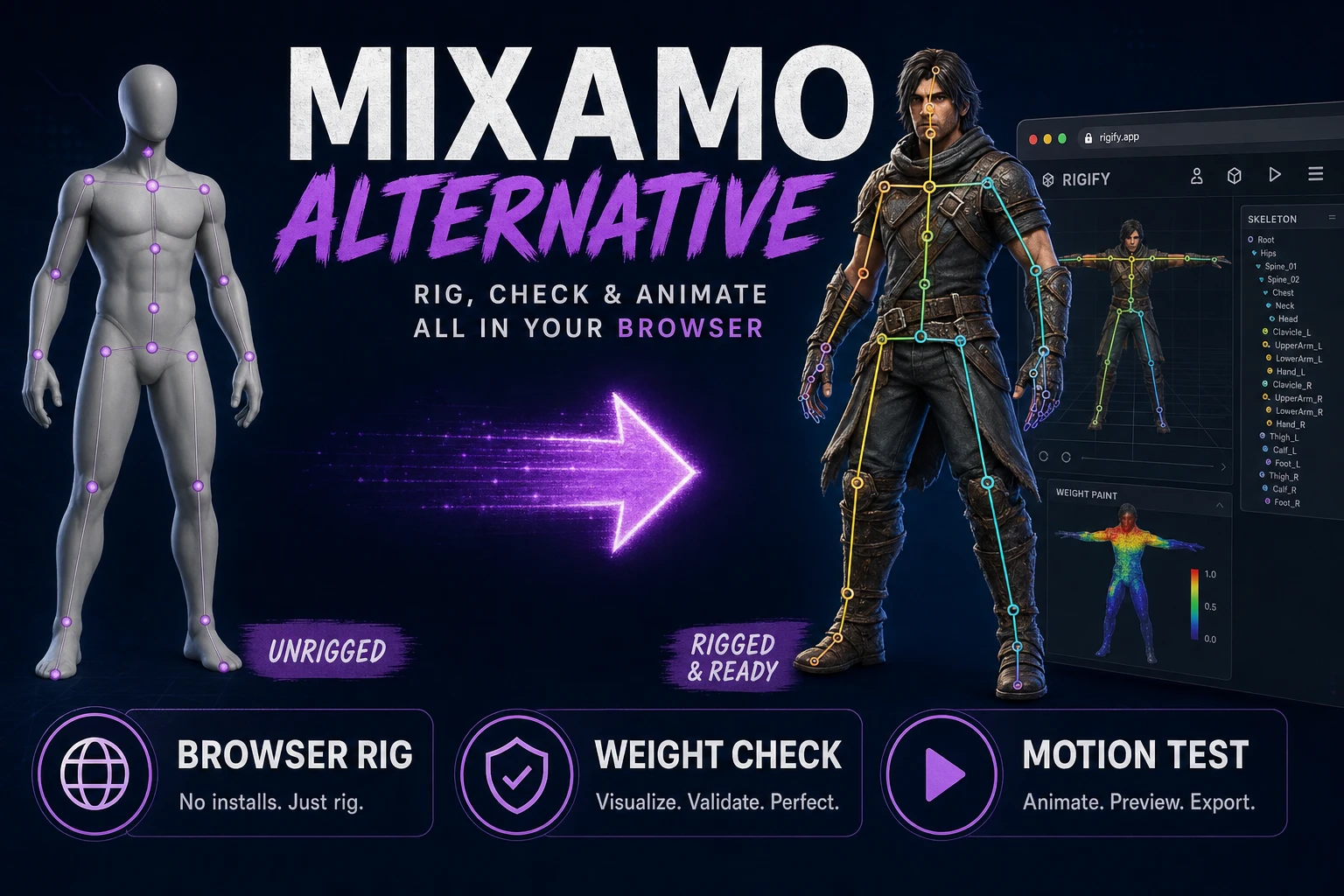
Try a Mixamo Alternative (Browser Rig Workflow)
Fit a humanoid skeleton in the browser, compute and inspect skin weights, test deformation with generated motion, and export a connected character package.
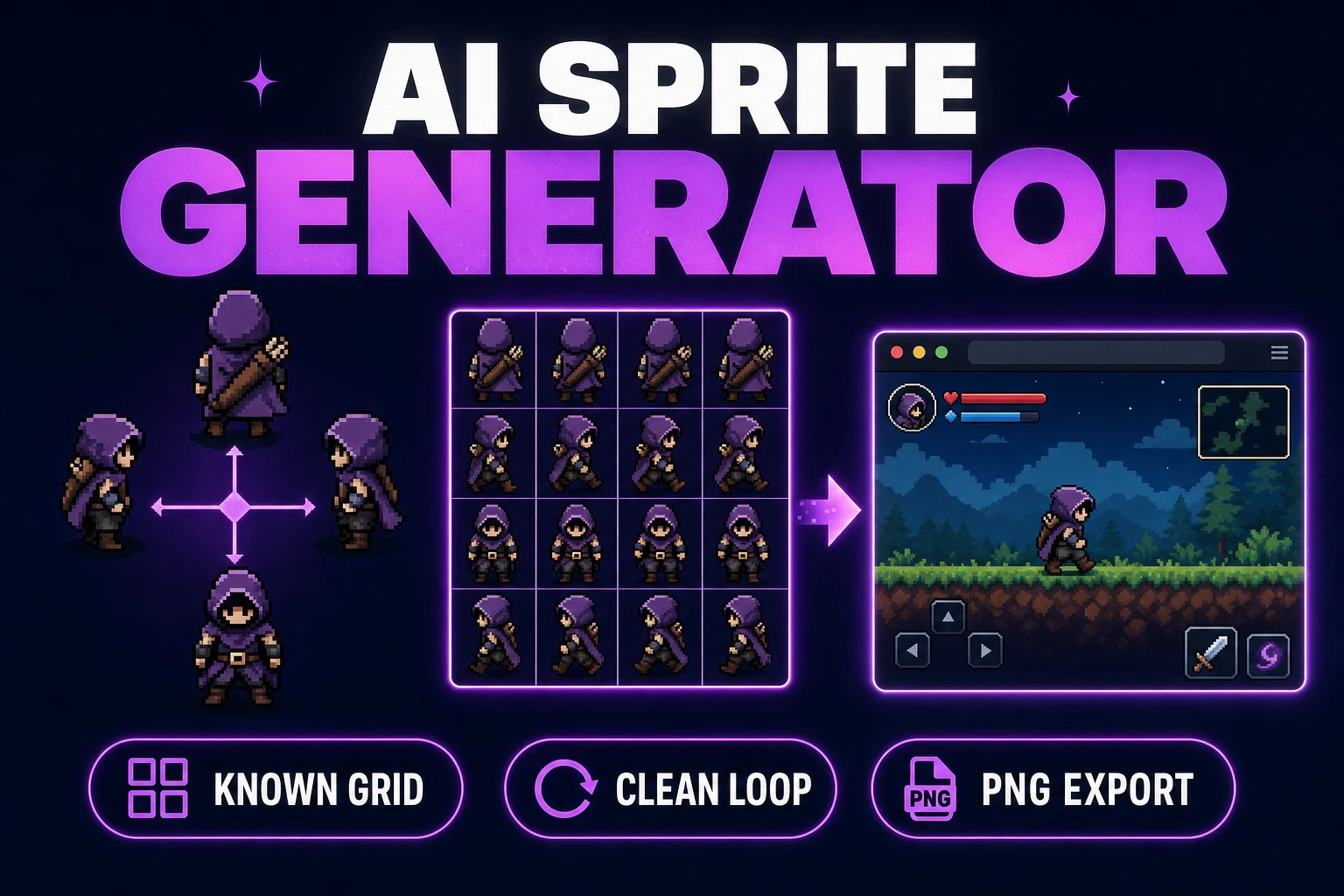
Use an AI Sprite Generator (Game-Ready Sheet)
Generate a directional sprite sheet in Quick Sprites, inspect every row and frame in Sprite Analyzer, clean pixel edges when needed, and export usable metadata.