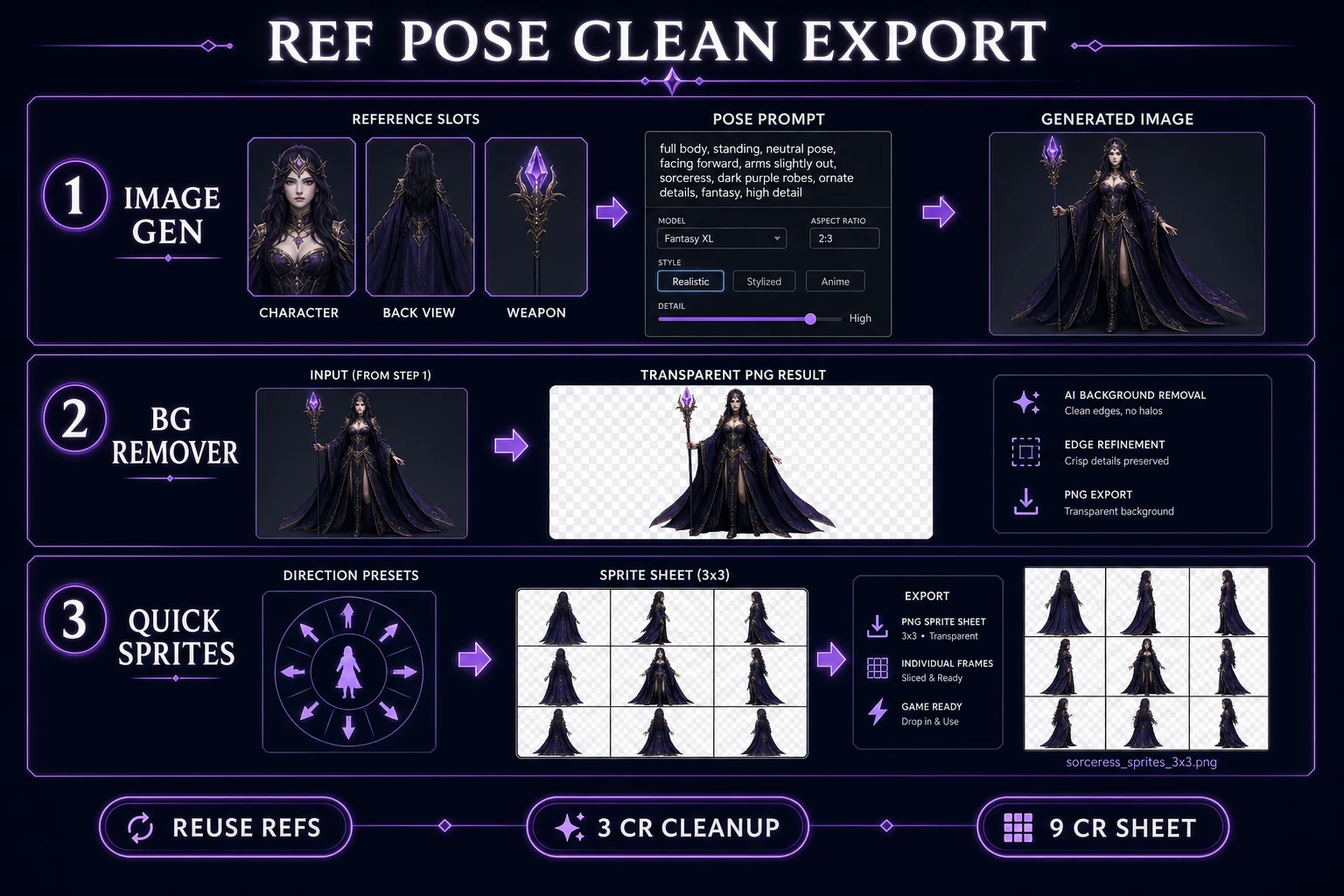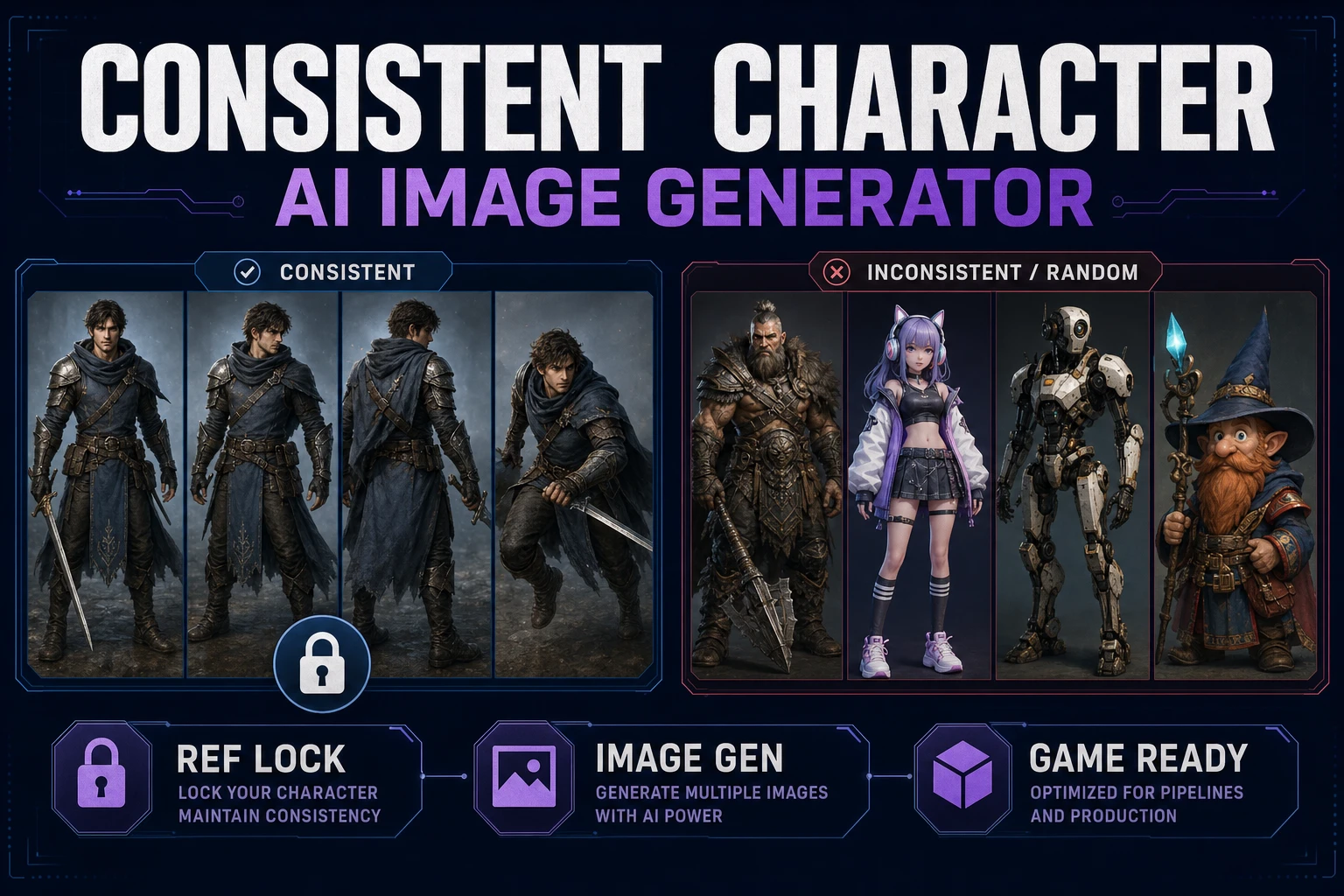
Prompt-only character packs fall apart the moment you need a second angle. Hair shifts, armor trim mutates, and your “one hero” becomes a family reunion of lookalikes. A consistent character AI image generator fixes that only when you treat identity as a pinned reference set—not as a lucky first roll. This guide builds a reusable identity card, runs the lock inside Sorceress AI Image Gen, then cleans frames with BG Remover and hands approved art to Quick Sprites. Model names, reference caps, and credit costs below were verified against src/lib/models.ts, src/app/bg-remover/page.tsx, and src/app/quick-sprites/page.tsx on July 22, 2026.
What a consistent character AI image generator must preserve
DataForSEO lists consistent character ai image generator at 30 monthly searches with KD 21 in tools/research-output.md (verified July 19–22, 2026). The sibling term ai consistent character generator sits higher at 70/mo; that exact primary already ships on the Sorceress blog as a reference-locked overview. This article stays on the image-generator phrasing and the production checklist: what must stay identical across a cast pack.
A diffusion model samples from a cloud of matches for any text prompt. Without a second channel, “elf ranger, green cloak” is a description, not a person. Research on image-prompt adapters such as IP-Adapter formalized the fix: feed an image that anchors subject identity while text steers pose and scene. In product UIs that channel is usually labeled reference images, character reference, or input images.
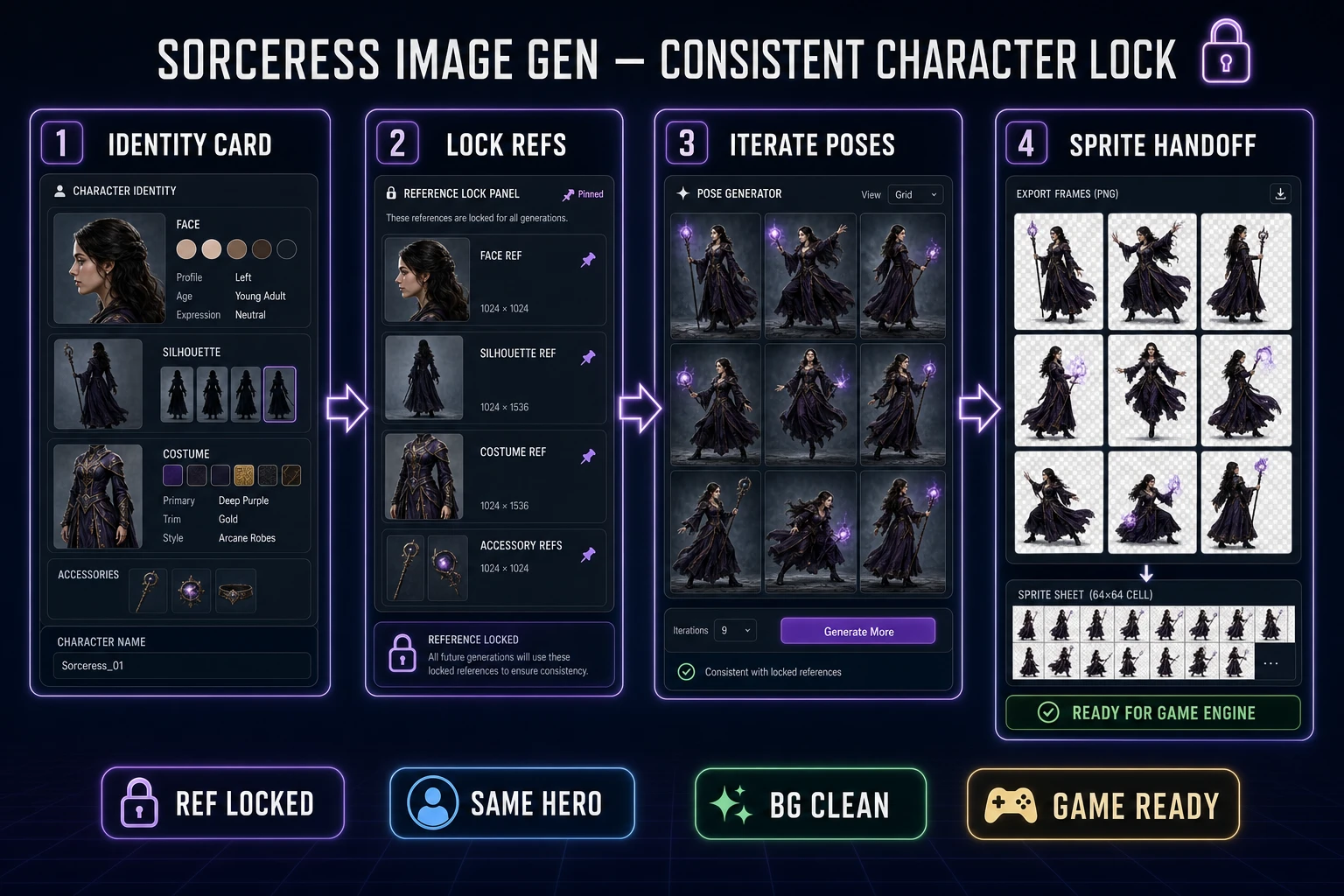
For game art, “consistent” means four anchors survive every generation:
- Face: bone structure, eye color, hair silhouette, distinguishing marks.
- Body silhouette: height, bulk, and readable outline at game scale.
- Palette: the same three to five costume colors, not near-duplicates inventing new browns.
- Costume grammar: cape length, armor plates, weapon shape—details players use to recognize the hero mid-fight.
Pose, camera, expression, and lighting may move. If those four anchors drift, stop iterating and repair the identity card before you burn more credits.
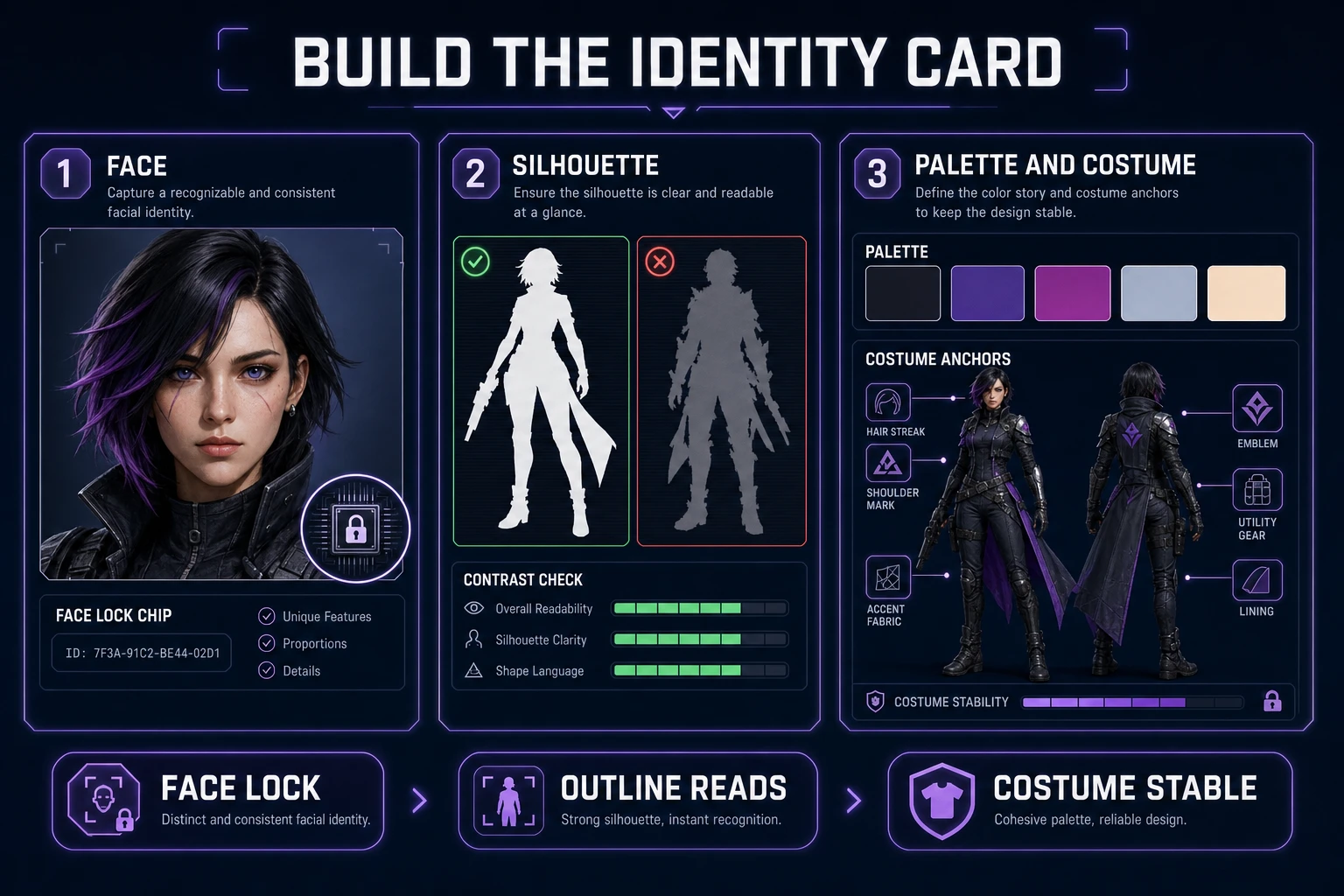
Build a reusable identity card before generating poses
Write the card before you open Image Gen. One sticky note beats twenty nearly-right renders.
- One-sentence bio: role, age band, and the single trait players must notice at a glance.
- Palette chips: list hex names or plain color words you will refuse to abandon (for example forest green cloak, brass trim, charcoal boots).
- Silhouette test: describe the outline as a black blob—“tall cape triangle, spear vertical, bob hair”—so you can reject soft mush later.
- Forbidden drift: note what must never change (left-eye scar, short sword only, no hood).
Then generate one canonical front portrait and one full-body orthographic shot with a plain background. Those two images become Ref A (face) and Ref B (costume + silhouette). Everything else in the cast pack is a follow-up that attaches both. Do not invent eight action poses until both refs pass a squint test on a dark background and a light background.
Run the Sorceress consistent character AI image generator workflow
Open AI Image Gen. Pick a model that accepts reference images, attach Ref A and Ref B, then write a pose prompt that assumes identity is already locked. Prompt like a director, not like a character sheet: “same character, three-quarter combat stance, spear forward, plain gray backdrop, flat studio light.” Avoid re-describing hair color and cloak dye on every follow-up—that invites the model to renegotiate the person.
Reference caps and starter credits verified in src/lib/models.ts on July 22, 2026:
- Nano Banana 2: up to 14 refs; 9 / 12 / 17 credits at 1K / 2K / 4K.
- GPT Image 2: up to 16 refs; 5 / 8 / 15 credits at 1K / 2K / 4K.
- Seedream 5 Lite: up to 14 refs; 6 credits at 2K, 8 at 3K.
- Grok Imagine: up to 5 refs; 6 credits (multiple outputs when refs are attached).
- Nano Banana Pro: up to 8 refs; 18 credits at 1K/2K, 33 at 4K.
Practical default for indie cast work: Nano Banana 2 or GPT Image 2 at 1K with two references. Raise resolution only after the pose reads correctly. If identity breaks, reduce prompt novelty before you add a third reference—extra refs rarely fix a prompt that asks for a new haircut.
Keep a folder named after the character, not after the model. Save approved stills as hero_ref_face.png, hero_ref_body.png, hero_pose_slash_01.png. Future-you and any coding agent loading assets will thank you for boring names.
Batch size matters more than model brand loyalty. Generate two or three candidates per pose prompt, pick one that matches the identity card, and move on. Regenerating the same prompt twenty times usually means the refs are weak or the prompt is renegotiating costume details. Fix the card, then spend the next credits on a new pose—not on hunting a lottery winner.
When you switch models mid-pack (for example from Nano Banana 2 to Seedream 5 Lite), keep the same two references attached. Different families render lighting differently, but a strong ref pair still keeps the cast recognizable. If the new model ignores costume trim, drop resolution experiments and tighten the prompt with one explicit “identical cloak length and brass trim from references” clause—then stop stacking adjectives.