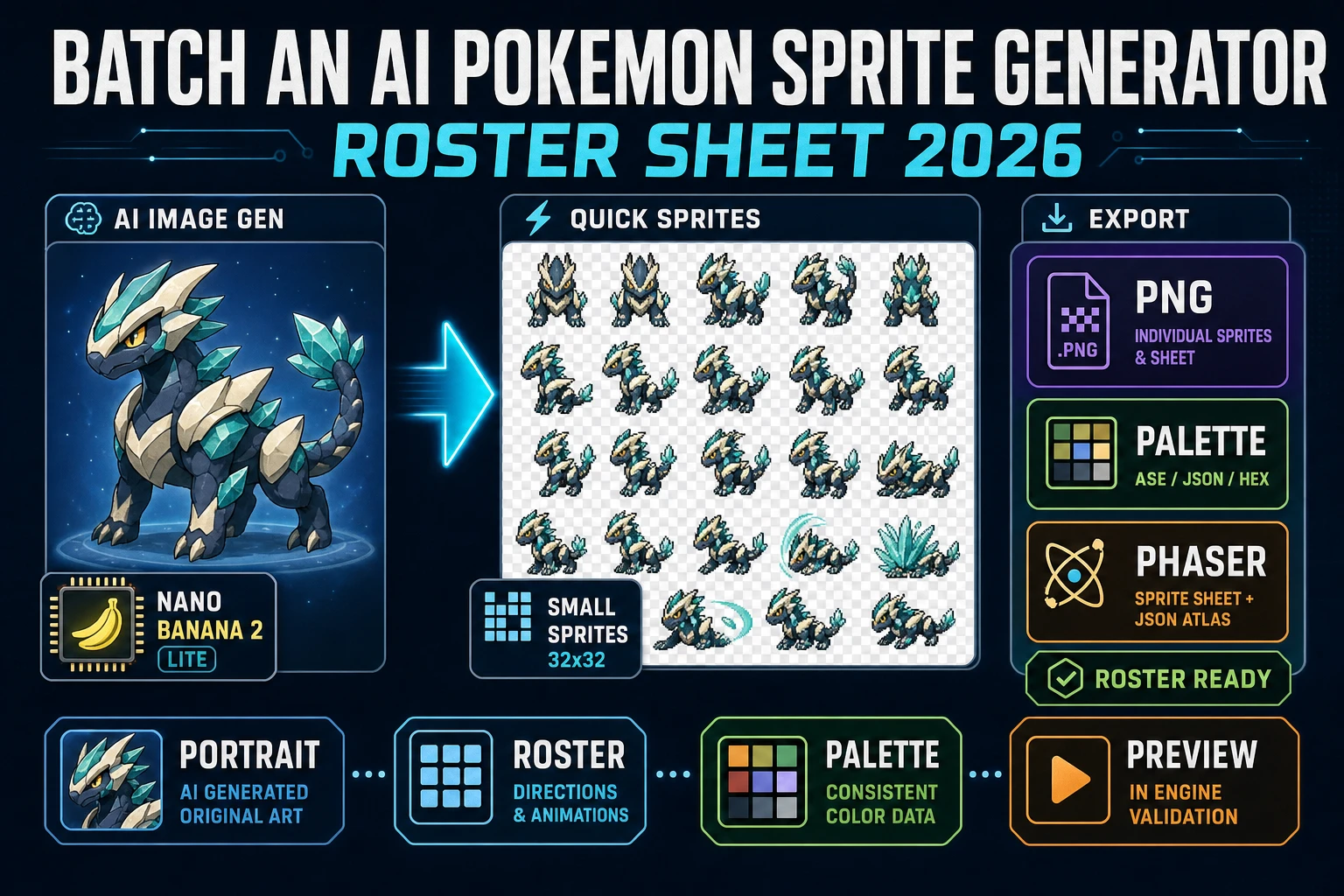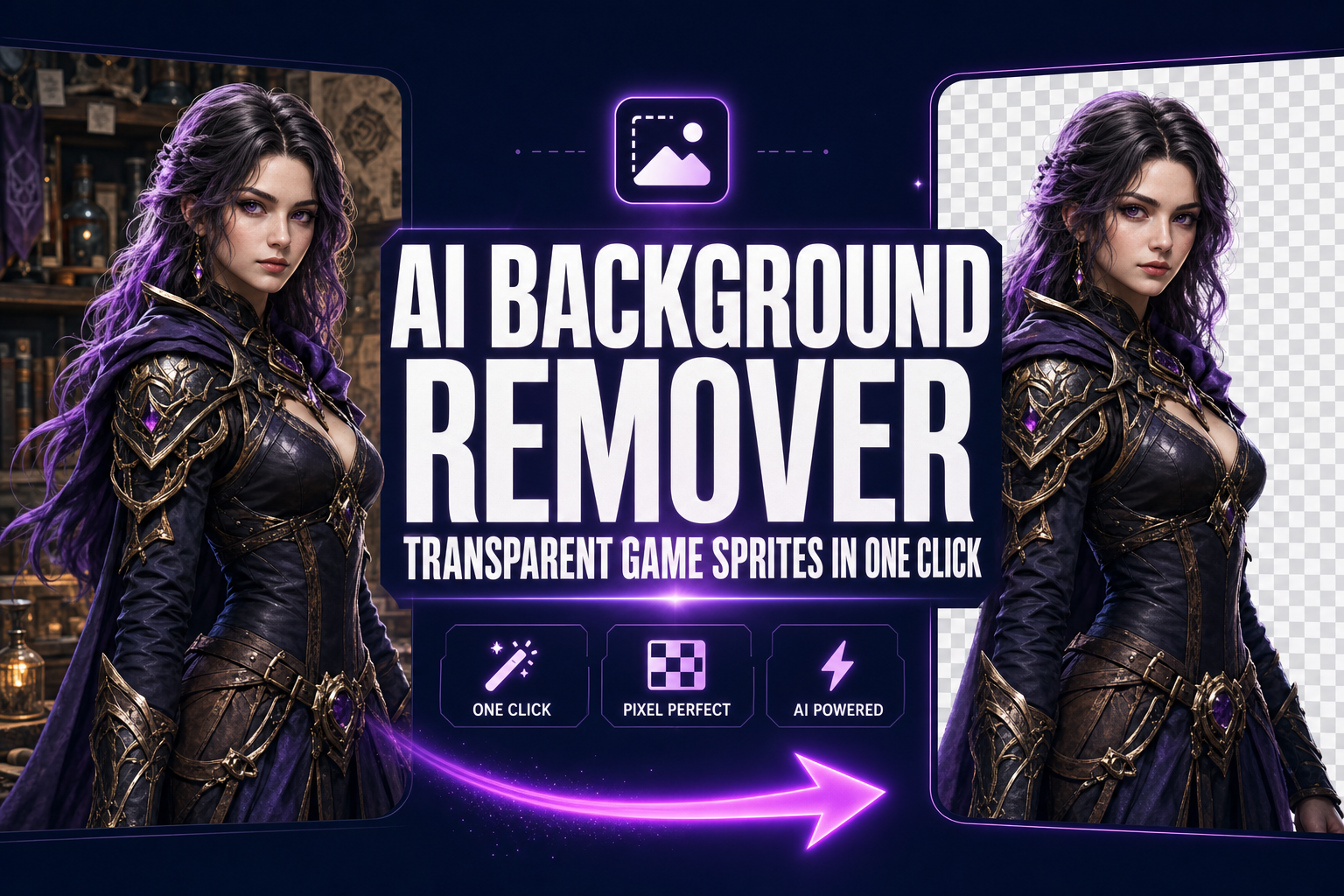
A character render with the wrong background lands in a game engine as an opaque rectangle floating in front of the level art. Not a sprite. Not even close. The fix the entire indie scene reaches for first is chroma key — pick the green-screen colour, set a tolerance, mask everything close to it. The fix that actually works on a real source image (cluttered AI render, photo of a sketch, screenshot of an existing asset) is an AI background remover that learns the silhouette of the subject from a segmentation model rather than matching pixels by colour. This guide walks the one-click pipeline that turns any source image into a transparent PNG ready to drop into Phaser, Three.js, or any sprite-sheet packer — what segmentation actually does, the BG Remover walkthrough, batch mode for AI portrait packs, and the four sprite pipelines that depend on a clean cutout.
The transparent-background problem nobody admits in game dev
Every game engine in active use today expects sprite assets to ship with an alpha channel. Alpha compositing is the technique the engine uses to layer the sprite on top of the level art, the parallax background, the particle system, and any UI — each pixel of the sprite carries an alpha value (0 = fully transparent, 255 = fully opaque) that tells the compositor how much of the sprite shows through versus how much of the layer behind it. Skip the alpha and the engine has nothing to composite against; the sprite renders as a flat opaque rectangle, the same colour as whatever surrounded the subject in the source image.
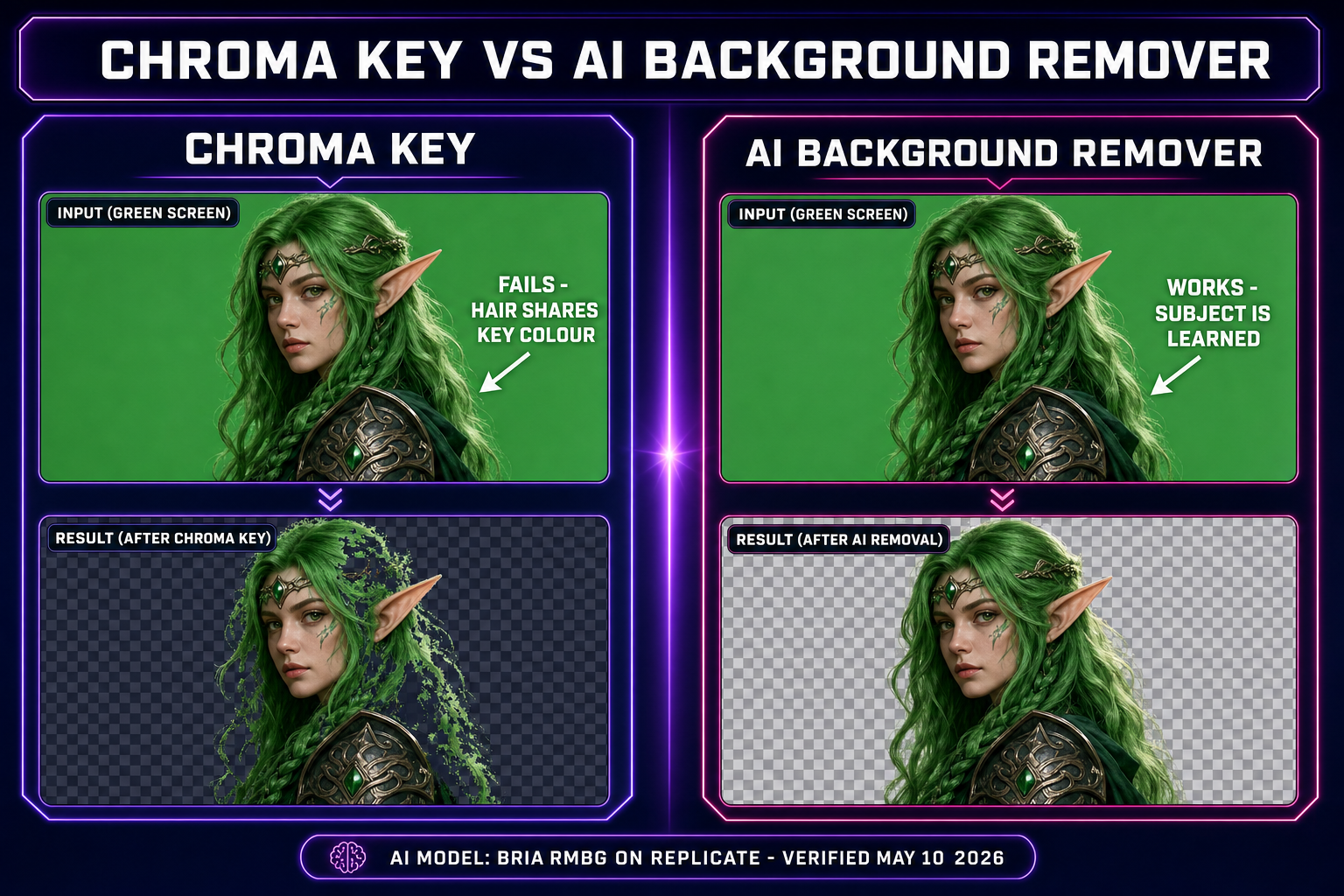
This is the assumption that breaks every first-week vibe-coded game. The character image looked clean in the AI generator preview because the preview rendered it on a flat white surface. The same image dropped into a Phaser scene with a tiled forest background renders the character inside a giant white square that covers half the screen. The fix is not to retouch the engine code; the fix is to give the engine a sprite that already has the right alpha. Two ways to get there: chroma key the background out (works only if the source has a single uniform background colour), or run an AI background remover that produces a per-pixel image segmentation mask. The second one is the only path that survives a real source — anything with more than a flat colour behind the subject.
The second-order problem is what the engine does with intermediate alpha values. A clean cutout has hard 0/255 alpha for most pixels and a thin band of intermediate values along the silhouette where the model was uncertain. That intermediate band is what makes the sprite look like a real object at the edge instead of a sticker peeled off badly. MDN documents the compositing modes the canvas uses (and Phaser, Three.js, and most browser-based engines mirror); the default source-over mode is what you want for sprites with smooth alpha. The whole reason an AI background remover beats a binary mask tool is that it produces those intermediate alpha values automatically, so the silhouette reads as a real object instead of a die-cut sticker.
How an AI background remover actually works
The model under the hood of every modern AI background remover is a variant of an encoder-decoder segmentation network — typically U-Net or one of the salient-object-detection refinements built on top of it (U^2-Net, IS-Net, BRIA RMBG). The encoder progressively downsamples the input image while extracting features at each scale; the decoder progressively upsamples those features back to the original resolution while combining them with skip connections from the encoder so spatial detail is preserved. The output is a single-channel image at the same resolution as the input, where every pixel value is the model’s confidence that the pixel belongs to the foreground subject rather than the background.
The training data is the part that matters. A salient-object segmentation model is trained on hundreds of thousands of images, each one paired with a hand-annotated alpha matte that marks exactly which pixels are the salient subject and which are not. The annotations include all the cases that break a chroma-key approach: hair against a similar-coloured background, transparent or semi-transparent objects, motion blur, soft fur, lace and other fine geometry. After training, the model has effectively learned the visual statistics of "what a salient subject looks like" across millions of examples, which is why it generalises to new images the chroma key cannot touch.
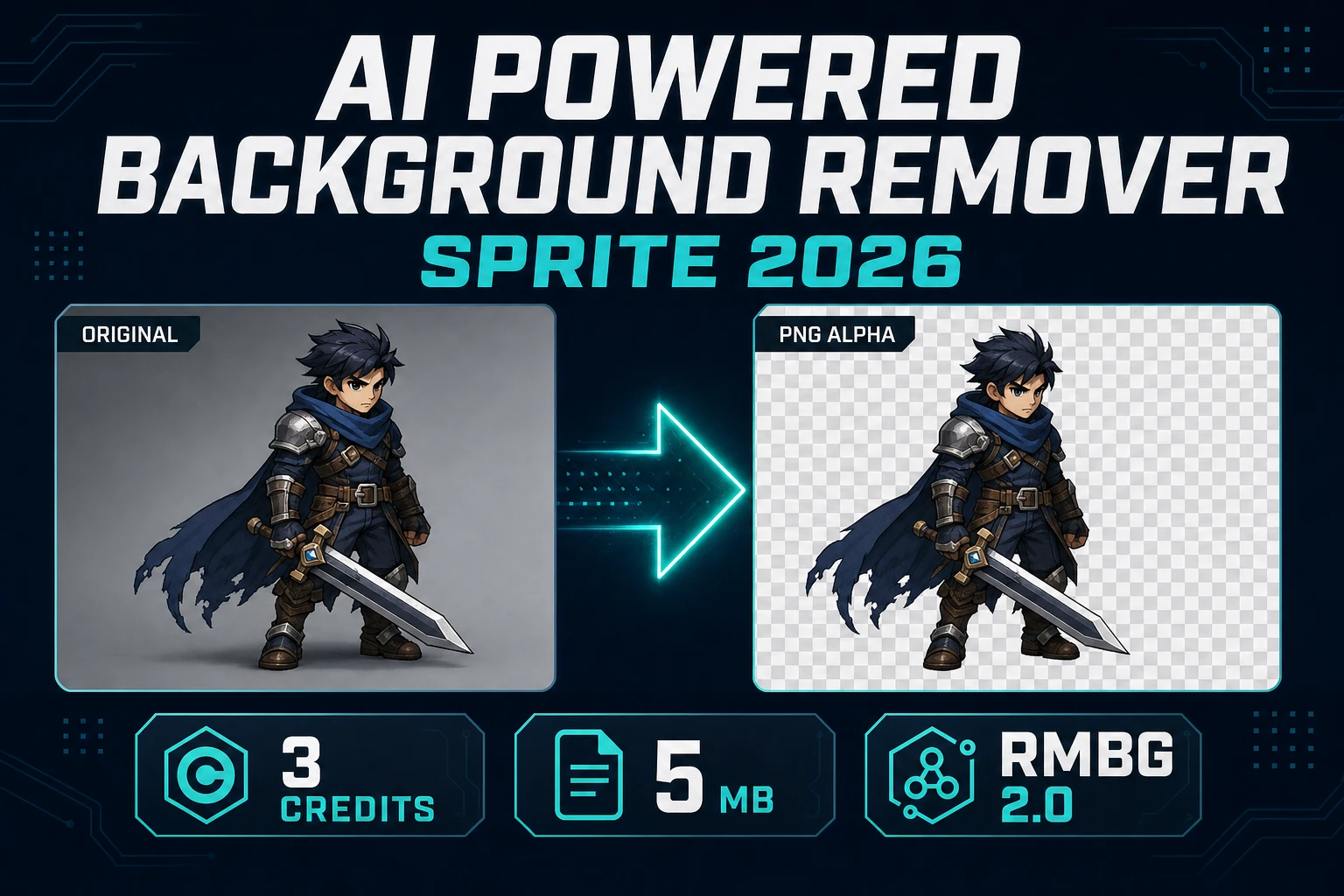
Sorceress BG Remover runs the BRIA RMBG model on Replicate, accessed through the same Replicate proxy used by the rest of the Sorceress image pipeline. BRIA RMBG is one of the segmentation networks specifically tuned for transparent-PNG output rather than binary masking — it returns a per-pixel alpha map with smooth transitions at edges, not a hard 0-or-255 mask. That smooth alpha is what makes the cutout drop into a game engine without the dreaded "die-cut sticker" silhouette. The alternative — a binary mask network — produces sharper edges but loses the wispy hair, the fur, the motion-blurred limb, every soft-edge case where a real object does not have a hard boundary.
The one-click workflow in BG Remover
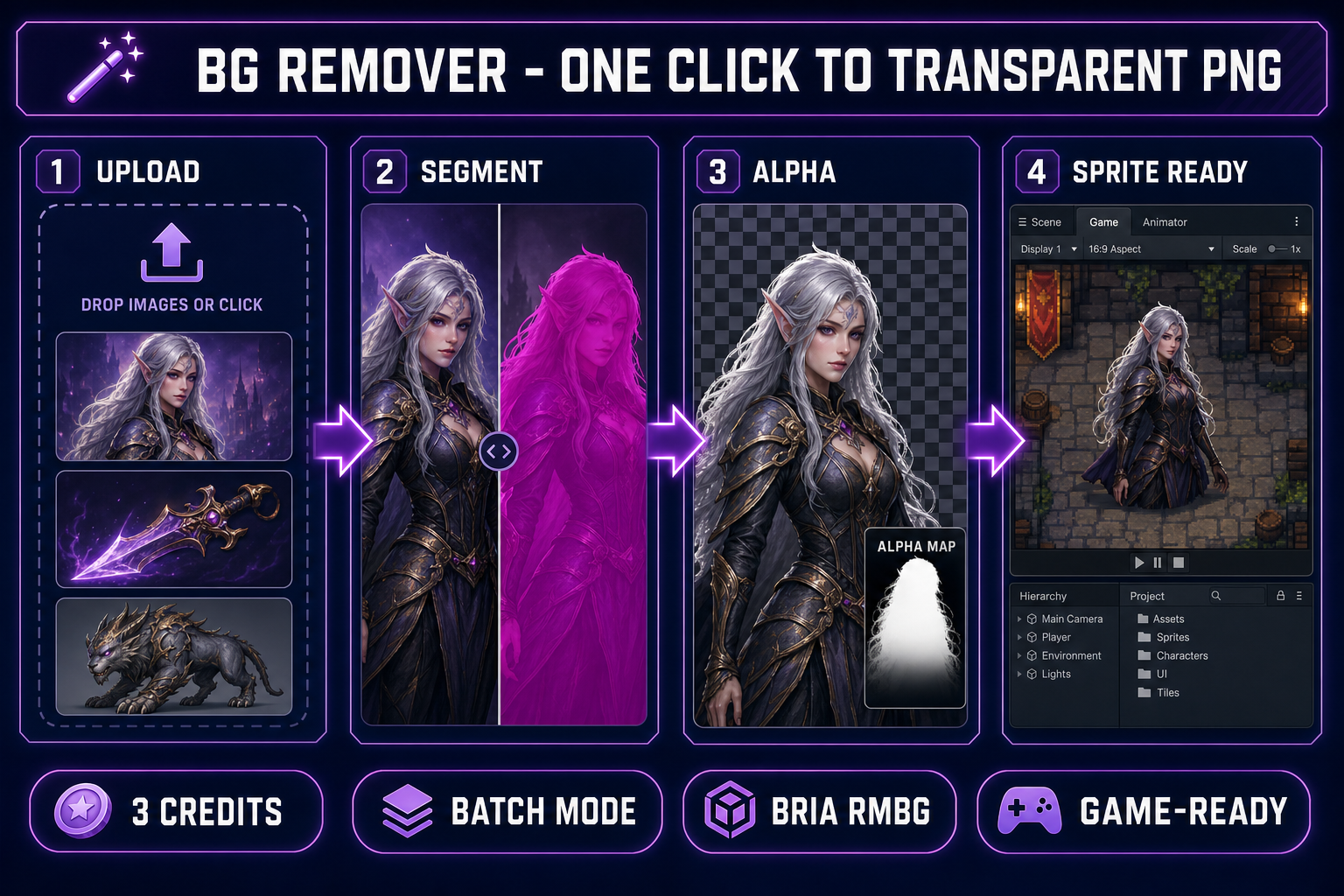
Open BG Remover. The page is a three-panel layout: the left rail is the upload zone and the pending-files queue, the centre is the gallery of already-processed cutouts, and the right rail is the recent-batch results panel with a Download All button. The processing flow is deliberately one shape — drop, click, download — with no per-image settings to tune.
The full workflow:
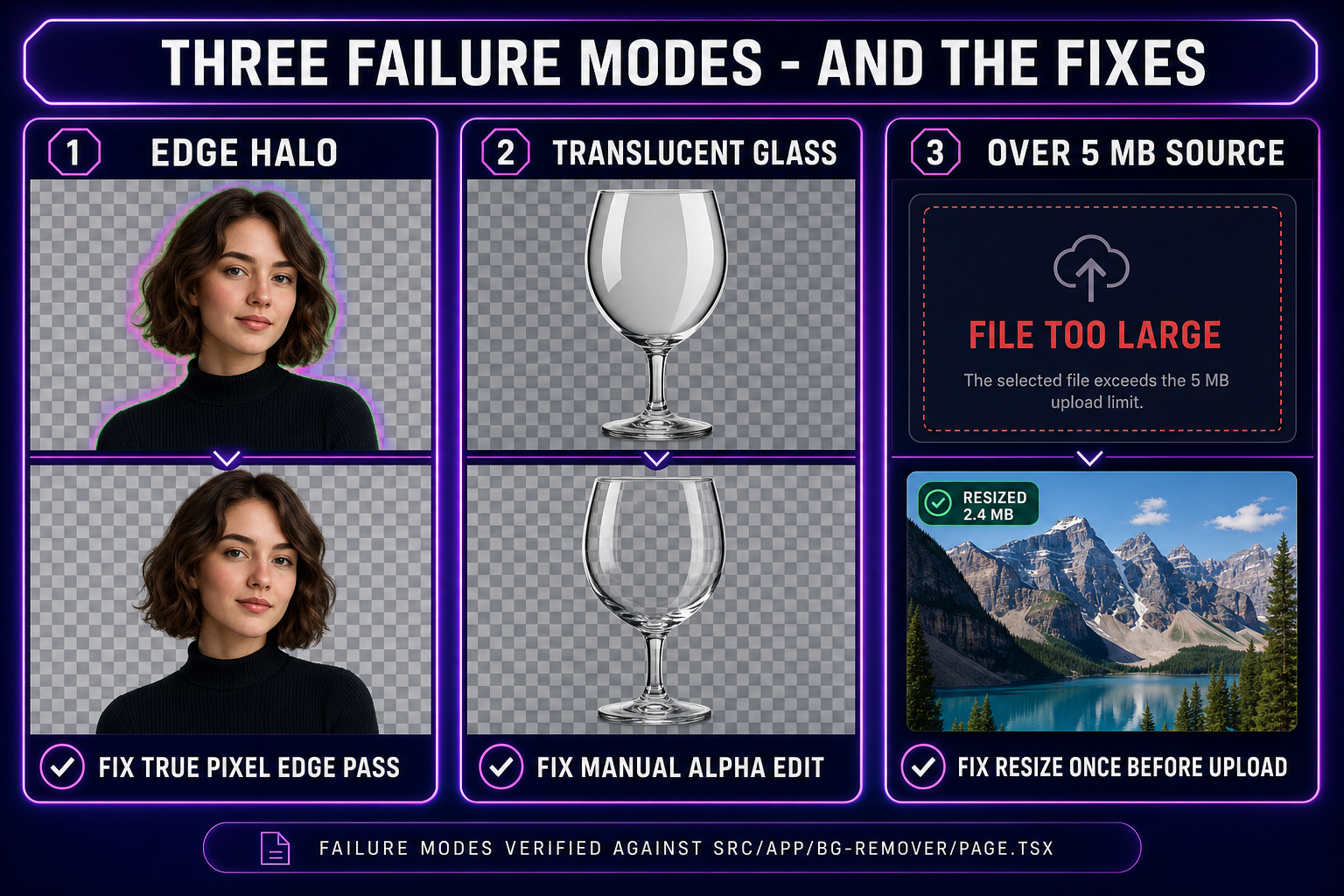
- Upload: drag a single image, drag a folder, or click the drop zone to file-browse. PNG, JPG, and WebP up to 5 MB per image are accepted. Larger sources are skipped with a clear modal listing the over-size files (no silent down-sample — silent compression destroys the fine detail the segmentation model needs).
- Queue: the pending files appear as thumbnails in the left rail. Cost is shown live (3 credits per image — a 12-image batch is 36 credits). The Clear button drops the queue without spending credits if you change your mind.
- Process: hit "Remove Background" for a single image or "Process All N Images" for the batch. The tool POSTs each file to the Replicate proxy, waits for the BRIA RMBG model to return the per-pixel alpha map, fetches the cutout PNG, uploads it to the Sorceress B2 storage, generates a thumbnail, and saves the generation record in your account history.
- Preview: completed cutouts appear in the centre gallery on a checkerboard pattern (the universal sign of a transparent PNG). Click any thumbnail to open the lightbox, which previews the cutout against the same checkerboard at full resolution.
- Download: download a single cutout from the lightbox or hit Download All in the right rail to grab the entire batch as per-file PNGs with the original filenames preserved (with a
_nobgsuffix for clarity).
That is the entire interaction surface. There are no settings for tolerance, edge softness, or mask threshold — those decisions are baked into the BRIA model’s training. Pages that expose those knobs are typically wrapping older binary-mask networks where manual tuning is required to compensate for poor edge handling. A modern segmentation model does not need them; the per-pixel alpha map already encodes the right answer.
One detail that matters for a vibe-coding workflow: when BG Remover is opened from inside the WizardGenie embedded view (with ?embed=1&wgHost=wizardgenie in the URL, set automatically when WG opens an external tool tab), every completed cutout becomes drag-and-droppable into the WG Explorer. The drag carries an application/x-sorceress-image payload plus the public B2 URL as fallback text — drop it into the WG project assets folder and it lands as a real file on disk inside your game project. That removes the download-then-upload round trip when you are iterating in WG.
Three game-dev workflows that depend on a clean cutout
The reason an AI background remover sits in the centre of so many sprite pipelines is that the next stage in every one of them works dramatically better on a transparent source than on a flat-background one. Three workflows that show why:
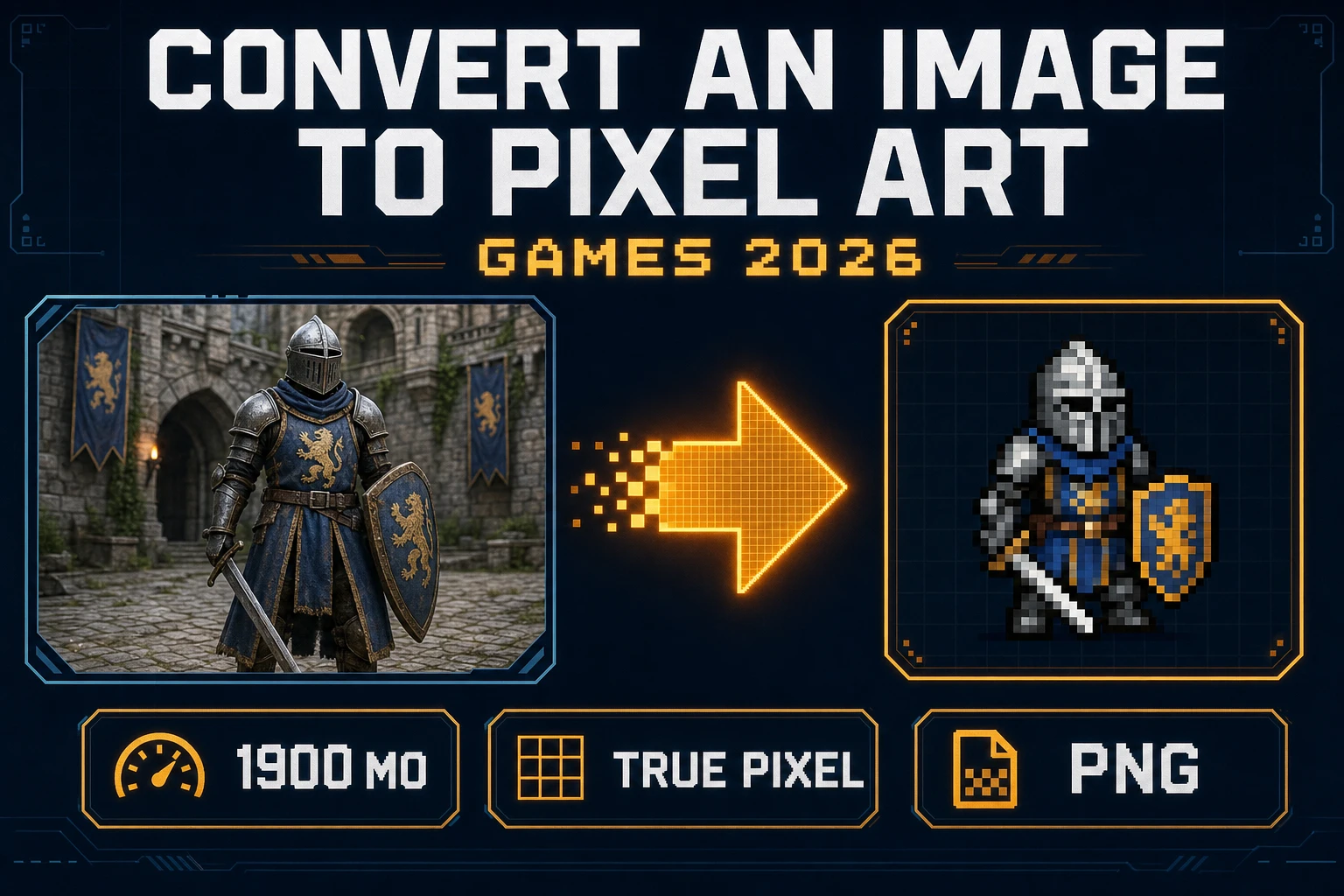
- AI portrait → pixel-art sprite. A character image generated in AI Image Gen at 1024×1024 with a flat background is the standard input for a True Pixel conversion. The pixel-art quantizer needs a transparent source to avoid carrying the background colour into the palette as a dominant cluster centre. Without BG Remover first, every generated palette wastes 1–2 of its 16 PICO-8 slots on background variations that will never appear in the final sprite. With BG Remover first, the palette spends all 16 slots on the character itself. The full pipeline is documented in the image to pixel art guide.
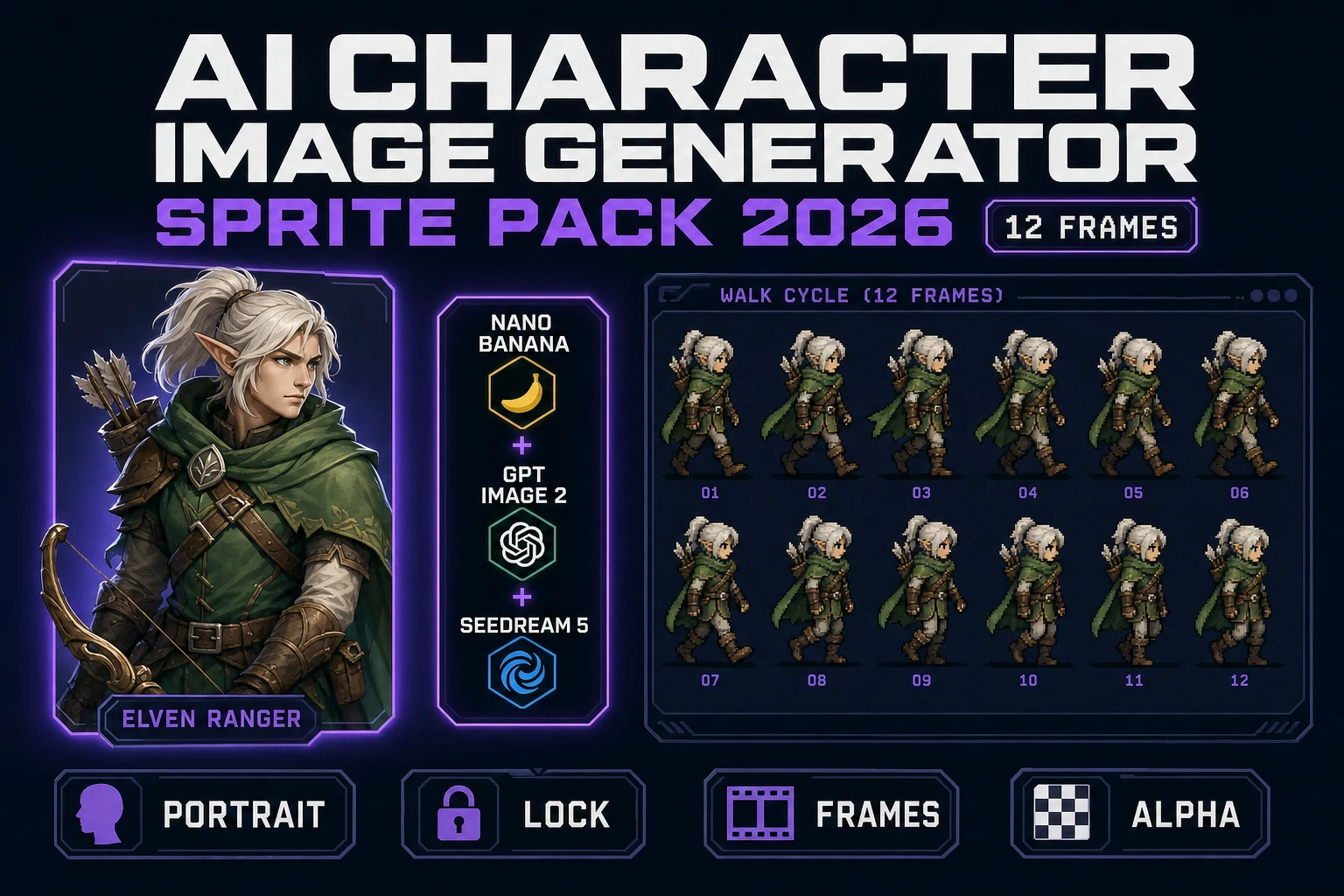
- AI render → sprite-sheet animation. The cleaner the source character, the cleaner the frame-to-frame animation produced by Quick Sprites or Auto-Sprite v2. A background colour bleeding into the source confuses the animation model because it cannot tell what is supposed to be moving (the character) versus what is supposed to be stationary (the backdrop). Running BG Remover first, then feeding the transparent PNG into the animation tool, produces frames that share an alpha-clean silhouette across the entire sheet. The two-minute pipeline is in the sprite sheet guide.
- Photo of an asset → game-ready prop. A phone photograph of a hand-built prop, a sketch on paper, or a screenshot of a real-world reference is rarely usable as a sprite without a cutout pass. The background is whatever was behind the subject when the photo was taken — desk surface, sketchbook page, room interior — none of which belongs in the game. BG Remover handles all three cases because the model was trained on photographic data, not just on AI-generated renders.
Each workflow is a direct gateway into one of the other Sorceress tools, which is why the BG Remover output is structured to feed the next stage cleanly. The cutout PNG is uploaded to the Sorceress CDN with a stable public URL the moment processing completes, so any subsequent tool can pull it by URL without a download/re-upload round trip when the user opts to chain pipelines from the generations history.