Sprite Analyzer
8 posts on Sorceress about sprite analyzer.
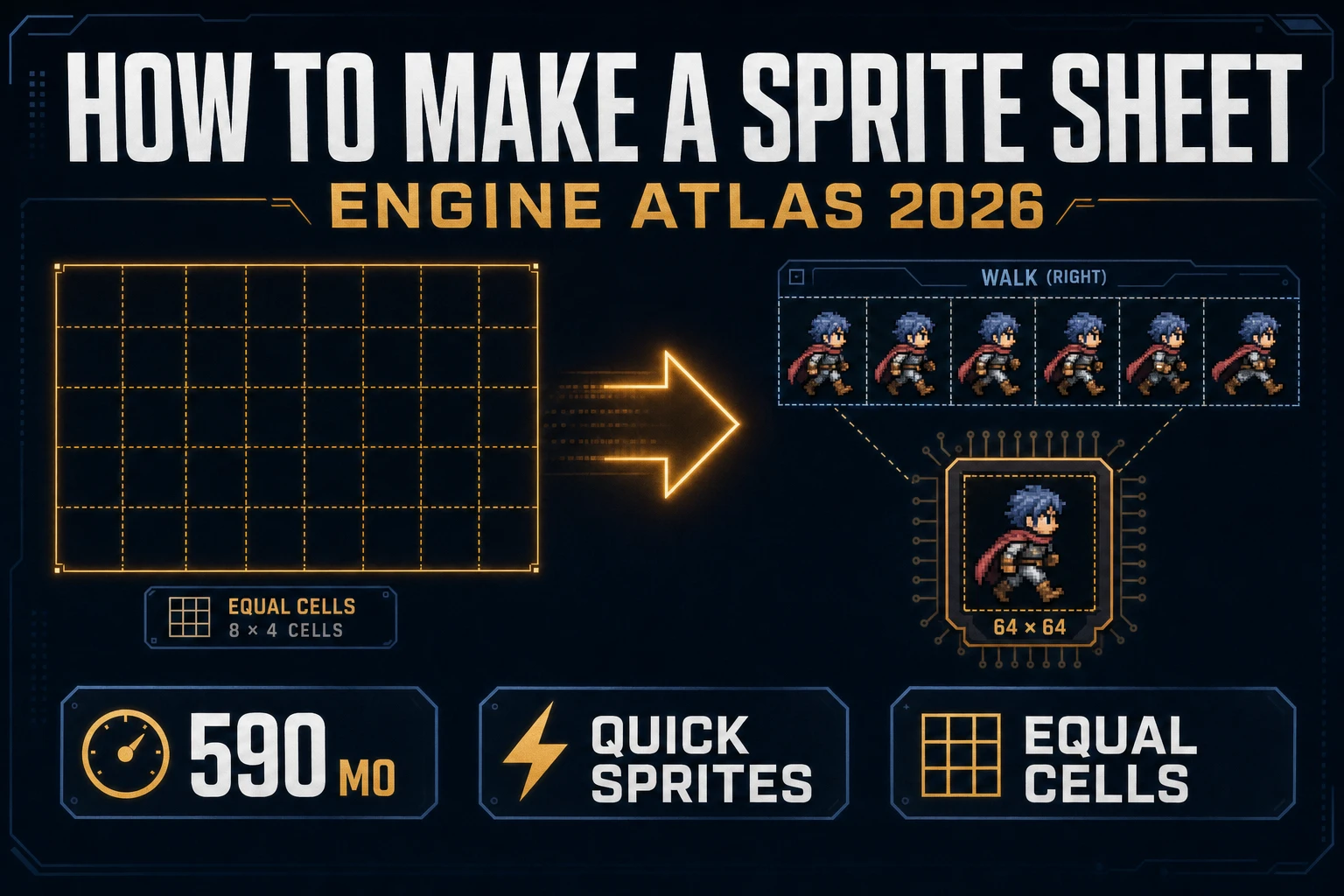
Grid How to Make a Sprite Sheet (Engine Atlas 2026)
How to make a sprite sheet as an engine atlas: Quick Sprites Four Angle Walking or Small Sprites, equal cell packing, True Pixel if the palette drifts, Sprite Analyzer row preview, then nearest-neighbor import so frames stay sharp. Verified 2026-09-26.
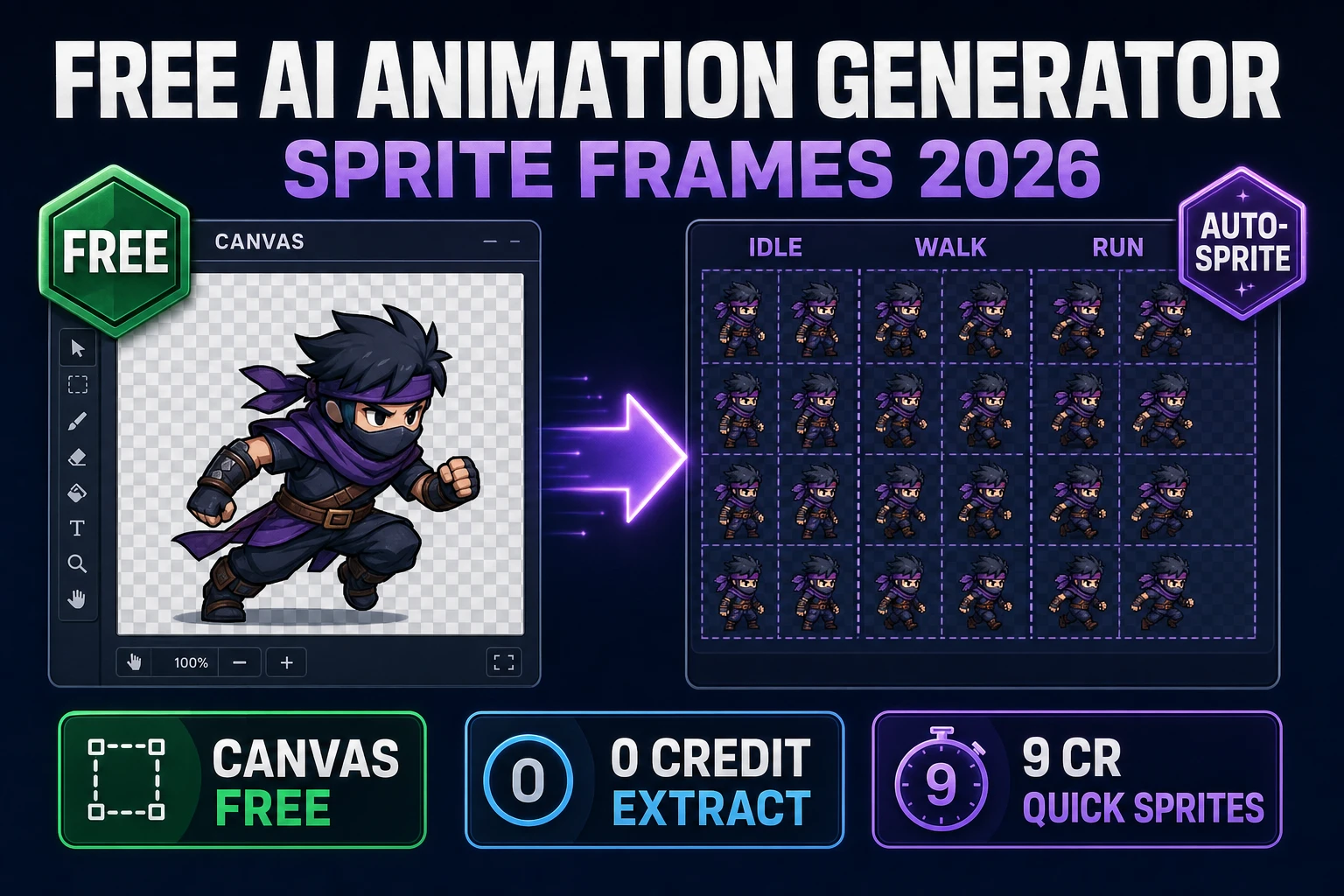
Fuse Free AI Animation Generator (Sprite Frames 2026)
Honest free AI animation generator path for sprite frames in 2026: Canvas is Free, Auto-Sprite classic chroma and local GPU cost 0 credits, Cloud CorridorKey is 1 credit per 10 frames (VIP free), Quick Sprites is 9 credits per generation. Verified 2026-09-18.
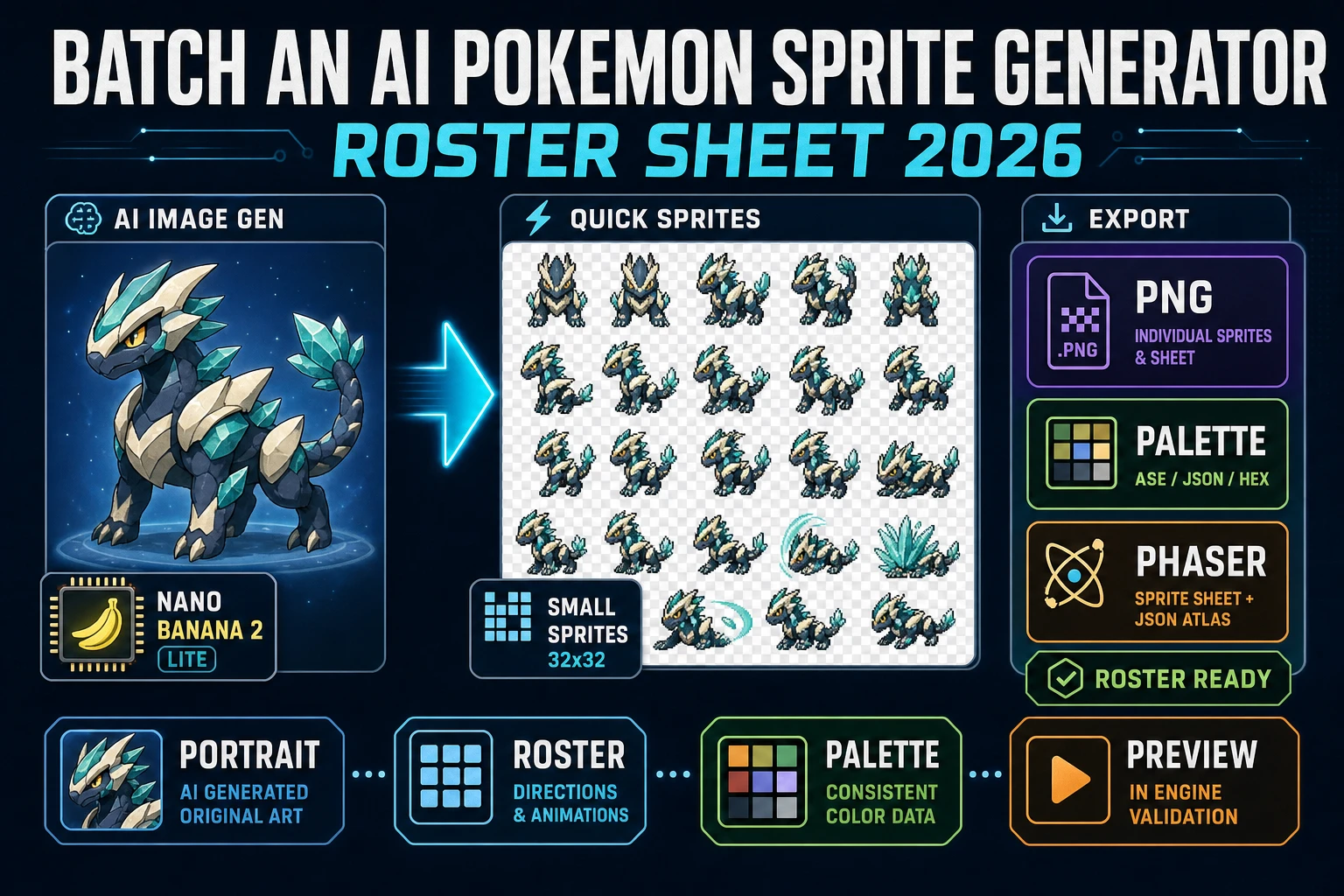
Batch an AI Pokemon Sprite Generator (Roster Sheet 2026)
The honest 2026 recipe for an ai pokemon sprite generator roster: draft each creature in AI Image Gen, prompt Quick Sprites with the portrait for a transparent PNG roster grid on Retro Diffusion rd-animation, palette-lock with True Pixel, and preview through Sprite Analyzer.
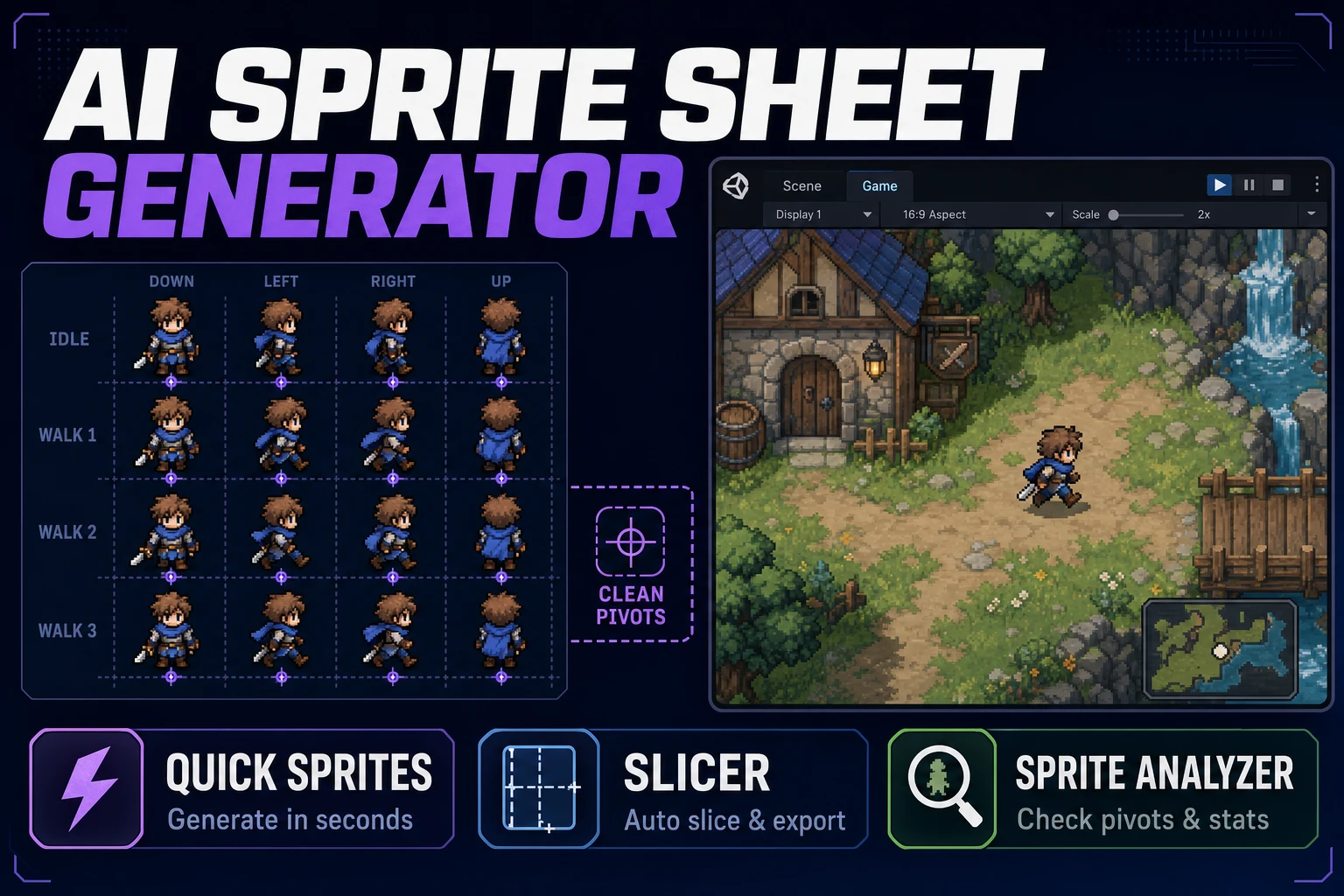
Align AI Sprite Sheet Generator (Atlas Pack)
Align an AI sprite sheet generator with your engine's grid rules: lock 32×32 or 48×48 first, generate one action row in Quick Sprites, slice uneven cells in Slicer, verify frames in Sprite Analyzer before you hand the atlas to Godot or Phaser.
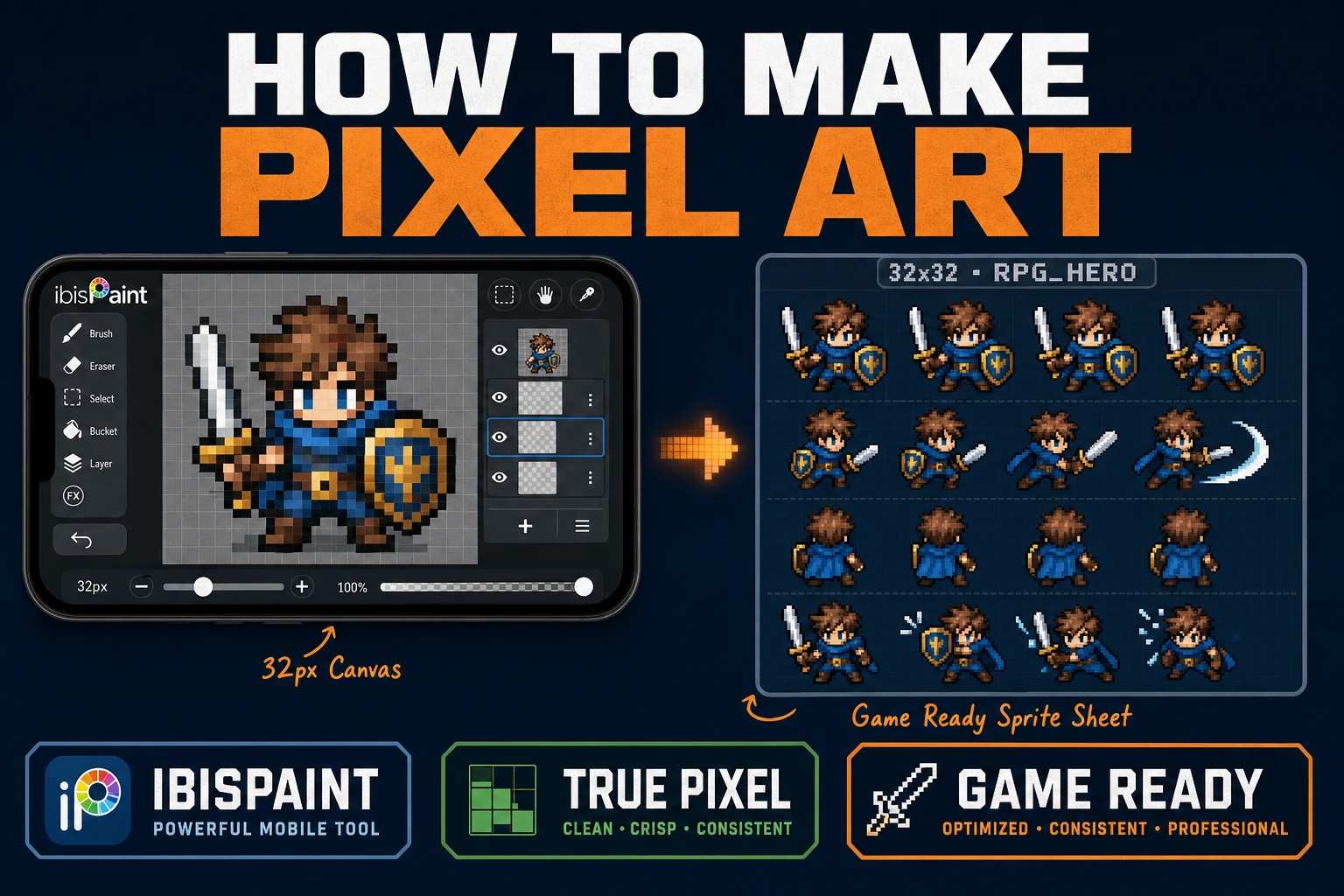
Learn How to Make Pixel Art in IbisPaint for Games
Learn how to make pixel art in IbisPaint for game sprites: lock a small grid, use Pixelated zoom and a 1px Digital Pen, export without soft resampling, then clean and sheet in True Pixel, Canvas, and Sprite Analyzer.
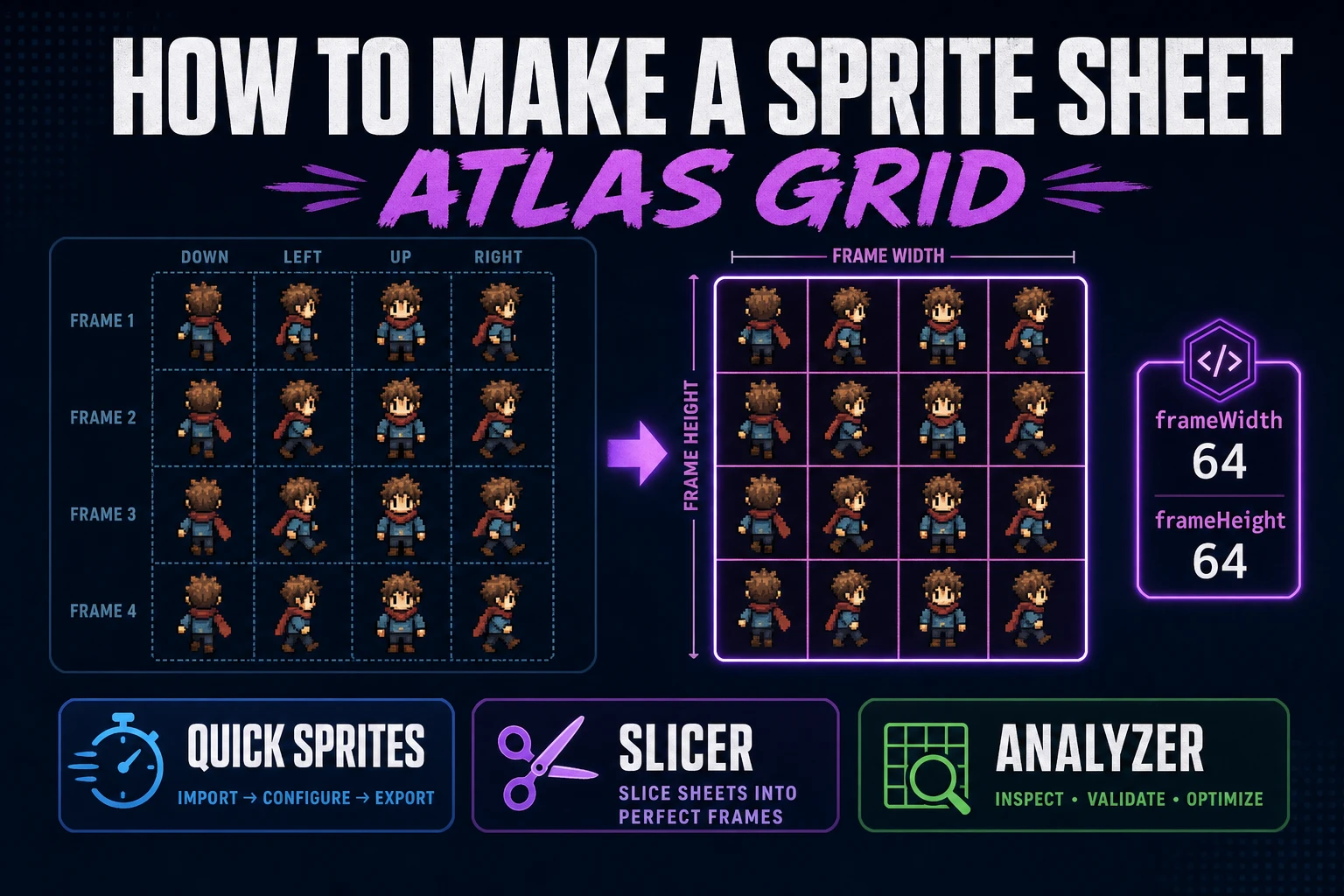
Pack How to Make a Sprite Sheet (Atlas Grid)
Pack how to make a sprite sheet as a fixed atlas grid: lock cell size, generate walk rows in Quick Sprites, preview timing, slice custom regions when needed, and load the PNG in a browser engine.
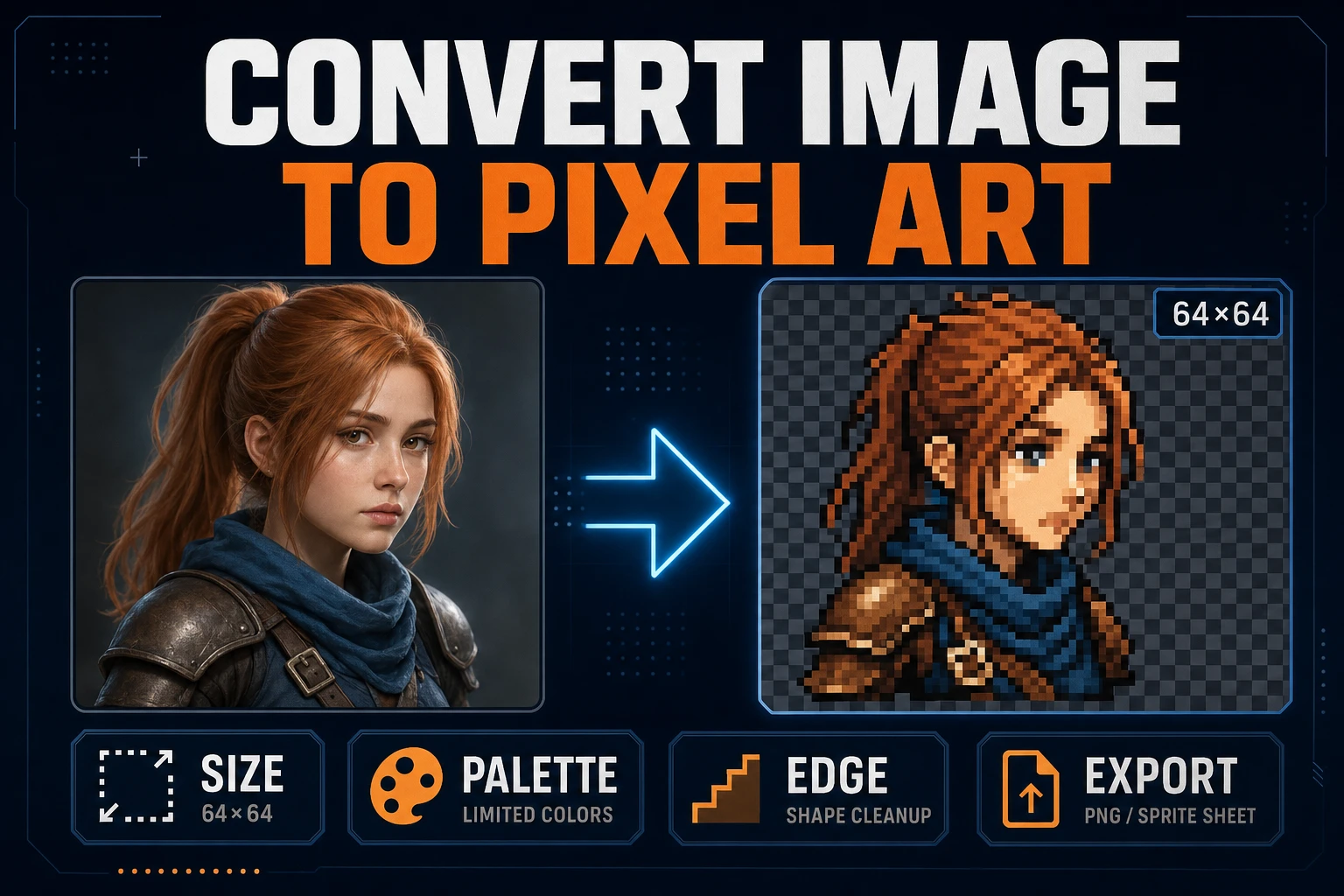
Convert Image to Pixel Art (Game Sprite Pipeline)
Lock target size and palette, convert a readable source in True Pixel, clean edges, inspect the grid, and export a sharp PNG sprite without resampling blur.
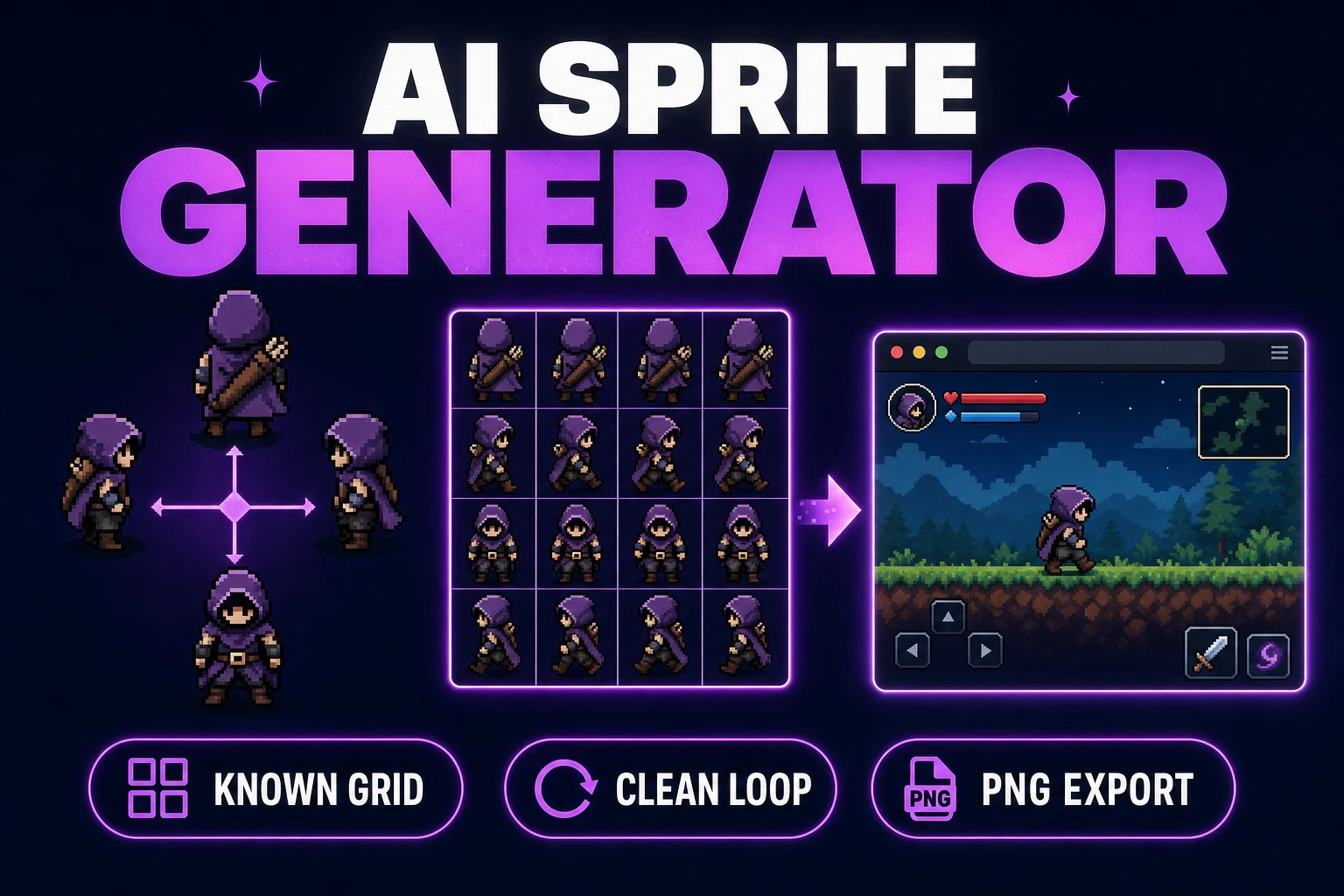
Use an AI Sprite Generator (Game-Ready Sheet)
Generate a directional sprite sheet in Quick Sprites, inspect every row and frame in Sprite Analyzer, clean pixel edges when needed, and export usable metadata.