Guide to Sorceress GCS
Video tutorials and a full overview of every tool in the suite
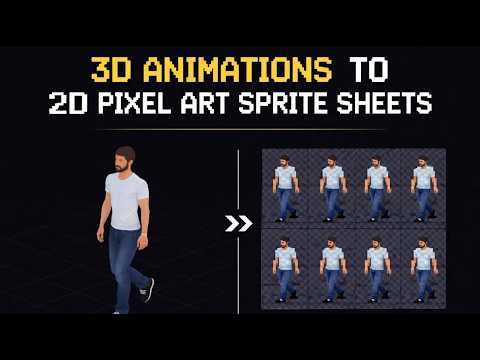
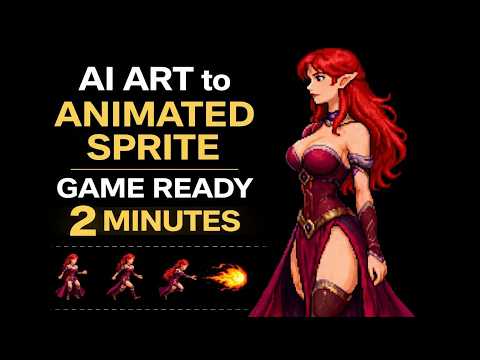
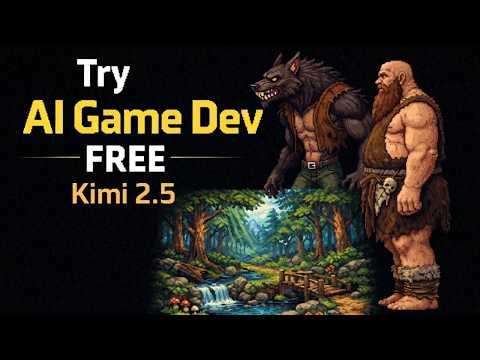
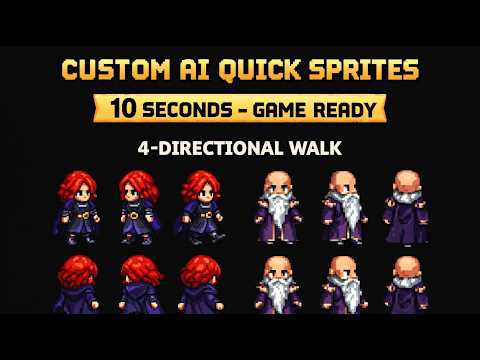
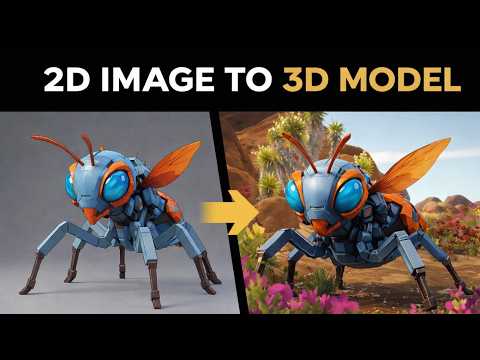
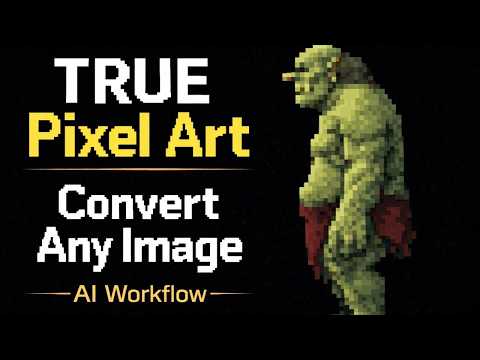
Image Gen
Generate game art using multiple AI models. Create characters, backgrounds, items, and UI elements with text prompts.
Video Gen
Turn images into animated videos. Generate cutscenes, trailers, and animated sprites from still images.
Video Lip Sync
Drive an existing talking-head video with new audio. Queue lip-sync jobs and reuse the same source clip.
Talking Avatars
Turn a portrait and a voice clip into a talking avatar. Queue multiple jobs and reuse saved faces.
Quick Sprites
Generate animated pixel art sprite sheets with AI. Walking cycles, battle sprites, VFX, and more — game-engine ready.
Seamless Tile Gen
Generate AI-powered seamless textures and tiling patterns. Perfect for game backgrounds, terrain, and surfaces.
BG Remover
AI-powered background removal. Upload any image and download a clean transparent PNG in seconds.
Corridor Chroma
Neural chroma keying for green and blue screens. Preserves hair, motion blur, and translucency.
Expander
Expand and outpaint images using AI. Extend your sprites, backgrounds, and artwork beyond their original borders.
Material Forge
AI-powered PBR material creation. Generate full texture sets with live 3D preview and one-click export to Unity, Unreal, or Godot.
AI 3D Model Generation
Generate 3D models from a single image or text prompt using all the top models in one place — Meshy 6, Meshy 5, Rodin 2.0, TRELLIS, TRELLIS 2, Tripo v3.1, and Hunyuan 3D 3.1. Compare side-by-side and send straight to rigging.
AI Text-to-Animation
Animate any rigged humanoid from a text prompt using the HiMotion text-to-motion system. Type 'walk forward', 'throw a punch', or 'wave hello' and get a clean, retargetable motion clip.
SFX Gen
Generate high-quality sound effects from text descriptions. Batch generate entire sound packs with AI planning and auto-duration detection.
Speech Gen
Generate realistic AI voiceovers and narration from text. Multiple voices, languages, and styles for game dialogue, cutscenes, and trailers.
Music Gen
Generate AI music tracks from text prompts or custom lyrics. Each generation creates 2 variations with vocal and instrumental support.
Auto-Sprite
Convert videos to sprite sheets automatically. Remove backgrounds, crop, and export game-ready sprites in seconds.
True Pixel
Convert any art or video into authentic pixel art. Features chroma key, edge cleanup, batch processing, frame fitting, and sprite sheet export.
Sprite Analyzer
Upload spritesheets, preview animations frame-by-frame, detect grids, and extract frame data for your game engine.
SFX Editor
Trim, fade, adjust volume, and process your game's sound effects. Export clean audio clips ready to drop into your project.
Slicer
Slice spritesheets into individual frames. Perfect for breaking down animation strips into separate game-ready assets.
3D to 2D
Render 3D models into 2D sprite sheets. Position, light, and export multi-angle animated sprites straight from a 3D scene.
Creature Rigging + Procedural Walk
Automatically rig and animate procedural walk cycles for multi-legged characters. Define bone chains and let the AI generate smooth, game-ready locomotion.
Auto-Rigging & Weight Painting
Drop in any humanoid 3D model and get a fully rigged, skinned character with a clean Unreal-style skeleton. Automatic bone placement, automatic weight calculation, and a paint-style refinement tab for fine corrections — works on any character, no AI credits required.
Canvas
Paint and draw pixel art directly in the browser. Create sprites, tiles, and UI elements with a lightweight drawing tool.
Tileset Forge
Generate tiles with AI, key backgrounds out with Corridor Key, check seamless tiling in Tile Studio, and export game-ready sheets — auto-saved as you work.
Batch Utilities
Compress JPGs, convert PNGs, resize images, reduce color palettes, compress MP3s, resize videos — all in one tool.
Notes
Keep track of game ideas, to-do lists, and design notes. A simple scratchpad synced to your account.
Chat
Join our Discord community. Connect with other game developers, share your work, and get feedback.
Publishing
Publish your game to the Sorceress Arcade and GitHub Pages. Manage game listings, screenshots, and updates.
Your Games
Load and test your local or cloud-hosted games directly in the browser. Quick preview with device size simulation.
Layout Preview
Preview your game across different screen sizes and aspect ratios. Test responsive layouts on phones, tablets, and desktops.
Blog
News, tutorials, and updates from the Sorceress team. Tips on game development, AI art, and getting the most out of the suite.
Prompt Lexicon
A community prompting guide. Browse and share the prompts behind stunning AI-generated art and video with fellow game devs.
Play Games Arcade
Play games built by the Sorceress community. Try out what other developers have created and get inspired for your own projects.
Guide to Sorceress GCS
You are here! A visual overview of every tool and feature in the Sorceress Game Creation Suite.