True Pixel converts any image or video into authentic pixel art with the look of a hand-crafted retro game asset. It's designed for game developers who want the pixel art aesthetic without the hours of manual work.
How It Works
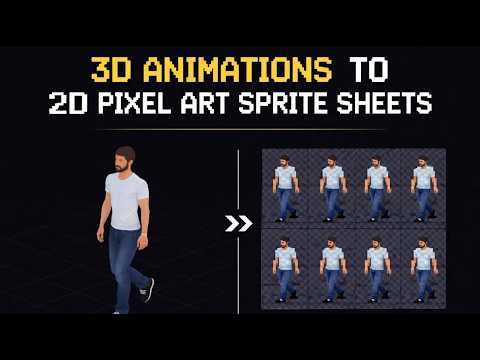
Upload an image or video clip. Set your target resolution — 16×16, 32×32, 64×64, or any custom size. True Pixel downsamples intelligently, applies palette quantization to reduce color count, and optionally runs edge enhancement to give it that clean, deliberate pixel art look. For videos, it processes every frame and exports the result as a sprite sheet.
Key Features
- Chroma key — remove a green or blue screen background before pixelating.
- Edge cleanup — sharpens outlines for a more hand-crafted, deliberate look.
- Batch processing — convert entire animation sequences at once.
- Palette control — limit color count to match NES, Game Boy, CGA, or a custom palette.
- Sprite sheet export — process video frames and export as a game-ready grid.
Workflow Tips
- Start from high-resolution source images — the downsampling does the heavy lifting.
- Apply edge enhancement sparingly; too much makes outlines look harsh.
- Match your game's existing palette for visual consistency across all assets.
- Use chroma key with green-screen reference photos for character portrait conversions.
- Export at double your target size then downscale for crisper results.
Use Cases
True Pixel is a versatile conversion tool that works for assets at every scale — from tiny item icons to large background scrollers.
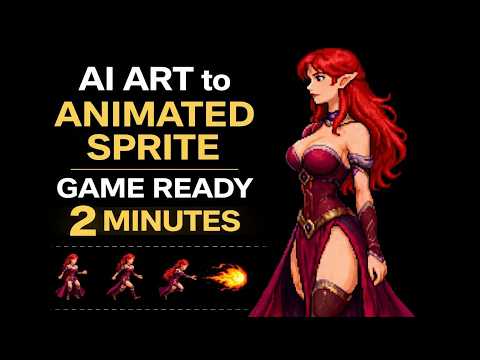
- Converting painted or digital character art to pixel-art game assets
- Creating pixel art cutscene animations from reference footage or generated video
- Pixelating UI elements and HUD components to match a retro aesthetic
- Generating pixel art backgrounds and environments from photographs
- Building NPC portrait packs from photo references or AI-generated faces
Try True Pixel
Open the tool and follow along with the tutorial above.