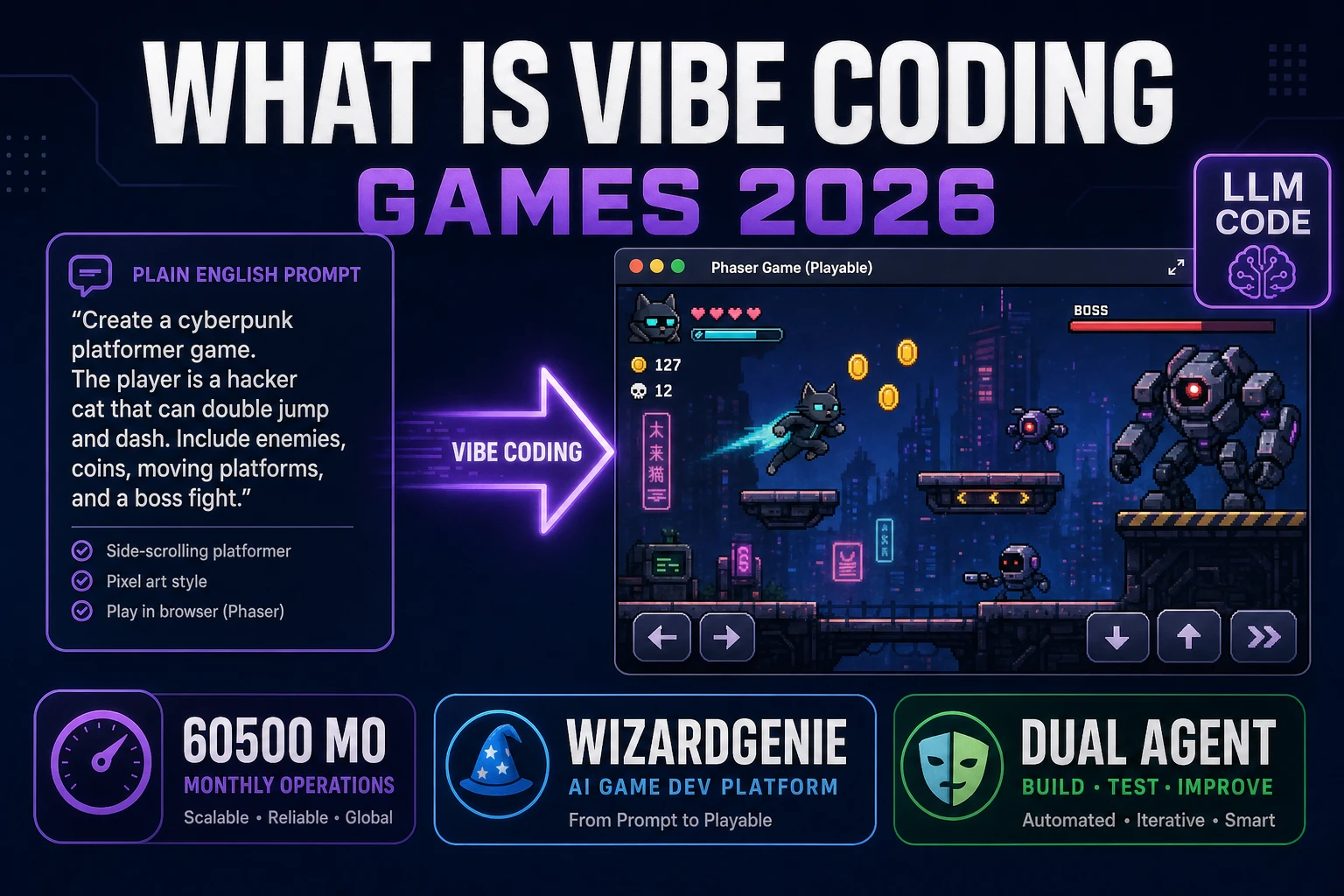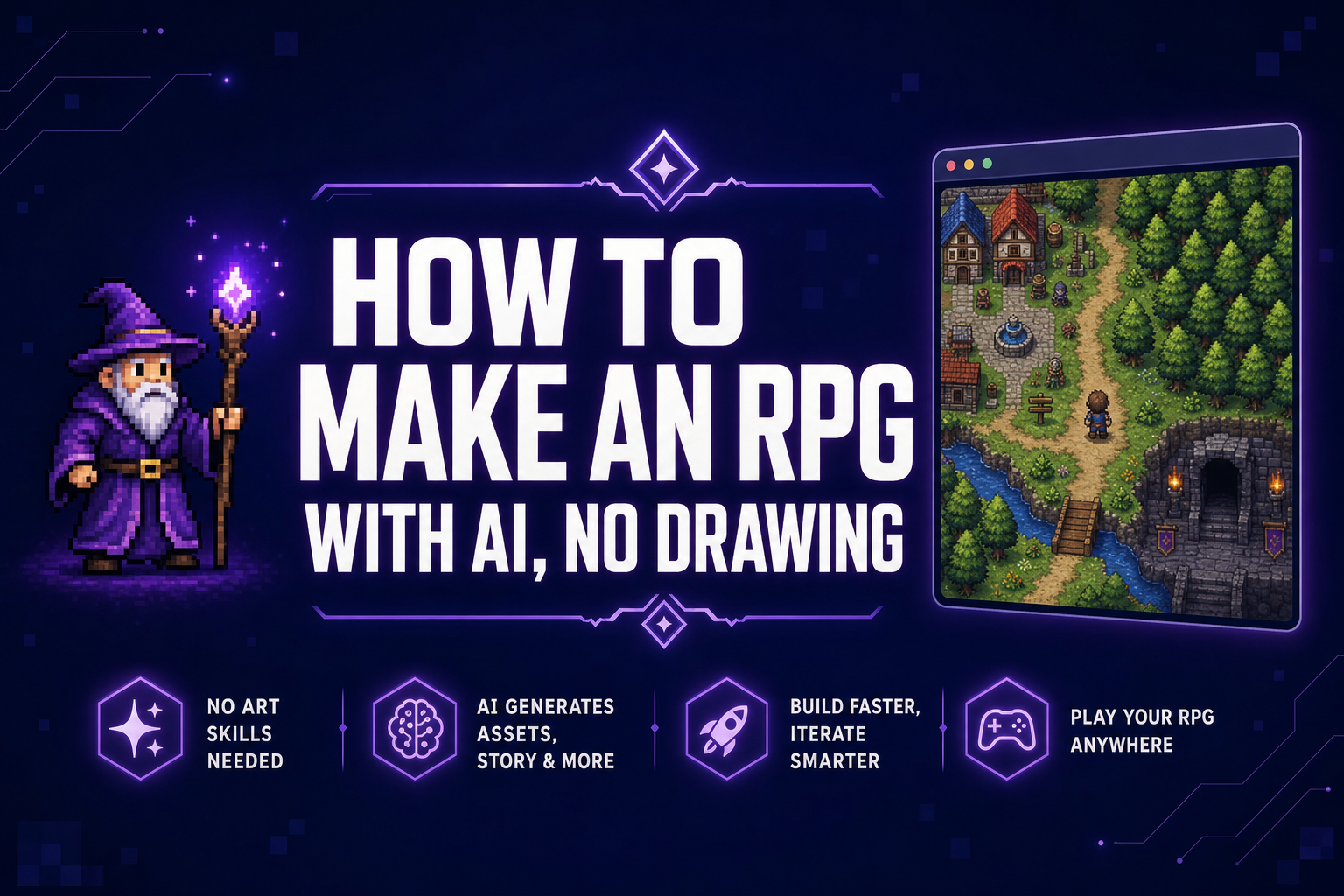
An RPG is the genre with the most moving parts. The mechanics list reads like a wishlist for the entire industry — stats, classes, inventory, equipment, NPC dialog, branching quests, turn order, status effects, party management, save and load — and most beginners burn out somewhere between drawing the first sprite and writing their fortieth dialog branch. AI agents now scaffold a playable Phaser RPG from a single sentence, run it in a browser tab, and let you fix the combat math by chat instead of by editing every system by hand. The art problem evaporates with it.
How to make an RPG in five steps
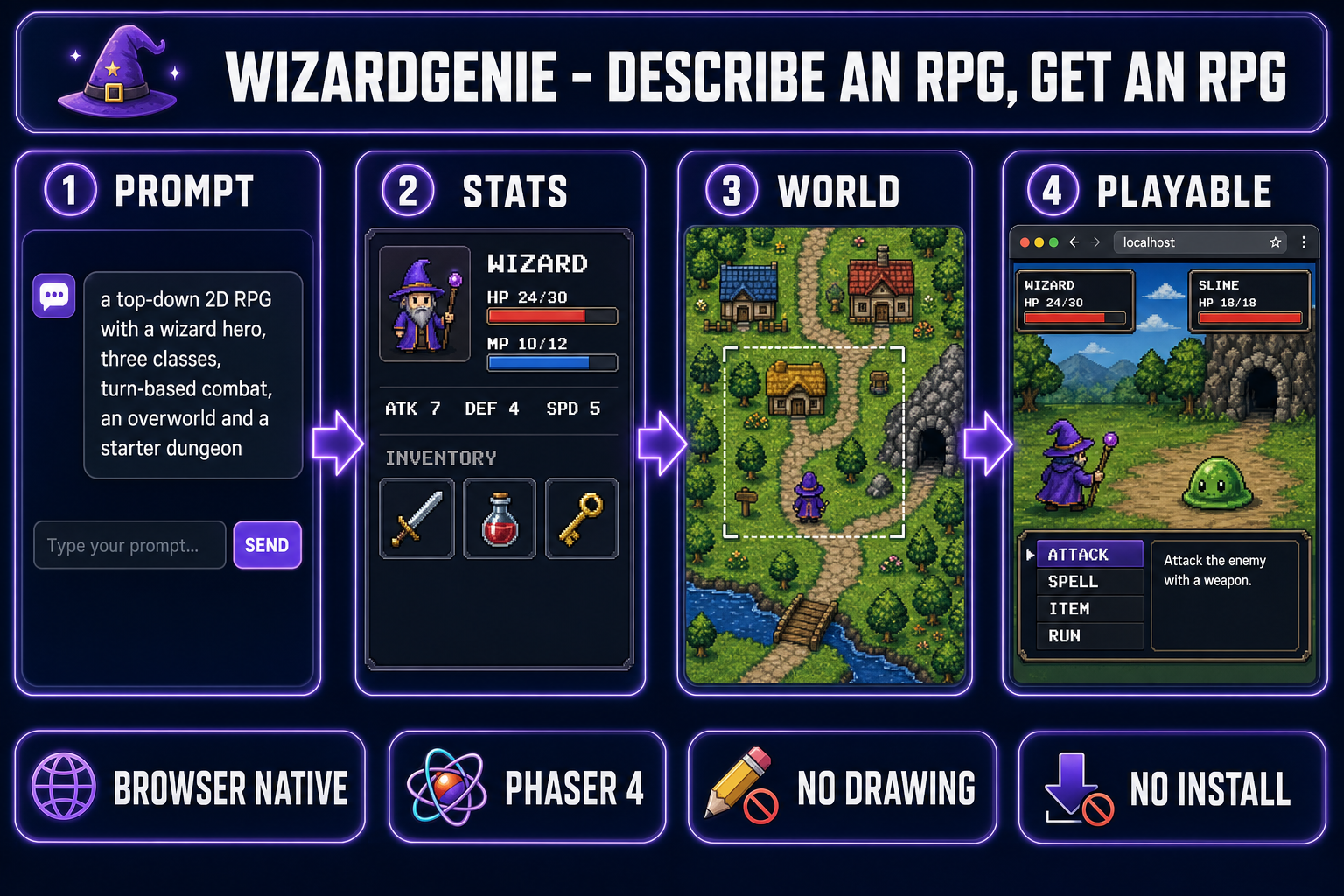
The full workflow lives in one browser tab. No editor download, no engine install, no per-engine quirks to learn. The five steps in order:
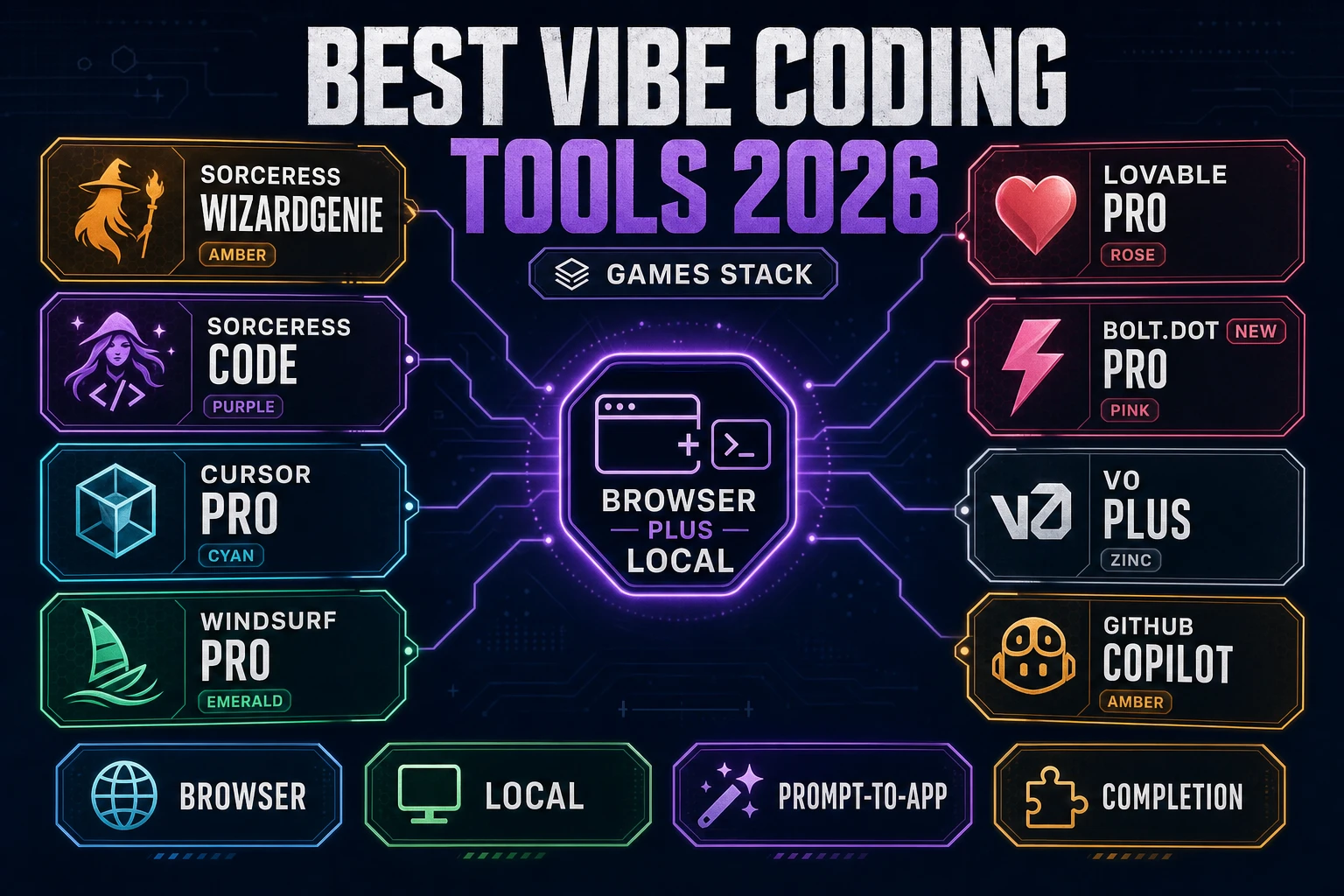
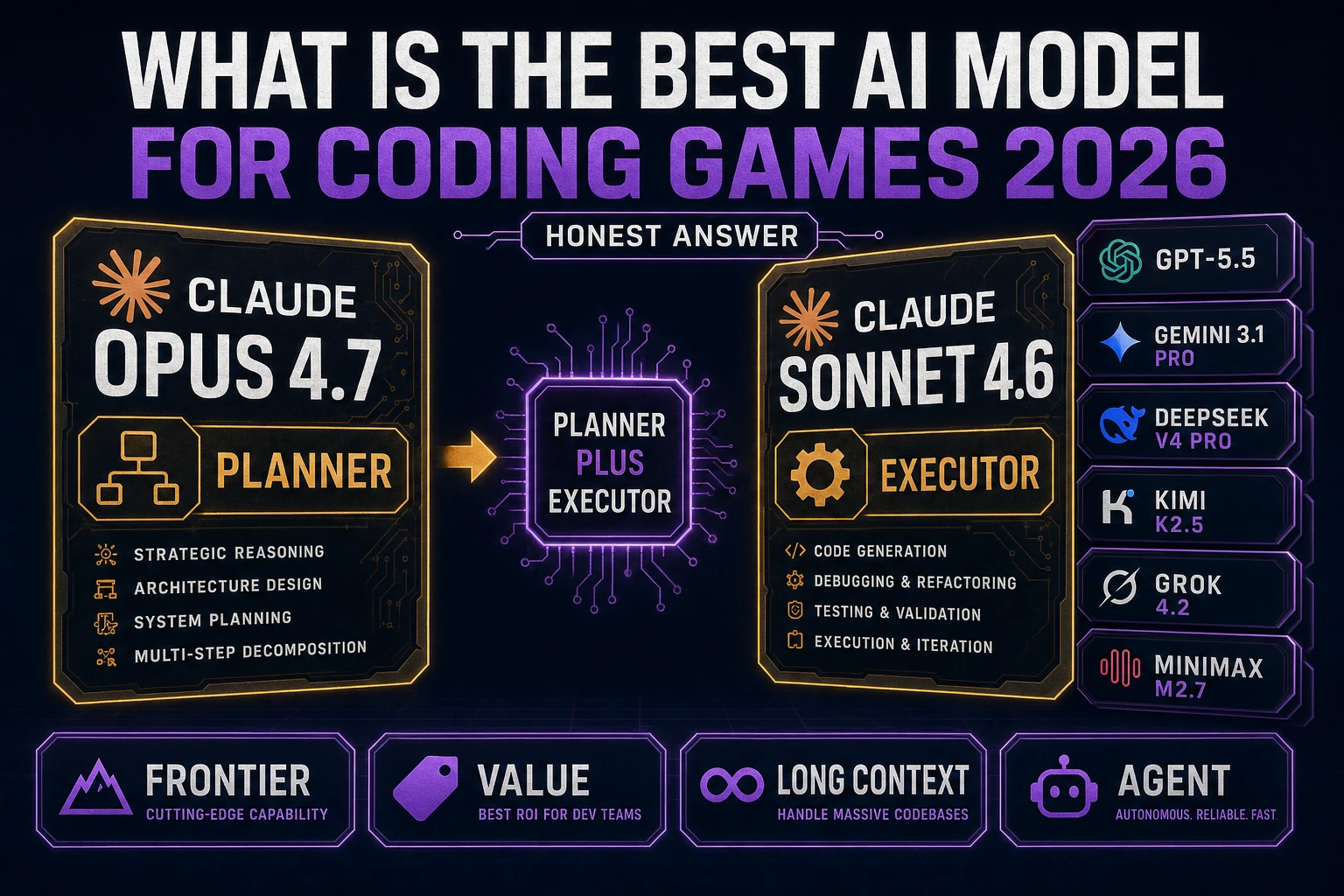
- Open WizardGenie in your browser. Pick the model the agent will run on (a frontier reasoner like Claude Opus 4.7 or GPT-5.5 is the right pick for the very first prompt).
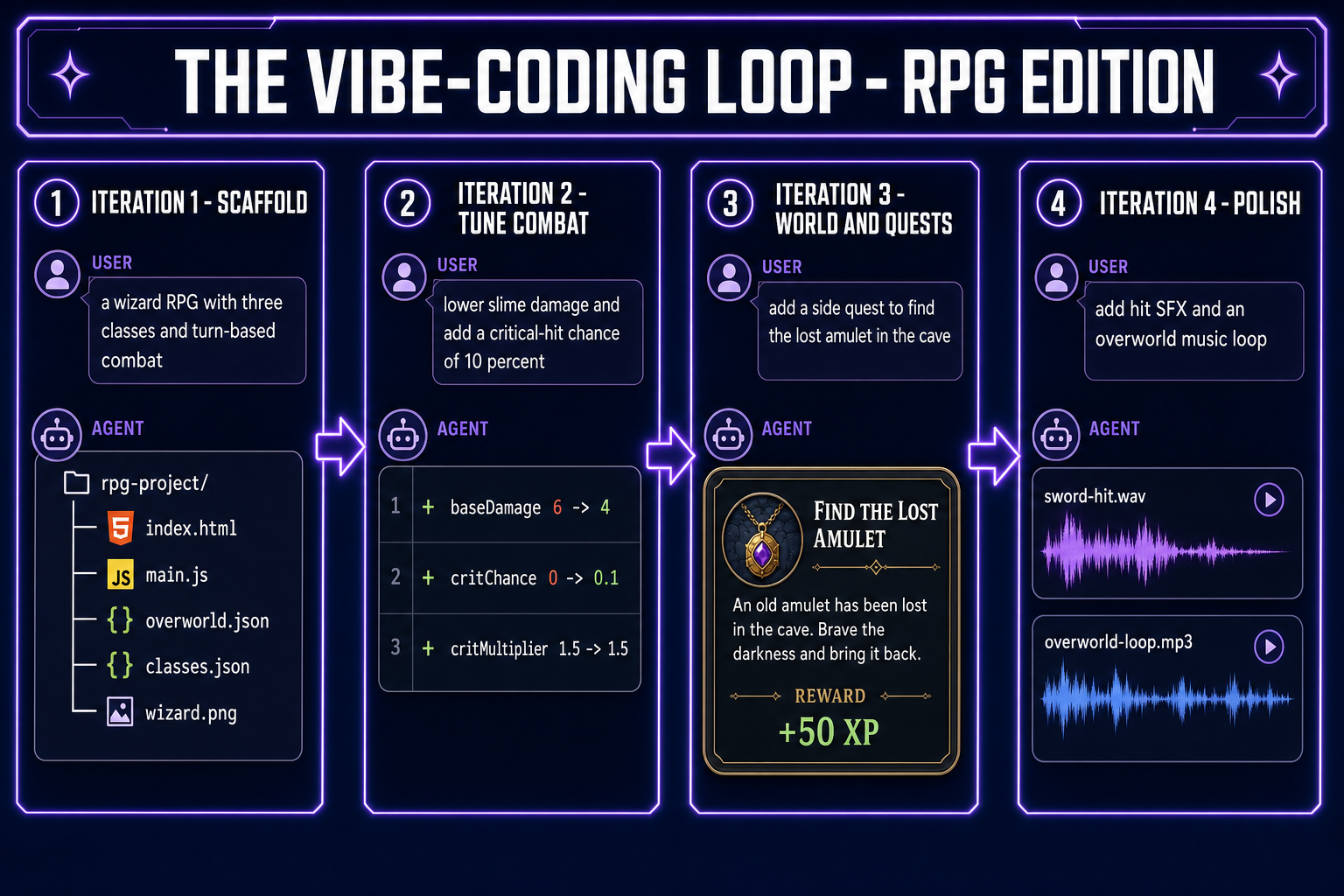
- Describe the RPG in one paragraph. Setting, three or four classes, the combat style (turn-based, action, ATB, hybrid), the size of the world, the win condition. The agent writes a Phaser 4 project with a stat block, basic inventory, an overworld tilemap, an NPC dialog system, and a starter dungeon.
- Run the build in the side preview pane. The first run is always rough — placeholder sprites, dialog that sounds like an LLM, balance numbers that came out of nowhere — and that is fine. The point is to confirm the loop exists.
- Iterate by chat. “Slow the player walk speed.” “The slime hits too hard — lower its base damage and give it a 10 % chance of a glancing hit instead.” “Add a stamina meter that drains on dash.” Each message is one round-trip with the agent, usually a couple of seconds on a cheap executor model.
- Swap in real assets without leaving the tab. Quick Sprites for the player, enemies, and NPCs; Tileset Forge for dungeons and the overworld; AI Image Gen for portraits and item icons; Music Gen for the overworld and battle themes; SFX Gen for hits and UI clicks. The agent drops the Sorceress URLs straight into the project’s asset folder for you.
Total time to a playable first build is usually thirty to sixty minutes. A small starter dungeon with real art, three classes, and a soundtrack lands in roughly an evening. The work that comes after — quest writing, balance tuning, the long arc that makes a story actually land — is the part where you stop typing prompts and start playing the game.
What an RPG actually needs (mechanically)
Before talking to the agent it helps to know what an RPG is, mechanically. Role-playing video games as a genre go back to the late 1970s and the mechanical recipe has barely changed since the early console era: a controllable character (or party) with persistent stats, an inventory of equipment and consumables, a structured world full of NPCs and quests, and a combat system that resolves encounters by interacting with those stats. Underneath that simple description sits a stack of subsystems every modern Phaser RPG wires up:
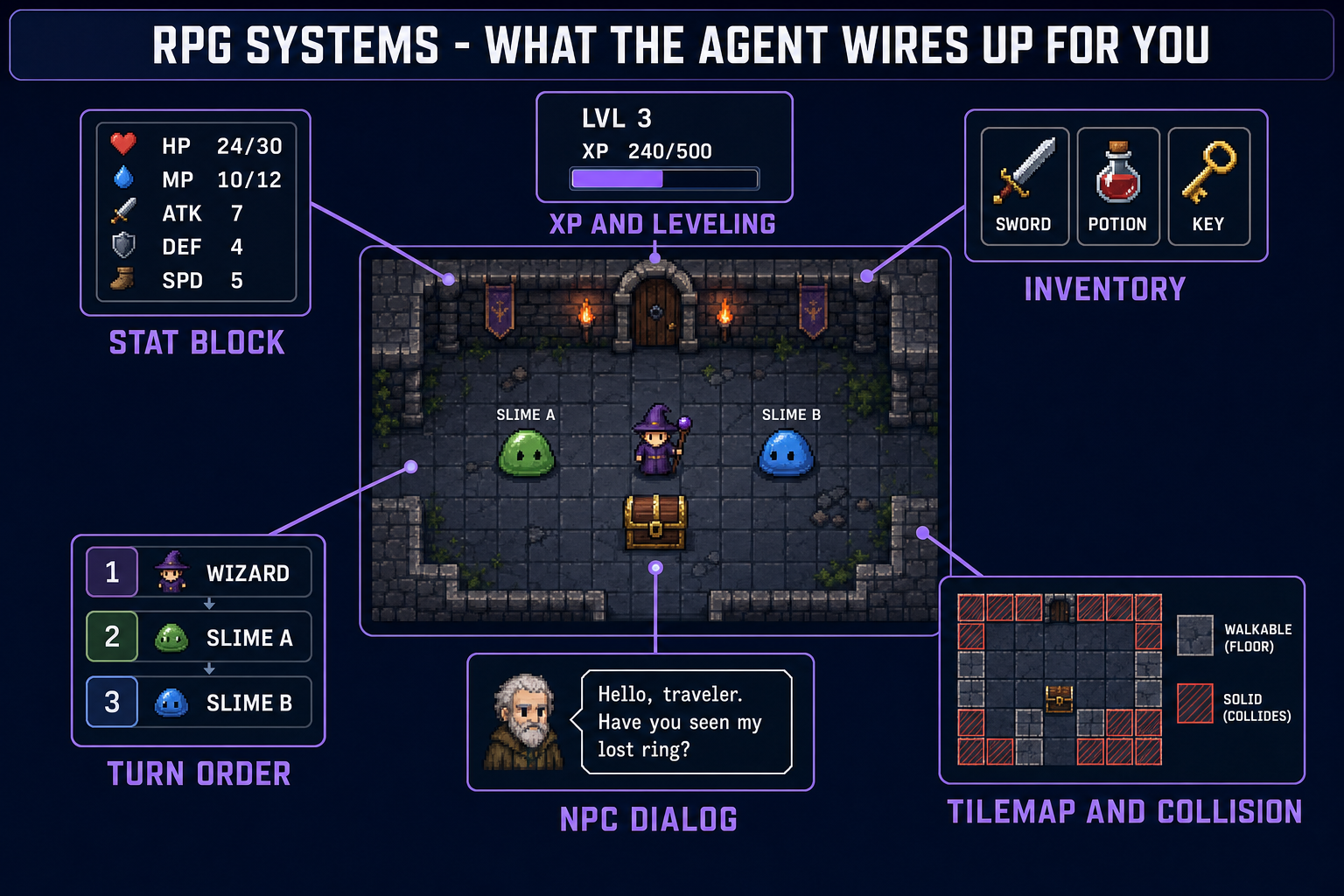
- Stat block. Every controllable character has a small set of numbers — HP, MP, ATK, DEF, SPD, crit chance, evasion. Phaser doesn’t care what shape this object is; the agent will pick a JSON schema in the first prompt and stick to it. Five to seven primary stats is the sweet spot for a first project.
- XP and leveling. Combat awards experience points that accumulate until a threshold is crossed and the character levels up. The thresholds usually grow geometrically (100, 250, 500, 1000…) so the curve flattens and high levels feel earned. The agent picks a default curve; you tune the multiplier with one chat message.
- Inventory. A list of items the character owns, with stack counts and equip slots. The shape of the inventory — fixed-grid (Resident Evil), unlimited list (most JRPGs), weight-limited (Elder Scrolls) — changes the entire feel of the game. Pick one in the first prompt.
- Combat resolution. Turn-based (Final Fantasy I), Active-Time Battle (Final Fantasy IV), action (Zelda), or hybrid (Mario RPG). Each has a different control scheme and a different damage formula. The agent picks one off your prompt and wires up the menu, the turn manager, and the damage math.
- NPC dialog and quests. A tree (or graph) of dialog nodes, with branching choices, flag-checks, and quest-state tracking. The agent picks a small JSON dialog format and a quest log; you describe the actual content (“the blacksmith offers a side quest to retrieve his lost hammer from the spider cave”) and the agent writes the nodes.
- Tilemap world. The overworld and every dungeon are usually a tilemap with collision flags on solid tiles and trigger flags on doors, signs, and chests. The agent generates a JSON tilemap and the loader code; you edit the tile grid by chat (“add a second floor to the dungeon with three locked doors”).
- Save and load. Persisting the world state to
localStorageor a server. Critical for any RPG longer than a single session. The agent wires upJSON.stringifysave/load on a single hotkey by default; you can ask for autosave at every screen transition with one message.
You don’t have to write any of these by hand. You do have to know they exist, because that’s the vocabulary you use to describe what’s wrong. “Combat feels weird” is fuzzy. “Reduce slime base damage from 6 to 4 and add a 10 % crit chance with 1.5x damage on the player side” is a single chat message that the agent will land on the first try.
The first prompt that works
The first prompt is the most important decision in the whole workflow. A good first prompt locks the setting, the classes, the combat style, the world layout, the visual style, and the scope in one paragraph. A bad first prompt produces a generic “here is a Phaser starter” the agent then spends an hour reshaping into your idea.
The shape that works for an RPG:
Make a top-down 2D RPG in Phaser 4. The player is a young wizard who can
choose one of three classes at the start: Mage (high MP, fragile), Knight
(high HP, low MP), and Ranger (balanced, high SPD). Arrow keys move,
spacebar interacts with NPCs and chests, Z attacks, X opens the menu.
Turn-based combat: when the wizard touches an enemy on the overworld,
transition to a combat scene with a menu of ATTACK / SPELL / ITEM / RUN.
Five primary stats: HP, MP, ATK, DEF, SPD. XP curve doubles each level
(100, 200, 400, 800). Inventory is an unlimited list with equip slots
for weapon, armor, accessory. Pixel-art look, 32x32 tiles, 32x32
character sprites. World: a small village with three NPCs (innkeeper,
merchant, quest-giver), an overworld with a forest path, and a starter
dungeon with three slime enemies and a treasure chest containing a
healing potion. Save state to localStorage on a hotkey. Make it
actually playable, not just a render loop.
Notice what’s in there: setting (top-down 2D RPG), engine (Phaser 4), classes (three with distinct profiles), input (arrow keys, spacebar, Z, X), combat style (turn-based with the menu spelled out), stat names, XP curve formula, inventory shape, visual style (exact tile and sprite sizes), world scope (one village, one overworld, one dungeon), specific NPCs and items, and “actually playable” as a tag to nudge the agent into wiring up real menus and a real save system. What’s not in there: model picking, file structure, framework version. The agent handles all of that.
About sixty to a hundred and twenty seconds after sending the prompt, the agent returns a file tree with the project scaffolded. Resist the urge to read every file. Hit Run instead. WizardGenie launches the project in a side preview pane. The wizard is probably a colored square, the slimes might be larger colored squares, the dialog might sound like an LLM — that’s all normal. Confirm the menus open and the combat resolves, then go straight into the iteration phase.