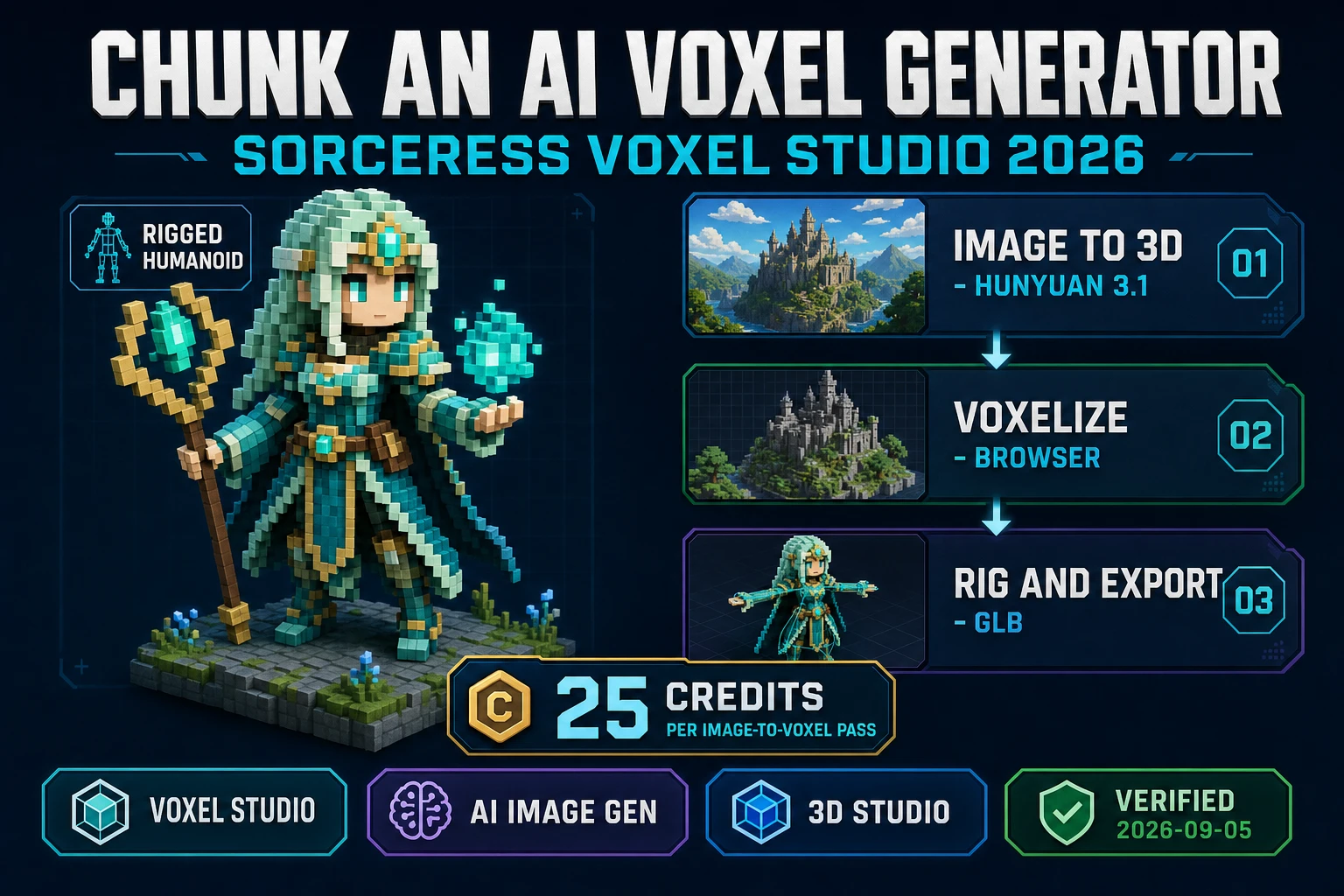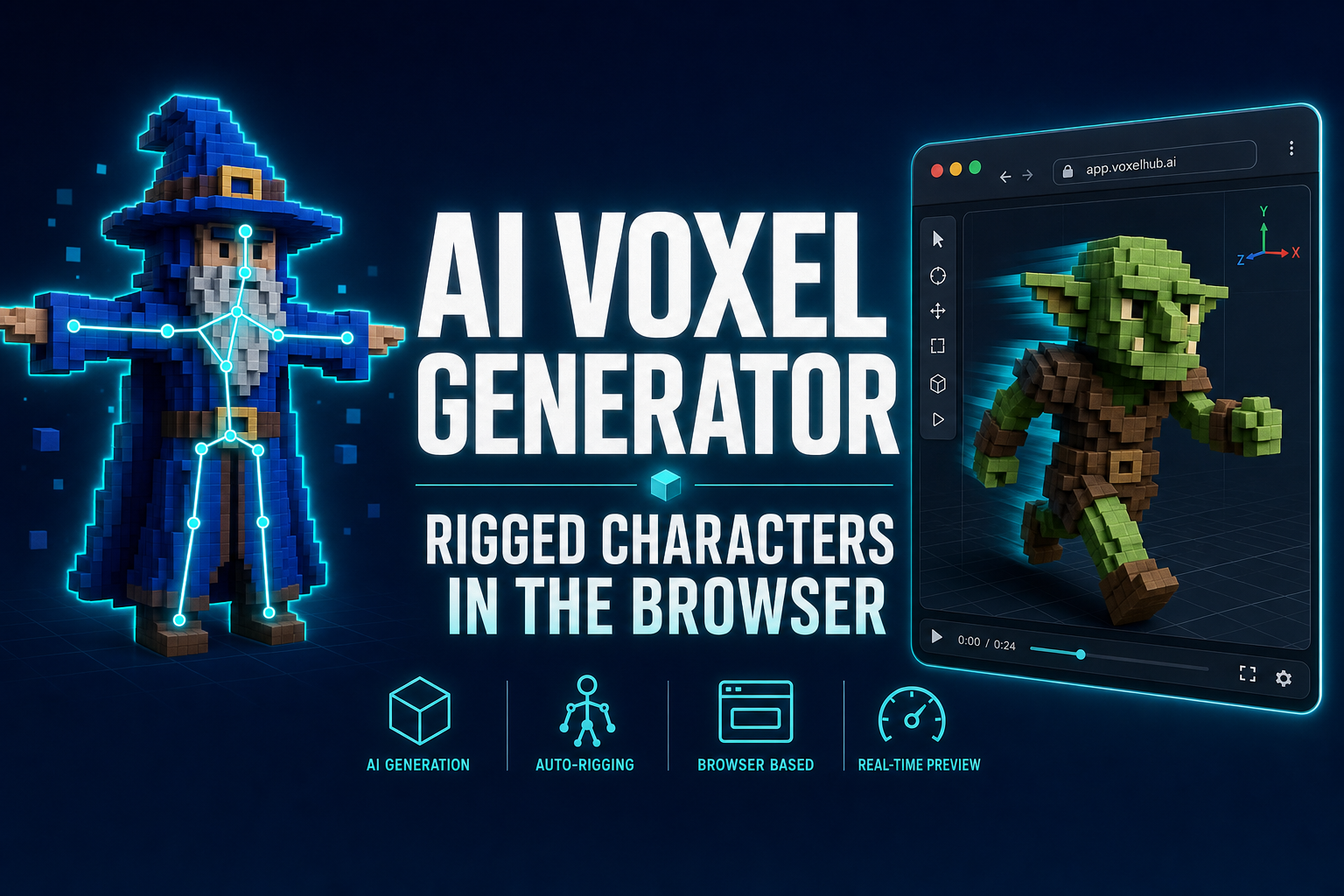
An AI voxel generator turns a one-line prompt into a fully rigged, animatable voxel character that exports straight to Unity, Unreal, Godot, or any browser-based game engine. The Sorceress workflow runs entirely in a tab: generate the voxel mesh from text or image, auto-rig it (humanoid skeleton or procedural multi-leg), animate it by text prompt, and export to .glb, .vox, or .wgvox. No MagicaVoxel install, no Blender weight-paint marathon, no fighting bone constraints.
The AI voxel generator workflow in one breath
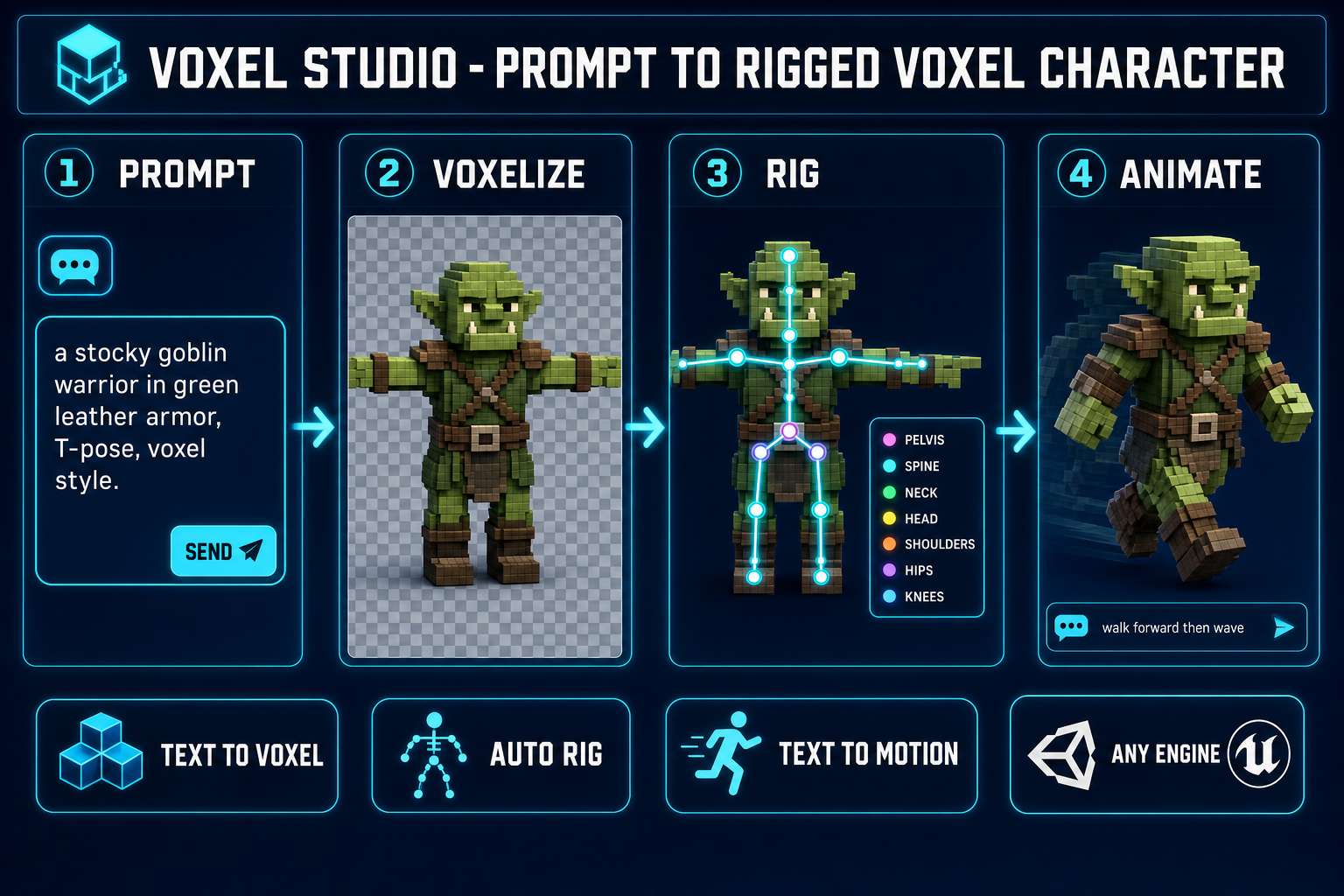
- Open Voxel Studio in your browser. Type a prompt: a stocky goblin warrior in green leather armor. Or drop in a reference image.
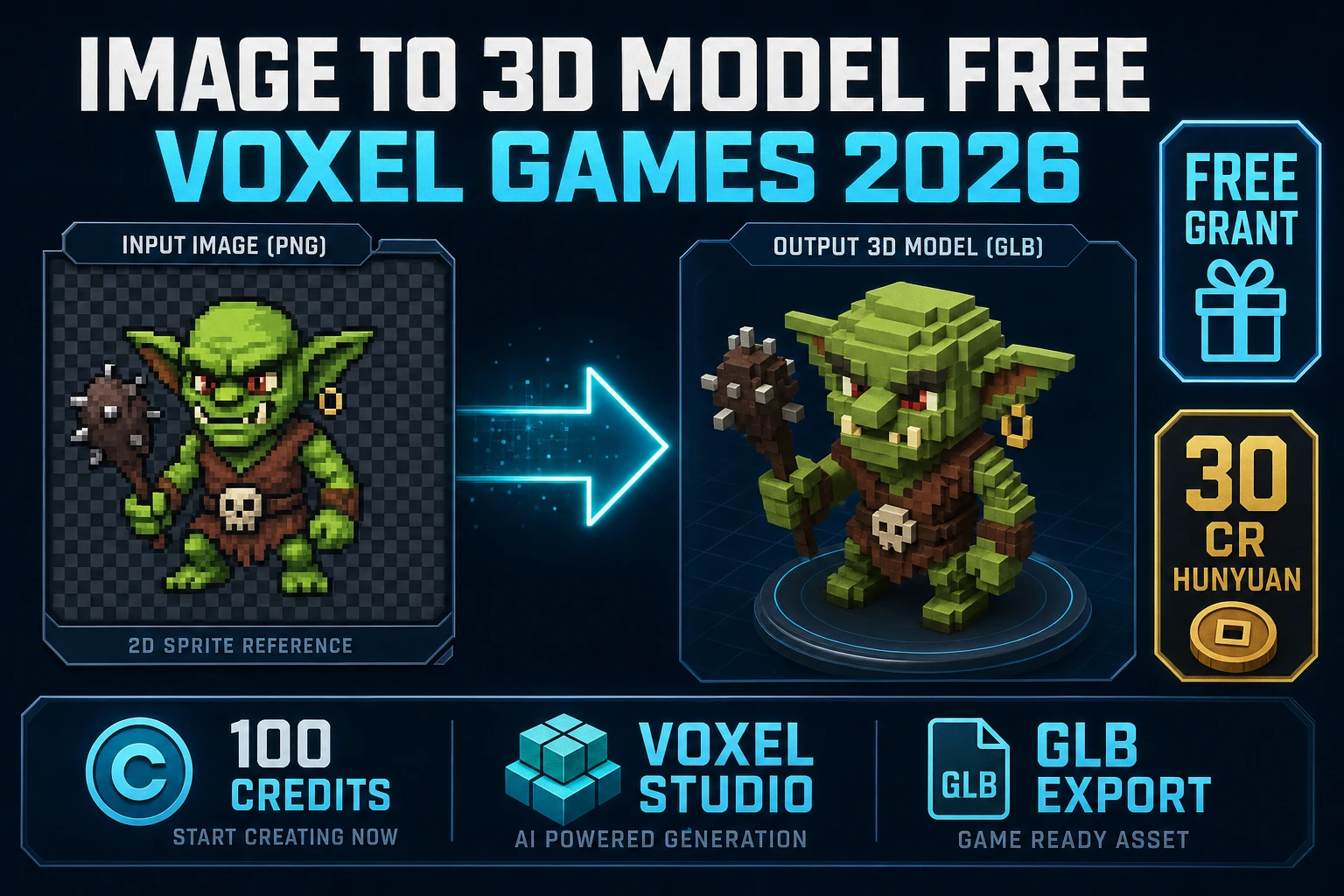
- The Hunyuan 3D 3.1 backend (verified May 6, 2026 against the Voxel Studio model picker) generates a textured 3D mesh, then voxelizes it into a clean color grid.
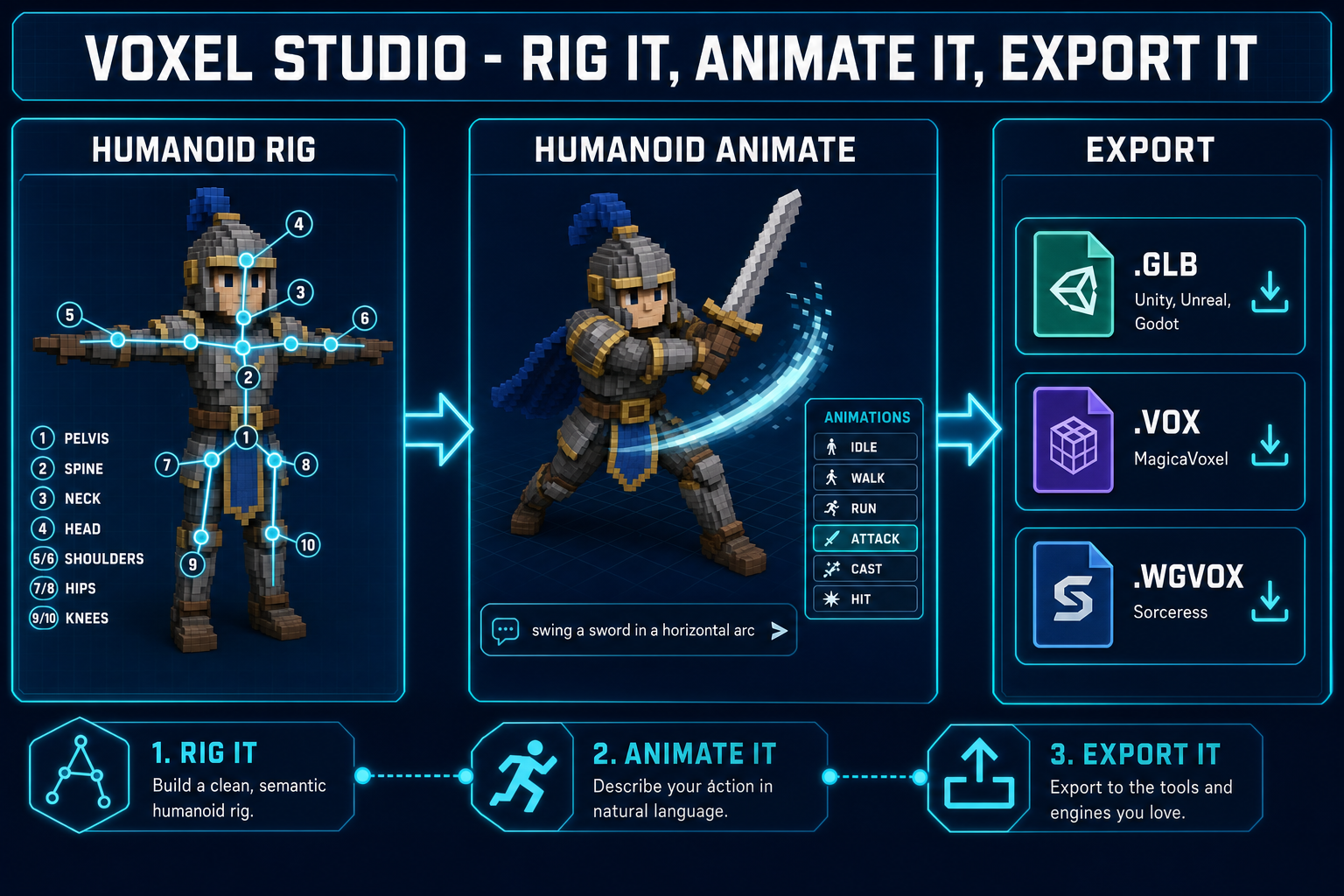
- Switch to the Humanoid Rig tab. Place ten markers on the voxel body (head, neck, shoulders, hips, knees, ankles). Click Build Skeleton; the auto-weighter assigns every voxel to a bone.
- Switch to Humanoid Animate. Type walk forward, then wave. The text-to-motion model returns a clip; the rig plays it.
- Export .glb for Unity, Unreal, Godot, or Three.js. Export .vox to keep editing in MagicaVoxel. Export .wgvox to drop the rigged character straight into a Sorceress project.
- Total time from blank tab to rigged-and-walking voxel character: roughly five to fifteen minutes.
What an AI voxel generator actually is in 2026
A voxel is a volumetric pixel — a single colored cube in a 3D grid — the way a pixel is a single colored square in a 2D grid. Voxel art is “pixel art in the third dimension”: instead of placing colored squares on a canvas, you stack colored cubes in space. The aesthetic is instantly recognizable from Minecraft, Crossy Road, Teardown, 3D Dot Game Heroes, and a long lineage of indie titles that lean on the blocky grid as a deliberate style choice rather than a technical limit.
An AI voxel generator collapses the painful parts of voxel character creation into a prompt. The traditional workflow: open MagicaVoxel or Qubicle, place a few thousand cubes by hand to sculpt a humanoid shape, redo the silhouette six times, paint the palette, then either accept that the character is stuck in T-pose forever or fight Blender for an afternoon to rig and weight-paint it. A 2026 AI voxel generator does the sculpting, voxelizing, rigging, and animating without leaving a single browser tab. You get a posable, exportable character in the time the manual workflow takes to settle on a head shape.
The Sorceress version of this workflow is Voxel Studio. Under the hood it chains a text-to-3D mesh model (Hunyuan 3D 3.1, verified May 6, 2026 against the Voxel Studio model picker), a voxelizer that converts the mesh into a clean colored grid, a marker-driven humanoid auto-rigger with Blender-side weight painting, a procedural rigger for non-humanoid creatures, and a text-to-motion model for animation. Each stage lives on its own tab in the same editor, so the work flows without context switches.
Step 1 — Generate the raw voxel character (Voxel Studio Create tab)
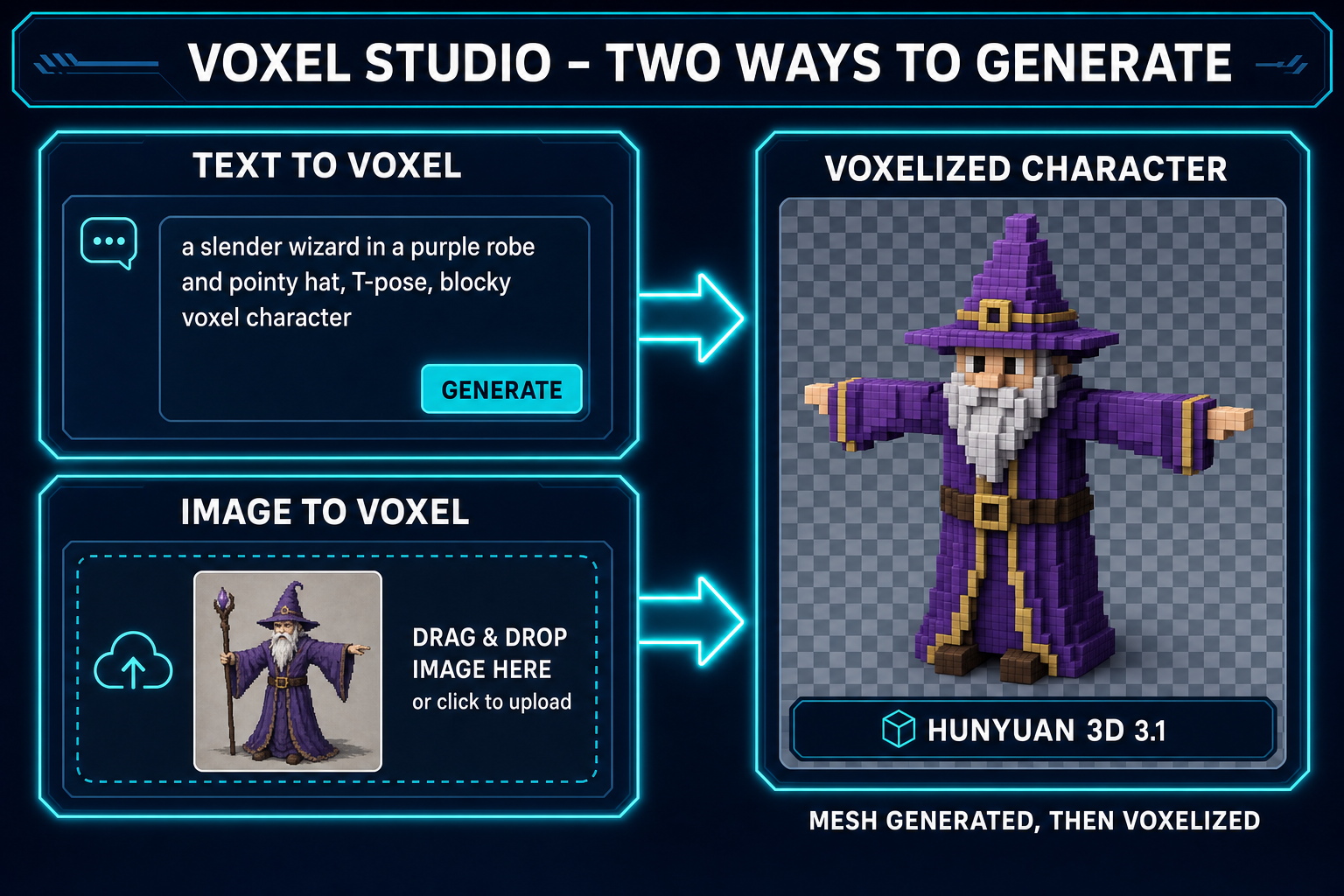
Open Voxel Studio and you land on the Create tab. Two input modes are visible: a text prompt input on the left, and a drag-drop image upload on the right. Either path produces the same kind of output — a voxelized 3D character or object on the gallery grid.
Text-to-voxel. The pattern that consistently produces clean, riggable humanoids is silhouette + materials + pose hint + style. Some examples:
a stocky goblin warrior in green leather armor, holding a club, T-pose, voxel style
a slender wizard in a purple robe and pointy hat, T-pose, blocky voxel character
a knight in plate armor with a kite shield and broadsword, T-pose, low-poly voxel
a cat-eared rogue with twin daggers, dark hood, T-pose, chunky voxel
The literal phrase T-pose matters. Auto-rigging works far better on a character whose arms are out and whose legs are straight, so the marker-placement step has unambiguous joint locations. Without the hint, the AI sometimes returns a character mid-stride, which makes shoulder and hip placement guesswork. The phrase voxel style or blocky voxel nudges the underlying mesh model toward boxier silhouettes that voxelize cleanly — long flowing capes and tiny accessories tend to lose detail when grid-snapped, so prompts that lean chunky look better at the end.
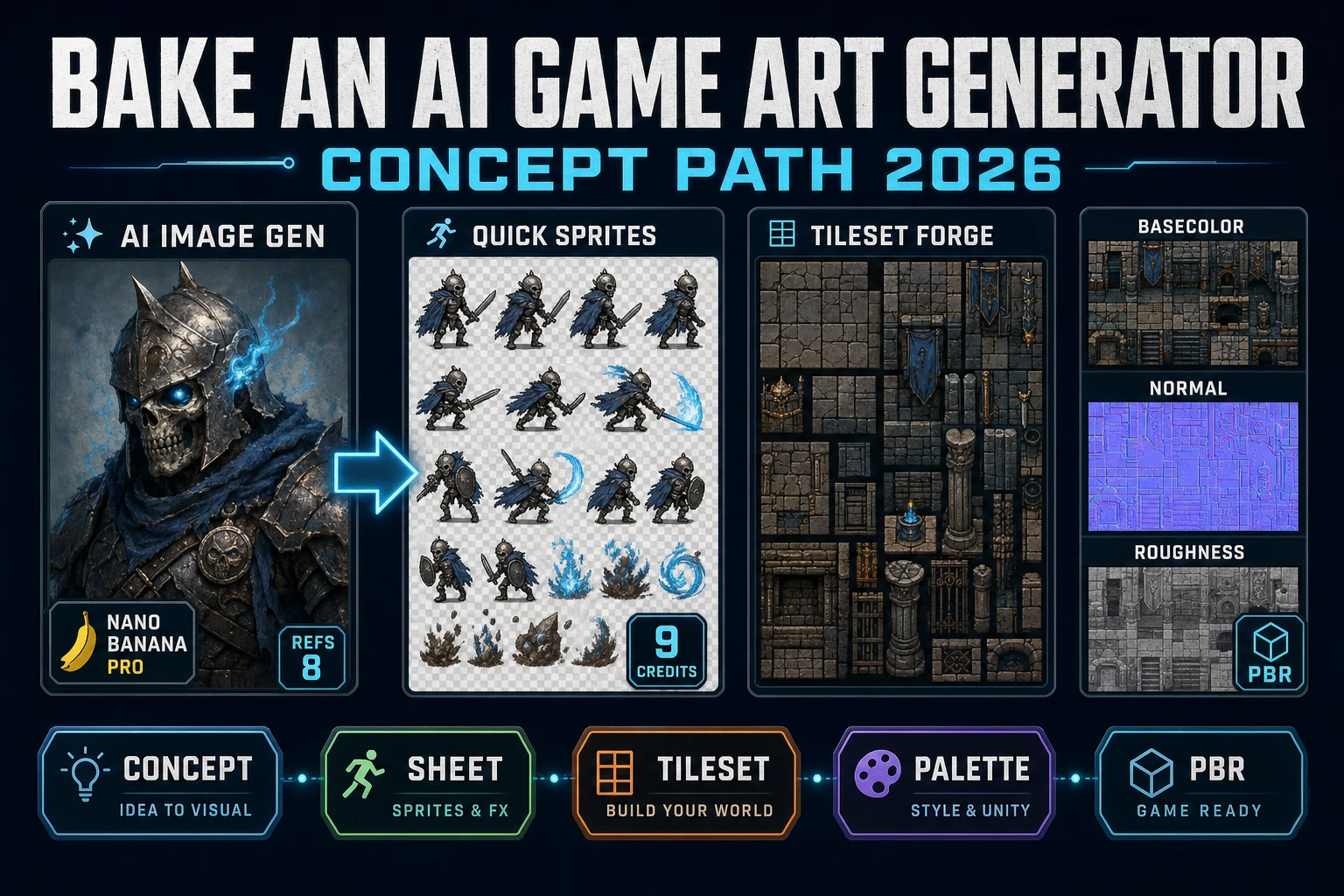
Image-to-voxel. If you already have a character concept — a piece of AI Image Gen art, a screenshot, a hand-drawn sketch — drop the image into the Create tab. The pipeline lifts the image to a 3D mesh first (single-image 3D generation), then voxelizes the mesh. This route gives you tighter art-direction control because you can iterate on the 2D image until the silhouette is exactly what you want, then commit it to voxels. The honest tradeoff: image-to-voxel runs slightly slower than text-to-voxel because there are two model calls instead of one.
Both routes return a voxelized character on the gallery grid in roughly thirty to ninety seconds. Click any thumbnail to open the character in the editor. Re-roll, reuse the original prompt, reuse the original image, or move on to rigging.