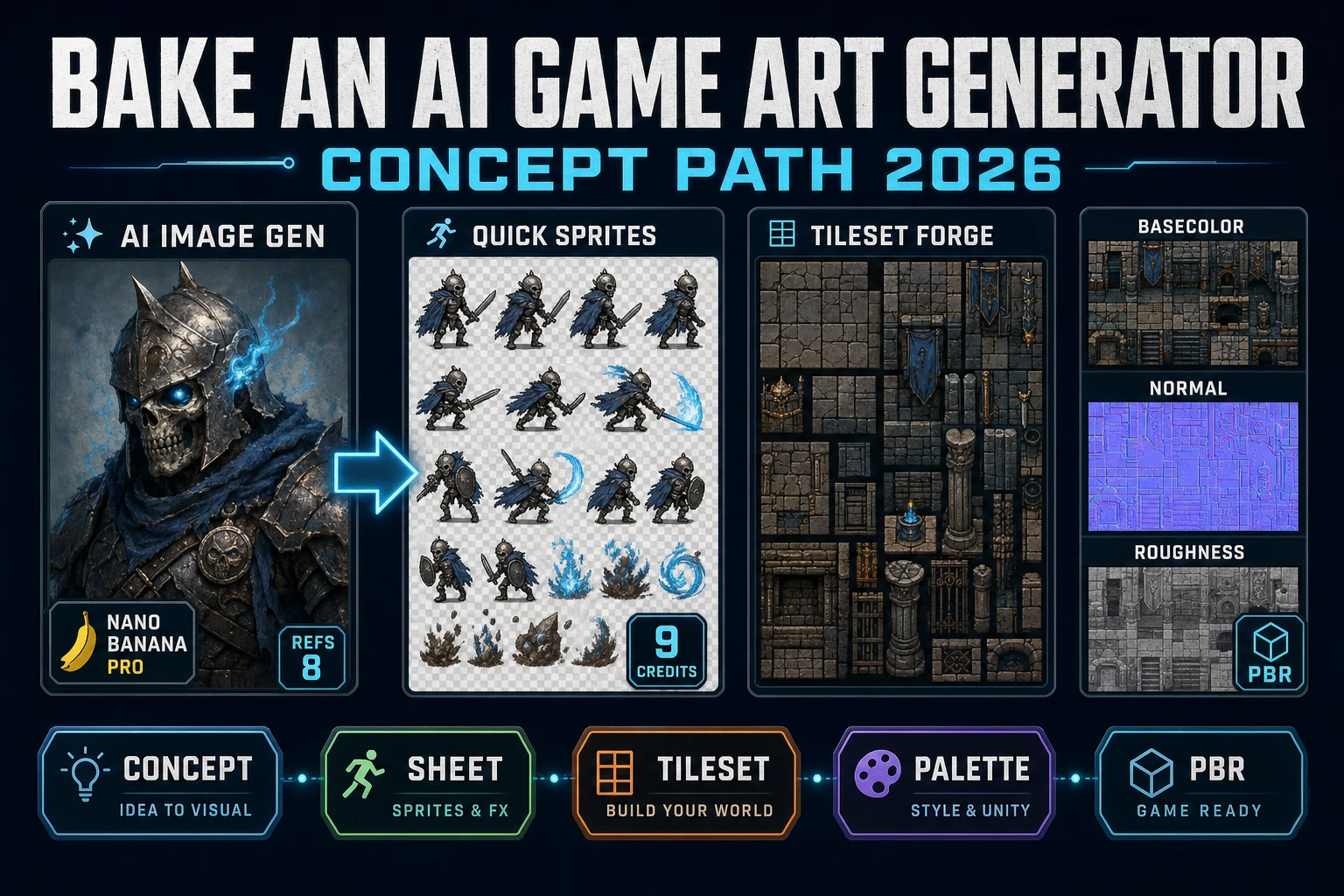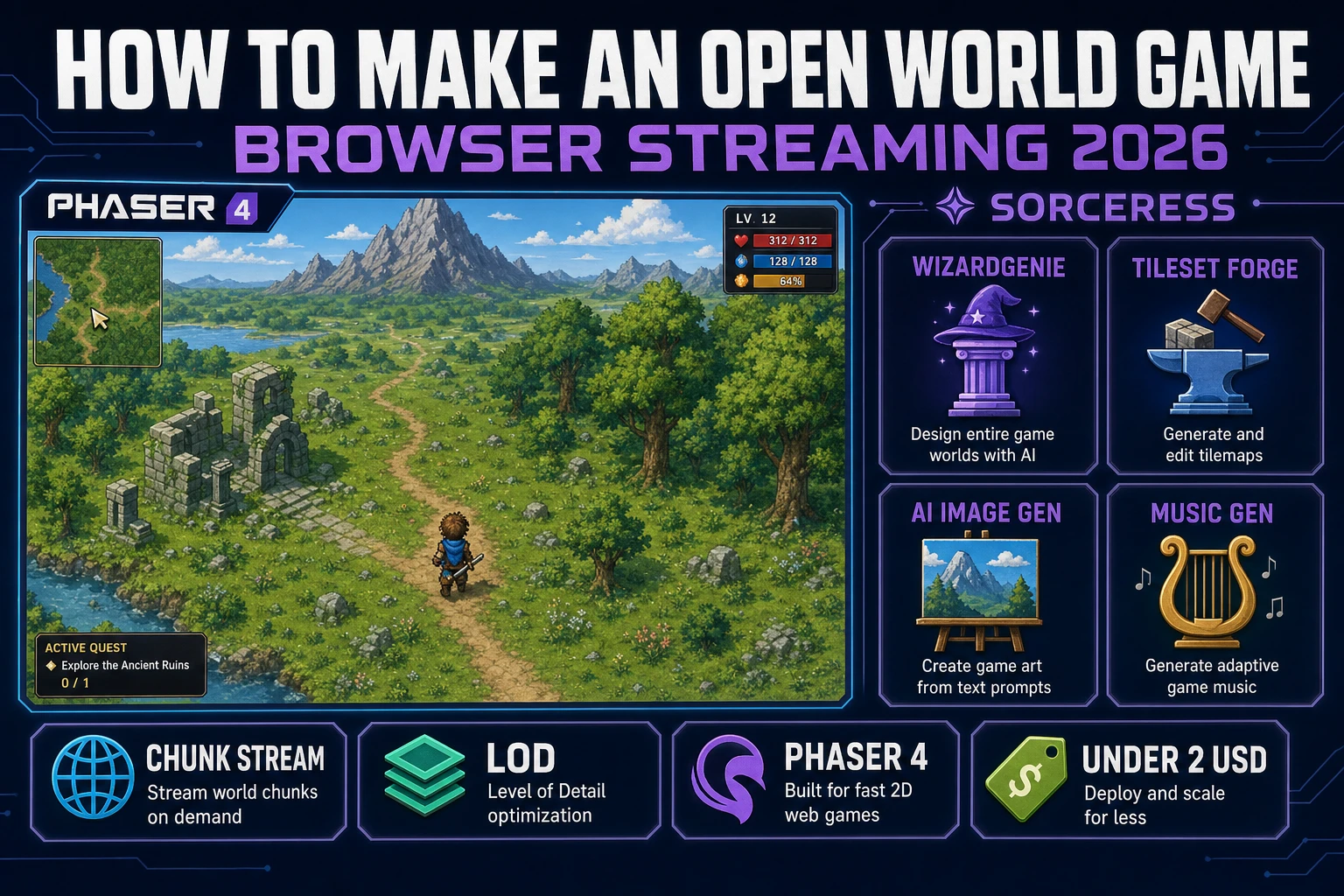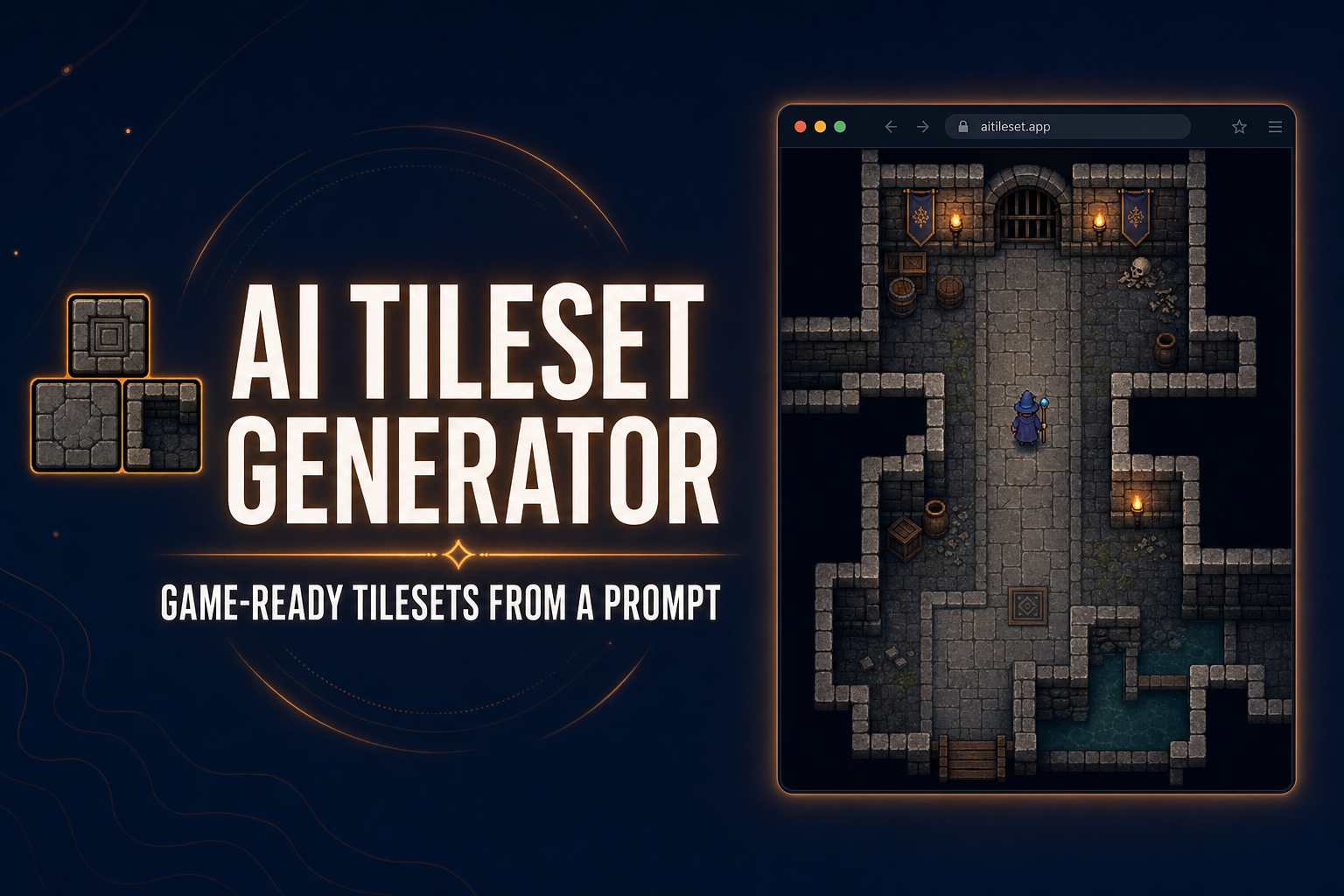
An AI tileset generator turns a one-line prompt into a clean, game-ready tileset PNG you can drop straight into Phaser, Tiled, or any 2D engine. The Sorceress workflow has two halves: a text-to-image step that paints the raw tile art, and an alignment step that detects, cleans, and packs those tiles onto a perfect grid. No drawing, no Aseprite, no engine install.
The AI tileset generator workflow in one breath
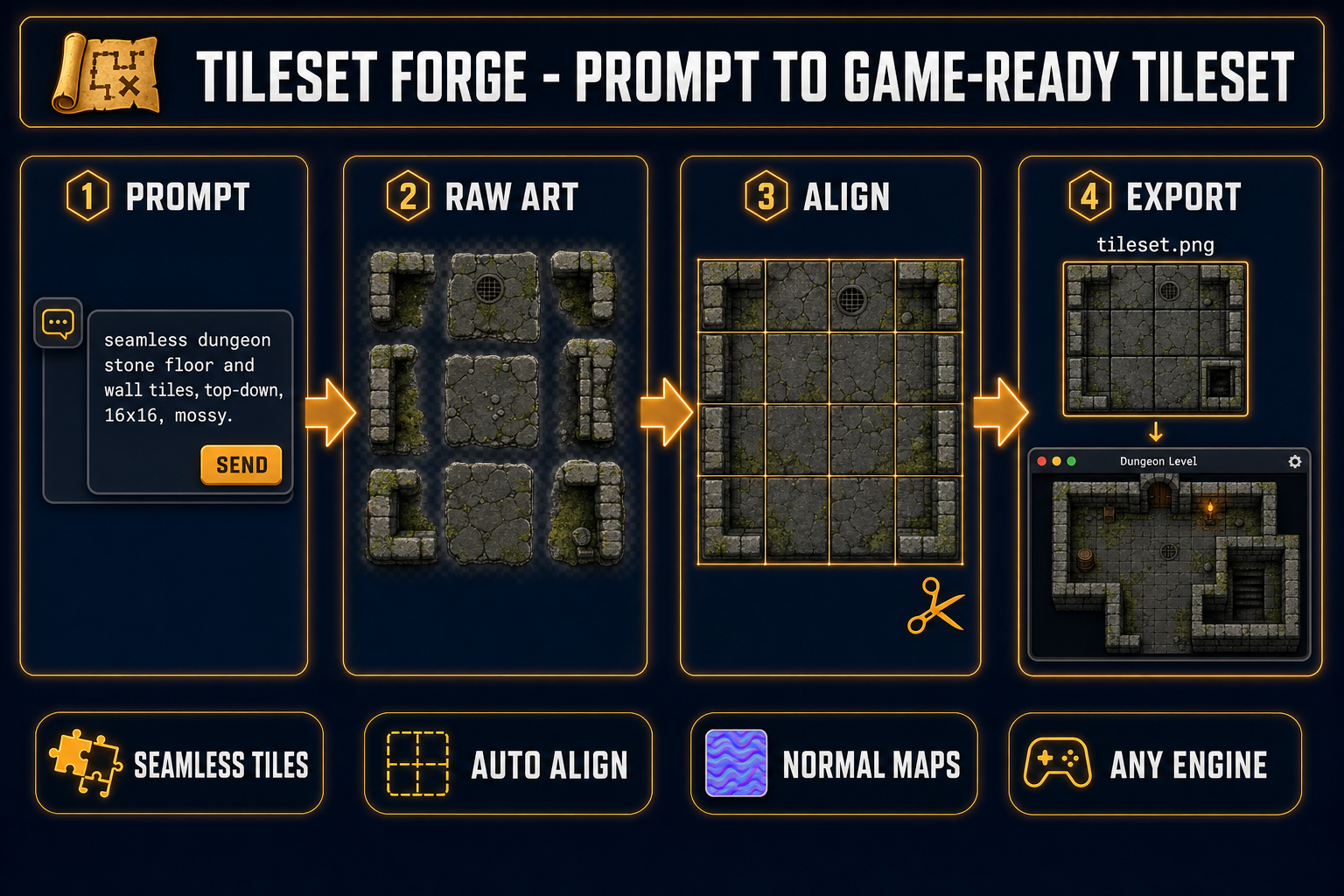
- Open Seamless Tile Gen in your browser. Type a prompt: seamless dungeon stone floor and wall tiles, top-down, 16x16, mossy. Pick a model. Generate.
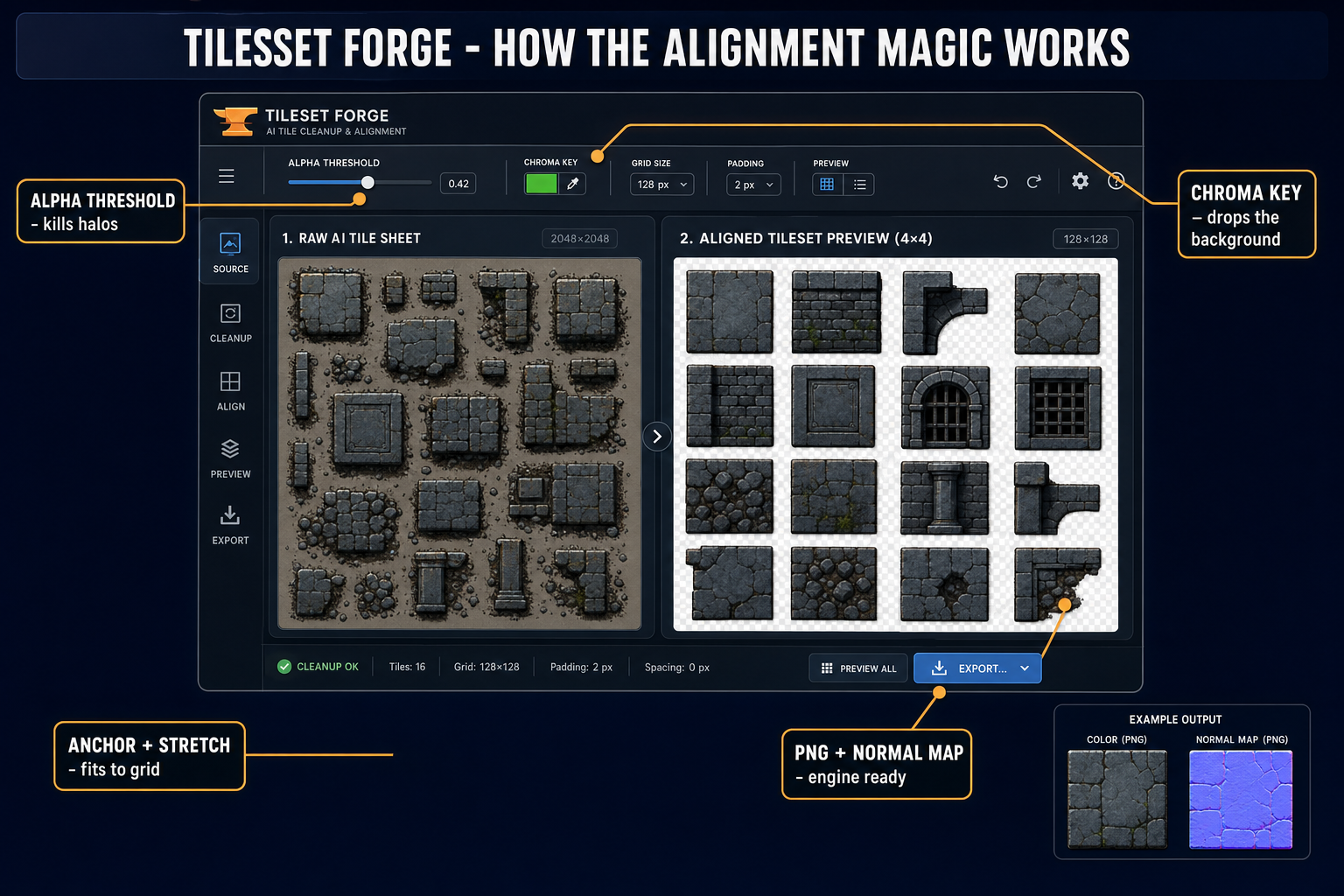
- Drag the resulting image into Tileset Forge. The detector finds your tiles, the chroma key drops the background, and the alignment grid snaps everything to a clean cell size.
- Preview the tileset in a real grid map inside Tileset Forge. Stamp, erase, swap pieces, tweak palette.
- Export a single PNG (with optional normal map and edge padding). Drop it into Phaser, Tiled, or any tile-aware engine.
- Total time for a polished starter tileset: roughly five to thirty minutes depending on how picky you are.
What an AI tileset generator actually does in 2026
“Tileset” sounds technical but the idea is simple. A tile-based game builds its world out of a small library of square (or hexagonal) image cells called tiles — a stone floor cell, a wall cell, a door cell, a chest cell — and a level is just a 2D array of indexes into that library. You paint the level by stamping tile indexes onto a grid, the way a typewriter stamps characters onto a page. The library itself is a single image called a texture atlas or tileset PNG: a rectangular grid of every tile, packed tightly, with each cell at a fixed pixel size (commonly 16x16, 24x24, 32x32, or 48x48).
The pain in making a tileset by hand is twofold. First, every tile has to align perfectly to the grid — one pixel off and the floor seams show in-game. Second, the tiles have to look like they belong together — same lighting direction, same color palette, same rendering style, edges that line up where they should and don’t where they shouldn’t. A skilled pixel artist can do both at the same time; the rest of us spend hours on each tile and the level still ends up looking patchy.
An AI tileset generator collapses both problems into prompt + click. The image model handles the visual coherence (same lighting, same palette, repeating patterns). An alignment tool handles the grid (detection, cropping, edge cleanup, anchored fitting). The output is a tile sheet that looks hand-made and behaves like one. The Sorceress version of this workflow uses two browser tools that share a project space, and the entire pipeline runs without an engine install.
The two-step pipeline: Seamless Tile Gen, then Tileset Forge
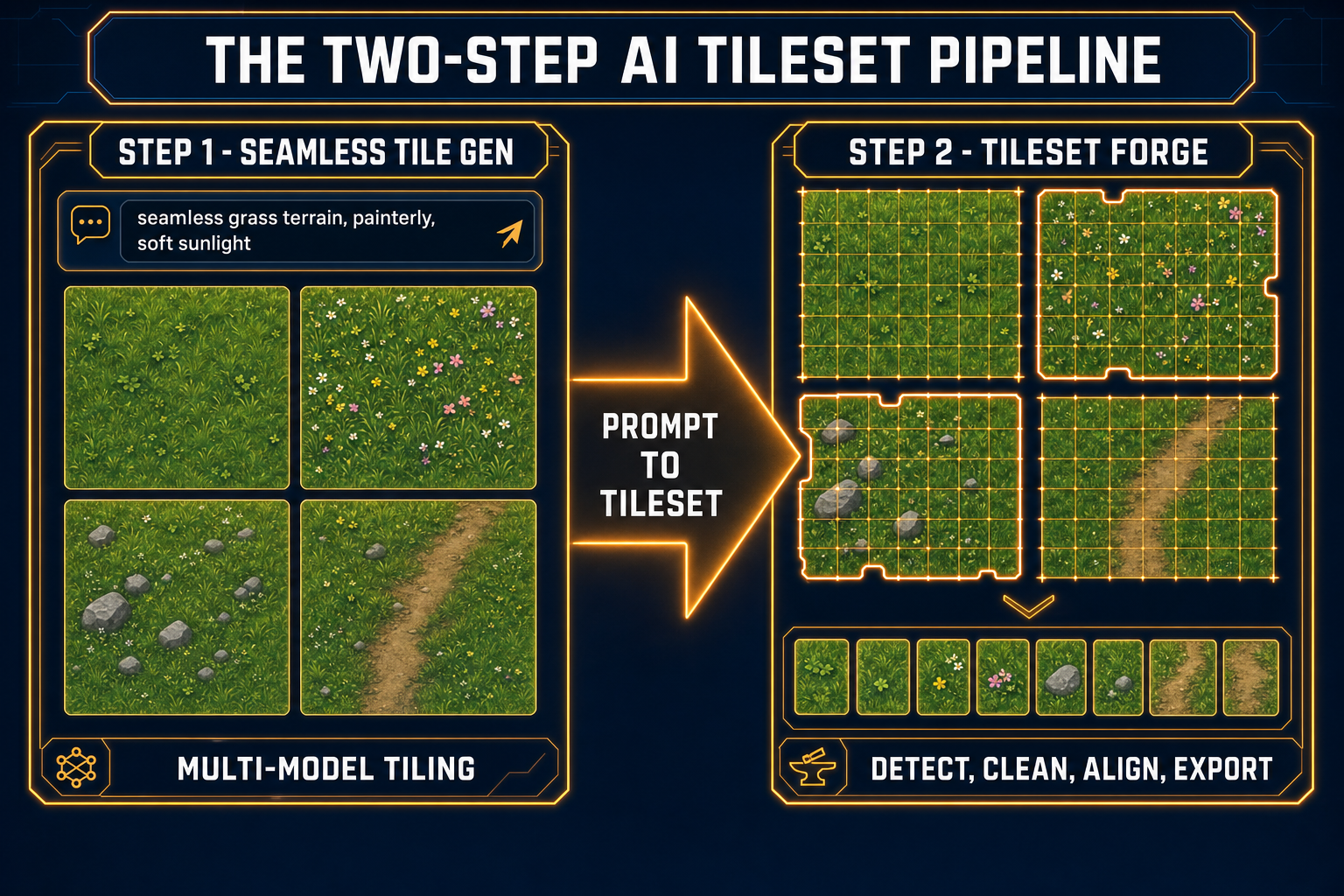
Sorceress splits the AI tileset generator into two browser tools that pair naturally:
- Seamless Tile Gen — multi-model image generator with a tiling-aware preset. You type a prompt, pick one or more models, and get back tile art that is meant to repeat. Built-in tile preview shows the seamless wraparound before you commit. This is where the visual style and the palette get locked.
- Tileset Forge — takes any tile-art source (Sorceress-generated, hand-pixeled, scanned from a concept image, scraped from a public-domain sheet) and produces a clean, tile-grid-aligned PNG you can drop into a game engine. Tile detection, chroma keying, edge cleanup, anchored fitting, normal-map export.
The natural division is intentional. Generating tile art and aligning tile art are two different problems with two different correct answers. A single tool that tried to do both well would compromise on each — and worse, it would shut you out from non-AI sources of tile art (your existing pixel-art commission, public-domain sheets from OpenGameArt, screenshots of your own concept paintings). Splitting the pipeline keeps both halves replaceable. Use Seamless Tile Gen if you want pure AI art. Use Tileset Forge with anything else.
Step 1 — Generate the raw tile art with Seamless Tile Gen
Open Seamless Tile Gen and type your first prompt. The pattern that works is style + scene + tiling cue + format hint:
seamless repeating dungeon stone floor and wall tiles
top-down view, consistent lighting from top-left
mossy stones, cracked patches, occasional puddles
pixel art, 16x16 grid, four floor variants and four wall variants
Notice the literal word seamless. Tiling-aware image models (Imagen 4 Ultra, GPT Image 2.0, Nano Banana 2, Seedream 5 Lite, GPT Image 1.5 — verified May 6, 2026 against the Seamless Tile Gen model picker) latch onto that word and produce art whose left edge matches the right edge and top matches bottom. Without it, you get pretty pictures of dungeon stone that won’t tile cleanly. Other useful prompt anchors: tileable, repeating pattern, top-down, consistent lighting, and the explicit grid size (16x16, 32x32, 48x48).
Pick more than one model on the first pass and generate them in parallel. Different models excel at different terrain styles. Seedream 5 Lite tends to nail painterly hand-illustrated tiles. GPT Image 2.0 holds up best on tiles that need legible small-scale detail. Nano Banana 2 is the workhorse for clean cartoon and stylized terrain. Imagen 4 Ultra produces the densest detail at the cost of more cleanup. The Sorceress AI tileset generator panel runs them side-by-side so you can pick the winner without rerolling tabs.
If you want pure pixel art at small sizes, generate at the native model resolution (1K to 4K) and then run the result through True Pixel to quantize the palette and clean the edges before exporting to Tileset Forge. This is a much better path than asking an AI image model to render at 16x16 directly — resolution-aware downsampling with palette enforcement looks dramatically more honest than upscaled fake-pixel art.
Prompt patterns that consistently work
- Top-down dungeon: seamless top-down dungeon stone floor and wall tiles, mossy edges, cracked variants, consistent overhead lighting, 16x16 pixel art
- Outdoor terrain: seamless overhead grass terrain, painterly style, four variants - plain, with flowers, with stones, with dirt path, soft sunlight from top-left, 32x32
- Sci-fi metal floors: seamless metallic floor panels, slight rust and oil streaks, recessed bolts at corners, faint blue accent lines, top-down, 32x32 tiles
- Snow + ice: seamless snow terrain with embedded ice patches and rocks, gentle blue cast in shadows, top-down view, hand-painted look, 24x24
These produce the raw material. Cleanup happens in the next step.