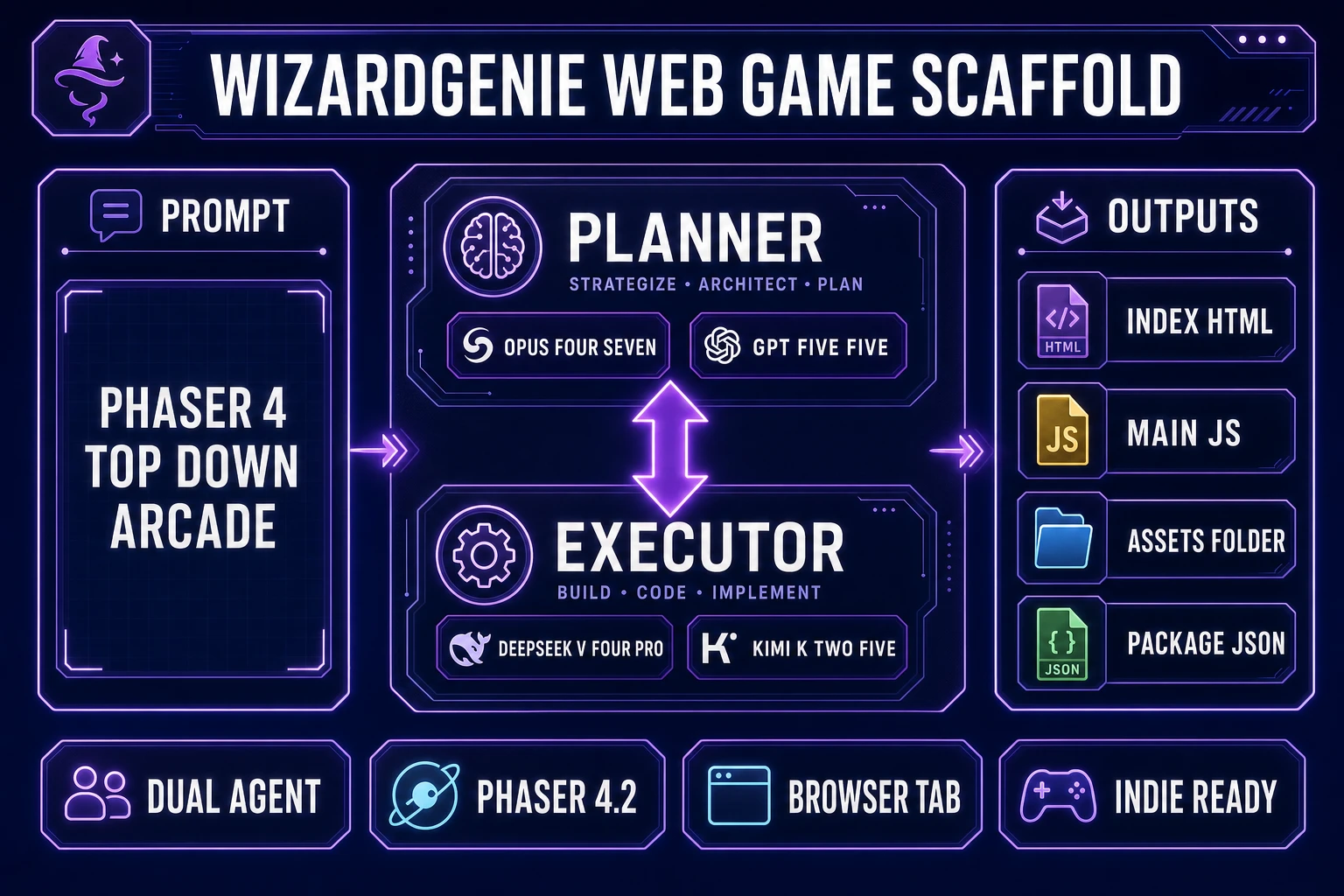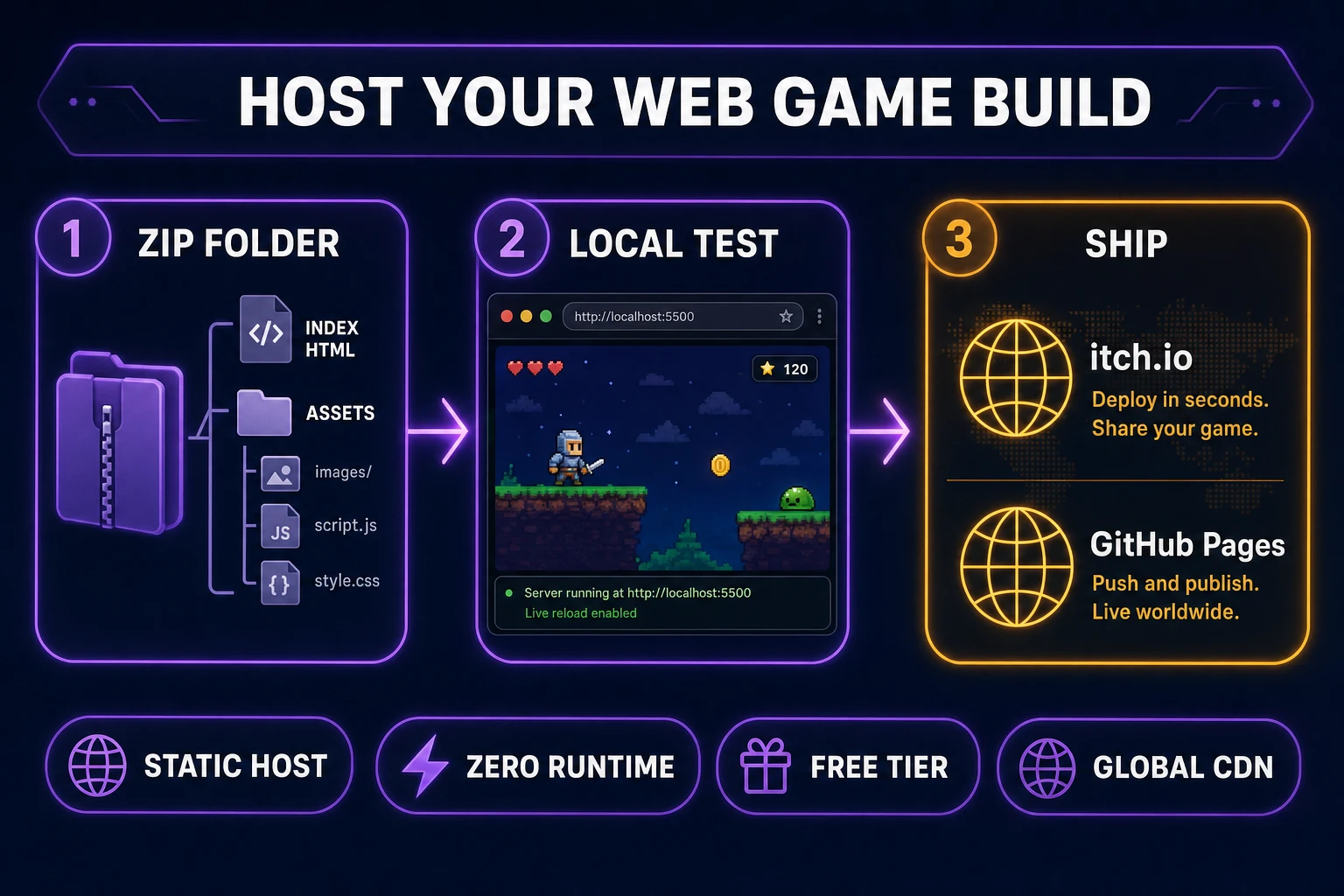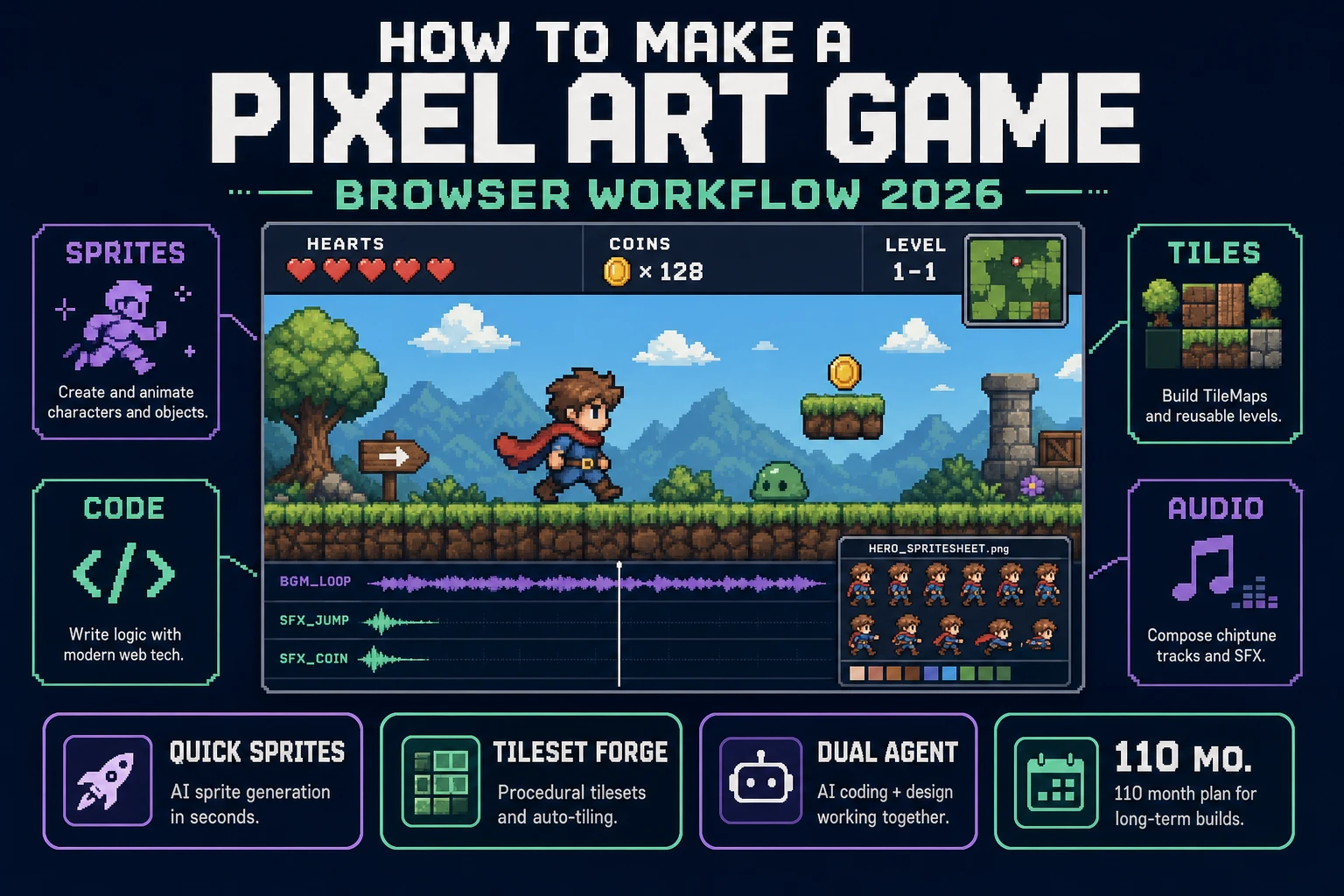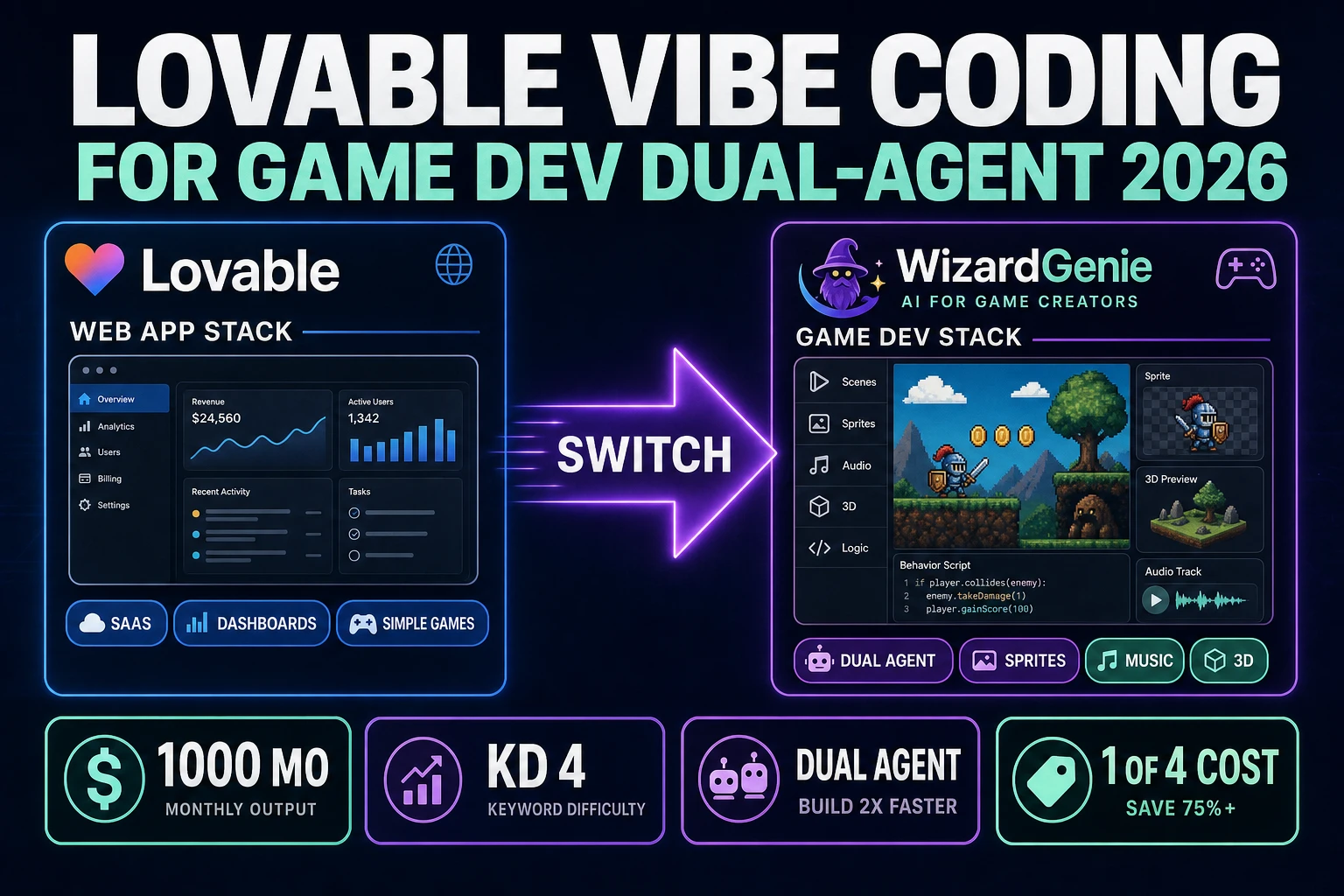
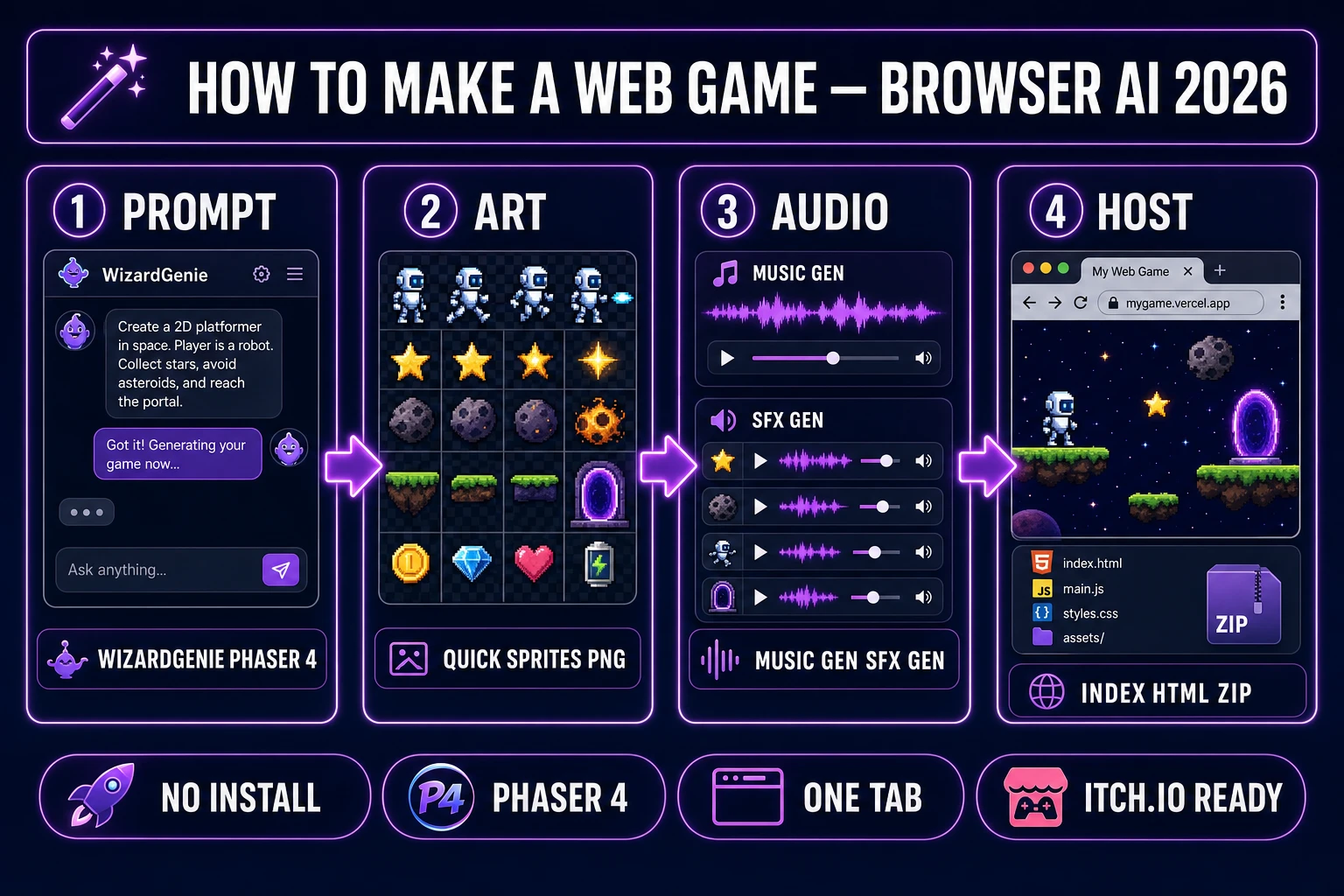
Search how to make a web game on July 5, 2026 and the SERP splits three ways: Scratch tutorials for kids, a wall of YouTube playlists that never ship, and engine marketing pages that assume you already know JavaScript. None of those paths answer the indie question — what is the honest toolchain from empty idea to a hosted index.html I can send to friends today? This guide answers that. The 2026 answer is a five-layer browser pipeline: WizardGenie writes the Phaser 4.2 scaffold, Quick Sprites and AI Image Gen fill the asset folder, Tileset Forge handles tilemaps, Music Gen and SFX Gen score the loop, and you zip the folder for itch.io or GitHub Pages. Every tool cost and model name below is verified against the live Sorceress source on July 5, 2026.
What “how to make a web game” actually means in 2026
The phrase how to make a web game (1,300/mo, KD 12 per DataForSEO probe verified July 5, 2026) is broader than how to make a browser game (140/mo) or how to make an html5 game (70/mo). The web-game query is the beginner who wants a playable URL — not a Steam build, not a mobile app store submission, not a Roblox experience. A browser game in 2026 is still fundamentally an HTML5 bundle: an index.html entry point, a JavaScript game loop, asset files the loop loads over HTTP, and a static host that serves the folder. The technology stack matured a decade ago; what changed in 2024–2026 is that every content layer — code, sprites, tiles, music, SFX — now has a credible AI handoff reachable from one browser account.
That shift matters because the traditional web-game bottleneck was never the game loop. Canvas and WebGL tutorials are abundant. The bottleneck was asset volume: a minimal arcade web game still needs a hero sprite sheet, enemy variants, a tile set, UI icons, three music loops, and twenty SFX one-shots before the first playtest feels real. One person could write the loop in a weekend; filling the asset folder took a month. The honest 2026 path to make a web game removes that month.
Why Phaser 4.2 is the default engine for a browser-first web game
Raw Canvas API code is the right learning exercise and the wrong shipping path for most indies. Phaser 4.2.0 “Giedi” shipped June 19, 2026 (verified against phaser.io/news/2026/06/phaser-v4-2-0-released on July 5, 2026) with Mesh2D, stencil rendering, alpha strategies, and cone lights — rendering features that matter when a web game needs masked UI, layered parallax, or textured meshes without jumping to a full 3D stack. WizardGenie’s agent is wired for Phaser scene management and Three.js renderers; for a flat 2D web game, Phaser is the shortest path from prompt to index.html.
The sibling queries confirm the intent cluster: how to make a web browser game (140/mo, KD 2), how to make a browser based game (140/mo, KD 4), and how to make a browser game (140/mo, KD 13) all describe the same reader with slightly different phrasing. This article targets the head term; the engine choice and asset pipeline apply to every variant. If the web game is genuinely 3D, swap Phaser for Three.js in the WizardGenie prompt — the Sorceress asset half stays identical.
The Sorceress five-layer stack behind every how to make a web game project
Every web game ships five layers regardless of genre: code, sprites, tiles or backgrounds, audio, and UI. In 2026 each layer maps to one Sorceress tool verified against the live catalog on July 5, 2026:
- Code — WizardGenie with eight CODING_MODELS (Claude Opus 4.7, Sonnet 4.6, GPT-5.5, Gemini 3.1 Pro, DeepSeek V4 Pro, Kimi K2.5, Grok 4.2, MiniMax M2.7 per
src/app/_home-v2/_data/tools.tslines 734–742). - Character sprites — Quick Sprites at 9 credits per generation (
src/app/quick-sprites/page.tsxline 21, model retro-diffusion/rd-animation). - Icons, UI, parallax art — AI Image Gen across the 12-model image lineup in
src/lib/models.ts. - Tilemaps — Tileset Forge for autotile blob sets and Seamless Tile Gen for repeating ground textures.
- Music and SFX — Music Gen at 10 credits per track (
src/app/music-gen/page.tsxline 26) and SFX Gen at 1 credit per second (src/app/sfx-gen/page.tsxline 24).
Pricing is a $49 lifetime unlock plus pay-as-you-go credit packs — Starter $10/1,000 credits, Creator $20/2,000, Plus $50/5,000, Studio $100/10,000 — verified against src/app/plans/page.tsx lines 46 and 50. New accounts ship with 100 starter credits. Cross-link the broader indie context in how to make a game with AI and the Phaser-specific angle in Phaser game tutorial: how AI writes your browser game.