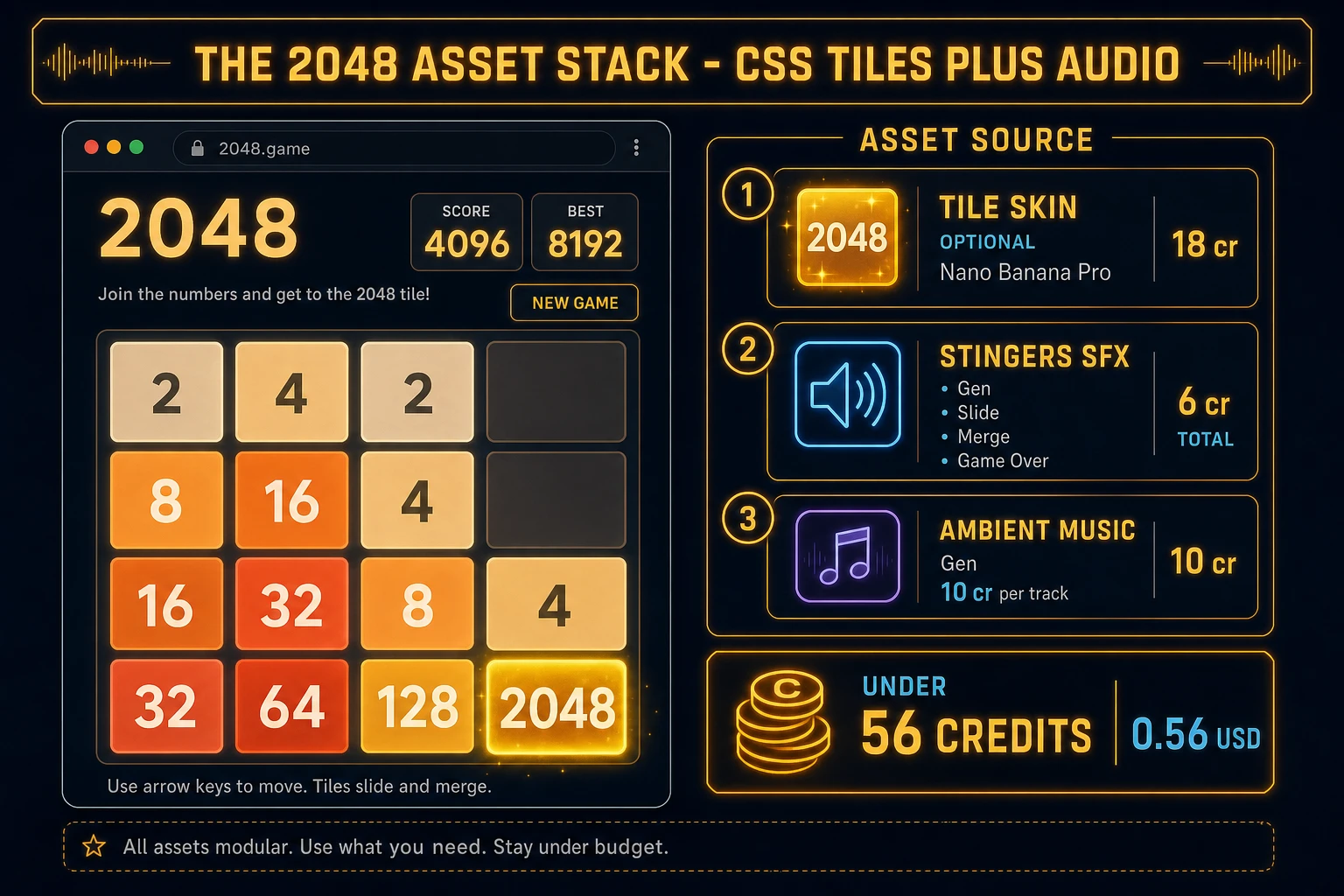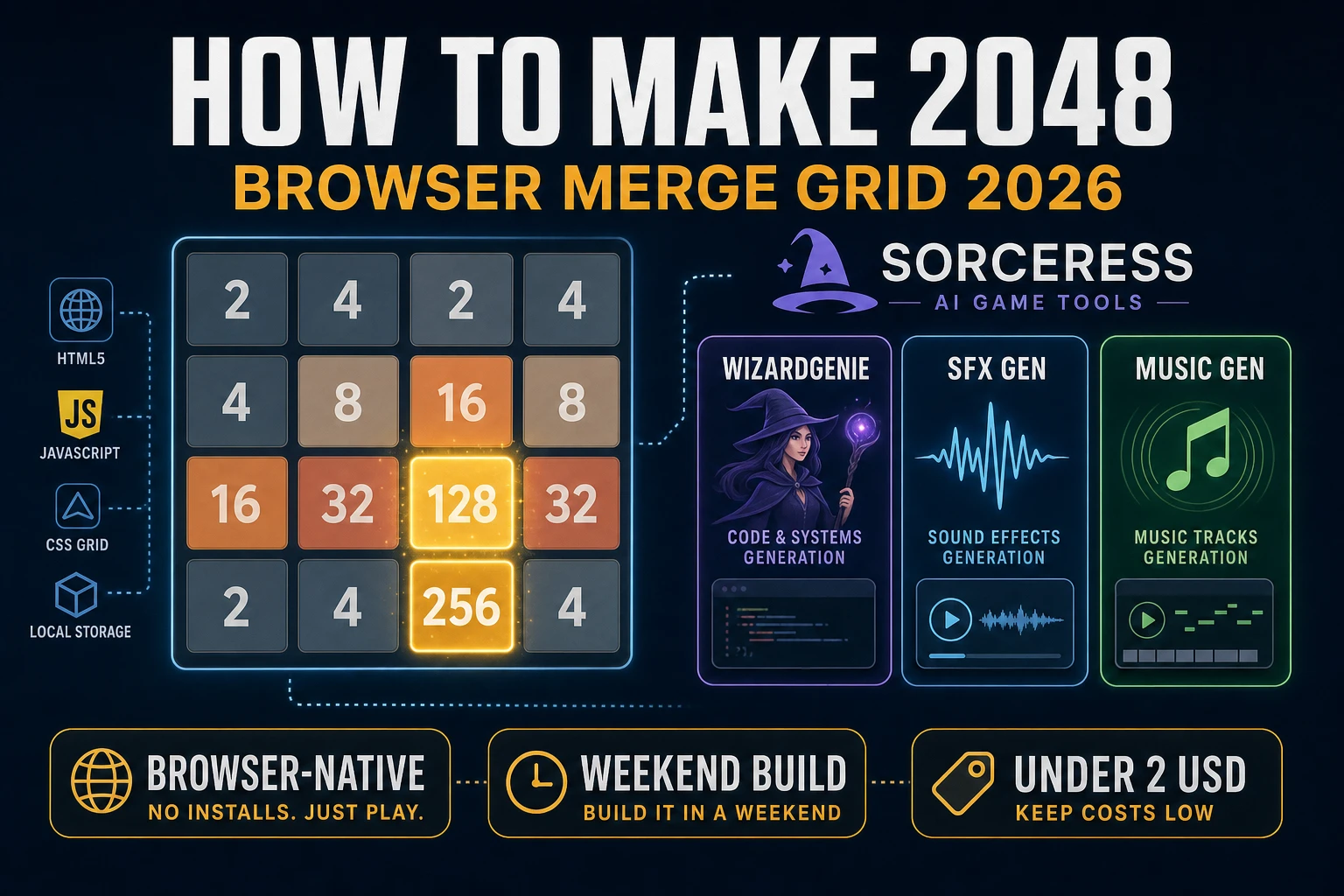
Gabriele Cirulli shipped 2048 on 9 March 2014 as a free MIT-licensed browser puzzle built over a single weekend (verified against en.wikipedia.org/wiki/2048_(video_game) on 2026-08-19). The game drew more than four million visitors in its first week because the mechanic is tiny on paper and brutal in practice: slide numbered tiles on a 4×4 grid, merge equal neighbors, chase the 2048 tile before the board locks. Almost every weekend coder who searches how to make 2048 gets the CSS grid rendering fine, then stalls on the one-merge-per-line rule or the spawn-after-valid-move timing. The 2026 pipeline is different: a coding agent scaffolds the slide-and-merge kernel in one prompt, touch swipes reuse the same move function as arrow keys, and the whole game ships in an afternoon. In a browser, that means WizardGenie for the grid logic, SFX Gen for slide and merge chimes, and Music Gen for a calm ambient bed. This guide is the honest end-to-end for how to make 2048 in 2026.
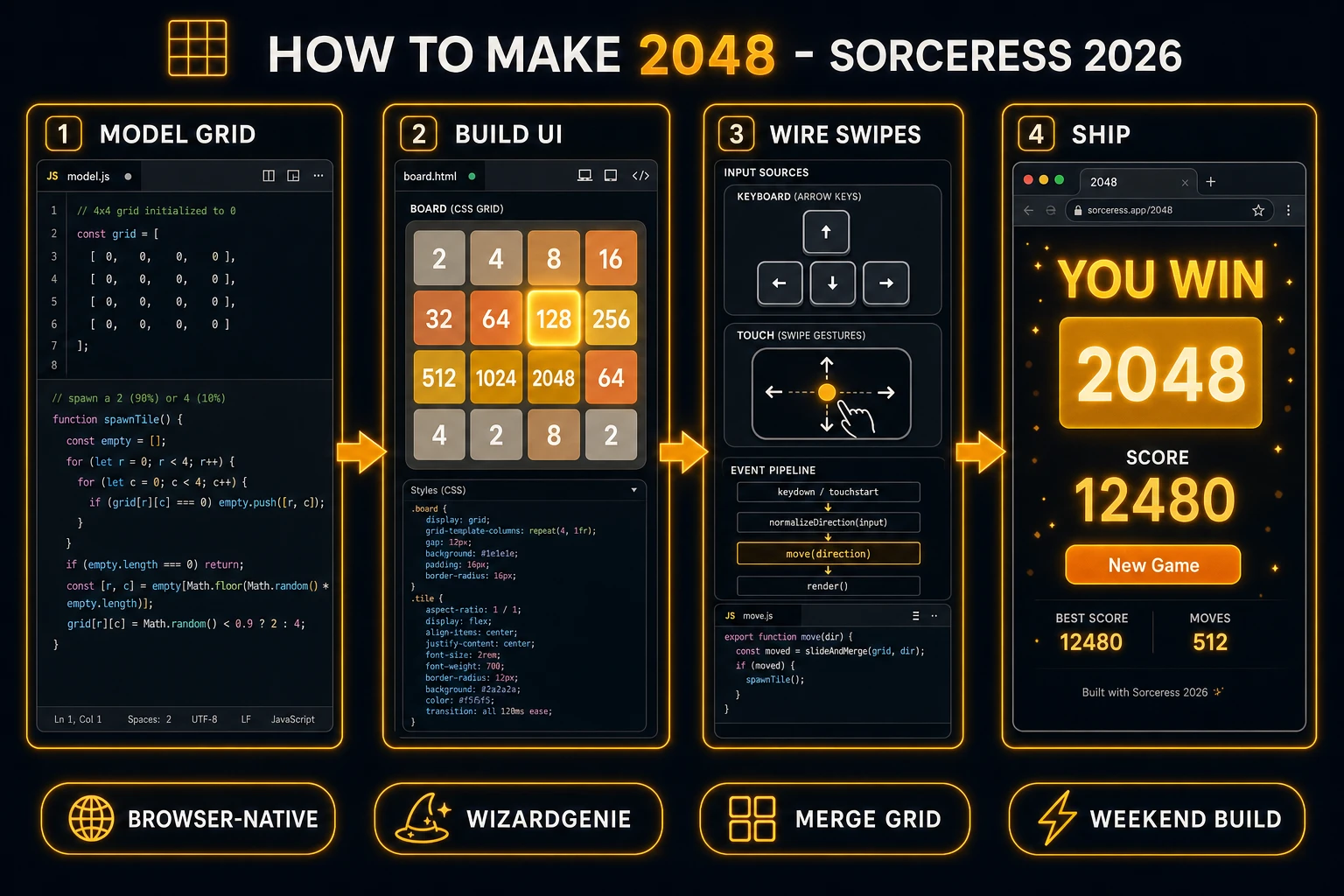
What “how to make 2048” actually means in 2026
The query hides two different requests. Some searchers want a faithful tribute to Cirulli’s original: flat tan and gold tiles, the score and best-score HUD in the upper-right, the soft glow on high-value tiles, and the exact 90/10 spawn split between 2 and 4. Some searchers want a themed reskin — neon cyberpunk numbers, emoji tiles, a 5×5 hard mode, or a daily seed leaderboard. This guide targets the mechanic first because that is what the search phrase is really about. The original art is a specific visual identity; the merge-grid pattern is a game-design pattern you can reskin freely as long as you credit the MIT-licensed reference implementation if you fork Cirulli’s repo directly.
A quick naming note before the technical section. “2048” as a brand name refers to Cirulli’s published game and its official ports. You cannot ship a store listing called “2048” with identical art and claim it as your own product. The core mechanic — a square grid, tiles that slide until blocked, merges of equal values once per move, random spawns after valid moves, and a win condition at a target power-of-two — is a design pattern. Thousands of browser clones since March 2014 built on the same rules under different names (Merge Grid, Tile Slide, Power Two). Pick a distinct title, draw your own tile colors, write your own code, and you are on the same footing as every other weekend tutorial project.
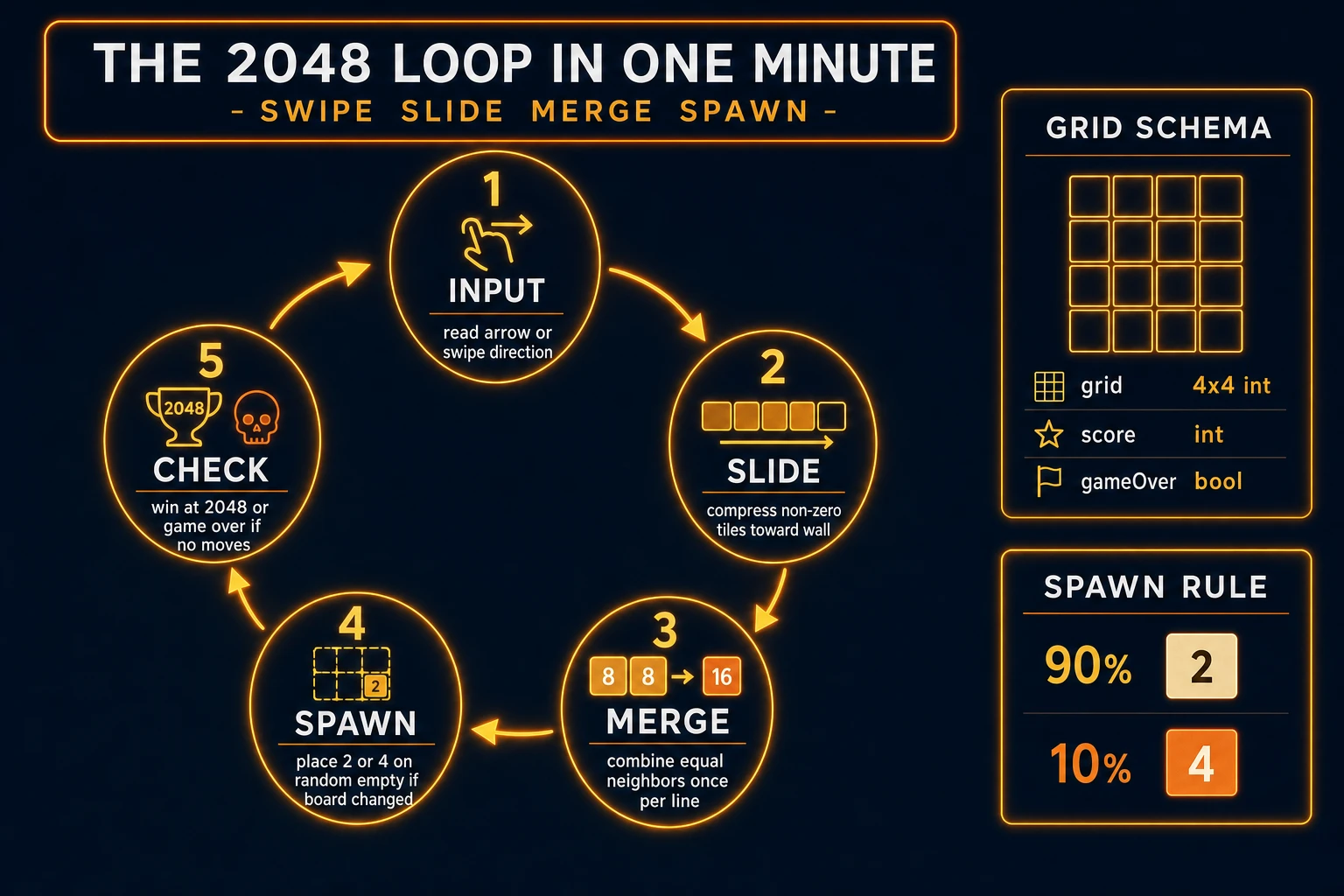
The 2048 game loop in one minute (swipe slide merge spawn)
Five steps, in strict order, once per player input. First, read the direction (up, down, left, right) from an arrow key or a touch swipe whose dominant axis exceeds a small threshold. Second, slide every row or column in that direction so non-zero values compress toward the wall, preserving order. Third, merge adjacent equal values once per line: when two neighbors match and neither has merged this turn, replace them with double the value, add that value to the score, and mark the merged cell so it cannot merge again in the same move. Fourth, if the grid changed compared to the pre-move copy, spawn a new tile: pick a random empty cell and write 2 with ninety-percent probability or 4 with ten-percent probability (the ratio from the original 2048, verified 2026-08-19 on Wikipedia). Fifth, check termination: if any cell holds 2048 and you have not yet shown the win banner, offer continue or stop; if no empty cells remain and no adjacent equal pair exists in any direction, show game over.
That is the entire game. Everything else — undo stacks, best-score persistence in localStorage, animated tile slides, haptic feedback on mobile, dark mode, leaderboards — is polish on top of these five steps. If the loop is correct, the browser build feels like the 2014 original even on a mid-range phone. Resist animated tweens on the first pass; ship the pure discrete grid update, then add CSS transitions in a second pass once merge correctness is proven with unit tests.
Pick your engine for how to make 2048: React, vanilla DOM, or Phaser 4
Three solid browser targets in 2026. Plain DOM plus a 4×4 integer array is the honest default. Sixteen <div> cells in a CSS grid, background colors keyed off Math.log2(value), and one keydown listener for arrows. The merge kernel is roughly eighty lines; the render pass maps array values to CSS classes. Touch swipes attach with touchstart and touchend handlers documented on MDN Touch events. Using divs instead of canvas keeps the DOM accessible and makes hot reload trivial.
React fits if the game lives inside a larger React app or you want component state to drive re-renders automatically. Store grid as nested arrays in useState, call move(direction) inside the key handler, and let React diff the tile list. The algorithm is identical to vanilla JS; you pay the React bundle cost for ecosystem convenience, not because 2048 requires it.
Phaser 4 is the pick if you plan animated tile tweens, particle bursts on merges, multiple board sizes, or a theme system that swaps sprite sheets. Phaser bundles scenes, tweens, and input in one package. For a first clone, plain DOM is faster to debug because you can console.log the grid after every move without fighting a scene graph.
WizardGenie scaffolds whichever stack you name. It runs as a desktop app with native filesystem access (Early Access tier and above) and as a no-install web build at the same URL. Describe the five-step loop in one paragraph and any model in the Sorceress coding lineup returns a working prototype. For cheap iteration, pair a frontier planner with a budget executor and let the executor type the merge functions while the planner sanity-checks edge cases like triple-merge prevention.