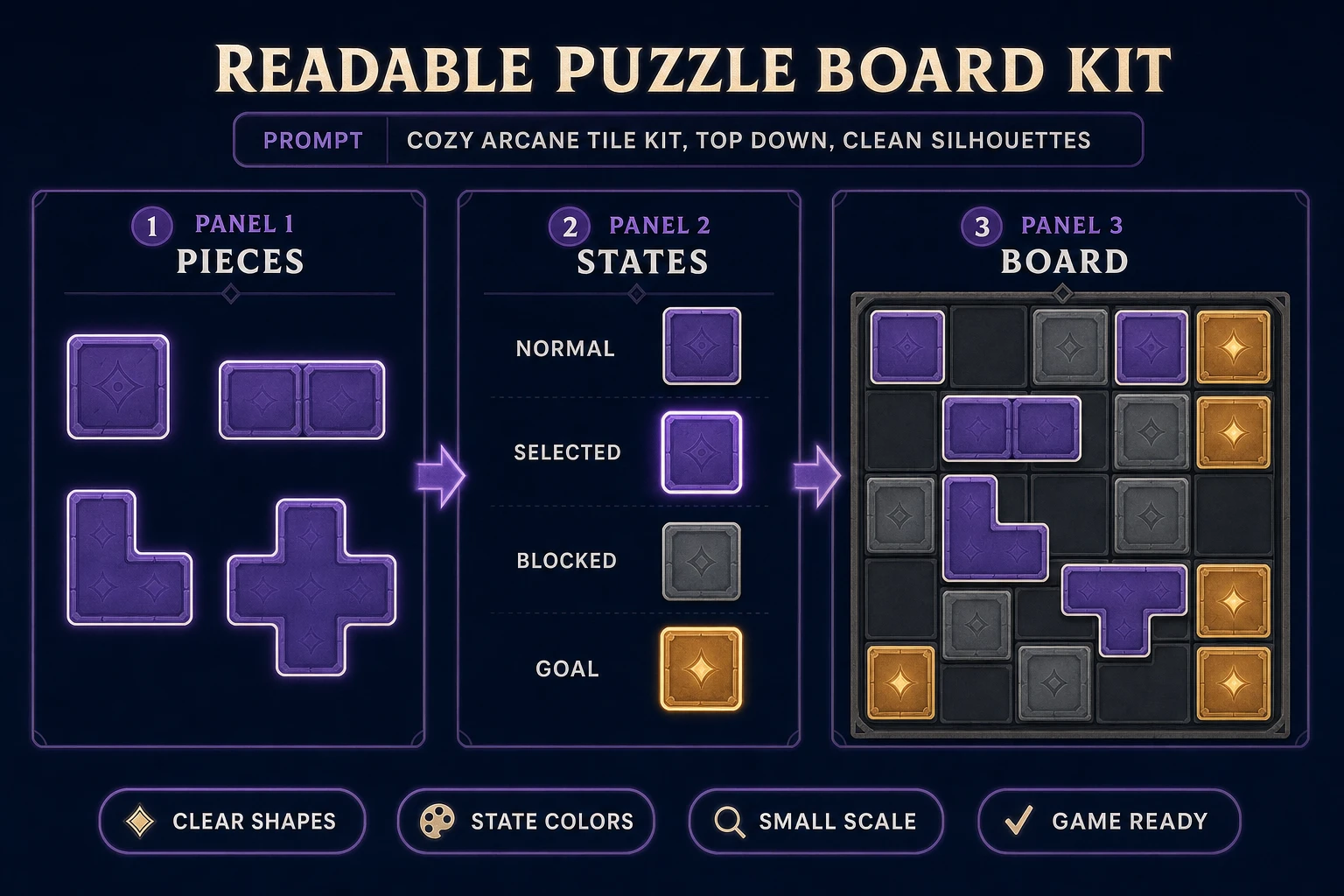
A puzzle prototype usually fails before the art matters. The rule is vague, the board hides legal moves, or the code cannot restore a clean state after one bad action. Start with a smaller contract: one board, one legal move, one win condition, and a reset that always works. This guide turns that contract into a playable browser build with WizardGenie, then gives the board a readable visual language with AI Image Gen. The product behavior described here was checked against the Sorceress source on July 18, 2026.
What “how to make a puzzle game” means for a first build
The primary query how to make a puzzle game has 70 monthly searches and KD 21 in the DataForSEO-backed probe-fresh-seeds-8.md, verified July 16, 2026. Its strongest natural sibling is how to make a good puzzle game at 30 monthly searches and KD 0. That second phrase exposes the real intent: readers do not just need a grid that accepts clicks. They need a rule players can understand, test, and gradually master.
A puzzle video game makes problem solving the central interaction. For a first browser build, translate that broad definition into five written lines:
- State: what values fully describe the board right now?
- Move: what single action may the player attempt?
- Constraint: when is that action illegal?
- Goal: what exact state counts as solved?
- Recovery: can the player undo or reset without reloading?
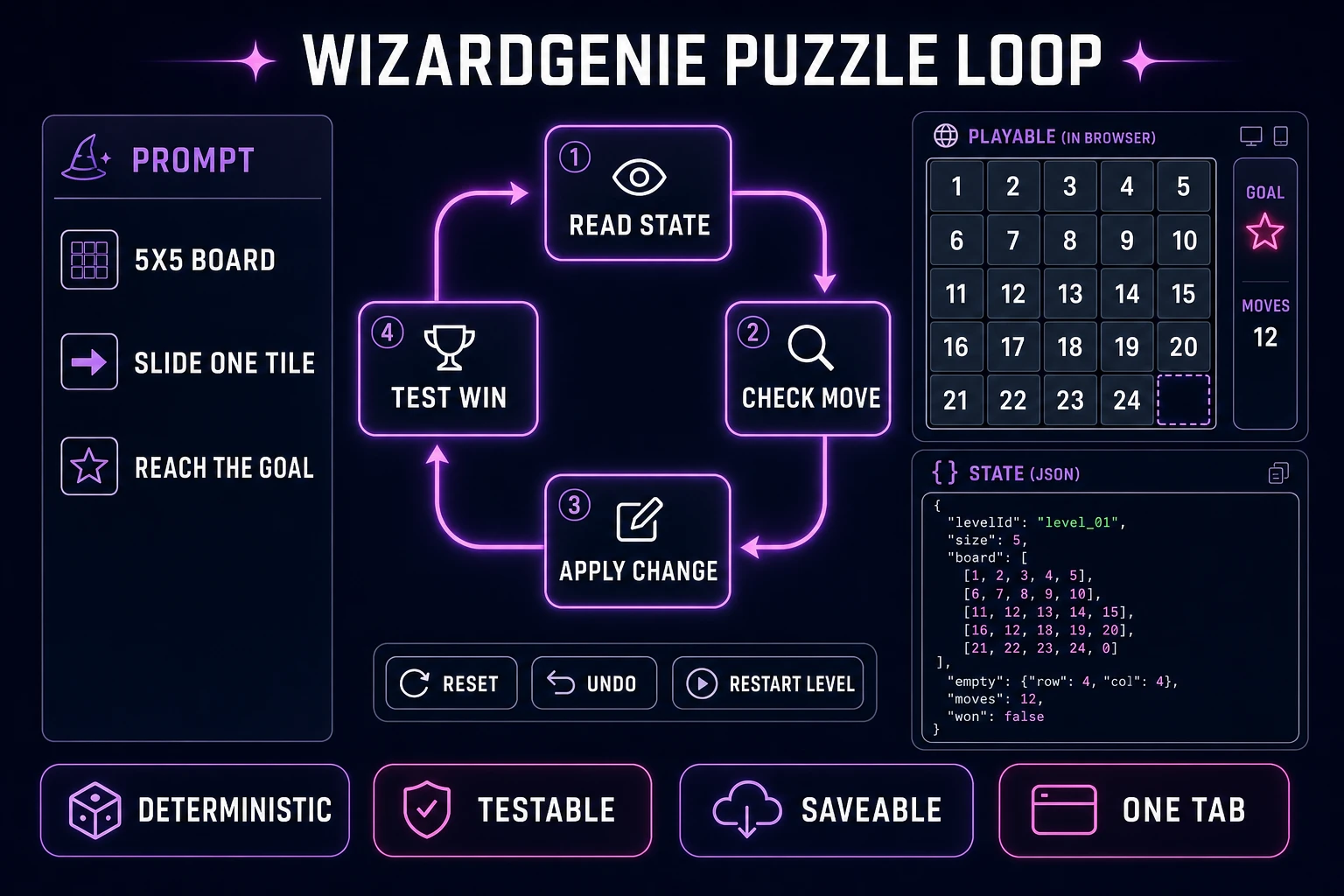
For a sliding-tile example, state is the ordered tile array plus the empty-cell index. A move swaps one adjacent tile with the empty cell. Diagonal and distant swaps are illegal. The goal is a target ordering. Recovery restores the previous array or the original level array. If you cannot express the game this plainly, keep designing before asking an agent to write code.
Pick one rule that creates visible consequences
The best first mechanic is deterministic: the same move from the same state always produces the same result. Sliding tiles, rotating pipes, toggling neighboring lights, connecting matching terminals, and pushing crates all fit. Random rewards and procedural boards can arrive later. Determinism gives WizardGenie a stable specification and gives you reproducible bug reports.
Write three micro-levels before building a level generator. Level one should make the legal action obvious without a paragraph of instructions. Level two should require combining two uses of the same action. Level three should present a tempting move that creates a meaningful setback. Ask someone to play while you stay silent. If they click decoration, miss the goal, or cannot find reset, the interface has contradicted the rule.
Difficulty should come from relationships, not hidden information. A pipe puzzle gets harder because more paths share junctions, not because the endpoint color becomes hard to see. A box-pushing puzzle gets harder because corners constrain movement, not because the floor and wall textures merge. This distinction matters when generating art: visual novelty must never disguise the state players are reasoning about.
The Sorceress how to make a puzzle game workflow
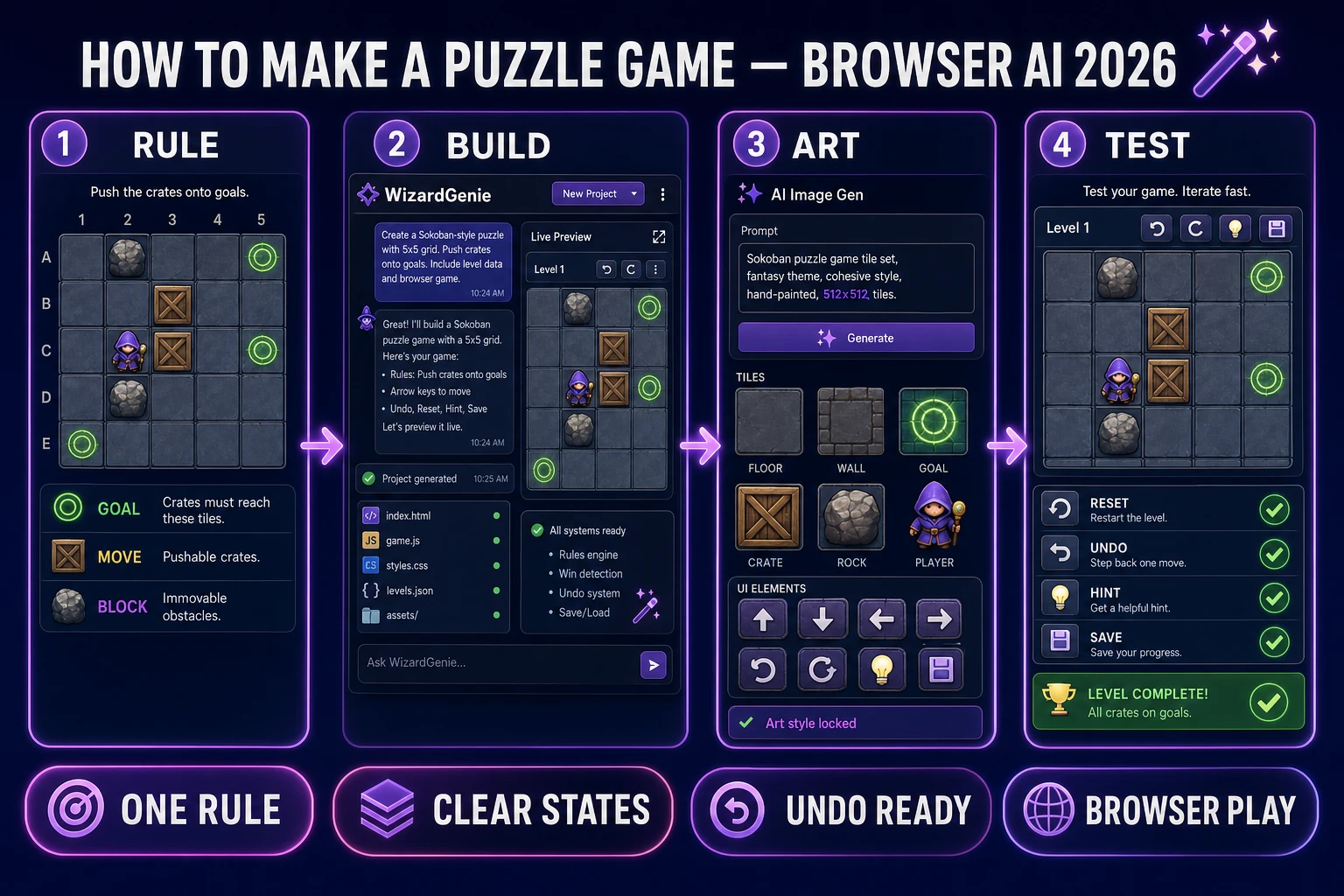
The workflow has four handoffs. Each one produces an artifact you can inspect before moving on:
- Rule card: board dimensions, state fields, legal move, illegal move, goal, reset, and undo.
- Playable gray box: WizardGenie writes and runs the browser loop with colored shapes instead of finished art.
- Board kit: AI Image Gen creates separate visual families for movable pieces, fixed obstacles, goals, and state changes.
- Test matrix: every level passes input, reset, undo, win, save, and reload checks.
WizardGenie is available on desktop and web. The verified Sorceress catalog describes the same core loop on both: describe a game, let the agent write and run it, then iterate in real time. AI Image Gen provides one panel for prompt generation, reference images, aspect ratios, batches, and collections. That combination is enough for the puzzle’s code and visual kit without claiming that art generation can solve the design problem for you.
Keep the gray-box checkpoint. If the puzzle is not understandable as colored rectangles, polished runes and particles will only make the failure more expensive. Once the loop works, the Sorceress tools guide is the clean index for optional cleanup tools, but the core build needs only the two featured tools.
Step 1 — scaffold the state loop in WizardGenie
Open WizardGenie and lead with the contract, not the theme. A useful first prompt is:
Build a browser sliding-tile puzzle on a 5×5 board. Represent the board as one array with a single empty cell. A legal move swaps only an orthogonally adjacent tile into the empty cell. Show move count and elapsed time. Include keyboard, pointer, reset, and one-step undo controls. Keep level data separate from rendering. Add three hand-authored levels and automated checks for illegal moves, undo restoration, and win detection. Use simple colored shapes until the rules pass.
This prompt gives the agent boundaries it can test. “Make a fun puzzle game” does not. Ask the first revision to expose a small debug panel with the current board array, selected cell, move count, and solved flag. Remove or hide that panel only after the state transitions are reliable.
Input should converge on one action function. Browser Pointer Events provide a shared model for mouse, pen, and touch input; keyboard handlers should call the same move validator instead of maintaining separate rules. That architecture prevents a tile from being legal with a click but illegal with an arrow key.
Use follow-up prompts as test cases: “From state A, clicking index 13 must not move because it is not adjacent to the empty index 7,” or “Undo after the winning move must restore the unsolved board and decrement move count once.” One failing state plus one expected state is more actionable than “the undo feels broken.”