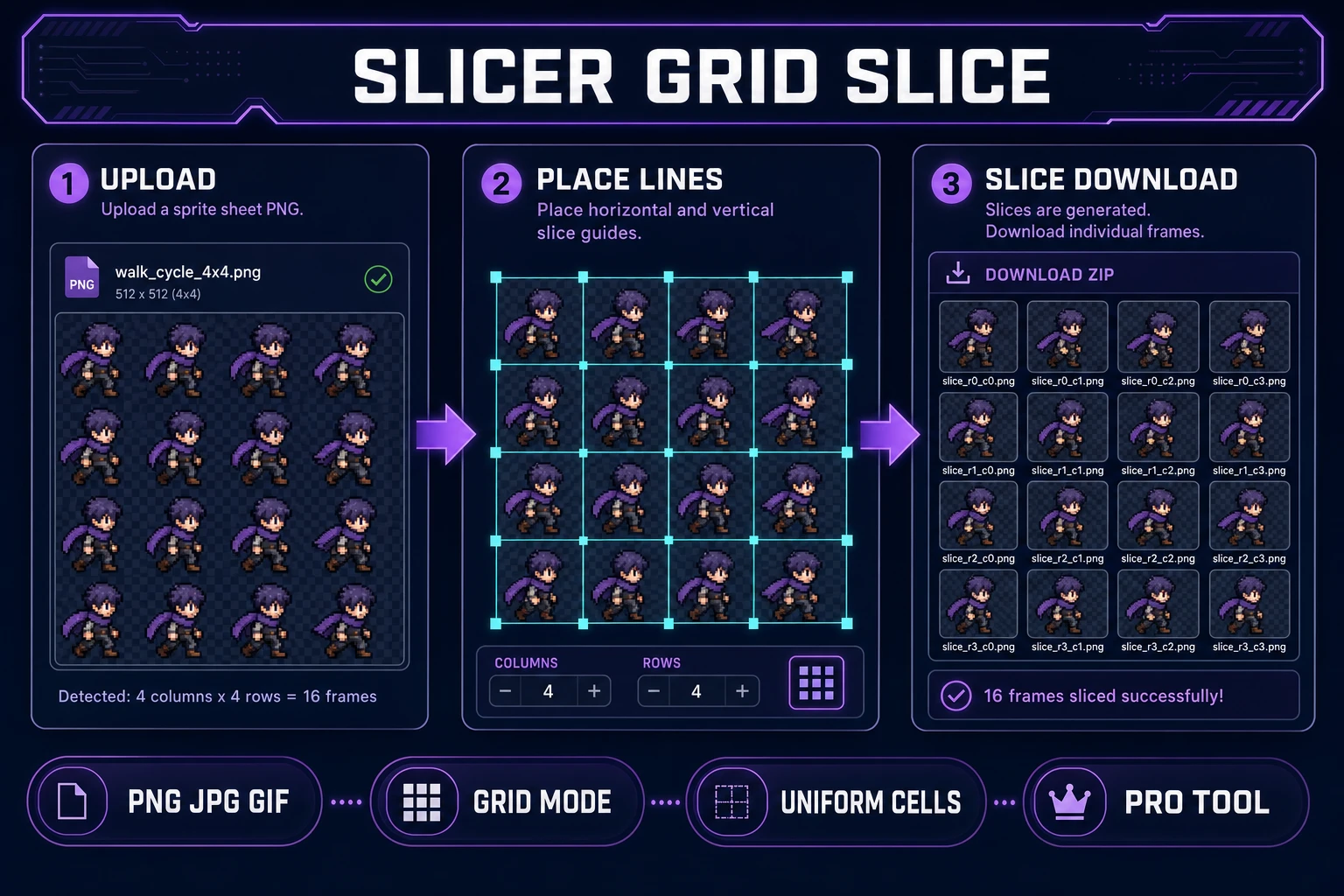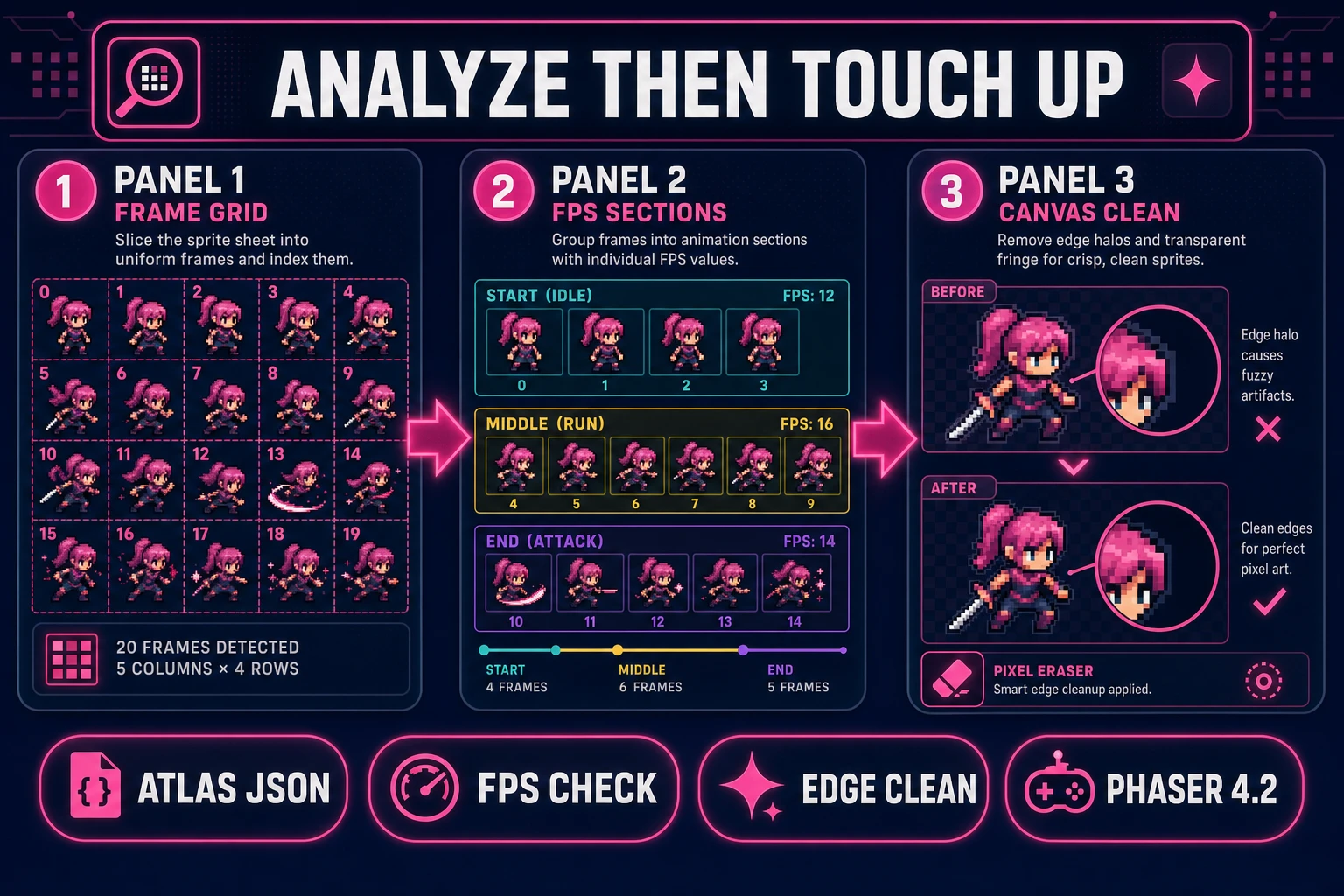
AI image models love dumping a hero walk into a 4×4 collage, then leaving you with one PNG and no frame files. Searchers typing sprite sheet slicer on July 11, 2026 want uniform cells their engine can atlas — not a screenshot of a grid they still have to crop by hand in Photoshop. This guide covers the 2026 browser pipeline: Slicer Grid Slice cuts the sheet, Sprite Analyzer validates timing and exports atlas JSON, and Canvas cleans edge halos before Phaser loads the pack. Tool behavior and pricing below are verified against the live Sorceress source on July 11, 2026.
What a sprite sheet slicer outputs for engine atlases
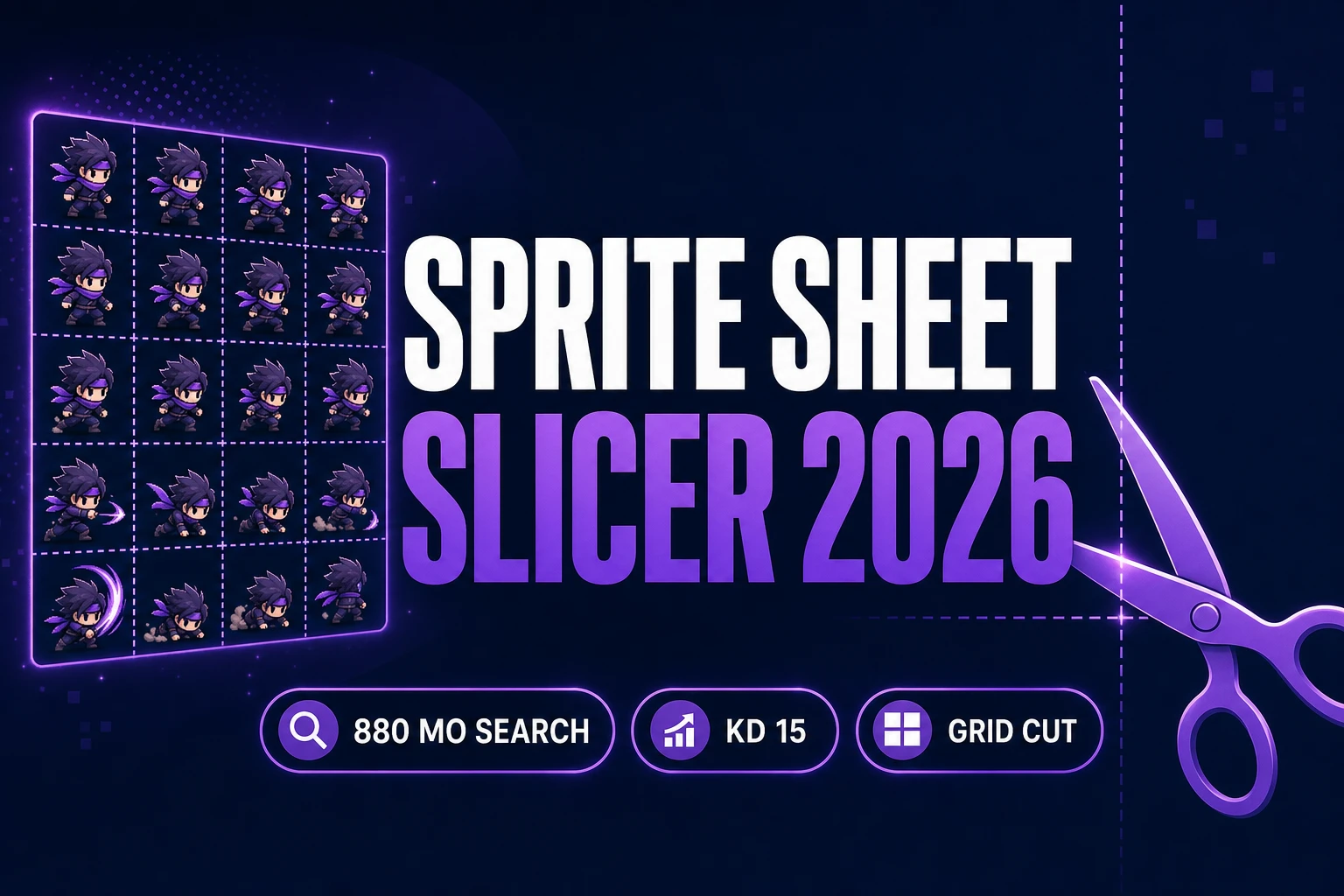
The phrase sprite sheet slicer (880/mo, KD 15 per DataForSEO probe-fresh-seeds-6.md verified July 11, 2026) targets a developer who already has a filled grid — from Quick Sprites, Auto-Sprite, an AI collage, or a downloaded itch pack — and needs individual frames. Sibling queries confirm the cluster: sprite slicer (40/mo), sprite sheet packer (110/mo, KD 6), frame grid cut, and atlas region export all describe the same deliverable: equal-sized PNG cells plus optional JSON your loader can preload.
A useful sprite sheet slicer for games produces three artifacts. First, a folder of PNGs with predictable names (slice_r0_c0.png, slice_r0_c1.png, …). Second, optional recomposed grid sheets when you need one atlas texture instead of loose files. Third, animation metadata — fps, start/middle/end sections, hitboxes — so your coding agent does not invent frame ranges. The sprite concept is older than HTML5; the 2026 bottleneck is cutting AI grids cleanly without leaving one-pixel seams that break looping.
That is different from packing. A texture atlas packer merges loose frames into one sheet to reduce draw calls. A sprite sheet slicer is the reverse direction: sheet in, cells out. Most indie pipelines need both, but when art arrives as a grid you start with the slicer. For the GIF-specific reverse path (loop file → grid), see the sibling gif sprite sheet maker post; this article stays on general sheet → cell export.
Why hand-cropping grids fails indie pipelines
Hand-cropping a 4×4 AI collage in a general image editor feels fine for one hero. It collapses when you have twelve enemies, four directions, and a jam deadline. Manual marquee selections drift by a pixel between rows. Filenames become frame copy (3).png. Transparent padding differs per cell, so Phaser’s spritesheet loader reports mismatched frameWidth and your walk cycle hops. Worse, you discover the bottom row has a different cell height than the top — common when AI models pad unevenly — only after you have already written AnimationManager keys.
Standalone “online splitters” often force a fixed N×M matrix and discard alpha, or they re-encode PNG with lossy settings that smear pixel edges. They rarely export atlas JSON, never define start/middle/end sections, and cannot drag results into a coding agent. Screen-shotting the grid and cropping in a paint app is worse: you bake UI chrome and compression banding into every frame.
An integrated sprite sheet slicer collapses those hops. You place guides once, snap to a grid increment, download every cell with row/column names, validate fps in the same account, and touch up one bad edge without leaving the browser. That is the difference between a weekend prototype and a sheet you can still maintain when the art director asks for a new attack row on Monday.
The Sorceress sprite sheet slicer pipeline in four steps
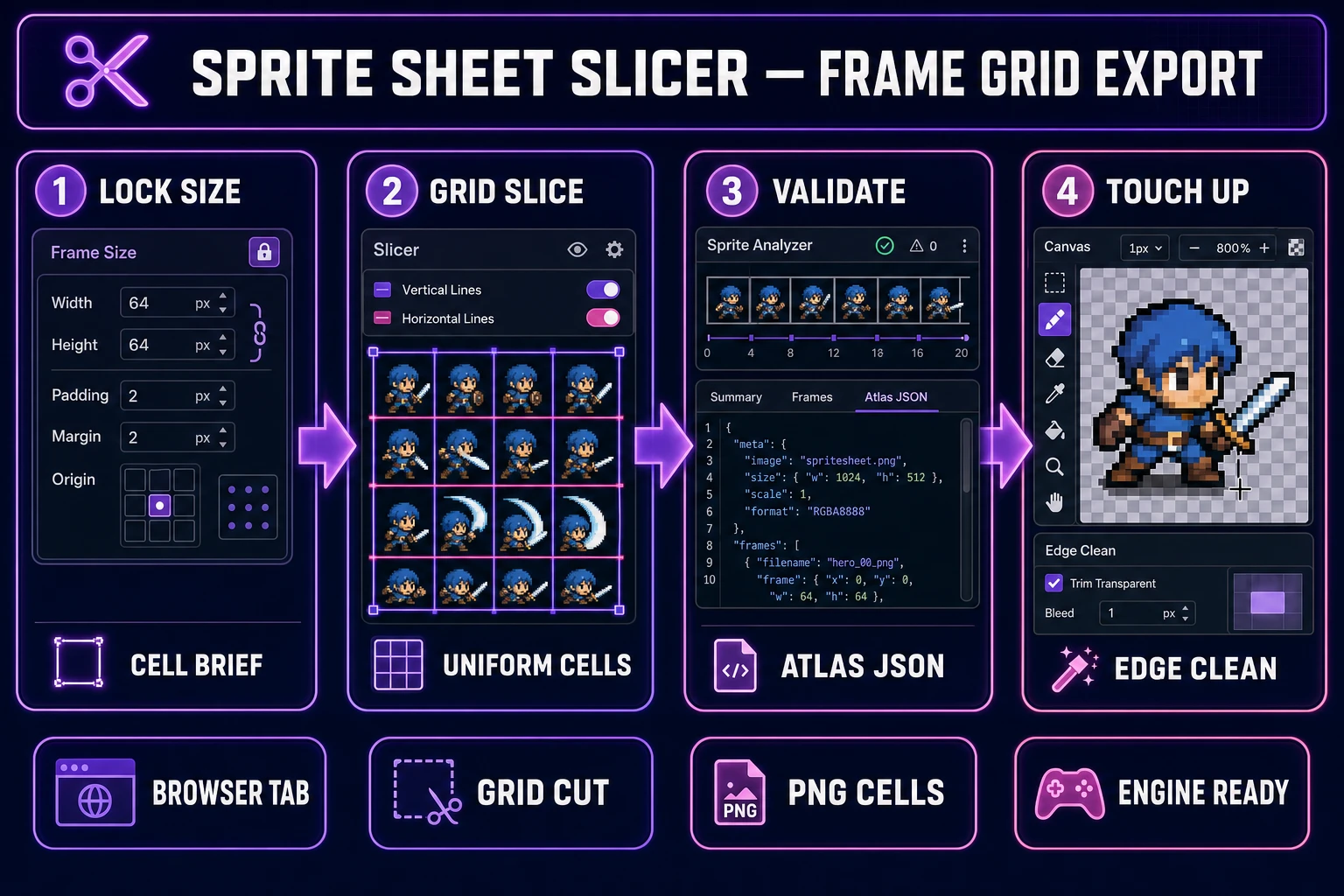
Every shippable frame pack needs four runtime pieces regardless of art style: locked cell dimensions, a cut pass, timing validation, and edge cleanup. In 2026 each maps to one Sorceress tool verified against the live catalog on July 11, 2026:
- Cell brief — write frame width/height, row count, and naming before opening any tool so regenerations stay compatible.
- Grid cut — Slicer (Pro badge) in Grid Slice mode: place H/V lines, then Slice & Download for every cell.
- Timing + JSON — Sprite Analyzer (Pro badge) for start/middle/end sections, per-section fps, and atlas JSON export.
- Edge cleanup — Canvas (Free badge) for one-pixel halo fixes and silhouette tidy-ups with no export credit charge.
Pricing is a $49 lifetime unlock plus pay-as-you-go credit packs — Starter $10/1,000 credits, Creator $20/2,000, Plus $50/5,000, Studio $100/10,000 — verified against src/app/plans/page.tsx (LIFETIME_PRICE = 49) on July 11, 2026. New accounts ship with 100 starter credits. Slicer and Sprite Analyzer charge no per-slice credits once Pro/lifetime is active; Canvas is Free-badge. Optional Quick Sprites regenerations cost 9 credits each if you need replacement rows. Wire the final atlas into Phaser with WizardGenie on your own API key. The Sorceress tools guide lists every tool in the catalog.