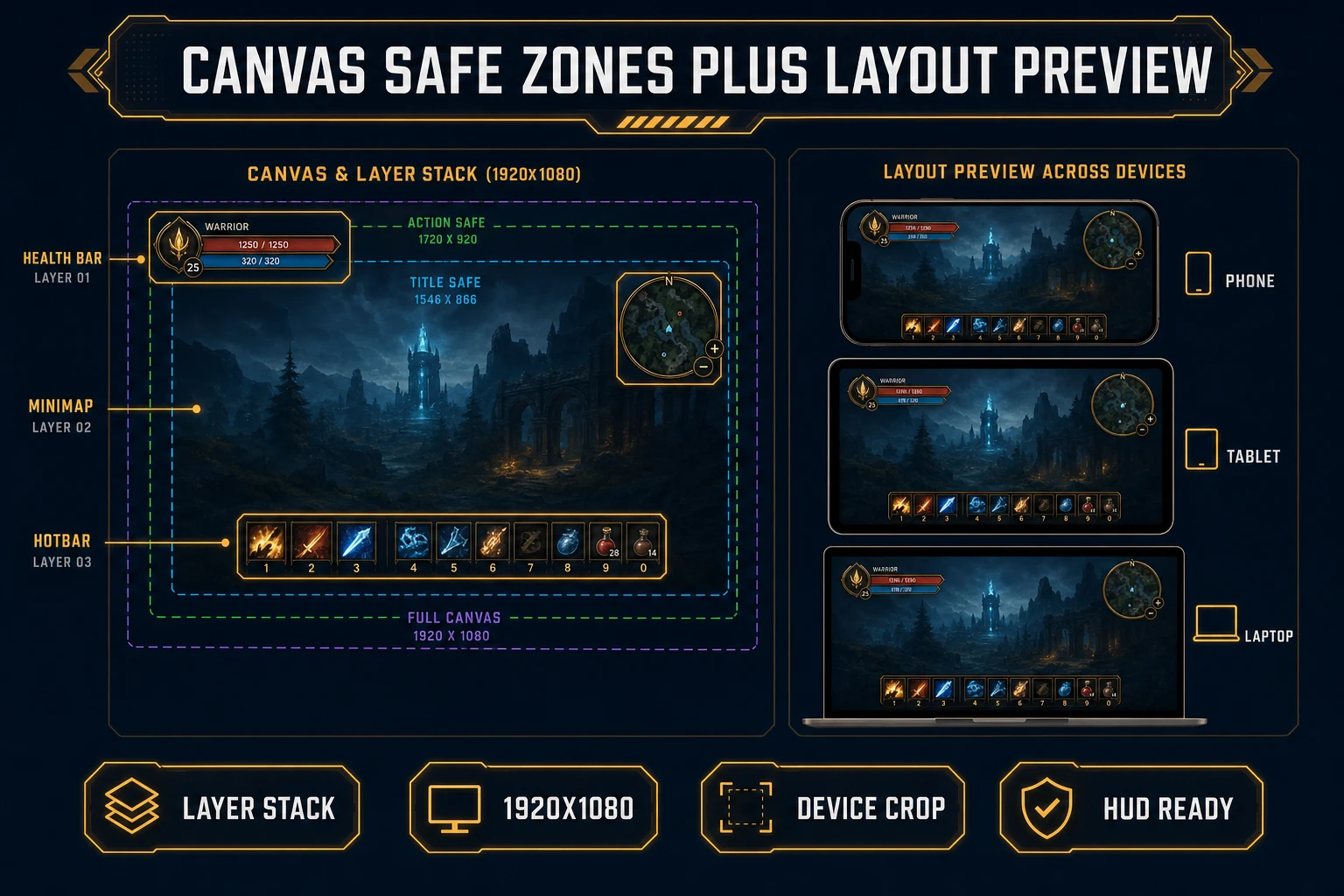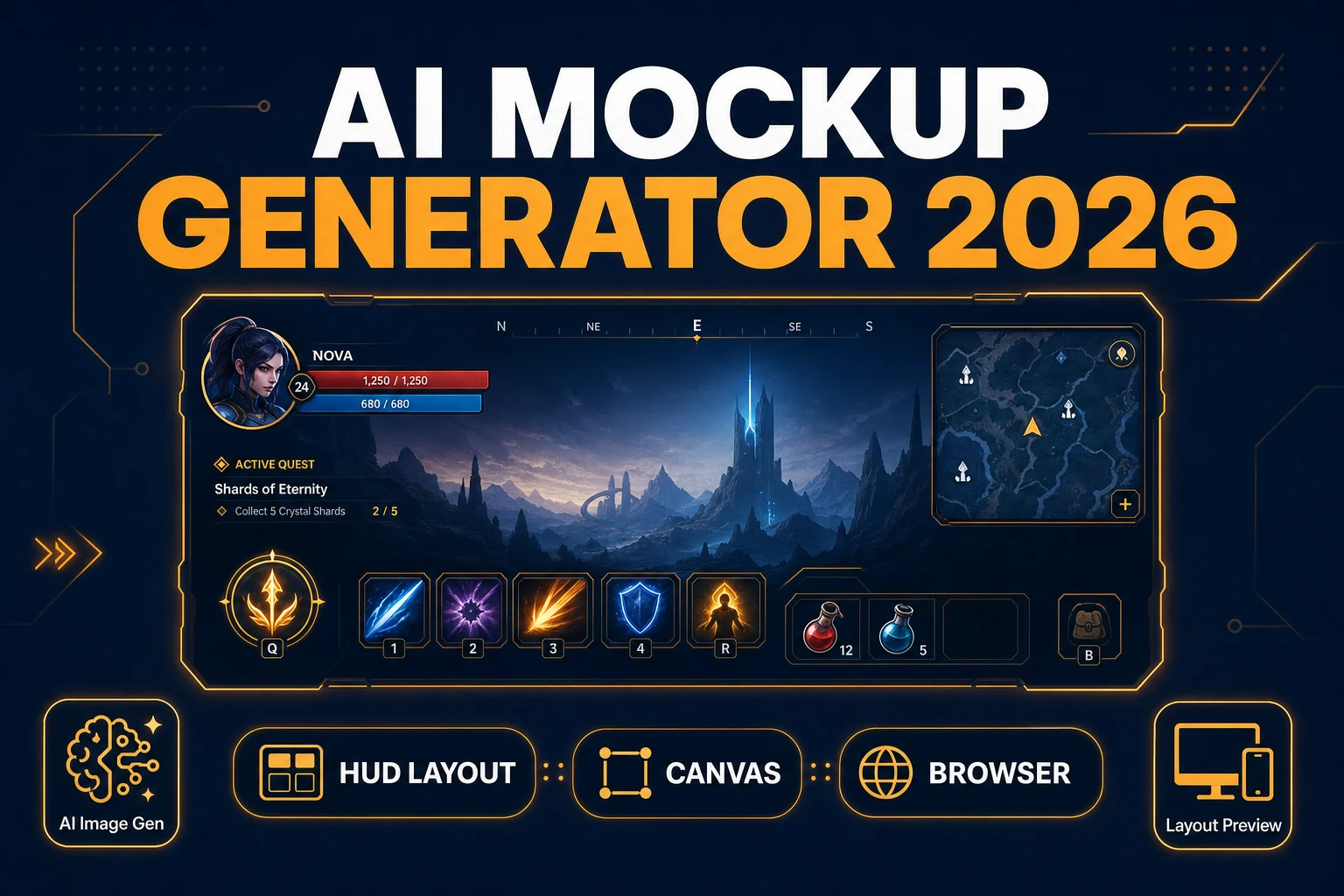
Gray rectangles labeled “HP” and “INV” are fine for the first hour of a jam — then playtesters stop noticing your combat and start complaining that they cannot find the heal button. Searchers typing ai mockup generator on July 11, 2026 want a readable HUD layout with real panel shapes, safe zones, and device crops before they commit Phaser code. This guide covers the 2026 browser pipeline: AI Image Gen drafts the chrome, Canvas composites panels, and Layout Preview proves the mockup survives phone-to-desktop aspect ratios. Tool costs below are verified against the live Sorceress source on July 11, 2026.
What an ai mockup generator outputs for indie HUDs
The phrase ai mockup generator (720/mo, KD 24 per DataForSEO probe-fresh-seeds-8.md verified July 11, 2026) targets a developer who needs a visual heads-up display layout — not a finished widget library. Sibling queries confirm the cluster: ai mockup generator free (140/mo, KD 24), game ui mockup, hud mockup generator, and game interface mockup all describe the same deliverable: translucent panels, meter frames, inventory slots, and button chrome arranged so hierarchy is obvious at a glance.
Mockups sit upstream of production UI. A finished Phaser HUD binds live HP values, inventory counts, and input focus; a mockup only has to look right under jam lighting and stream capture. In 2026 you can generate that art pass inside one Sorceress account without opening Figma or commissioning a UI pass. Cross-link production widgets in the boss health bar generator and damage number generator posts once the layout locks — those replace placeholder bars and float text inside the mockup silhouette.
Why gray-box UI stalls playtests
Gray-box GUI blocks — solid rectangles with placeholder labels — hide contrast failures until the art pass arrives too late. Stream viewers cannot read white text on a bright sky. Mobile players lose the minimap under a notch. Inventory grids that looked fine at 1920×1080 clip on 16:10 laptops. The mockup’s job is to surface those failures while chrome is still cheap to regenerate.
The traditional bottleneck was never Phaser’s container API. It was sourcing HUD art that matches your pixel scale, aligning panels to a shared baseline, and re-exporting when the designer wants thicker outlines. AI Image Gen closes the chrome layer; Canvas closes the compositing layer with grid-snapped alignment; Layout Preview closes the “does this survive real devices” question before you write hit areas. Pair logo discipline from the game logo maker post when your pause menu shares brand marks with the title screen.
The Sorceress ai mockup generator pipeline in four steps
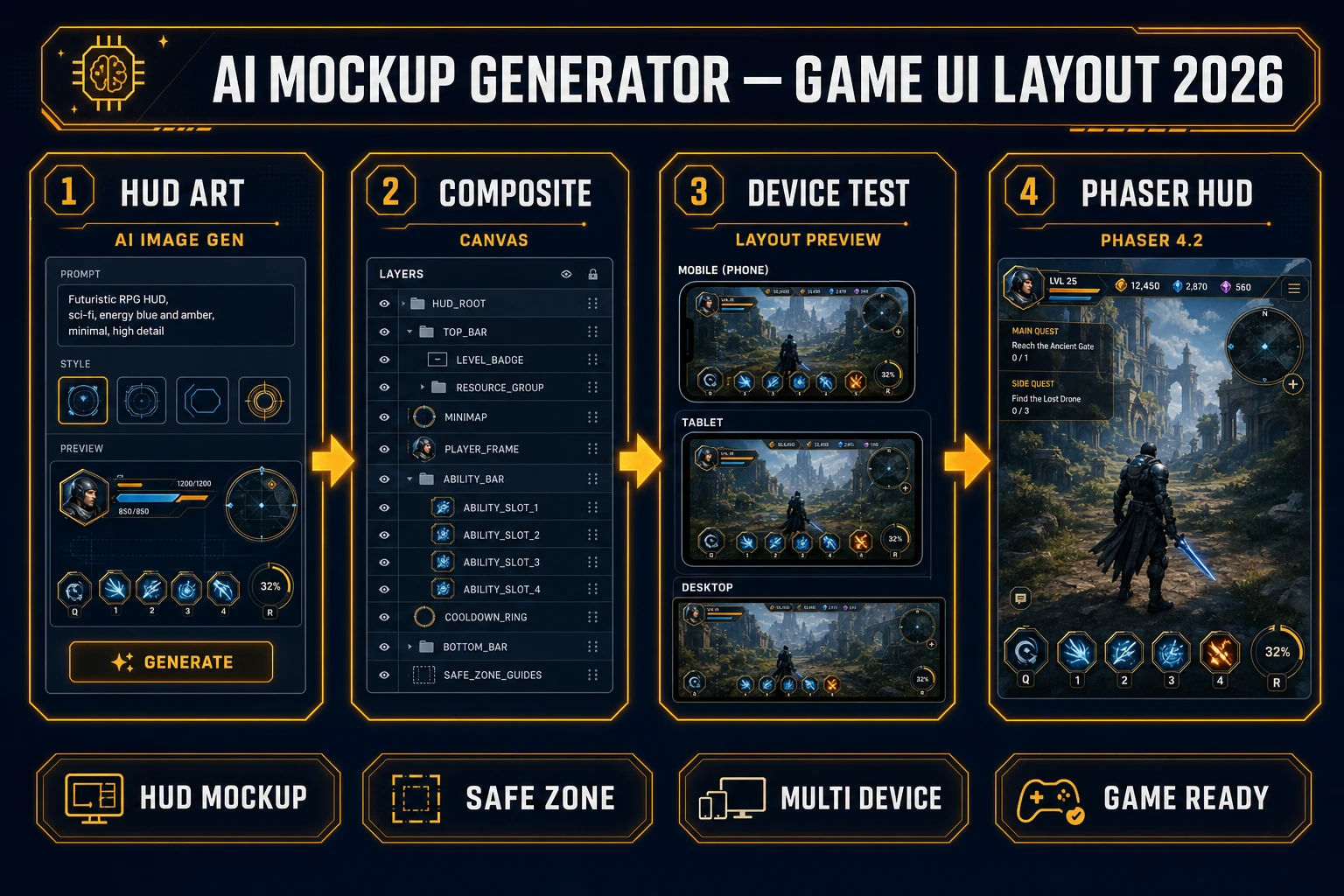
Every shippable HUD mockup ships four runtime pieces regardless of art style: chrome art, composite layout, device validation, and scene wiring. In 2026 each maps to one Sorceress tool verified against the live catalog on July 11, 2026:
- HUD chrome art — AI Image Gen (AI Credits badge) at 16:9 for widescreen panel packs; credit cost varies by model via
getModelCreditsinsrc/lib/models.ts. - Panel compositing — Canvas (Free badge) with the 16:9 Landscape preset (1920×1080 per
src/app/canvas/page.tsxline 28), multi-layer export, no per-export credit charge. - Device stress tests — Layout Preview (Free badge) across phone, tablet, laptop, and desktop frames so safe zones stay honest.
- Interactive HUD scene — WizardGenie scaffolds Phaser 4.2 containers and depth sorting; your API key covers coding credits.
Pricing is a $49 lifetime unlock plus pay-as-you-go credit packs — Starter $10/1,000 credits, Creator $20/2,000, Plus $50/5,000, Studio $100/10,000 — verified against src/app/plans/page.tsx lines 46 and 51–54. New accounts ship with 100 starter credits. The Sorceress tools guide lists every tool in the catalog.
Step 1 — prompt HUD chrome in AI Image Gen
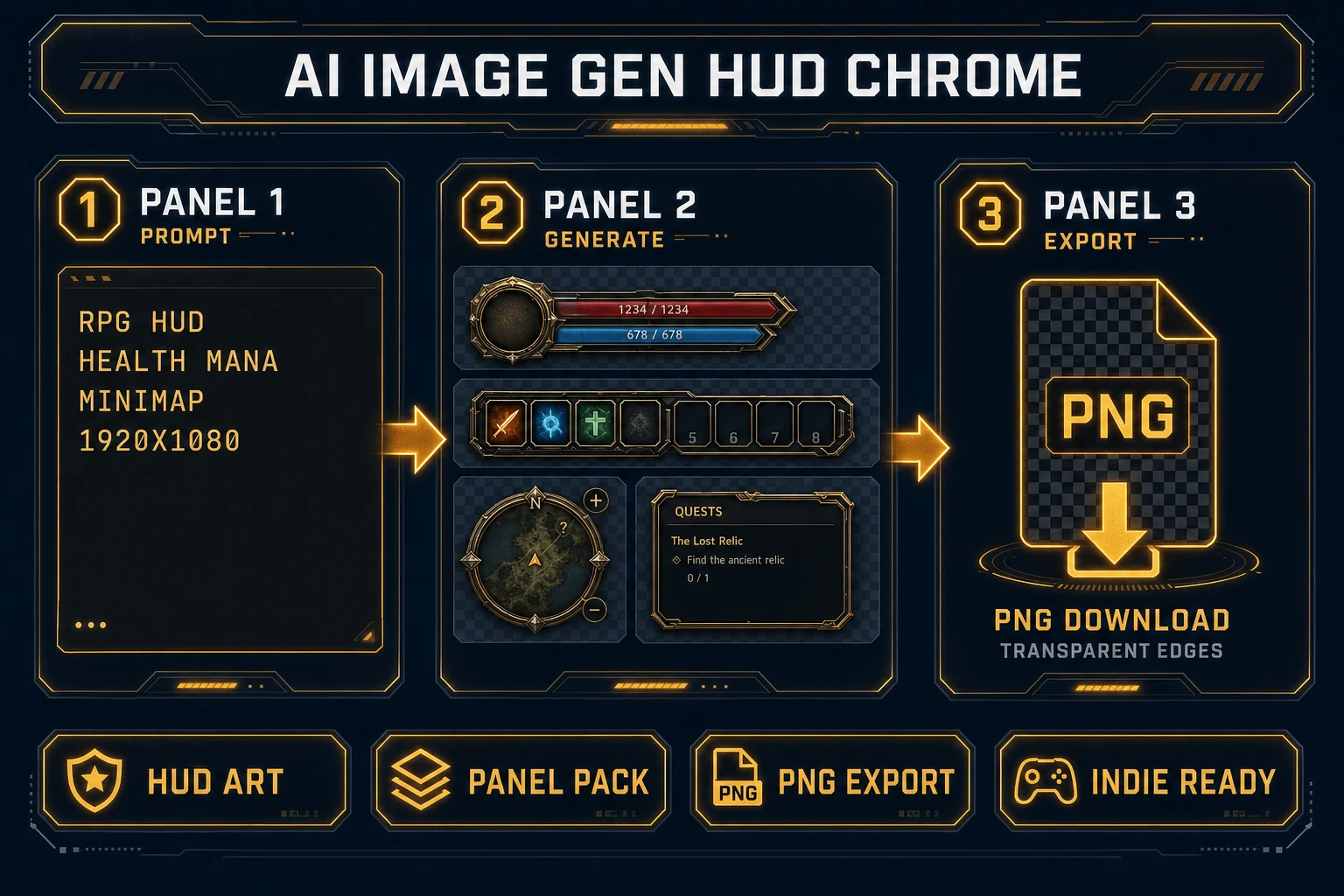
Open AI Image Gen, pick a 16:9 aspect ratio, and prompt for HUD chrome with transparent interiors where live values will sit. Example for a fantasy RPG: “pixel RPG HUD mockup, translucent dark panels, empty health bar frame top-left, mana bar under it, circular minimap top-right, hotbar slots bottom-center, no characters, clean game UI chrome, 1920×1080.” For neon action games, swap the palette and add “thin cyan outlines, sci-fi HUD, high contrast icons.”
Batch two to three variants before committing — one denser, one minimal, one with thicker outlines — so you can compare readability in Canvas without regenerating from scratch. Prefer models that keep legible panel edges (GPT Image 2 and Nano Banana Pro are strong on UI chrome inside the unified panel). Download winners as PNG. Keep meter interiors relatively empty; busy filigree inside a health bar makes later BitmapText unreadable.
When a generated panel carries a solid backdrop you do not want, run one pass through BG Remover (AI Credits) before compositing. That keeps only the chrome silhouette for stacking over gameplay footage later.