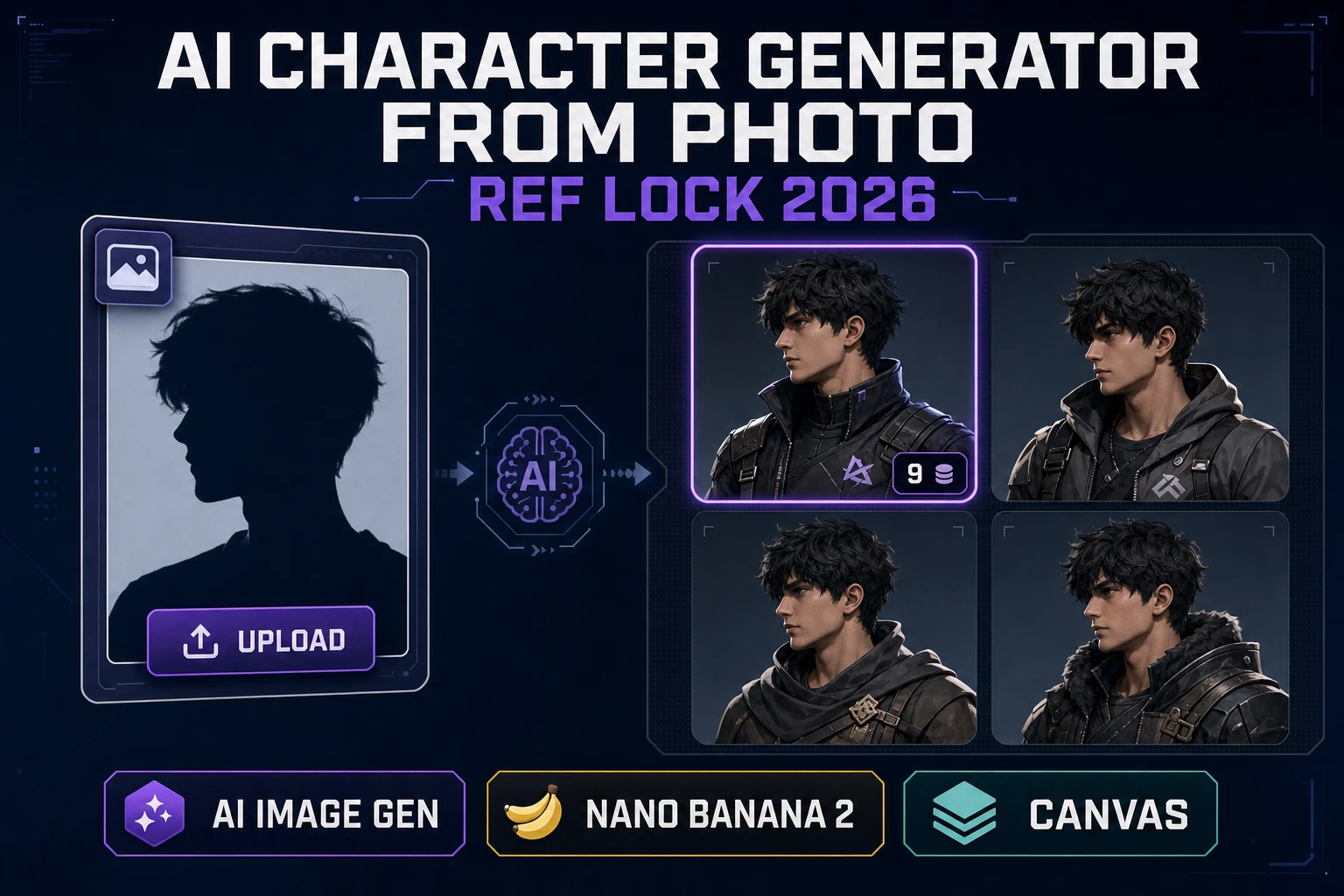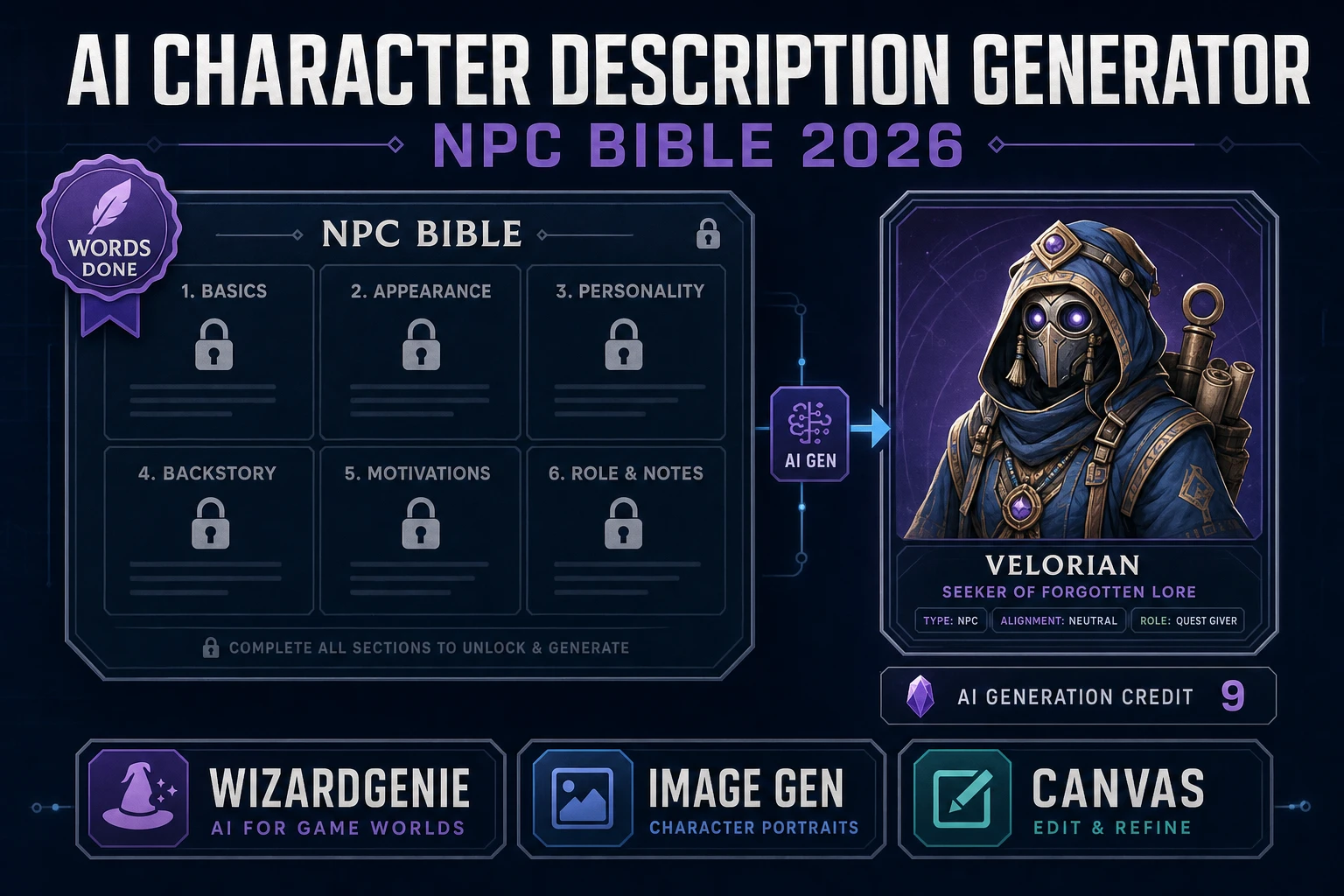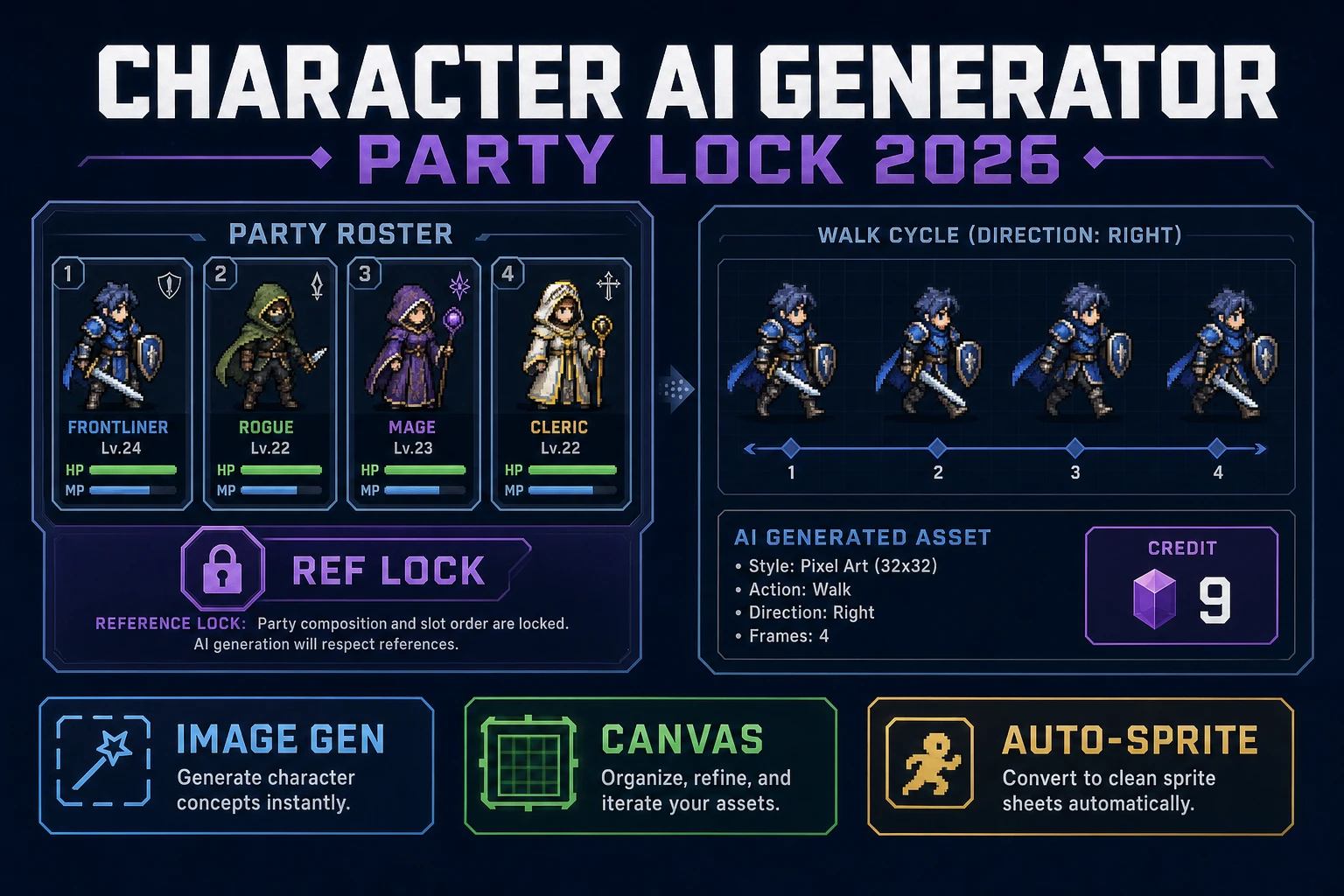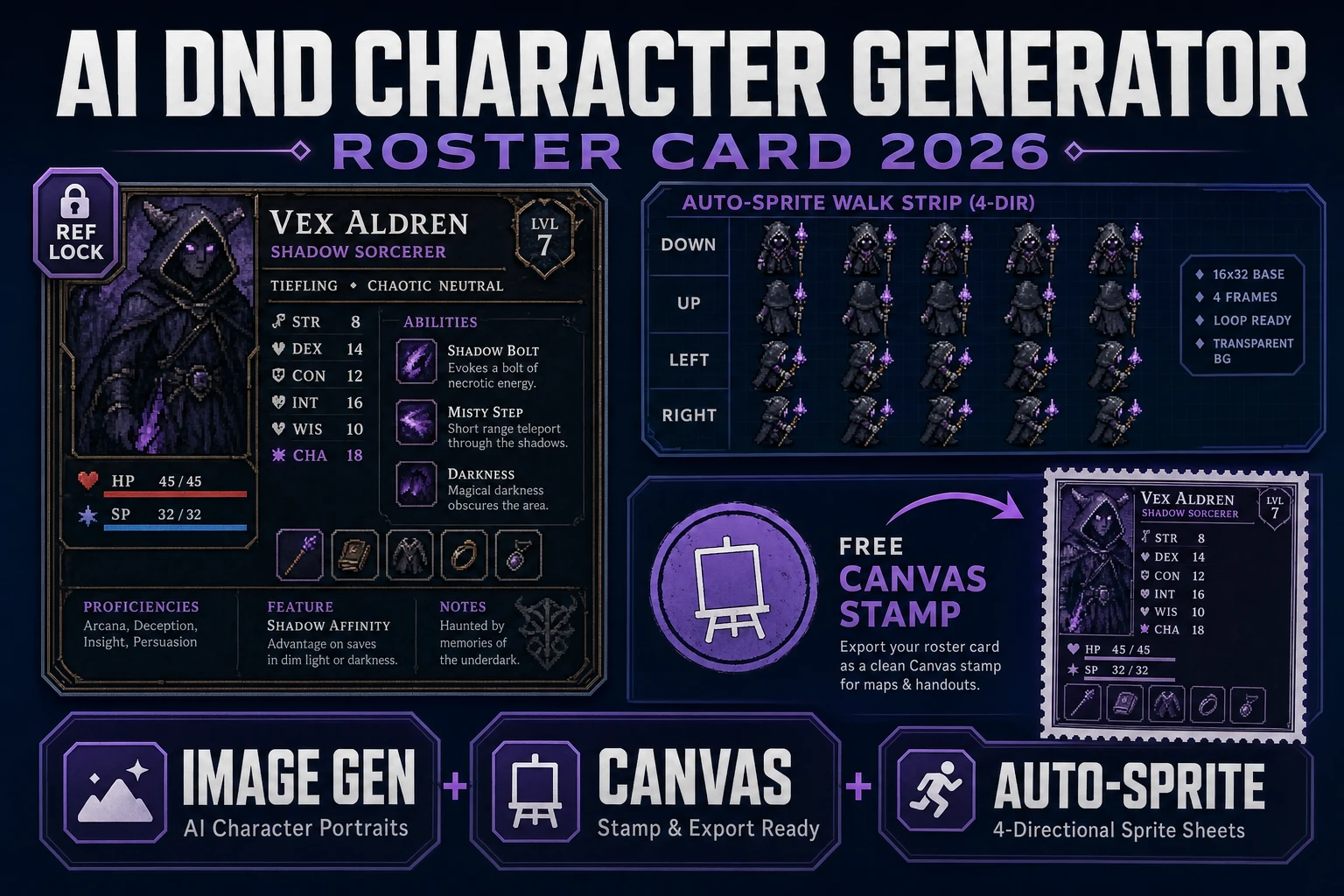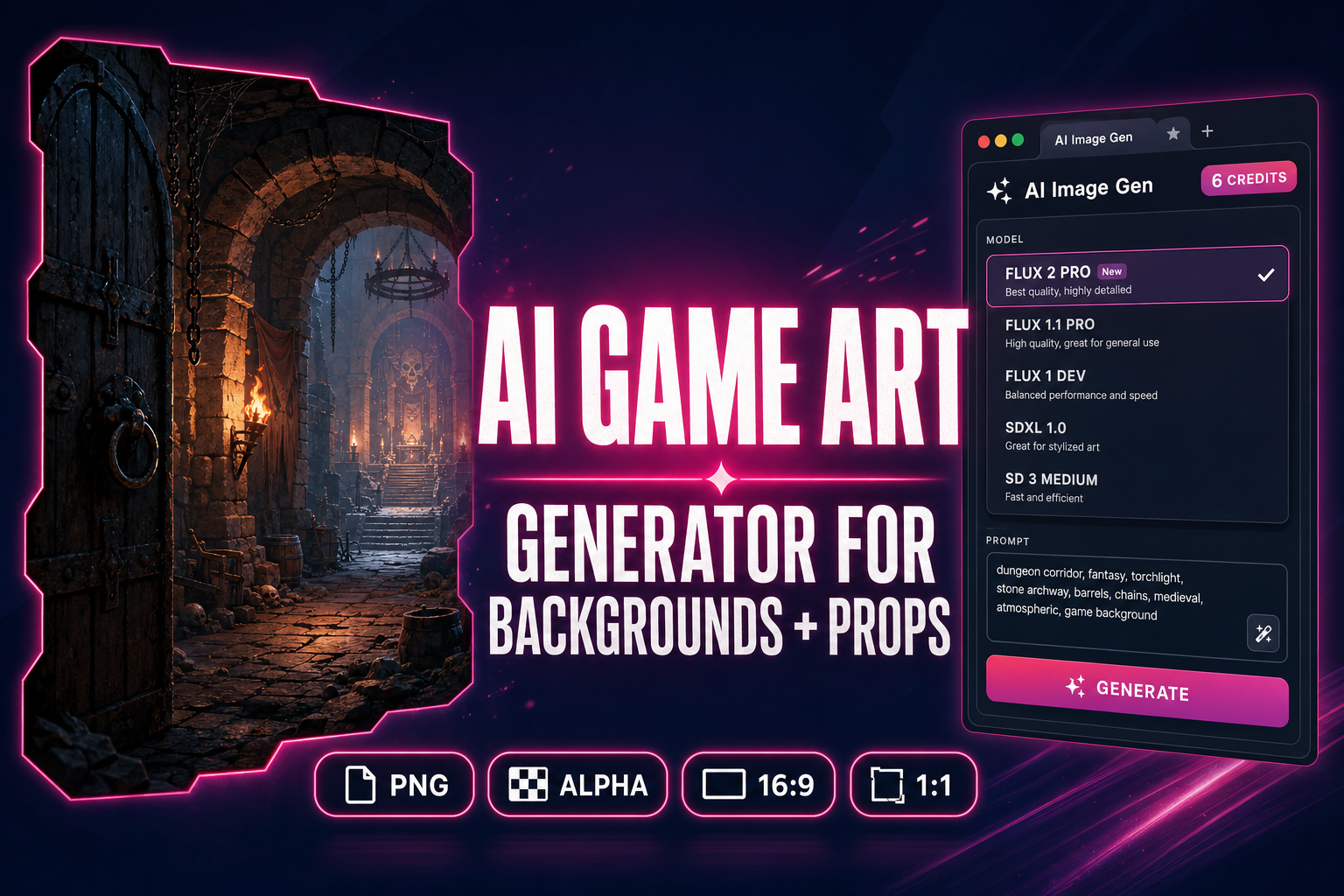
An AI game art generator that ships actual backgrounds and props — not square character portraits, not Midjourney moodboards, not stock illustration — is the missing piece in most 2026 indie pipelines. The character side is solved (Nano Banana Pro, Seedream 5 Lite, Flux 2 Pro all generate consistent heroes); the sprite side is solved (Quick Sprites, Auto-Sprite v2, True Pixel handle the animation cycle); the 3D side is solved (Meshy 6, Hunyuan 3D 3.1, Tripo v3.1 lift images to rigged meshes). What sits in the gap is the long, unglamorous middle of game art: parallax backgrounds, town interiors, prop sheets, item icons, environment cards, biome textures, the scenery and stuff that fills the world in between the heroes. This guide sketches the Sorceress browser path — AI Image Gen as the multi-model engine plus Canvas for the final-mile touch-up — because the right AI game art generator workflow is not picking one model; it is picking the model per asset type and finishing the result in a layered editor. Verified May 21, 2026 against the live tool source plus official documentation from Black Forest Labs, Google DeepMind, and ByteDance.
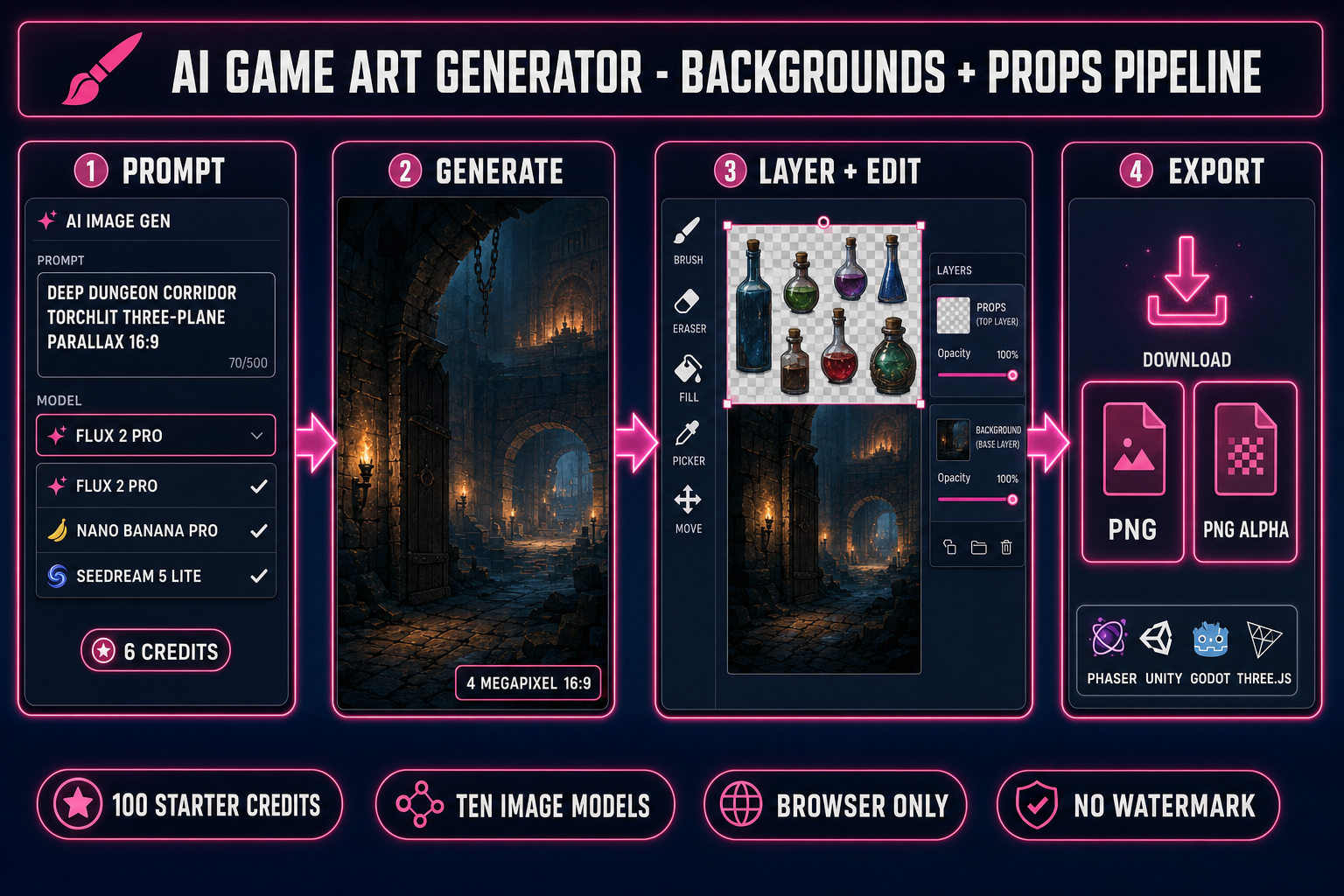
What an "AI game art generator" actually means in 2026
The phrase "AI game art generator" carries three different promises depending on who is searching it. The first is the asset-pack promise: a single tool that emits a coherent set of backgrounds, props, characters, and UI in a matching style for a small game. The second is the scene promise: a tool that paints a single high-resolution background or environment card you drop behind your gameplay layer. The third is the prop promise: a tool that emits a sheet of items, weapons, potions, doodads on a transparent background so you can drop them straight into your inventory grid. The honest 2026 answer is that no single model nails all three; the right AI game art generator workflow is a multi-model panel plus a layered editor, not a single push-button.
Verified May 21, 2026: the strongest single-model output for parallax backgrounds is Flux 2 Pro at 4 megapixels (Black Forest Labs, released November 2025) — sharp textures, stable lighting, complex prompt adherence. The strongest for legible UI text inside game art is GPT Image 2 (3:2 aspect ratios). The strongest for character-coherent props at 4K is Nano Banana Pro (Google DeepMind, late-2025 release; up to 8 reference images for style consistency). The strongest for stylized 2D illustration with permissive content policies is Seedream 5 Lite (ByteDance, uncensored). The cheapest workhorse for jam-day iteration is Z-Image at 2 credits. Pick the right model per asset type and the AI game art generator pipeline ships in one browser session.
The 2026 free + paid AI game art generator landscape (honest matrix)
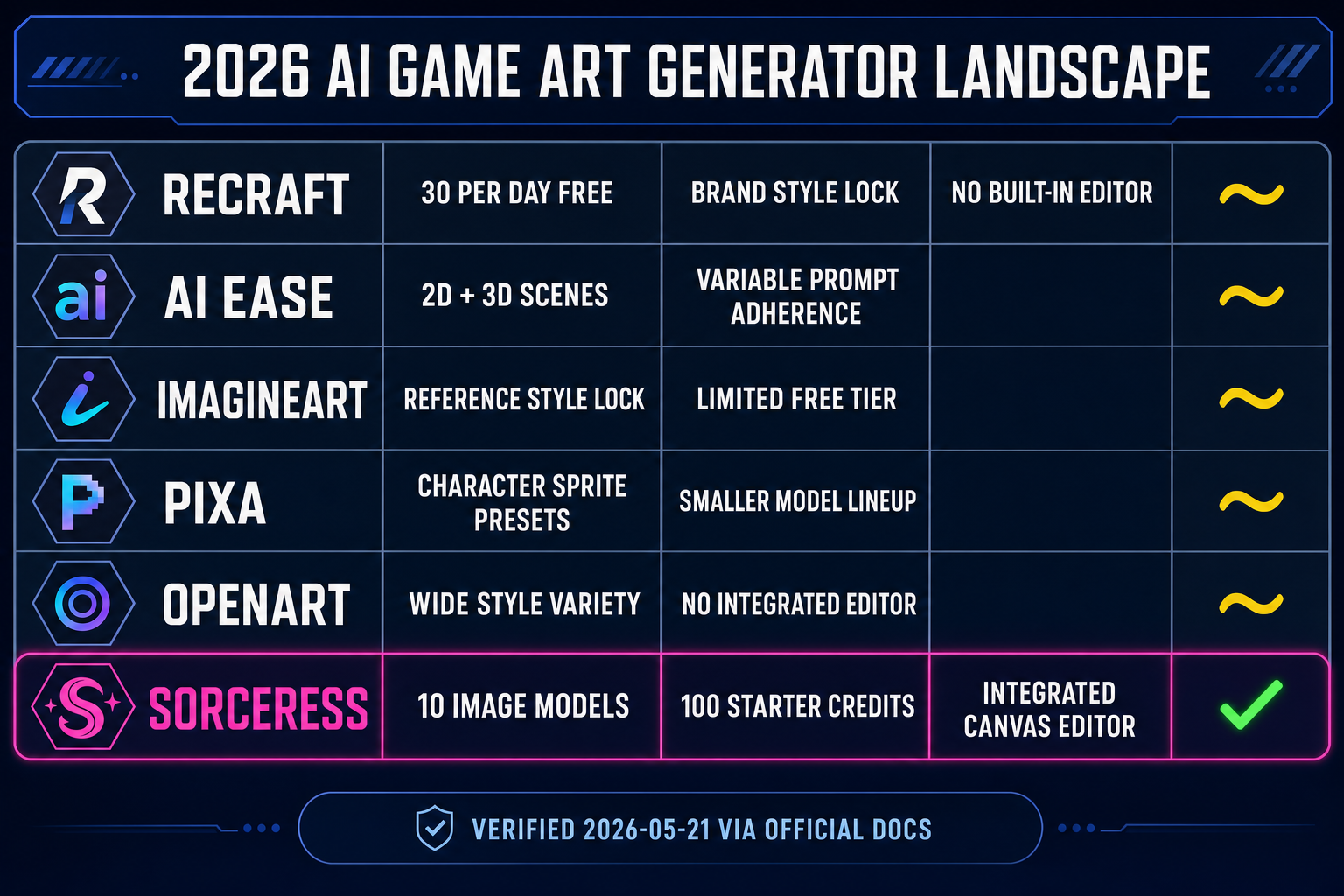
Five public-web contenders ship a workable free or freemium tier in May 2026. Verified May 21, 2026 via WebSearch against each vendor's documentation. Named here in plain text only — no outbound links to direct competitors, per the standard editorial policy.
Recraft ships a free AI game asset generator with up to 30 free image generations per day on the free tier, style customization, and exports to common game-engine formats. The strength is the brand-style locking; the weakness is the hard daily cap and the lack of a built-in editor for post-generation cleanup.
AI Ease markets a free AI game asset generator covering 2D and 3D scenarios, characters, and props from text prompts. The strength is breadth; the weakness is variable model quality on prompt adherence (sometimes the prop is right, sometimes it lands in a different style than the prompt requested).
ImagineArt ships an AI game asset generator with reference-based style consistency and customizable styles. The free tier is limited; the strength is the reference-locking workflow that helps a small game stay on style across dozens of assets.
Pixa features a free AI game asset generator targeting 2D character sprites, environment textures, props, and UI icons from text descriptions. Aimed squarely at indie game devs; the strength is the asset-type presets, the weakness is the smaller model lineup.
OpenArt provides a free text-to-game-asset generator with examples spanning fantasy weapons, voxel renders, character skins, and low-poly assets. Strong on the variety side, lighter on the integrated editor.
Against that matrix, the Sorceress browser path lands in a different lane: ten image models in one panel (Z-Image at 2 credits, Flux 2 Pro at 6 credits, Seedream 4.5 at 6 credits, Seedream 5 Lite at 6 credits, Nano Banana at 6 credits, Nano Banana 2 at 9 credits, Nano Banana Pro at 18 credits for 2K, GPT Image 1.5 and GPT Image 2 at 7 credits each, Grok Imagine at 6 credits) plus a 100-credit starter grant on signup, plus an integrated layered Canvas for post-generation cleanup, plus the rest of the Sorceress tool roster (background remover, image expander, sprite generator, tileset generator, image-to-3D) one click away. That integration is the practical difference, not the model.
How to sketch an AI game art generator pipeline in five browser steps
The Sorceress AI game art generator pipeline is intentionally split because no single image model nails parallax backgrounds and prop sheets and UI text and tile-able textures equally well. The right move is to route each asset type to its best-fit model, then bring everything back to the same Canvas for layer compositing. Here is the five-step workflow; every step is verified against the live tool source on 2026-05-21.
Step 1 — Open AI Image Gen and pick the right model for the asset type
Open AI Image Gen at /generate. The model picker exposes ten image models — verified against src/lib/models.ts on 2026-05-21. The picker logic for game art breaks down by asset type. For 16:9 parallax backgrounds, pick Flux 2 Pro (6 credits, 4-megapixel output, supports up to 8 reference images, 1K or 2K resolution toggle) or Nano Banana Pro at 4K (33 credits, 8 reference images, photorealistic detail). For prop sheets and item icons that need a transparent background, pick GPT Image 1.5 (3 to 17 credits depending on quality, supports the background: transparent parameter directly in the payload — verified against line 267 of src/lib/models.ts). For uncensored fantasy or horror content, pick Seedream 5 Lite (6 credits at 2K, 8 credits at 3K, no NSFW checker). For jam-day speed iteration, pick Z-Image at 2 credits.
Step 2 — Prompt for biome, mood, palette, and parallax depth
An AI game art generator background prompt that ships needs four explicit dimensions: the biome (forest, desert, dungeon, factory, sky island), the mood (twilight, harsh noon, neon-night, foggy dawn), the palette (warm sunset, cool moonlit, monochrome blue, NES-restricted), and the parallax depth (single-plane card vs three-layer parallax with foreground props). A working prompt: "deep dungeon corridor, torchlit, warm orange palette, three-plane parallax with iron-bound door foreground, stone-arch midground, distant lit chamber background, side-scrolling 2D platformer aesthetic, 16:9 aspect, no characters." That prompt produces a Flux 2 Pro output that drops straight into a Phaser parallax scroll without re-cropping.
Step 3 — Generate at the right aspect ratio for the asset type
The aspect ratio is load-bearing. Verified against src/lib/models.ts on 2026-05-21: Flux 2 Pro supports 16:9, 1:1, 9:16, 21:9, 4:3 — pick 16:9 for parallax backgrounds, 21:9 for ultra-wide layout cards, 1:1 for prop sheets. GPT Image 2 supports 1:1, 3:2, 2:3 — pick 3:2 for landscape illustrations and 1:1 for prop sheets. Nano Banana Pro supports 16:9, 1:1, 9:16, 21:9, 4:3 with 1K, 2K, and 4K resolution toggles (33 credits at 4K). Seedream 5 Lite uniquely supports 3:2 and 2:3 alongside the standard set, useful for boxed-art-style prop cards. Generation takes 8 to 25 seconds for most models, longer for 4K Nano Banana Pro (30 to 60 seconds).
Step 4 — Touch up in Canvas (no credit cost)
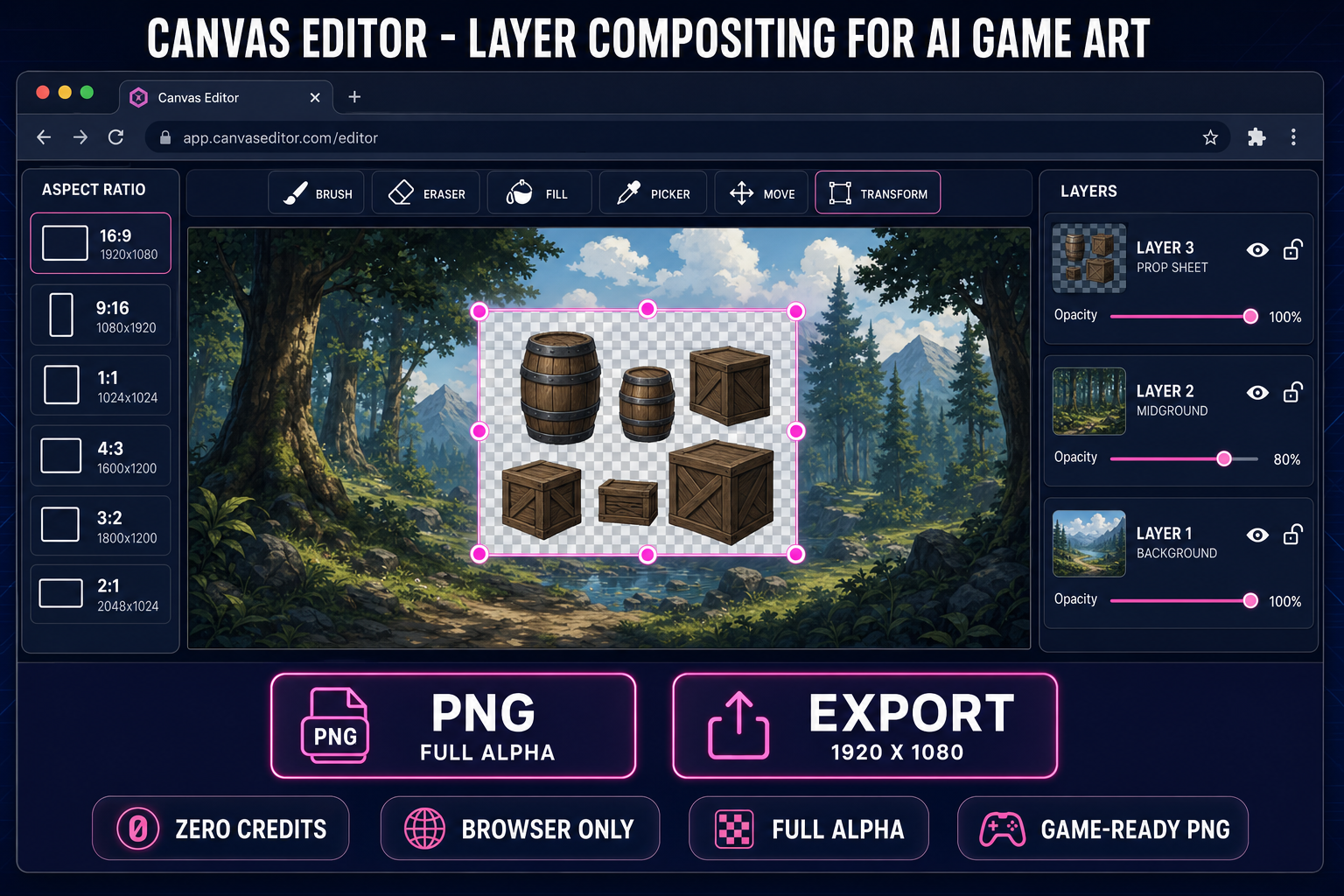
Send the output to Canvas at /canvas. Canvas is a browser-native layered editor — verified against src/app/canvas/page.tsx on 2026-05-21 — with brush, eraser, fill, picker, move, and transform tools. Six canvas presets cover the common game-art aspect ratios (16:9 Landscape at 1920×1080, 9:16 Portrait at 1080×1920, 1:1 Square at 1024×1024, 4:3 Standard at 1600×1200, 3:2 Photo at 1800×1200, 2:1 Panoramic at 2048×1024). Canvas operations: layer compositing with opacity sliders (0 to 100%), per-layer visibility and lock toggles, multi-element transform (nine-handle resize plus move), and per-layer crop. Use Canvas for the final-mile tweak: paint over an unwanted speech bubble in a generated background, mask a prop's leftover shadow, composite three generated layers into one parallax scene.
Step 5 — Export and load in your engine
Canvas exports PNG with full alpha channel. For prop sheets, run the export through the BG Remover first if the model emitted a non-transparent background; that pass produces a clean alpha-channel PNG ready for inventory grids. For ultra-wide parallax backgrounds beyond what the model emits at 21:9, use the Image Expander to outpaint the canvas left and right while preserving the central composition. For tile-able floor textures and dungeon walls, route through the Tileset Generator instead. Drop the final PNG into Phaser's LoaderPlugin#image, Three.js TextureLoader, Unity AssetDatabase, or Godot's PackedScene loader and it renders — verified against the official Phaser 4 documentation on 2026-05-21.
src/app/canvas/page.tsx on 2026-05-21.