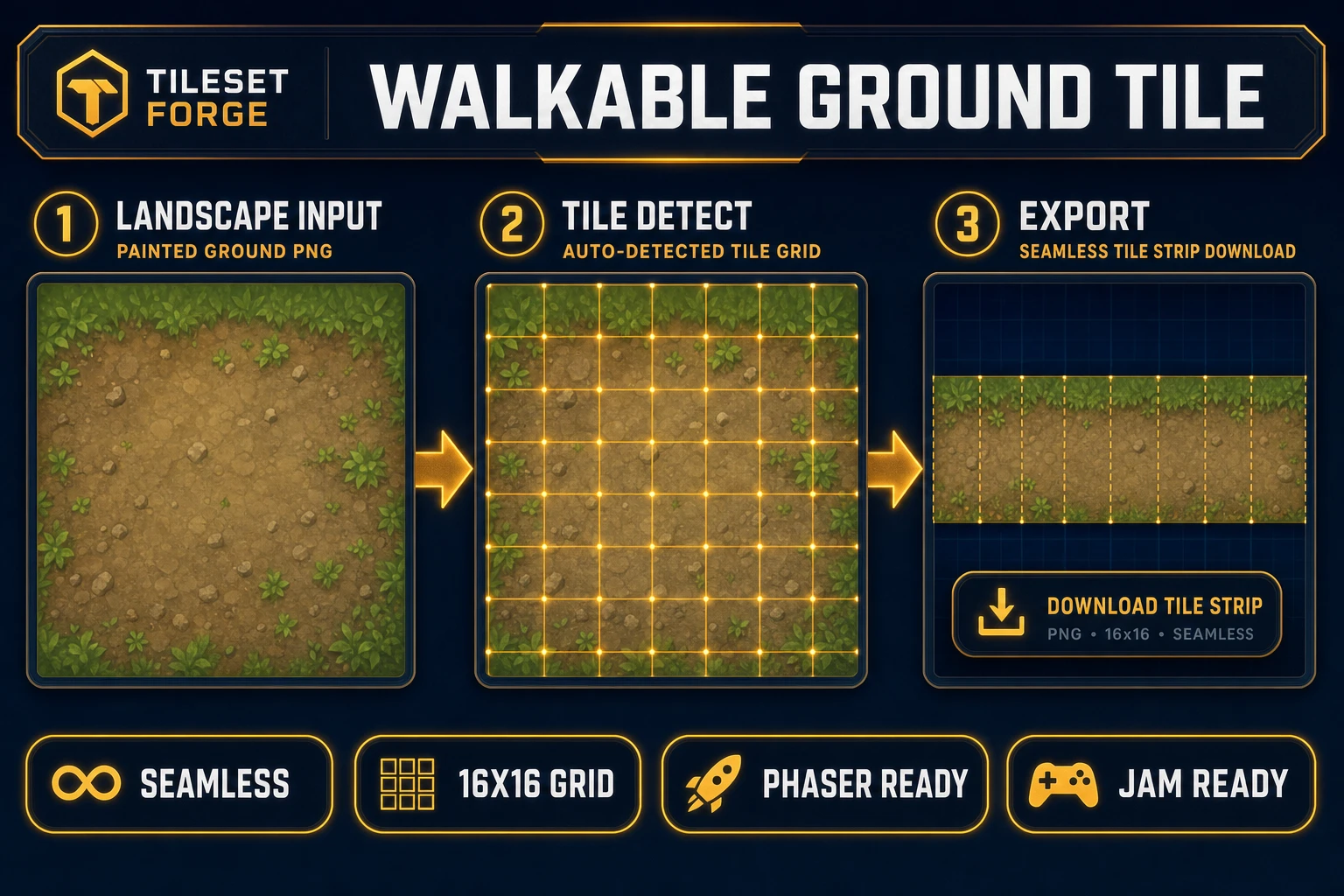
Platformers and RPGs die in the background layer. Characters animate, combat feels crisp, and then the sky is a flat blue rectangle while hills look like a stretched stock photo that never quite tiles. A standalone ai landscape generator was supposed to fix that — type “misty forest at dusk,” get a parallax stack — but most free tools output one wallpaper PNG with no ground tile, no layer separation, and no scroll metadata your engine can load. The 2026 answer is a browser pipeline where AI Image Gen paints sky, midground, and foreground layers, Tileset Forge normalizes walkable ground strips, and WizardGenie scaffolds a Phaser 4.2 scene with independent scroll speeds per layer. Phaser 4.2.0 (released June 19, 2026, verified against the official GitHub release tag on July 6, 2026) is the honest runtime for shipping those backgrounds in a browser tab. Everything below was checked against the Sorceress source on the same date.
What an ai landscape generator actually outputs (and what it is not)
Searchers typing ai landscape generator into Google fall into two camps. Digital artists want a single scenic illustration for a portfolio piece. Indie devs want a layer stack — sky, distant hills, midground trees, foreground foliage, plus an optional ground tile their character can walk on — each sized for horizontal repeat and independent parallax speed. The second camp is who this post serves.
A useful ai landscape generator for games produces horizontally tileable layers at predictable aspect ratios (16:9 for sky pans, 4:1 strips for ground), transparent foreground elements that do not obscure the player sprite, and filenames your parallax loader can reference. It does not produce a 4K desktop wallpaper that breaks when you scroll past the right edge. Free standalone generators (generic “fantasy landscape” image tools, photo-to-art converters) optimize for illustration quality, not engine format. They rarely export layer separation, never enforce tile seams, and cannot scaffold scroll logic. That is why the honest ai landscape generator workflow in 2026 lives inside a game-dev stack: paint plus tile plus runtime in one account.
Why wallpaper tools fail as game background pipelines
Opening a general image generator and asking for “game backgrounds” feels fast until you try to scroll. Generic tools have no parallax layer registry, no ground-tile normalization, no horizontal-repeat constraint, and no connection to your scroll-factor JSON. You download a PNG, manually slice it in an editor, guess which pixels are walkable, paste it behind your scene, and wonder why the horizon jitters when the camera pans.
An integrated ai landscape generator collapses those hops. AI Image Gen holds your biome and mood briefs across three to five layers, Tileset Forge detects and aligns ground tiles to a grid your collision system can parse, and WizardGenie can scaffold a parallax scene that reads a layer config keyed by biome ID. The difference is structural: a wallpaper tool gives you art; a game-native pipeline gives you a background pack — layer folder, ground tileset, scroll JSON, camera bounds, ready to drop into assets/backgrounds/.
The Sorceress ai landscape generator pipeline in four steps
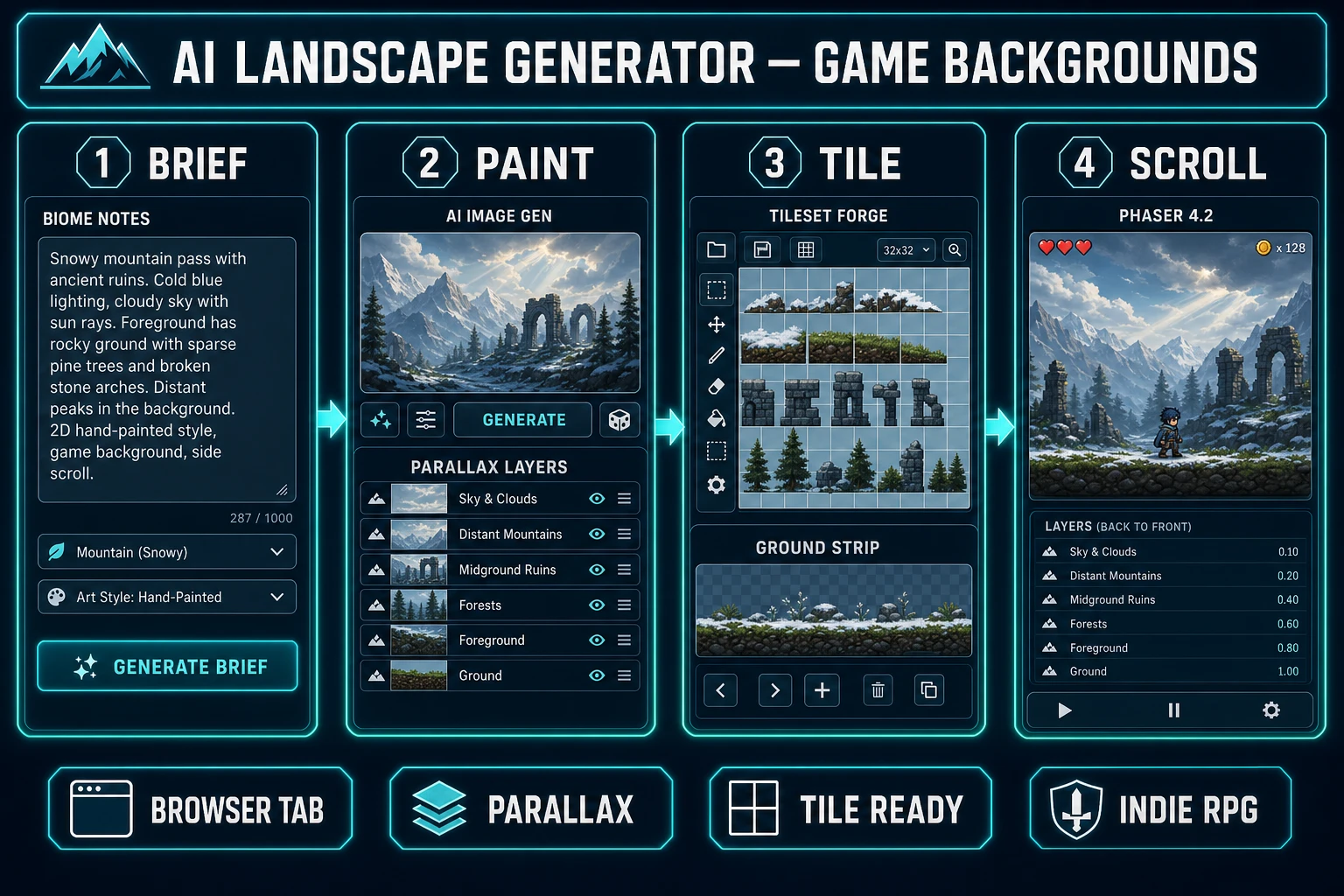
The Sorceress answer to ai landscape generator is four layers, each mapped to a real tool verified in the repository on July 6, 2026:
- Brief layer — define biome mood, palette, and parallax depth count before opening any generator.
- Paint layer — render sky, midground, and foreground strips in AI Image Gen with Z-Image for fast iteration or Nano Banana Pro for hero vistas.
- Tile layer — normalize walkable ground strips in Tileset Forge so seams align on a 16×16 or 32×32 grid.
- Ship layer — wire layers, scroll factors, and camera bounds into a Phaser 4.2 parallax scene via WizardGenie.
Image Expander sits adjacent when a winning midground layer needs horizontal extension for wide pans without regenerating from scratch. For broader game-art coverage beyond landscapes, see the ai game art generator post — it shares AI Image Gen but targets props and UI rather than parallax depth. For overworld maps rather than side-scrolling vistas, the ai fantasy map generator pipeline covers continent-scale layouts.
Step 1 — write biome briefs before you generate
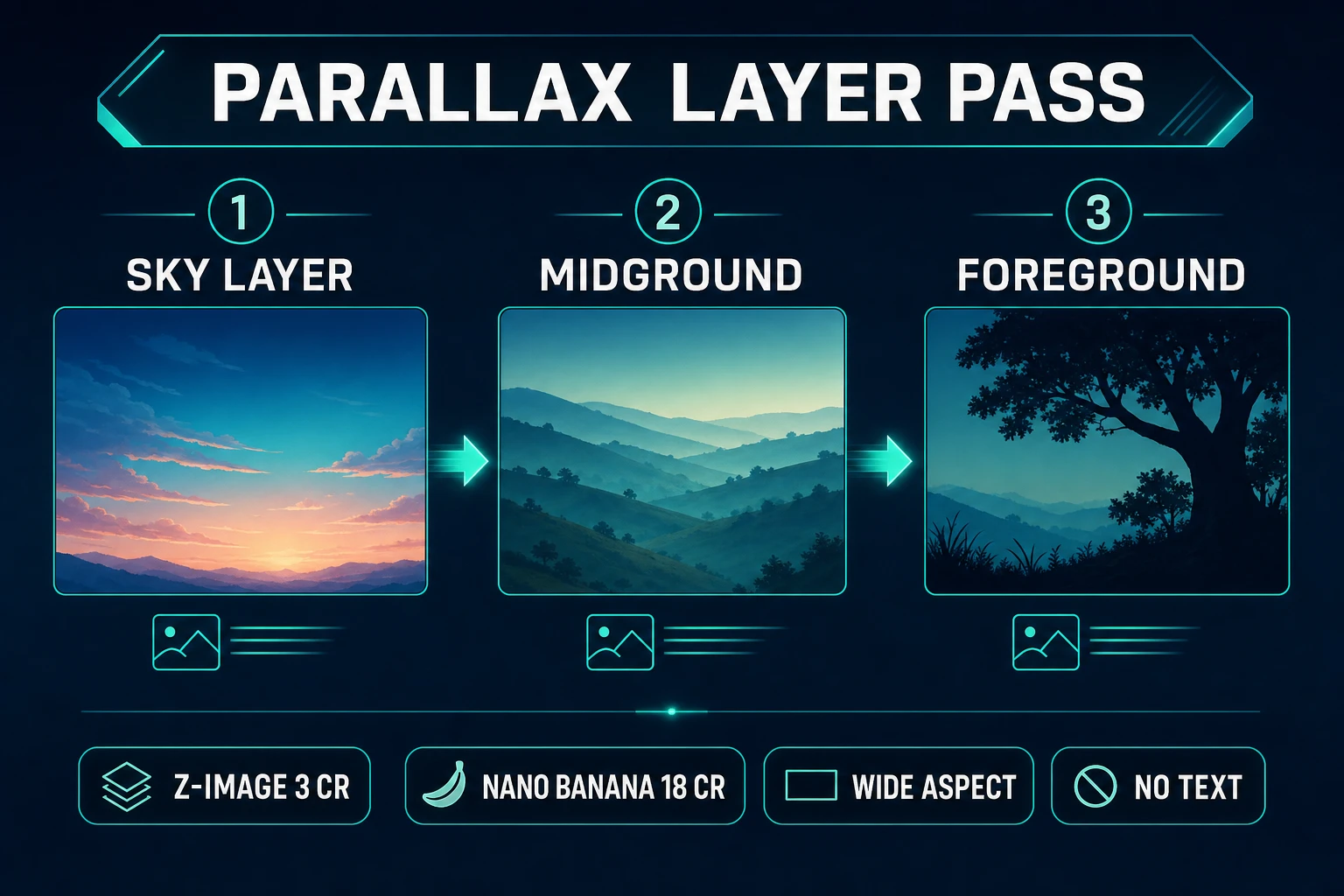
Landscape art fails when the prompt is vague. Before touching AI Image Gen, write a one-line brief per layer:
- Sky — “Gradient dusk sky, no clouds at horizon line, warm orange to deep purple, 1920×540, tileable horizontally.”
- Midground — “Rolling hills silhouette, desaturated blue-green, no detail smaller than 8px, 1920×400.”
- Foreground — “Pine tree silhouettes, transparent PNG, varied heights, darkest layer, 1920×300.”
- Ground — “Grass and dirt path, 32px tile height, seamless left-right repeat, 256×64 source strip.”
Store these in a text file inside your WizardGenie project folder so every regeneration pass references the same palette. Consistency is what separates a random scenic wallpaper from an ai landscape generator output your players recognize across three biomes.