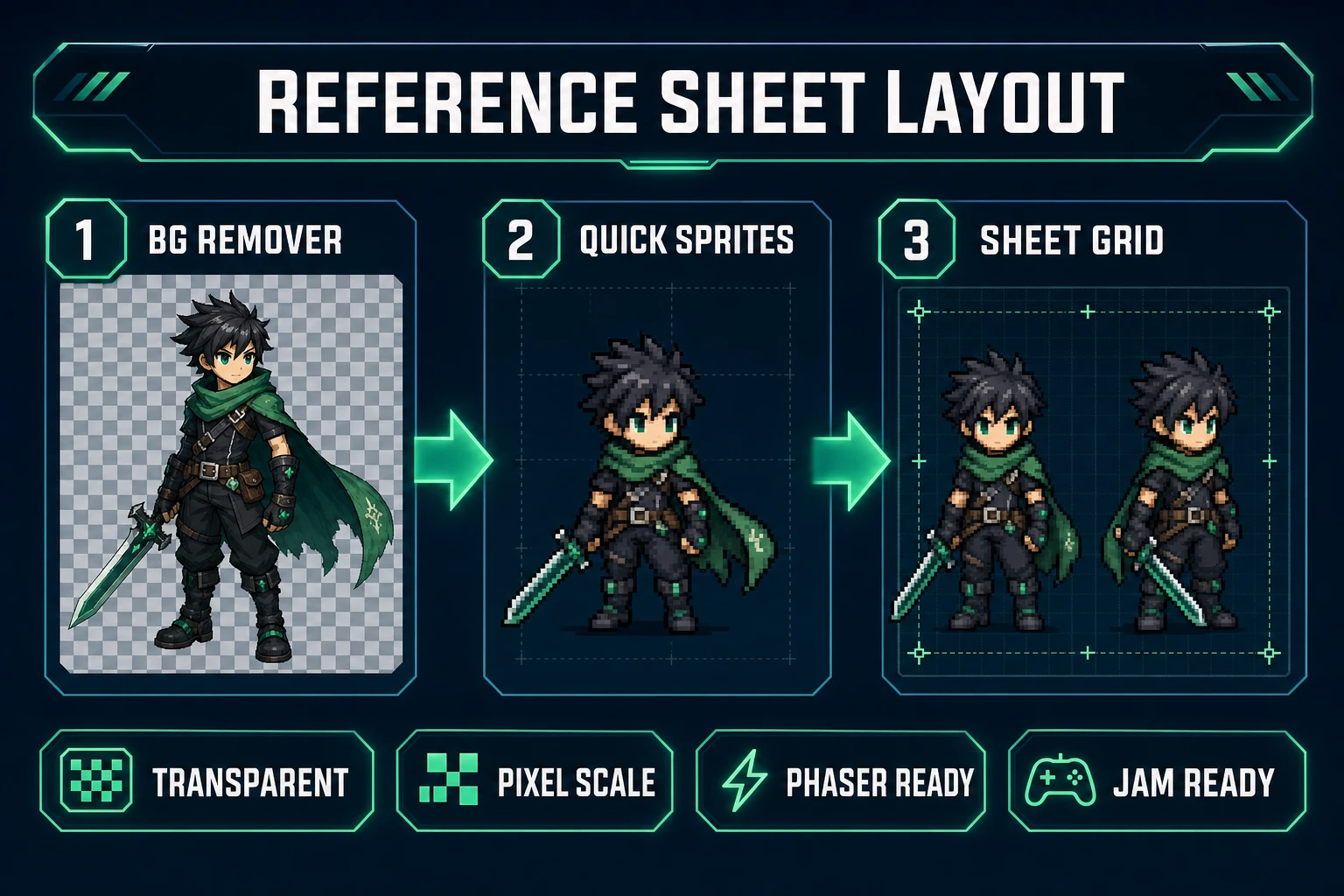
Indie RPG teams lose weeks when every contractor asks for “just one more angle.” The hero portrait looks great facing camera — then the animator needs a clean side view, the UI designer needs a three-quarter for the character-select screen, and the pixel artist needs a scale reference that matches the walk cycle. Standalone portrait tools were never built for that job. A real ai character sheet generator outputs multiple consistent views from one brief, exports transparent PNGs your engine can load, and keeps palette and costume details aligned across angles. The 2026 Sorceress stack does that in one browser tab: WizardGenie locks the brief, AI Image Gen renders front, side, and three-quarter passes, BG Remover cleans edges, and Quick Sprites normalizes pixel scale when your RPG is 2D. Phaser 4.2.0 (released June 19, 2026, verified against the official GitHub release tag on July 6, 2026) is the honest runtime for wiring those sheets into a character-select scene. Everything below was checked against the Sorceress source on the same date.
What an ai character sheet generator actually outputs
Searchers typing ai character sheet generator into Google usually mean one of two things. Tabletop players want a fillable PDF with stats and inventory slots. Game artists want a model sheet — the industry term for a layout that shows the same character from multiple angles so animators, riggers, and UI designers stop guessing at proportions. This post targets the second camp: indie devs shipping 2D or 2.5D RPGs who need reference art, not a D&D stat block.
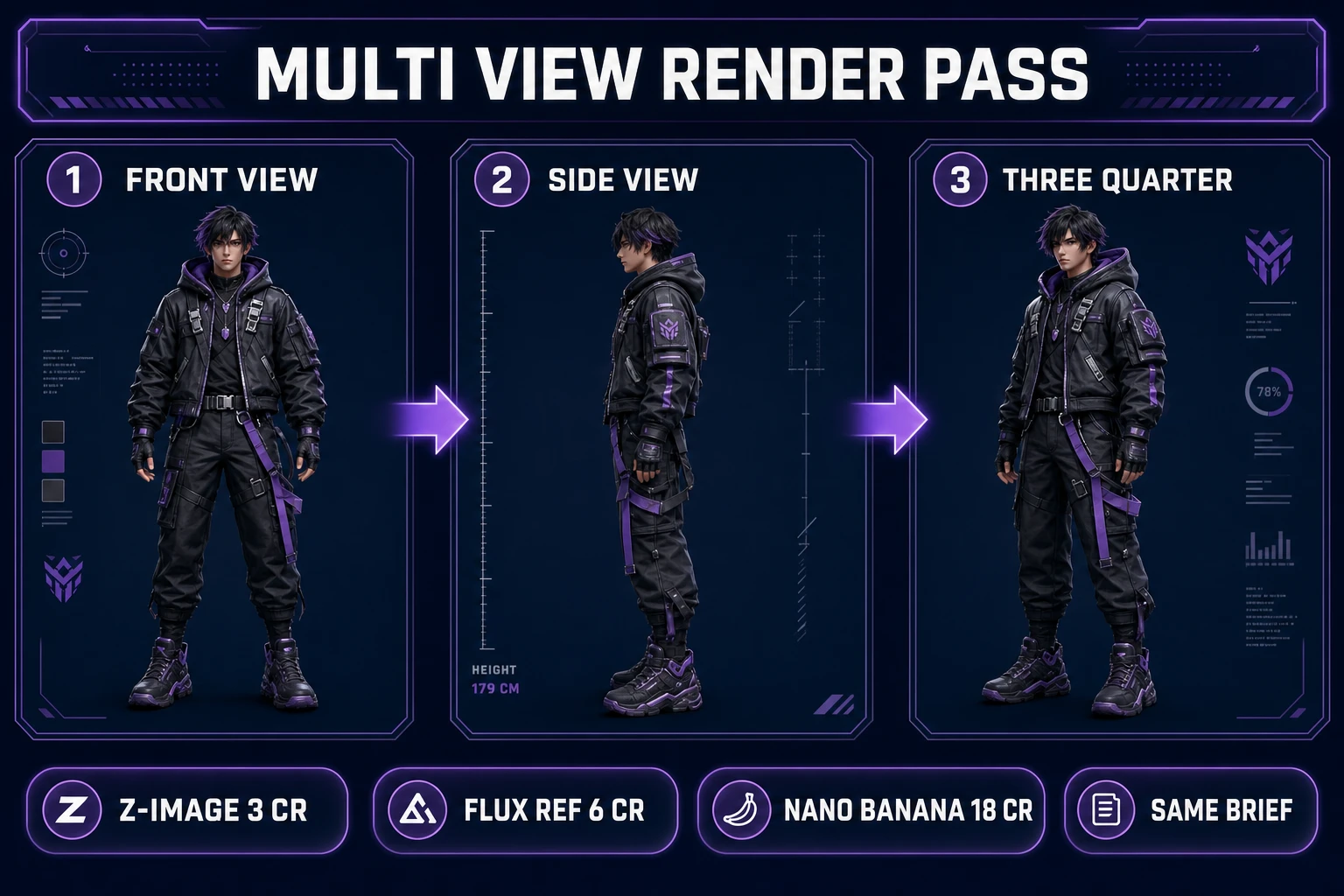
A useful ai character sheet generator for games produces:
- Front view — full-body, neutral pose, costume readable at thumbnail size.
- Side view — profile silhouette for walk-cycle and hitbox alignment.
- Three-quarter view — the angle character-select screens and promotional art expect.
- Optional variants — expression swaps, equipment layers, or damage states on the same grid.
Each view should share palette, proportions, and costume details. That consistency requirement is why a single portrait render fails — and why the honest ai character sheet generator workflow lives inside a multi-tool pipeline rather than one “character generator” button.
Why portrait-only generators fail as character-sheet pipelines
Opening a generic AI portrait tool and asking for “fantasy knight character sheet” feels fast until you need the side view. Portrait generators optimize for one flattering angle. They have no brief registry across renders, no reference-image chain that forces the side view to inherit the front silhouette, and no export layout that places views on a shared grid with scale markers.
You end up manually describing the same character three times, hoping the AI remembers the cape color, then compositing mismatched PNGs in an editor. An integrated ai character sheet generator collapses those hops: WizardGenie holds the canonical brief, AI Image Gen passes the front render as a reference image for side and three-quarter angles, BG Remover outputs clean alpha, and Quick Sprites enforces pixel height when your combat sprites must align to a 32×32 or 48×48 grid.
For NPC dialogue and voice — adjacent character work but a different deliverable — see the dnd npc generator post. For a single hero portrait without the multi-view layout, the OpenArt character generator path covers one-off busts. Character sheets sit between those two: more structured than a portrait, less narrative than a full NPC package.
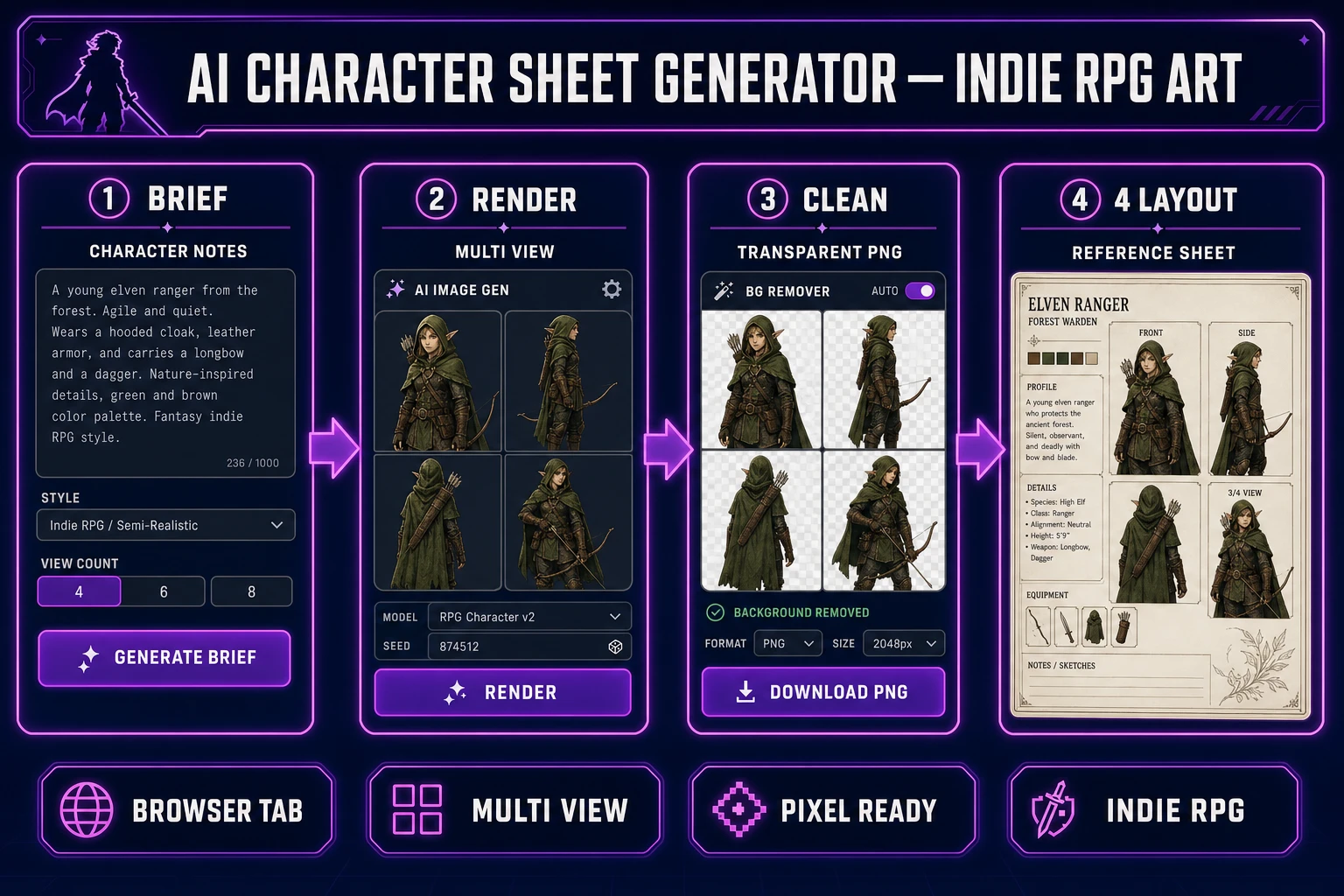
The Sorceress ai character sheet generator pipeline in four steps
The Sorceress answer to ai character sheet generator maps one brief to four tools verified in the repository on July 6, 2026:
- Brief layer — WizardGenie writes the canonical character description, palette hex codes, and view list before any render.
- Render layer — AI Image Gen paints front, side, and three-quarter views with reference-image chaining.
- Clean layer — BG Remover strips backgrounds to transparent PNGs with consistent padding.
- Layout layer — Quick Sprites normalizes pixel scale; WizardGenie scaffolds a Phaser 4.2 character-select loader.
Tools Guide lists every step in the stack if you are new to Sorceress. The workflow below assumes you already unlocked the platform ($49 one-time lifetime tier verified in src/app/plans/page.tsx line 46 on July 6, 2026).
Step 1 — lock the character brief before you render
Character sheets fail when the prompt drifts between views. Before opening AI Image Gen, ask WizardGenie to output a structured brief you will paste verbatim into every render pass:
CHARACTER: Elara Frostguard
ROLE: playable mage, ice-themed support
HEIGHT REF: 6 heads tall, slim build
PALETTE: #2B4570 cloak, #A8D8EA trim, #F5F5F5 skin, #4A2040 hair
COSTUME: hooded cloak, crystal focus on belt, knee boots, no helmet
VIEWS NEEDED: front neutral, side profile left, three-quarter facing right
EXPRESSION: calm, mouth closed
STYLE: painted 2D RPG, readable at 64px thumbnail
Store this in your project folder as characters/elara/brief.txt. Every AI Image Gen prompt for the next hour starts with those lines. Consistency is what separates a random portrait trio from an ai character sheet generator output your animator trusts.