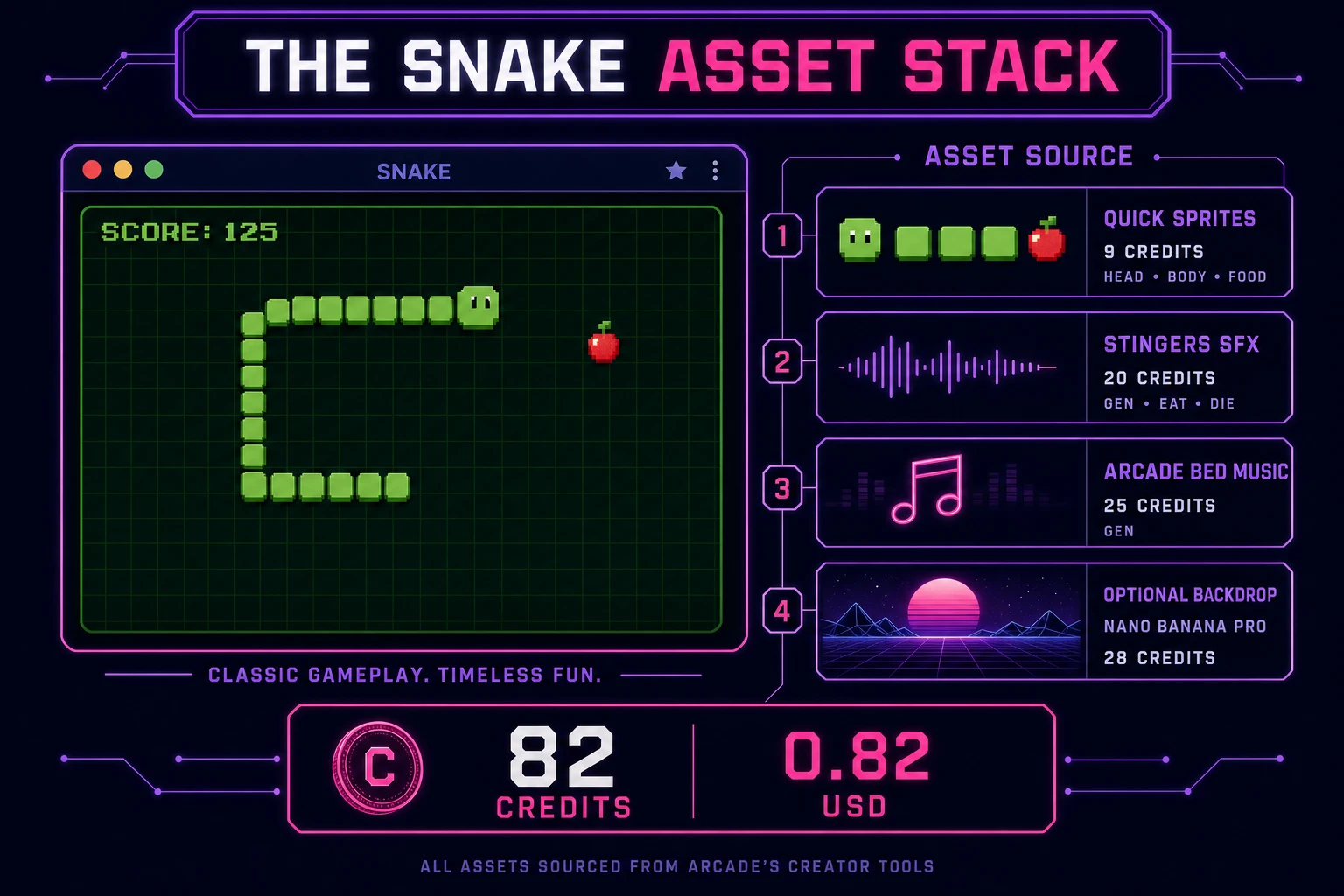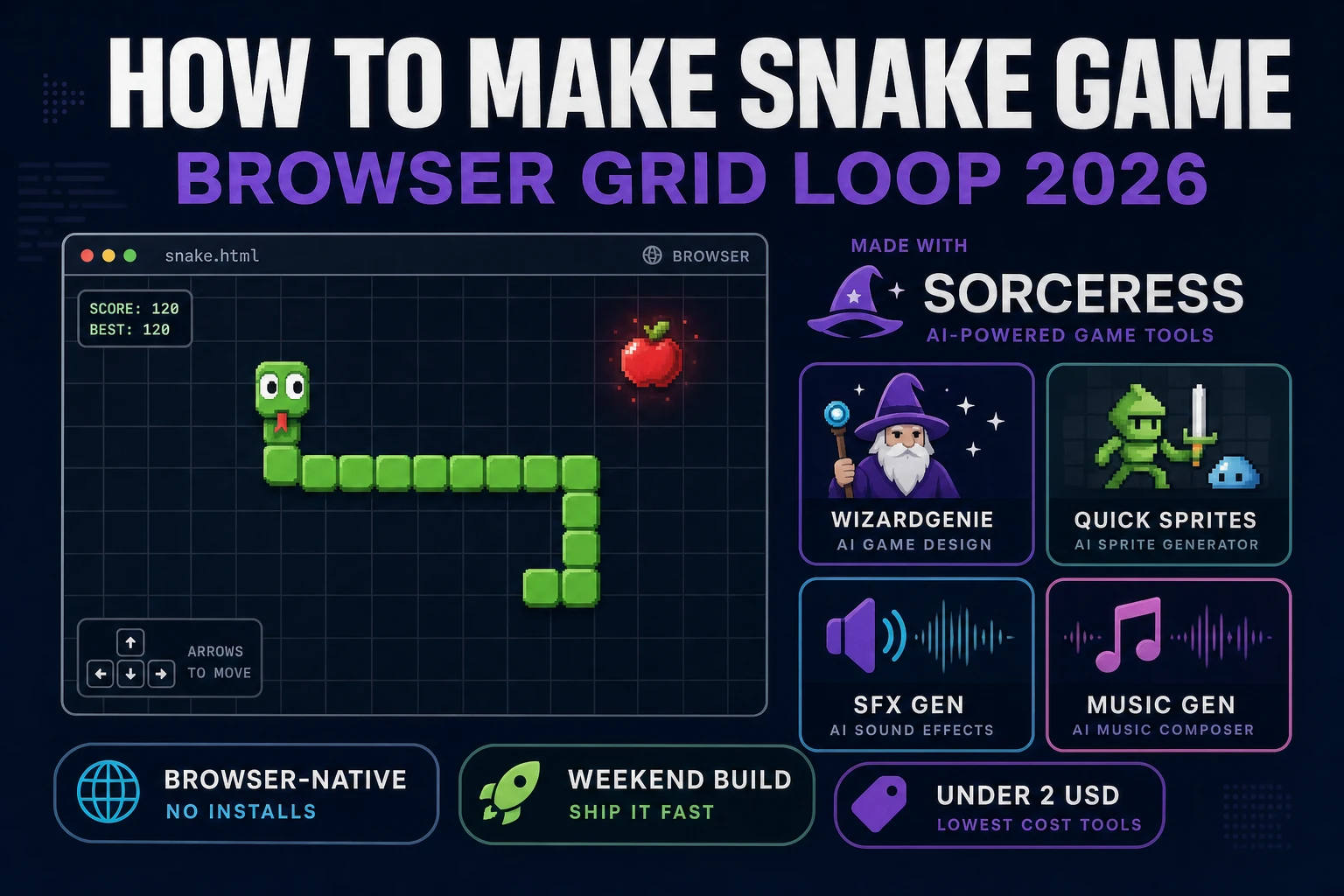
Classic grid snake is what most beginners mean when they search “how to make snake game”: a head that never stops, a body that grows when you eat, walls or a self-bite that end the run, and a score that climbs with every apple. Multiplayer .io battle royales and light-cycle arenas are a different sport — netcode and opponent AI before the first honest turn feels good. A browser grid loop is different. A coding agent scaffolds the tick, the turn queue, and the collision checks from one prompt, and AI generation covers cell sprites and arcade audio. In a browser, that means WizardGenie for the eat-grow-die loop, Quick Sprites for head, body, and food tiles, SFX Gen for eat and die stings, and Music Gen for a short arcade bed. This guide is the honest end-to-end for how to make snake game in 2026, in a browser, in a weekend.
What how to make snake game actually means in 2026
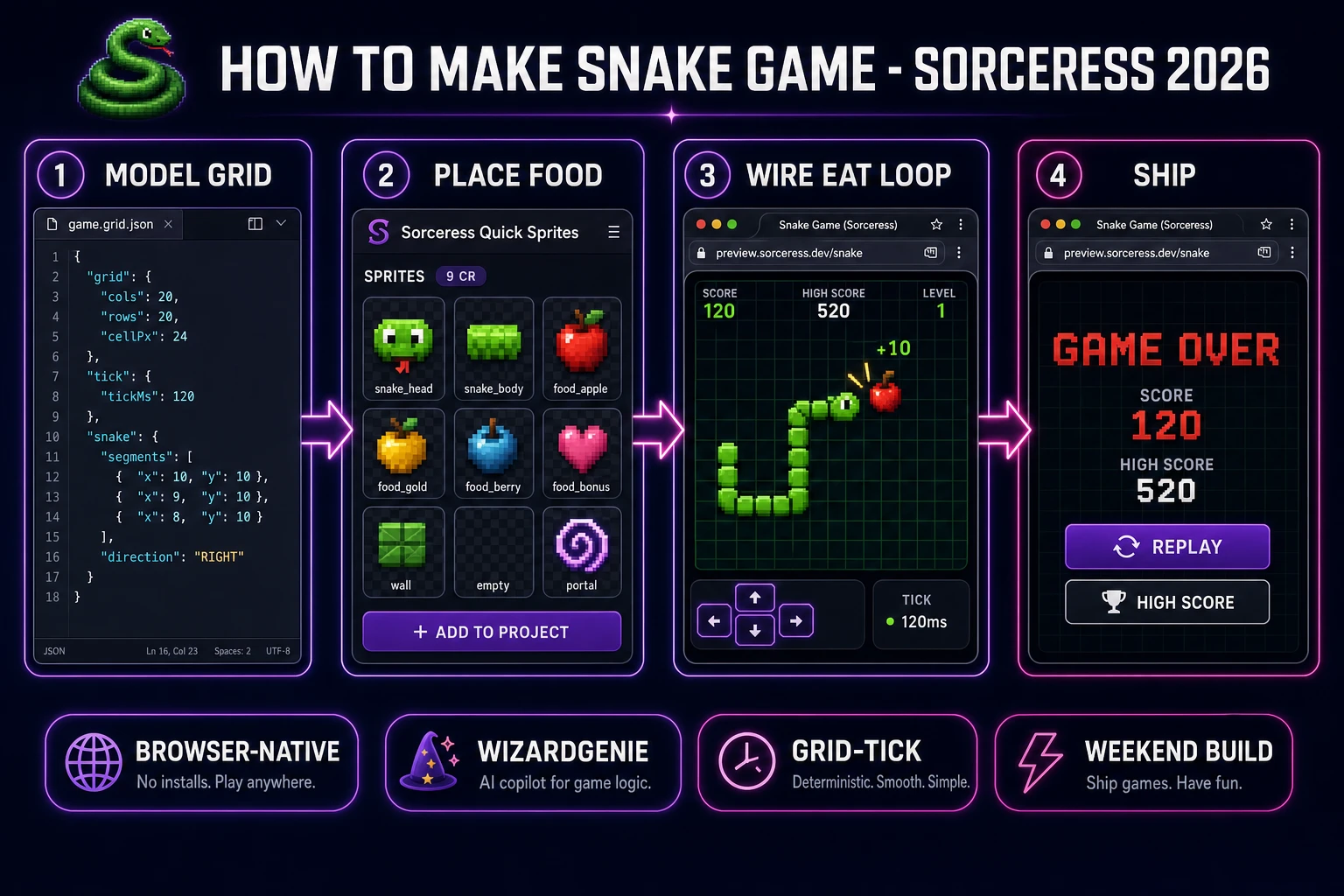
The query “how to make snake game” hides three intents. Some searchers want a Python turtle classroom lab — that is a teaching demo, not a shippable browser build (and Sorceress already covers that angle in a separate Python turtle post). A second intent is a massive multiplayer .io arena with skins and leaderboards — weeks of backend work before the first fair match. The third intent, and the one this guide targets, is a single-player browser snake: a fixed grid, a fixed tick, arrow or WASD turns, food that respawns on empty cells, growth on eat, death on wall or self collision, a score HUD, and a Game Over card with Replay. That is a weekend build, it demos the whole Sorceress toolset, and it is the format most snake game tutorial and javascript snake searchers actually want.
The presentation contract is small and strict. A title screen shows the game name, Start, and optionally a speed preset (Casual / Classic / Frenzy). The play screen shows the grid, the snake, the food cell, HUD for score and length, Pause, and Restart. On death, freeze the tick, play a short sting, show score and best score, and offer Replay. The Snake genre overview on Wikipedia (verified 2026-08-20) still separates the growing single-player apple loop from Blockade-style two-player light cycles cleanly — cite it when you write your itch.io blurb so players know which promise you kept.
The snake loop in one minute (input, tick, eat, collide, score)
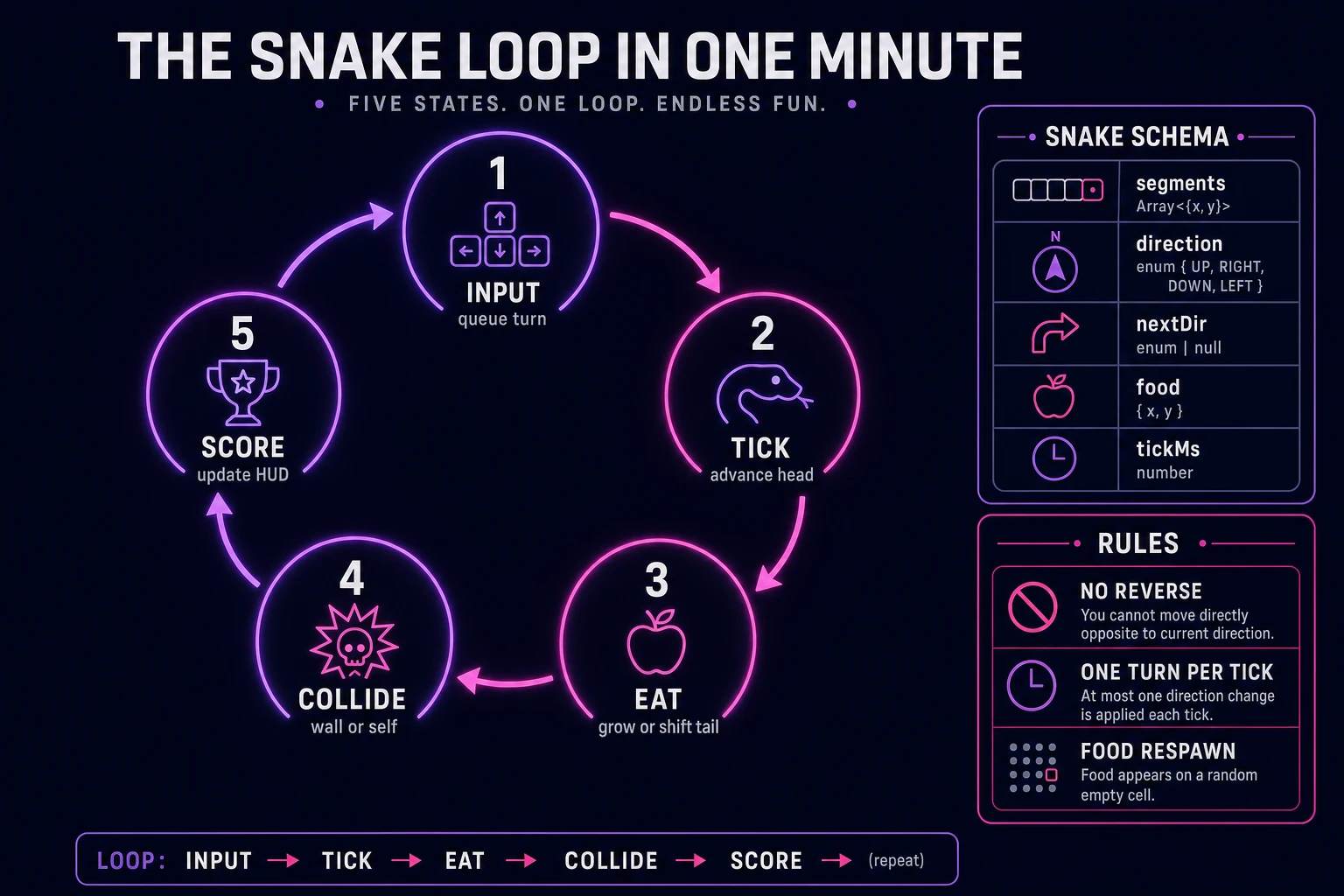
Five moving parts, repeated until the run ends. First, input — read arrow or WASD presses into a one-slot nextDirection buffer; reject 180-degree reverses. Second, tick — every N milliseconds, set direction from the buffer, compute the next head cell, and advance. Third, eat — if the next cell holds food, push a new head without dropping the tail and respawn food on a random empty cell; otherwise push the head and shift the tail. Fourth, collide — if the next cell is out of bounds or already in the body, stop the loop and show Game Over. Fifth, score — increment on each eat, optionally shorten tickMs every few points so a classic snake clone ramps tension. That is the entire grid loop. Portals, wrap-around walls, enemy snakes, and power-ups are polish layered after one honest apple feels fair.
Pick your engine for how to make snake game: canvas, Phaser, or WizardGenie
Three good browser targets in 2026, each with a different trade-off. Vanilla JavaScript on a 2D canvas is the honest default and the pick this guide recommends for a first build. Store the playfield as cols × rows, draw filled rectangles (or sprite tiles) for each segment and the food, and advance logic on a fixed tick while painting with requestAnimationFrame. Total code footprint for a working html5 snake is under 350 lines including collision and high-score localStorage. No engine to install, ships as a static HTML file, deploys anywhere. The MDN Canvas API docs cover the drawing surface.
DOM grid with CSS cells becomes the right pick if you want accessible focus targets and screen-reader labels on every tile. You trade blit speed for semantics — fine for a small 12×12 classroom board, heavier once you run 30×20 at Frenzy speed with dozens of body cells.
Phaser 4.1.0 (verified 2026-08-20 on the official Phaser API documentation page) becomes the right pick if you want Scene lifecycle for title-play-gameover, tweens when food pops, or particle trails on the head. Phaser’s arcade body API is optional weight for a discrete grid game — you still need the same tick and reverse-guard logic. Use Phaser when motion polish is the product; use vanilla when the product is understanding the snake game javascript loop and shipping a single file.
WizardGenie is not a separate rendering engine — it scaffolds whichever of the three you pick from a single natural-language prompt. WizardGenie ships as both a desktop app (Windows installer with auto-update, available to Early Access supporters and above) and a no-install web build. Its coding-model lineup covers Claude Opus 4.7, GPT-5.5, Gemini 3.1 Pro, DeepSeek V4 Pro, Kimi K2.5, Grok 4.2, and MiniMax M2.7 (verified 2026-08-20 in src/app/_home-v2/_data/tools.ts). For snake, any frontier model scaffolds the grid tick and collision in one prompt. Pair a frontier planner with a budget executor like DeepSeek V4 Pro or Kimi K2.5 for the typing pass — the Dual-agent pattern lands most projects at roughly one-fifth the single-frontier cost.