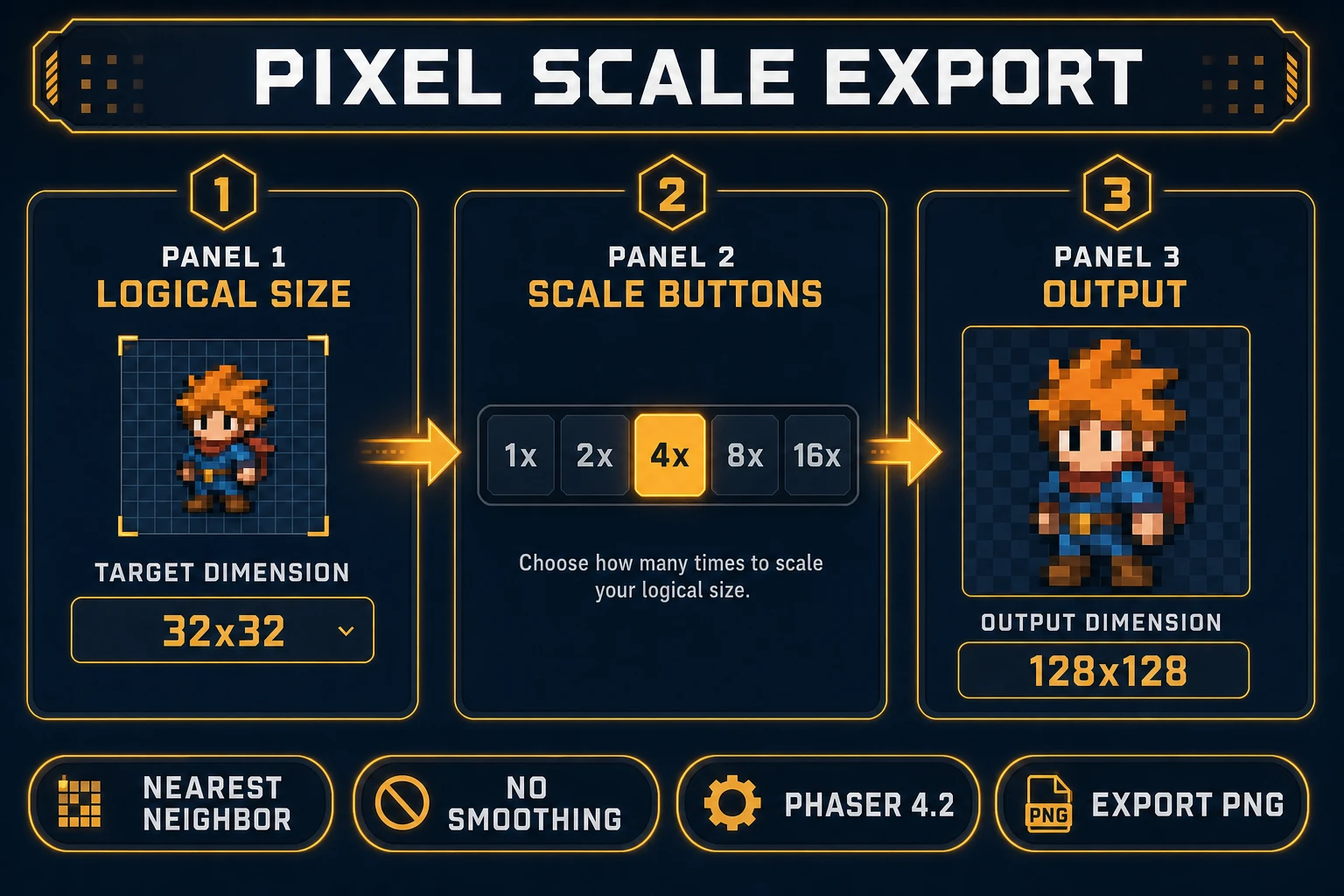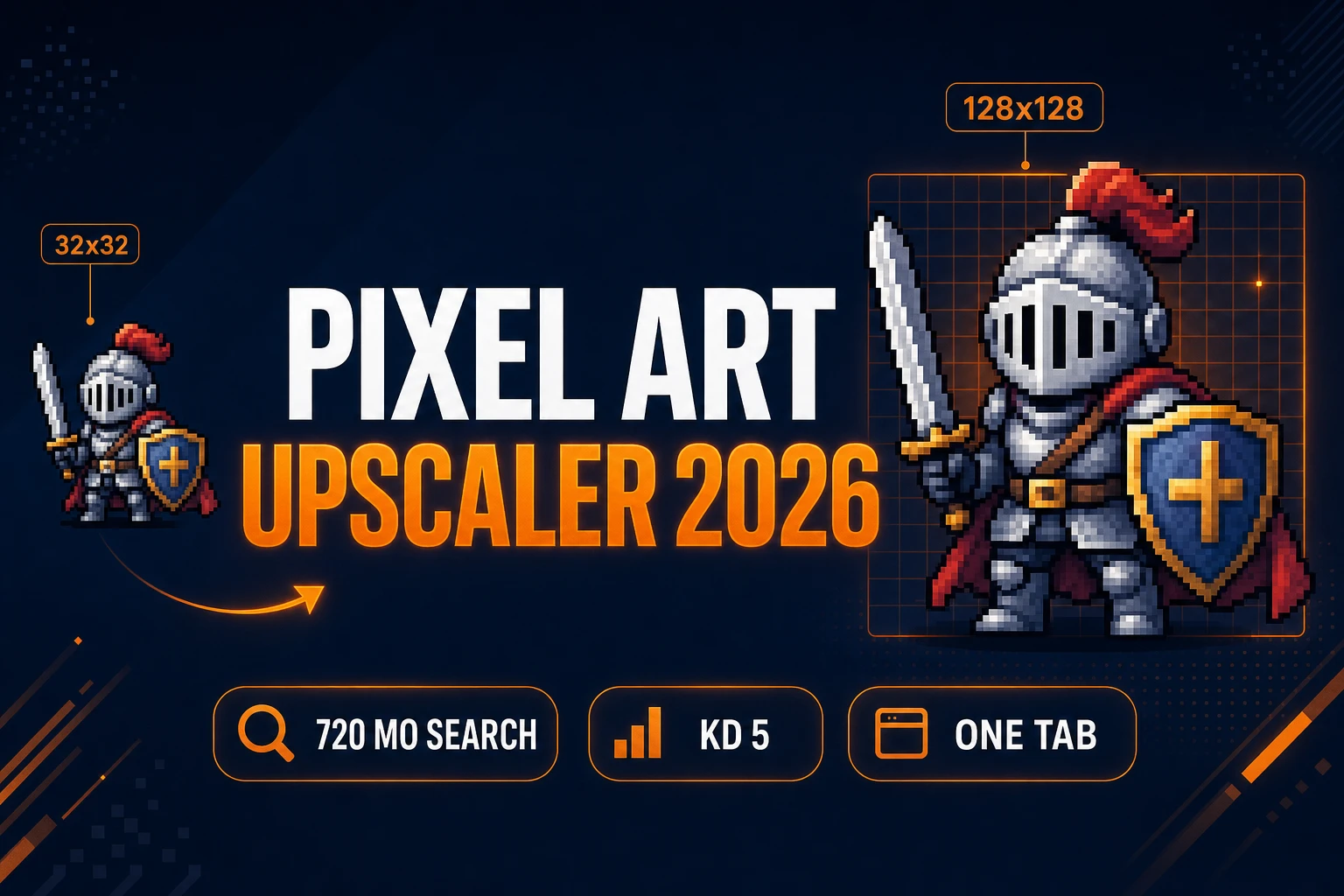
Your 32×32 hero looks perfect in the editor and turns to soup the moment you stretch the canvas to 1280×720. Searchers typing pixel art upscaler into Google are not hunting a photo enhancer — they need nearest-neighbor block scaling that keeps one-pixel strokes hard while the viewport grows. Bilinear filters, Lanczos resizers, and diffusion upscalers all invent gray fringe between pixels; game engines then smear that fringe again at runtime. The 2026 fix is a browser pipeline where Quick Sprites generates native-size animation sheets, True Pixel quantizes palettes and exports at 2x–16x via Pixel Scale, and WizardGenie scaffolds Phaser 4.2 loaders with pixelArt: true. Phaser 4.2.0 (released June 19, 2026, verified against the official GitHub release tag on July 9, 2026) respects crisp pixel textures when you disable smoothing at the renderer. Everything below was checked against the Sorceress source on the same date.
What a pixel art upscaler outputs for game sprites
Searchers typing pixel art upscaler usually need one of three deliverables. Jam devs want a 32×32 walk cycle exported at 4x so it reads on a 1080p canvas without shrinking the viewport. Mobile web builders want HUD icons scaled to 2x for retina phones while the logical hitbox stays 16×16. Trailer editors want 8x exports for itch.io GIFs where tiny sprites must survive social compression. A useful pixel art upscaler for games produces a PNG where every source pixel becomes an N×N solid block — stair-stepped edges, no interpolated halos, transparent background intact.
Generic nearest-neighbor scripts on random converter sites accept any input and scale blindly. They do not quantize palettes, strip anti-aliasing from AI output, or batch-process animation frames with shared color slots. That is why the honest pixel art upscaler path in 2026 lives inside a game-dev stack: generation, cleanup, block-scale export, and engine wiring in one Sorceress account instead of four disconnected tabs.
Why bilinear scaling blurs crisp pixel art
Stretching a sprite in Photoshop with bicubic interpolation feels fine on a mood board and fails in production. The resampler averages neighboring pixel values, turning a one-pixel white outline into a two-pixel gray smear. CSS image-rendering: auto applies the same damage in browser previews. Phaser’s default texture filtering compounds the problem unless you explicitly opt into pixel-art mode.
AI sprite generators make the problem worse. Models love soft anti-aliased edges even when you prompt “no anti-aliasing.” A pixel art upscaler workflow must therefore include a quantization pass before scaling — snap colors to a fixed palette, kill gray fringe pixels, then replicate each logical cell with nearest-neighbor math. True Pixel handles both steps in one tool; standalone upscalers skip the cleanup and export blurry blocks anyway.
The Sorceress pixel art upscaler pipeline in four steps
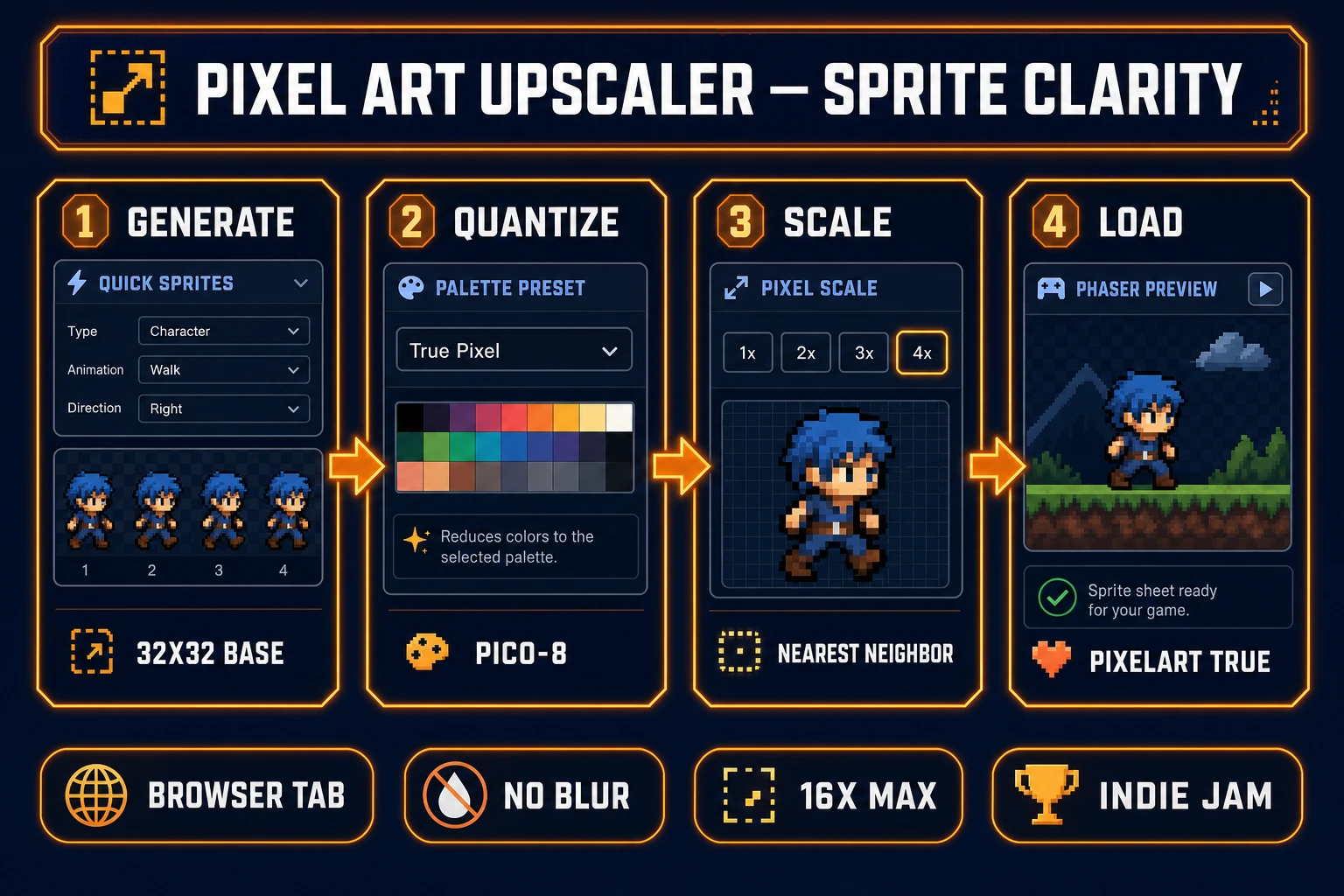
The Sorceress answer to pixel art upscaler is four layers, each mapped to a real tool verified in the repository on July 9, 2026:
- Generate layer — produce a native-size sprite sheet in Quick Sprites (32×32 or 48×48 walk cycles).
- Quantize layer — import the sheet into True Pixel, lock logical dimensions, and snap to a palette preset.
- Scale layer — export with Pixel Scale at 2x, 4x, 8x, or 16x using block replication.
- Load layer — wire the scaled PNG into Phaser 4.2 with
pixelArt: truevia WizardGenie.
For sprites that start as photos or concept art rather than AI animation, run the image to pixel art ai guide first — it covers True Pixel downscale presets that feed directly into this upscale step. For palette-limited team variants after scaling, pair with the ai recolor post so every scaled frame shares indexed slots.
Step 1 — generate base sprites in Quick Sprites
Pixel art upscaler sessions fail when the source resolution is wrong. Before touching Pixel Scale, generate at the logical size your gameplay code expects.
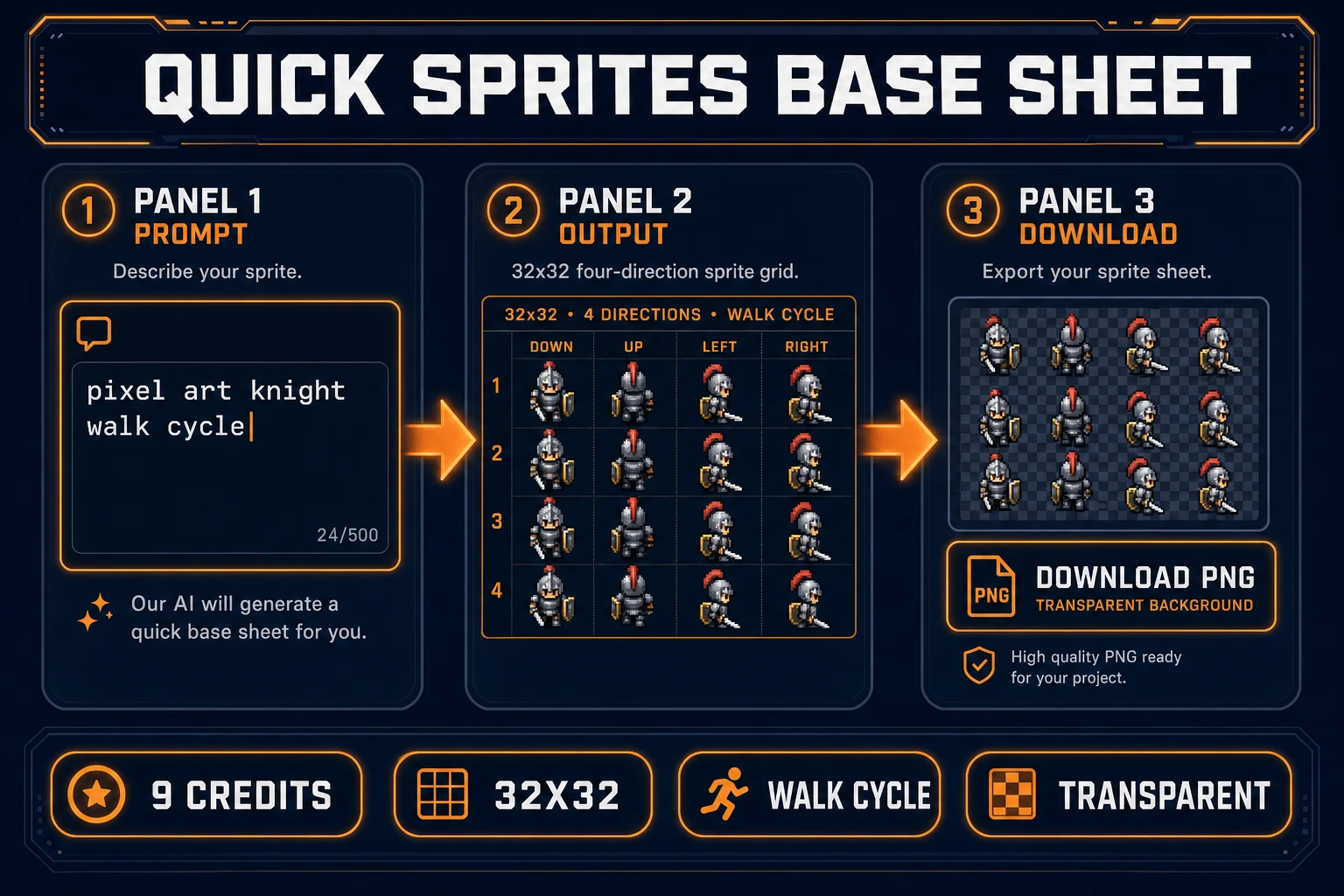
Open Quick Sprites and pick an animation style (verified in src/app/quick-sprites/page.tsx on July 9, 2026):
- Four Angle Walking — 48×48 humanoid walk cycles in four directions.
- Small Sprites — 32×32 compact characters with idle and reaction frames.
- VFX Effects — 24–96 px square explosion and magic loops.
Each generation costs 9 credits via the Retro Diffusion animation model. Prompt with hard constraints: “1-pixel outlines, no gradients, transparent background, flat shading.” Download the completed sheet as assets/sprites/hero_walk_v1.png. If you already own a hand-drawn sheet, skip Quick Sprites and import directly into True Pixel — the pixel art upscaler path works on any PNG source.
For looping animation QA before upscale, the ai sprite animation post covers frame-timing checks that catch foot-slide errors before you commit to a 4x export.