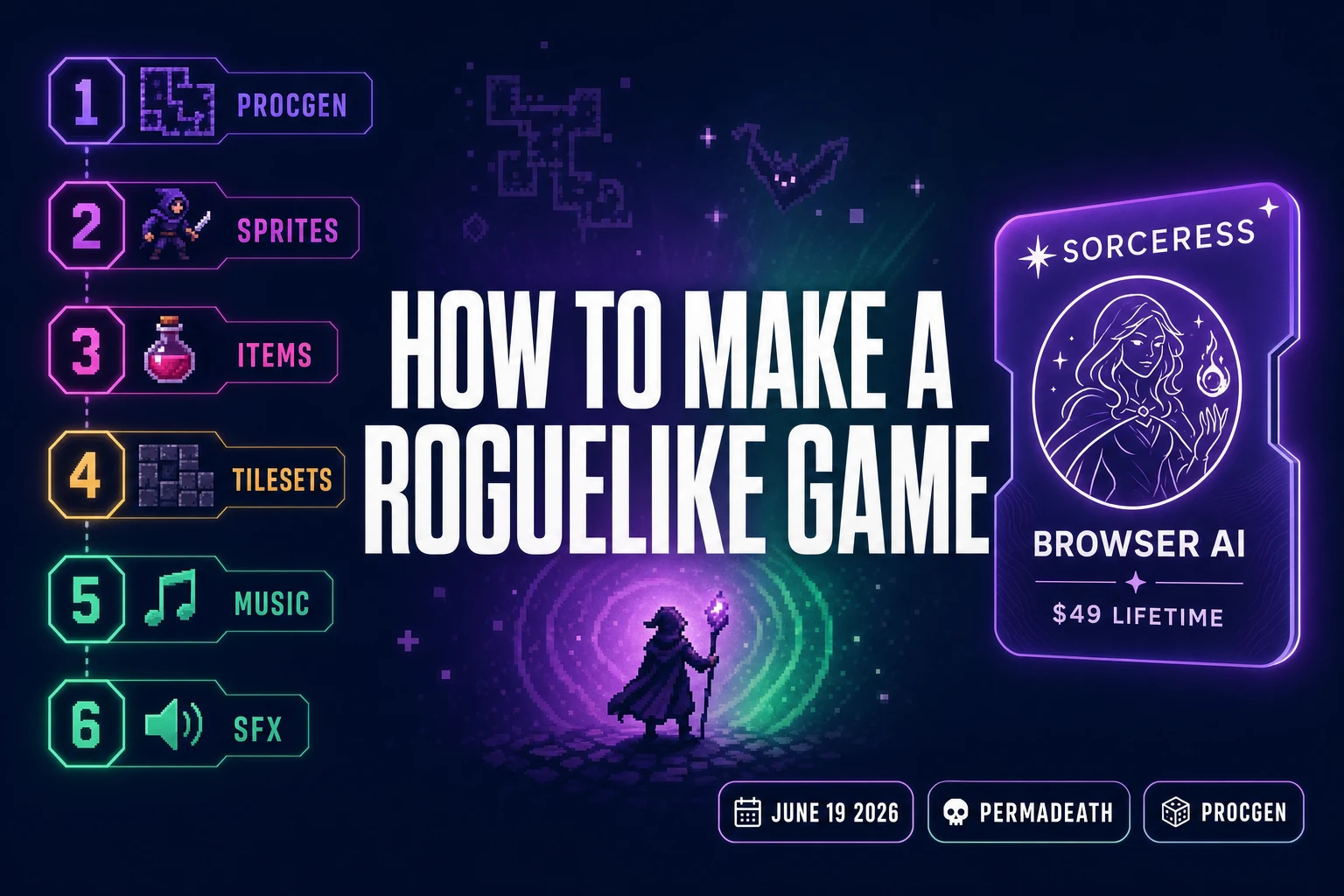
Type how to make a roguelike game into Google on June 19, 2026 and the SERP is split between two readers. One has played 200 hours of Hades and Slay the Spire and now wants to ship one of their own. The other has just finished a Phaser tutorial, found Berlin Interpretation on Wikipedia, and wants to know which AI tools turn the genre conventions into a real run loop. This guide answers both. The honest 2026 path to make a roguelike game is one prompt-driven coding tab plus six asset layers, all in one Sorceress catalog, verified against the live source on June 19, 2026. Procgen, permadeath, and per-run loot tables are the easy half — the hard half is asset volume, and that is exactly the half AI now removes.
What “how to make a roguelike game” actually means in 2026
The phrase how to make a roguelike game covers a much narrower design space than “how to make a game” in general, and that is good news for an indie dev. The Berlin Interpretation — the canonical 2008 spec the genre still references — locks down five hard pillars (procgen, permadeath, turn-based grid movement, complex meta-content, resource management) and four soft pillars (single-character focus, monster-and-hero parity, tactical combat, exploration). A 2026 dev does not need to meet every pillar. Most modern hits sit on the “roguelite” side of the line, keeping procedural generation and permadeath while replacing turn-based movement with real-time action and adding meta-progression that persists across runs. Both shapes count. What does not count is “random level generator on top of an action game” with no permadeath consequence; the absence of stakes is the failure mode that every reviewer flags.
The reason this matters for a how-to is that the genre constraints collapse the design surface in a way that maps cleanly onto AI generation. A roguelike does not need a 40-hour main quest with branching dialogue trees. It needs ten room templates, eight monster archetypes, twenty item icons, one music loop per biome, and a death screen. That entire content list fits in one Sorceress tab session, and the procgen layer recombines it forever — one biome of hand-curated content stretches across hundreds of runs. The honest 2026 answer to how to make a roguelike game is therefore not “build everything from scratch” but “curate one tight content seed and let procgen + AI generation do the multiplication.”
The seven pillars of every roguelike — what the AI half has to ship
Before picking a tool stack, a dev needs a clear pillar list because every pillar maps to a specific AI handoff. The seven pillars an indie 2026 roguelike actually has to ship are: (1) the run loop — start a run, generate a level, fight, die, restart with optional meta-progression; (2) procedural levels — either fully generative (Spelunky, Caves of Qud) or seeded-template (Hades, Dead Cells); (3) character art — one playable hero, three to eight enemy archetypes, optional NPC vendors; (4) tile art — a tile-based dungeon set with autotile rules; (5) item icons — weapons, consumables, relics, the visual side of the loot table; (6) audio — one to three music loops per biome plus the SFX one-shots that cover hits, pickups, and deaths; (7) UI — an inventory grid, a stat readout, a death screen, and the meta-progression menu if the design uses one. Skip any of these and the run feels broken.
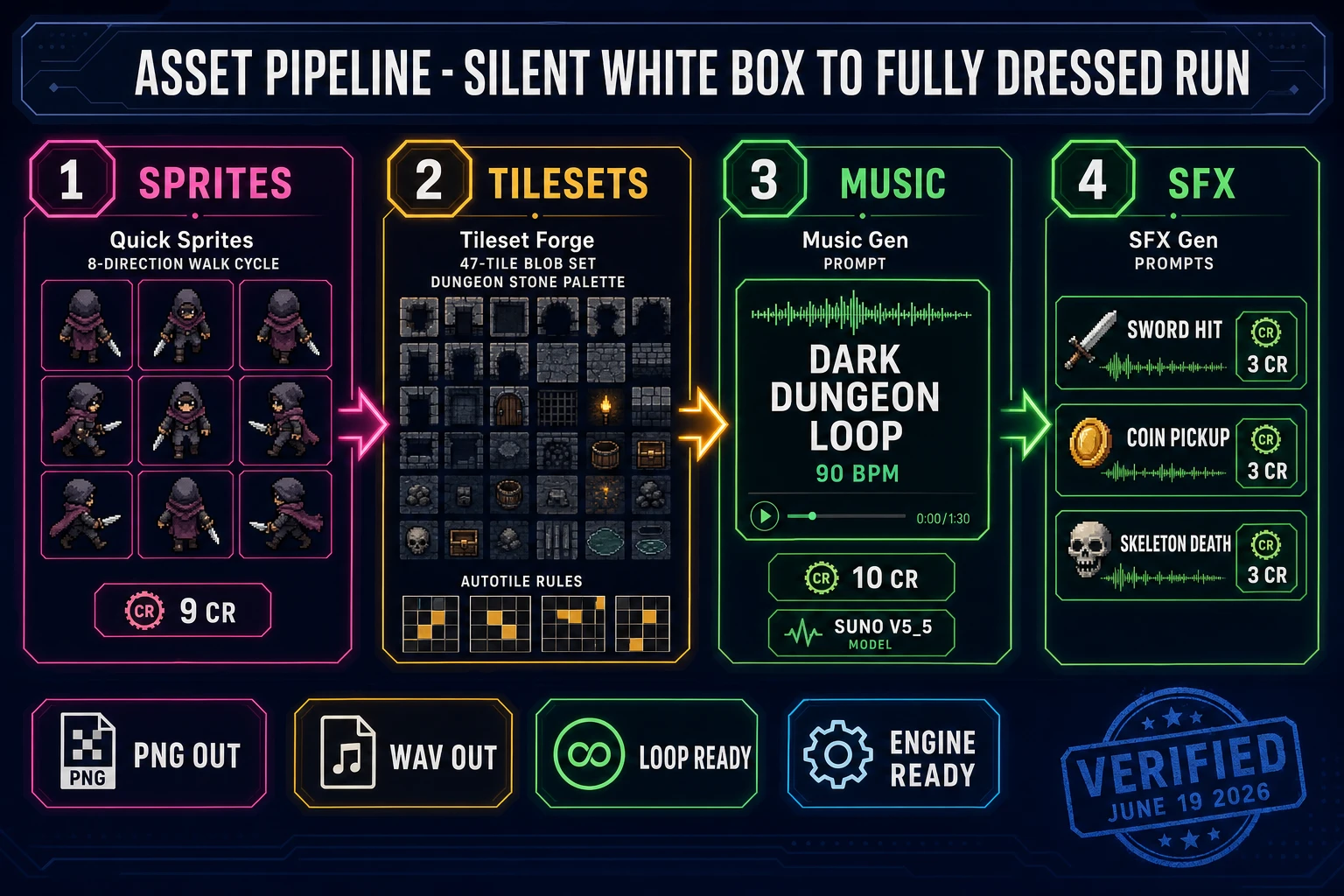
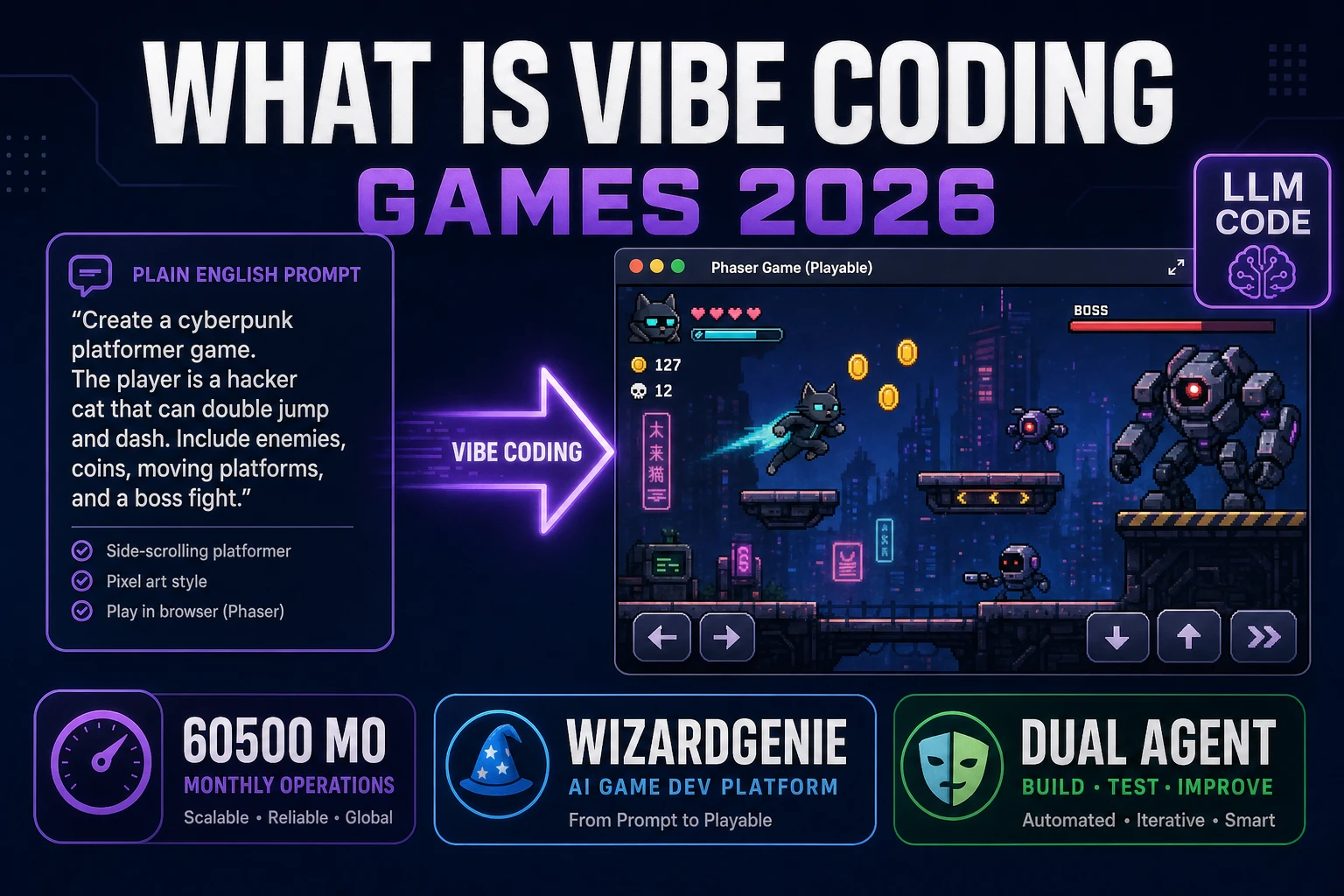
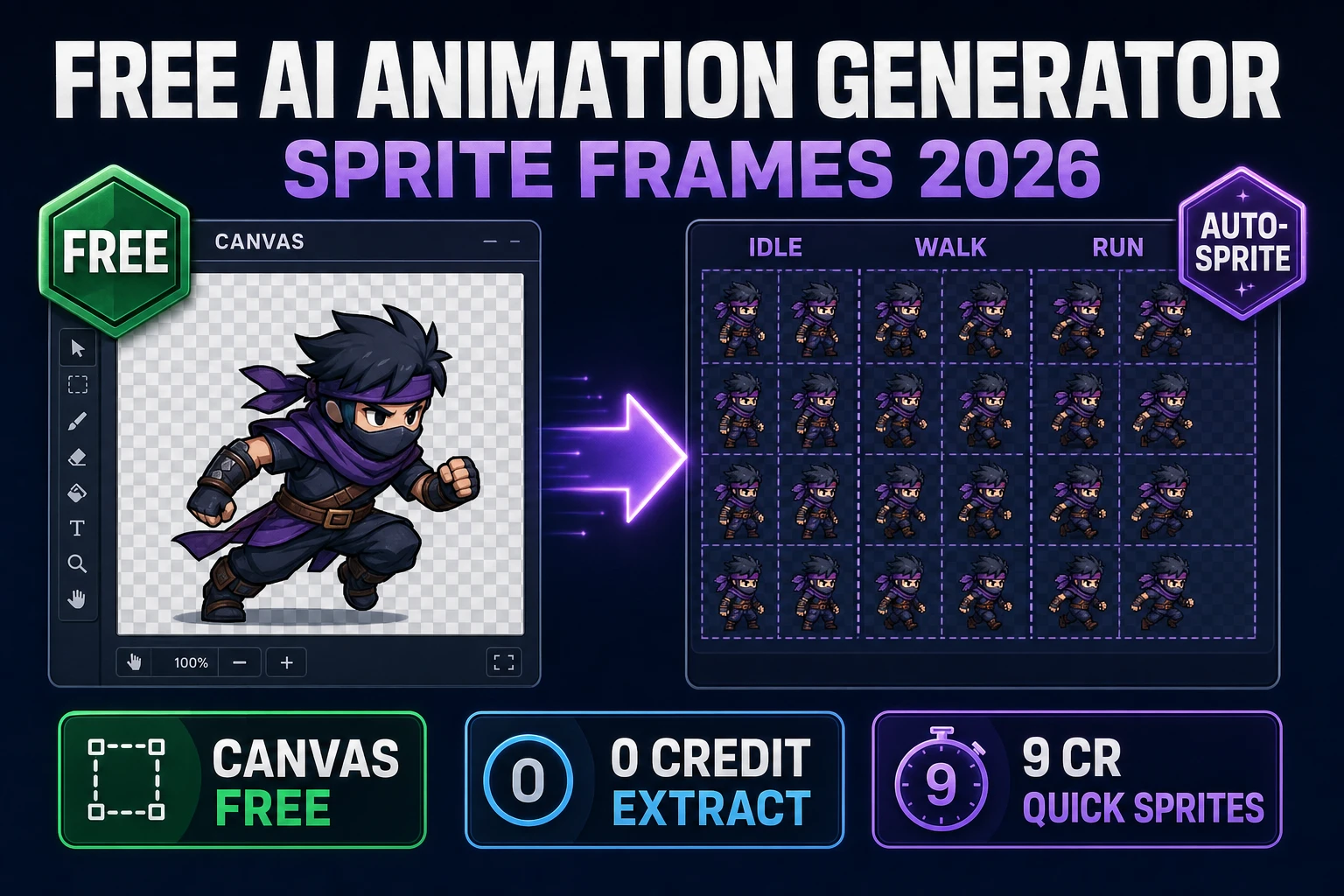
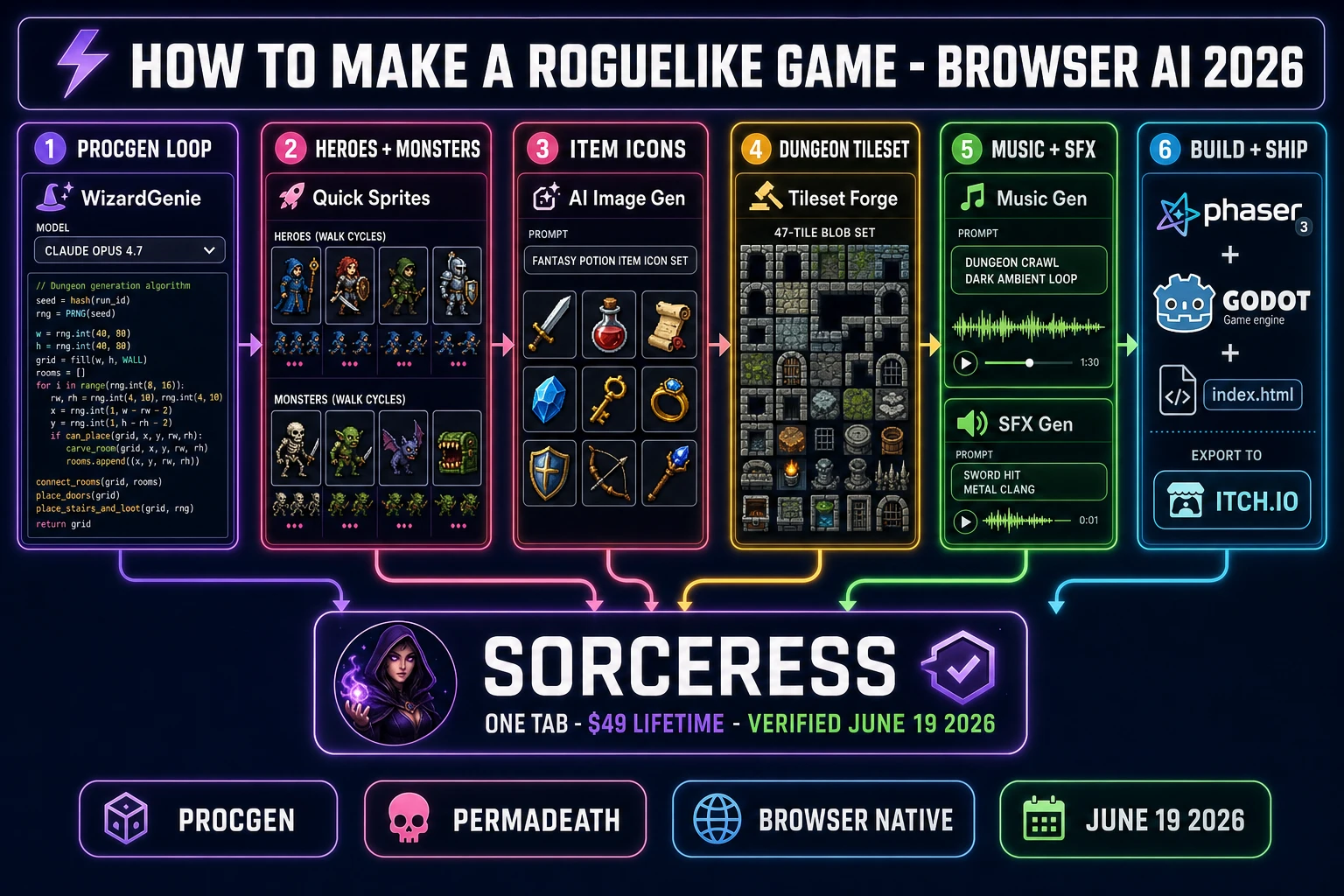
The split between human-curated and AI-generated work falls cleanly along these pillars. Pillars 1 and 2 are code — WizardGenie writes them on prompt with the eight-model coding picker (verified against src/app/_home-v2/_data/tools.ts CODING_MODELS on June 19, 2026: Claude Opus 4.7, Sonnet 4.6, GPT-5.5, Gemini 3.1 Pro, Grok 4.2, DeepSeek V4 Pro, Kimi K2.5, MiniMax M2.7). Pillars 3, 4, 5 are visual asset generation — Quick Sprites for hero and monster walk cycles, Tileset Forge for the dungeon tile set, AI Image Gen for item icons. Pillar 6 is audio generation — Music Gen for biome loops, SFX Gen for hit and pickup sounds, optionally Speech Gen for vendor barks. Pillar 7 is UI markup — back to WizardGenie because the inventory grid is just code wrapped around the asset layers. Every pillar has exactly one Sorceress tool that is its primary handoff, and every handoff produces a web-standard format (PNG, WAV, OGG, JSON) that any modern engine eats.
How to make a roguelike game with the honest 2026 browser AI stack
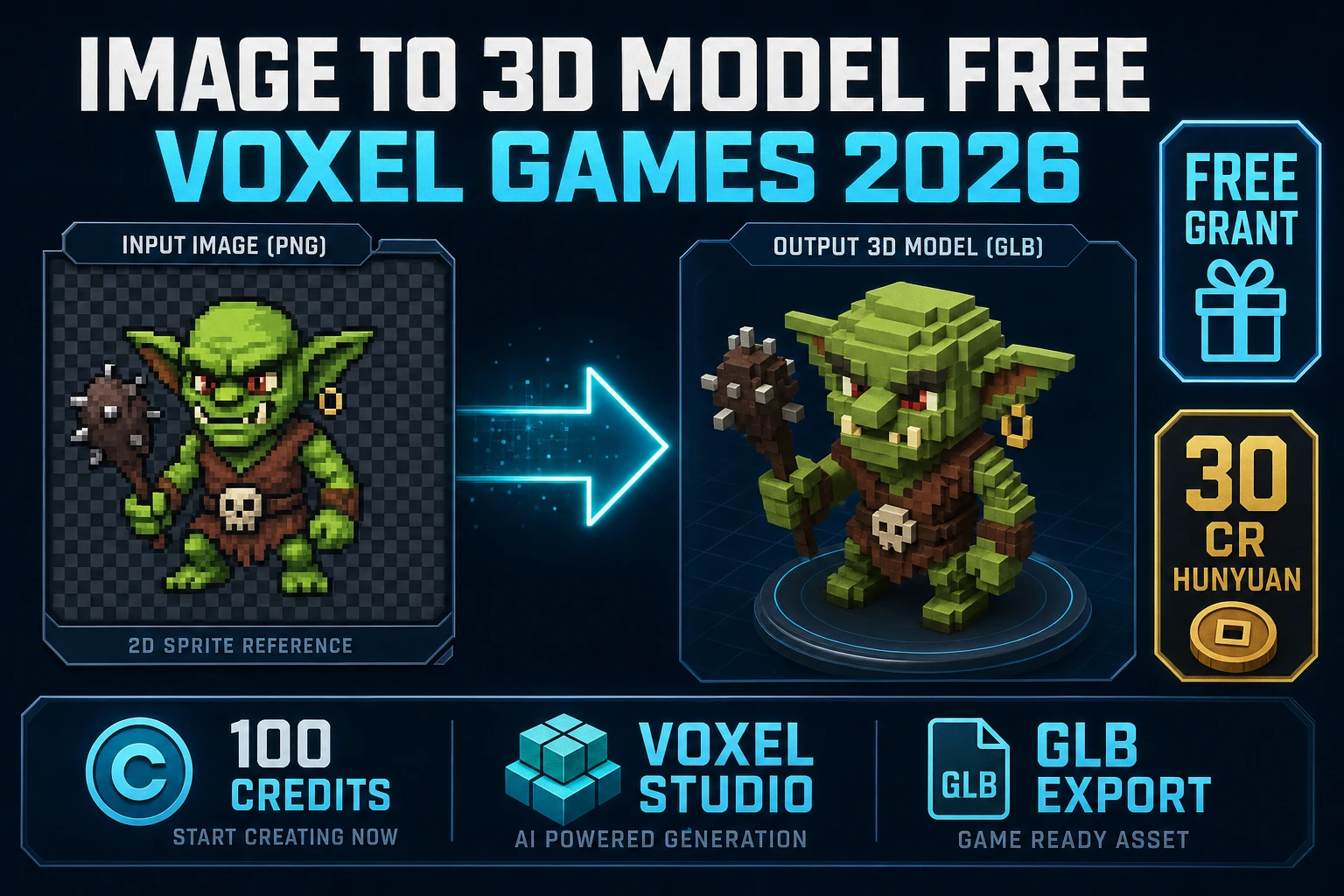
The honest stack to make a roguelike game in 2026 is six tools deep, all reachable from one Sorceress account. Verified against the live source on June 19, 2026, those six are WizardGenie for the run loop and procgen code, Quick Sprites for hero and monster walk cycles, AI Image Gen for item icons and concept art, Tileset Forge for the dungeon tile sets, Music Gen for biome loops, and SFX Gen for hit and pickup one-shots. Optional adds for a 3D roguelike include 3D Studio for image-to-mesh and Auto-Rigging for the skeletal animation pass; both are still reached from the same tab. Bundle pricing is one $49 Lifetime fee plus pay-once credit packs ($10 for 1,000 credits Starter, $20 for 2,000 Creator, $50 for 5,000 Plus, $100 for 10,000 Studio), verified against src/app/plans/page.tsx on June 19, 2026. New accounts ship with 100 starter credits.
The reason this stack works for a roguelike specifically is that the genre’s content list is small and reusable. One Sorceress credit pool funds the code agent calls (the planner-executor pattern routes the heavy reasoning to Opus 4.7 or GPT-5.5 and the bulk typing to a cheap MoE-based executor like DeepSeek V4 Pro or Kimi K2.5, cutting cost to roughly one-fifth of single-frontier billing) AND the asset generation calls in the same session. There is no need to buy a Substance Painter seat to texture a 3D mesh; Material Forge ships PBR maps in the same browser tab. There is no need to install Aseprite, FL Studio, or Audacity; the generative tools cover the same handoffs and export the same formats. The dev never leaves the tab between code work and asset work, which is how a 2026 roguelike scope finishes in two to four weeks instead of two to four months.
Step 1 — prompt WizardGenie for the procgen run loop
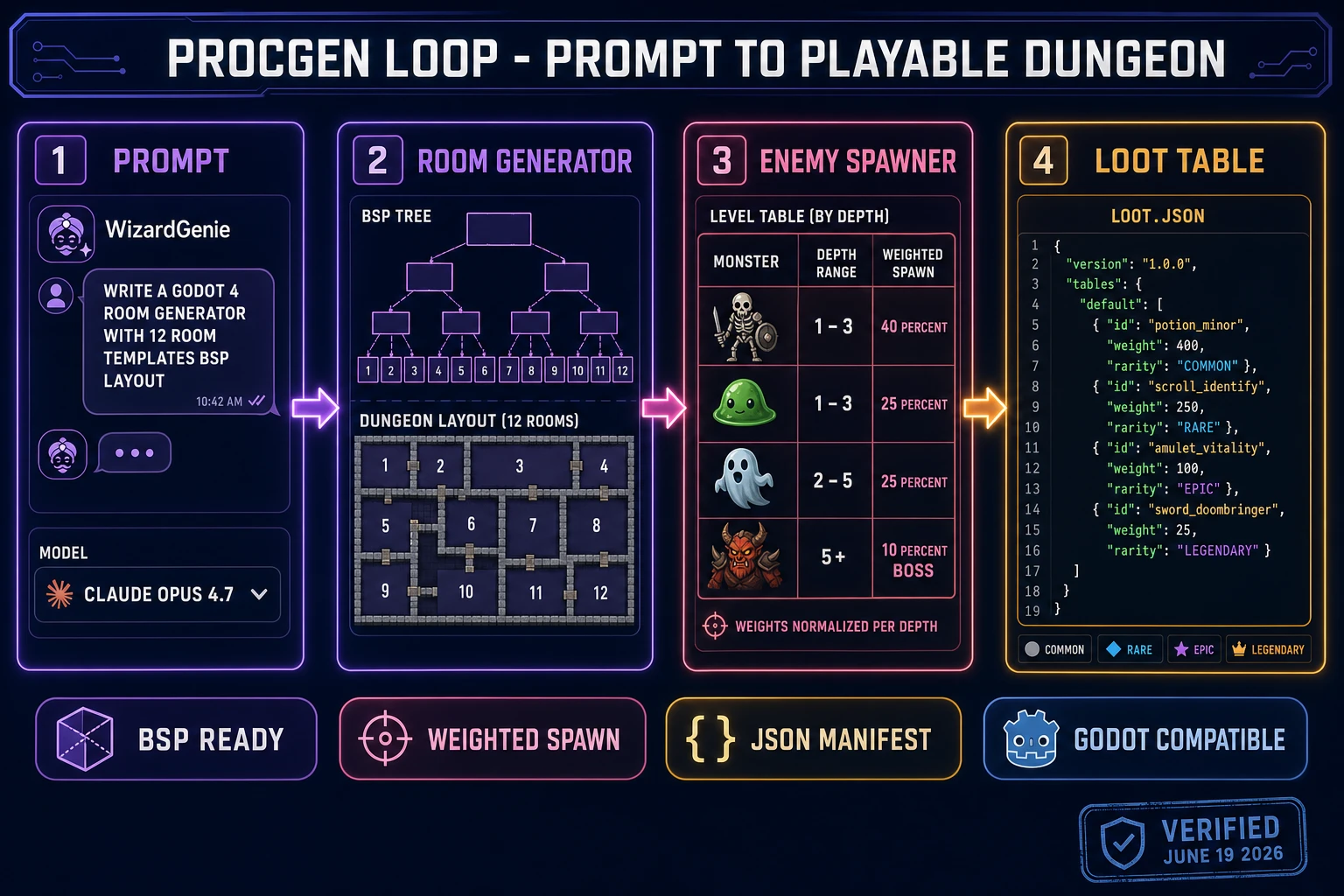
The first prompt to WizardGenie sets the run-loop scaffold for the entire project. A reliable opening prompt for a 2026 dev looks like this: “Write a Phaser 4 (or Godot 4 / Unity 6) browser-tab roguelike scaffold with a BSP room generator producing 8 to 12 rooms per floor, weighted-table monster spawning, a tiered loot table with COMMON/RARE/EPIC/LEGENDARY drop weights, turn-based grid movement on a 32-pixel tile, fog-of-war revealed by line-of-sight, and a permadeath save wipe on death.” Pick the Opus 4.7 model from the dropdown for this prompt — the genre algorithm work (BSP partitioning, line-of-sight bitmasks, weighted spawn distribution) wants the heavy reasoner, and Opus 4.7 ships at $5 input / $25 output per million tokens with a 1M context window (verified against the live API documentation on June 19, 2026). The first response will scaffold the project tree, the level generator, the input handler, and the death-and-restart loop.
The second prompt iterates on the procgen specifically because a roguelike lives or dies on level variety. Prompts like “swap BSP for cellular automata for the cave biome” or “add a treasure-room template that always spawns at depth 3, 5, and 7” refine the generator without rewriting the whole loop. Switch to Sonnet 4.6 ($3/$15) or DeepSeek V4 Pro ($0.435/$0.87 per M tokens since the 75% promotional rate became permanent on 2026-05-31, with a 1M default context window and an MIT license) for the iteration phase — the cost ratio matters because a procgen loop typically takes 15 to 25 prompt rounds to feel right. Pair Opus 4.7 as the planner with DeepSeek V4 Pro or Kimi K2.5 as the executor and the whole pass costs roughly one-fifth of putting Opus on both sides. Acceptable executors per Sorceress’s guidance are DeepSeek V4 Pro, Kimi K2.5, MiniMax M2.7, Gemini 3.1 Flash, GPT-5.5 Mini, and Claude Haiku 4.5 (when available); never put a frontier-priced model on the typing side or the cost advantage disappears.