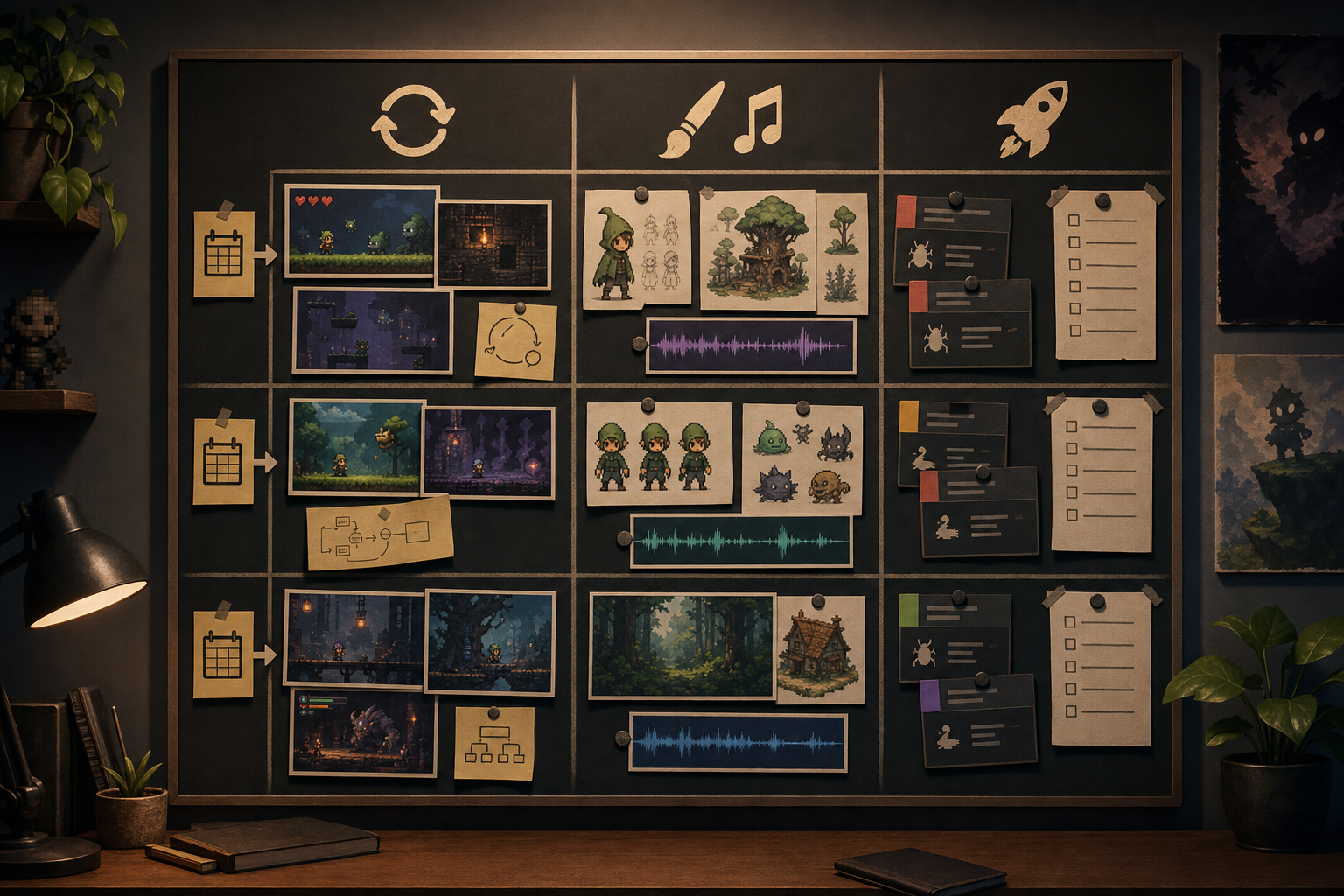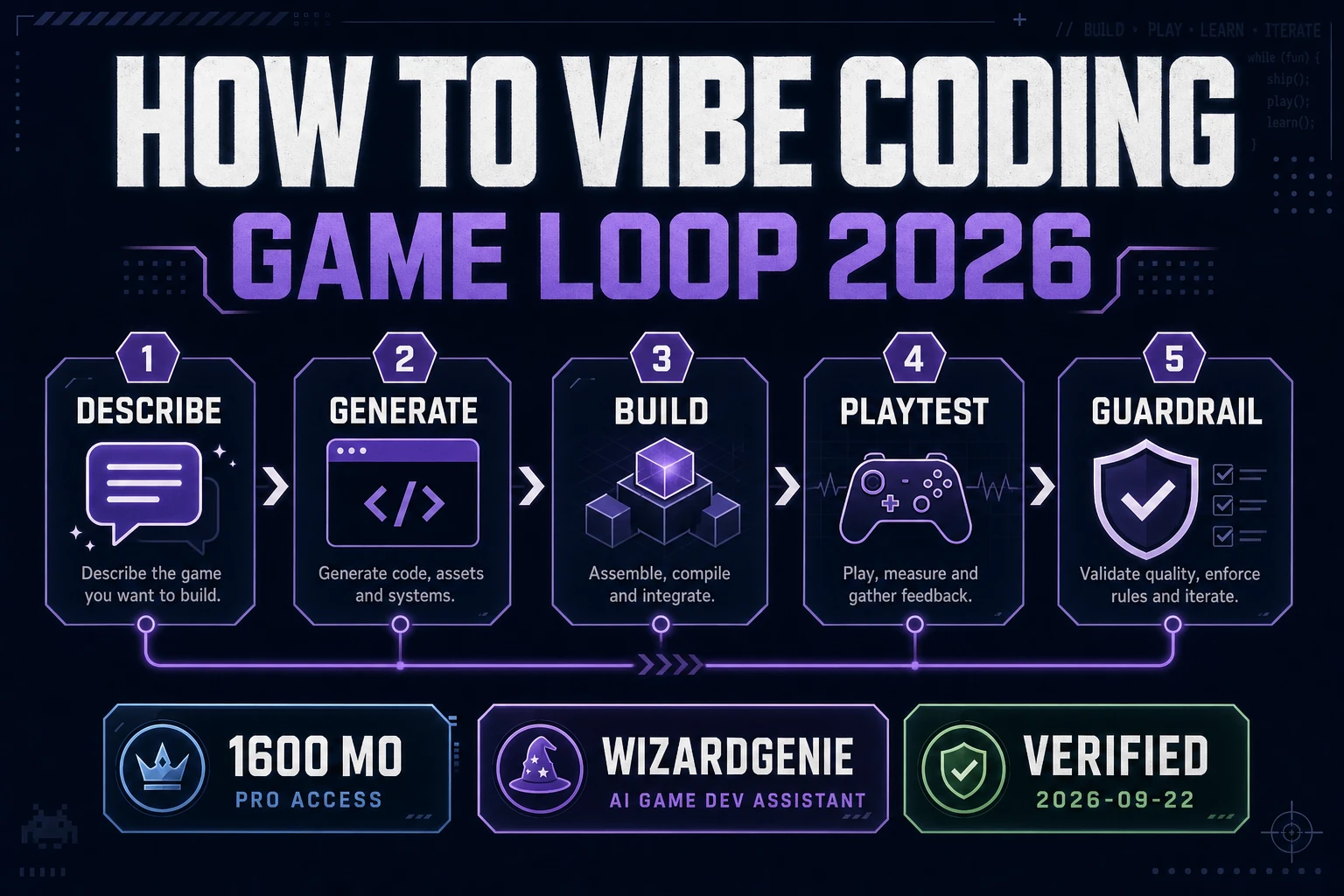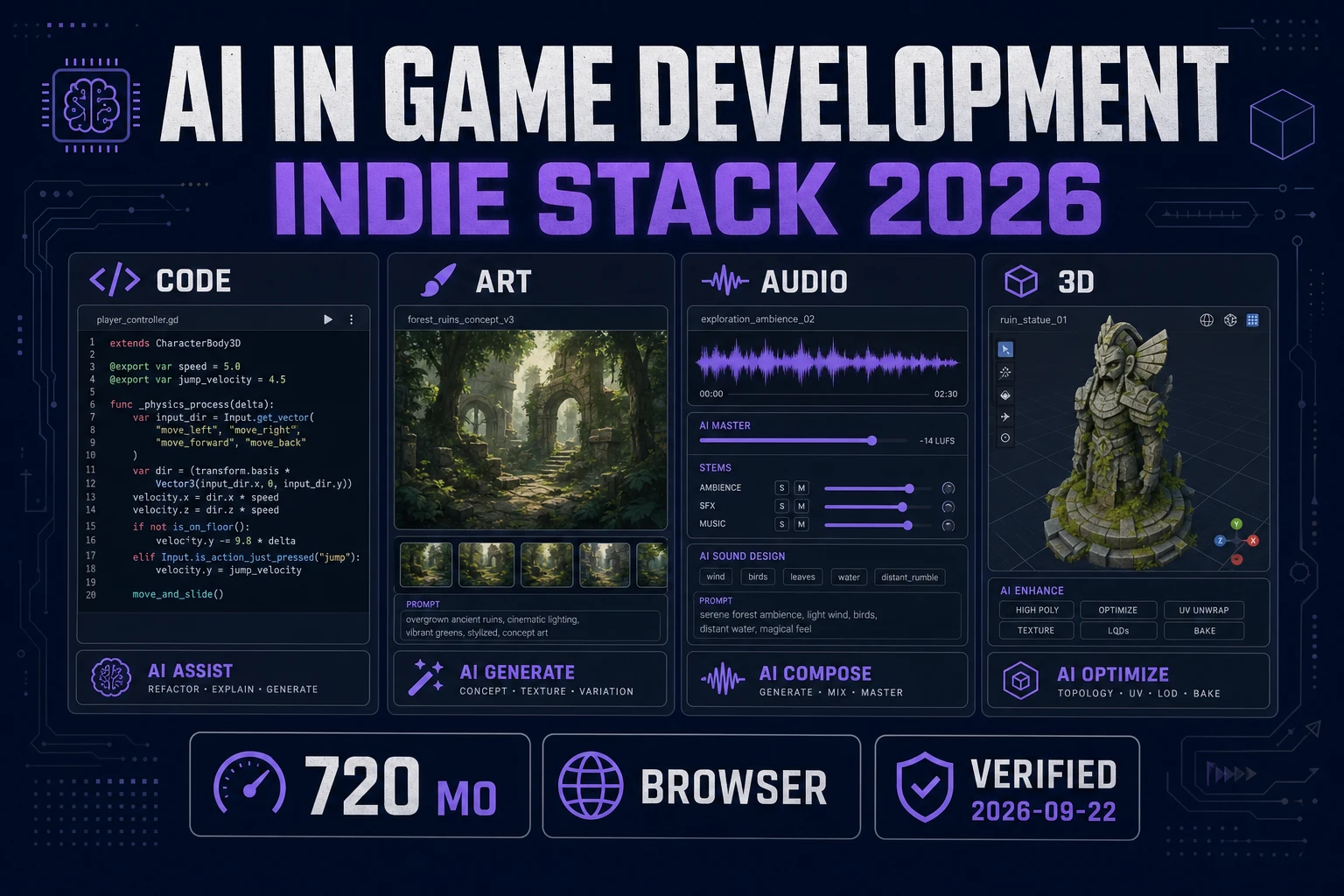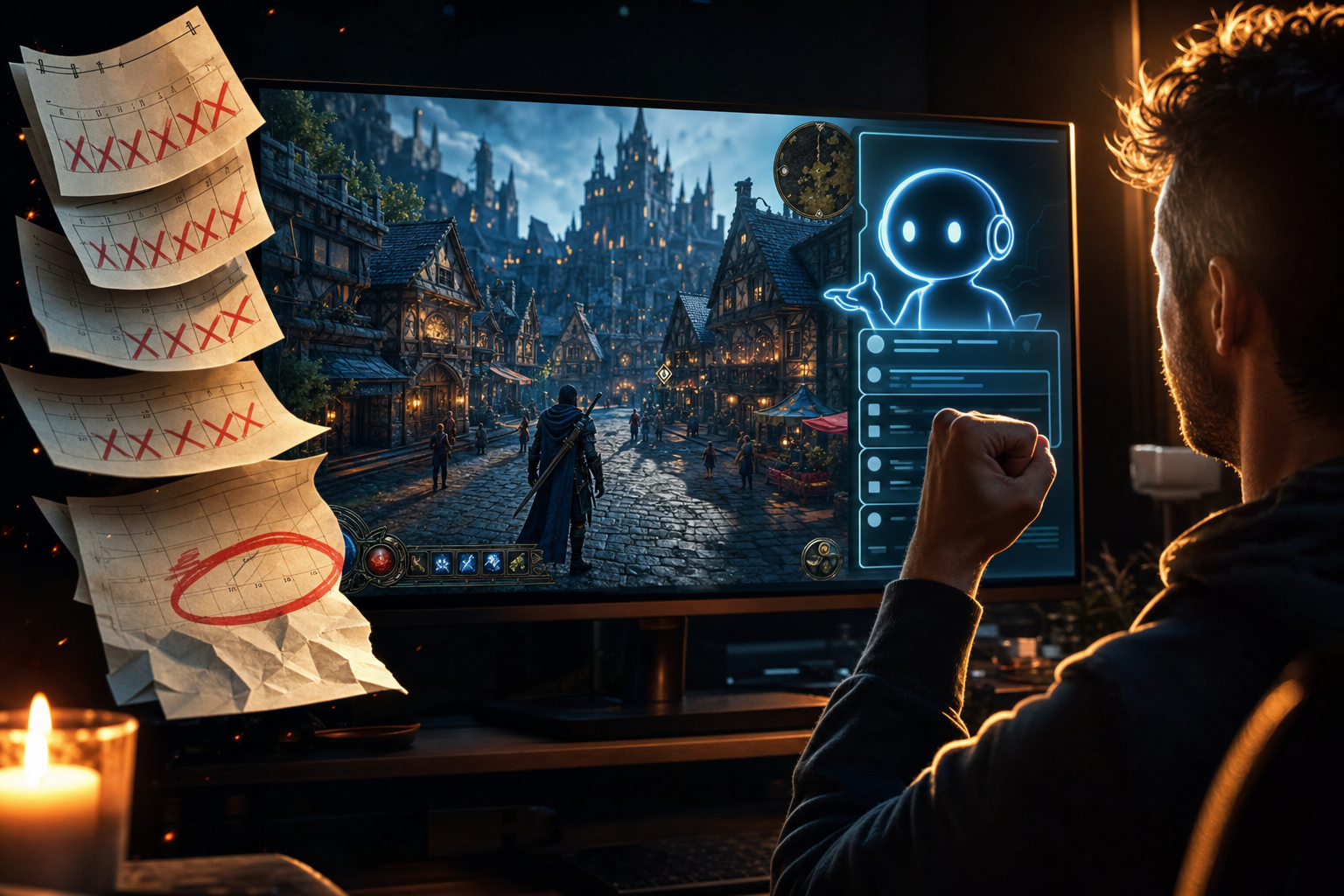
I shipped my first game in 3 weeks using Sorceress. Here’s what I learned: the viral-looking version is one person, three weeks, one finished game, and thousands of people asking how it happened. The useful version is less magical and more repeatable. You ship your first game with AI by refusing to build the big game first.
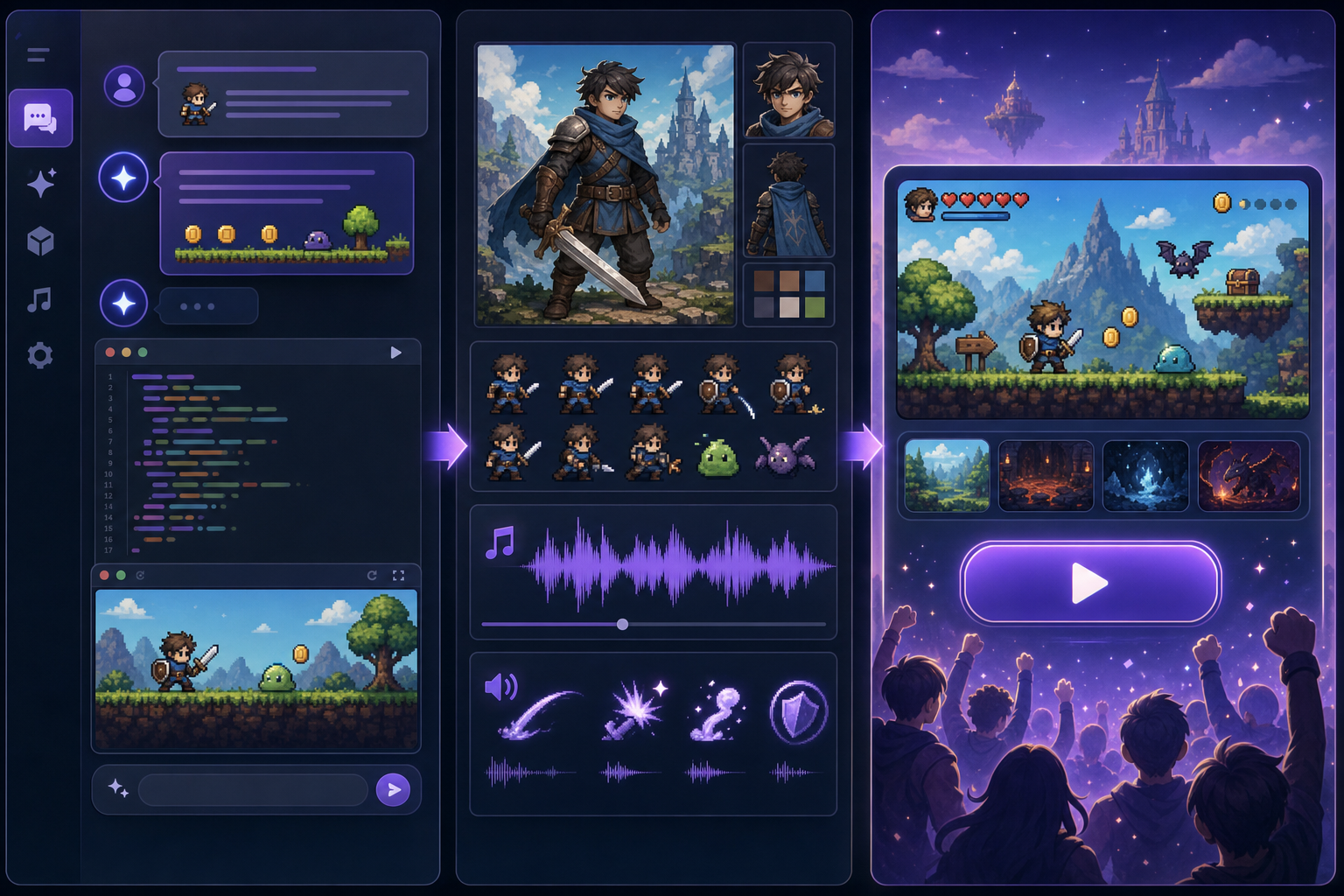
The winning beginner project is almost embarrassingly small: one playable loop, one character, one map, one fail state, one win state. WizardGenie can write and run the code. AI Image Gen, Quick Sprites, SFX Gen, and Music Gen can fill the asset gaps. But the part that makes the project ship is not the model. It is the brutal scope control.
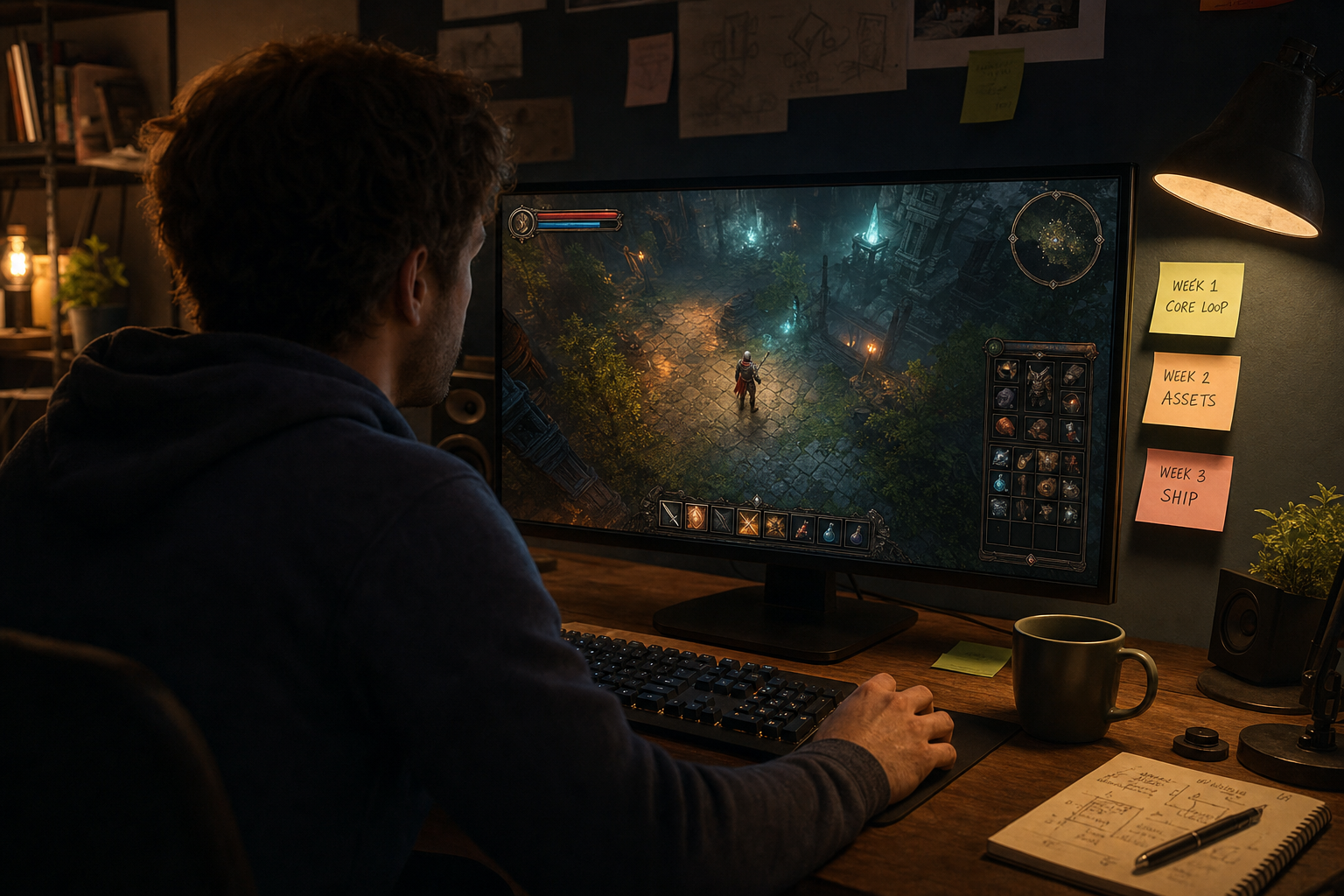
I shipped my first game in 3 weeks using Sorceress: the honest promise
AI can compress the time between idea and playable prototype from weeks to hours. It can scaffold a Phaser game, debug a collision bug, generate a sprite sheet, make a hit sound, draft a title screen, and explain why the build is broken. That is real leverage in the plain English sense of the word: a small creator gets more done per hour.
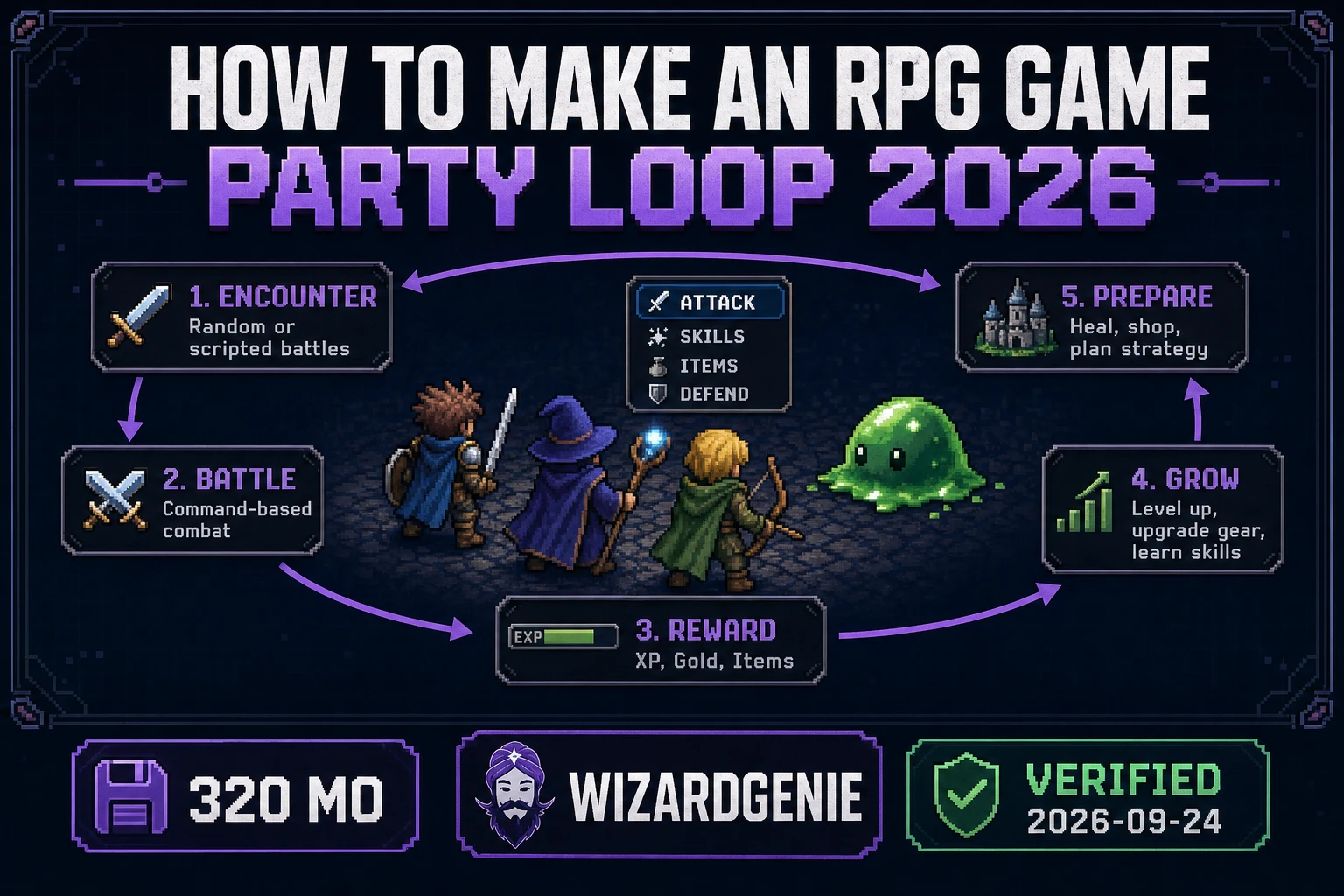
What AI does not do is choose the correct scope for you. If you ask for a Skyrim-like RPG with crafting, branching dialogue, boss fights, procedural loot, multiplayer, and a living economy, the agent may produce files. It will not produce a sane first project. A first game needs a loop so small you can describe it in one sentence:
- Collect five keys while avoiding guards.
- Survive 90 seconds in a shrinking arena.
- Deliver potions to three villagers before sunset.
- Explore one dungeon room and beat one enemy.
The screenshot that gets clicks is the finished fantasy town. The work that gets you there is a tiny scene that becomes fun before it becomes pretty.
Step 1: choose the game you can finish in one sentence
Start with a genre shape that AI coding agents are already good at: top-down action, platformer, survival arena, clicker, puzzle room, runner, or tiny roguelike. These genres have clear loops, obvious failure states, and simple controls. They also map well to browser tech, which means you can publish without installing an engine or fighting export settings.
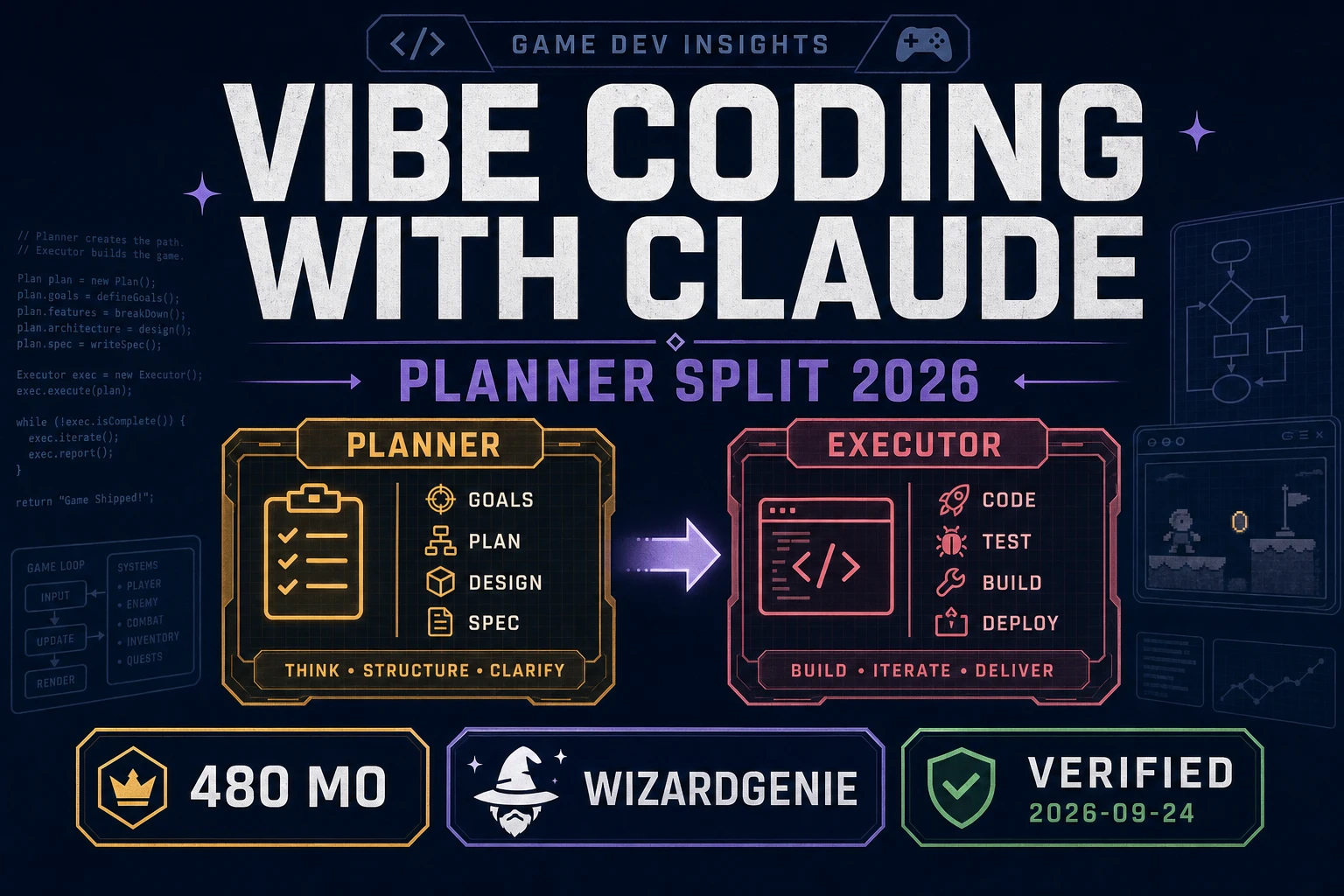
Open WizardGenie and write the first prompt like a producer, not a dreamer:
Create a tiny browser game in Phaser.
Title: The Bronze Key.
Genre: top-down fantasy micro-adventure.
Player goal: find one key and reach the locked gate.
Controls: WASD to move, Space to interact.
Map: one small town square with alleys, crates, guards, and one gate.
Failure: if a guard touches the player, restart the room.
Win: if the player reaches the gate while holding the key, show a victory screen.
Keep the first version simple. Use placeholder rectangles until the loop works.
That last sentence matters. Placeholder rectangles are not a failure. They are the fastest way to find out if the game exists. If movement feels bad with rectangles, it will still feel bad with beautiful sprites.
Step 2: make the core loop playable before adding art
Your first milestone is not a screenshot. It is a loop you can play ten times without explaining it to yourself. The player moves. The enemy threatens. The objective is visible. The restart works. The win screen appears. That is the skeleton.
Ask WizardGenie to iterate in small passes:
- Pass 1: movement, camera, boundaries, restart.
- Pass 2: one objective and one win state.
- Pass 3: one enemy behavior that creates pressure.
- Pass 4: UI hints so a stranger knows what to do.
- Pass 5: title screen, restart button, mute button.
Do not ask for inventory, shops, dialogue trees, achievements, save files, procedural generation, or five levels until this one loop works. Liz England’s “Door Problem” is still the best warning here: every ordinary feature expands into design, code, art, animation, UI, audio, testing, and edge cases. A door is not just a door. A locked gate is a whole feature.