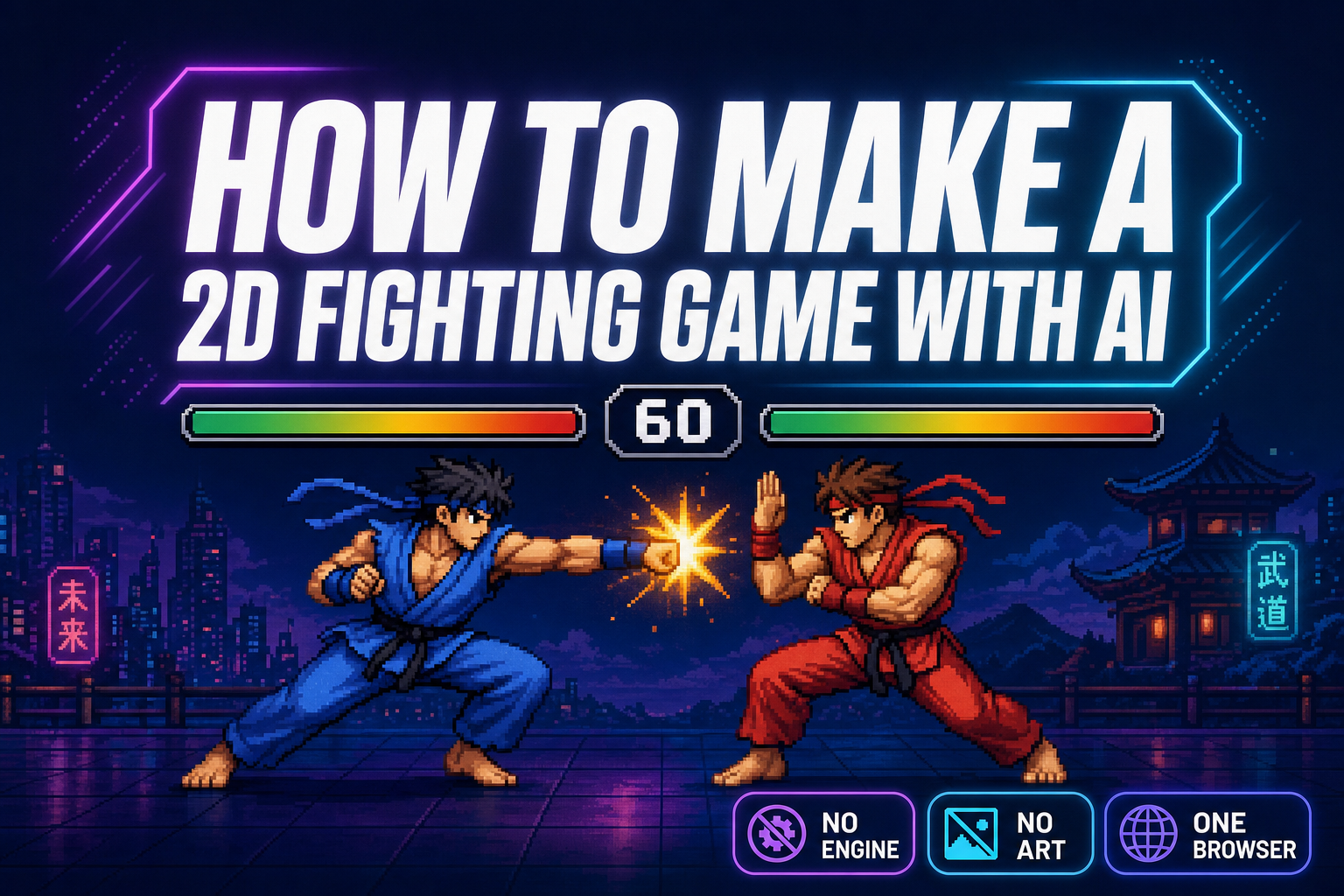
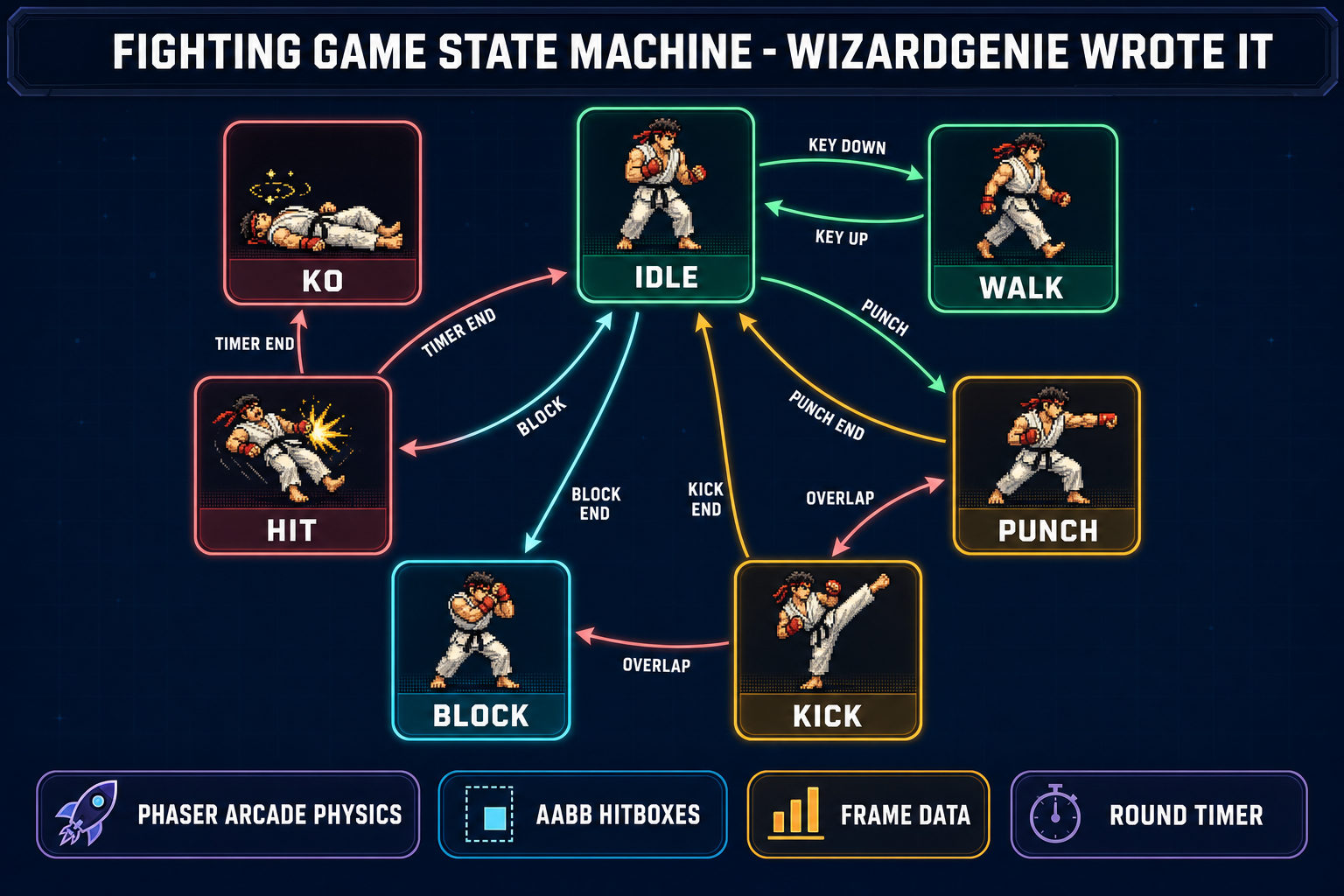
How to make a 2D fighting game has always been the most state-machine-heavy 2D game project you can ship. Every character is a tiny program switching between idle, walking, jumping, blocking, throwing punches, throwing kicks, taking hits, getting knocked down, and standing back up. Each state has its own animation strip, its own hitbox, its own collision rules with the opponent. That is why how to make a 2D fighting game has historically meant “buy Aseprite, learn frame data, write a few thousand lines of state-management code, debug for a month.” In 2026 it is two browser tabs. WizardGenie writes the Phaser 4 state machine for both fighters. Quick Sprites generates the animated frame strips for every move. The hitbox math sits inside Phaser 4 Arcade Physics. The whole loop runs in a browser tab — no engine install, no Aseprite license, no manual frame-by-frame pixel art. Verified May 18, 2026 against Phaser 4.1.0 “Salusa” (released April 30, 2026), src/app/_home-v2/_data/tools.ts, and src/app/quick-sprites/page.tsx.
What “how to make a 2D fighting game” actually means in 2026
The phrase how to make a 2D fighting game covers a specific game shape. Two characters face each other on a static or scrolling background. Each character has a health bar that drains when hit. A round timer ticks down. The winner is whoever drains the opponent first, or has more health when the timer hits zero. The fighting-game genre goes back to the 1980s arcade era, but the core loop has not changed since: input, animate, hit-test, react.
What changed in 2026 is who writes the code that runs that loop. Until late 2024, learning how to make a 2D fighting game meant downloading a free engine, picking up a sprite-editing tool, and grinding through six months of state-machine bugs and frame-data tuning before anything looked like a fighter. The published roundup on vibe-coding tools for games covers the broader shift: AI agents that write game code against engine APIs, and AI sprite generators that produce animated frame strips from text prompts.
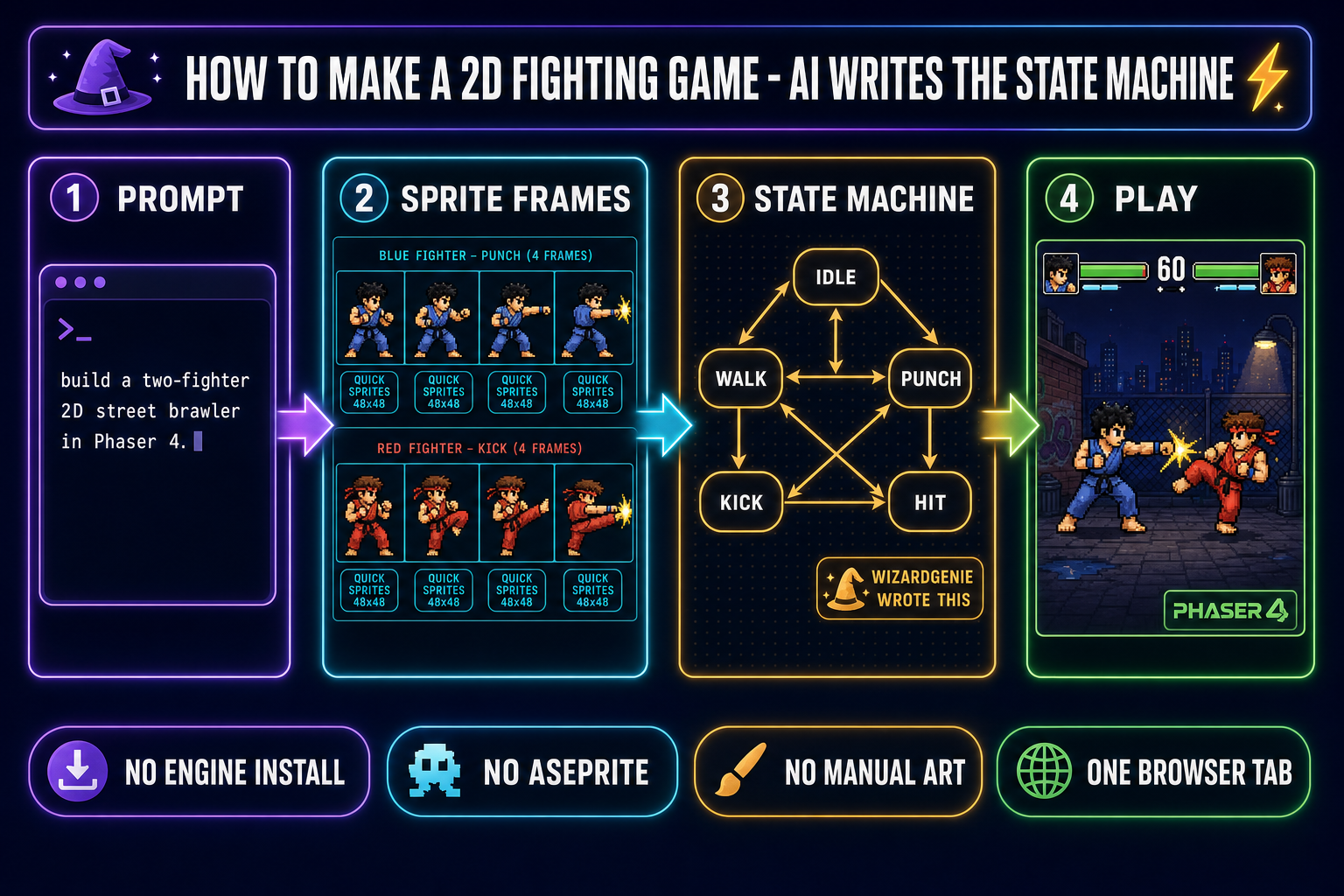
Both halves of how to make a 2D fighting game now resolve to a tool call. The state machine and input handler get written by an agent inside WizardGenie. The frame strips for every move (idle, walk, punch, kick, block, hit, KO) get generated by Quick Sprites. The Phaser 4 runtime hosts everything in a browser tab. No engine install. No Aseprite. No drawing. The whole “how to make a 2D fighting game” problem reduces to picking the moves you want and tuning the values until the fight feels right.
The two-tool how to make a 2D fighting game pipeline
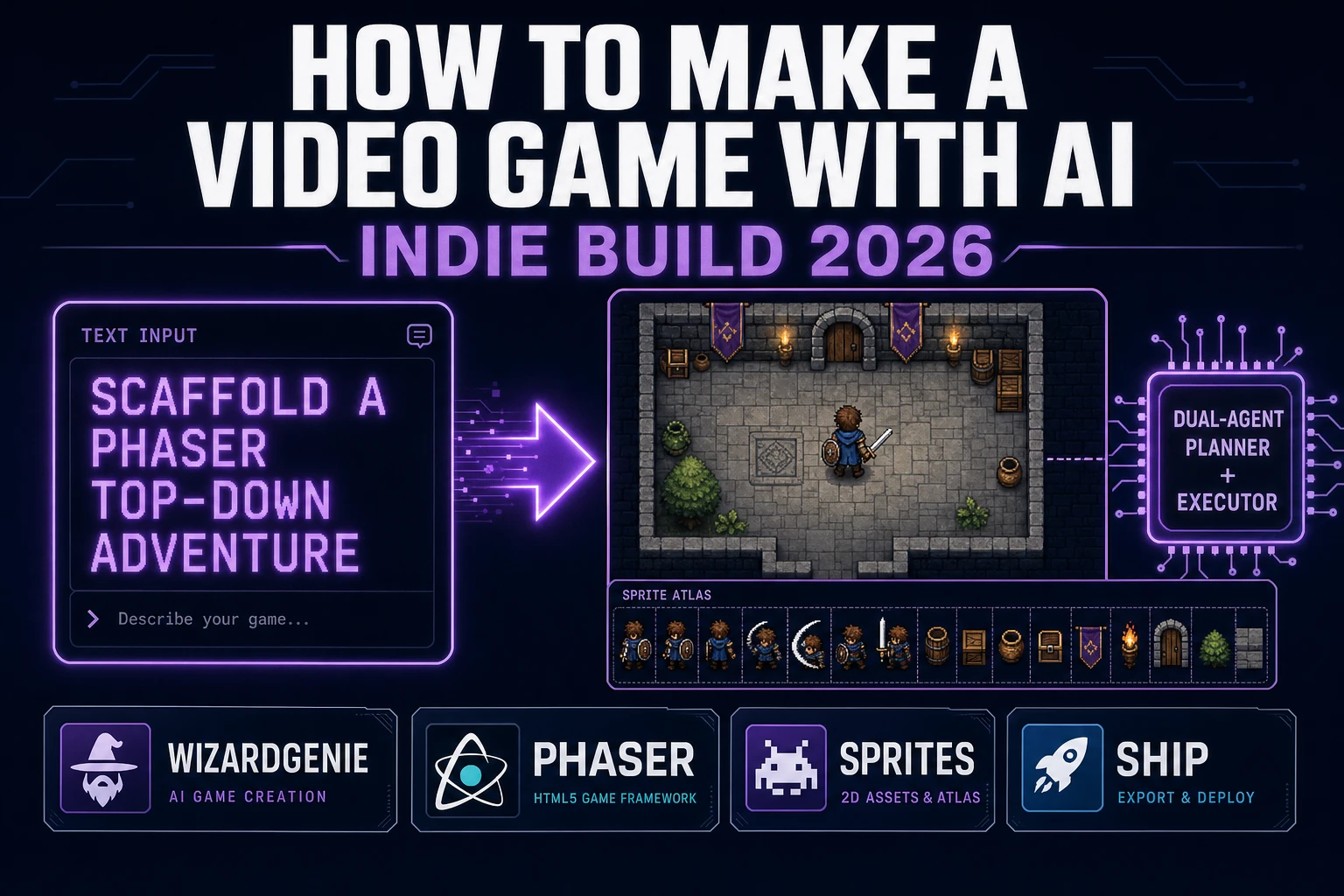
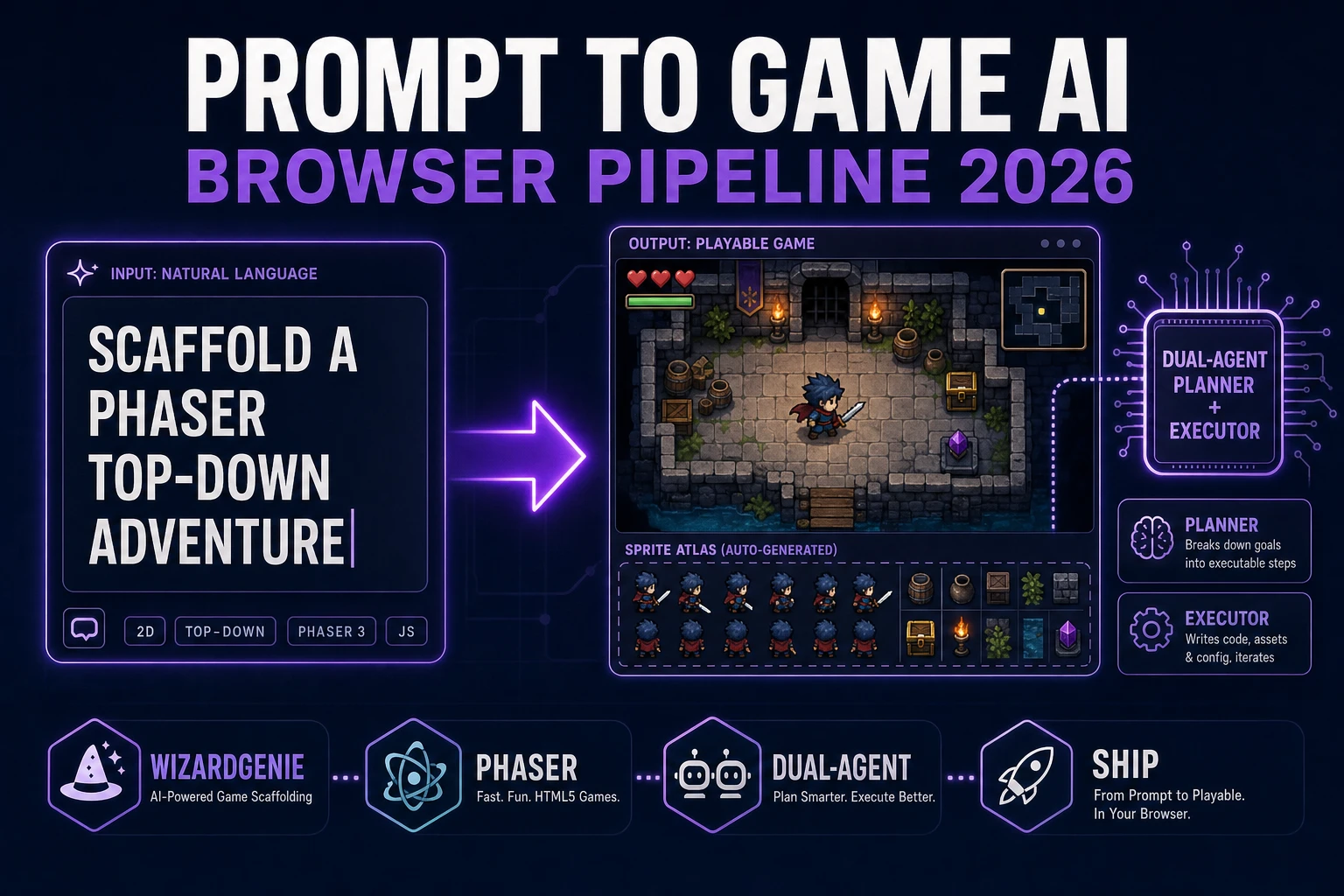
How to make a 2D fighting game in 2026 is a two-tool pipeline. The first tool writes code. The second tool draws frames. The runtime (Phaser 4) glues them together inside a browser tab.
Tool 1 — WizardGenie writes the state machine. WizardGenie is the Sorceress AI-first game editor, available on web at /wizard-genie/app and as a Windows desktop build for supporters. The editor wraps an AI agent around the Phaser 4 + Three.js runtime; the agent reads the project, plans the state machine, writes the JavaScript, and the build runs in the editor preview panel. The eight coding models in the WizardGenie picker, verified May 18, 2026 against src/app/_home-v2/_data/tools.ts, are Claude Opus 4.7, Claude Sonnet 4.6, GPT-5.5, Gemini 3.1 Pro, DeepSeek V4 Pro, Kimi K2.5, Grok 4.2, and MiniMax M2.7. The model-picker shootout covers when each one wins; for a fighting-game state machine, any of the top four handles the job. The cheap Planner-Executor pair (Opus 4.7 plans, DeepSeek V4 Pro types) lands at roughly one-fifth of single-frontier cost.
Tool 2 — Quick Sprites generates the frames. Quick Sprites is the pixel-art animated sprite generator at /quick-sprites. The tool wraps the retro-diffusion/rd-animation model behind a prompt input, an animation-style picker, and a credit-billing layer at nine credits per generation. The three animation styles are four_angle_walking (48x48 humanoid walk cycles in four directions), small_sprites (32x32 character poses including arm movement, looking, surprised, lay down), and vfx (24-96 pixel effects for fire, explosions, lightning, impact stars). For a 2D fighting game build, the first two styles cover idle, walk, attack, block, hit, and KO frames for both fighters.
The remaining piece is Phaser 4, the JavaScript runtime that hosts the game. Phaser 4.1.0 “Salusa” (released April 30, 2026) and the ground-up rebuild Phaser 4.0.0 “Caladan” (April 10, 2026) ship the spritesheet loader, the animation component, the Arcade Physics body system, and the keyboard input plugin a fighting game needs — everything required to wire two fighters into a working scene. The Sorceress Phaser game tutorial covers the full editor walkthrough.
The five-step workflow — how to make a 2D fighting game in your browser
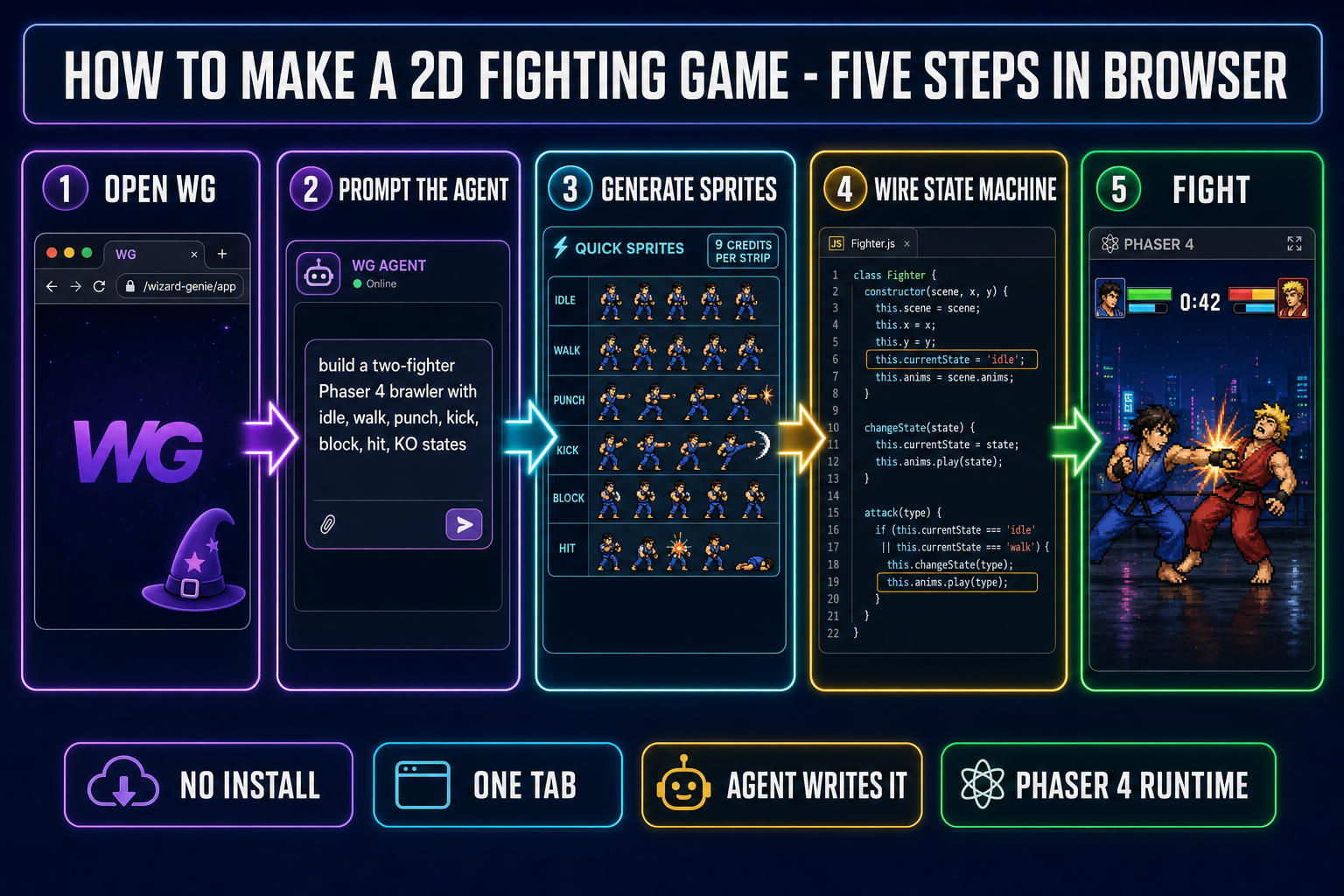
This is the end-to-end workflow for how to make a 2D fighting game with WizardGenie + Quick Sprites + Phaser 4. Five steps, no install, no Aseprite, no Unity download.
- Step 1 — open WizardGenie. Load the web build inside any modern browser tab, or open the desktop build if you are on the Early Access tier. Create a new project, pick the “Phaser 2D game” template, and the agent scaffolds a working Phaser 4 scene with one example sprite.
- Step 2 — prompt the agent. In the chat panel, describe the game shape. A working starting prompt for how to make a 2D fighting game: “Build a two-fighter 2D street brawler in Phaser 4. Each fighter has states idle, walk, jump, light punch, heavy kick, block, hit-stun, and KO. Player one uses A/D to move, J for light punch, K for heavy kick, L for block. Player two uses arrow keys, numpad-1 punch, numpad-2 kick, numpad-3 block. Two health bars at the top, sixty-second round timer between them, KO when a bar hits zero. Use Arcade Physics for hit detection with rectangular hitboxes per attack frame.” The agent reads the project, plans the file structure (Fighter class, GameScene, HUD overlay, input handler), and generates every file. The build runs live in the preview panel inside ninety seconds.
- Step 3 — generate sprite frames in Quick Sprites. Open Quick Sprites in a second tab. For each fighter, generate six strips: one idle (4 frames), one walk (4 frames, the four_angle_walking style covers up-right-down-left in one strip), one light punch (4 frames), one heavy kick (4 frames), one block (1 frame static), one hit (3 frames). Each strip is nine credits via the
retro-diffusion/rd-animationmodel. A two-fighter roster ships in roughly five minutes of generation time and ninety credits per fighter. The AI sprite generator deep-dive covers prompt patterns that produce consistent characters across strips. - Step 4 — wire the sprites into the state machine. Drag the downloaded PNG strips into the WizardGenie project folder. Tell the agent: “Load the fighter sprite strips from the assets folder. Map idle to fighter1_idle.png at 4 frames, walk to fighter1_walk.png at 4 frames, light punch to fighter1_punch.png at 4 frames, heavy kick to fighter1_kick.png at 4 frames, block to fighter1_block.png at 1 frame, hit to fighter1_hit.png at 3 frames. Repeat for fighter2. Register each as a Phaser animation and call sprite.play(key) per state.” The agent edits the Fighter class to swap animations on every state transition.
- Step 5 — tune the fight. The build is playable. The remaining work is tuning: light punch damage 6, heavy kick damage 14, hit-stun duration 18 frames, block damage reduction 80 percent, walk speed 160 px/sec, jump velocity 420 px/sec, gravity 900 px/sec. Tell the agent to expose those as constants at the top of the Fighter class so the round-by-round tuning happens by editing numbers. The whole how to make a 2D fighting game flow lands at three to four hours from blank tab to playable build.