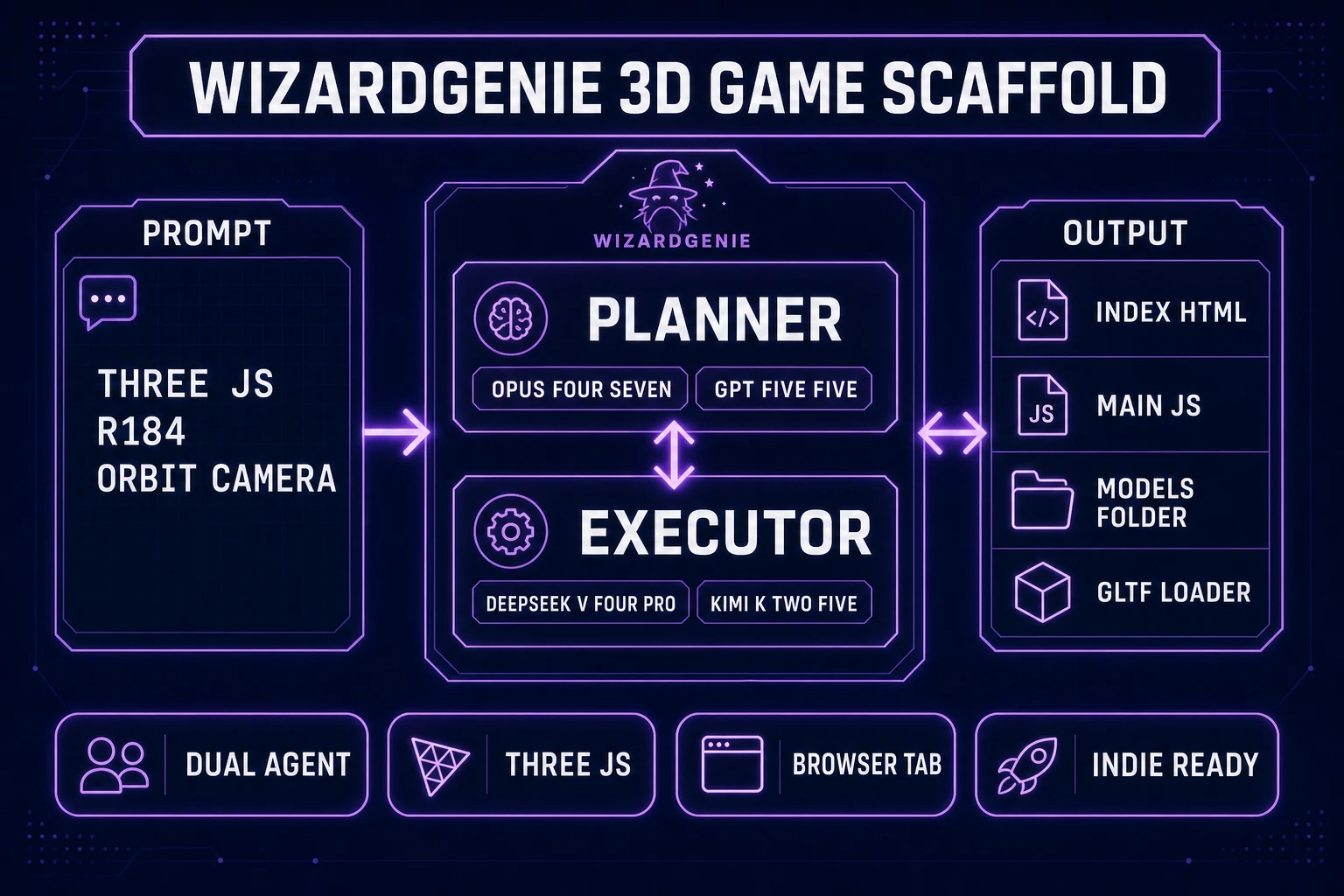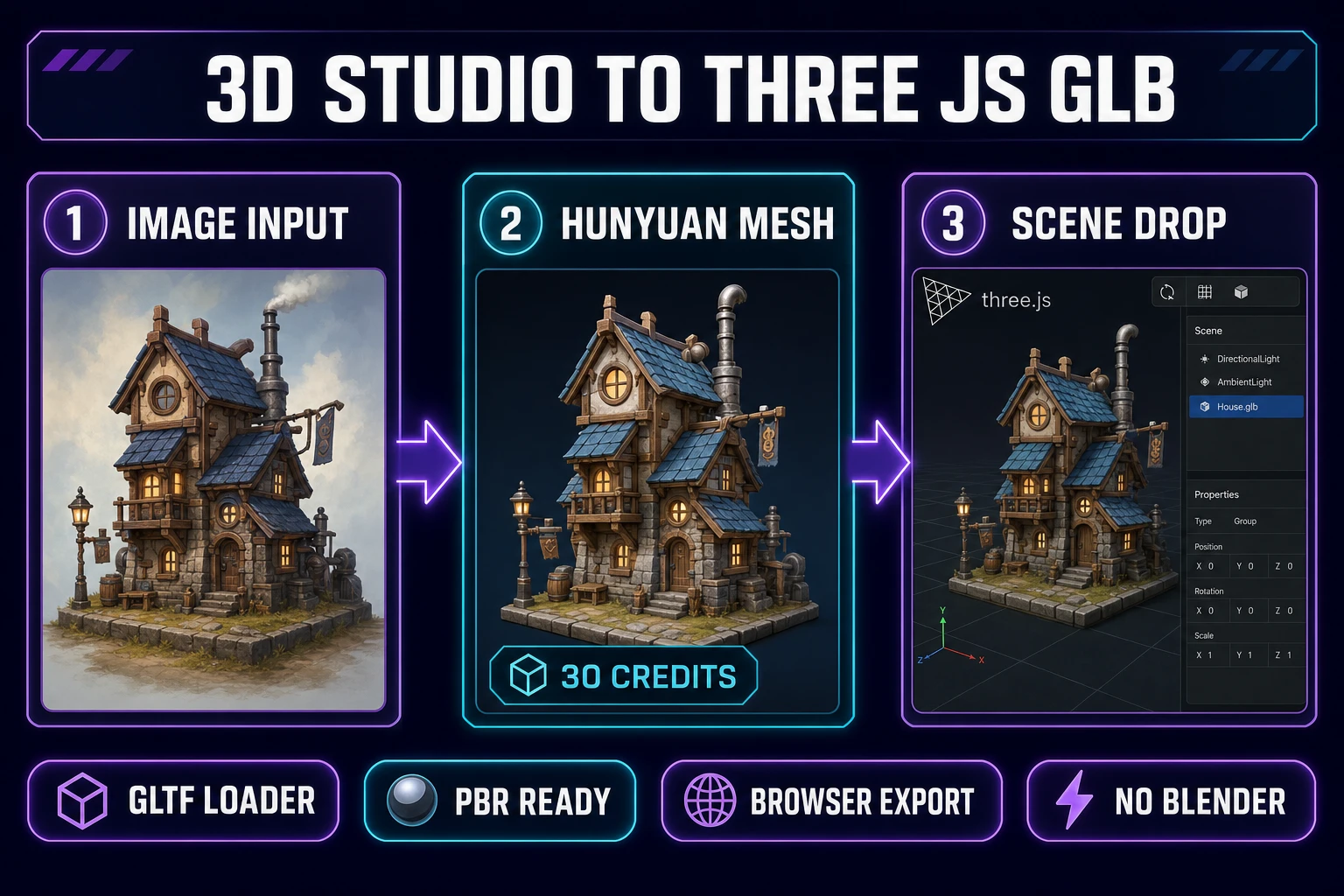
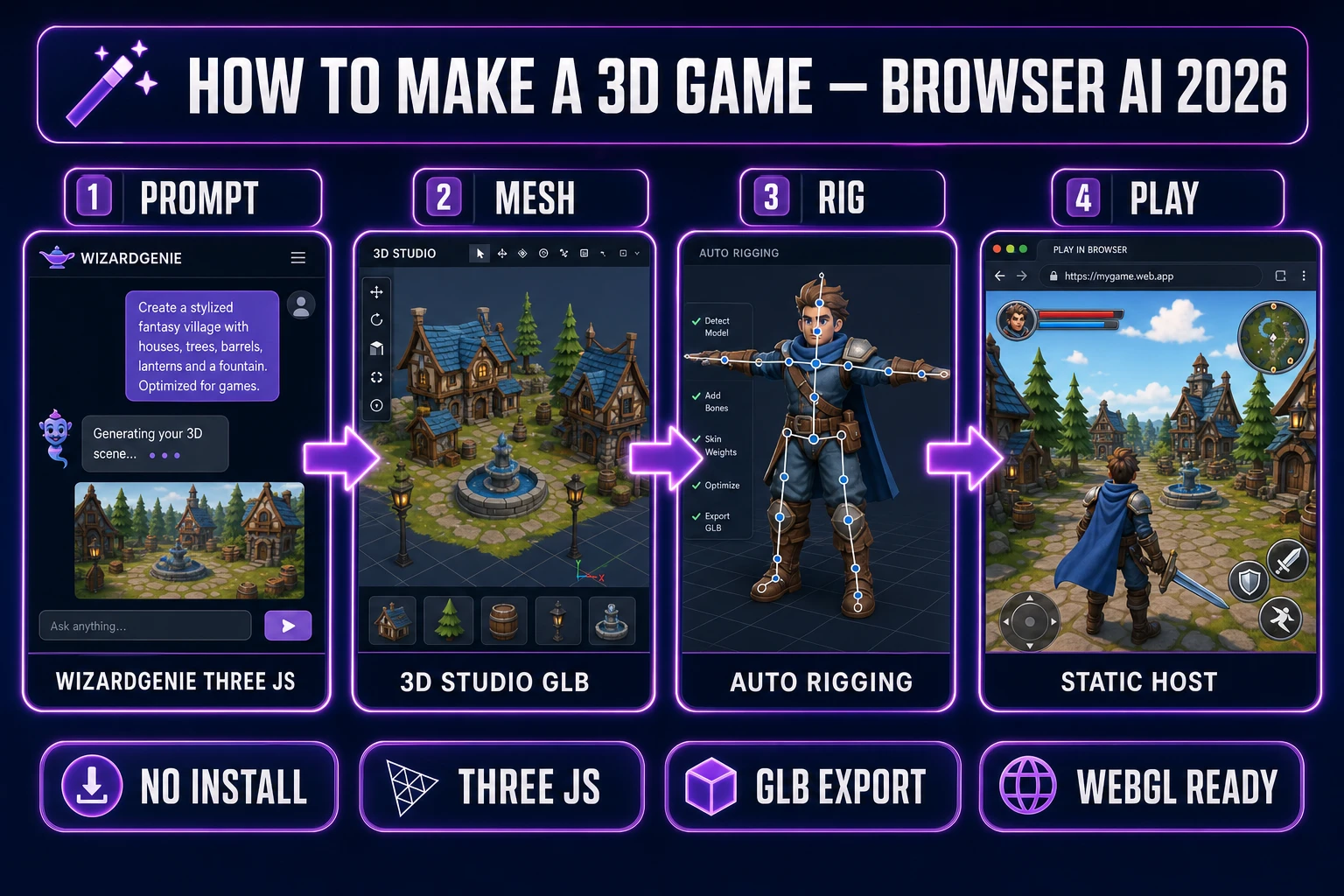
Search how to make a 3d game on July 5, 2026 and the SERP splits awkwardly: Scratch tutorials that cap out at faux-3D tricks, Unity marketing pages that assume a month of editor onboarding, and YouTube series that never ship a playable build. None of those paths answer the indie question — what is the honest toolchain from empty idea to a WebGL scene I can send to friends today? This guide answers that. The 2026 answer is a four-layer browser pipeline: WizardGenie writes the Three.js r184 scaffold, 3D Studio and Voxel Studio fill the scene with GLB meshes, Auto-Rigging skins characters, and Music Gen plus SFX Gen score the loop. Every tool cost and model name below is verified against the live Sorceress source on July 5, 2026.
What “how to make a 3d game” actually means in 2026
The phrase how to make a 3d game (320/mo, KD 0 per DataForSEO probe verified July 5, 2026) is broader than how to make a 3d game in unity (90/mo) or how to make a 3d game in godot (90/mo). The head query is the beginner who wants depth — a camera that orbits, meshes that cast shadows, a player capsule that reads as three-dimensional — without committing to a desktop engine install on day one. A browser-first Three.js build satisfies that intent honestly: WebGL renders real 3D geometry inside a tab, and the output is a static folder you host anywhere.
The sibling queries confirm the cluster: how to make a 3d game from scratch (880/mo, KD 0), how to make a 3d scratch game (880/mo), and how to make a game 3d (320/mo) all describe the same reader with slightly different phrasing. Scratch-specific variants point at block coding; this article targets the reader who outgrew blocks but has not yet picked Unity or Godot as a permanent home. The Sorceress stack is the browser-native answer — generate assets and code in tabs, export GLB and JavaScript, host as static WebGL.
Why Three.js r184 is the honest engine for a browser-first 3D game
Raw WebGL is the right learning exercise and the wrong shipping path for most indies. Three.js r184 shipped April 16, 2026 (verified against the official GitHub release tag on July 5, 2026) with aligned background and environment-map rotation, improved mobile support for FirstPersonControls, and FBXLoader auto-conversion from +Z-up to +Y-up — fixes that matter when a 3D game needs orbit cameras, skydome backgrounds, and imported meshes from mixed DCC sources.
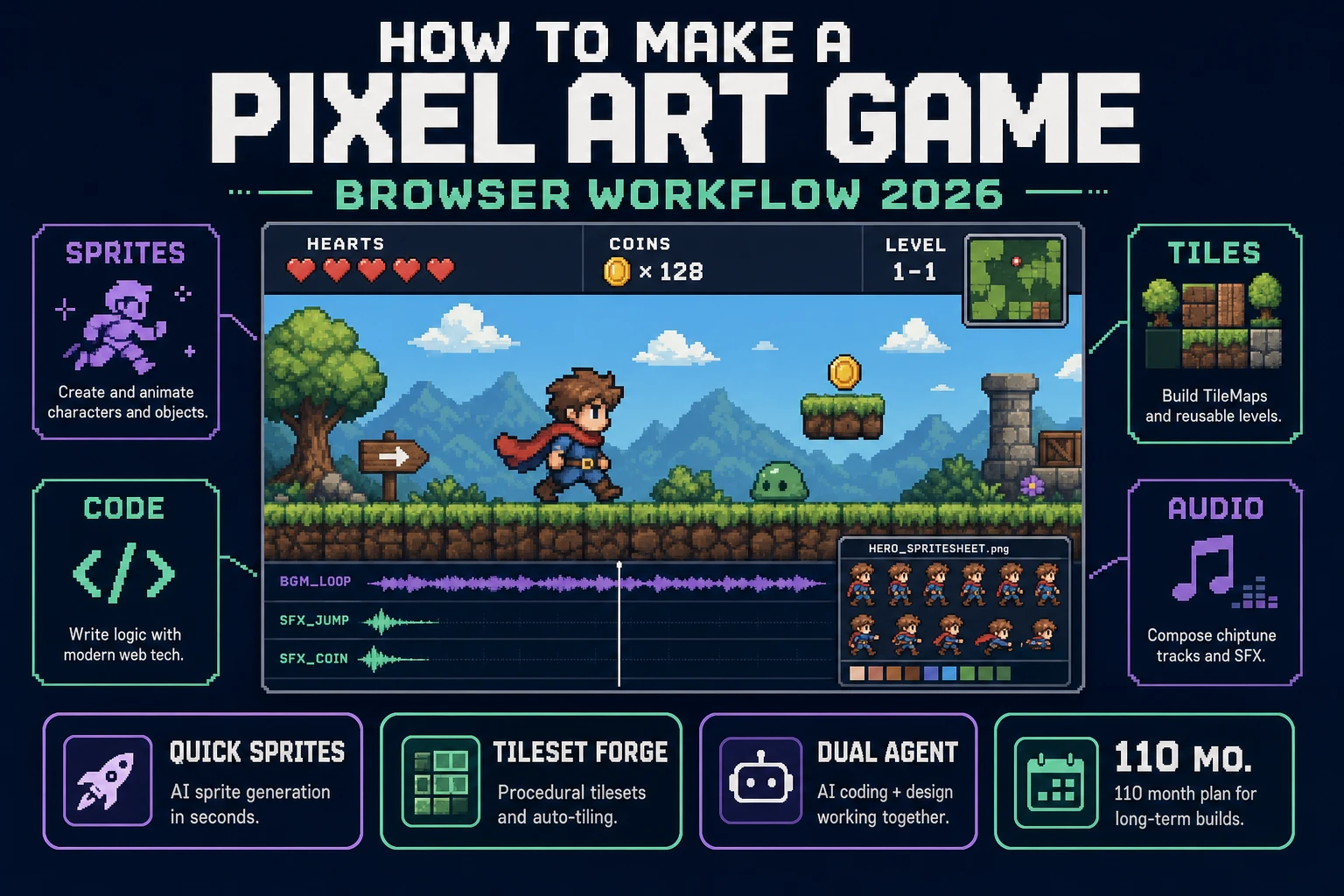
Phaser 4.2.0 “Giedi” (June 19, 2026) is the right pick for flat 2D web games — see the Sorceress how to make a web game guide. For genuine depth, WizardGenie supports both Phaser and Three.js scene management; prompt Three.js explicitly when the how to make a 3d game goal is orbit cameras, GLTFLoader meshes, and directional lighting. The glTF format is the interchange layer — every 3D Studio export lands as GLB that Three.js loads without conversion.
The Sorceress asset pipeline behind every how to make a 3d game project
Every 3D game ships five layers regardless of genre: code, meshes, materials, audio, and input. In 2026 each layer maps to one Sorceress tool verified against the live catalog on July 5, 2026:
- Code — WizardGenie with eight CODING_MODELS (Claude Opus 4.7, Sonnet 4.6, GPT-5.5, Gemini 3.1 Pro, DeepSeek V4 Pro, Kimi K2.5, Grok 4.2, MiniMax M2.7 per
src/app/_home-v2/_data/tools.tslines 734–742). - Props and characters — 3D Studio with eight visible models in the picker (Hunyuan 3D 3.1, Tripo v3.1, Tripo P1, Meshy 6, Hunyuan 3D 2.1, Pixal3D, Trellis 2, Hyper3D Rodin per
src/lib/threed-models.tsTHREED_MODEL_ORDER). - Voxel worlds — Voxel Studio for block-built characters and terrain that export into the same GLB pipeline.
- Rigging — Auto-Rigging plus 3D Studio’s built-in auto-rig path for skinned GLB characters.
- Concept art inputs — AI Image Gen for reference images that feed 3D Studio image-to-3D runs.
- Music and SFX — Music Gen at 10 credits per track and SFX Gen at 1 credit per second.
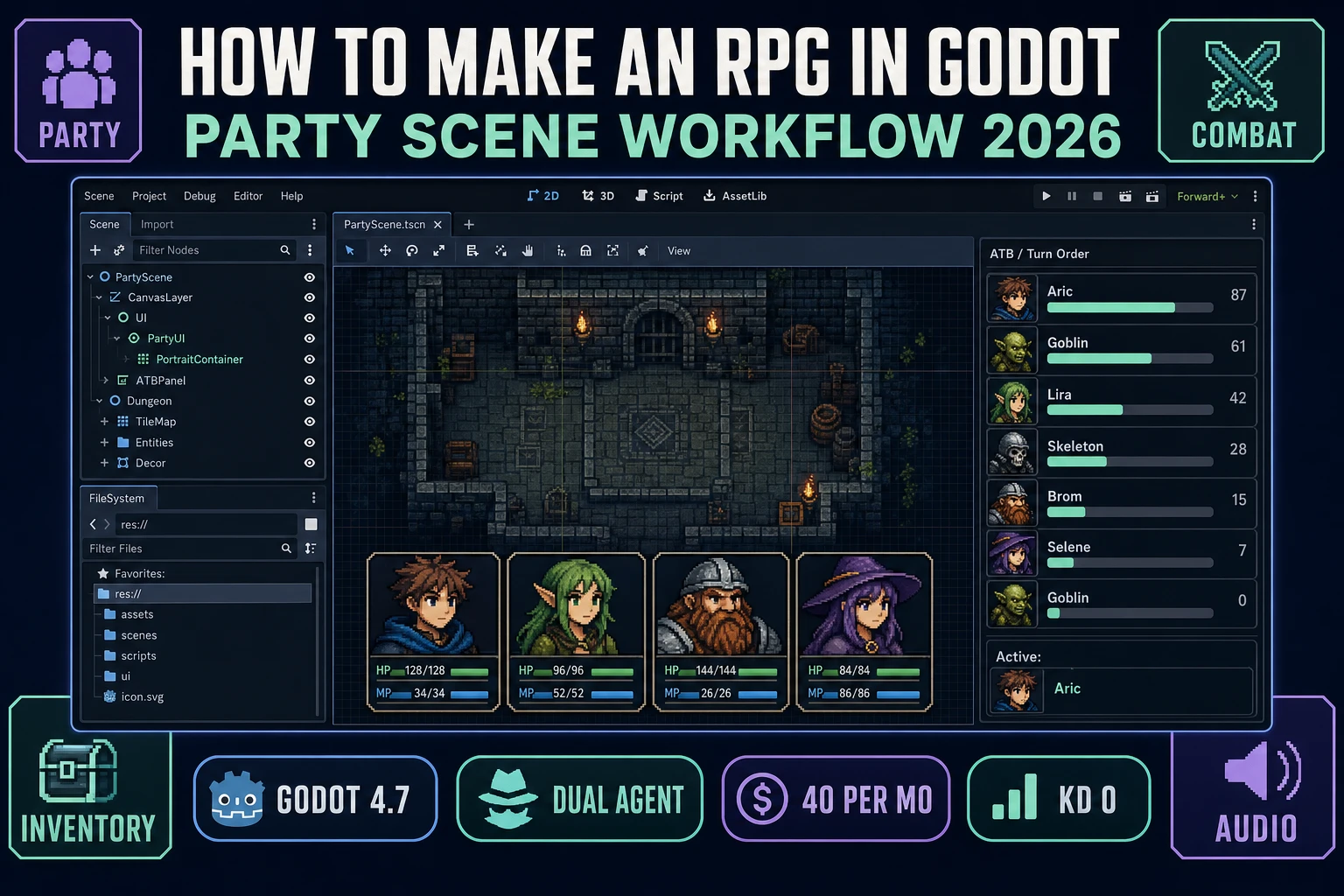
Pricing is a $49 lifetime unlock plus pay-as-you-go credit packs — Starter $10/1,000 credits, Creator $20/2,000, Plus $50/5,000, Studio $100/10,000 — verified against src/app/plans/page.tsx lines 46 and 50. New accounts ship with 100 starter credits. Cross-link the mesh-specific angle in image to 3D model generator and the Godot export path in Godot game tutorial.