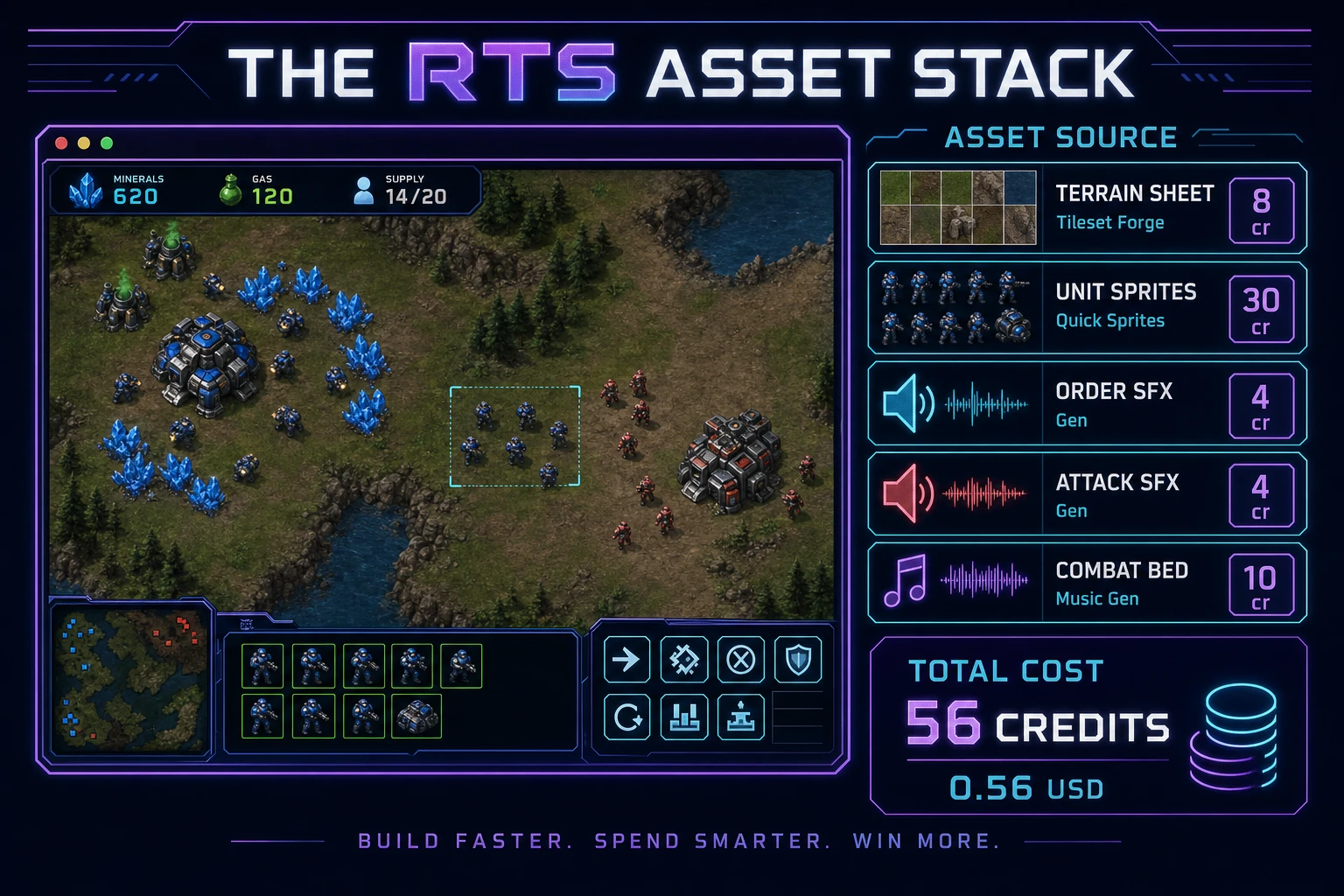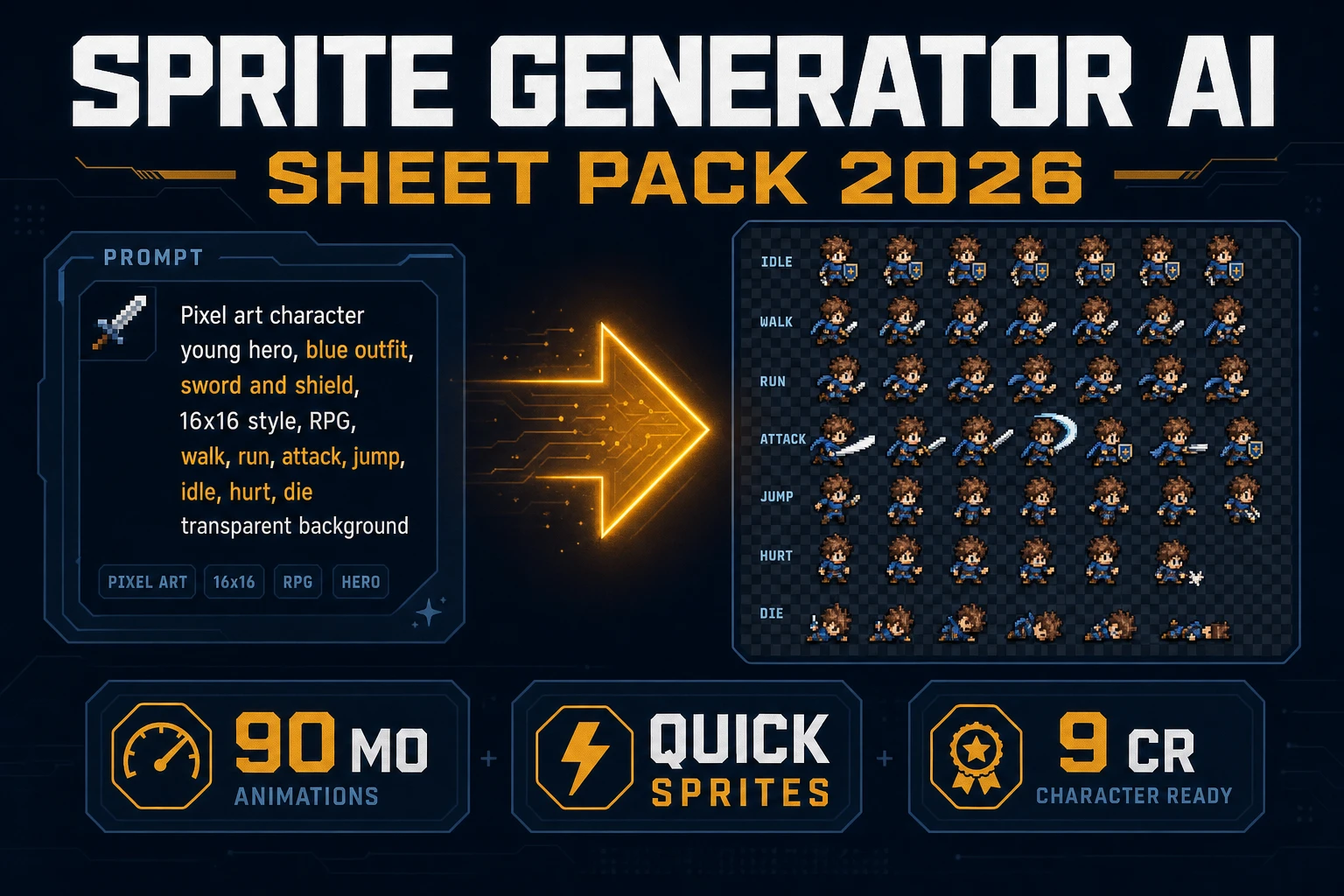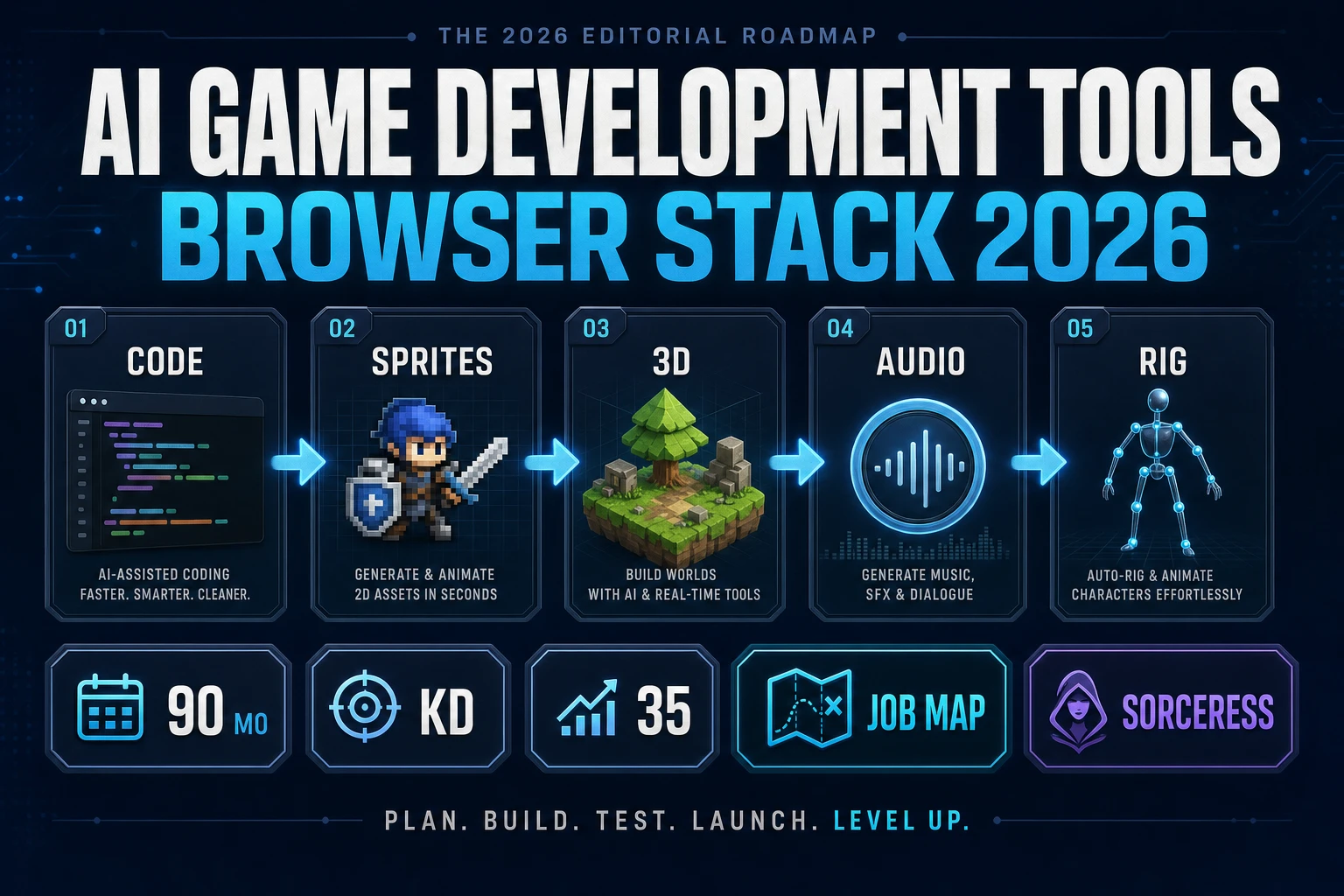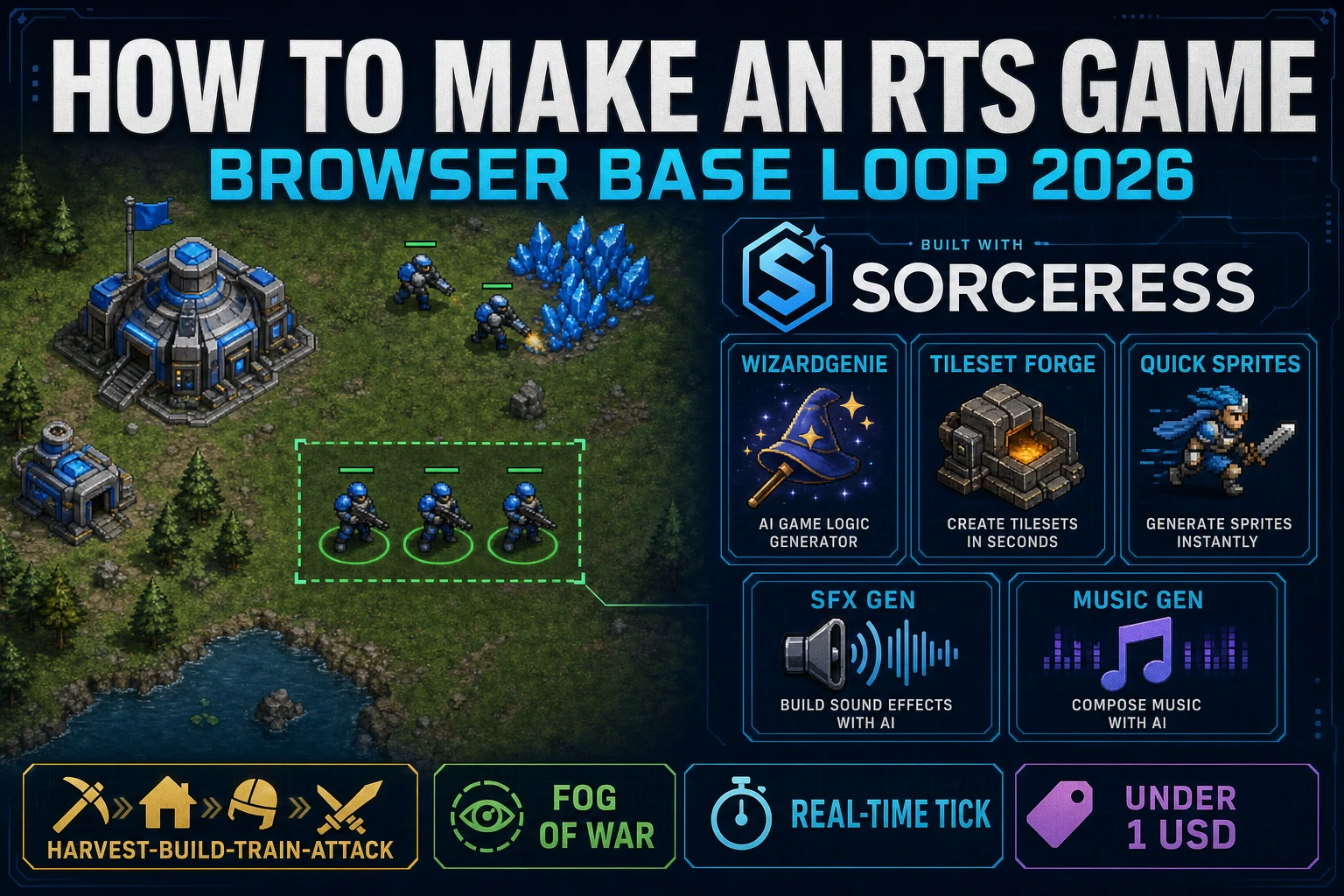
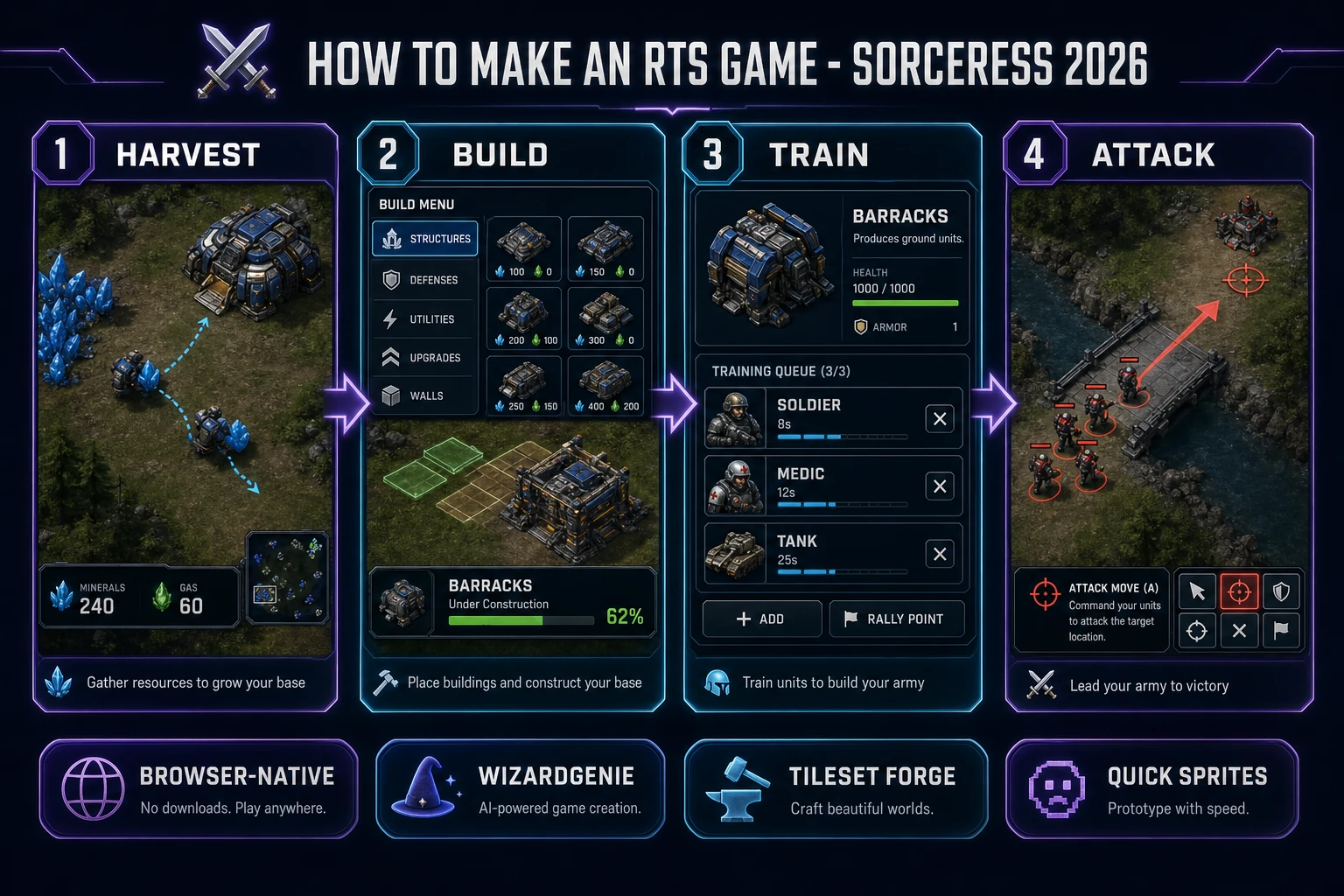
Most beginners who search "how to make an rts game" want the Dune II or StarCraft feel - a top-down map with mineral crystals near a starting base, a worker that walks over and mines, a build menu that drops a barracks foundation, a training queue that spits out soldiers, and a drag-selected squad that marches across a bridge under attack-move orders - not a full Blizzard live-service simulation on day one. Real-time strategy is famously demanding to ship at commercial scale because a single map juggles pathfinding, economy, tech tree, fog of war, and AI opponents in parallel. A browser real time strategy game aimed at a jam or a portfolio piece is a different animal. A coding agent scaffolds the tick loop, the selection rectangle, the order queue, and the fog overlay from one prompt, and AI generation covers the terrain and the unit sheets. On desktop or web, that means WizardGenie for the base-loop interpreter, Tileset Forge for map terrain, Quick Sprites for worker and soldier animations, and SFX Gen for order callouts. This guide is the honest end-to-end for how to make an rts game in 2026, as a weekend build you can actually finish.
What how to make an rts game actually means in 2026
The query "how to make an rts game" hides three distinct intents. Some searchers want a game-design deep dive on faction asymmetry, tech trees, and counter matrices - a design brief, not a browser build. A second intent is the broader how to make a strategy game guide covering the macro economy plus turn-based fog of war - useful, but that guide correctly targets a turn-tempo game with a different tempo contract. The intent this article targets is the third: a browser real time strategy game that boots into a single-page HTML shell with a top-down map, mineral nodes, one or two starting workers, a build menu that places foundations, a barracks that trains units on a queue timer, a drag-selectable squad, right-click move and attack orders, a fog-of-war overlay, and a small enemy AI that mirrors the same loop. That is a weekend build, it demos the Sorceress toolset, and it is the format most rts game tutorial and javascript rts searchers actually want.
The presentation contract is small and strict. A top-down map fills most of the viewport, with terrain tiles (grass, dirt, water, cliff) drawn in one Canvas pass. Resource nodes (mineral crystals, gas geysers) sit at fixed spots. Worker units path from a node back to a base, dropping off resources. A HUD strip along the top shows minerals, gas, and current supply. A build menu opens on hotkey B or when a worker is selected; clicking a building slot drops a foundation that ticks up to complete. Selected units show a small ring, and the right-click ground point issues a move; right-click on an enemy issues attack-move. The real-time strategy overview on Wikipedia (verified 2026-08-30) traces the genre from Herzog Zwei (1989) through Dune II, Warcraft, and StarCraft, and confirms these are the defining beats - cite that page in your itch.io blurb so players know you shipped a browser real time strategy tick loop, not a squad-tactics prototype.
The RTS base loop in one minute (harvest, build, train, attack)
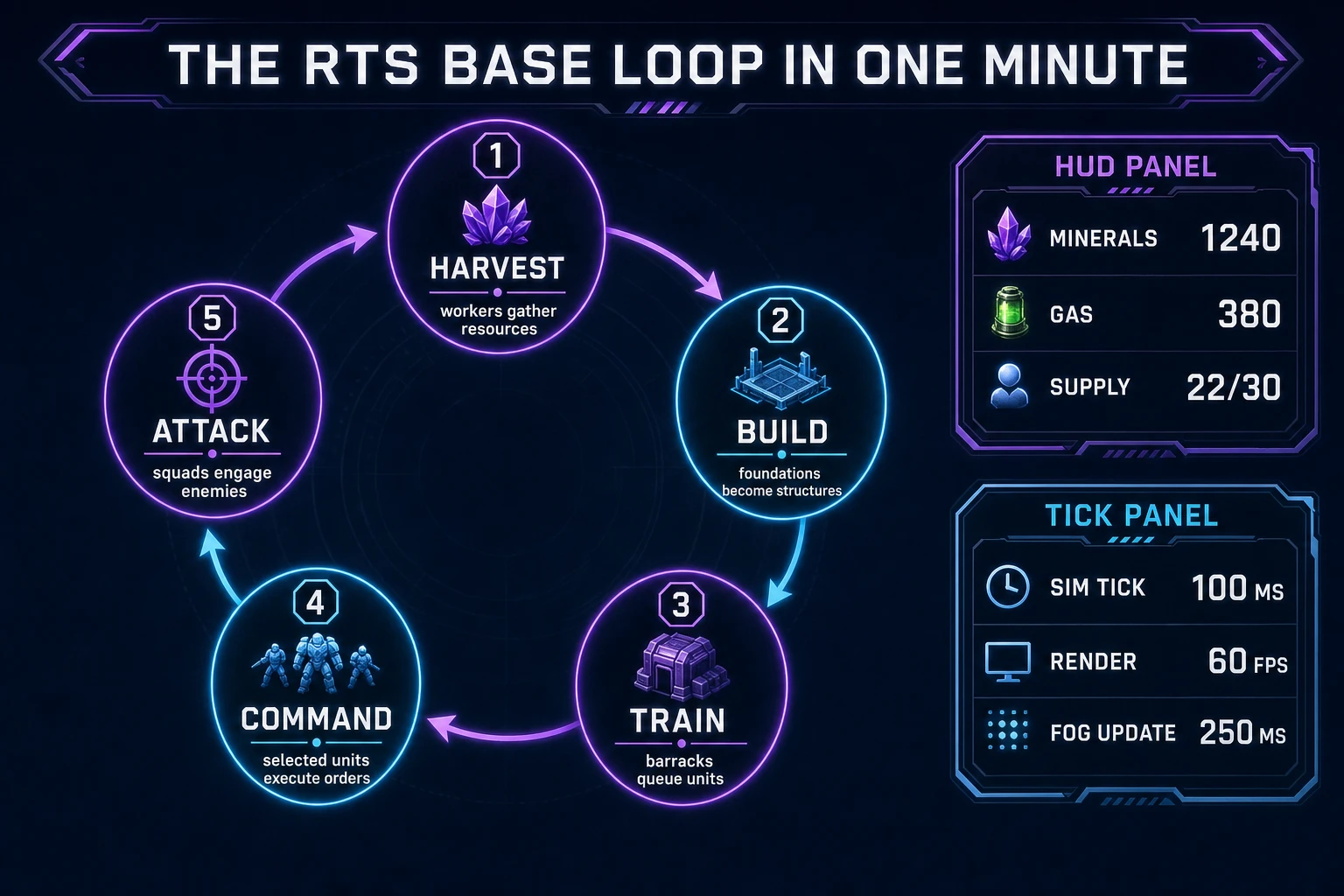
Four moving parts, cycled forever. First, harvest - a worker unit walks to the nearest resource node, spends a couple of seconds gathering, then walks the payload back to the nearest base and drops it into the shared resource pool. Second, build - the player spends resources to place a foundation on a walkable tile; over the next several seconds the foundation counts up to a completed building (base, barracks, refinery, tech lab). Third, train - a completed barracks accepts a queue of unit orders; each unit takes a defined time to spawn and costs resources and supply. Fourth, attack - selected units execute move-attack orders in continuous real time, engaging any enemy inside their leash radius. That four-step cycle, mirrored by a small enemy AI that runs the same loop, is the whole html5 rts loop - everything else (tech tree, factions, hero units, campaign maps) is polish on top.
Pick your engine for how to make an rts game: Canvas, Phaser, or WizardGenie
Three good targets in 2026, each with a different trade-off. Plain HTML Canvas 2D is the honest default and the pick this guide recommends for a first build. RTS is render-heavy on the map layer but light on physics - the world is a grid, units move along interpolated vectors, and there is no collision solver to fight. The MDN Canvas API reference (verified 2026-08-30) covers the drawImage sprite-atlas pattern and the offscreen-canvas trick that lets you cache the static terrain layer once at load and only redraw the moving units and the fog overlay every frame. That single optimization keeps a 128x128 tile map with dozens of units at a stable 60 fps in any modern browser.
Separate the simulation tick from the render frame or the game will feel sluggish the moment unit counts climb. The simulation runs on a fixed 100 ms setInterval and updates positions, cooldowns, resource counts, order queues, and combat resolution. The render loop uses requestAnimationFrame and interpolates unit positions between the last two simulation states. The MDN requestAnimationFrame docs (verified 2026-08-30) explain why coupling render to display refresh (rather than to a raw setInterval) is what makes 60 fps stable, and why heavy work must stay inside the simulation callback instead of the animation callback. Skip this split and every extra ten units doubles the input-lag on click, and the game feels broken even when the math is honest.
Phaser v4.2.1 "Giedi" (released 9 July 2026, verified 2026-08-30 on the official Phaser stable download page) becomes the right pick when a browser RTS wants Phaser's Scene system, tile map loader, camera, and input plugins out of the box. Phaser's Arcade Physics is not what you want here - RTS units glide, not collide - so use Phaser as the render + input framework and keep the simulation in plain JavaScript on the side. For a pure browser-native tick loop where the pixel dimensions and the camera code are already predictable, plain HTML Canvas is faster to ship. Use Phaser when you want a tile-map editor pipeline and camera bounds for free; use plain Canvas when the goal is a readable rts game tutorial people can build in one sitting.
WizardGenie is not a separate RTS engine - it scaffolds whichever of the two you pick from a single natural-language prompt. WizardGenie ships as both a desktop app (Windows installer with auto-update, available to Early Access supporters and above) and a no-install web build. Its coding-model lineup covers Claude Opus 4.7, Claude Sonnet 4.6, GPT-5.5, Gemini 3.1 Pro, DeepSeek V4 Pro, Kimi K2.5, Grok 4.2, and MiniMax M2.7 (verified 2026-08-30 in src/app/_home-v2/_data/tools.ts). For a first RTS base loop, any frontier model scaffolds the harvest-build-train-attack state machine in one prompt. Pair a frontier planner with a budget executor like DeepSeek V4 Pro or Kimi K2.5 for the typing pass - the dual-agent pattern lands most projects at roughly one-fifth the single-frontier cost.
Step 1 - model resources, workers, buildings, and the tick
Nothing else in the pipeline matters if the tick drifts or the selection state confuses itself. Start with a small, testable model:
const TILE = 32;
const MAP_W = 64;
const MAP_H = 64;
const SIM_TICK_MS = 100;

const state = {
  resources: { minerals: 50, gas: 0, supply: { used: 4, cap: 10 } },
  buildings: [
    { id: "base-p1", type: "base", owner: 1, x: 6, y: 8, hp: 1500, buildTime: 0 },
  ],
  units: [
    { id: "w1", type: "worker", owner: 1, x: 7, y: 9, hp: 50, carrying: 0, target: null, order: "idle" },
    { id: "w2", type: "worker", owner: 1, x: 8, y: 9, hp: 50, carrying: 0, target: null, order: "idle" },
  ],
  nodes: [
    { id: "n1", type: "mineral", x: 12, y: 6, remaining: 1500 },
    { id: "n2", type: "mineral", x: 14, y: 7, remaining: 1500 },
  ],
  queues: {},
  selection: [],
  fog: new Uint8Array(MAP_W * MAP_H),
  tick: 0,
};

const UNIT = {
  worker:  { cost: { minerals: 50  }, buildMs: 8000,  moveSpd: 3.0, attack: 3,  range: 1 },
  soldier: { cost: { minerals: 75  }, buildMs: 12000, moveSpd: 2.5, attack: 8,  range: 2 },
  tank:    { cost: { minerals: 150, gas: 50 }, buildMs: 25000, moveSpd: 1.5, attack: 22, range: 4 },
};

function simTick() {
  state.tick += 1;
  for (const u of state.units) stepUnit(u);
  for (const b of state.buildings) if (b.buildTime > 0) b.buildTime = Math.max(0, b.buildTime - SIM_TICK_MS);
  for (const [bid, q] of Object.entries(state.queues)) stepTrainQueue(bid, q);
  updateFog();
  updateCombat();
}

function stepUnit(u) {
  if (u.order === "harvest") harvestStep(u);
  else if (u.order === "move") moveStep(u);
  else if (u.order === "attack-move") attackMoveStep(u);
}
Unit-test five cases before you generate any art: a worker with order "harvest" and a mineral node target moves toward the node one tile per few ticks; on arrival, the worker's carrying goes to 8 and the node's remaining drops by 8; the worker then routes back to the nearest owned base and adds carrying to minerals; queueing a soldier in a barracks with 75 minerals available drops minerals to zero and starts a 12000 ms build timer; on completion, one soldier spawns at the barracks rally point and supply.used goes up by 1. Those five tests catch ninety percent of javascript rts bugs. Keep the simulation tick at 100 ms and interpolate render positions - do not couple order resolution to requestAnimationFrame or a variable frame rate silently corrupts economy math.