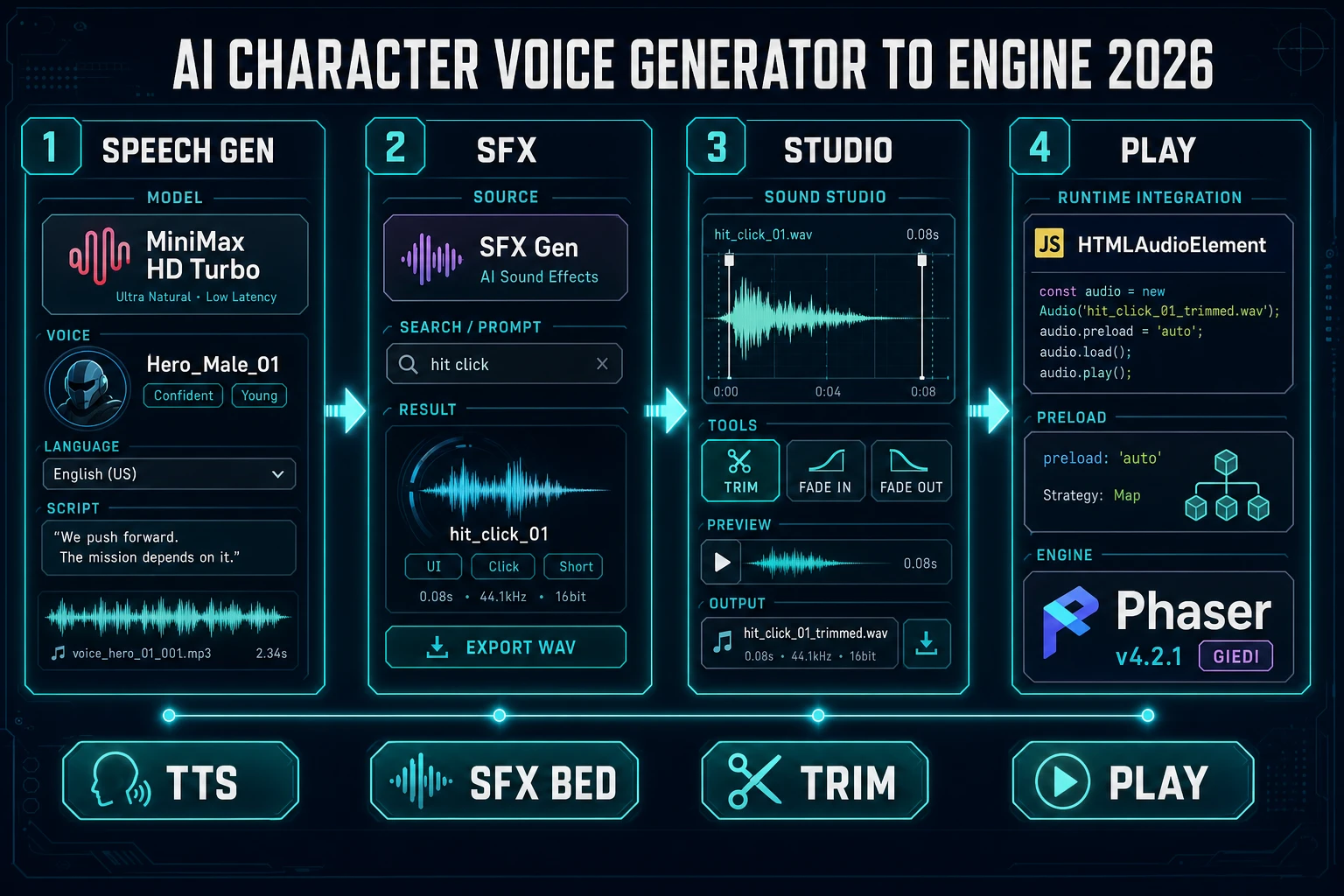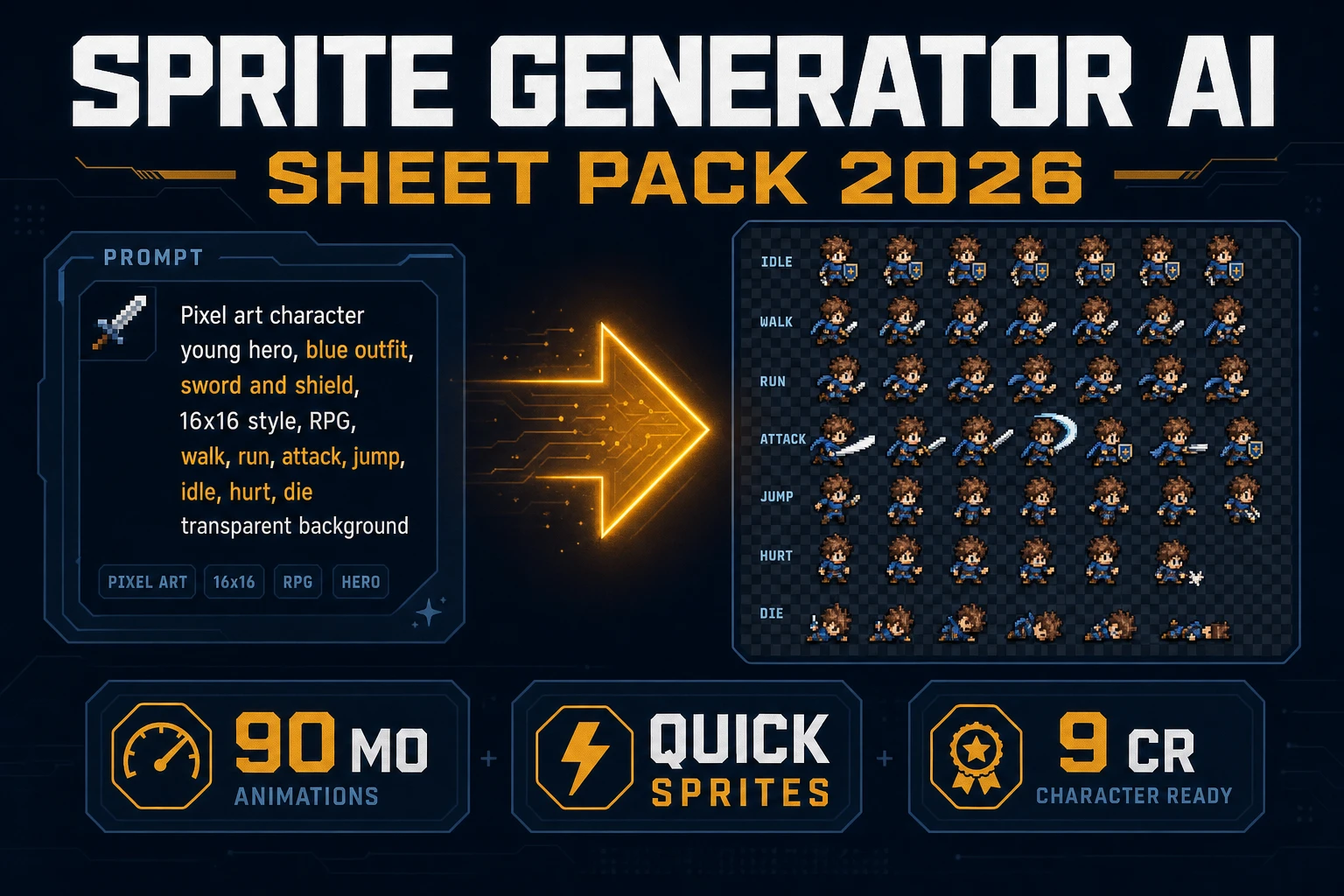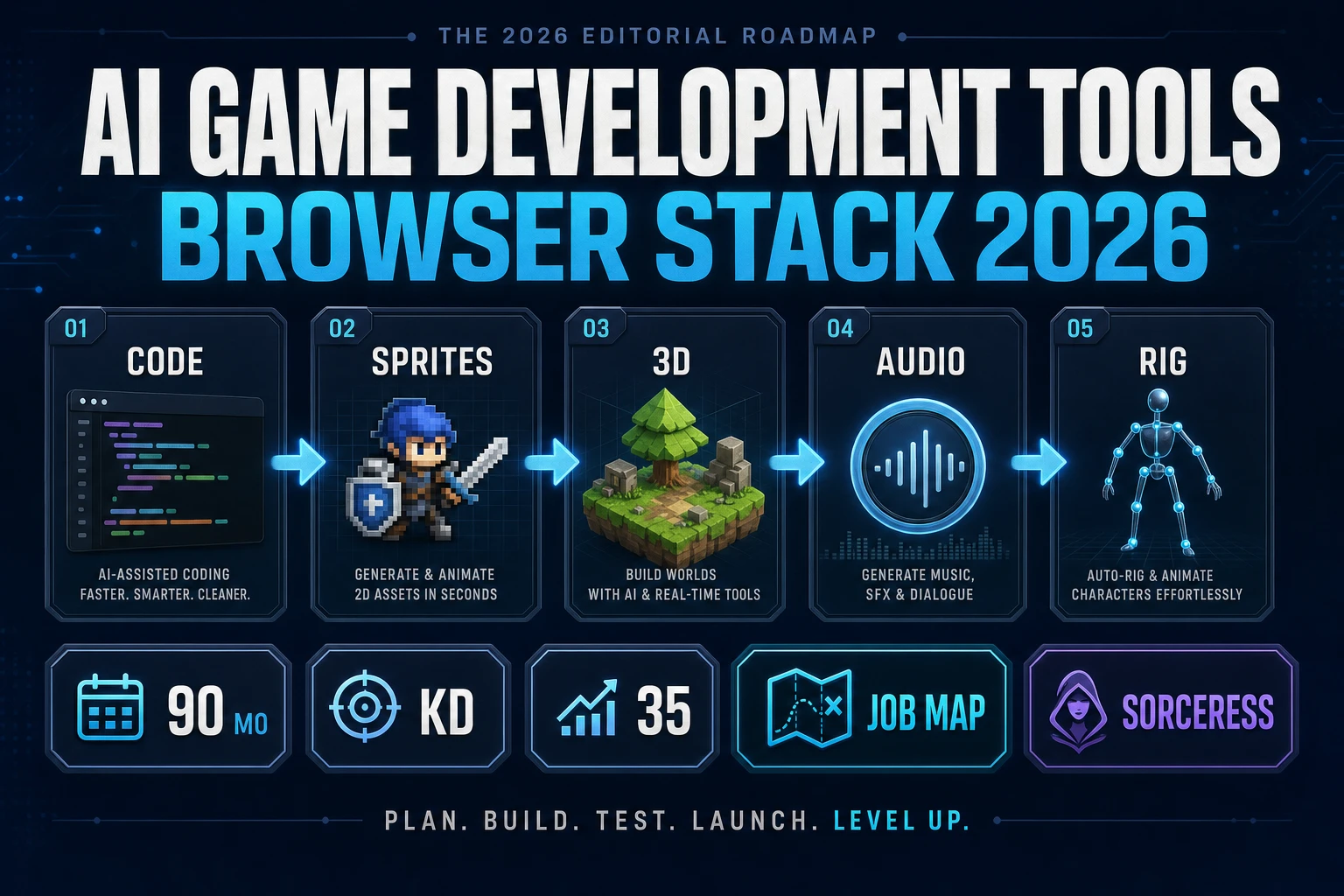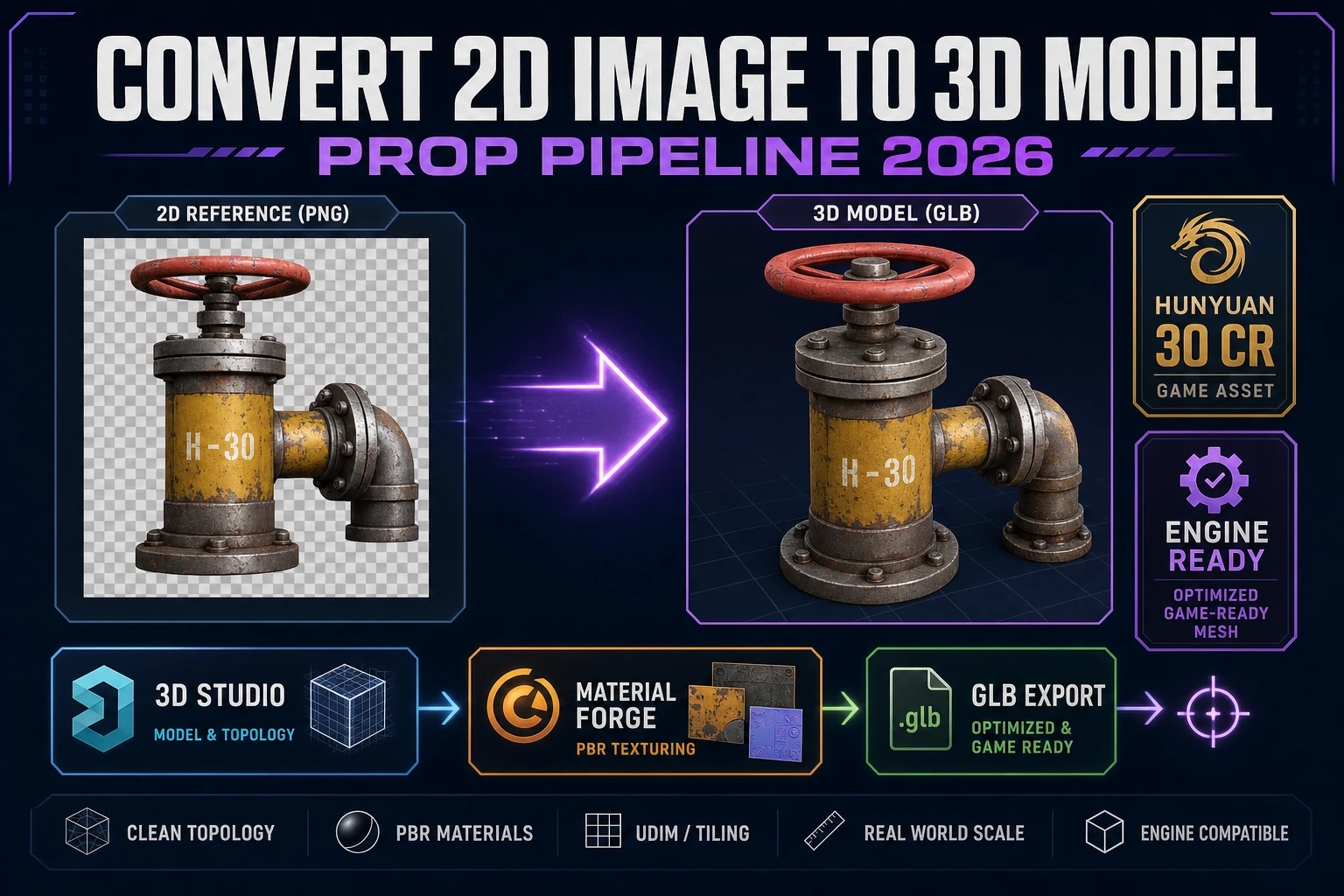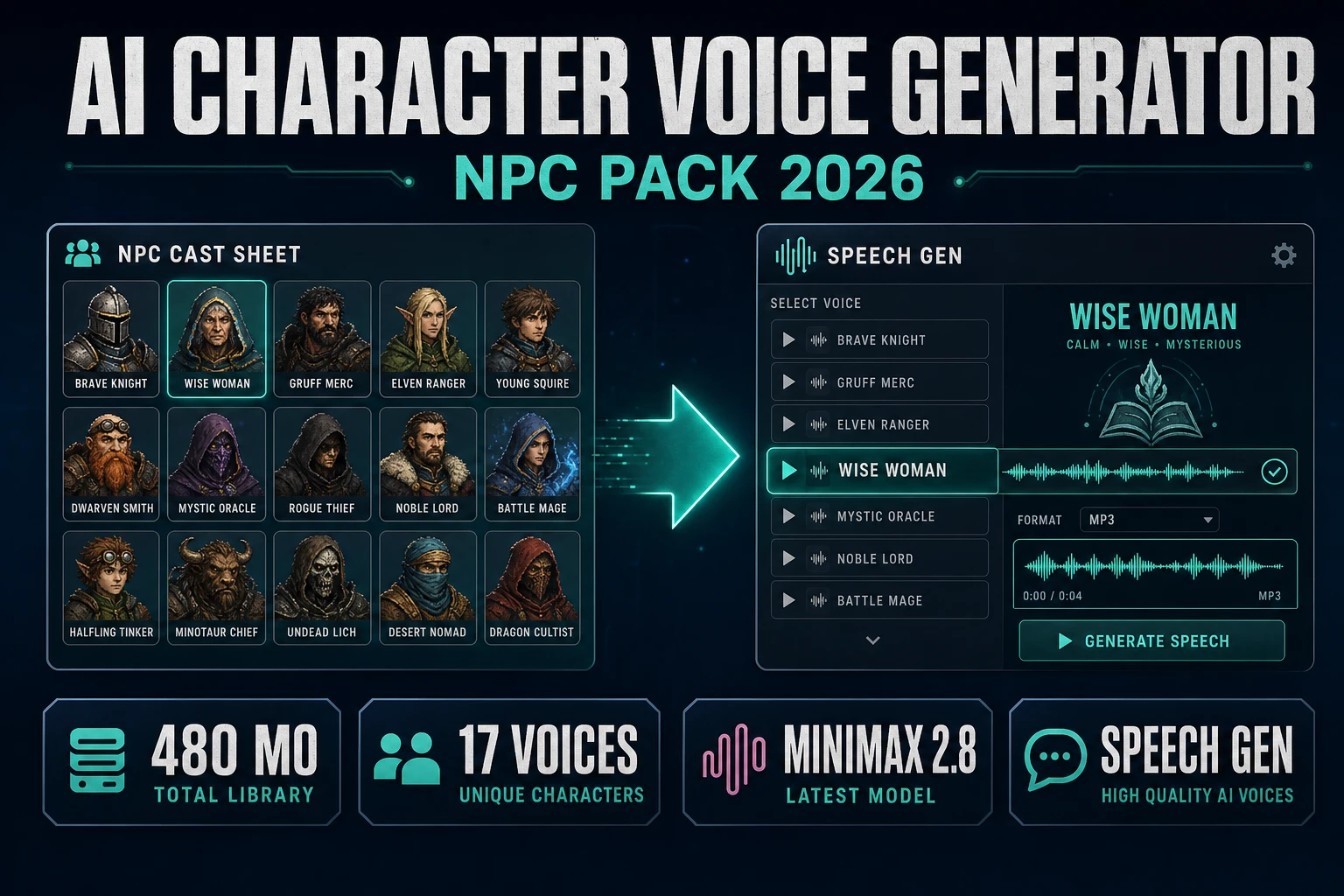
Shoppers who type ai character voice generator are not hunting for a chatbot persona. They want a cast pack: one stable voice per NPC role, short barkable lines, emotion tags that match the scene, and mp3 files the engine can cue without fighting the music bed. This page builds that pack on Sorceress with Speech Gen as the generator, optional SFX Gen and Sound Studio for beds and trims, and HTMLAudioElement (or Phaser overlap triggers) for playback.
What an ai character voice generator search is asking for
DataForSEO lists ai character voice generator at 480 searches a month, KD 12, transactional intent (verified 2026-10-14 in tools/research-supplement.md, seed ai character generator). Neighboring rows on the same table matter for framing:
ai voice generator character— reverse word order already covered on the Speak postai character description generator— 1,600/mo, KD 0 (text bible, not audio)ai character generator from photo— image cast lock, not TTS
The shopping door is audio: people already decided they need spoken lines for a cast and are typing the product category. Wikipedia’s Speech synthesis page (checked 2026-10-14) defines text-to-speech as converting normal language text into speech. Your ai character voice generator job is that conversion for game roles — innkeeper, guard, merchant — with one voice identity per role across every take.
Sibling Sorceress posts already own nearby verbs. AI voice generator character covers the reverse phrasing and the single-line tutorial shape. This page stays on ai character voice generator and the multi-NPC pack workflow: cast sheet first, short takes, emotion per line, SFX bed, engine cue map.
NPC pack anatomy before you spend credits
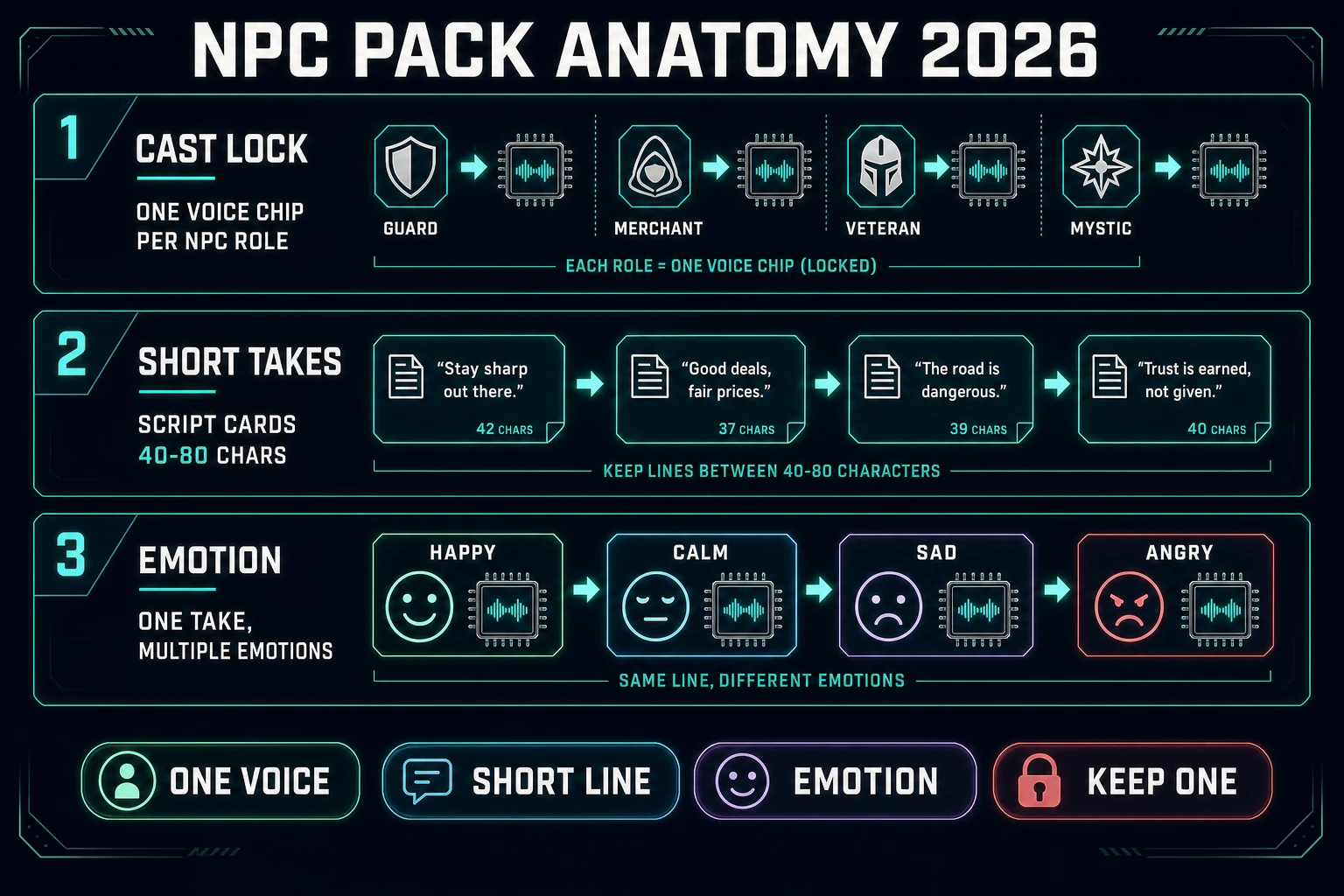
A usable ai character voice generator export is a folder of short mp3 files with boring, searchable names. Rules that prevent silent mixer bugs:
- One voice per role. Innkeeper stays Wise Woman (or one clone) across greet, quest-offer, and farewell. Swapping presets mid-quest reads as a different actor.
- Short takes. Aim for 40–80 characters per bark. Long paragraphs belong in a cutscene script, not in a collision trigger.
- Emotion matches the beat. Happy for shop greetings, calm for lore, angry for combat taunts. Do not “perform” emotion only in the text if the model supports an emotion control.
- One pack list per night. Write the cast and line IDs first. Open-ended “keep rolling until it feels cool” is how HD credits stack into a bad afternoon.
Write the pack as plain text before you open the tool. Example: “innkeeper Wise_Woman — greet, quest, farewell; guard Young_Knight — halt, clear, taunt; merchant Casual_Guy — haggle, sold.” That list is boring. It also stops you from regenerating the innkeeper because you forgot you needed a farewell line.
Speech Gen: the Sorceress ai character voice generator path
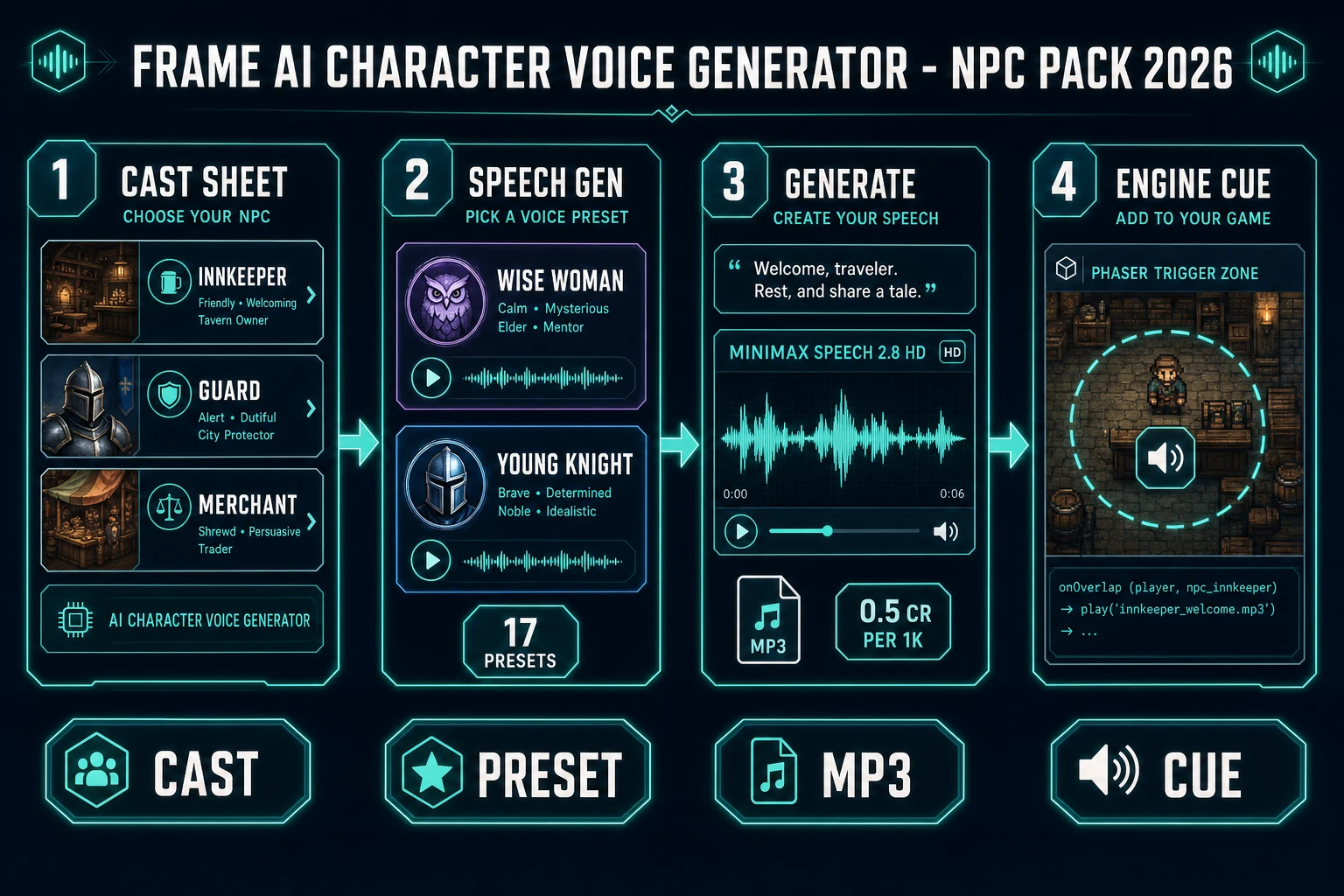
Speech Gen is the Audio Studio tool that answers the ai character voice generator search on this site. The home card badges it AI Credits and describes “Natural AI voiceover & narration in many voices” (verified 2026-10-14 in src/app/_home-v2/_data/tools.ts). The live page drives MiniMax Speech 2.8 through Replicate model minimax/speech-2.8-hd (verified 2026-10-14 in src/lib/sorceress-tools/audio/speech.ts). Signup grant is SIGNUP_GRANT = 100 in src/app/api/admin/credits/route.ts.
Seventeen preset voices ship in PRESET_VOICES (nine male, eight female) in src/app/speech-gen/page.tsx (verified 2026-10-14). Names that read well for RPG packs include Deep Voice Man, Young Knight, Wise Woman, Calm Woman, Abbess, and Casual Guy. Pick once per NPC and keep the voice_id in your cast sheet.
A practical ai character voice generator run for a jam NPC pack:
- Open Speech Gen and pick MiniMax HD when the line is hero-facing dialogue you will hear often.
- Select the preset for that NPC role (or a finished clone).
- Paste one short line. Example: “Rooms upstairs are two silver a night.”
- Set emotion if the beat needs it (happy, calm, sad, angry, fearful, disgusted, surprised, or none).
- Generate. Download the mp3. Name it
innkeeper-greet.mp3. - Repeat for every line ID on the cast sheet before you touch the next NPC.
Optional controls that do not change price: speed (0.5–2.0), pitch (−12 to 12), volume, and language_boost (verified 2026-10-14 in speech.ts tool notes). Use pitch sparingly — a small nudge can separate two guards who share a preset without burning a clone.
When you need the game loop and the dialogue system written while you generate audio, open WizardGenie (desktop or web) in a second window. Keep Speech Gen as the voice factory; keep WizardGenie as the playtest loop. The full tool map lives in the tools guide.