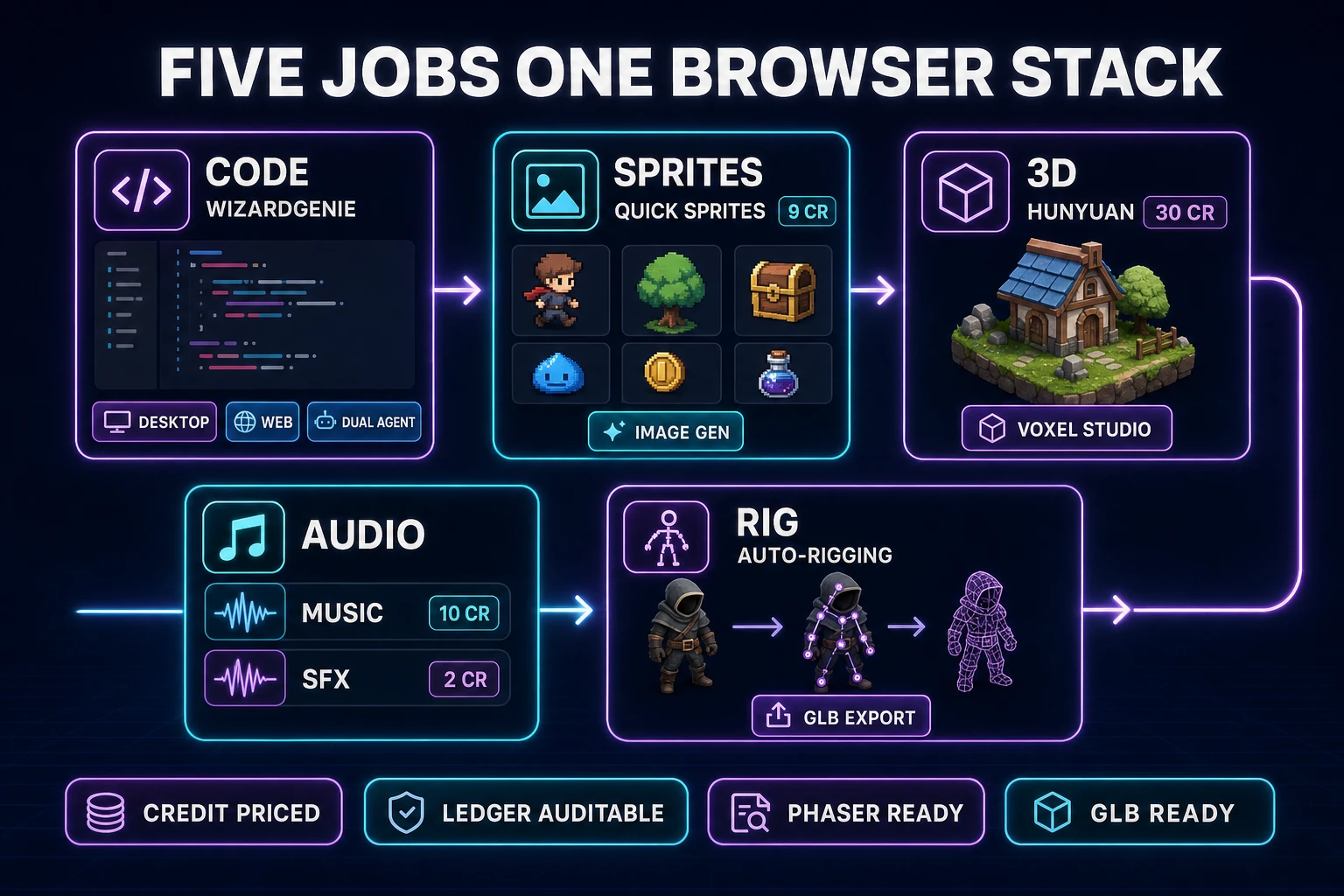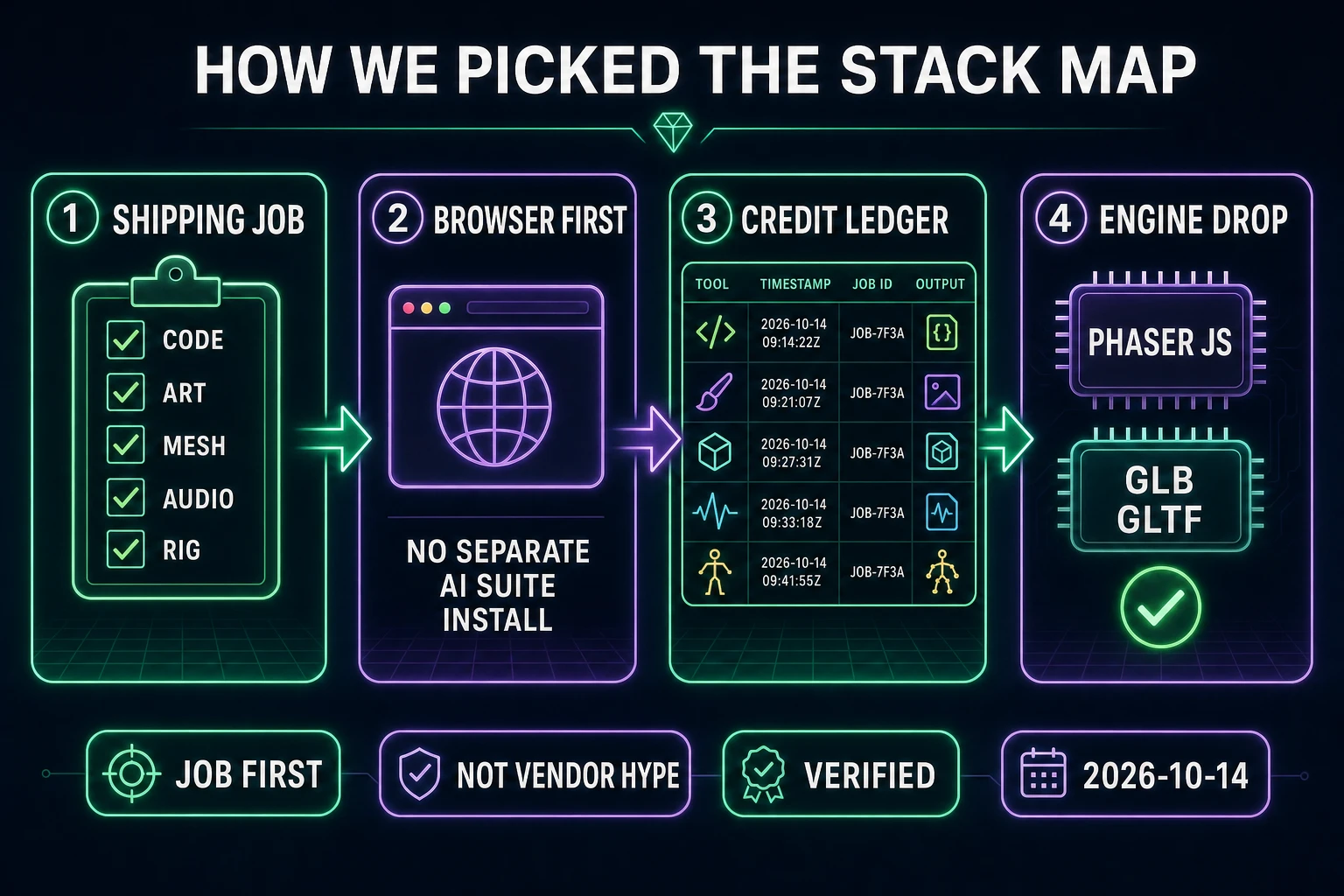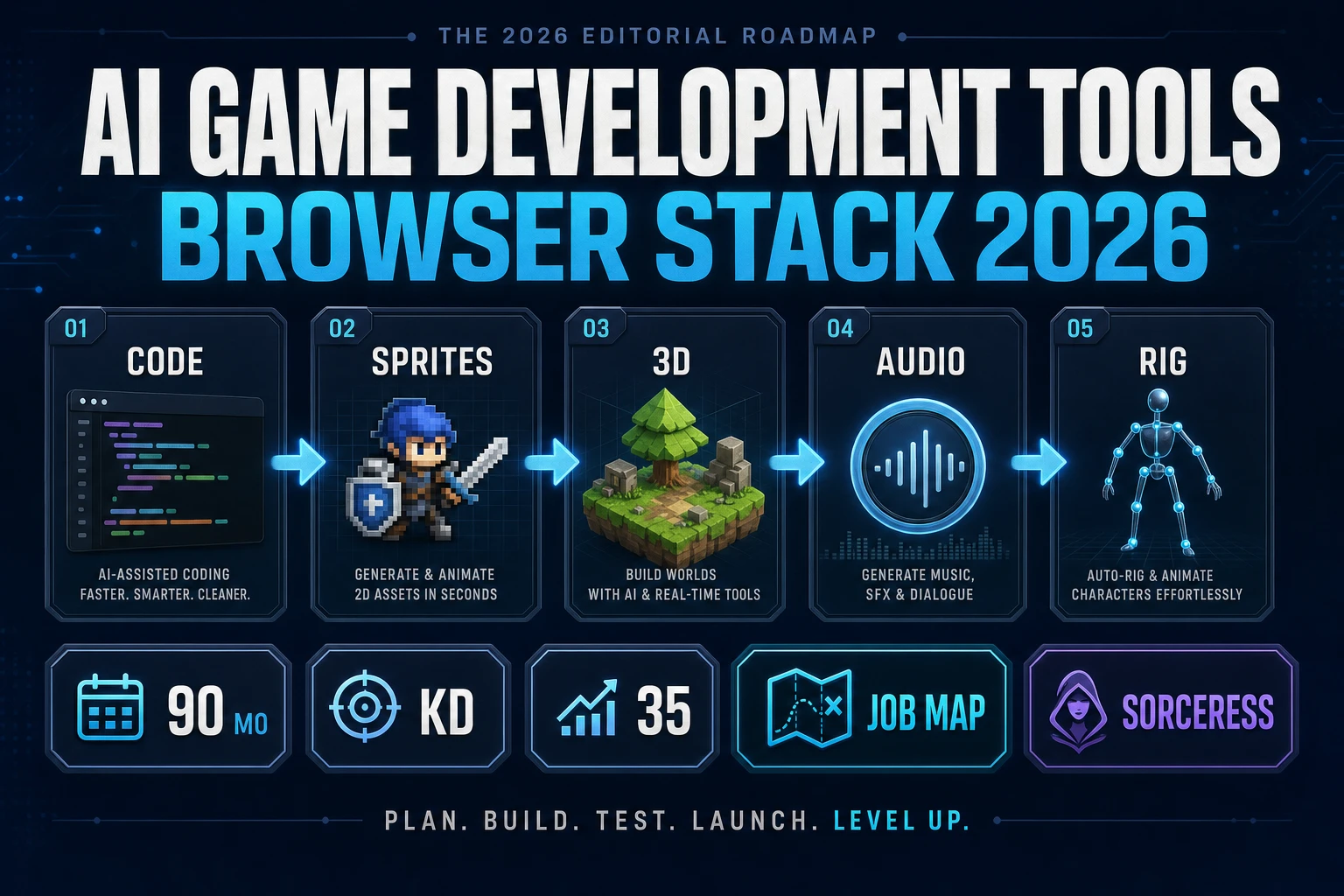
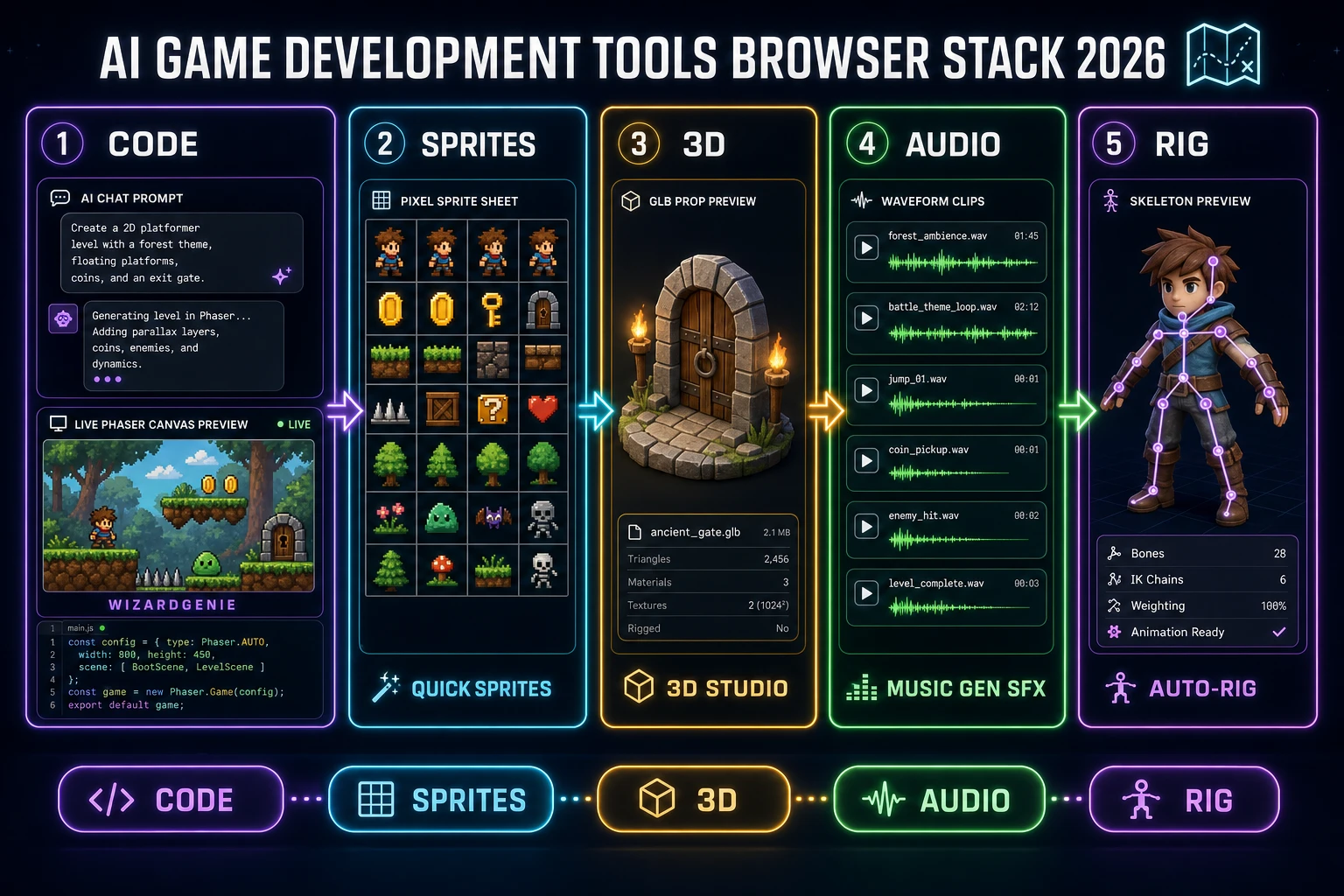
Most “tool roundups” rank vendors. Indie builders need a different artifact: a map that says which AI lane covers code, which covers sprites, which covers meshes, which covers audio, and which covers skeletons — without buying five overlapping subscriptions. This page is that map for a browser-first stack. Every lane below is a real Sorceress surface verified in source on 2026-10-14, not a wishlist.
What AI game development tools searchers actually want
DataForSEO lists ai game development tools at 90 searches a month, KD 35, commercial intent (verified 2026-10-14 in tools/research-output.md). Sibling phrases in the same umbrella include ai tools for game development (140/mo, KD 35) and game development ai tools. Readers landing on this query are usually mid-stack: they already tried a chat model for code and now want a coherent set of AI game development tools that produce drop-in assets, not another abstract “AI for games” essay.
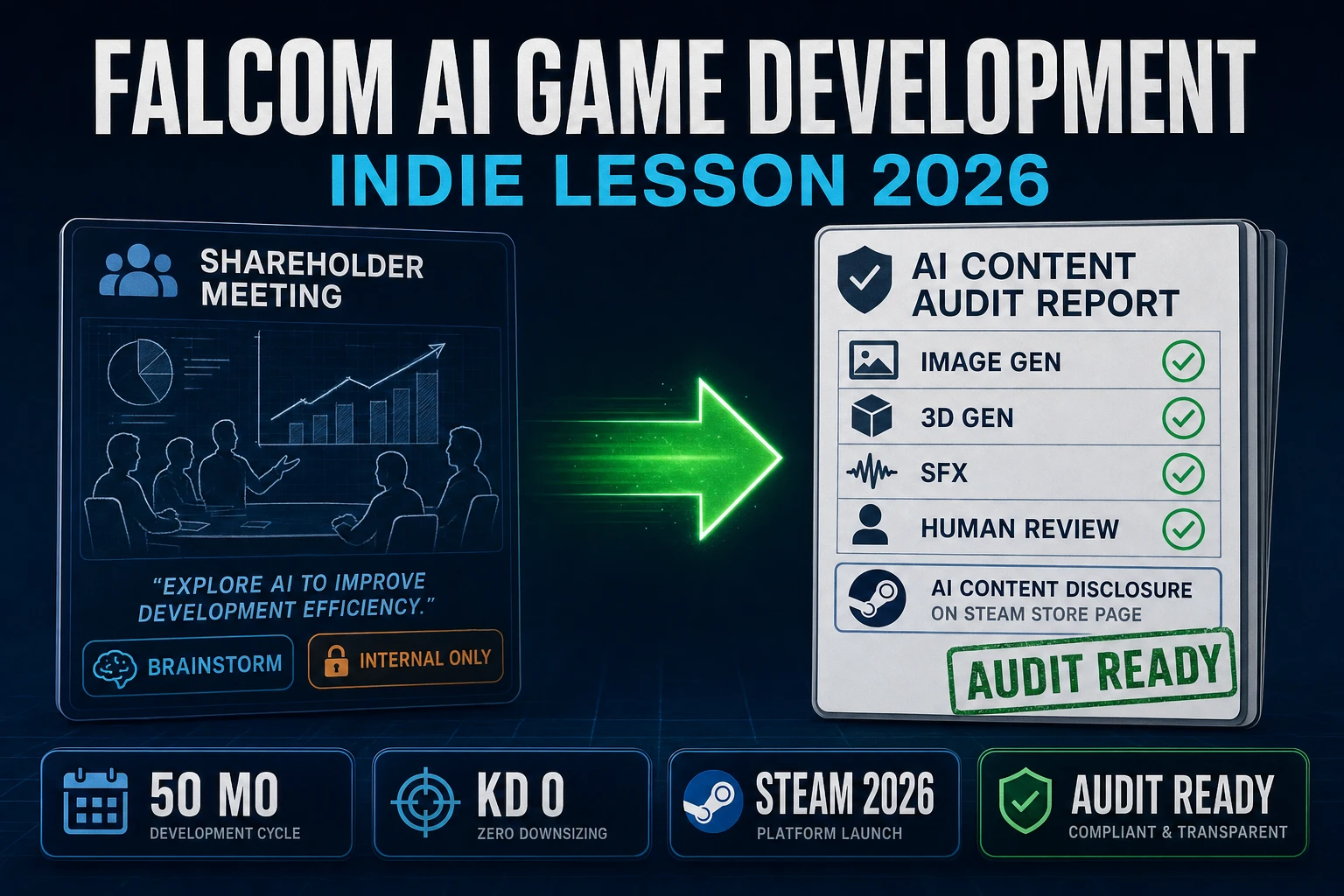
Adjacent Sorceress posts cover nearby angles — best AI tools for game development, AI game development in 2026, and Falcom AI game development for disclosure culture. This page stays on the plural tools map: one job per lane, one primary surface per job, credits you can forecast.
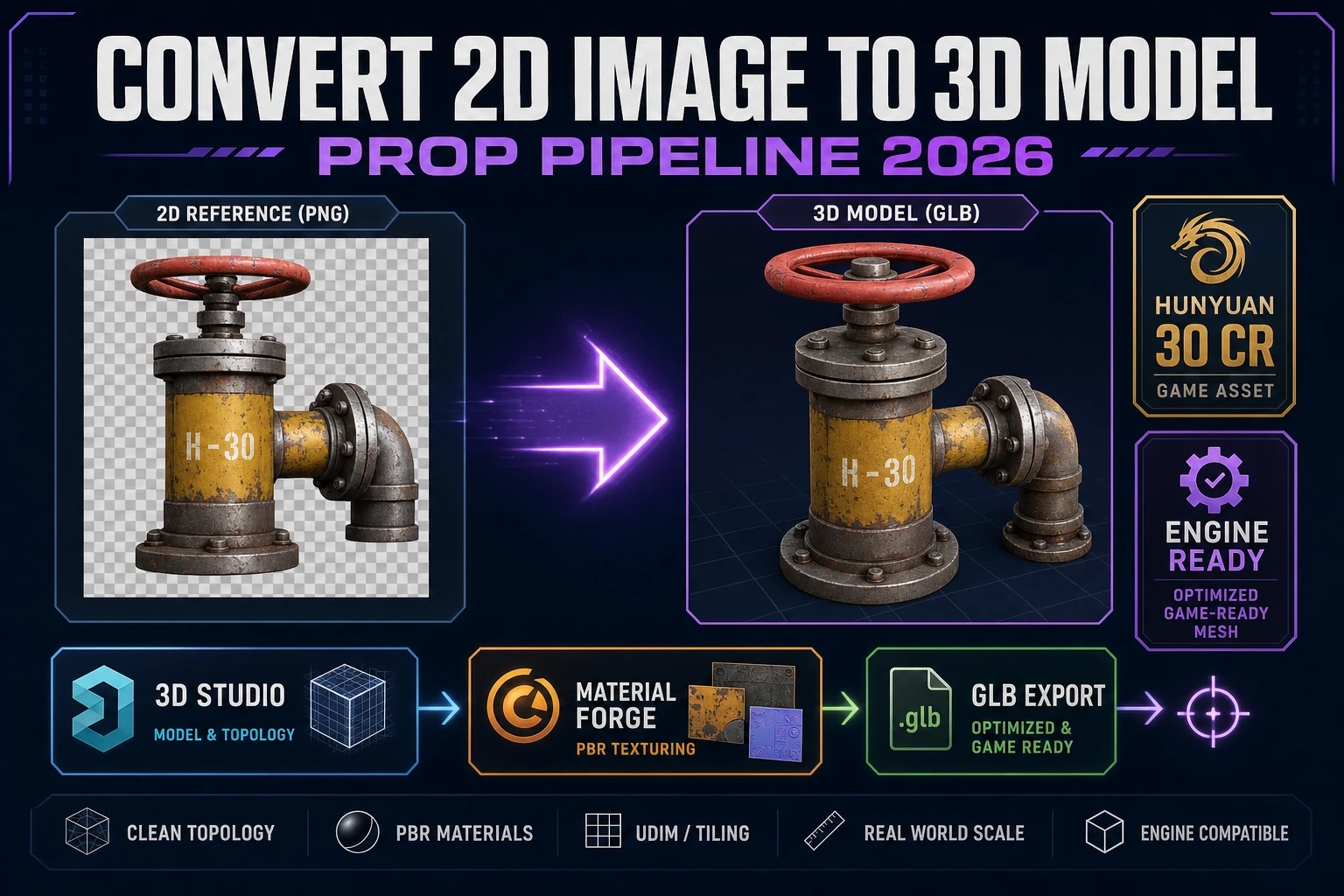
Phaser’s documentation (verified 2026-10-14 at docs.phaser.io) still frames the frame for web 2D: HTML5, WebGL/Canvas, JavaScript or TypeScript, browser-first. MDN’s 3D games on the Web primer (verified 2026-10-14) points at WebGL plus libraries such as three.js when you leave pure 2D. The stack below assumes that split: Phaser for the playable loop, glTF/GLB for 3D props (Khronos glTF, verified 2026-10-14).
1. Code lane — WizardGenie for the playable loop
WizardGenie is the coding lane of this AI game development tools map. The home card (verified 2026-10-14 in src/app/_home-v2/_data/tools.ts) describes it as the AI-native game engine at the heart of Sorceress: describe the game, and WizardGenie writes, runs, and iterates in real time. It drives the same frontier coding roster the suite advertises — Claude Opus 4.7, GPT-5.5, Gemini 3.1 Pro, DeepSeek V4 Pro, Kimi K2.5, Grok 4.2, MiniMax M2.7 — with your own API key or a trial path.
Use a Planner+Executor split when cost matters: keep the expensive reasoner on planning, put a cheap fast model (DeepSeek V4 Pro, Kimi K2.5, MiniMax M2.7, or GPT-5.5 Mini) on the typing seat. That is the whole economic point of dual-agent mode. Never put Opus, Sonnet, GPT-5.5 full, or Gemini 3.1 Pro on the typing seat — those belong on the plan side when you need them at all. WizardGenie ships as both a Windows desktop installer and a web app at /wizard-genie/app; pick whichever fits the machine you have tonight.
A practical first session: prompt a one-screen Phaser loop (player, one enemy, score, restart), playtest in the preview, then freeze the control scheme before you generate art. Swapping sprites under a stable input map is cheap; rebuilding collision after every art pass is not. Sibling write-ups that go deeper on the code path: how to make a video game with AI and Sorceress Code when you want the model picker outside the game engine shell.
What this lane is not: an arcade auto-publisher. Export or host the Phaser build yourself. What it is: inspectable JavaScript you can playtest in the preview, then feed with assets from the lanes below. For a broader vibe-coding filter, see vibe coding Reddit and Linus Torvalds vibe coding.
2. Sprites & 2D lane — Quick Sprites, Image Gen, True Pixel
When the code lane needs characters, tiles, and UI chrome, stay in the Sprites & 2D group instead of bouncing to a separate art SaaS.
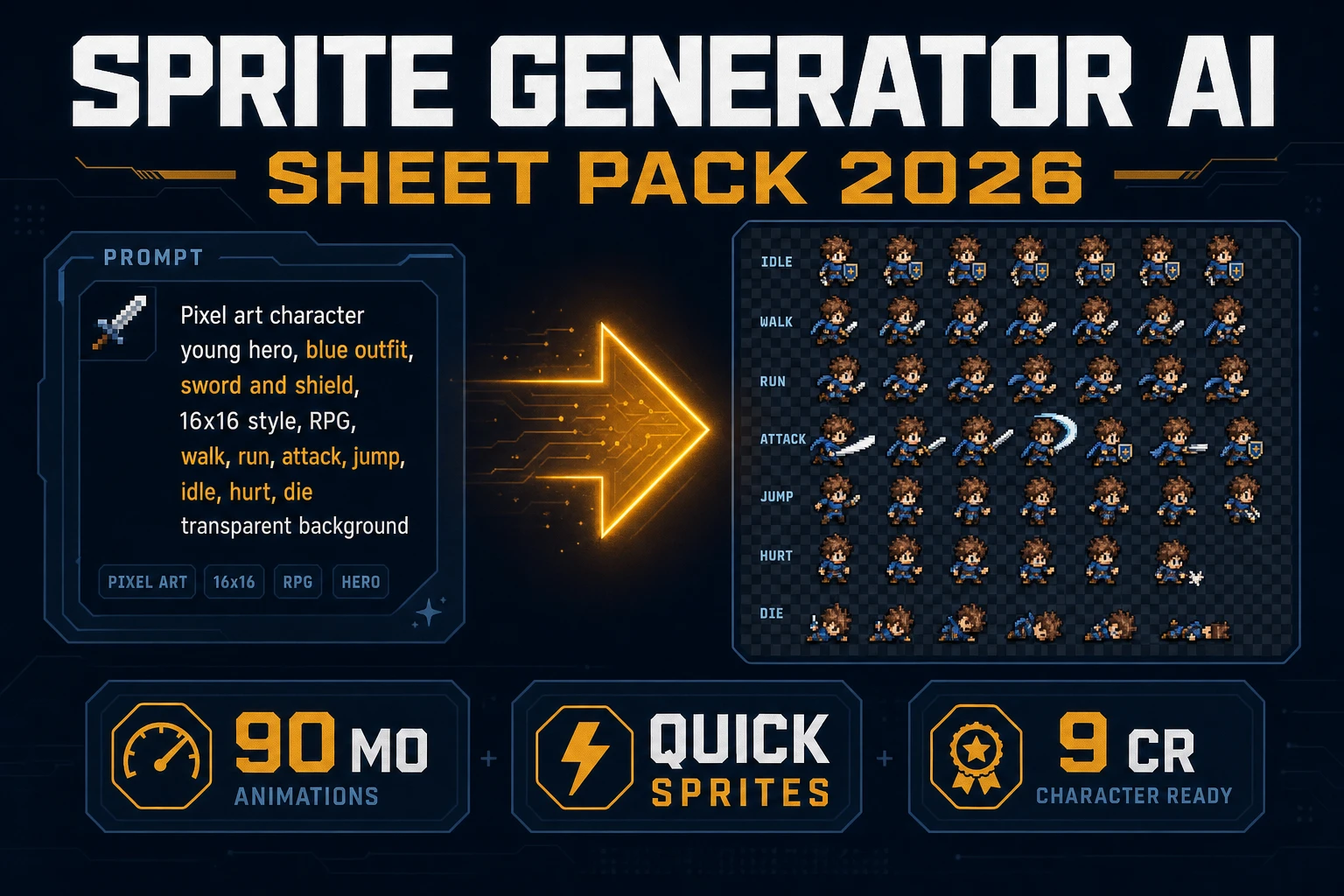
- Quick Sprites — AI-generated animated pixel sprite sheets. Flat
CREDITS_PER_GEN = 9insrc/app/quick-sprites/page.tsx(verified 2026-10-14). Best first stop for walk / idle / attack sheets that drop into Phaser. - AI Image Gen — concept art and reference plates. Model roster on the home card includes Nano Banana Pro, Nano Banana 2.1, GPT Image 2, Seedream 5 Lite, Flux 2 Pro, Z-Image Turbo, and Grok Imagine (verified 2026-10-14). Nano Banana 2.1 retail is 9 / 12 / 17 credits at 1K / 2K / 4K.
- True Pixel — image-to-pixel-art quantization when you already have a painted plate and need a grid-snapped sheet.
Optional finishers in the same family: BG Remover for clean plates, Tileset Forge for tileable floors and walls, Auto-Sprite v2 when you have a keyed clip to sheet. Keep palette lock consistent across enemies in one biome; mixed palettes read as “downloaded from five packs.”
Order of operations that wastes the fewest credits: (1) lock silhouette and palette on a still in Image Gen or True Pixel, (2) sheet the animation in Quick Sprites, (3) strip leftover background with BG Remover only if the sheet still has a plate. Generating a full animated sheet first, then discovering the palette fights the tileset, is how 9-credit retries stack into a bad afternoon. For sheet anatomy, use the existing how to make a sprite sheet guide before you burn a second batch of 9-credit generations.