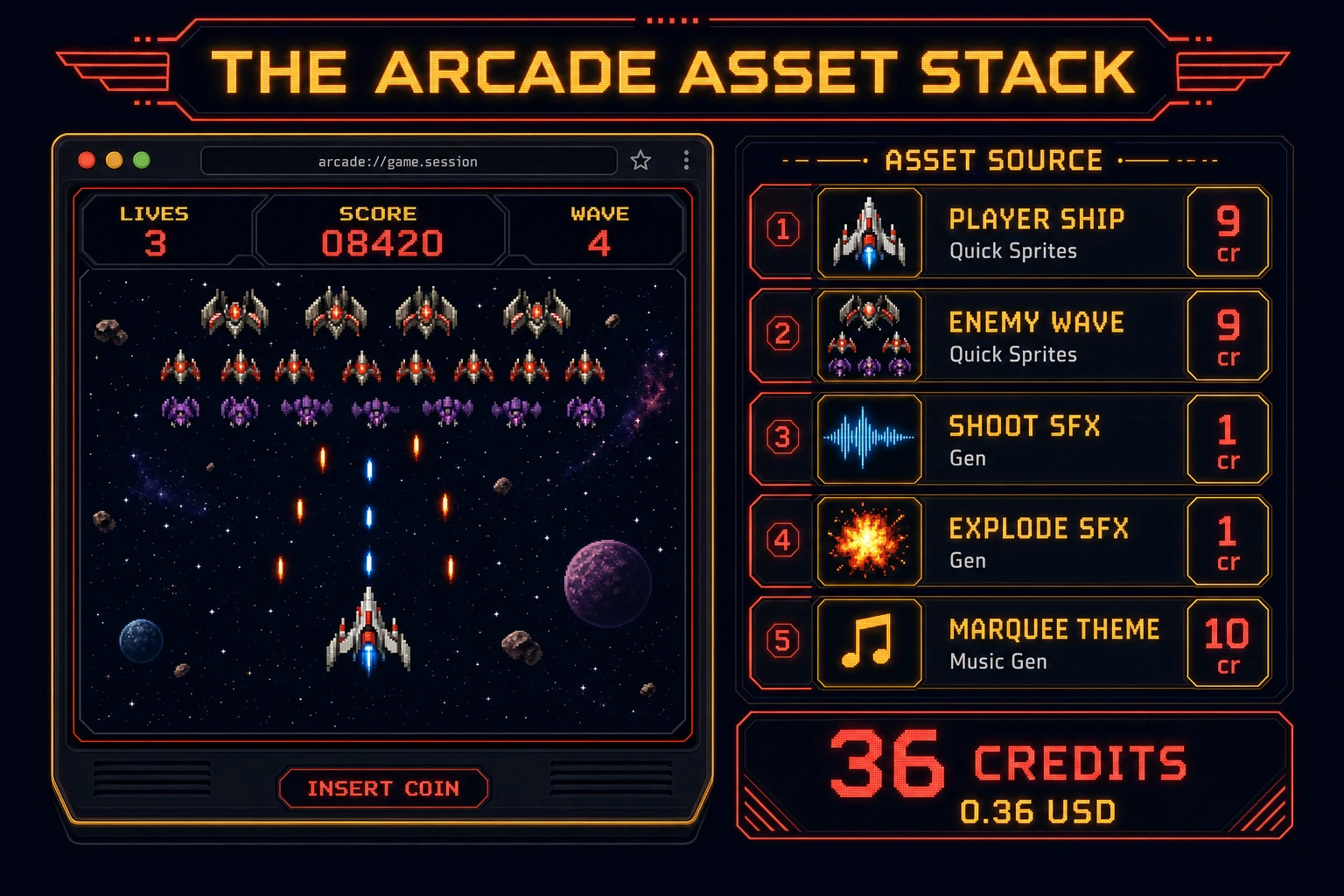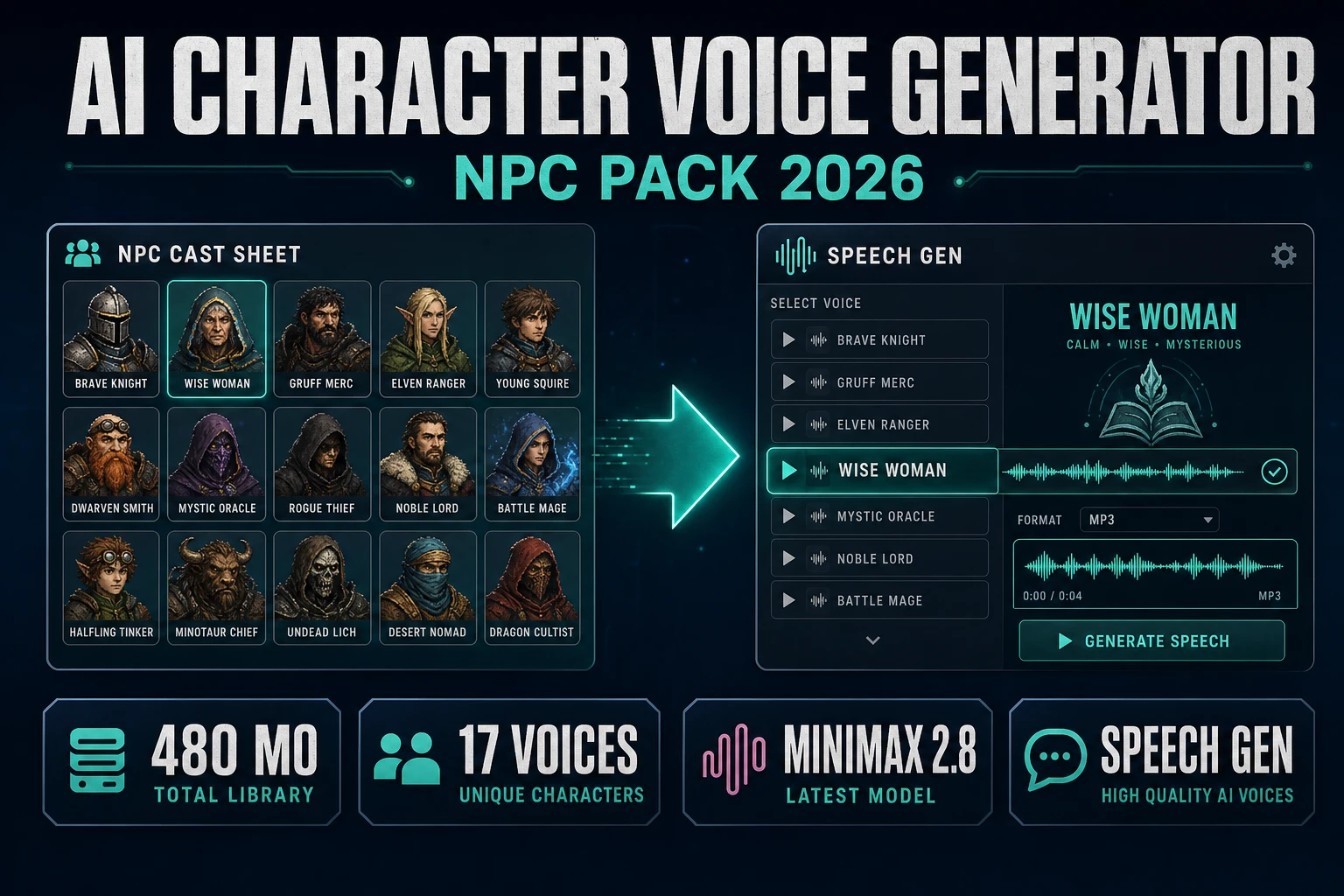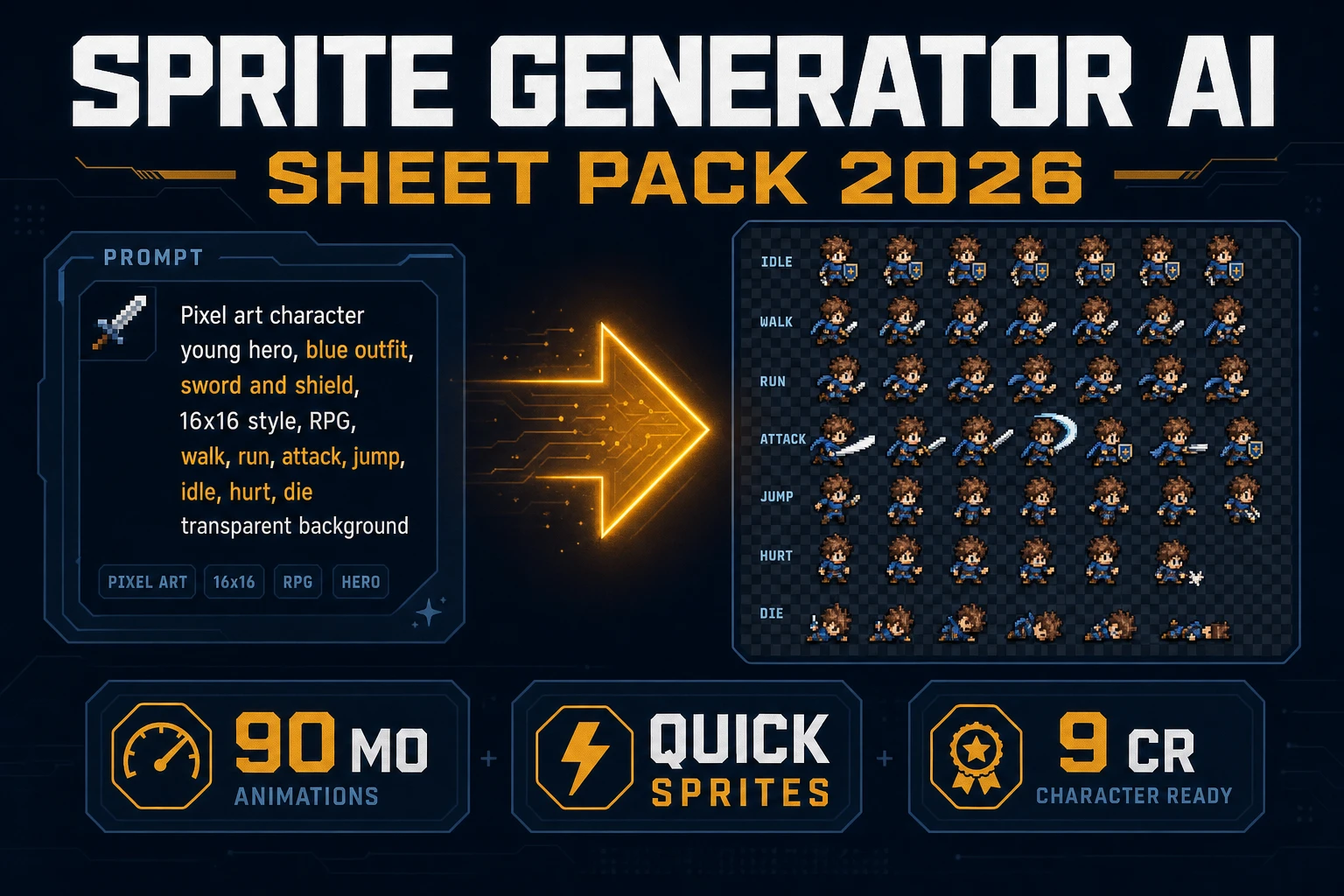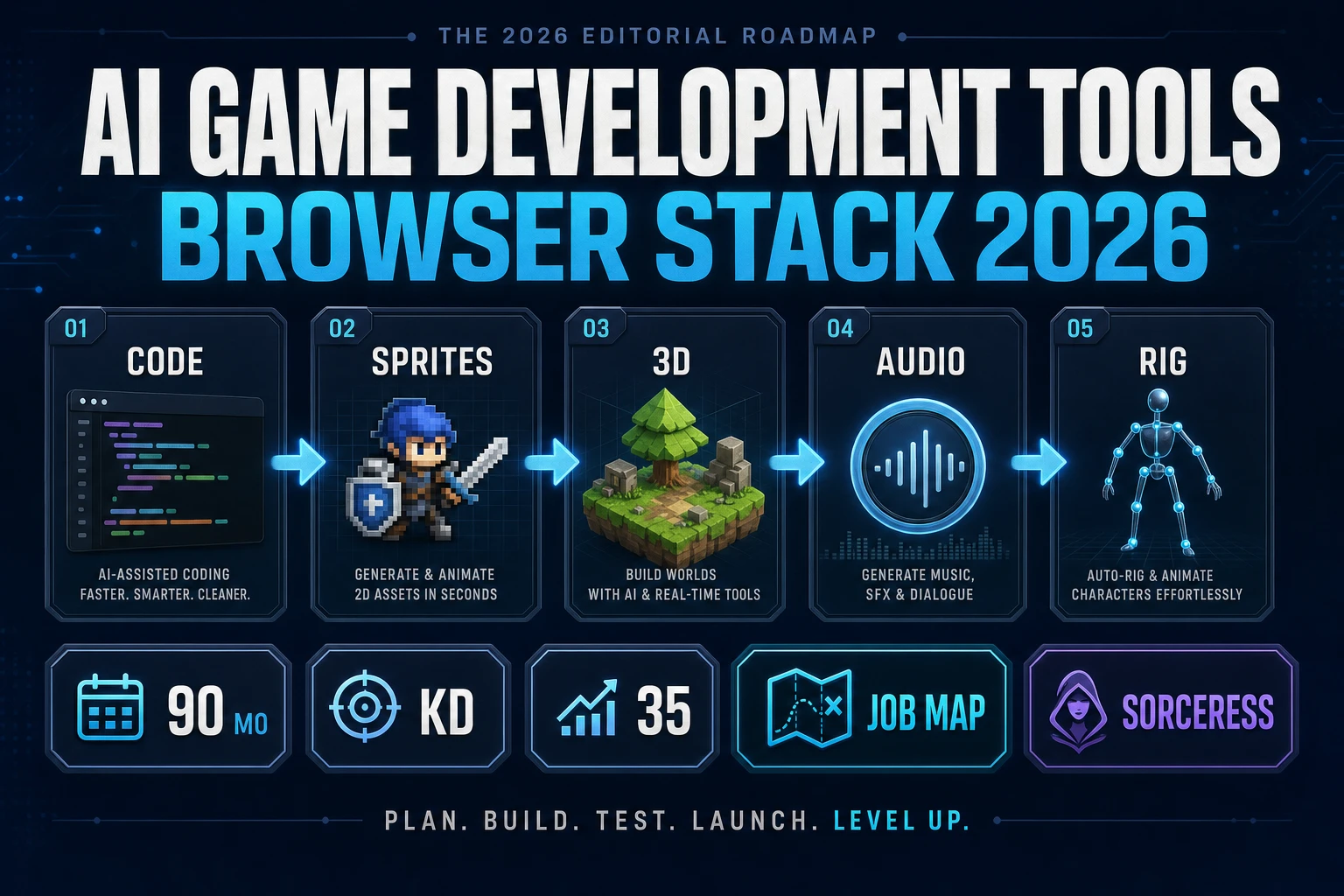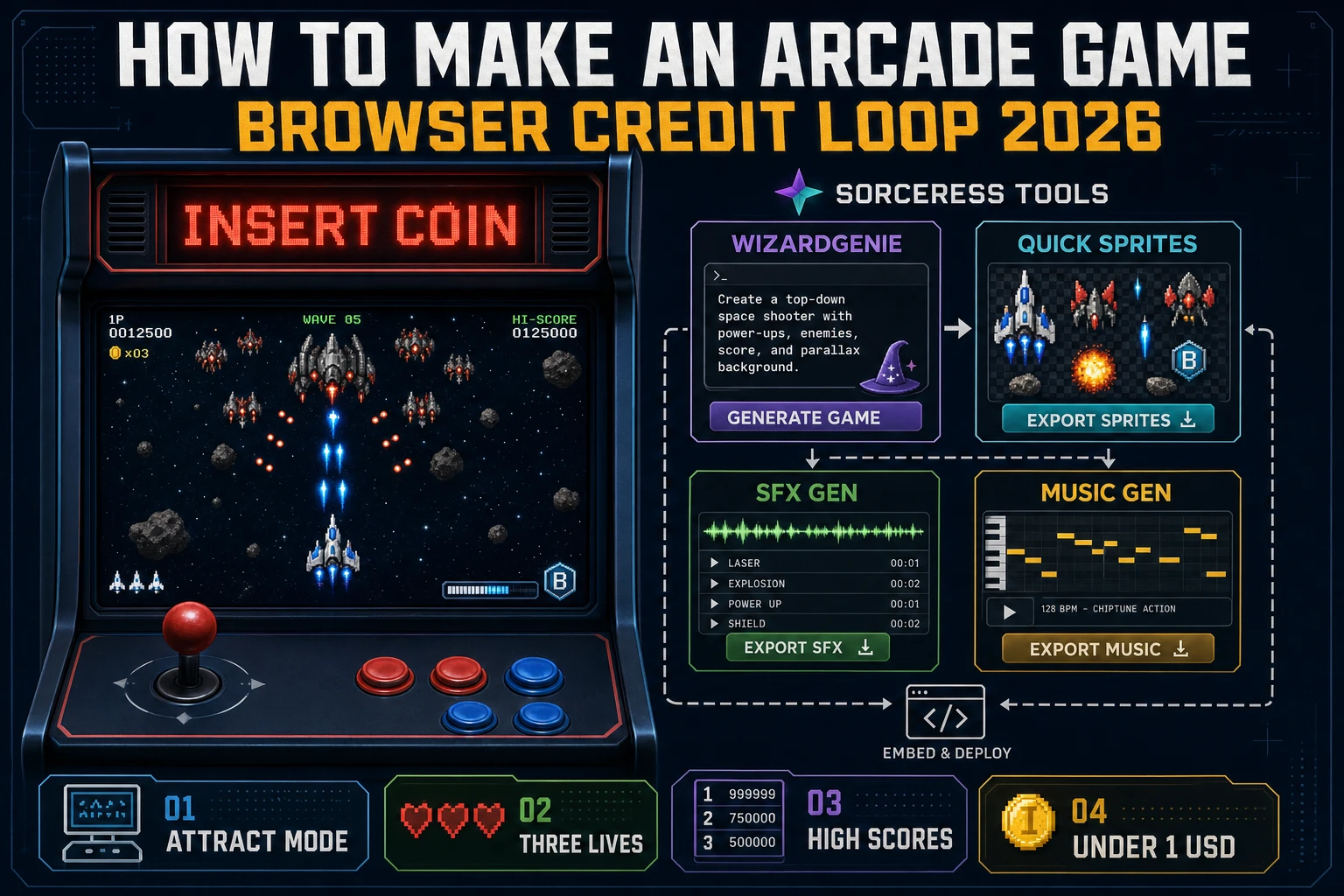
Most beginners who search "how to make an arcade game" want the coin-op feel - attract mode with a blinking INSERT COIN, one credit that buys three lives, a 60-second high-tension loop, and a three-letter high-score table that survives a refresh - not a Neo Geo motherboard reverse-engineering project on day one. A commercial cabinet with a JAMMA harness, a CRT, and a locked bill validator is an electronics build. A browser arcade game is different. A coding agent scaffolds the attract-play-gameover state machine from one prompt, and AI generation covers the sprites, coin cues, and marquee theme. On desktop or web, that means WizardGenie for the credit-loop interpreter, Quick Sprites for the ship and enemy art, SFX Gen for coin, shoot, and death cues, and Music Gen for the marquee theme. This guide is the honest end-to-end for how to make an arcade game in 2026, as a weekend build you can actually finish.
What how to make an arcade game actually means in 2026
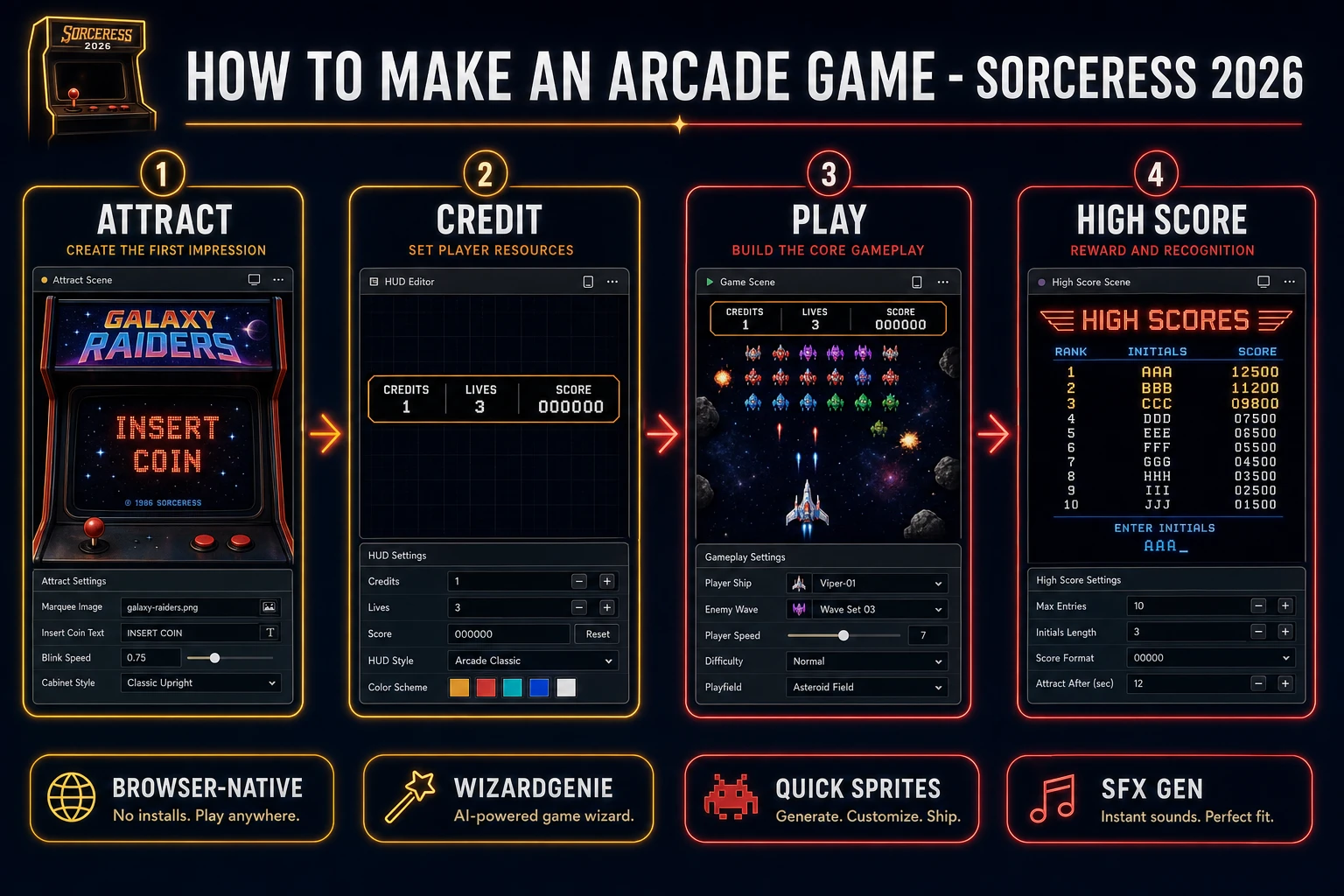
The query "how to make an arcade game" hides three intents. Some searchers want to restore a physical cabinet - swap a broken CRT, replace a JAMMA harness, or wire a Raspberry Pi behind a MAME frontend - that is a hardware brief, not a playable browser loop. A second intent is a broader how to make a video game guide covering engines, art, and audio under one umbrella - useful, but too broad to answer the arcade-specific "one credit, three lives, one leaderboard" mental model. The intent this guide targets is the third: a browser arcade game that boots into an attract loop, waits for a coin, grants three lives, runs a tight 60-to-120-second core, and banks the run into a three-letter high-score table before returning to attract. That is a weekend build, it demos the Sorceress toolset, and it is the format most arcade game tutorial and html5 arcade game searchers actually want.
The presentation contract is small and strict. Attract mode shows the title, a rotating demo of the play loop, the current top three initials, and a blinking INSERT COIN hint. Pressing a coin key increments credits; pressing Start consumes one credit and grants three lives. Play mode shows a HUD with lives, score, and wave, plus a small pause indicator. Game Over shows the final score, a "NEW HIGH SCORE" flourish if the run cracked the top ten, and either an initials-entry prompt or a return to attract. The arcade game overview on Wikipedia (verified 2026-08-30) traces the format from mechanical amusements through 1970s coin-op video to modern digital cabinets, and confirms the credit-lives-score-leaderboard beats as the defining loop - cite that page in your itch.io blurb so players know you shipped a browser arcade game credit loop, not a two-hour narrative RPG.
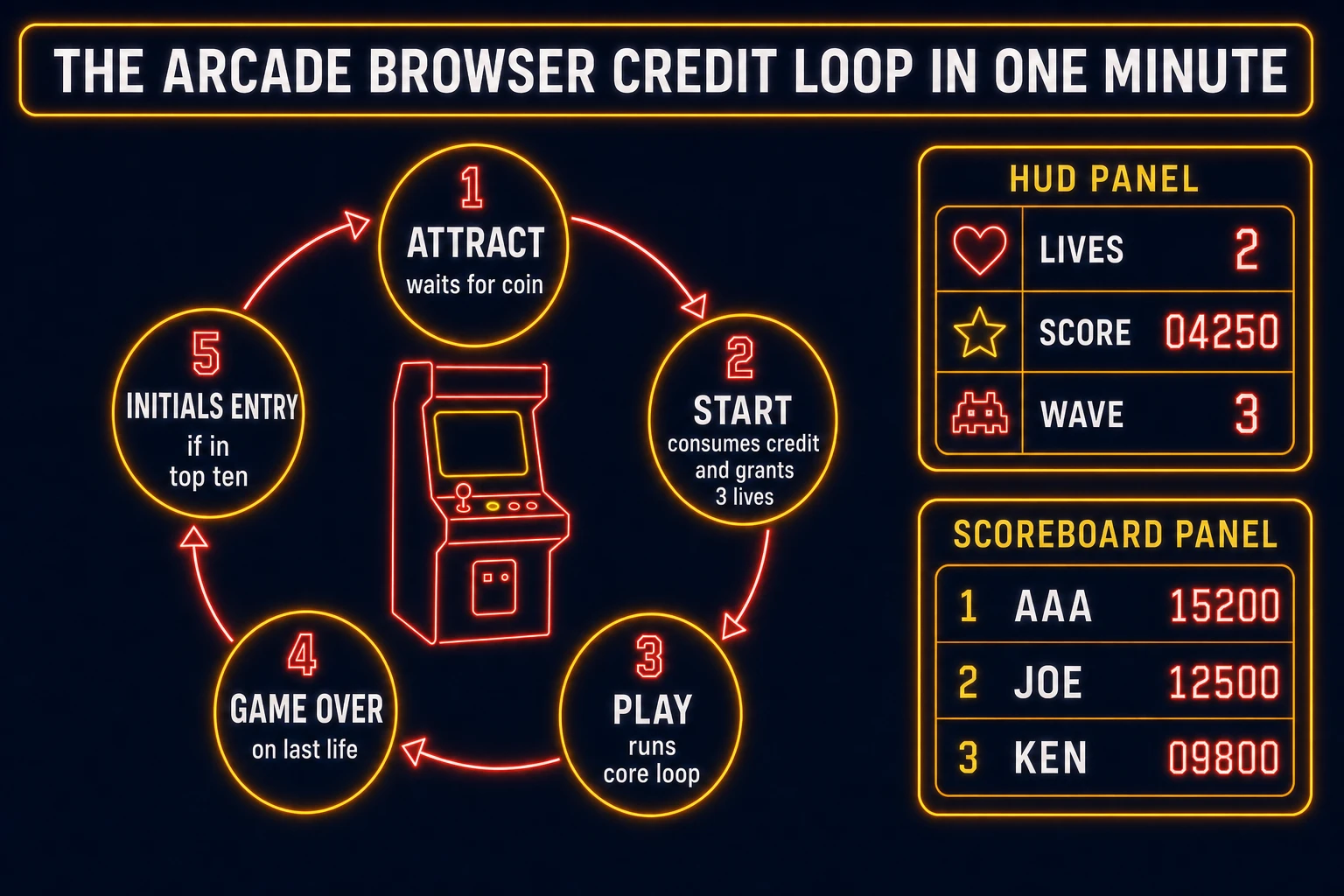
The arcade browser credit loop in one minute (attract, credit, play, game over, initials)
Five moving parts, cycled forever. First, attract - the title screen loops a scripted demo of the play state at low input, cycles the top three high scores, and blinks INSERT COIN until credits rise above zero. Second, credit - a coin key press increments the credit counter and plays a short coin-drop cue; pressing Start decrements credits by one, resets score to zero, sets lives to three, and enters play. Third, play - the core mechanic runs on a fixed frame budget: escalating waves, incremental score awards, and a life decrement on each fatal hit. Fourth, game over - when lives reach zero, freeze input, fade the HUD, and show the final score with a two-second pause. Fifth, initials entry - if the run cracked the top ten scoreboard, prompt for three letters, save the entry to localStorage, and return to attract; otherwise skip straight back to attract. That five-state cycle is the whole arcade game - everything else is polish on top.
Pick your engine for how to make an arcade game: Phaser, Canvas, or WizardGenie
Three good targets in 2026, each with a different trade-off. Vanilla Canvas is the honest default and the pick this guide recommends for a first build. One canvas element, one requestAnimationFrame loop, one state variable that swaps between attract, play, gameover, and initials. Each state has its own update and render function; the main loop dispatches to the current state. Convert pointer and key events to canvas coordinates with getBoundingClientRect and route them through the state input handler. The MDN Canvas API docs (verified 2026-08-30) cover everything you need for an html5 arcade game prototype in under 300 lines including a state machine, HUD rendering, and a localStorage-backed scoreboard.
Attract mode versus a static title matters more than beginners realize. A static "Press Start" screen reads as unfinished - even a five-second scripted play demo tricks the eye into believing there is a real game behind the marquee. Reuse the play state at low input intensity: spawn one enemy wave, let a pretend AI ship dodge for a few seconds, then explode on purpose. That single trick is what makes a browser arcade game feel like a cabinet instead of a wireframe.
Phaser v4.2.1 "Giedi" (released 9 July 2026, verified 2026-08-30 on the official Phaser stable download page) becomes the right pick if you want Scene stacks per state (AttractScene, PlayScene, GameOverScene, InitialsScene), tweened sprite motion, a physics-arcade body for shmup or breakout variants, or a camera that shakes on death. Phaser does not invent your credit rule - you still need the same credits-and-lives state machine. Use Phaser when Scene stacks and physics arcade are the product; use raw Canvas when the product is an arcade game tutorial people can read in one sitting. A phaser arcade game campaign is a fine v2 once the Canvas prototype proves the loop feels right.
WizardGenie is not a separate arcade engine - it scaffolds whichever of the two you pick from a single natural-language prompt. WizardGenie ships as both a desktop app (Windows installer with auto-update, available to Early Access supporters and above) and a no-install web build. Its coding-model lineup covers Claude Opus 4.7, Claude Sonnet 4.6, GPT-5.5, Gemini 3.1 Pro, DeepSeek V4 Pro, Kimi K2.5, Grok 4.2, and MiniMax M2.7 (verified 2026-08-30 in src/app/_home-v2/_data/tools.ts). For a first arcade credit loop, any frontier model scaffolds the attract-play-gameover state machine in one prompt. Pair a frontier planner with a budget executor like DeepSeek V4 Pro or Kimi K2.5 for the typing pass - the dual-agent pattern lands most projects at roughly one-fifth the single-frontier cost.
Step 1 - model credits, lives, score, and the scoreboard
Nothing else in the pipeline matters if the state machine drifts or the scoreboard loses a run on refresh. Start with a small, testable model:
const SCOREBOARD_KEY = "arcade.scores.v1";
const SCOREBOARD_MAX = 10;
const STARTING_LIVES = 3;

const game = {
  state: "attract",
  credits: 0,
  lives: 0,
  score: 0,
  wave: 1,
  initials: "AAA",
  pendingScore: 0,
};

function loadScores() {
  try {
    const raw = localStorage.getItem(SCOREBOARD_KEY);
    return raw ? JSON.parse(raw) : [];
  } catch { return []; }
}

function saveScores(list) {
  localStorage.setItem(SCOREBOARD_KEY, JSON.stringify(list));
}

function insertScore(initials, score) {
  const list = loadScores();
  const stamp = Date.now();
  list.push({ initials, score, at: stamp });
  list.sort((a, b) => b.score - a.score);
  const trimmed = list.slice(0, SCOREBOARD_MAX);
  saveScores(trimmed);
  return trimmed.findIndex(row => row.at === stamp);
}

function isTopTen(score) {
  const list = loadScores();
  if (list.length < SCOREBOARD_MAX) return true;
  return score > list[list.length - 1].score;
}

function insertCoin() {
  game.credits += 1;
  playSound("coin");
}

function startGame() {
  if (game.credits <= 0) return;
  game.credits -= 1;
  game.lives = STARTING_LIVES;
  game.score = 0;
  game.wave = 1;
  game.state = "play";
}

function loseLife() {
  game.lives -= 1;
  playSound("death");
  if (game.lives <= 0) {
    game.pendingScore = game.score;
    game.state = isTopTen(game.score) ? "initials" : "gameover";
  }
}
Unit-test four cases before you generate any art: pressing the coin key raises credits and does nothing else; pressing Start with zero credits stays in attract; pressing Start with credits above zero decrements credits, sets lives to three, and enters play; and calling loseLife three times routes to initials if the score qualifies or gameover otherwise. Those four tests catch ninety percent of javascript arcade game bugs. Keep the scoreboard length fixed at ten - a growing table is a debug tool, not a design.