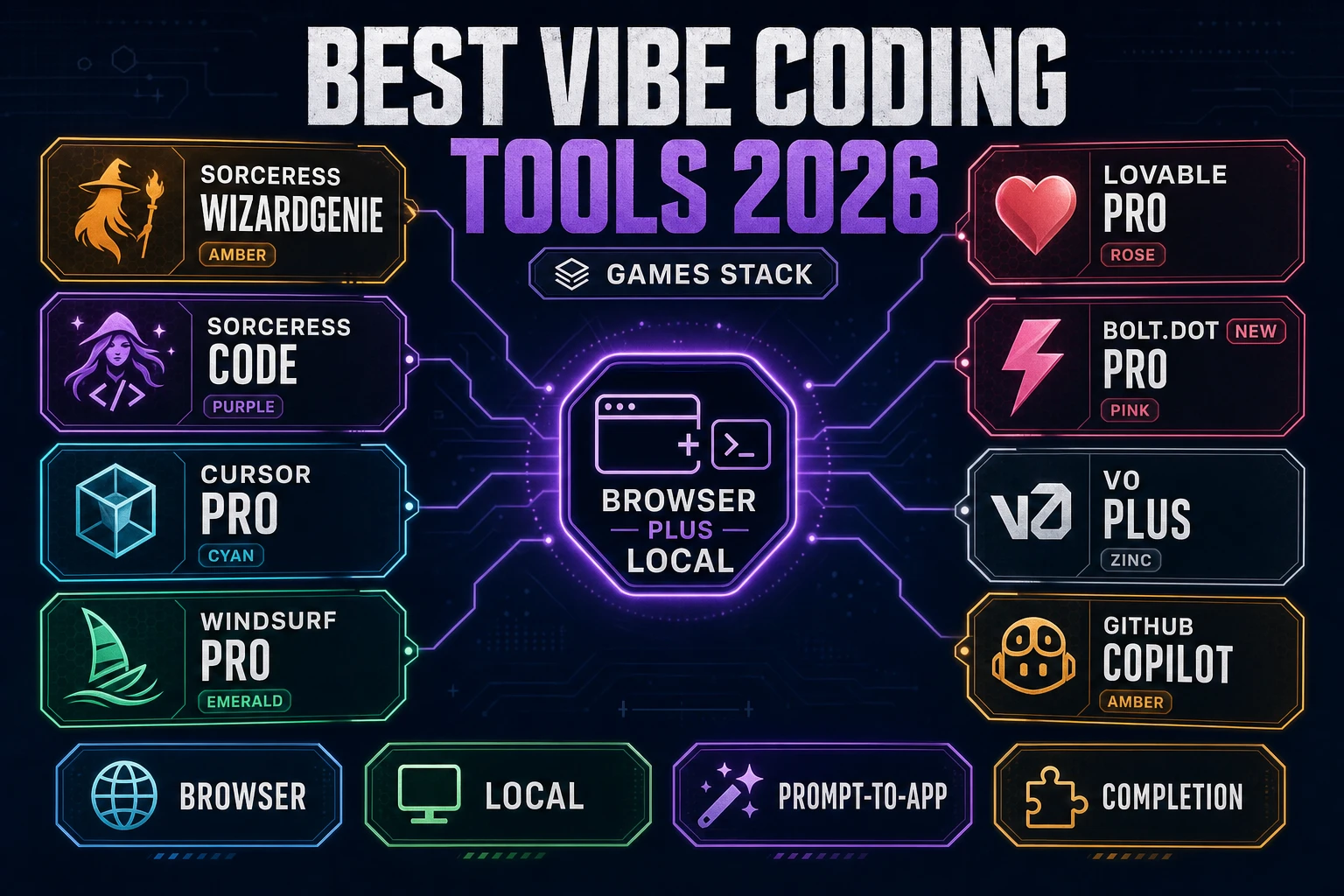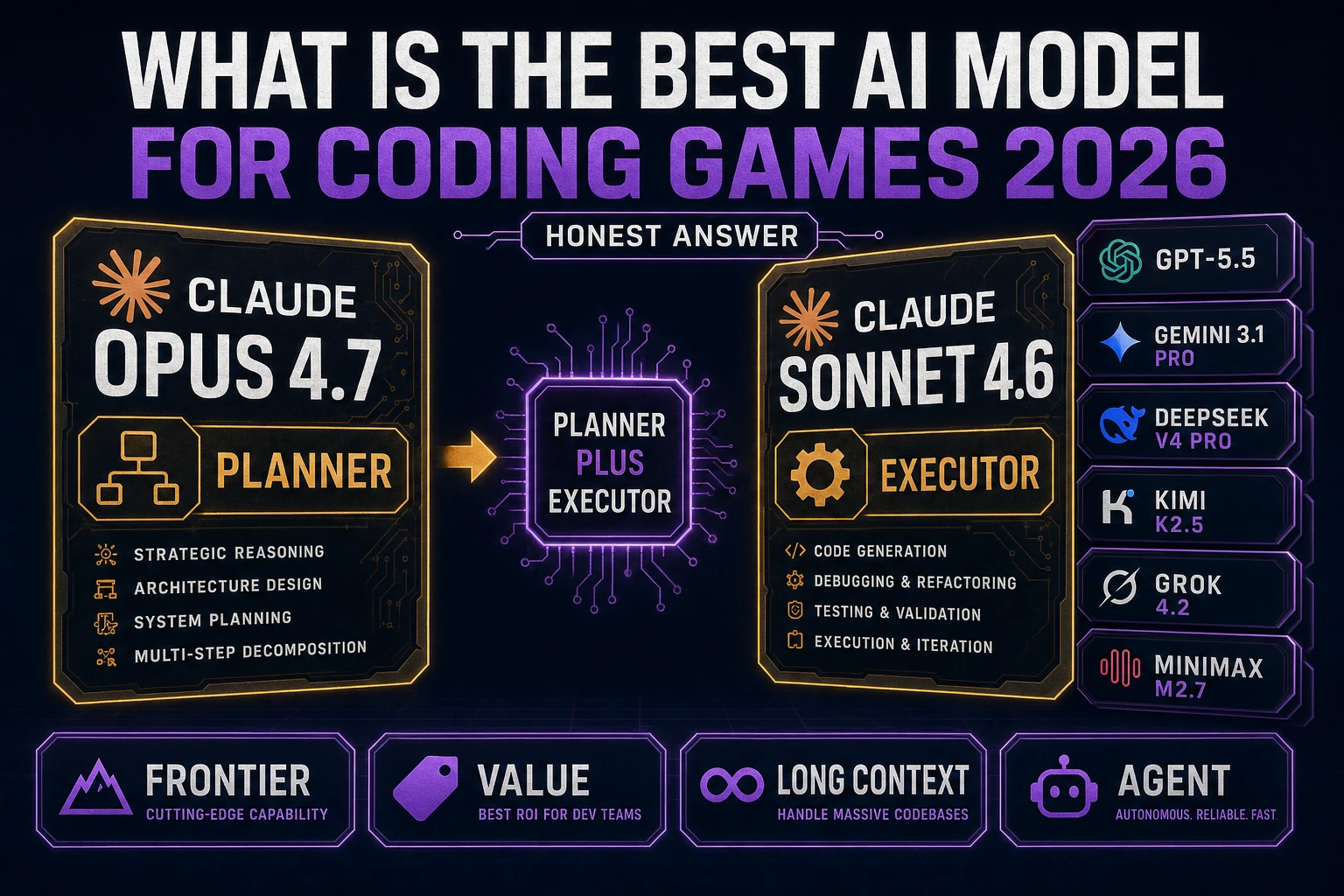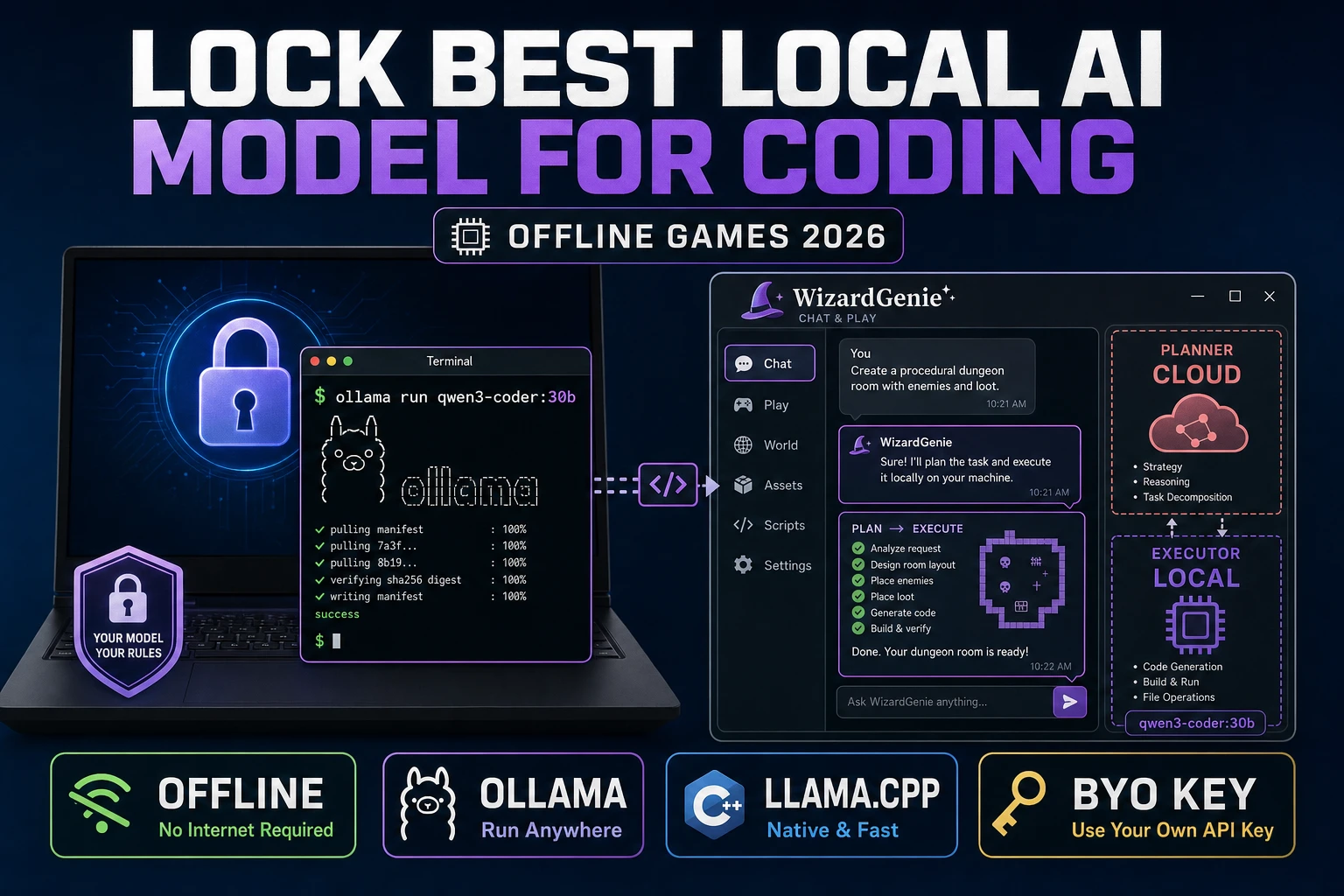
Most “best vibe coding tools“ lists make a category error: they rank IDEs and AI coding agents that were built for SaaS apps, then assume the same ranking applies to game dev. It doesn’t. Building a playable game has different requirements from shipping a CRUD endpoint, and the right vibe-coding tool for games has a specific set of features that most general-purpose AI IDEs don’t ship. This is what those features are, why they matter, and how to evaluate any vibe-coding tool for game-dev work.
What to look for in a vibe coding tool for games
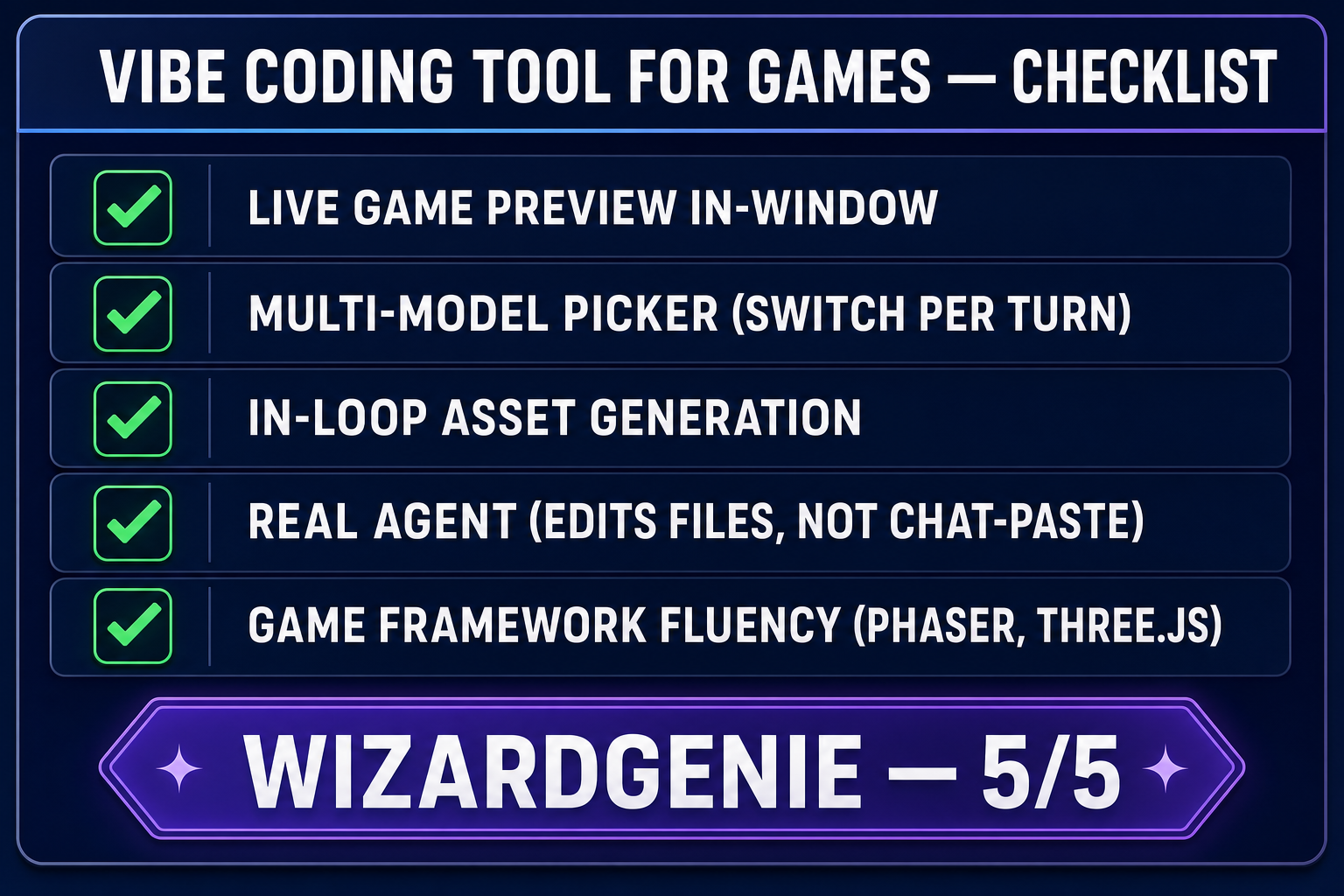
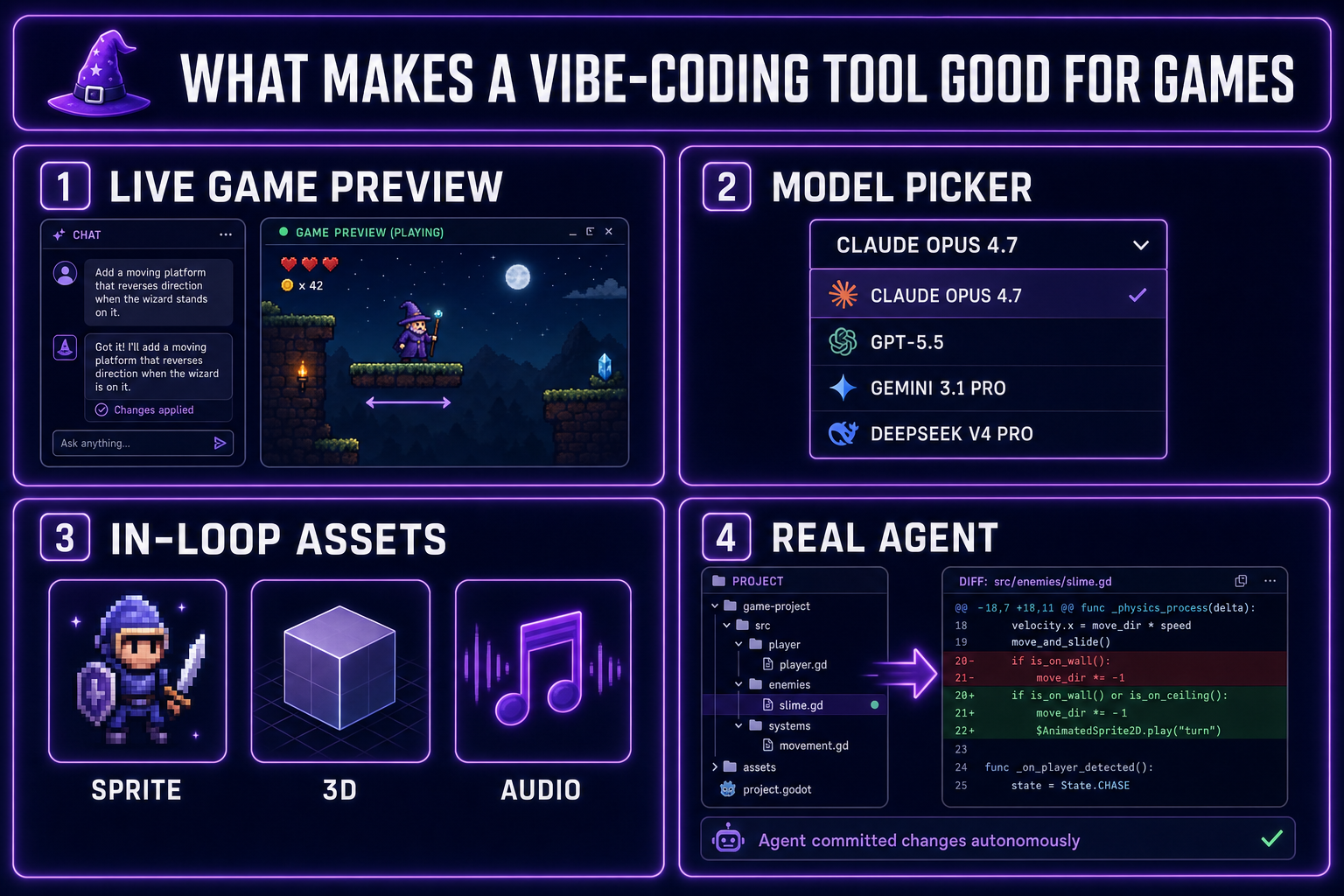
- Live game preview in the same window as the prompt, not a separate run command. Games have a play loop; tools without a fast preview break the vibe.
- A multi-model picker with at least one frontier reasoner and one cheap fast executor. Switch per turn; locked-in single-model tools are wrong for games.
- In-loop asset generation (sprites, 3D, audio) on the same surface as the code. Tab-switching kills momentum.
- A real agent that can read, edit, and create files autonomously — not just chat that pastes code at you.
- Built around these criteria: WizardGenie is the vibe-coding tool we built specifically for indie game dev.
What makes the best vibe coding tools good for games
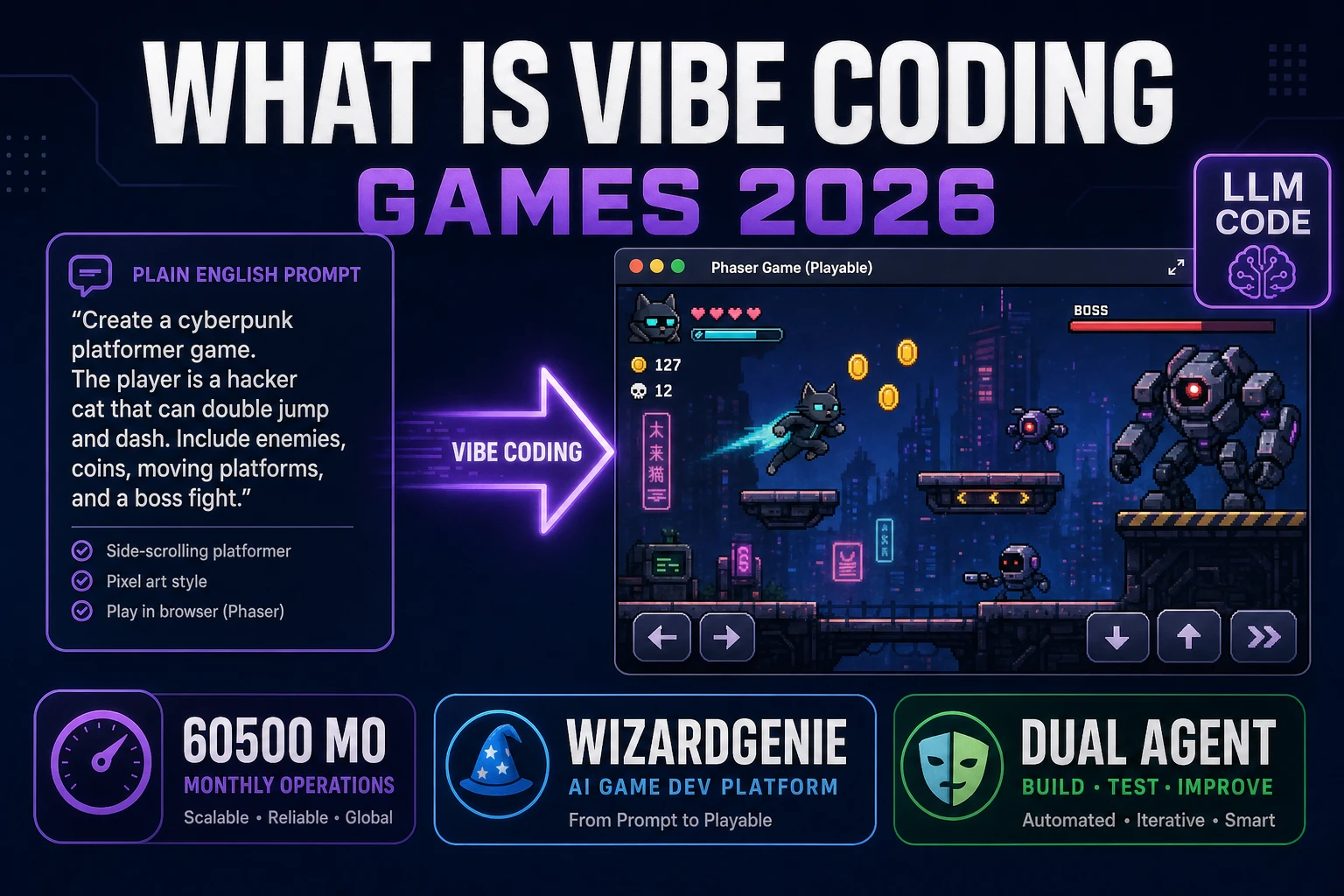
The phrase “vibe coding” — defined in our intro to the term — describes a specific kind of workflow: iterate on software through natural-language prompts and feel-based steering. For games, “feel” is literal. You change a number, the wizard’s jump feels too floaty, you change it again. The whole loop assumes the change is verifiable in seconds, not minutes.
That’s why a generic AI IDE optimized for “edit this React component and run unit tests” is a bad fit for games. Tests don’t tell you if the jump feels right; only playing it does. The right tool collapses the prompt → preview → feedback loop to seconds, every time.
Four pillars matter, in rough order of impact:
Pillar 1: live game preview, not a separate run command
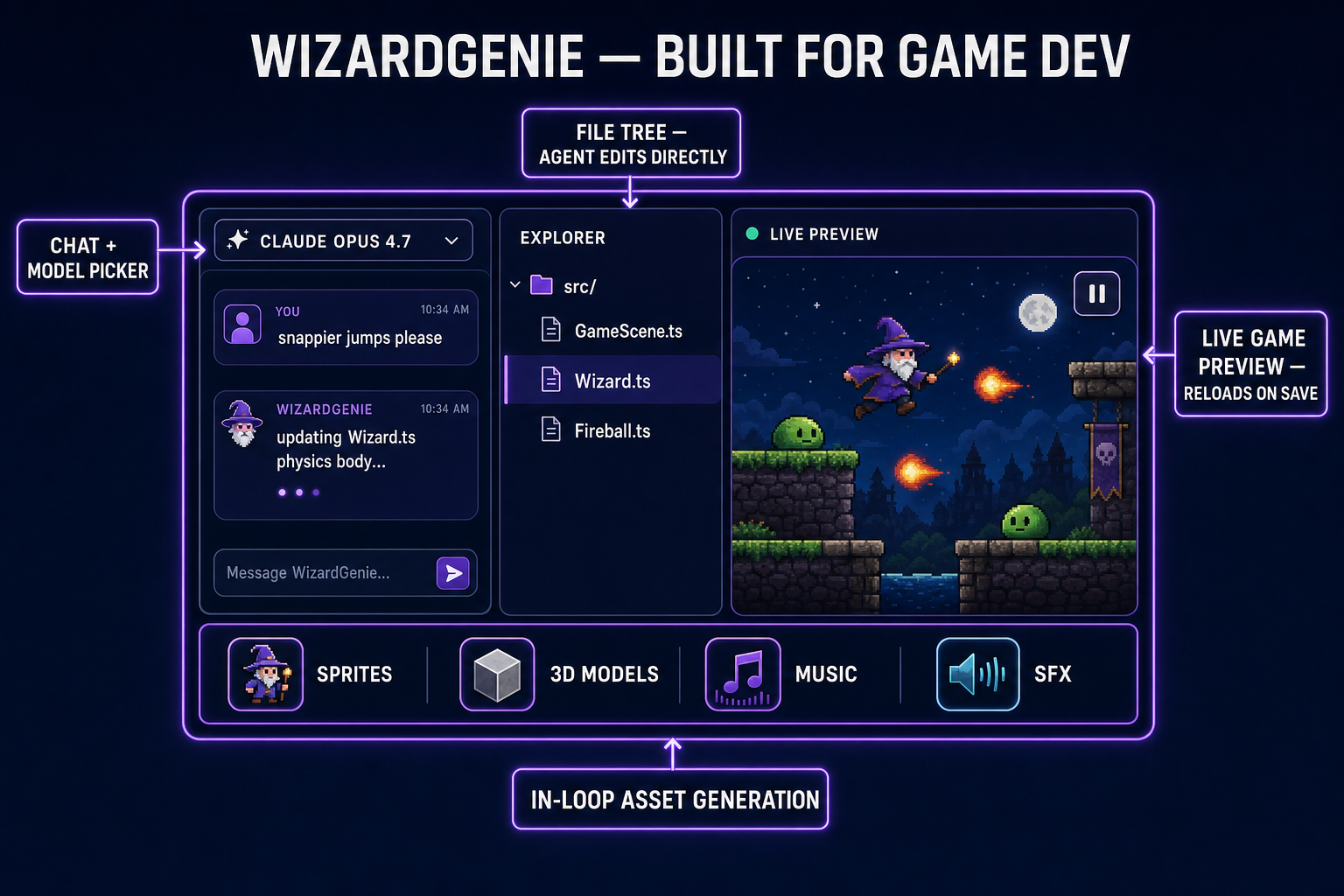
The single biggest factor. Open WebContainers run an iframe of your game in the same panel as the chat. The agent makes a code change, the game reloads, you press space and try the jump. Cycle time: 2–5 seconds. With a preview-less tool, the cycle is: run a build script, switch to a browser tab, refresh, play. Cycle time: 20+ seconds. That’s a 5–10× difference in how many vibe corrections you can do per hour.
Pillar 2: a multi-model picker
Vibe coding for games requires switching models per turn, not per session. Use a frontier model for the design-decision turn, swap to a cheap executor for the long tail of mechanical edits. Tools locked to a single model — even a great one like Claude Sonnet — burn money on tasks that don’t need that model and can’t elevate to deeper reasoning when you actually need it. We tested all eight relevant models; the answer changes by turn.
Pillar 3: in-loop asset generation
A game is code plus assets. Sprites, 3D models, music, sound effects, environments. A vibe-coding tool that handles only the code half forces you out of the chat to generate or upload assets. Every context-switch breaks the loop. The right tool puts sprite generation, 3D model generation, audio generation, and image generation on the same surface so the asset pipeline doesn’t break the vibe.
Pillar 4: a real agent, not chat-with-paste
“Vibe coding” implies the agent does the typing. Tools that suggest code in a chat window and expect you to paste it back into your editor aren’t vibe-coding tools — they’re better autocomplete. A real agent reads your project, edits files in place, creates new files when needed, and can run multi-file refactors autonomously. This is table stakes in 2026; any tool without it is a generation behind.