If you have searched for a Mixamo alternative in the last twelve months, the reason is usually one of three: Mixamo broke during the June 2025 outage and you got cold feet, the auto-rigger refuses to handle your non-humanoid creature, or you are tired of the upload-wait-download loop. Adobe has not shipped a feature update in years and the platform has slowly fallen behind what is now possible. Here is what 2026 looks like instead — auto-rigging in the browser, humanoid and creature support, and animation generated from a text prompt.
The 2026 Mixamo alternative
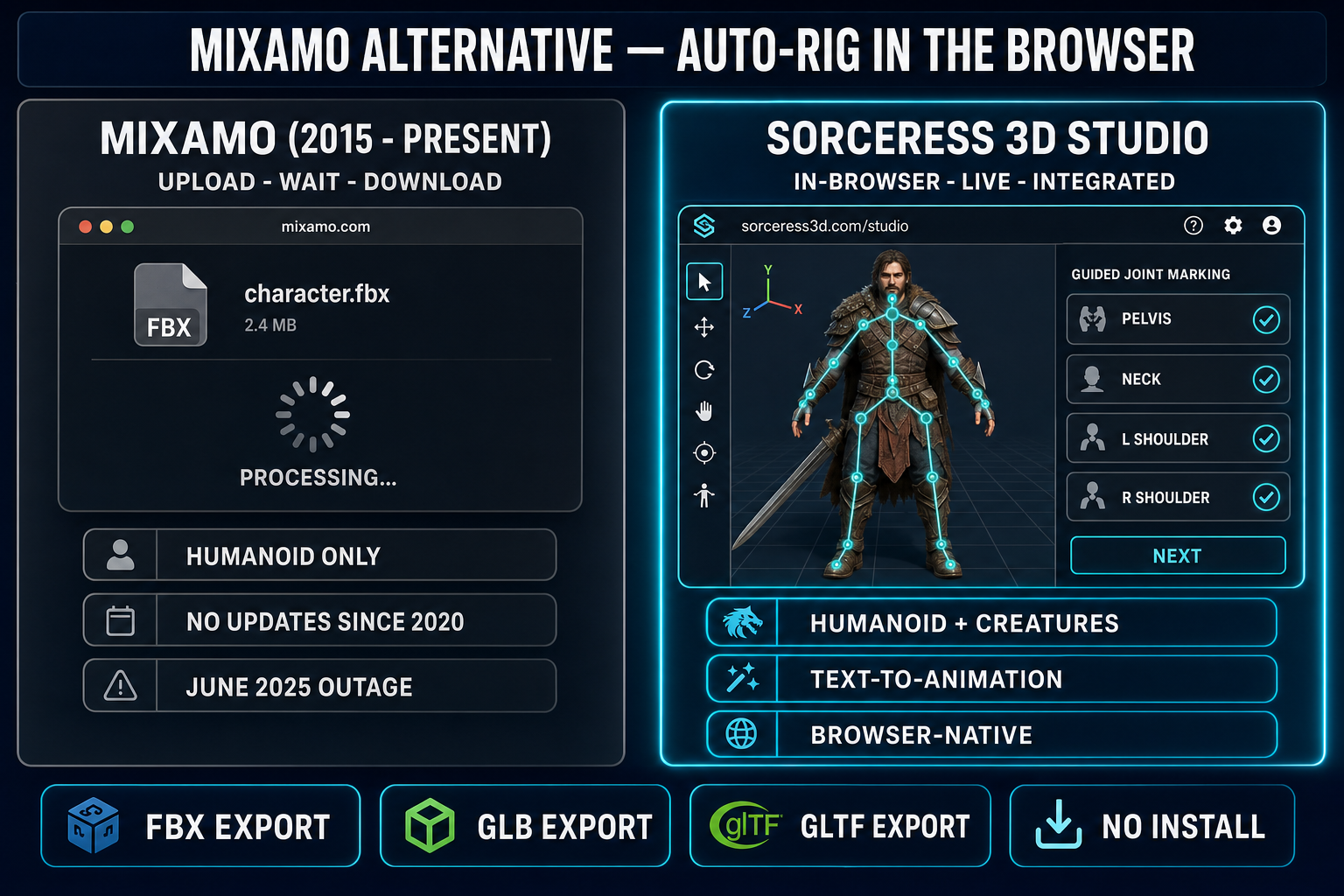
- Mixamo is still online and still free, but Adobe has not shipped meaningful updates in years and the unmaintained backend briefly broke for everyone in June 2025 (verified May 4, 2026).
- Sorceress 3D Studio is the closest 1:1 replacement: in-browser auto-rigging for humanoids, weight-paint refinement, FBX/GLB/GLTF export, and a text-to-animation generator that produces custom motion clips on your rig.
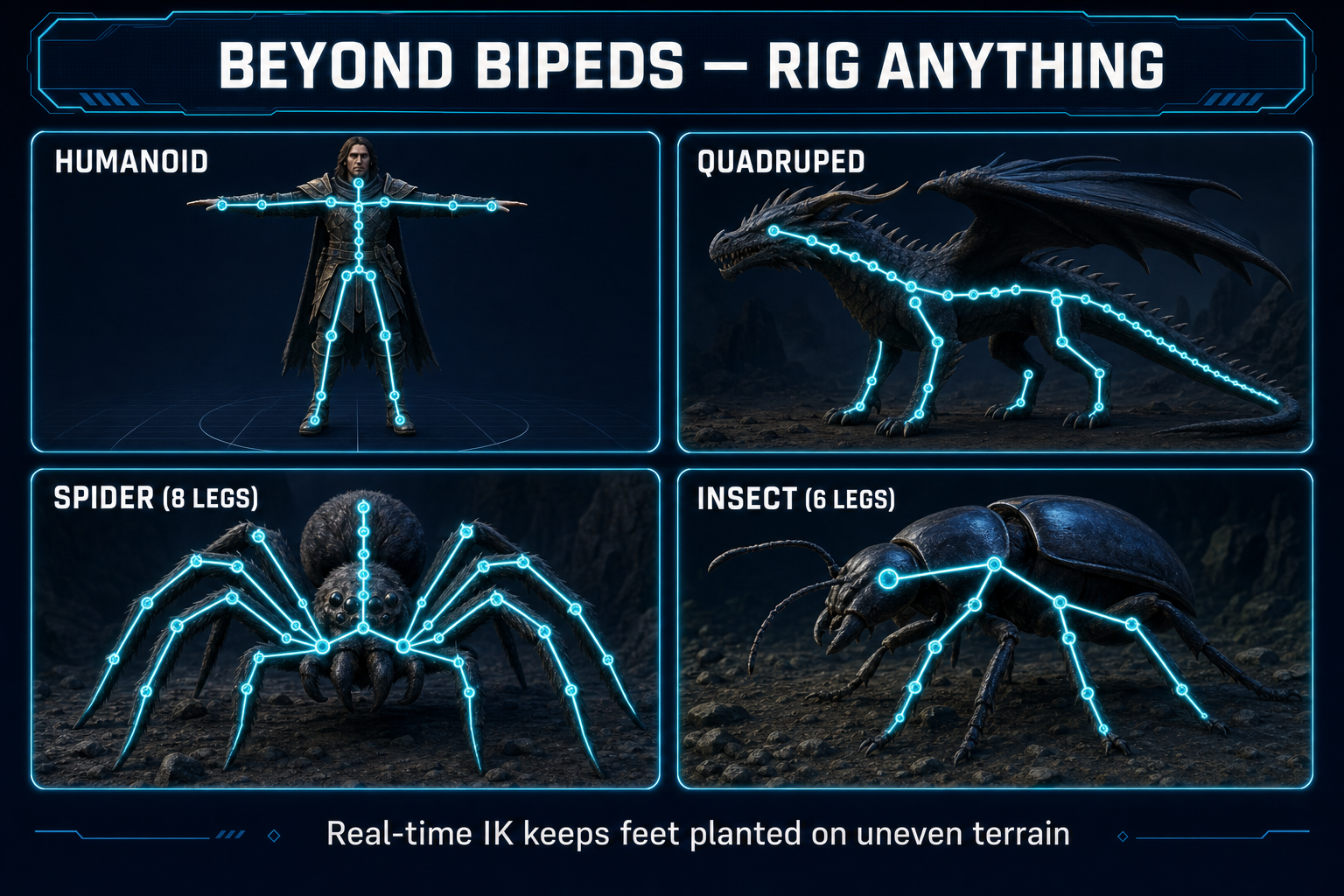
- Sorceress Procedural Walk covers the gap Mixamo never did: spiders, ants, dragons, four-legged beasts — anything that isn’’t a biped — driven with real-time inverse kinematics so feet plant on uneven terrain.
- Whole pipeline runs in your browser tab. No installer, no upload queue, no email-when-ready cycle.
Why people search “Mixamo alternative” in 2026
Mixamo is a real product with a real legacy: Adobe acquired it in 2015, it has shipped over 2,500 motion-captured animation clips, and for a decade it was the default way every indie game-dev got a humanoid character rigged. Then development effectively stopped. The related Adobe Fuse character creator was discontinued in 2019 and removed from Creative Cloud in 2020. Mixamo itself stayed online but stopped getting new animations, new rig types, or interface updates.
The June 16, 2025 outage made the neglect visible. Login URLs were referencing an Adobe sub-domain that no longer existed (an “accounts.adobe.com” that should have been “account.adobe.com” without the S), authentication tokens lapsed, and uploads, downloads, and account access broke for several days. Community reports show downloads were restored by June 19, 2025, but the account page link inside Mixamo continued to misfire afterward. Adobe has not declared Mixamo end-of-life, but the silence around its future has been loud.
The honest 2026 read on Mixamo: it still works most days, it is still free, and the back-catalog of 2,500+ animations is still genuinely useful. But the things that broke in June 2025 will eventually break again, the auto-rigger is locked to bipeds, and the upload-wait-download workflow is showing its age. The case for an alternative is not “Mixamo is dead” — it is “Mixamo stopped moving forward, and the rest of the field has caught up.”
What Mixamo actually does (so you know what to replace)
To pick an alternative honestly, separate Mixamo into its three actual jobs:
- The auto-rigger. Upload an FBX or OBJ of a humanoid mesh, click ten or so joint locations on the model preview (chin, wrists, knees, elbows, groin), and Mixamo returns the same mesh with a humanoid skeleton and weight painting. This is the famous “ten-click rig” that defined the product.
- The animation library. A catalog of about 2,500 motion-captured clips — idle, walk, run, jump, attacks, dance moves, dialog gestures. Pick a clip, retarget it onto your humanoid rig, download. Free with an Adobe account.
- The character library. A small set of pre-rigged sample characters (Y-Bot, X-Bot, a few stylized humans) you can use to test animations without bringing your own mesh.
The auto-rigger is what people actually need an alternative for, because it is the part with hard limits (humanoid only, upload-wait flow). The animation library is harder to replace 1:1 because it is a fixed list of polished mocap; what is replacing it instead is text-to-animation, which is a different shape — describe a motion in plain English, generate it, instead of picking from a list. The character library is mostly a non-issue today since AI image-to-3D produces shippable test characters in seconds.
The Sorceress 3D Studio pipeline (prompt → rigged → animated)
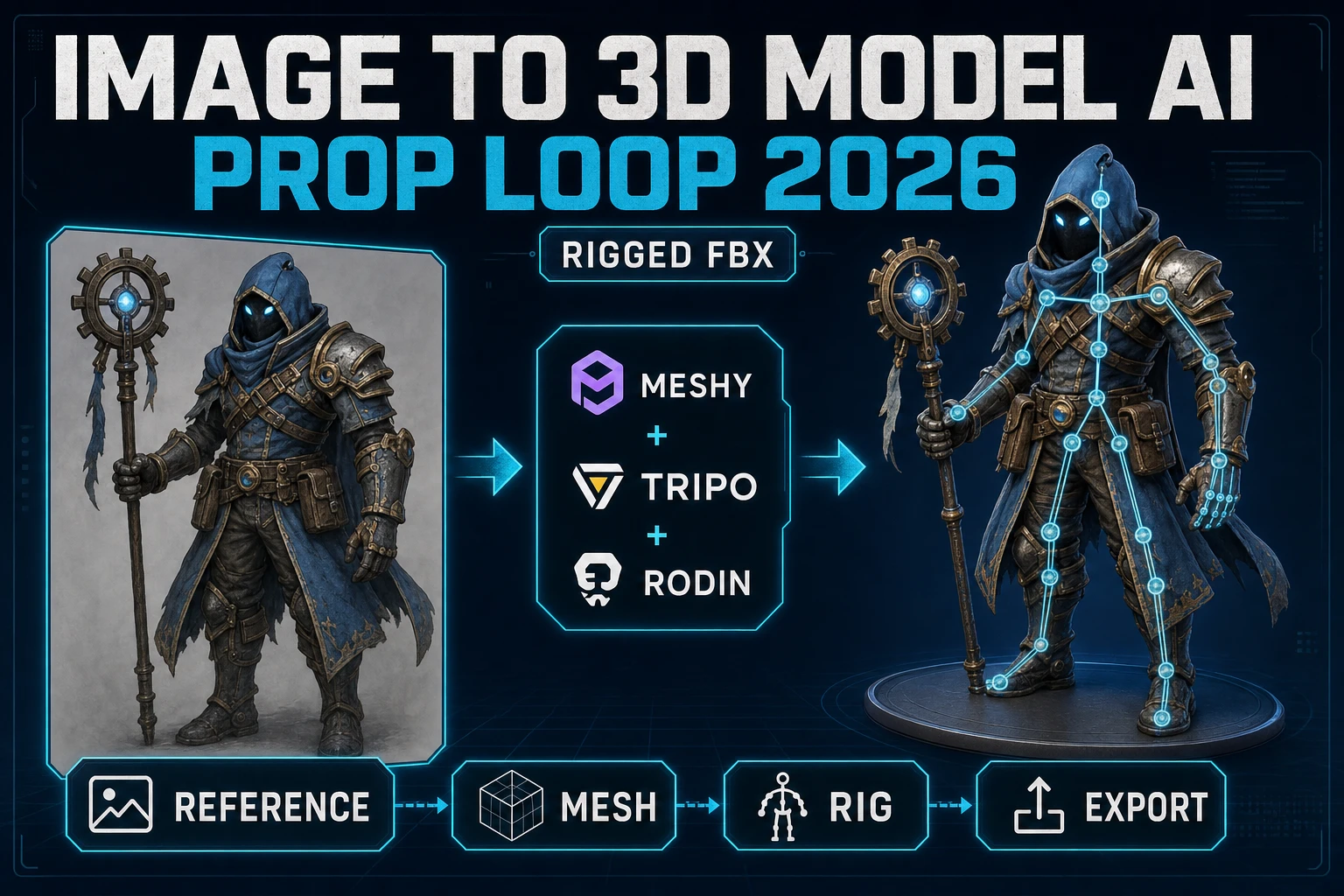
3D Studio chains four steps that Mixamo never tried to chain. You can use only the auto-rigger if you bring your own mesh, or you can run the whole thing from a text prompt — the steps are independent.
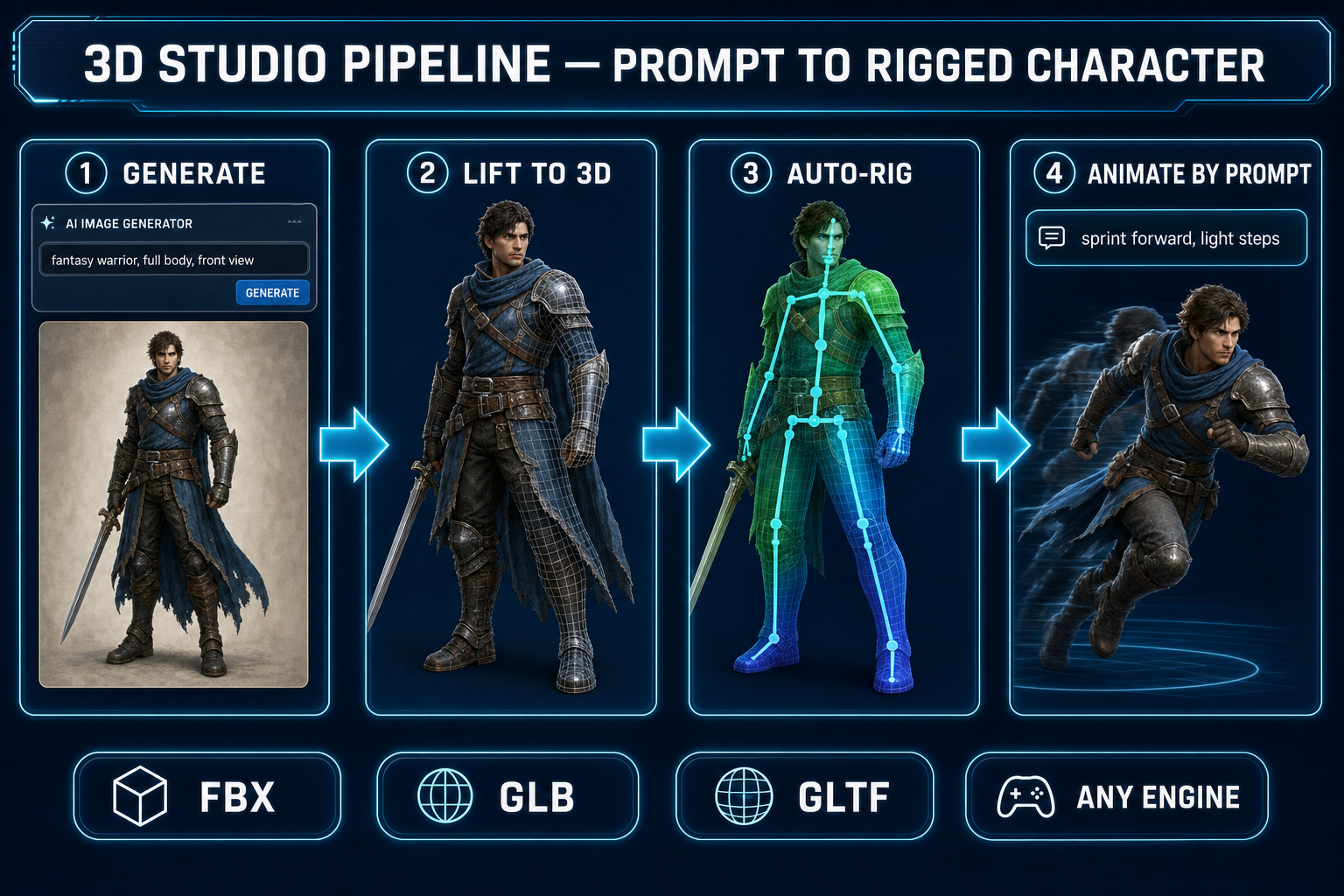
- Generate the source image. Optional. If you don’’t already have a character mesh, prompt one in AI Image Gen. Pick a clean, front-facing, full-body portrait — that is what the next step needs.
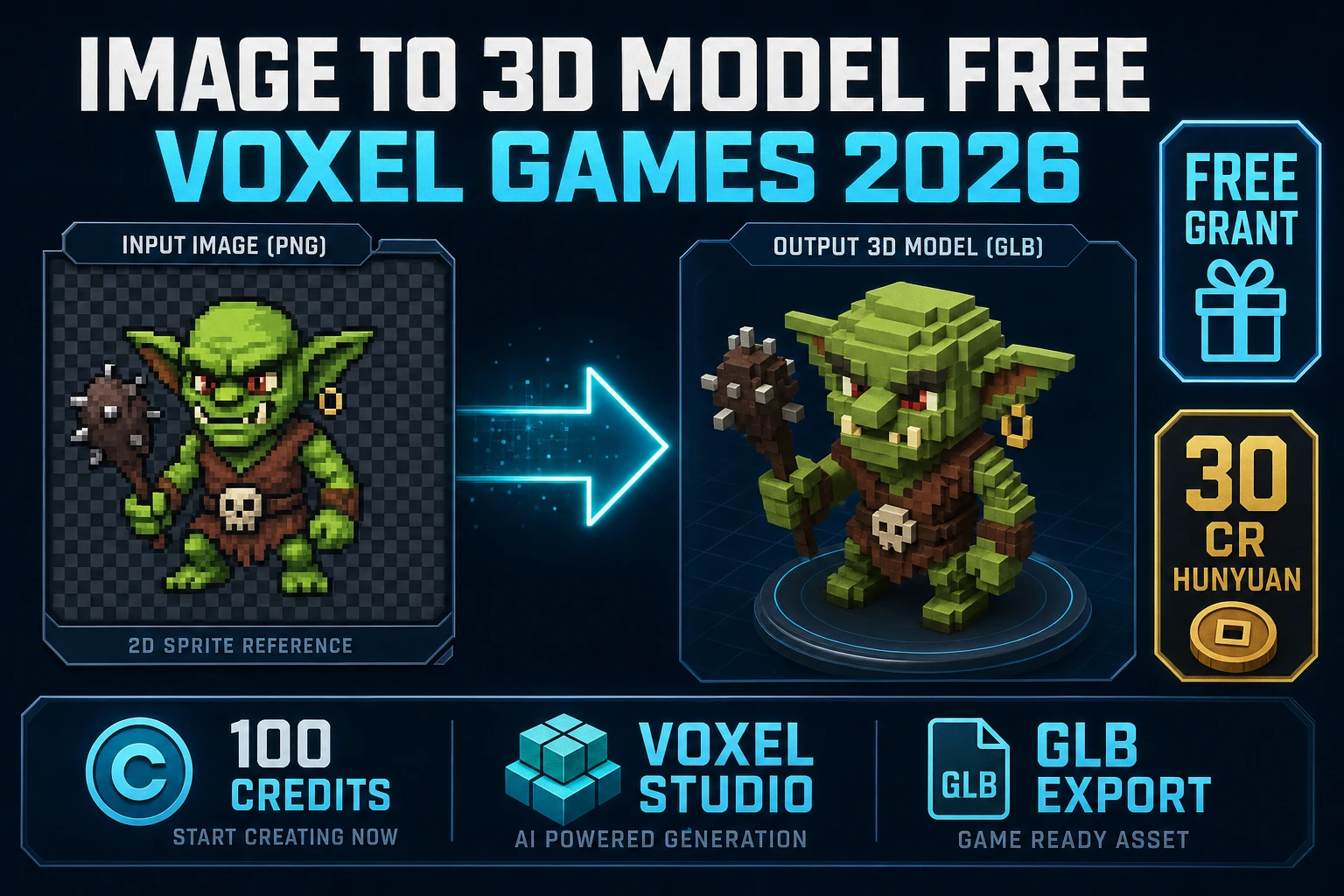
- Lift to 3D. One click runs single-image neural reconstruction and produces a fully textured GLB — geometry, UVs, normals, materials. This is the part that did not exist when Mixamo was designed; Mixamo expects you to bring a mesh from Blender or Maya.
- Auto-rig in the browser. Load any GLB, OBJ, or FBX humanoid and a guided UI walks you through marking joints (top of head, chin, neck base, pelvis, shoulders, elbows, wrists, knees, ankles). Auto-mirror handles the right side from the left. The skeleton fits, weights compute, and the rigged mesh renders live in the same Three.js viewport — no file leaves your browser.
- Animate by prompt. Once the character is rigged, type the motion you want — “sword slash combo”, “tired walk forward”, “victory pose with both fists up” — and the model generates a keyframe track on your rig. Stack as many tracks as you want; export them all together.
End-to-end on a humanoid character: roughly 3 to 8 minutes from prompt to fully rigged, animated, exportable model. The auto-rig step alone (Mixamo’’s job) typically takes 60 to 120 seconds, including the joint-marking flow.
The auto-rigger, head-to-head
Comparing apples to apples on the part Mixamo is famous for:
- Joint-marking flow. Mixamo asks for around 10 markers; the 3D Studio guided rigger asks for the same set (top of head, chin, neck, pelvis, shoulders, elbows, wrists, knees, ankles) with auto-mirror so you click the left side and the right side fills in automatically. Net click count is comparable.
- Skeleton convention. Both produce humanoid-compatible skeletons. The 3D Studio output uses the same SMPL/Mixamo-style joint hierarchy that Unity’’s humanoid Avatar and Unreal Engine’’s standard mannequin retargeter expect, so animations from external libraries (including Mixamo’’s back catalog) retarget cleanly.
- Weights. Both run automatic weight painting after skeleton placement. Mixamo’’s weights are reliable on the body but historically wobbly on hands and at extreme deformation. 3D Studio’’s weights run a learned model with a manual weight-paint refinement pass, so you can repaint a single bad bone without redoing the whole rig.
- Where the work happens. Mixamo: upload mesh → server processes → preview → download. 3D Studio: load mesh into a Three.js viewport → mark joints → live skeleton preview → live weights → export. The mesh never leaves your browser, which also means there is no upload size limit and nothing to log into.
- Failure mode. When Mixamo’’s service is down (June 2025 outage being the obvious example), nothing rigs. When 3D Studio is open in a browser tab, the rigging happens locally; an outage would only affect the AI generation steps in front of and behind it.