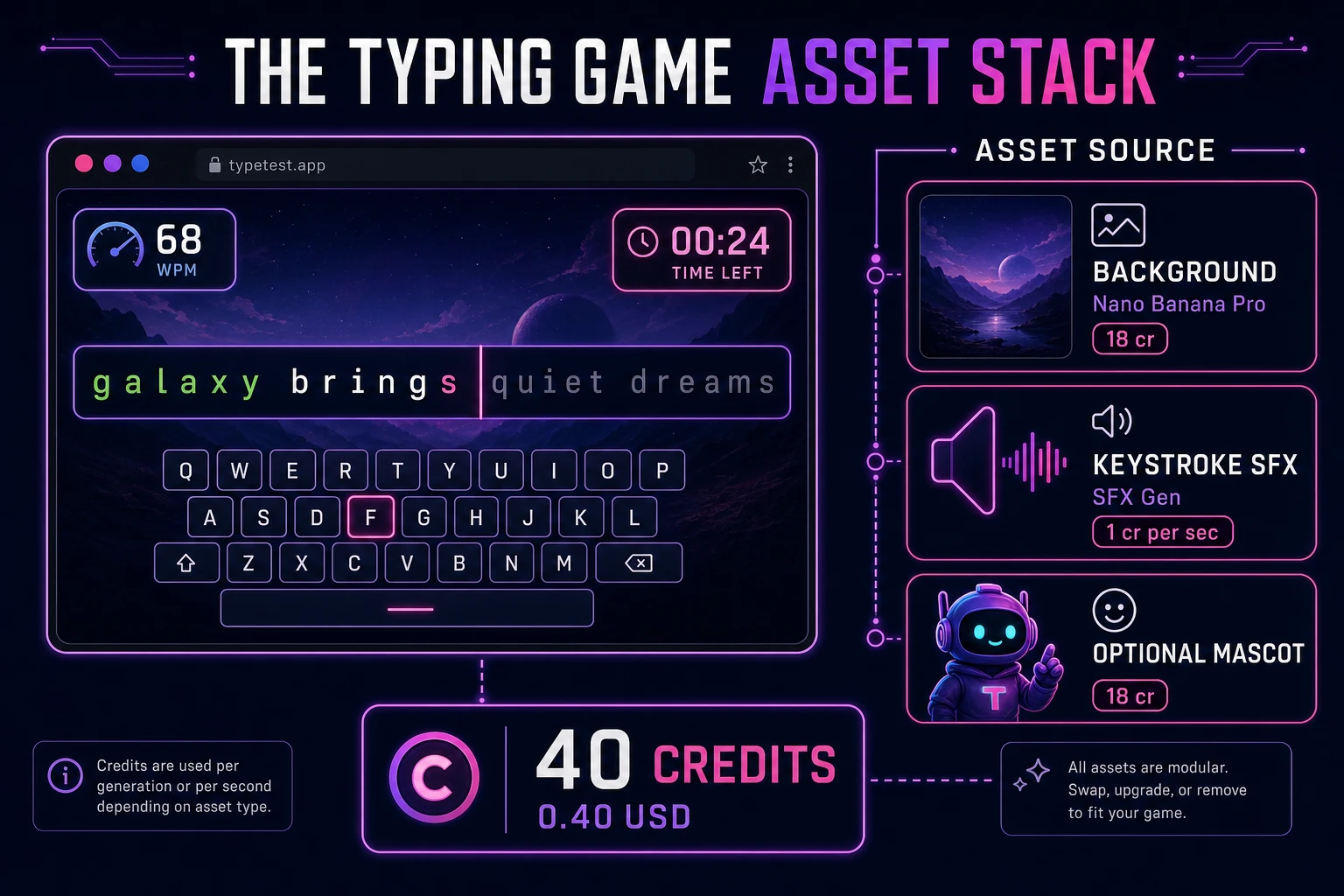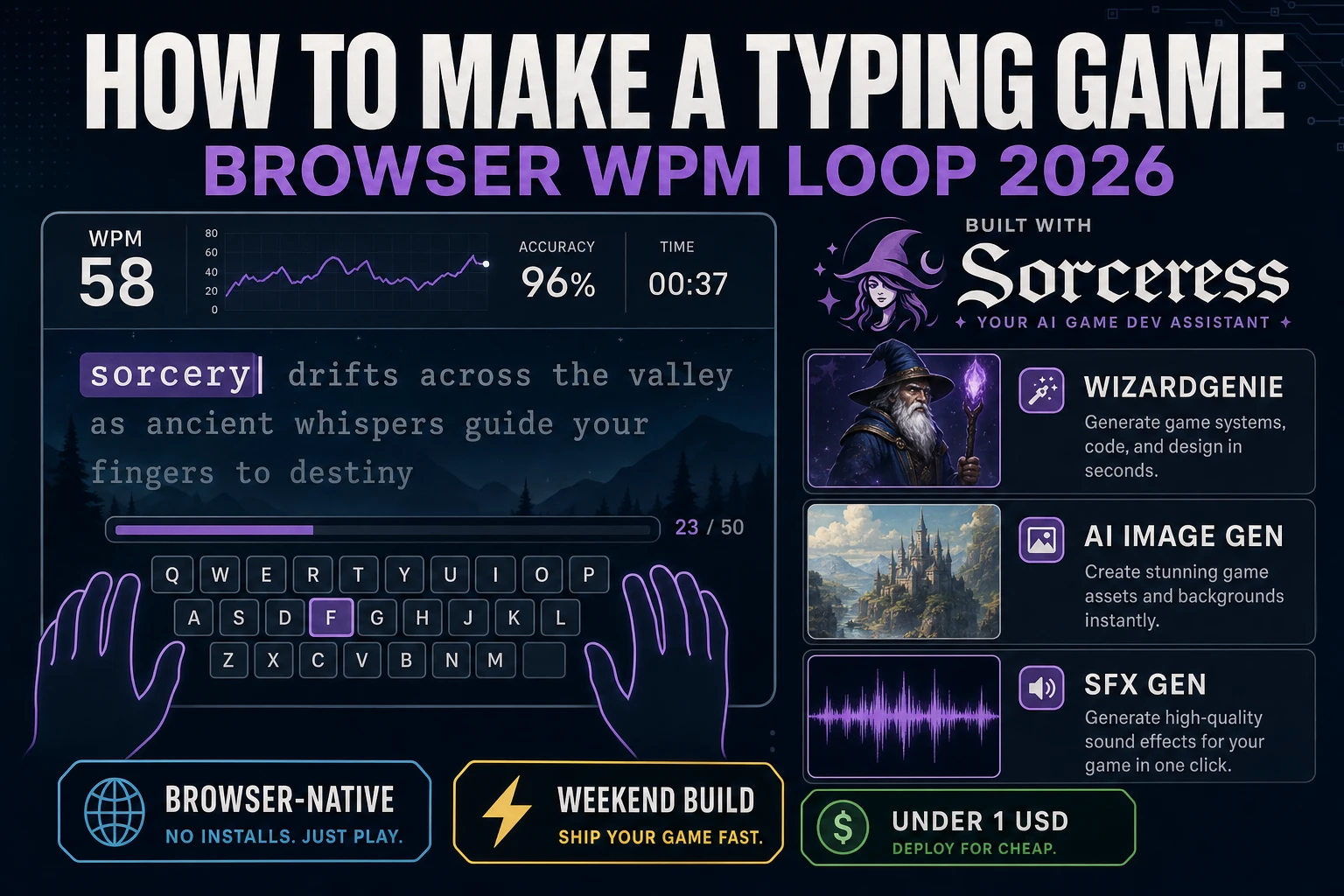
Most beginners who search “how to make a typing game” want a sixty-second sprint where one word sits on screen, each keystroke paints letters green or red, and a results card shows WPM and accuracy when the timer hits zero. A full MMO typing racer with ghost replays, ranked ladders, and custom dictionaries is a studio product. A browser WPM loop is different. A coding agent scaffolds word queues, character comparison, and scoring from one prompt, and AI generation covers backgrounds and keystroke snaps. On desktop or web, that means WizardGenie for the keyboard loop, AI Image Gen for a readable backdrop, and SFX Gen for tick and chime audio. This guide is the honest end-to-end for how to make a typing game in 2026, as a weekend build you can finish once.
What how to make a typing game actually means in 2026
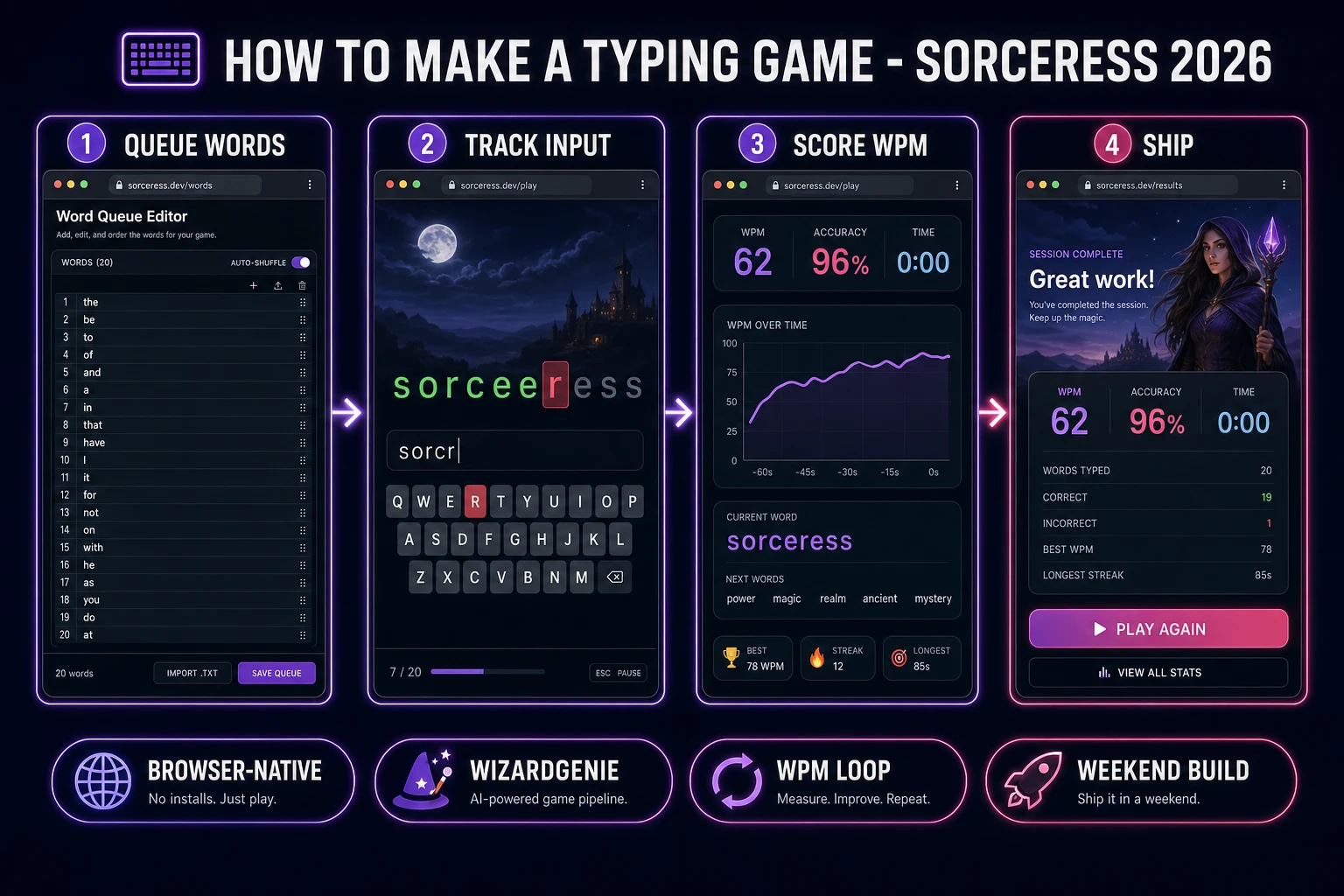
The query “how to make a typing game” hides three intents. Some searchers want a classroom typing tutor with lessons, finger diagrams, and progress charts — a curriculum product, not a game loop. A second intent is a competitive racer like a nitro-fueled keyboard sprint with power-ups, lanes, and online ghosts — months of netcode. The third intent, and the one this guide targets, is a browser typing test turned game: a countdown, one active word, immediate letter feedback, a queue of targets, and a results screen with WPM, accuracy, and Play Again. That is a weekend build, it demos the Sorceress toolset, and it is the format most typing game tutorial and javascript typing test searchers actually want when they type “browser wpm game.”
The presentation contract is small and strict. A title screen shows the game name, Start Run, and maybe a difficulty picker that only swaps word-list length. The play screen shows the active word as individual letter spans, a timer counting down from sixty, live WPM and accuracy in a HUD row, and a streak counter if you want one polish pass. On each keydown, compare event.key to the next expected character; paint correct letters green, mistakes red, advance the cursor, pull the next word when the cursor reaches the end. When the timer hits zero, freeze input and show results. The words-per-minute overview on Wikipedia (verified 2026-08-26) documents the five-characters-per-word convention your WPM math should follow. If you already shipped a letter-guessing table, the sibling guide on how to make hangman covers per-letter reveals; this post owns timed throughput and accuracy instead. For vocabulary-themed prompts without a timer, see the word game guess loop guide.
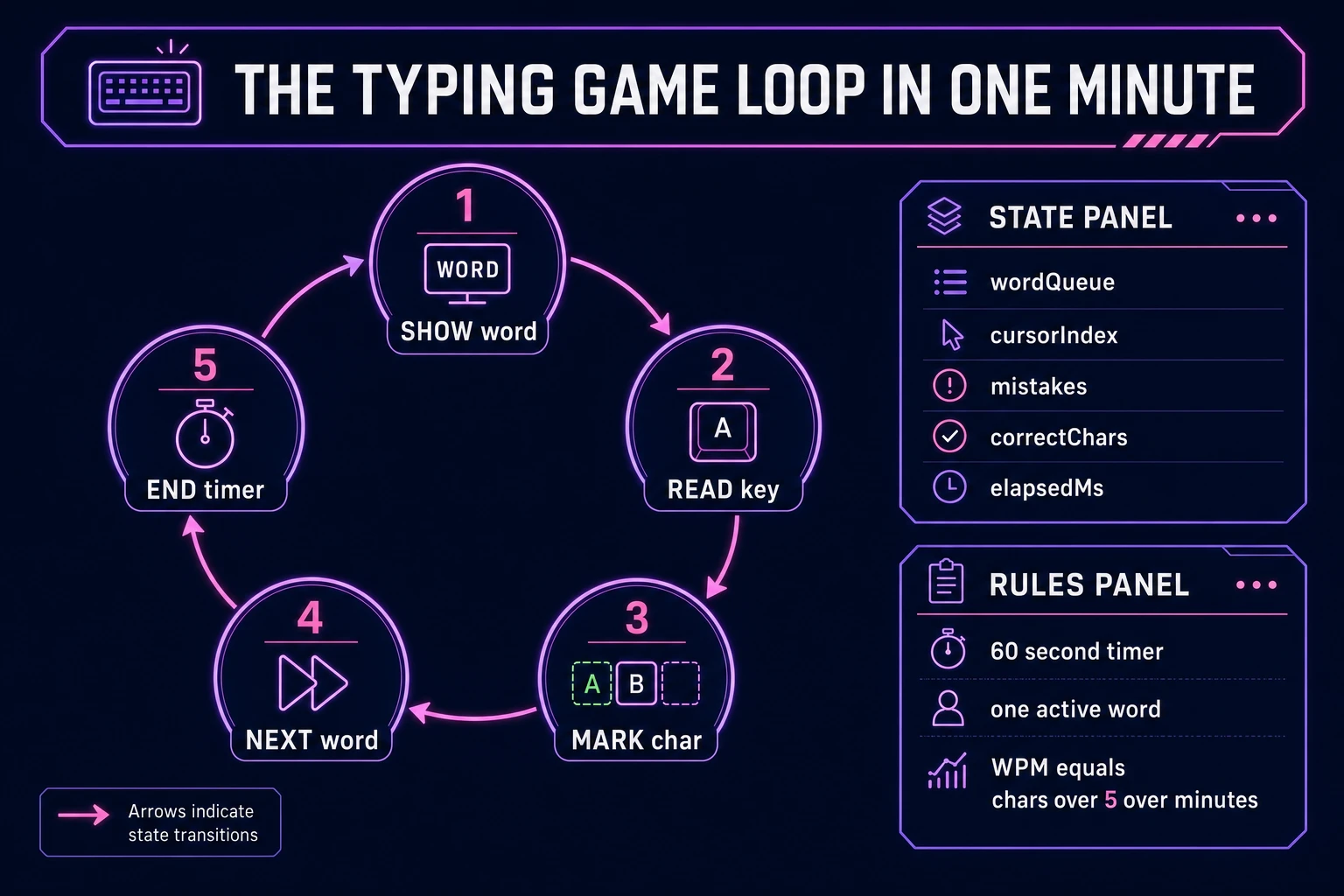
The typing game loop in one minute (show word, read key, score WPM)
Five moving parts, repeated until the timer expires. First, show word — pop the next string from wordQueue, reset cursorIndex to zero, render each character as a span with class pending. Second, read key — on keydown, ignore modifier keys; if the run is not active, return early. Third, mark char — compare the key to word[cursorIndex]; on match increment correctChars, paint green, advance cursor; on mismatch increment mistakes, paint red, still advance cursor so the player cannot stall. Fourth, next word — when cursorIndex equals word length, play a completion chime, push another word from the queue, reset cursor. Fifth, end timer — when elapsed ≥ 60 seconds, set phase to settle, compute gross WPM = (totalTyped / 5) / minutes, show accuracy = correct / (correct + mistakes), offer Play Again. That is the entire browser wpm game loop. Falling-word lanes, combo multipliers, and boss paragraphs are polish layered after one honest sixty-second run already feels fair.
Pick your engine for how to make a typing game: DOM, canvas, or WizardGenie
Three good targets in 2026, each with a different trade-off. Vanilla JavaScript on DOM spans is the honest default and the pick this guide recommends for a first build. Render the active word as a row of <span> elements, attach a single keydown listener on document, and toggle CSS classes for pending, correct, and incorrect letters. Total code footprint for a working html5 typing game play screen is under 350 lines including WPM math and a results modal. No engine to install, ships as a static HTML file, deploys anywhere. The MDN KeyboardEvent reference documents event.key values across QWERTY and mobile soft keyboards, and the keydown event guide covers preventDefault when space would scroll the page mid-run.
Canvas with falling words becomes the right pick if targets drop from the top and the player must type them before they hit a baseline — classic arcade typing. You trade free accessibility for motion polish and must reimplement text rendering and caret logic yourself.
Phaser 4.1.0 (verified 2026-08-26 on the official Phaser API documentation page) becomes the right pick if you want Scene lifecycle for title-play-settle, tweens when words slide in from the right, or particle bursts on ten-word streaks. Phaser does not invent your WPM formula — you still need the same queue helpers and key comparison. Use Phaser when motion is the product; use DOM when the product is a typing game tutorial people can fork in one file.
WizardGenie is not a separate rendering engine — it scaffolds whichever of the three you pick from a single natural-language prompt. WizardGenie ships as both a desktop app (Windows installer with auto-update, available to Early Access supporters and above) and a no-install web build. Its coding-model lineup covers Claude Opus 4.7, GPT-5.5, Gemini 3.1 Pro, DeepSeek V4 Pro, Kimi K2.5, Grok 4.2, and MiniMax M2.7 (verified 2026-08-26 in src/app/_home-v2/_data/tools.ts). For typing games, any frontier model scaffolds word queues, key handlers, and WPM HUD in one prompt. Pair a frontier planner with a budget executor like DeepSeek V4 Pro or Kimi K2.5 for the typing pass — the Dual-agent pattern lands most projects at roughly one-fifth the single-frontier cost.