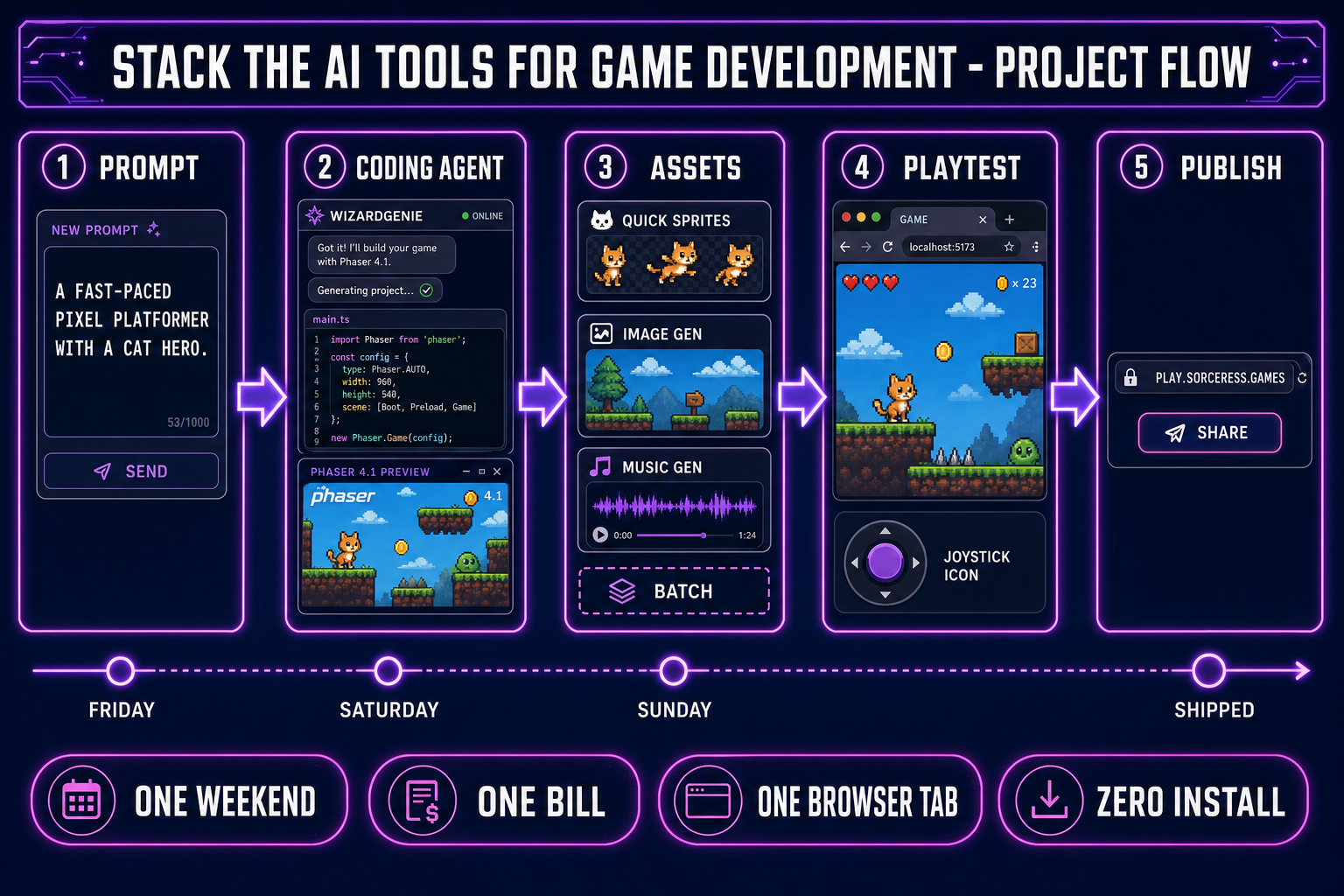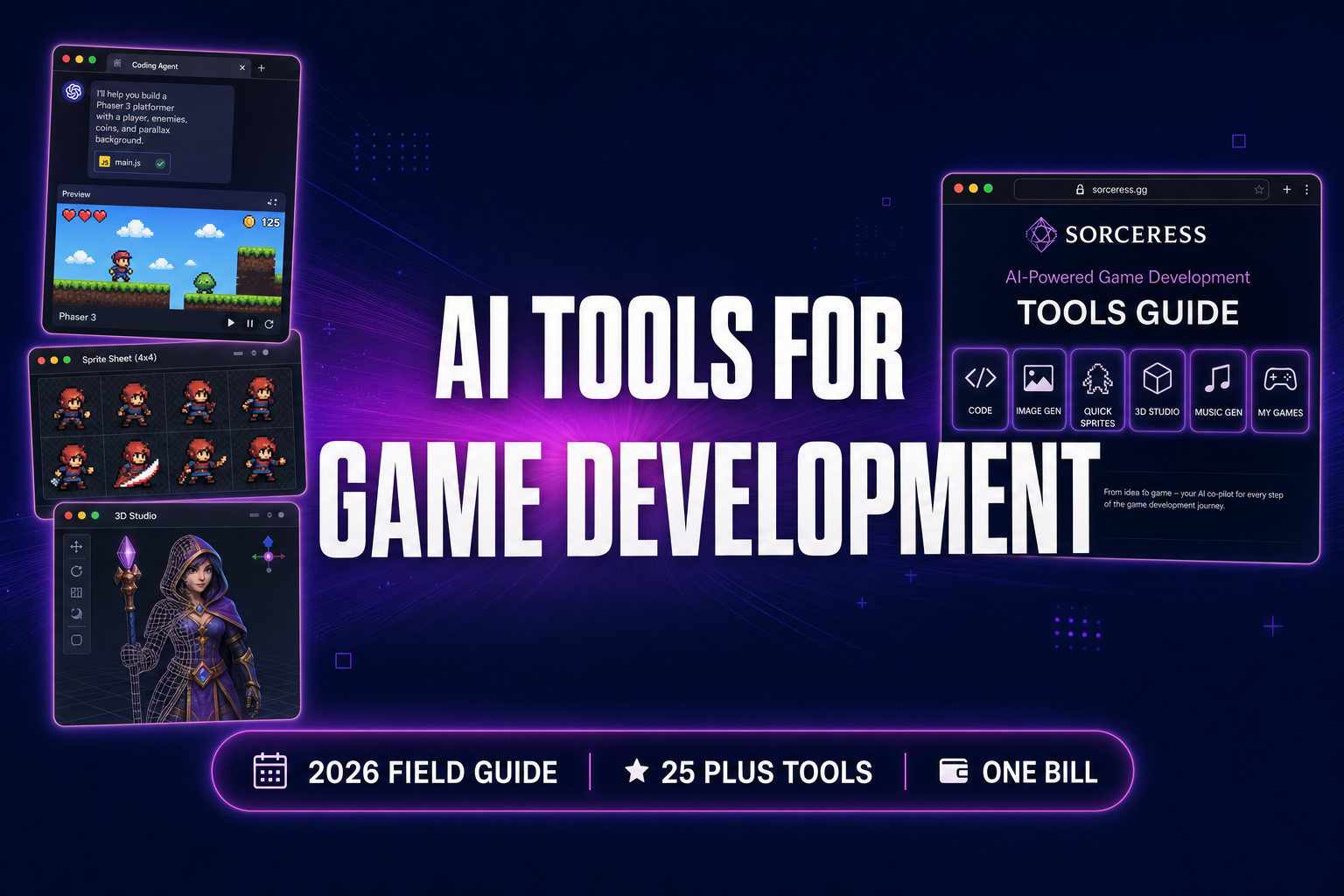
AI tools for game development in 2026 are no longer one product — they are a stack of six layers, and the indie devs who ship the most games are the ones who know which tool owns which layer. This 2026 field guide walks every Sorceress tool by category — coding agent, image and video, 2D sprites and tiles, 3D characters and materials, audio, publish — with the verified model lineup, the credit cost, and the one-line rule for when each tool earns its slot. Verified against the live source on May 25, 2026 — Phaser v4.1.0 “Salusa” (April 30, 2026), Three.js r184 (April 16, 2026), and the Sorceress code under src/app/_home-v2/_data/tools.ts.
What “AI tools for game development” actually means in 2026
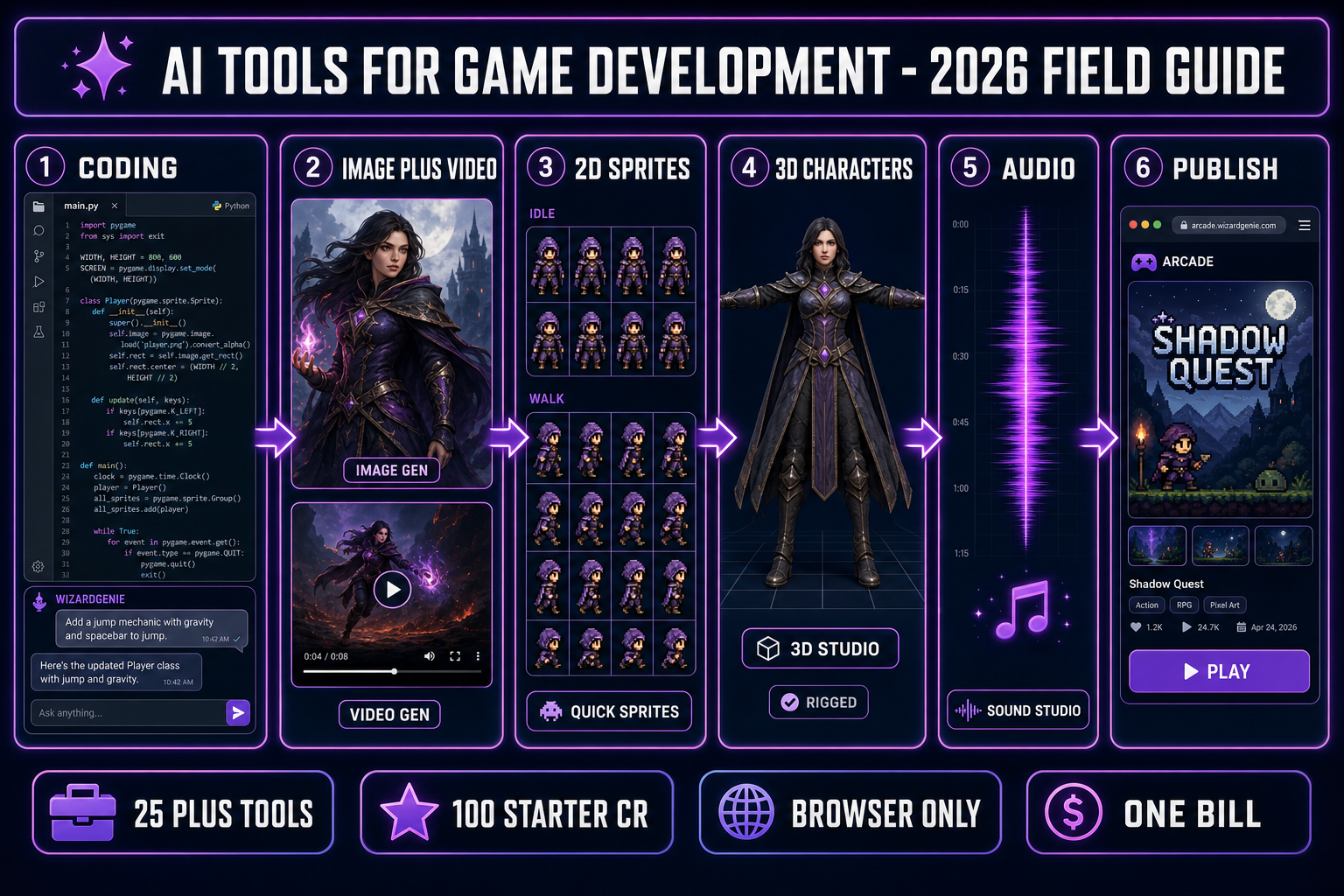
The phrase “AI tools for game development” covered roughly two products in 2023 — a text-to-image generator and a coding chatbot — and roughly twenty-five products in 2026. The difference is structural, not cosmetic. A working 2026 game-dev pipeline now has six distinct layers, and every layer has at least one tool that owns it. Layer 1 is the coding agent that writes and re-writes the game logic. Layer 2 is the visual generation suite for characters, backgrounds, props, and short motion clips. Layer 3 is the 2D sprite and tile pipeline that turns AI art into engine-ready sheets, animations, and seamless tilesets. Layer 4 is the 3D character and material pipeline — image-to-3D, auto-rigging, procedural walks, and PBR texture generation. Layer 5 is the audio stack — music, sound effects, and voice. Layer 6 is the publish-and-iterate loop — hosting, preview, and a community arcade.
A single-tool product is not a stack of AI tools for game development; it is one slot of one. Most readers landing on this field guide already use one or two of these layers (usually a coding agent and a text-to-image generator) and assume the other four are missing or unsolved. They are not — they are solved, they ship in the browser today, and they are listed in the Sorceress catalog at the tools guide page. The rest of this field guide walks each layer in publish order, names the Sorceress tool that owns it, lists the verified model lineup under the hood, and ends with a one-line rule for when the tool earns its slot in your project.
One framing note before the layer walk-through. Every signed-in Sorceress account starts with 100 credits and the AI utility tools — Background Remover, True Pixel, Sprite Analyzer, Slicer, Canvas, Layout Preview, Auto-Rigging, Procedural Walk — run with no credits required. The credit-priced tools (image, video, 2D sprite, 3D model, audio) draw from that starter pool until it is spent, so an honest first-project walk through the AI tools for game development stack is reachable without a card on file. Verified in src/app/_home-v2/page.tsx on May 25, 2026.
Layer 1 — Coding agent (the tool that writes your game)
The coding agent is the first AI tools for game development layer because every other layer feeds it. The agent writes the game logic, the input handlers, the physics, the camera, the menu screens, the save-load code, the multiplayer netcode, the WebGL boilerplate — every line that is not an asset is its output. WizardGenie owns this layer in the Sorceress catalog. It is the AI-native game engine: type a one-paragraph game idea, watch the agent write a Phaser v4.1.0 “Salusa” project, and play the result in the same browser tab. The web build at /wizard-genie/app handles the chat-plus-runtime loop; the Windows desktop build adds native filesystem access and longer-running agent sessions for offline-capable project work.
The model lineup under the hood is the eight-model picker in the WizardGenie chat — Claude Opus 4.7, Claude Sonnet 4.6, GPT-5.5, Gemini 3.1 Pro, DeepSeek V4 Pro, Kimi K2.5, Grok 4.2, and MiniMax M2.7. Verified against CODING_MODELS in src/app/_home-v2/_data/tools.ts on May 25, 2026. The free WizardGenie pool covers a daily DeepSeek V4 Flash chat allowance so the agent loop runs without a card on file. The Pro tier unlocks the frontier models for the planning side and a deeper credit pool for the executor side.
The dual-agent (planner-plus-executor) pattern is the cost-saving discipline that matters when the project graduates from prototype to production. A frontier planner reads the existing code, writes the plan as a checklist, then hands the diff queue to a cheap executor. The cost ratio versus a single-frontier loop is roughly one-fifth, and the architecture stops sprawling because the planner sees the whole project before any new files appear. Acceptable planners: Opus 4.7, GPT-5.5, Gemini 3.1 Pro, Grok 4.2. Acceptable executors: DeepSeek V4 Pro, Kimi K2.5, MiniMax M2.7 — genuinely cheap models. Pairing two frontier-priced models on the typing side defeats the entire purpose. The full per-task model picks are in the eight-model coding comparison.
When it earns its slot: every project, every time. Sorceress Code is the lighter sibling for one-off browser-coding sessions without the full game-engine surface; pick it for the agent-on-a-blank-canvas use case and pick WizardGenie for the agent-on-a-Phaser-project use case.
Layer 2 — Image and video generation (the visual layer)
Layer 2 of the AI tools for game development stack is the visual generation suite. AI Image Gen drives every top image model from one panel — seven flagship models on the homepage rail, each with verified reference-image support for staying on-model across iterations. The lineup, verified against IMAGE_MODELS in src/app/_home-v2/_data/tools.ts on May 25, 2026: Nano Banana Pro (Google, top tier), Nano Banana 2 (Google, fast and sharp), GPT Image 2 (OpenAI, photoreal), Seedream 5 Lite (ByteDance, uncensored), Flux 2 Pro (Black Forest Labs), Z-Image Turbo (Tongyi-Mai, ultra-fast), and Grok Imagine (xAI, creative). Reference-image caps run 3 to 14 per model. Credit cost scales with resolution and reference count.
AI Video Gen drives the same one-panel pattern for video — four flagship models from VIDEO_MODELS: Grok Imagine Video (xAI, ultra-fast), Wan 2.7 (uncensored), Seedance 2.0 (top tier), and Kling 3.0 (cinematic). All four support image-to-video, text-to-video, end-frame control, and native audio. The video output bridges directly to the 2D pipeline in Layer 3 (Auto-Sprite v2 converts a video clip into a clean sprite sheet) and to the cutscene loop in Layer 5 (game trailers and intro cinematics).
The image and video layer also includes the utility tools that the asset pipeline depends on: Background Remover for clean transparent edges (one credit per pass, drops a halo-free alpha channel for every sprite frame), Image Expander for outpainting beyond the original frame, Canvas for quick in-browser edits with no credit cost, and Corridor Chroma for neural green-screen keying with hair-grade edges. The four-tool combination handles every cleanup step between “the model generated something” and “the asset is engine-ready.”
When it earns its slot: every project that ships custom art. The reference-image discipline (lock a character with one or two seed images, then iterate against the locked seeds) is the difference between consistent art and a portfolio of unrelated portraits. The honest read on each platform’s consistency story is in the consistent character generator deep-dive.
Layer 3 — 2D sprites and tiles (the pixel pipeline)
Layer 3 of the AI tools for game development stack converts the Layer 2 image output into the actual sprite sheets, animated frames, and seamless tilesets that a Phaser v4.1.0 “Salusa” load.spritesheet() call expects. Seven tools share this layer.
- Quick Sprites generates AI-animated sprite sheets from a text prompt using Retro Diffusion’s
rd-animationmodel. Three animation styles: four-angle walking at 48×48 px, small sprites at 32×32 px, and VFX at 24–96 px. Nine credits per generation; returns a packed PNG sprite sheet ready for the engine. Verified againstsrc/app/quick-sprites/page.tsxon May 25, 2026. - Auto-Sprite v2 is the three-step pipeline (generate a character, animate it with AI video, sprite-ify the clip into a sheet). Use it when the gameplay needs longer, more cinematic animations than the Quick Sprites grid handles.
- True Pixel converts any image or video into pixel-art sprites with palette quantization (PICO-8 16, SWEETIE-16, Endesga 32, Game Boy 4, CGA 16, NES 54, Grayscale 8, 1-Bit), dithering (none, ordered, Floyd-Steinberg), and clean edge detection.
- Tileset Forge turns raw AI art into a grid-perfect tileset — extracted, aligned, previewed, and exported as a single sheet a 2D engine can consume.
- Seamless Tile Gen generates seamless textures and tiling patterns from a prompt; use it for terrain, walls, ceilings, and backgrounds.
- Sprite Analyzer previews any spritesheet frame-by-frame, extracts frame data, and re-exports atlases at a tighter packing.
- Slicer cuts regions out of any image — AI-generated grids, icon sheets, raw artwork — with square, free, polygon, and grid-snap selection modes.
When each earns its slot: Quick Sprites for the “I need a hero walk cycle in five minutes” case. Auto-Sprite v2 for cinematic-quality enemy animations. True Pixel for the “I have a video reference, I want a pixel-art sprite” case. Tileset Forge for tile-based level art. Seamless Tile Gen for repeating textures. Sprite Analyzer and Slicer are the free utility tools every project uses at some point. The full sprite-sheet walkthrough is in the AI sprite sheet generator post.
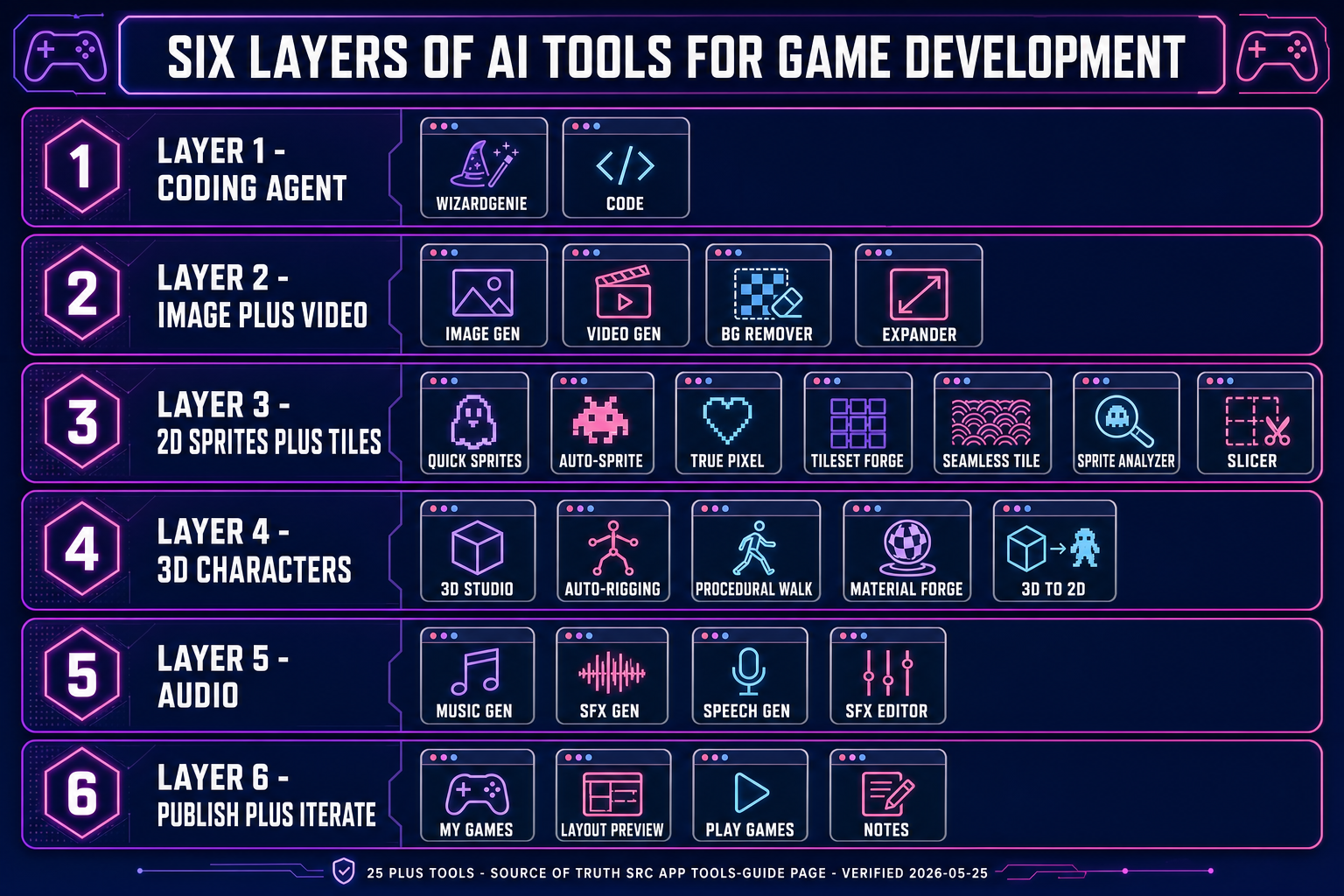
src/app/_home-v2/_data/tools.ts, verified May 25, 2026. Diagram generated with GPT Image 2.