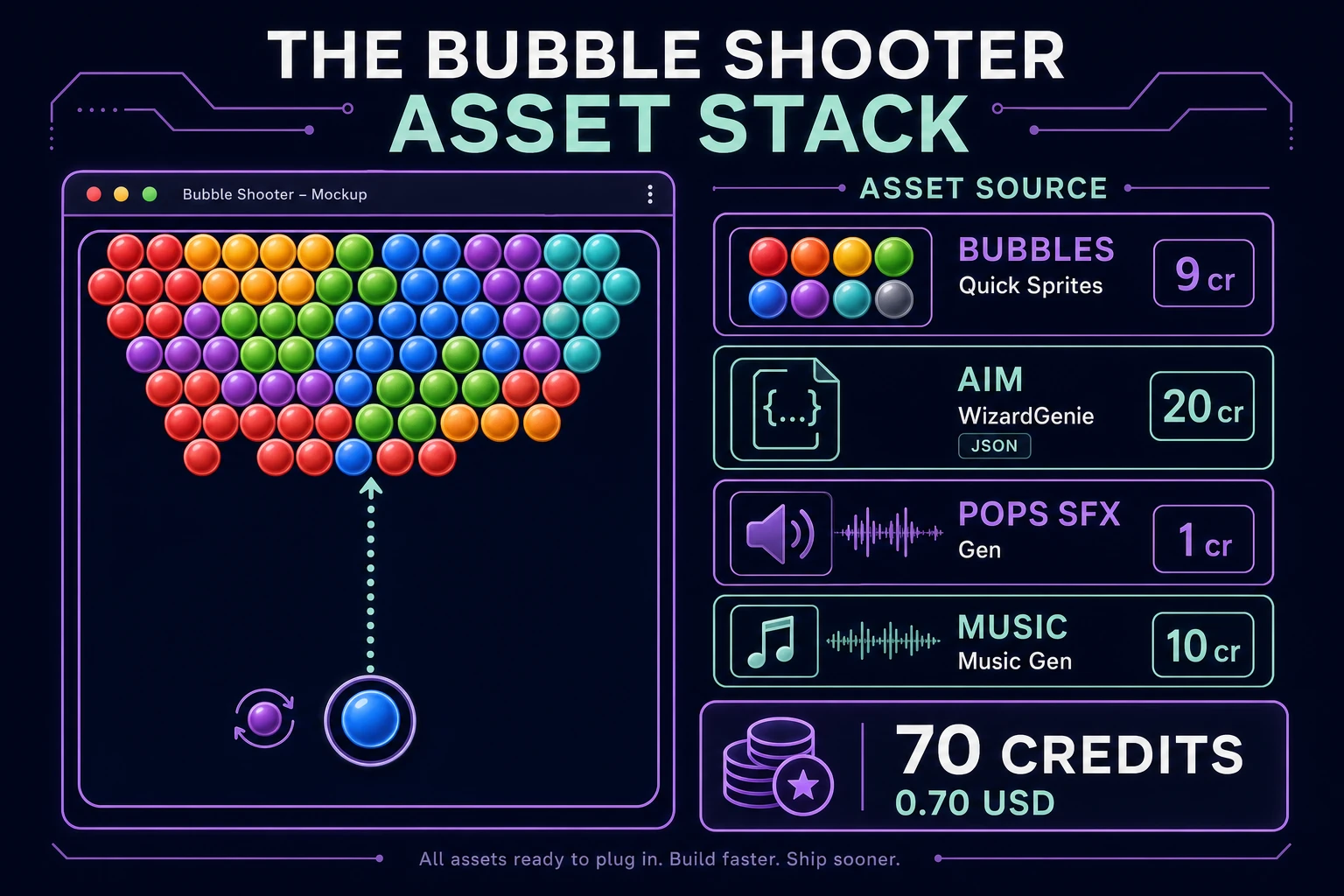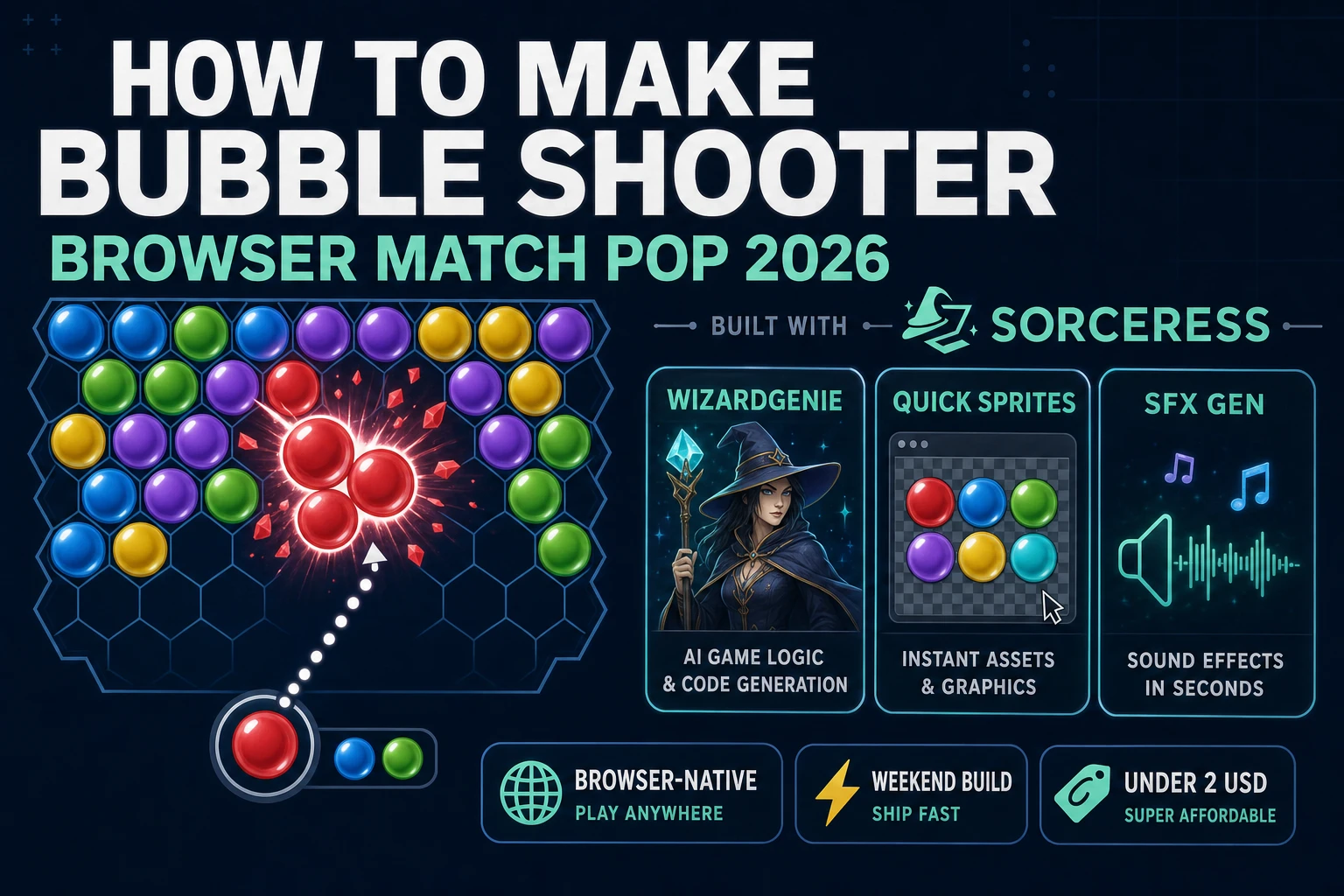
Most beginners who search “how to make bubble shooter” want a hex grid of colored bubbles at the top, a cannon at the bottom that follows the mouse angle, a snap-and-match pop when three or more neighbors share a color, and floating clusters that drop when their ceiling anchor disappears. A full Puzzle Bobble arcade cabinet with power bubbles, boss rows, and two-player versus is a studio product. A browser match pop loop is different. A coding agent scaffolds grid snap and flood-fill pop from one prompt, and AI generation covers the bubble sprites, pop stingers, and arcade music bed. On desktop or web, that means WizardGenie for the aim-and-snap interpreter, Quick Sprites for the colored bubble art, SFX Gen for launch and pop audio, and Music Gen for a light arcade loop. This guide is the honest end-to-end for how to make bubble shooter in 2026, as a weekend build you can finish once.
What how to make bubble shooter actually means in 2026
The query “how to make bubble shooter” hides three intents. Some searchers want a Unity or Godot template with physics joints and particle systems — that is engine shopping, not a minimal playable loop. A second intent is a franchise-scale puzzle bobble clone with rainbow bubbles, laser power-ups, and fifty level maps — a multi-month roadmap, not a solo jam. The third intent, and the one this guide targets, is a browser match pop loop: one staggered hex grid of colored bubbles, a shooter that rotates toward the pointer, wall-bounce aim preview, snap on collision, match-three-or-more flood fill, and floating clusters that fall when disconnected from the top row. That is a weekend build, it demos the Sorceress toolset, and it is the format most bubble shooter tutorial and javascript bubble shooter searchers actually want.
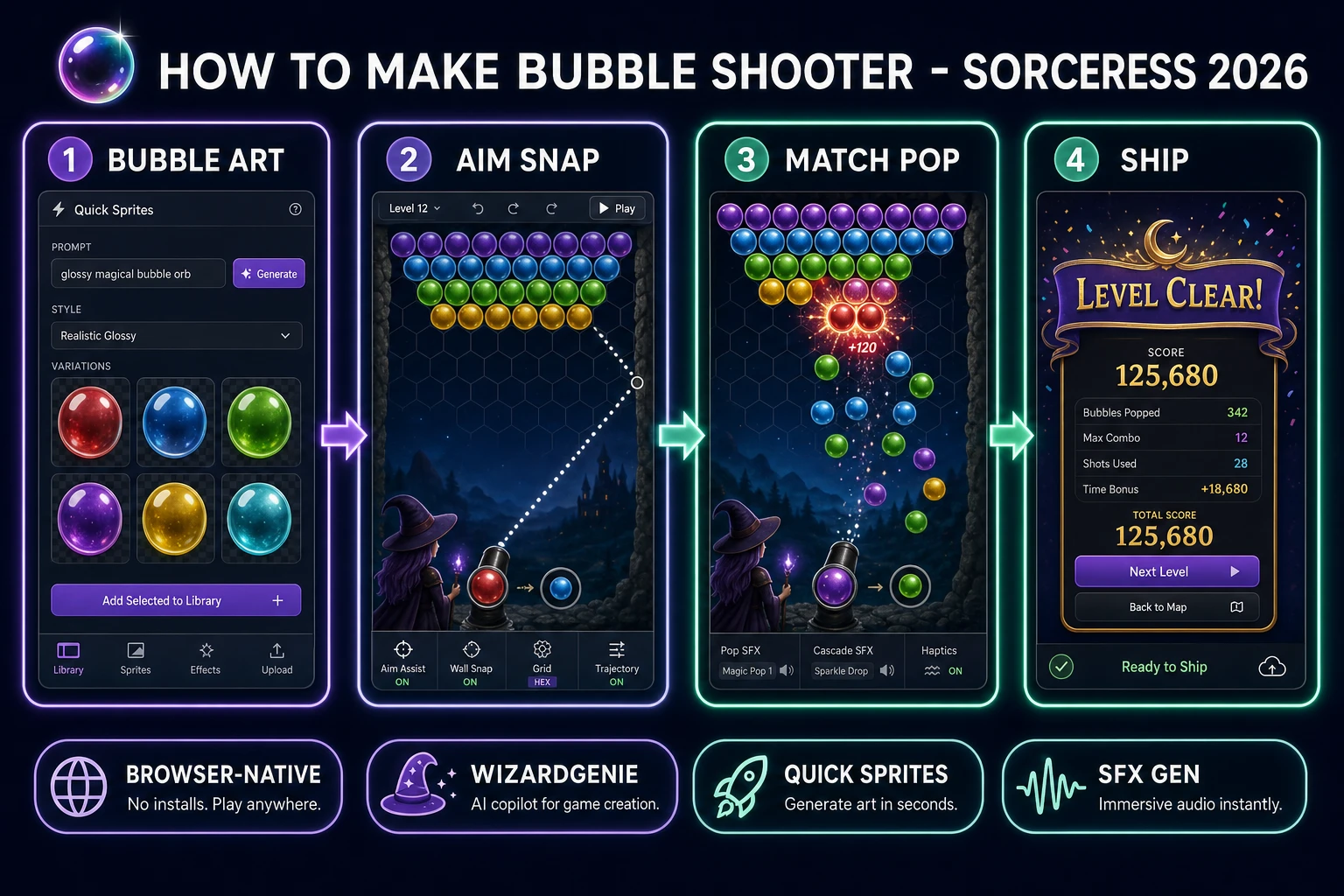
The presentation contract is small and strict. A title screen shows the game name, optional Continue if localStorage stores a high score, and Play. The play screen shows the bubble grid, the shooter with current and next bubble preview, a dashed aim line, score in the corner, a mute toggle, and a visible danger line three rows above the shooter. On pop, play a burst sting and tween popped bubbles smaller. On floating clusters, animate them falling off-screen. On danger-line breach after a cascade, show Game Over with Retry. On zero bubbles remaining, show Level Clear with final score and Play Again. The Puzzle Bobble overview on Wikipedia (verified 2026-08-27) traces the genre from Taito’s 1994 arcade hit through mobile clones — cite it when you write your itch.io blurb so players know which promise you kept. If you already shipped a swap-grid match game, the sibling guide on how to make a match 3 game covers gem swaps and gravity cascades on a flat grid; this post owns aim angles and hex snap instead.
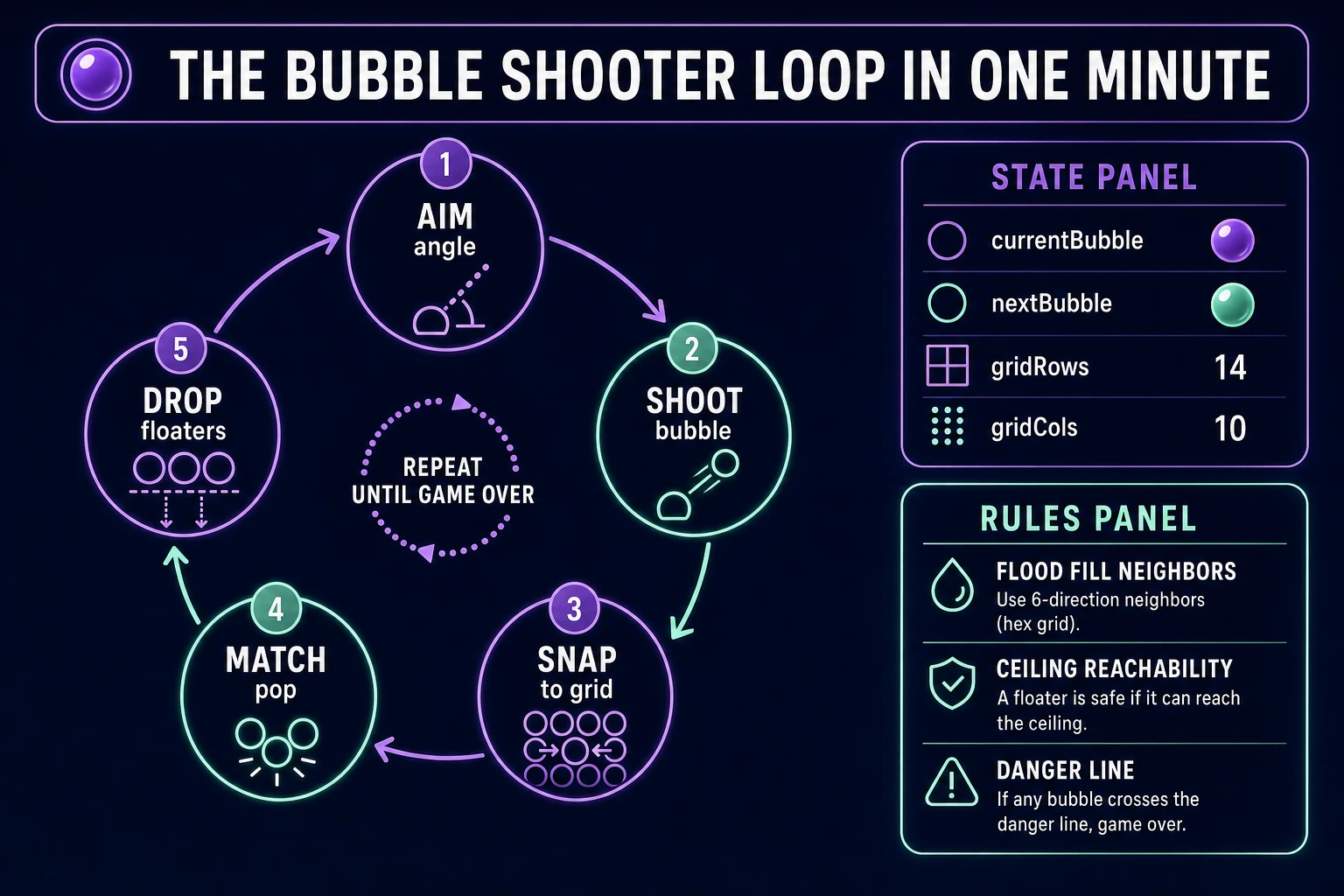
The bubble shooter loop in one minute (aim, shoot, snap, pop, drop)
Five moving parts, repeated every shot until the player wins or loses. First, aim — rotate the shooter toward the mouse or touch position and draw a preview line that reflects once off the left and right walls. Second, shoot — launch the current bubble along that angle at a fixed speed until it hits a wall or an existing bubble. Third, snap — find the nearest empty hex cell adjacent to the collision point and insert the bubble into the grid. Fourth, pop — flood-fill same-color neighbors from the snap cell; if the cluster count is three or more, remove those bubbles and add score. Fifth, drop — run a reachability pass from the top row; any bubble not connected to the ceiling falls and awards bonus points. Swap the current bubble with the preview, then repeat. Rainbow wild bubbles, chain multipliers, and boss rows are polish layered after one honest level clears without bubbles crossing the danger line.
Pick your engine for how to make bubble shooter: canvas, Phaser, or WizardGenie
Three good targets in 2026, each with a different trade-off. Vanilla JavaScript with canvas is the honest default and the pick this guide recommends for a first build. One <canvas> draws each bubble as an arc fill or drawImage from a spritesheet, the aim line as a dashed segment, and popped bubbles as shrinking circles. Total code footprint for a working browser match three bubbles game is under 450 lines including hex snap, flood fill, and ceiling reachability. The MDN Canvas API docs cover drawing, and 2D collision detection covers circle-circle overlap for shot collision.
Hex-grid storage without a physics engine stays readable: store bubbles in a 2D array where even rows have cols slots and odd rows offset by half a bubble diameter. Neighbor lookup uses six fixed delta pairs instead of four cardinal directions. When the flying bubble collides, iterate empty neighbor slots around the hit bubble and pick the slot with minimum distance to the projectile center.
Phaser 4.1.0 (verified 2026-08-27 on the official Phaser API documentation page) becomes the right pick if you want pointer aim with touch support, tweens on pop particles, or ten level layouts with different ceiling patterns. Phaser does not invent your hex snap math — you still need the same flood-fill pop and ceiling reachability. Use Phaser when animated bubble wobble and multi-level progression are the product; use raw canvas when the product is an html5 bubble pop walkthrough people can read in one sitting.
WizardGenie is not a separate rendering engine — it scaffolds whichever of the two you pick from a single natural-language prompt. WizardGenie ships as both a desktop app (Windows installer with auto-update, available to Early Access supporters and above) and a no-install web build. Its coding-model lineup covers Claude Opus 4.7, GPT-5.5, Gemini 3.1 Pro, DeepSeek V4 Pro, Kimi K2.5, Grok 4.2, and MiniMax M2.7 (verified 2026-08-27 in src/app/_home-v2/_data/tools.ts). For bubble shooters, any frontier model scaffolds hex snap, flood fill, and danger-line checks in one prompt. Pair a frontier planner with a budget executor like DeepSeek V4 Pro or Kimi K2.5 for the typing pass — the Dual-agent pattern lands most projects at roughly one-fifth the single-frontier cost.