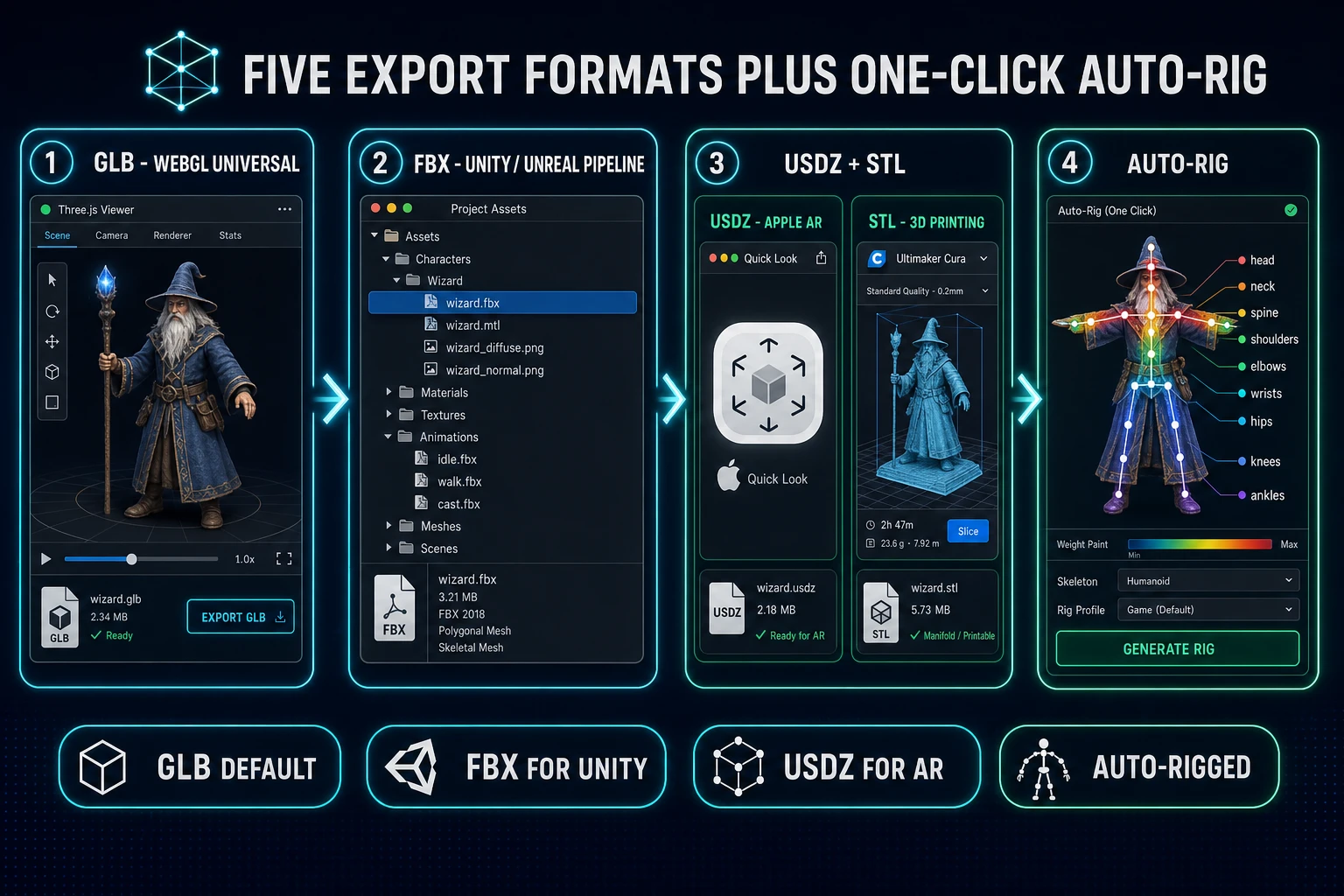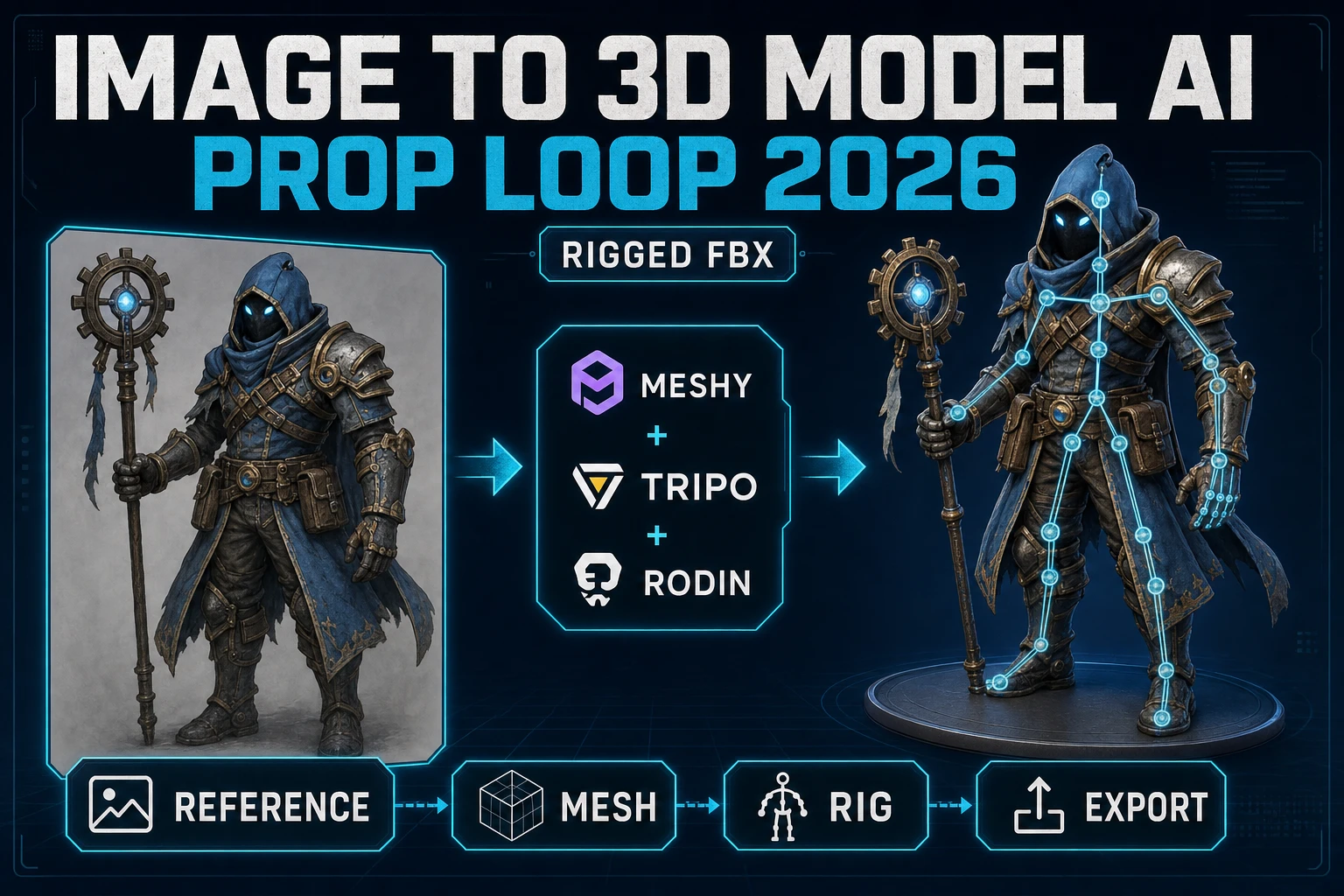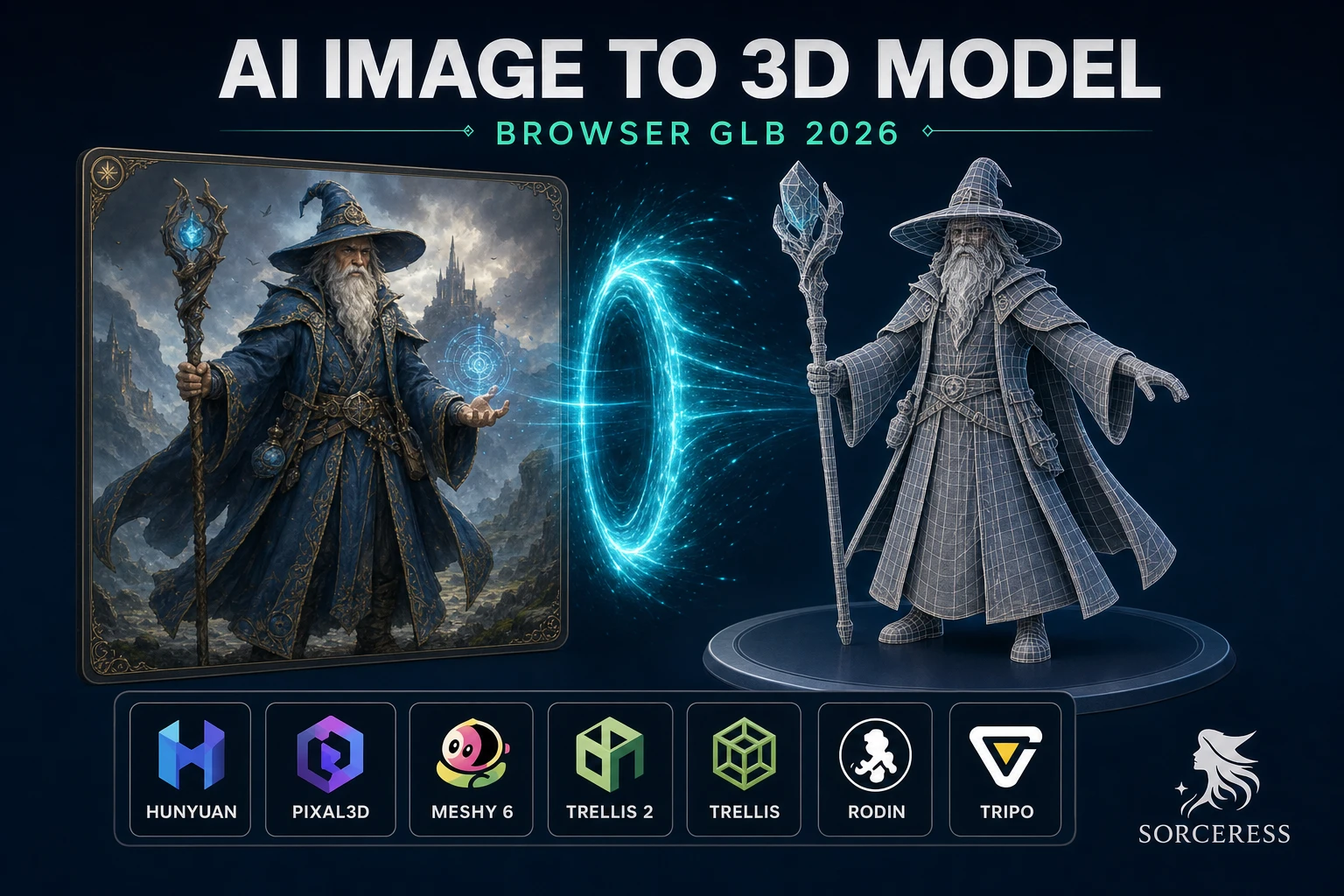
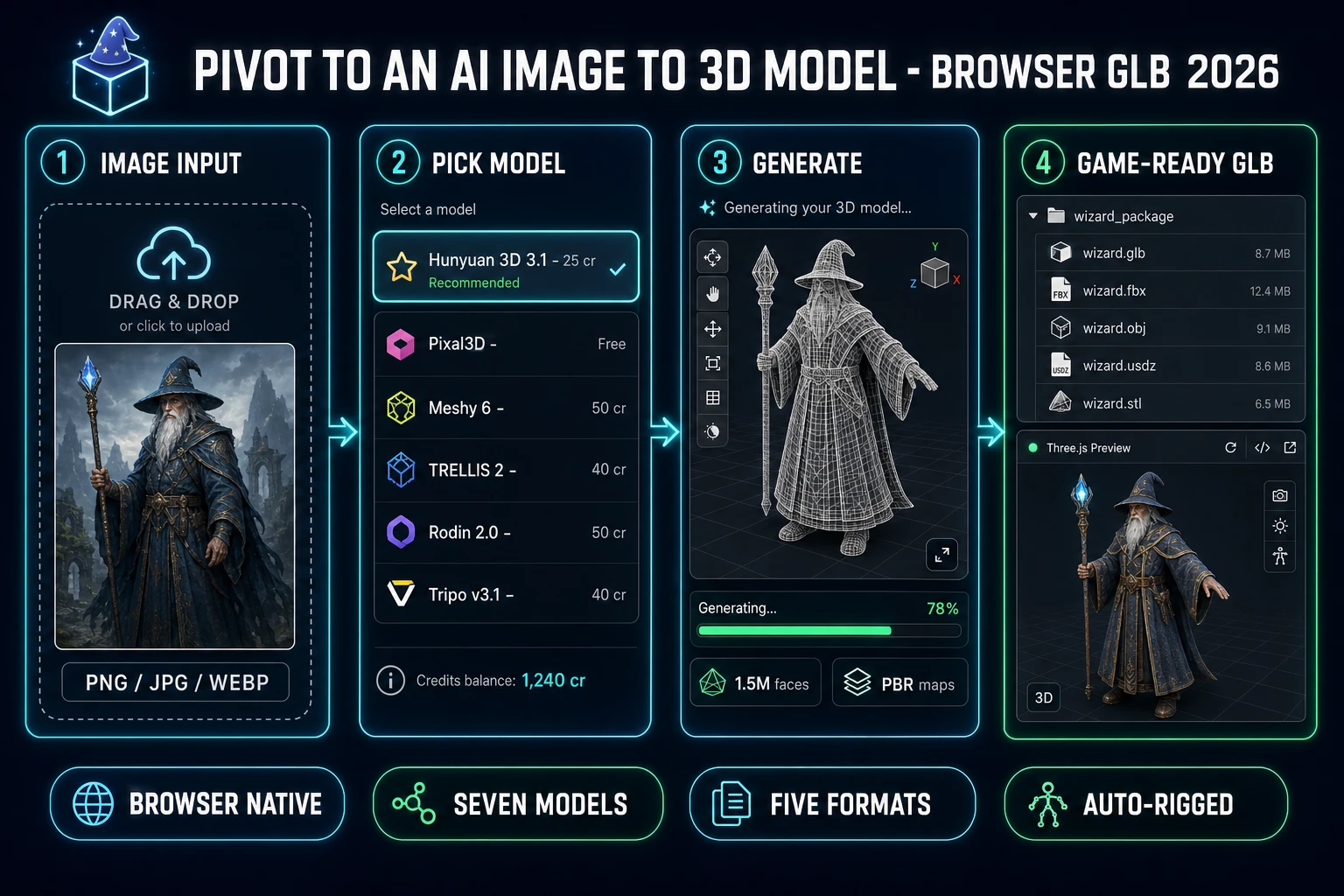
An AI image to 3D model pipeline in 2026 fits inside a single browser tab — drop one reference image (or a small multi-view set), pick a model from a honest seven-rail picker, tune a handful of knobs, and a textured, optionally PBR-shaded, optionally auto-rigged 3D mesh drops out the other side as GLB, FBX, OBJ, USDZ, or STL. The category that used to mean buying a Maya or 3ds Max seat, paying for ZBrush, learning retopology, and waiting overnight for a render farm now collapses into the Sorceress 3D Studio three-step flow: upload, pick, export. This guide walks the full AI image to 3D model pipeline, with every credit cost and capability verified against the live source on June 16, 2026.
src/lib/threed-models.ts on June 16, 2026.What AI image to 3D model actually means in 2026
The category covers any tool that takes a single 2D reference image (or a small multi-view set on the models that accept it) and outputs a polygon mesh with a UV unwrap and a baked texture atlas. The technical primitive is a diffusion-based mesh generator: a neural network trained on millions of paired image/mesh examples that learns to invert the rendering process — given a 2D projection of an object, recover the 3D structure that could have produced that projection.
The dominant 2026 architecture is a two-stage latent diffusion model. Stage one learns the sparse 3D structure — the silhouette, the rough volume, the gross spatial relationships. Stage two refines a structured latent into surface detail and texture. Microsoft Research TRELLIS 2 exposes both stages as separate sampling-step knobs so the operator can spend more budget on geometry or on texture independently. Tencent Hunyuan 3D 3.1 enables physically-based rendering maps (base color, metallic, normal, roughness) directly out of the network rather than as a separate texture-baking pass. Meshy 6 adds a quad-retopology stage for clean edge flow on humanoid characters.
For an indie or solo developer, an AI image to 3D model in 2026 is the difference between an asset taking 30 seconds and an asset taking three weeks. The honest baseline: Sorceress 3D Studio ships seven models behind one upload field, supports image, text, and multi-image inputs, exports five game-ready formats, and bundles 100 starter credits at sign-up — enough for four Hunyuan 3D 3.1 generations or twelve TRELLIS runs before any purchase. Verified against src/lib/threed-models.ts on June 16, 2026.
The honest seven-model AI image to 3D model lineup in 3D Studio
Picking the right model is the entire game. The seven models in 3D Studio target different jobs at different price points; running everything through one default produces inconsistent results because the models have genuinely different strengths.
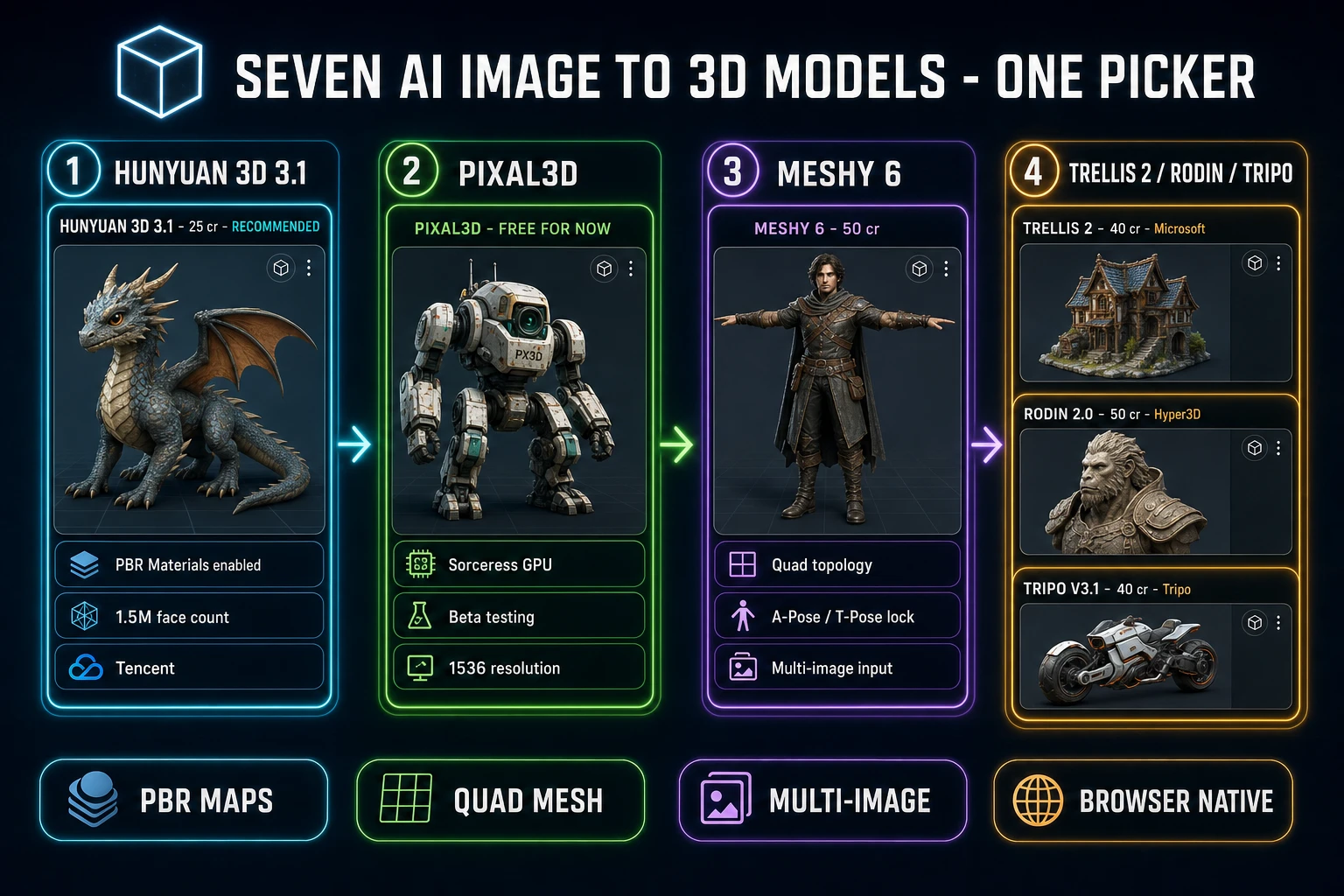
- Hunyuan 3D 3.1. 25 credits, Tencent. The recommended default. PBR materials enabled by default. Face count up to 1.5 million per the
face_countparameter in source. Accepts image-to-3D and text-to-3D. The single best balance of price, speed, and textured-mesh quality for general game assets — characters, props, environment pieces. Verified June 16, 2026. - Pixal3D. Zero credits while in beta. Runs on Sorceress GPU server-side — the cost is absorbed during the promotion window. Image-to-3D only. Resolution options 1024 and 1536. The best zero-cost path for hard-edged, slightly chunky characters and stylized assets where the voxel-leaning aesthetic is a feature, not a bug.
- Meshy 6. 50 credits base, +25 for textures (default on, so 75 typical), +13 for remesh. Accepts image, text, and multi-image input. Quad topology option for clean edge flow. Pose Mode locks the output to A-Pose or T-Pose — the cleanest rigging-ready output of any model in the lineup. Pick Meshy 6 when the target is a humanoid character that will be auto-rigged.
- TRELLIS 2. Microsoft Research, routed through fal.ai. 35 credits at 512 resolution, 40 credits at 1024 (default), 45 credits at 1536. Image-to-3D only. Texture sizes up to 4096. The sharpest geometric reconstruction in the lineup — picks up surface detail that the other models smooth over. Pick TRELLIS 2 when the input image has fine geometric features that must be preserved.
- TRELLIS. The v1 model, 8 credits per run. Image-to-3D only. The cheapest model in the picker by a factor of three. Mesh simplification range 0.90 to 0.98. Pick TRELLIS v1 for rapid iteration when the goal is to test a silhouette before committing credits to a higher-resolution pass.
- Rodin 2.0 (Hyper3D Gen-2). 50 credits. Image-to-3D and text-to-3D. The only model in the lineup that exposes
geometry_file_formatas a parameter, with GLB, FBX, OBJ, USDZ, and STL options native to the model. Mesh density tiers from extra-low (4K faces in Quad mode) up to high (500K faces in Raw mode). Pick Rodin when the target is 3D printing (STL) or Apple AR (USDZ). - Tripo v3.1. 30 credits without texture, 40 credits with standard or HD texture. Image, text, and multi-image input. Texture alignment knob that prioritises matching the input photo colours or matching the geometry. Pick Tripo when texture fidelity to the source image is the primary win condition.
The naming pattern matters. Models that publish their full version string (Hunyuan 3D 3.1, Tripo v3.1, TRELLIS 2) rotate quarterly — check the THREED_MODELS registry in source before quoting numbers, because the lineup verified here was current as of June 16, 2026 and the providers ship new versions often.
src/lib/threed-models.ts on June 16, 2026.Picking a model — the honest 2026 trade-offs by job
No single model wins every job. The honest 2026 picker logic comes down to four questions about the target asset:
- Is it a humanoid character that will be rigged and animated? Meshy 6 with Pose Mode set to T-Pose or A-Pose produces the cleanest auto-rig output. Hunyuan 3D 3.1 is the cheaper second choice for the same job at the cost of slightly noisier topology.
- Is it a stylized prop, a fantasy creature, or a vehicle? Hunyuan 3D 3.1 is the default. PBR is on, the face count caps high, and the texture-on-mesh result is consistently usable as a game asset without additional polishing.
- Does the image have fine geometric detail that must survive into the mesh? TRELLIS 2 at 1024 or 1536 resolution. Burn the extra 5 credits versus the 512 path — the geometric fidelity gap is significant.
- Is the output destined for 3D printing or Apple Reality Composer? Rodin 2.0 with
geometry_file_formatset to STL (for printing) or USDZ (for AR). The other models default to GLB and require a downstream conversion step.
A practical multi-model workflow is to run a quick TRELLIS v1 pass at 8 credits first to validate the silhouette — does the model resolve the image into a recognizable 3D form, or does the silhouette break? If TRELLIS v1 produces a clean rough mesh, commit credits to a higher-resolution pass on the model that best matches the job. If TRELLIS v1 produces broken geometry, the input image is the problem — regenerate the source image at a cleaner angle or with a stronger silhouette before burning credits on the more expensive models.
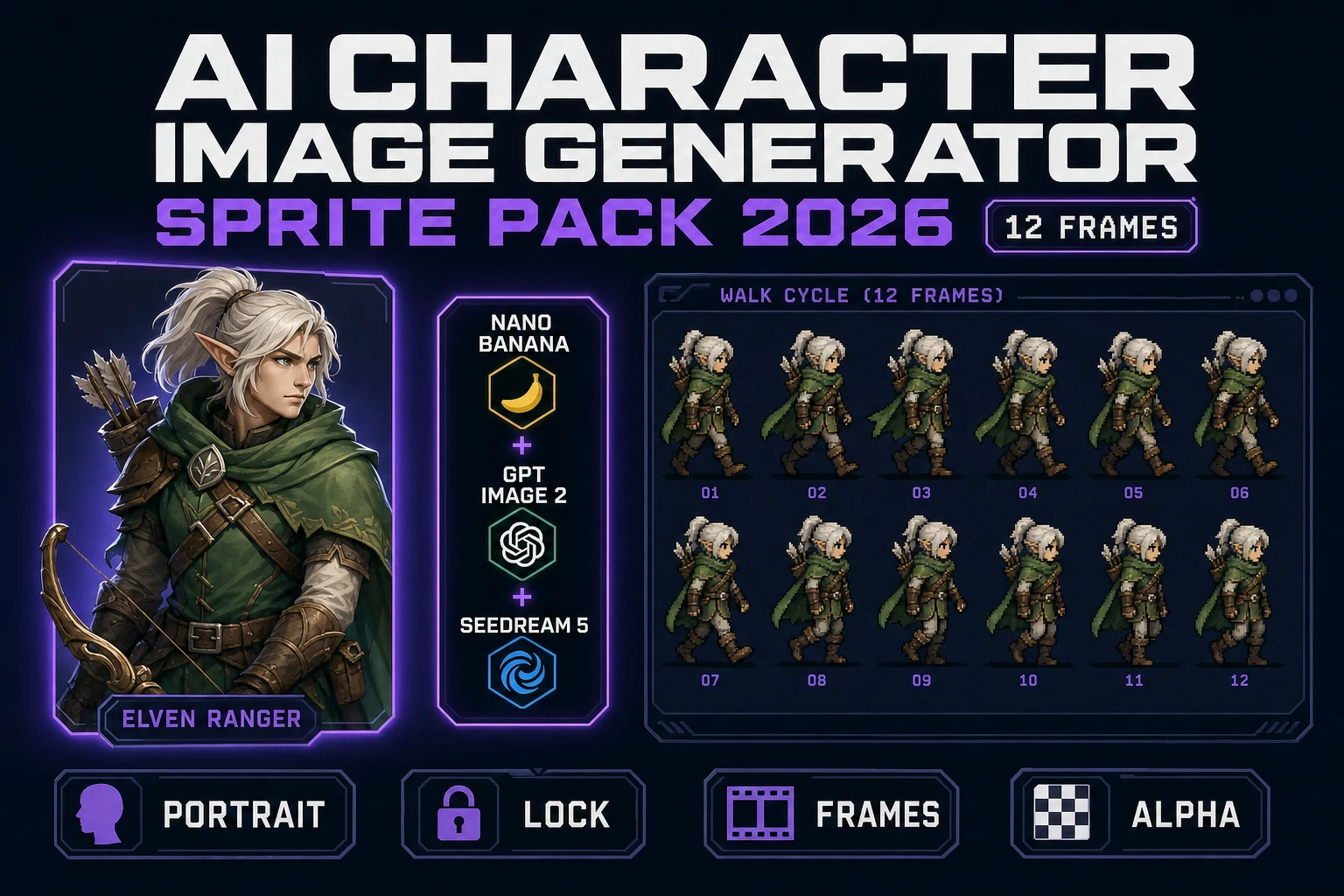
For the source image itself, the cleanest 2026 path is to generate it inside Sorceress at /generate, which exposes a seven-rail image lineup (Nano Banana Pro, Nano Banana 2, GPT Image 2, Seedream 5 Lite, Flux 2 Pro, Z-Image Turbo, Grok Imagine) tuned for the kind of front-facing, neutral-pose, clean-background reference image that AI image to 3D model generators convert most reliably.
The five-step browser-native pipeline — upload, pick, tune, generate, export
The end-to-end browser flow inside Sorceress 3D Studio is five concrete steps. Verified against the live UI and src/lib/threed-models.ts on June 16, 2026.
- Step one: upload. Open /3d-studio. Drag a PNG, JPG, or WebP file into the input panel. For Meshy 6 or Tripo v3.1, drop a small multi-view set (front, side, three-quarter) into the multi-image slot. For text-to-3D, type the prompt directly — available on Hunyuan 3D 3.1, Meshy 6, Tripo v3.1, and Rodin 2.0 per the
inputModesarray on each model. - Step two: pick. Choose one of the seven models from the picker. The picker shows the live credit cost beside each model so the budget impact is visible before the run.
- Step three: tune. Set the model-specific knobs. For Hunyuan, decide between Normal (textured) and Geometry (white mesh) generation and pick a face count. For Meshy 6, set topology to triangle or quad, set Pose Mode if the character will be rigged, enable PBR maps if the engine needs them. For TRELLIS 2, pick a resolution tier (512/1024/1536) and a texture size (1024/2048/4096). For Rodin, pick mesh density, mesh mode (Quad/Raw), material (PBR/Shaded/All/None), and the output format.
- Step four: generate. Submit the job. Generation time runs roughly 30 seconds to four minutes depending on the model and the resolution — TRELLIS at 1024 lands in 30 to 60 seconds; Hunyuan 3D 3.1 with PBR at 1.5 million faces lands in 60 to 120 seconds; TRELLIS 2 at 1536 with 4096 texture pushes three to four minutes. The browser tab does not block during generation — queue multiple jobs across different models and pick the best output once all finish.
- Step five: export. Each completed job lands in the gallery with the export buttons live. The default is GLB; Rodin 2.0 jobs respect the
geometry_file_formatchosen pre-generation.
The pipeline runs entirely in the browser. No Blender install, no Maya seat, no FBX exporter plugin, no separate texture-baking step. The seven-model picker is the production tool; the rest is observation.