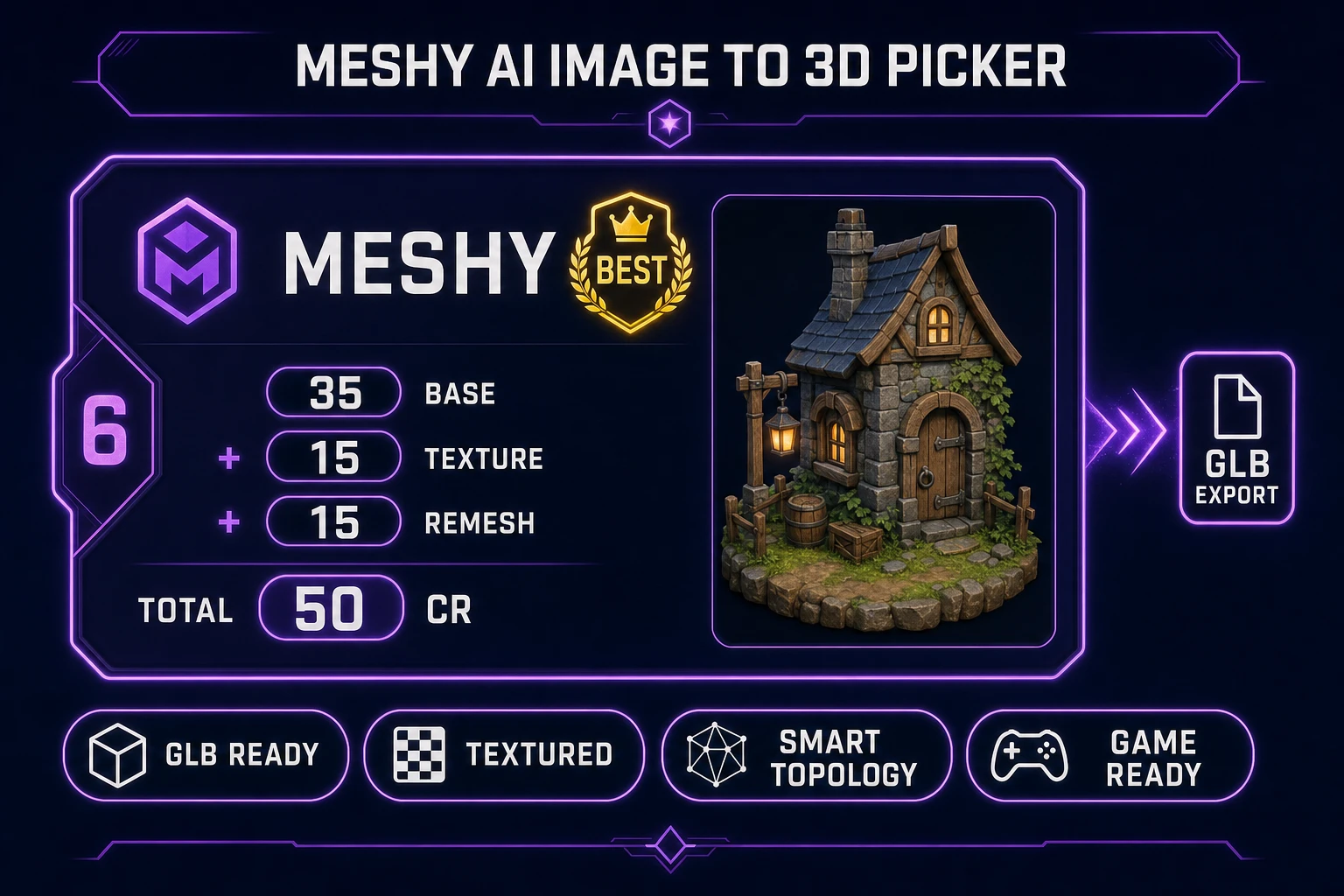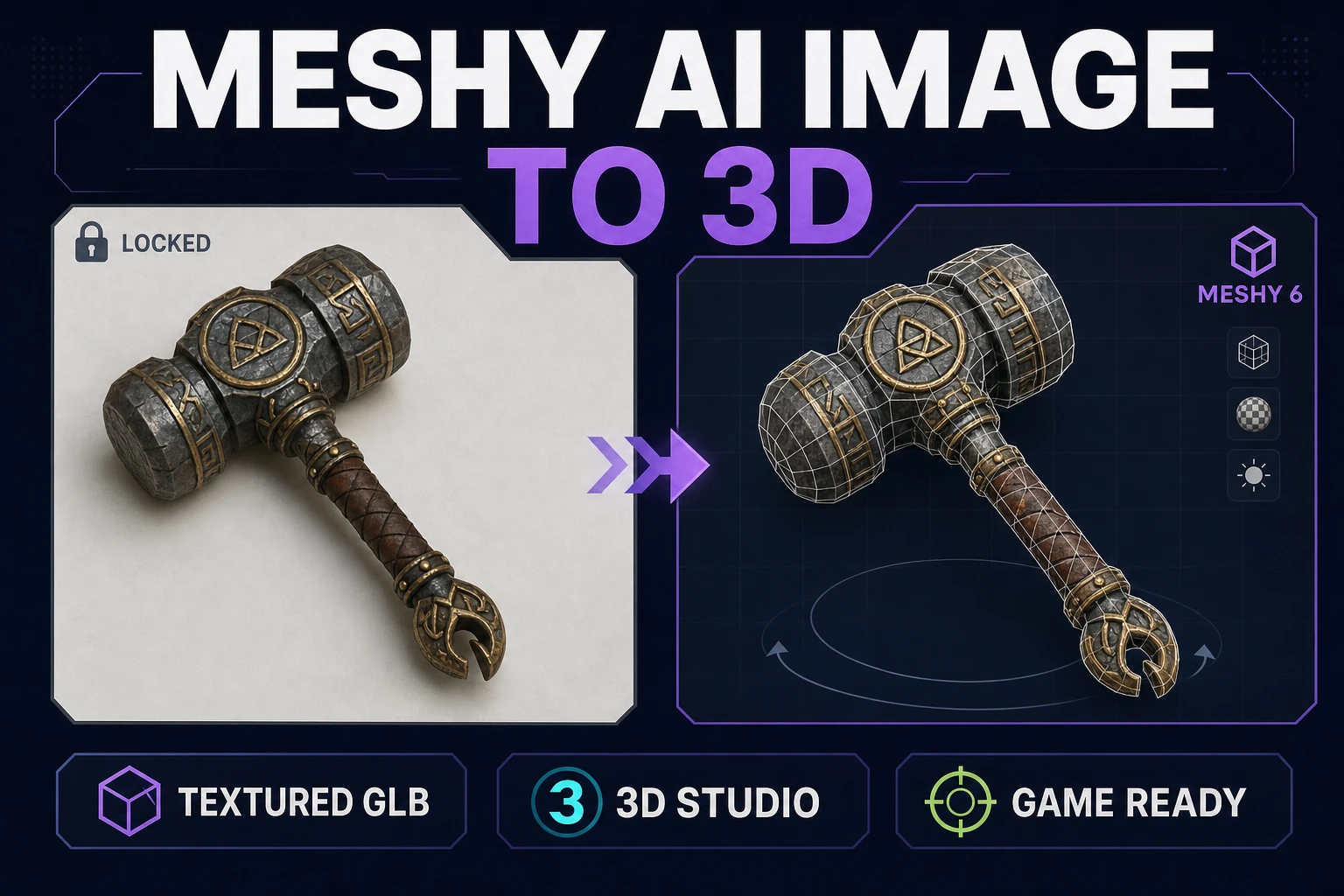
Every "meshy ai image to 3d" screenshot on the internet looks the same: a spotless studio product shot rotating into a spotless textured mesh. Jam devs need a different pass — one prop plate, one browser tab, one textured GLB you can hand to your engine before the coffee finishes brewing. This post walks the honest browser path through Meshy 6 on Sorceress 3D Studio, with every credit cost and API knob verified against source on August 1, 2026.
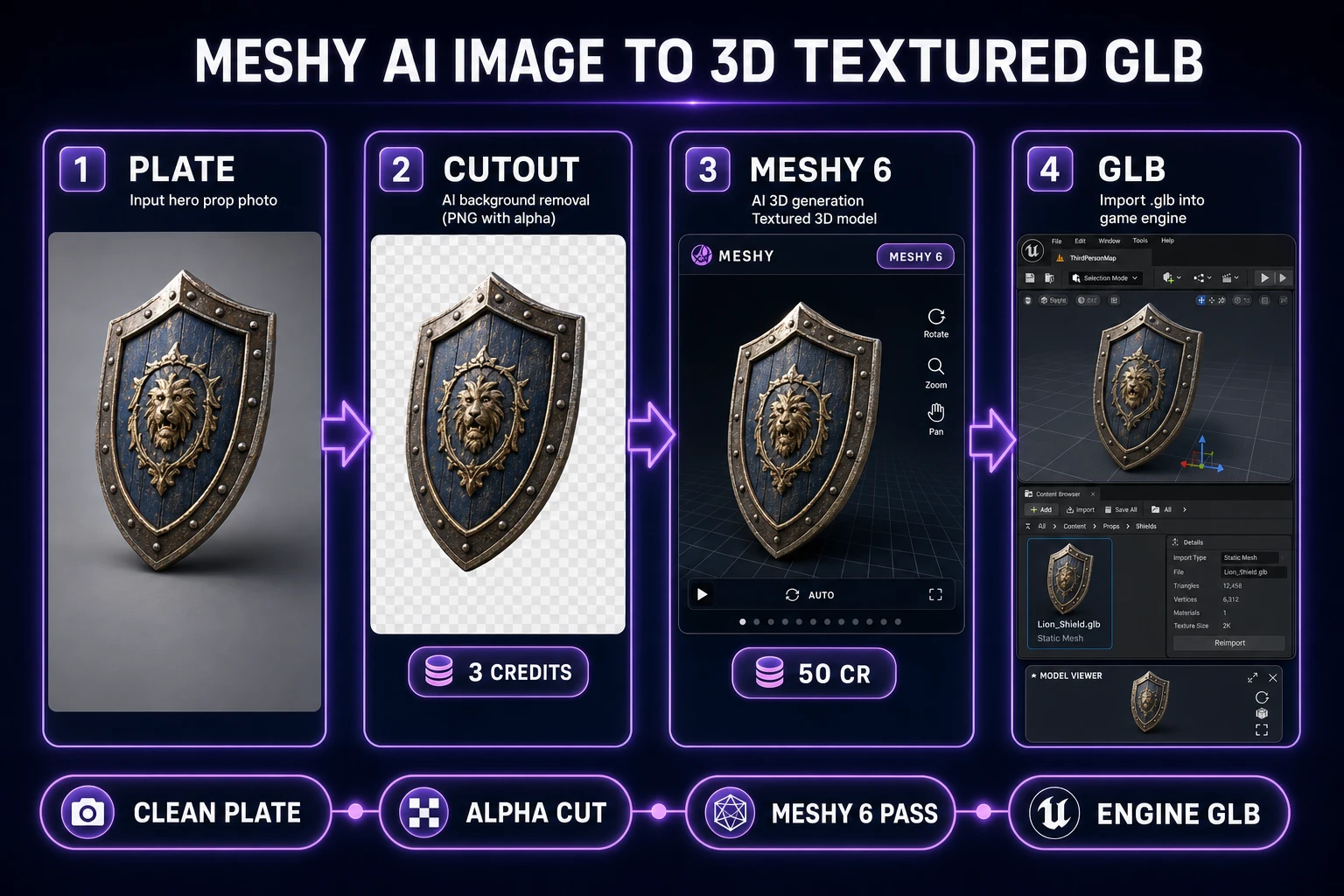
What a meshy ai image to 3d search wants
DataForSEO lists meshy ai image to 3d at 1,300 monthly searches with KD 10 (verified in research-supplement.md, August 1, 2026). The plain sibling meshy image to 3d ties at 720/mo, KD 6. Both queries hide the same intent: I have one reference image, I want a textured 3D mesh back, I do not want to install Blender to get there. The reader is not shopping between vendors — they already typed "meshy" — they are trying to run the workflow.
Meshy is a hosted 3D generation service. Sorceress 3D Studio is the browser front-end that talks to Meshy, Tripo, Hunyuan, TRELLIS, Rodin, and Pixal3D from a single picker so you can compare passes without seven browser accounts. This post targets the meshy ai image to 3d workflow specifically — the one where you already know you want Meshy 6, and you want the honest textured-GLB path from photo to engine import.
Three ingredients decide the run: a clean plate, one chosen mesh model, one credit budget. A polygon mesh generator will average whatever you feed it. Feed it a mood board and the mesh will look like the mood board — averaged, blurred, and missing the silhouette that made you pick the reference in the first place. The meshy ai image to 3d success rate rides almost entirely on plate quality; the model itself has been solid since Meshy 6 shipped.
Clean plate before mesh
Every mesh generator inherits the same weakness: it hallucinates unseen surfaces. If your reference photo hides the back of a helmet under a shadow, the mesh will invent a back. If the subject sits against a busy background, the model will smear the background into the silhouette. Meshy 6 is not immune — image_enhancement defaults to true and remove_lighting defaults to true in the Sorceress params (verified in src/lib/threed-models.ts on August 1, 2026), and those are hints, not fixes for a bad plate.
- Fill the frame with the subject. Roughly 70 to 90 percent coverage. A tiny subject on a huge white sheet forces the model to invent detail from nothing.
- Use a plain backdrop. Grey card, plain wall, or a single sheet of paper. Not your dining table, not a bookshelf.
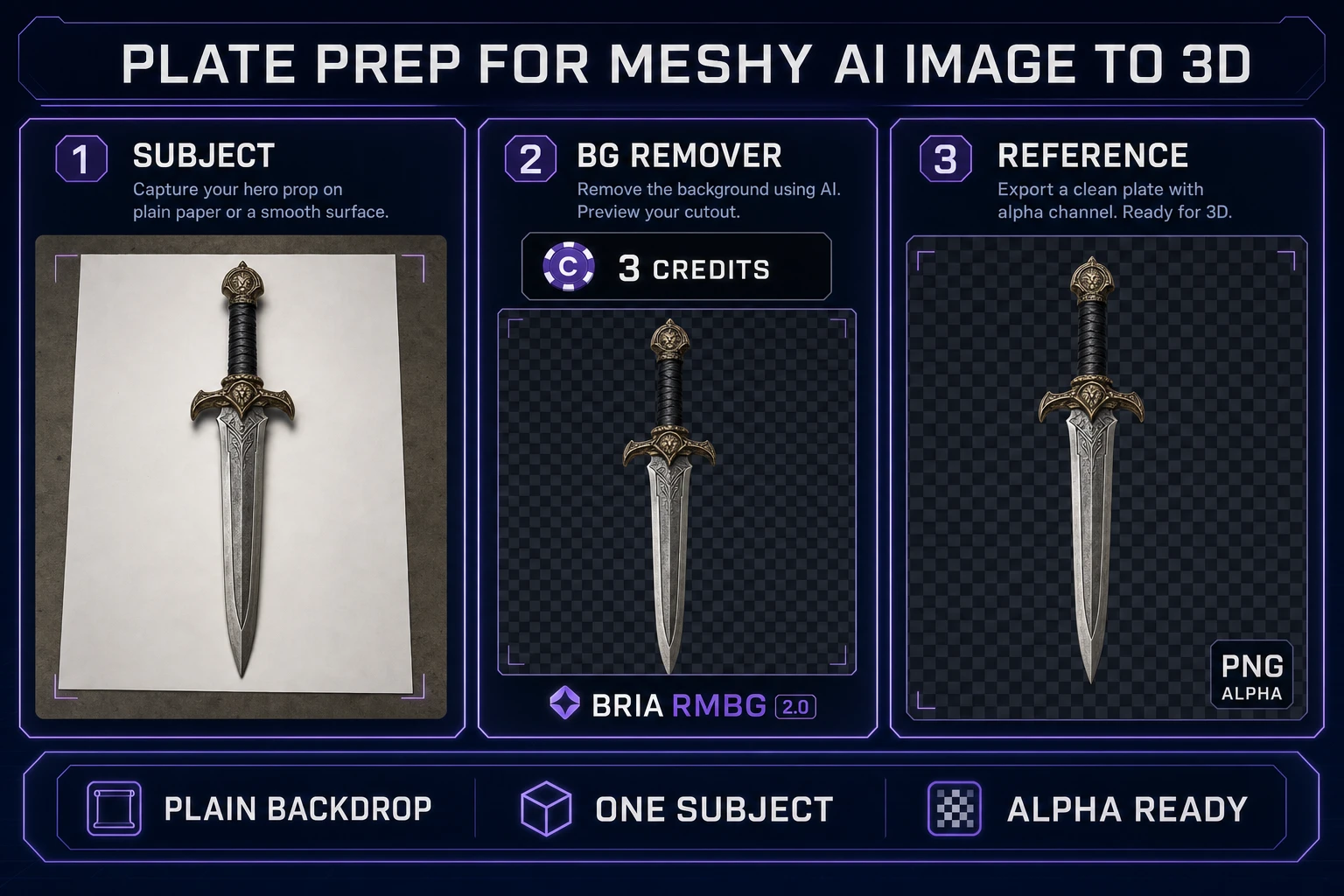
- Kill the background if it is not already plain. Open BG Remover.
BG_REMOVER_CREDITSis 3 andMAX_FILE_SIZE_MBis 5 insrc/app/bg-remover/page.tsx(verified August 1, 2026). The model isbria/remove-background— Bria RMBG 2.0, which produces non-binary 256-level alpha instead of the harsh masks the older RMBG-1.4 shipped. - Inspect on a checkerboard. Silhouette edges should not glow white. Feet should not float on a matte wedge. If the cutout is soft, the mesh will inherit that softness — Meshy 6 does not fix a bad matte.
Optional but strong: generate the reference plate in AI Image Gen when you do not have a photo. A single prompt with subject tokens, camera framing, and "plain grey backdrop, studio lighting, no shadows" produces a plate Meshy happily eats. The Sorceress Photo Prop Kit post covers the general image-to-3D plate rules; this workflow uses the cutout because game props survive a hard silhouette better than a soft product-shot matte.
Run a textured meshy ai image to 3d pass in the browser
Open 3D Studio. Switch the picker to Meshy 6 (labelled "Meshy 6" with a "Best" rating badge). Meshy 6 supports three input modes on Sorceress: image-to-3D, text-to-3D, and multi-image-to-3D. For a single reference plate, stay on image-to-3D. Upload the alpha-cut PNG from the previous step.
Sorceress surfaces the Meshy 6 knobs that matter. Verified against src/lib/threed-models.ts and the live Meshy API docs at docs.meshy.ai on August 1, 2026:
- Topology —
triangle(default) orquad. Keep triangle for game engines; quad is for downstream subdivision or sculpting work. - Target polycount — 100 to 300,000, default 300,000. Generating at max produces the best textures. Optimize afterwards with the Sorceress mesh tools — never up front.
- Model type —
standard(default) for detailed meshes, orlowpolyfor stylized low-poly. Smart Topology (meshy-t2) is a separate API path Meshy exposes upstream; on 3D Studio it is folded into the picker choice. - Generate texture — default true,
+15 credits. Leave it on. An untextured mesh is a debug pass, not a shippable prop. - Remesh — default false,
+15 credits. Turn this on when the prop is destined for animation or rigging; leave off for static level dressing. - PBR maps — default false. Adds roughness, metallic, and normal maps for realistic lighting. Meshy 6 also outputs an emission map at 2k or 4k texture resolution (verified against Meshy API docs).
- Pose mode — empty,
a-pose, ort-pose. Only touch this for humanoid characters you plan to rig. - Symmetry —
auto(default),on, oroff. Auto is right most of the time; forceonfor pure sci-fi ships and props, forceofffor organic asymmetric creatures.
Credit math verified in getCredits on August 1, 2026: a Meshy 6 image-to-3D run costs a base of 35 credits (or 45 for multi-image-to-3D), plus 15 for texture, plus 15 for remesh. The default textured single-image run lands at 50 credits. Multi-view Meshy 6 runs at 45 + 15 = 60 credits with texture. Sorceress marks up over Meshy direct-API cost the same way every other integration does — you pay in Sorceress credits, not a separate Meshy subscription. Meshy own hosted Pro tier for reference is $20/mo for 1,000 credits (verified against meshy.ai/pricing on August 1, 2026); on 3D Studio you can buy credit top-ups without a Meshy subscription at all.
Kick the run. Wait. Do not queue three parallel variants — you cannot compare passes if you have not yet seen one succeed. Meshy 6 typically returns in one to three minutes for a standard textured image-to-3D pass; sub-30-second finishes usually mean the input was too small or the plate got rejected upstream.