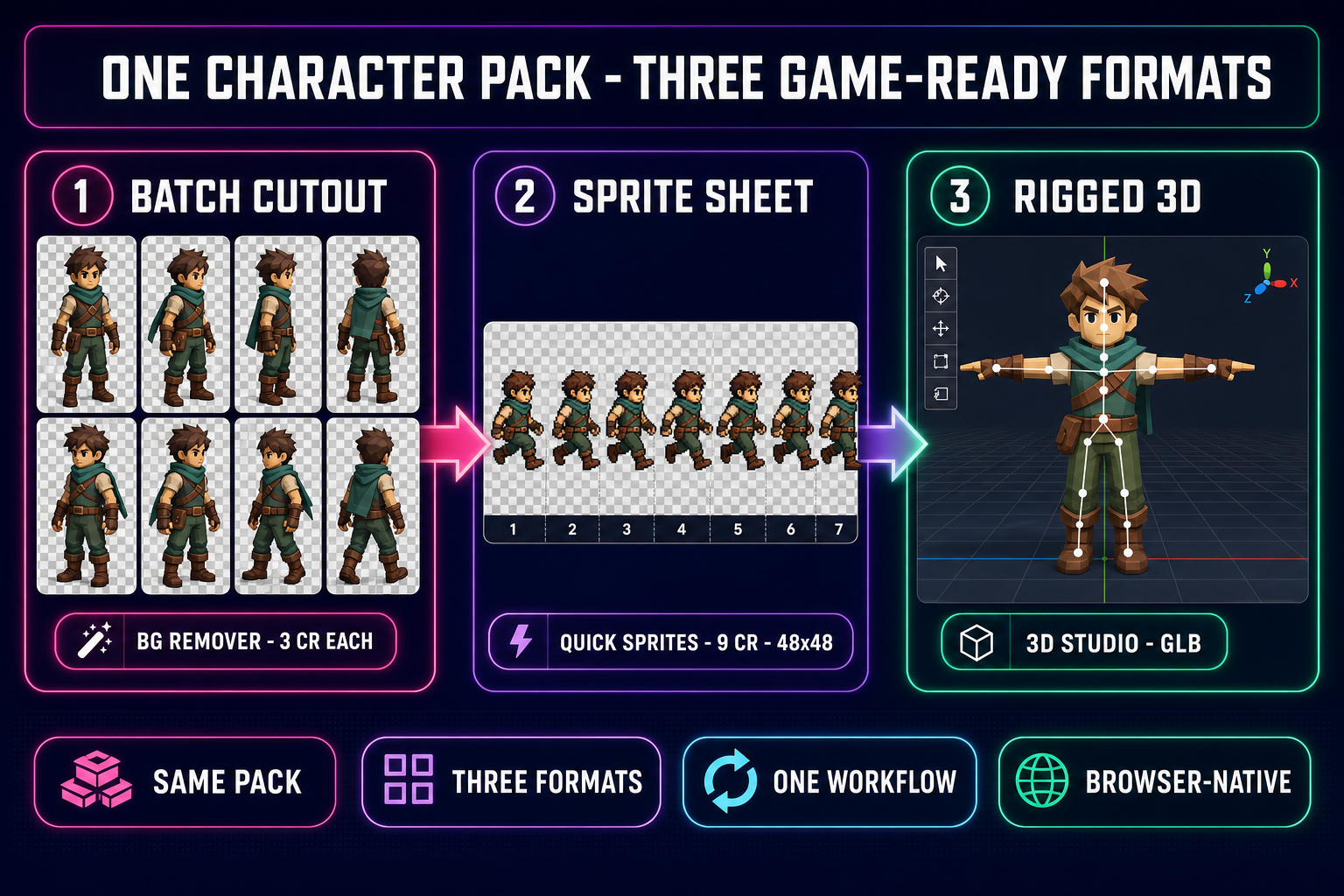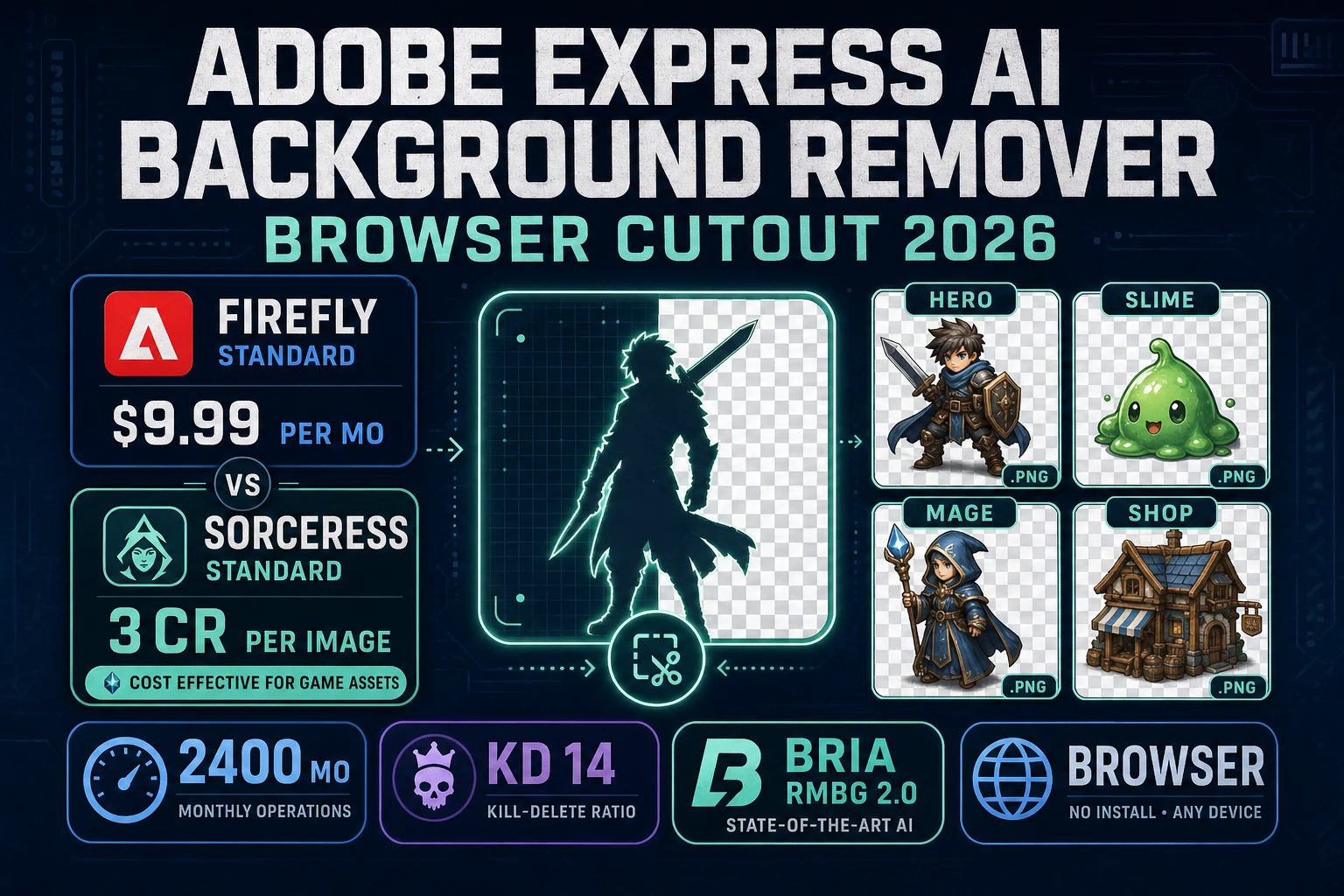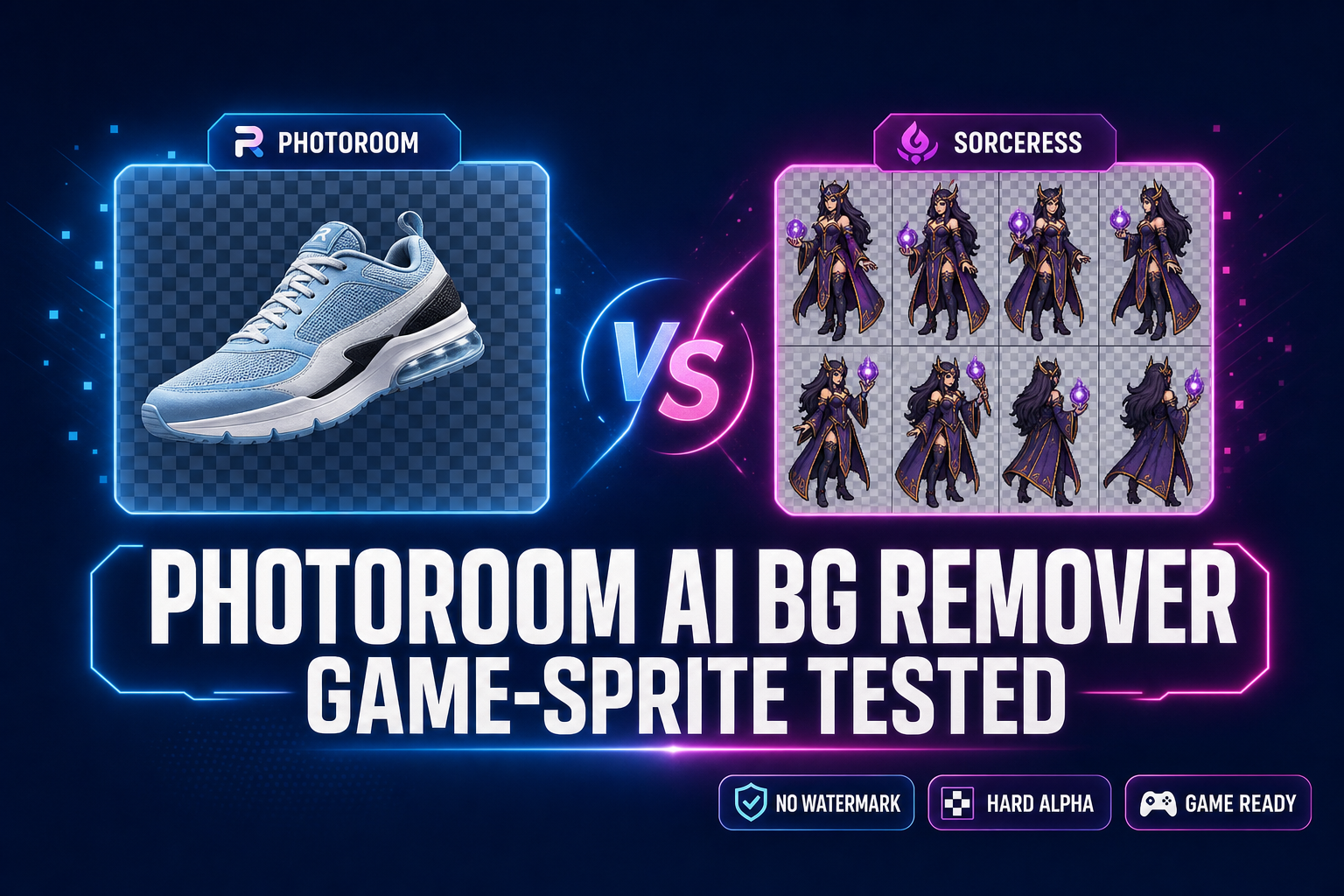
If the goal is a single product photo on a transparent background for a Shopify listing, the Photoroom AI background remover is one of the slickest browser tools shipping in 2026 — drag, wait two seconds, drop the cutout onto a marketing template. The friction shows up only when the next step is “now do it eight more times for the walk cycle” or “now load this into Phaser as a sprite atlas”. Game sprites have two requirements product photos do not: batch processing on a starter plan (because every character ships with eight to twenty frames) and hard-alpha edges (because soft halos render as visible glow against tile backgrounds in the engine viewport). Below is what the Photoroom AI background remover actually does in 2026, where it stops, and where the Sorceress BG Remover picks up the rope. Verified May 27, 2026 against the live photoroom.com pricing and help pages and the Sorceress source at src/app/bg-remover/page.tsx.
What the Photoroom AI background remover actually does in 2026
The Photoroom AI background remover is the cutout endpoint inside Photoroom, a browser-first photo editor built around ecommerce listings, product catalogues, and social commerce. It accepts a single image, runs a proprietary segmentation model against the subject, and returns a transparent PNG with the background masked out. Verified May 27, 2026 against the live photoroom.com/pricing page and the Photoroom help centre, the technical envelope is:
- File formats: JPEG, JPG, PNG, and WebP inputs across the web app.
- Output: a transparent PNG, watermarked on the free plan and clean on every paid tier.
- Speed: the cutout completes in roughly one to two seconds for a typical product photo.
- Refinement tools: a Magic Retouch brush inside the Photoroom editor for manual edge cleanup, plus a Shadow Studio for product-photo soft shadows.
- Account: a free Photoroom account is required; the cutout itself runs on the Free plan but the watermark removal needs a paid tier.
- Free-tier export cap: 250 exports per month, watermarked, restricted to non-commercial use per the live terms on May 27, 2026.
The model behind the cutout is tuned for Photoroom’s dominant use case — product photos, fashion catalogues, marketplace listings, and headshots going onto a marketing canvas. For that job it is genuinely excellent. The friction starts showing up in two specific places: the watermark and commercial-rights ceiling on the free plan, and the batch-mode gate that puts multi-file processing behind a paid subscription.
Photoroom pricing in 2026 — free, Pro, and the API
Pricing verified May 27, 2026 against photoroom.com/pricing and photoroom.com/api/pricing. The tier ladder relevant to indie game devs:
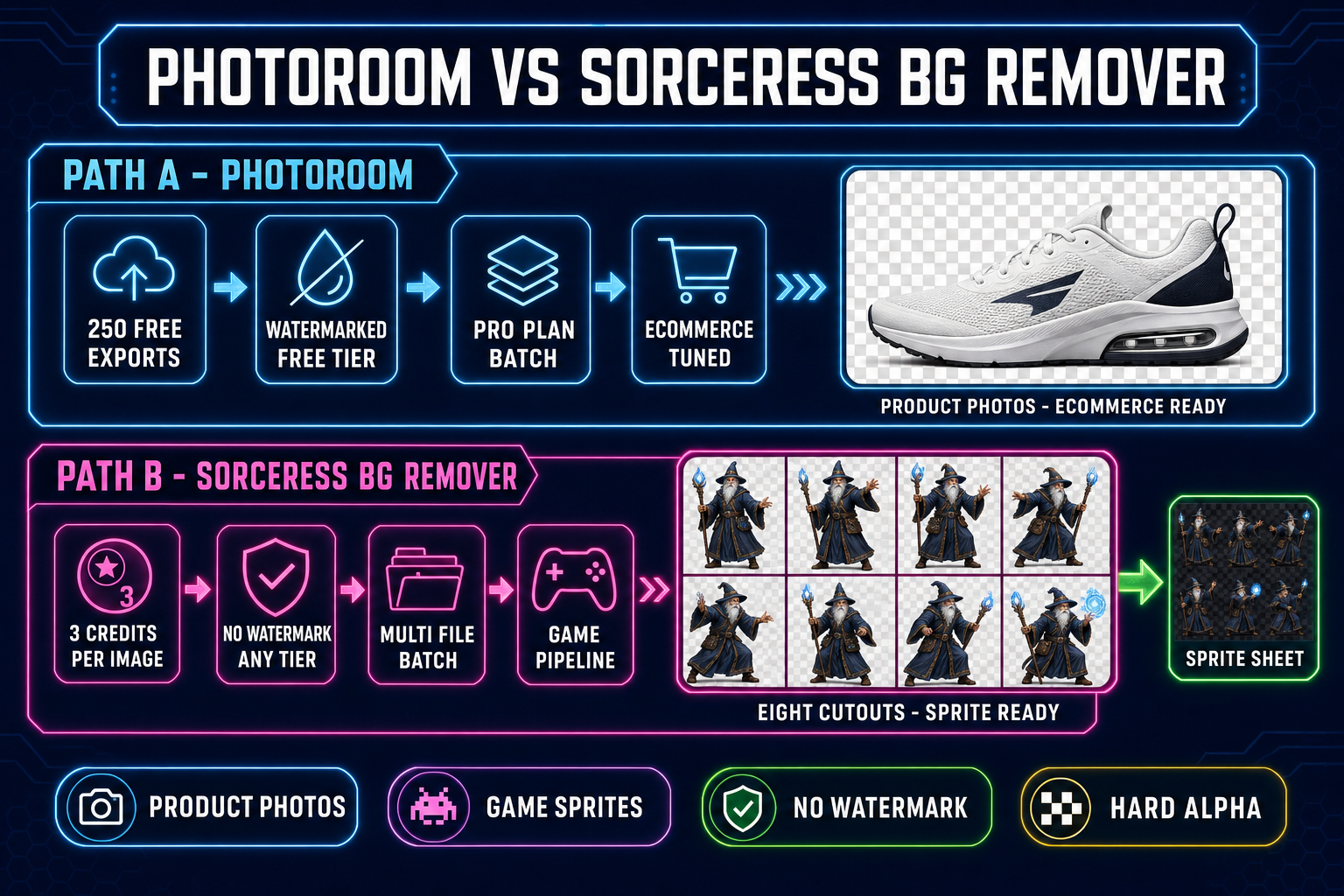
- Free: 250 exports per month. Exports carry a Photoroom watermark and the terms restrict the output to non-commercial use. A game-asset PNG with a watermark is not shippable in a paid title.
- Pro — $13.99/mo (annual) or $19.99/mo (monthly): removes the watermark, unlocks commercial rights, and enables Batch Mode with 500 batch exports per month.
- Max — $26.99/mo (annual): 1,500 batch exports per month, multi-user seats.
- Ultra — starts at $59.99/mo (annual): 5,000 batch exports per month and scales up to 50,000.
- API (Basic): $0.02 per image for the Remove Background endpoint, monthly subscription required, free tier of 10 calls per month, sandbox mode returns 1,000 watermarked calls.
The headline number for a game dev is the gating: on the Free plan there is no batch endpoint at all, and the watermarked PNG cannot ship in a commercial game. The first tier that actually clears both bars is Pro at $13.99/mo — a perfectly reasonable line item for a working studio, and a steep ramp for the indie running on credit-pack economics.
The verdict at a glance — Photoroom vs Sorceress BG Remover for game sprites
Comparison verified May 27, 2026 against the live photoroom.com pages and against src/app/bg-remover/page.tsx in the Sorceress source.
| Dimension | Photoroom AI background remover | Sorceress BG Remover |
|---|---|---|
| Free-tier cost | Free, 250 exports/mo, watermarked, non-commercial | 3 credits per image from a 100-credit starter pack |
| First commercial tier | Pro at $13.99/mo (annual) | Included on every account, no subscription floor |
| Watermark | Yes, on Free plan | None on any tier |
| Batch processing | Pro and up only, 500–50,000 exports/mo | Native multi-file queue on every account |
| API price | $0.02 per image, monthly subscription required | 3 credits per image, no subscription floor |
| Edge style | Soft (product-photo tuned) | Hard (silhouette-tuned via Bria 2.0 RMBG) |
| Sprite-sheet hand-off | Manual download & re-import | Direct drag into Quick Sprites / Canvas / WizardGenie |
| 3D bridge | None | Cutout flows into 3D Studio for image-to-mesh |
| Best at | Product photos, fashion listings, marketplace catalogues | Sprite-sheet frames, NPC portraits, image-to-3D source |
The verdict in one line: Photoroom wins for ecommerce-shaped marketing renders; Sorceress wins for game-asset packs. The two tools are complementary and the right pick depends entirely on what comes after the cutout.
Where the Sorceress BG Remover wins for game sprites
Three honest places the Sorceress side pulls ahead, all rooted in game-sprite economics rather than image quality on a single render.
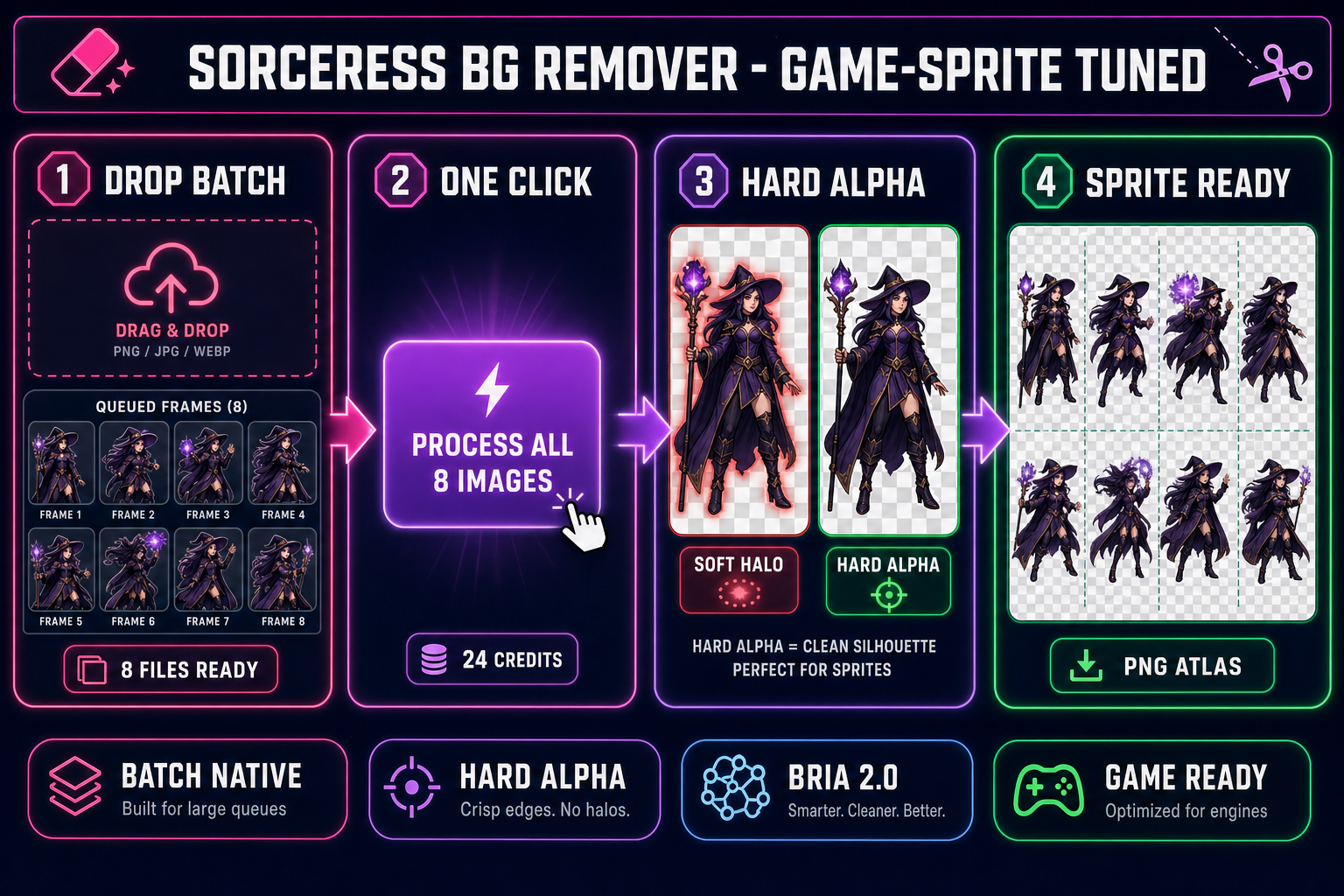
1. Native multi-file batch on every account. Verified May 27, 2026 against src/app/bg-remover/page.tsx (the handleProcessAll handler, pendingFiles queue, and batchProgress state): drop eight frames into the upload zone, click Process All, and the queue runs against the bria/remove-background Replicate model with a live progress bar. Every Sorceress account — including the 100-credit starter — gets the same batch endpoint. The Photoroom AI background remover gates batch behind Pro and up — the Free tier has zero batch exports, and even the entry-level paid plan tops out at 500 batches per month. For an eight-frame walk cycle on Sorceress that is one click; on Photoroom Free that is eight uploads, eight downloads, eight watermarked PNGs you cannot ship, and eight filename collisions to clean up by hand.
2. Hard-alpha edges from Bria 2.0 RMBG. The Sorceress BG Remover routes every removal through the bria/remove-background endpoint on Replicate — the production version of Bria’s RMBG model, tuned for object silhouettes rather than portrait edges. The result is a clean alpha channel where each pixel is either fully opaque or fully transparent. That matters because of how engines handle alpha compositing: a sprite with a soft halo of half-transparent pixels gets rendered with the halo composited over whatever tile is behind it, producing a faint glow against the level background. The Photoroom AI background remover uses a product-photo-tuned soft edge that looks great on a marketing canvas and looks like a glitch in a game viewport.
3. Direct hand-off into the asset pipeline. The cutout output is stored on your Sorceress account as a Backblaze B2 URL (verified against the upload helper inside src/app/bg-remover/page.tsx), which means the next step is a drag, not a re-upload. Inside WizardGenie you drag the cutout straight into an agent session for code-side integration. Inside the broader Sorceress UI you drag it into Canvas for manual sprite-sheet layout, or into Quick Sprites for an animated walk cycle, or into 3D Studio for image-to-mesh conversion. Photoroom stops at the local download (or a cloud copy inside the Photoroom workspace).