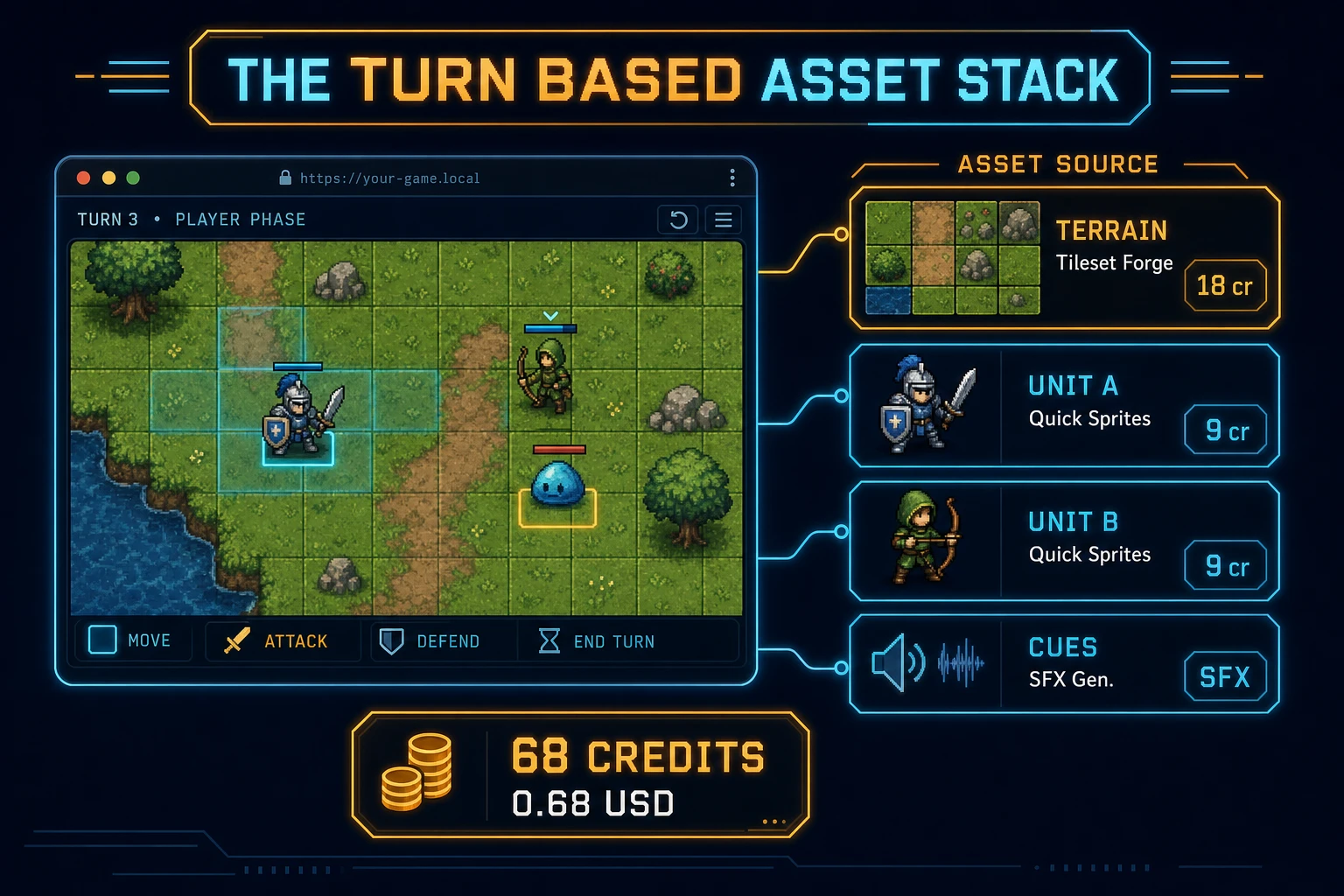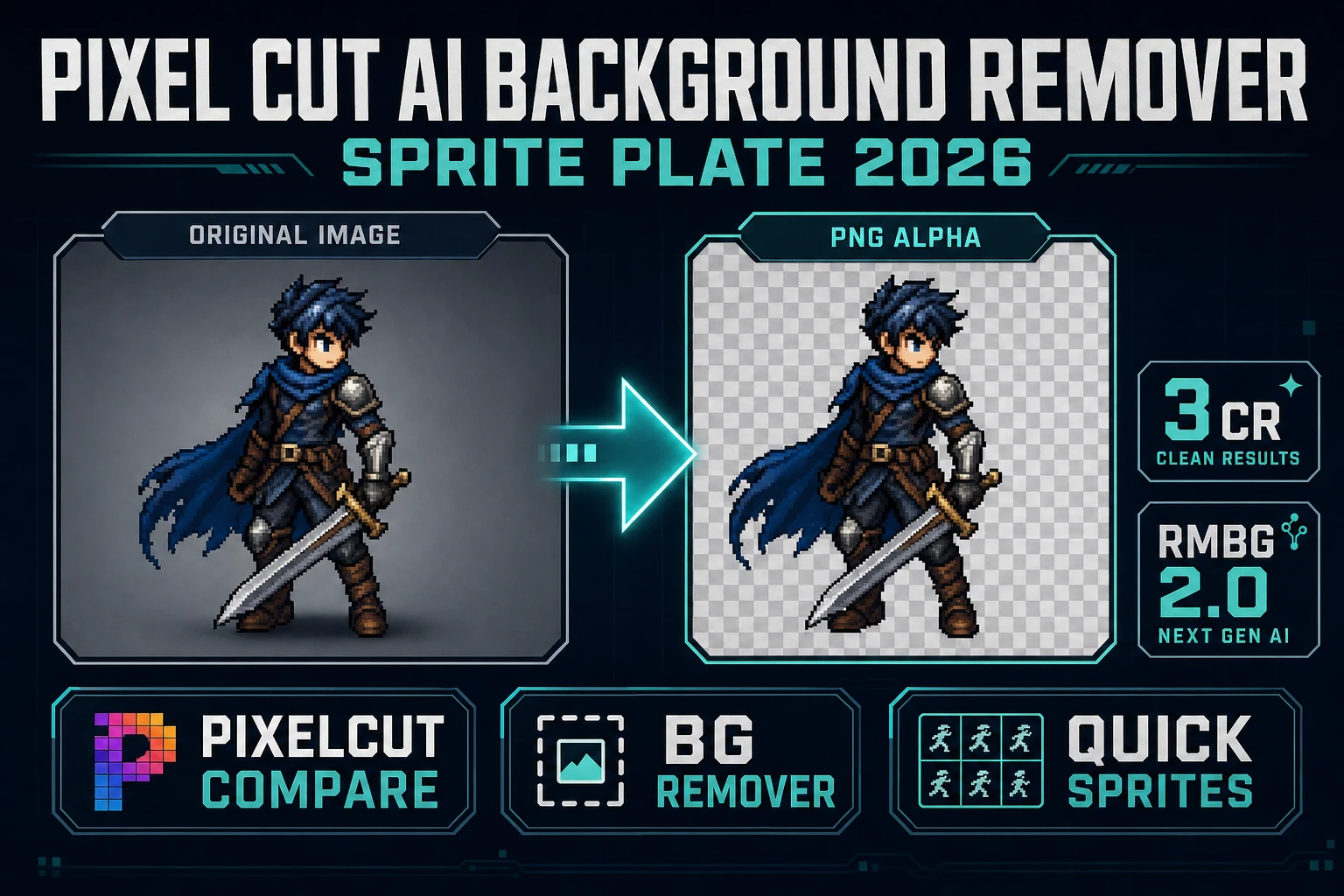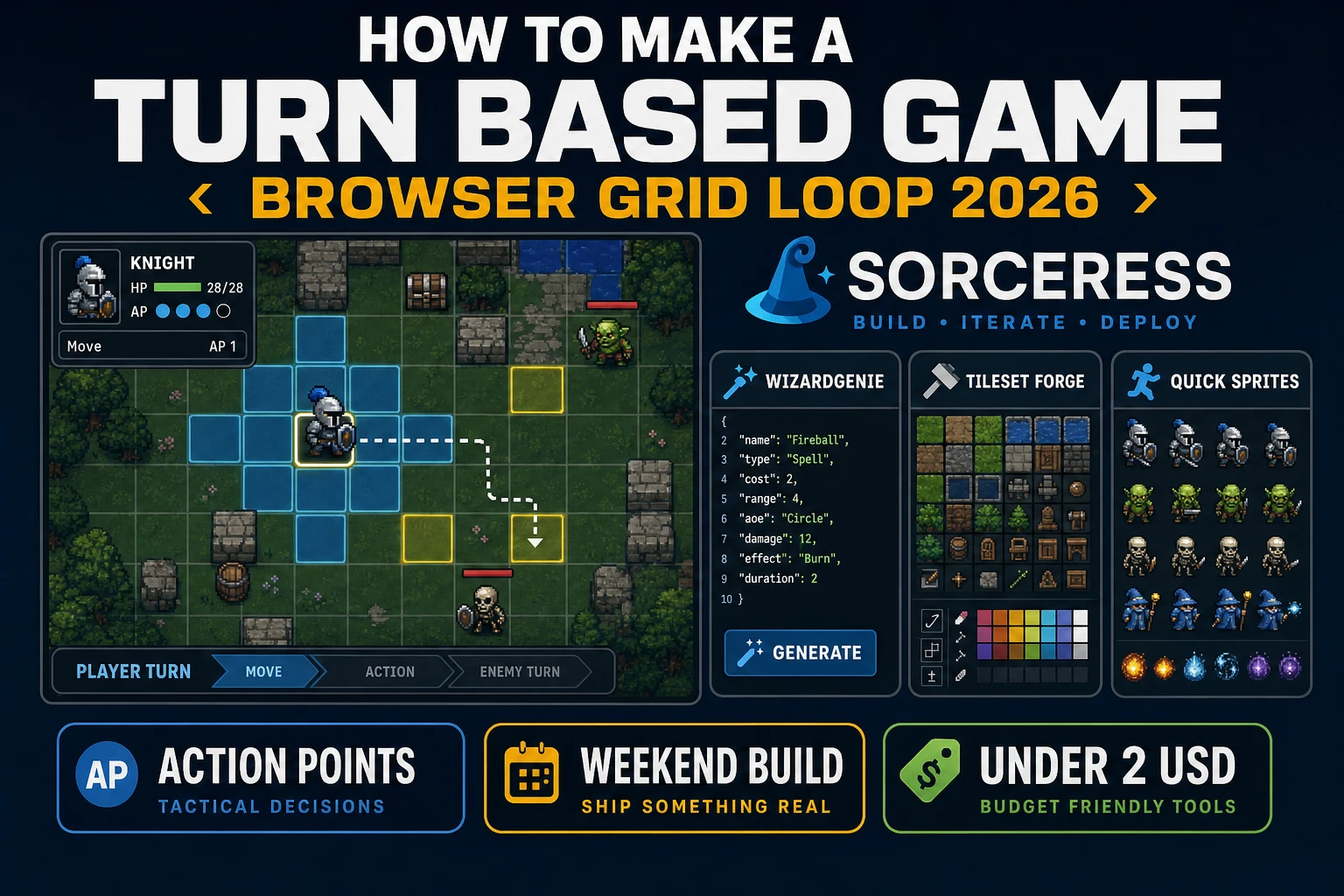
Most beginners who search “how to make a turn based game” want a grid, a select-move-act loop, and an End Turn button that advances initiative — not a 40-hour grand-strategy economy on day one. A full Fire Emblem campaign with support conversations and permadeath branches is a specialist craft. A browser tactics skirmish is different. A coding agent scaffolds the grid, path flood-fill, and action-point rules from one prompt, and AI generation covers terrain tiles, unit sprites, and UI cues. On desktop or web, that means WizardGenie for the select-move-act interpreter, Tileset Forge for grass and wall tiles, Quick Sprites for knight and slime portraits, and SFX Gen for select, move, and hit clips. This guide is the honest end-to-end for how to make a turn based game in 2026, as a weekend build you can finish once.
What how to make a turn based game actually means in 2026
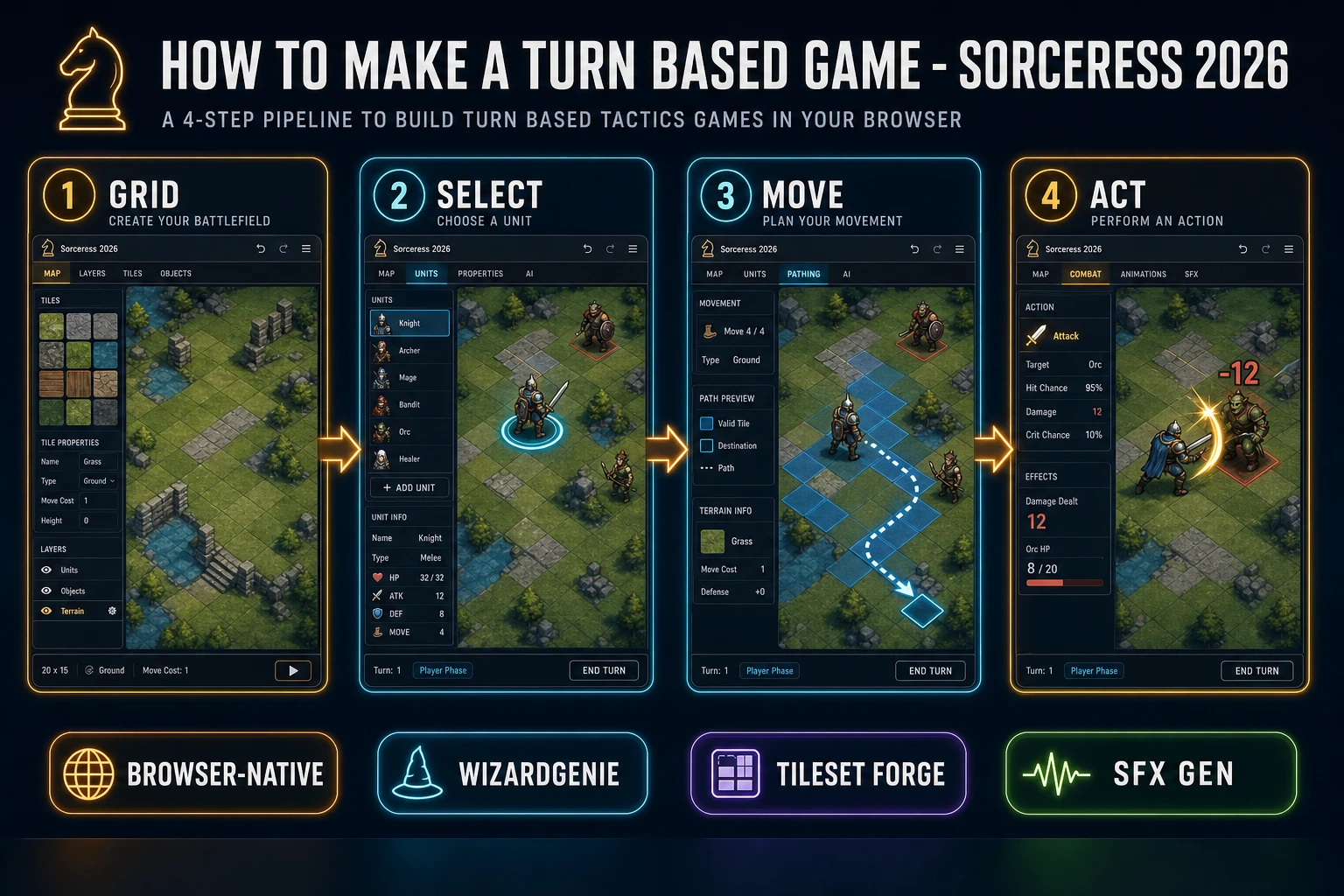
The query “how to make a turn based game” hides three intents. Some searchers want a commercial engine with prefab tactics templates and multiplayer matchmaking — that is storefront shopping, not a minimal playable loop. A second intent is a macro strategy game with fog of war, resource ticks, and empire building — that is covered in the sibling guide on how to make a strategy game. A third intent is a dungeon crawl with room graphs and FOV — see how to make a dungeon crawler. The intent this guide targets is a browser grid loop: click a unit, show move range, path to a tile, spend an action to attack or wait, then end the turn and advance initiative. That is a weekend build, it demos the Sorceress toolset, and it is the format most turn based game tutorial and javascript turn based game searchers actually want.
The presentation contract is small and strict. A title screen shows the stage name, control hints (click to select, click a blue tile to move, click an enemy in range to attack, End Turn), and Play. The play screen shows an 8×8 or 10×10 grid, an initiative strip along the top, action-point text under the selected unit, and optional mute toggle. When every living player unit has acted or you press End Turn, resolve enemy AI for one unit at a time, then start the next round. The turn-based strategy overview on Wikipedia (verified 2026-08-28) groups chess-like and tactics-grid designs under discrete turns — cite that page when you write your itch.io blurb so players know you shipped a browser tactics game grid loop, not a real-time click-fest.
The turn-based grid loop in one minute (select, move, act, end turn)
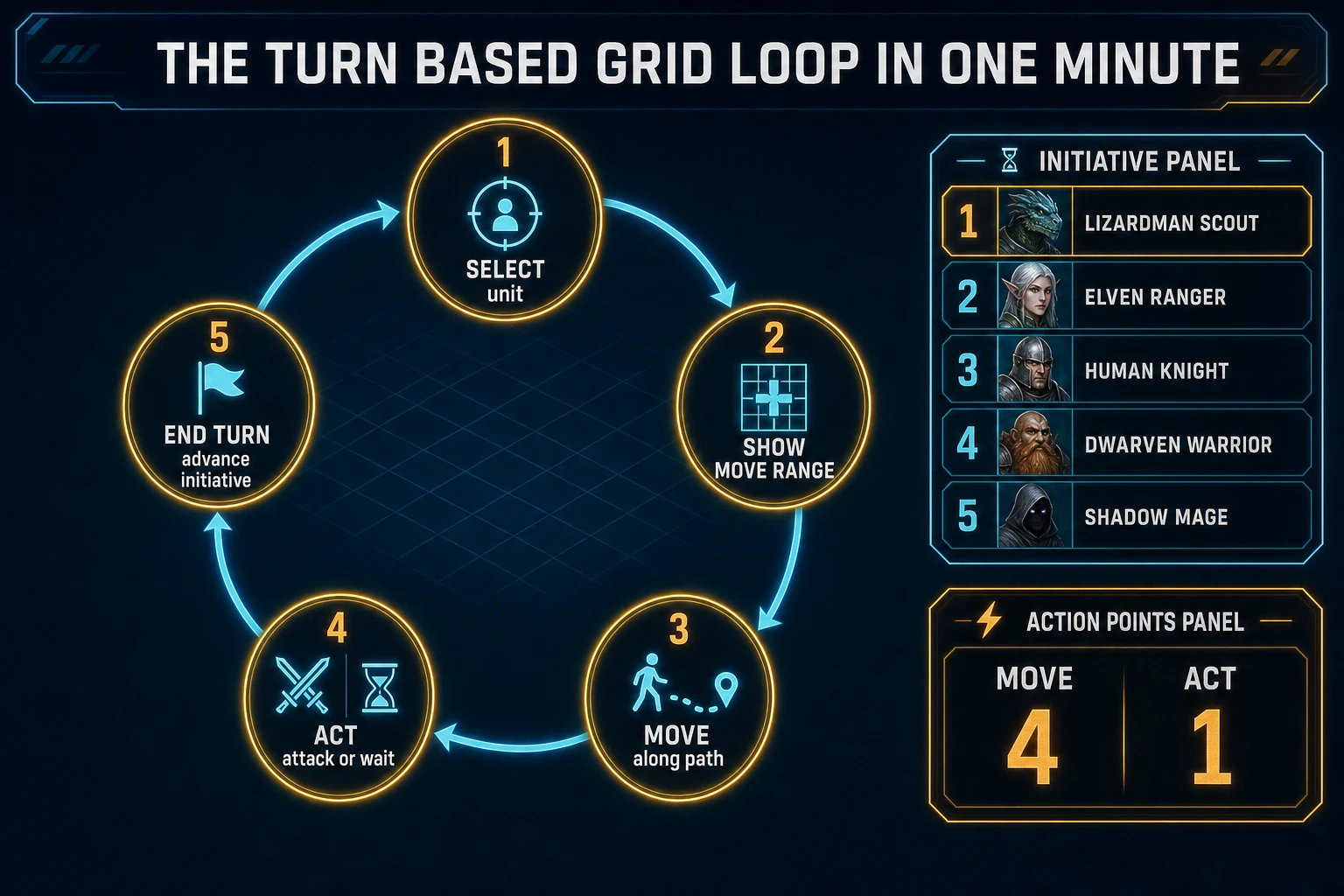
Five moving parts, repeated until one side has no living units. First, select — click a friendly unit whose turn it is (or allow free selection within the current side’s phase). Second, show range — flood-fill walkable tiles up to the unit’s move budget, tint them blue, and mark attackable enemies in red. Third, move — click a blue tile, animate or snap the unit along the path, and subtract path length from remaining move points. Fourth, act — attack an adjacent enemy, use a wait action, or skip; spending the act flag usually ends that unit’s turn. Fifth, end turn / advance — move initiative to the next living unit, refresh move and act budgets at the start of each round. Opportunity attacks, overwatch, and multi-attack chains are polish layered after one honest three-unit skirmish is readable at sixty frames per second.
Pick your engine for how to make a turn based game: Phaser, Canvas, or WizardGenie
Three good targets in 2026, each with a different trade-off. Vanilla Canvas is the honest default and the pick this guide recommends for a first build. Store the map as a 2D array of tile types, blit terrain from a tileset image, and draw unit sprites centered on cell coordinates. Click maps to grid indices with Math.floor(x / TILE) and Math.floor(y / TILE). The MDN Canvas API docs (verified 2026-08-28) cover everything you need for an html5 turn based game prototype in under 300 lines including flood-fill move range, path reconstruction, and a simple initiative queue.
Action points versus full-move-then-attack matter for jam scope: give each unit a move budget (for example 4 tiles) and one act flag per turn. Moving spends the budget; attacking or waiting spends the act flag. Checking remaining move and act before accepting clicks is the single habit that separates a fair grid tactics tutorial from a unit that teleports twice and still attacks.
Phaser v4.2.1 “Giedi” (released 9 July 2026, verified 2026-08-28 on the official Phaser stable download page) becomes the right pick if you want Scene stacks, cameras that pan a larger map, tweened unit hops between cells, or a mission select screen. Phaser does not invent your initiative rule — you still need the same select-move-act state machine. Use Phaser when Scene stacks and cameras are the product; use raw Canvas when the product is a turn based game tutorial people can read in one sitting. A phaser turn based campaign is a fine v2 once the Canvas prototype proves the feel.
WizardGenie is not a separate tactics engine — it scaffolds whichever of the two you pick from a single natural-language prompt. WizardGenie ships as both a desktop app (Windows installer with auto-update, available to Early Access supporters and above) and a no-install web build. Its coding-model lineup covers Claude Opus 4.7, Claude Sonnet 4.6, GPT-5.5, Gemini 3.1 Pro, DeepSeek V4 Pro, Kimi K2.5, Grok 4.2, and MiniMax M2.7 (verified 2026-08-28 in src/app/_home-v2/_data/tools.ts). For tactics loops, any frontier model scaffolds grid math, flood-fill, and initiative queues in one prompt. Pair a frontier planner with a budget executor like DeepSeek V4 Pro or Kimi K2.5 for the typing pass — the Dual-agent pattern lands most projects at roughly one-fifth the single-frontier cost.