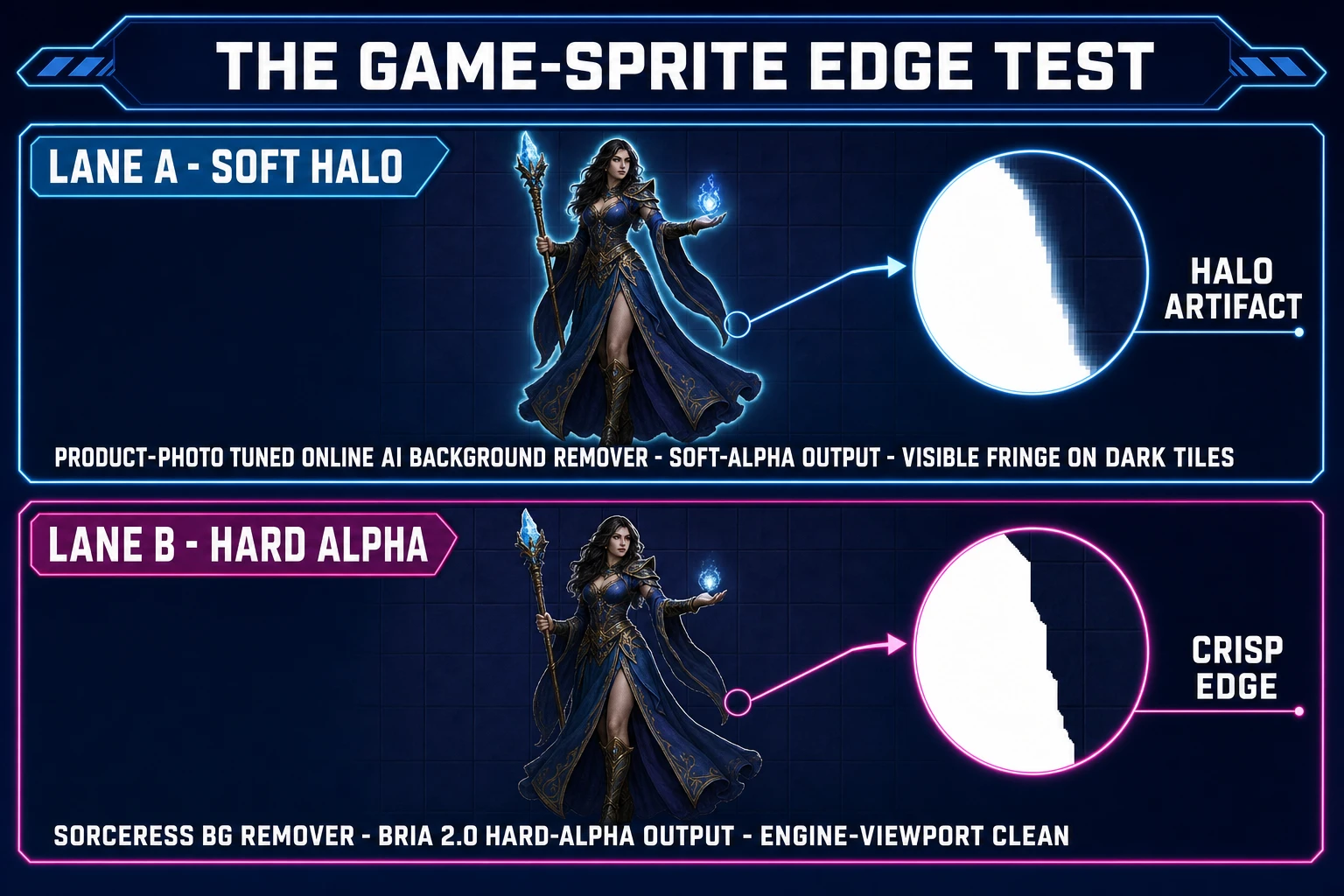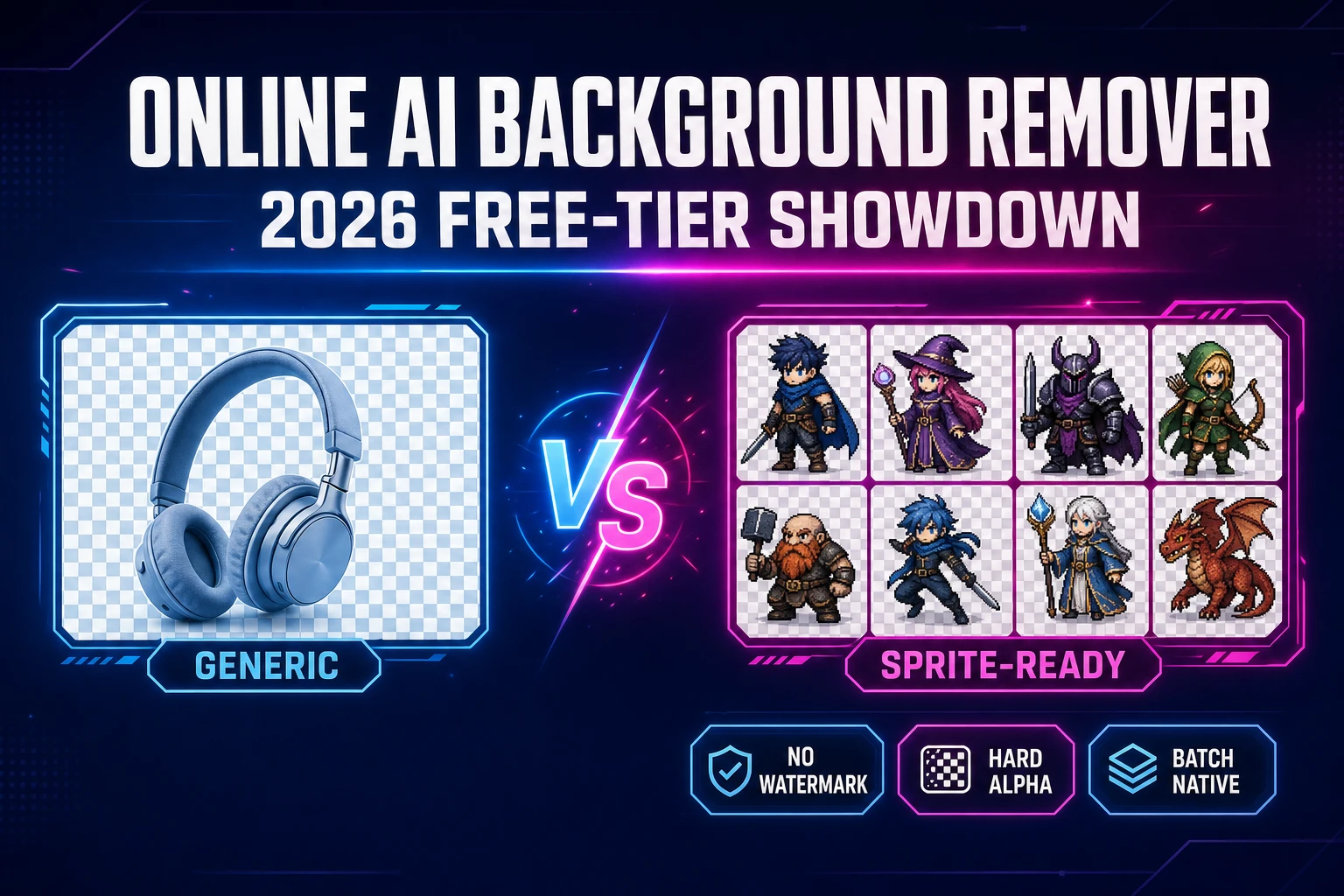
Type online AI background remover into Google in 2026 and the first page is a wall of free-tier offers that all promise the same thing: drop a JPG, wait three seconds, get a transparent PNG. For a single Discord avatar or a Shopify product listing that’s genuinely the whole job. For a game sprite it is roughly the first 10% of the job — the actual work starts at “now do the other seven walk-cycle frames,” “now make sure the alpha edge holds up against a tile background,” and “now drop the cleaned PNG straight into a sprite-sheet generator without re-uploading it.” This piece walks the live 2026 free-tier landscape against what a game dev actually needs, then shows where the Sorceress BG Remover picks up the slack. All vendor prices and free-tier caps verified on June 12, 2026 against the live remove.bg, canva.com, and Sorceress source pages.
What an online AI background remover really means in 2026
An online AI background remover is a browser-based tool that takes a raster image, runs a trained segmentation model against the subject, and returns a copy of the image with the background pixels replaced by transparency. Under the hood it is one of the most well-understood applications of image segmentation: a convolutional or transformer-based network predicts a per-pixel mask, the mask is composited against the original RGB, and the result is encoded as a 32-bit PNG with an alpha channel — or, increasingly, a WebP with the same alpha primitives at a smaller file size.
The category exploded in the last three years because the underlying segmentation problem genuinely got solved for the common case. The same task that took a Photoshop pen-tool artist twenty minutes per portrait in 2018 takes a 100-megabyte ONNX model two seconds in 2026. What separates the tools today is not whether the segmentation works — every serious player in the category produces a clean cutout on a person or a product against a flat background — but the surrounding workflow: batch limits, watermarks, commercial-rights clauses, edge style, and how cleanly the output drops into the next step.
For game developers the “next step” almost never lives inside the same tool. The cutout is an intermediate asset that has to ride into a sprite sheet, a tileset, a 3D mesh, or an engine import. Which is where the online AI background remover category, optimized largely for ecommerce and social-media use cases, starts to wear thin.
Why game sprites need more than a generic online AI background remover
Three hard requirements separate game-asset cutouts from product photos, and most tools in the category miss at least one.
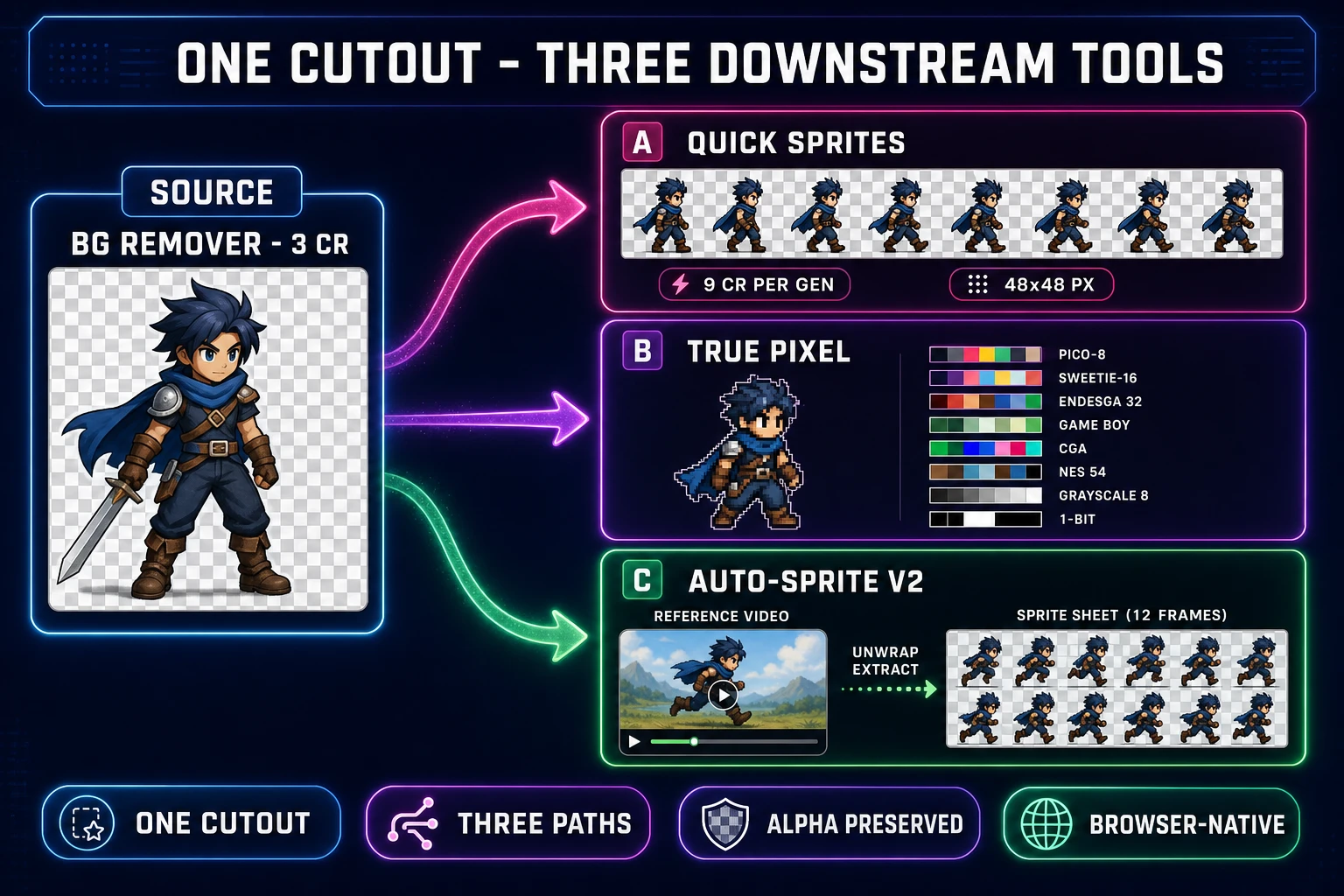
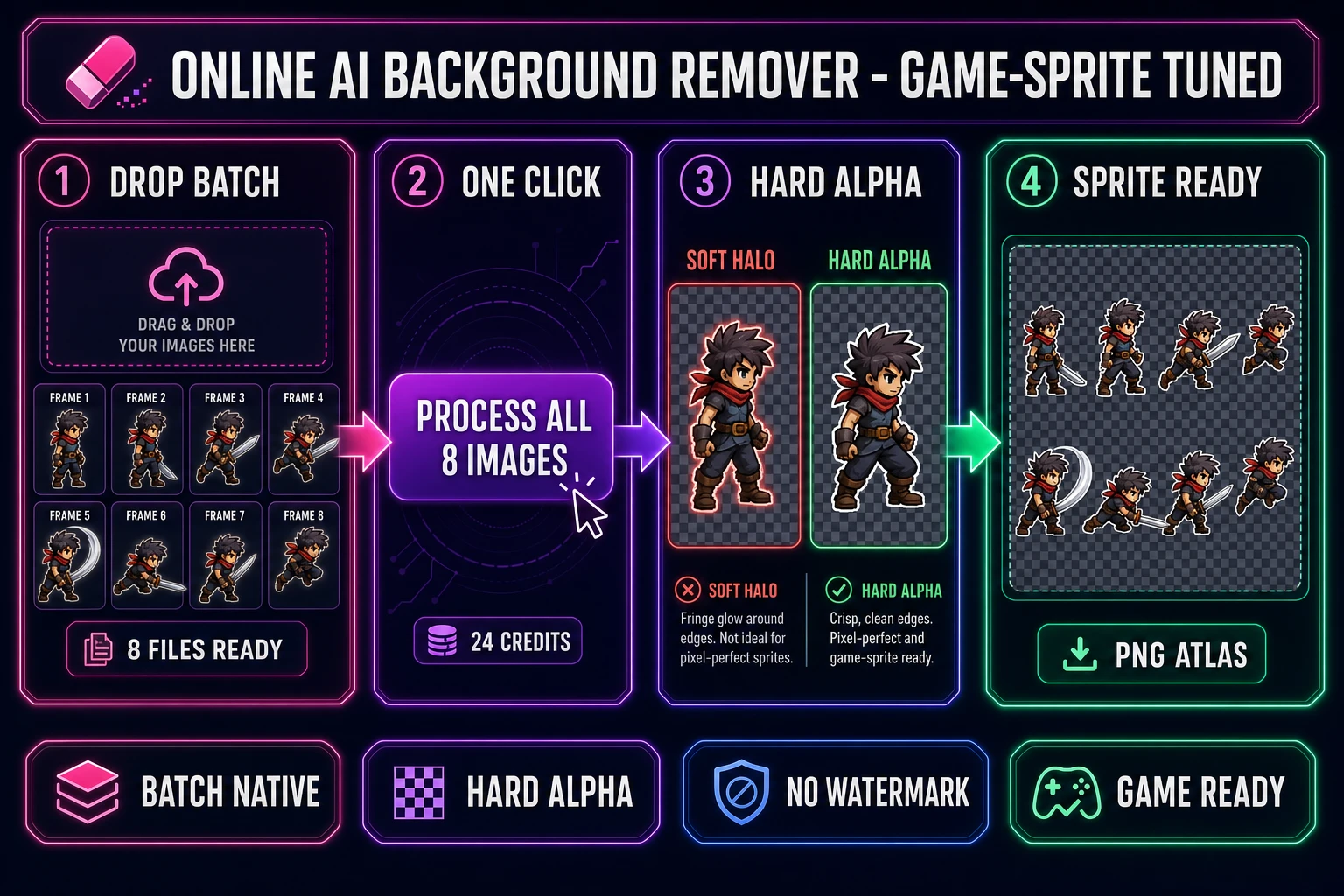
Hard-alpha edges, not soft halos. A product photo is rendered once at the resolution it was shot. A game sprite is rendered every frame, scaled by the camera, blended against the tile behind it, and re-composited dozens of times per second. The arithmetic that governs how the silhouette shows up is alpha compositing: every output pixel is (src.rgb × src.a) + (dst.rgb × (1 - src.a)). If the cutout has a soft, ecommerce-tuned halo of half-transparent pixels around the silhouette, those pixels composite a visible glow against any tile background that is darker (or a fringe against any tile lighter) than the original photo background. The fix is hard alpha: every pixel either fully opaque or fully transparent, with anti-aliasing handled by the engine’s sub-pixel rasterizer at render time.
Batch input on the starter plan. Every character ships with anywhere from eight to forty frames (idle, walk, run, jump, attack, hit, cast, victory — times four directional facings on a top-down game). On a tool that gates batch behind a paid subscription, a single character pack means eight uploads, eight downloads, eight watermarked files, and eight filename collisions to clean up by hand. On a tool with a native multi-file queue, the same pack is one drag, one click, one wait.
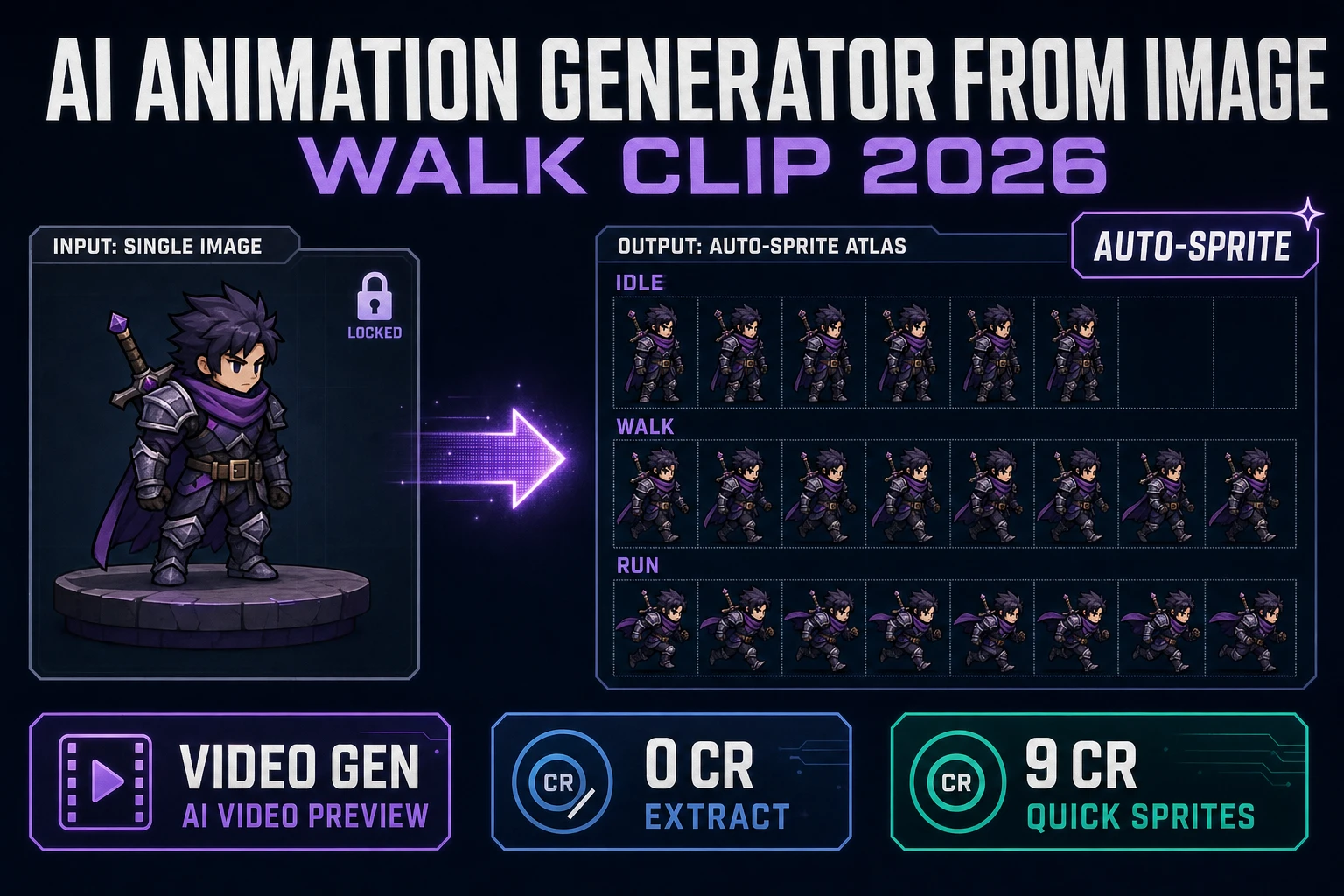
Hand-off into the asset pipeline. The cleaned cutout has to flow into a sprite-sheet generator, a 3D mesh builder, or an engine import. If the tool ends at “download the PNG to your filesystem,” every downstream step is a re-upload — and the cutout exists in three places on disk, each subject to its own filename drift. The right shape is for the cutout output to be a URL the next tool can read directly.
Below is how the five online AI background removers indie devs actually test in 2026 line up against those three requirements, verified on June 12, 2026.
The five online AI background removers game devs actually test
Field surveyed against the live vendor pages on June 12, 2026.
- remove.bg — the category’s OG, owned by Canva (acquired in 2021), still the highest-quality general-purpose segmentation in the field. Free tier is preview-only at 0.25 megapixels (625×400 pixels). Full-resolution exports use a credit system; pay-as-you-go starts at roughly $1.29 per credit and drops to $0.27 per credit at volume; subscriptions start at Lite $9/mo for 40 credits (verified June 12, 2026 against the live pricing page).
- Canva Background Remover — locked behind Canva Pro at $15/mo (or $120/year). The free Canva plan shows the button grayed out with an upgrade prompt; a 30-day Pro trial is the only path to the tool without paying. Tuned for marketing graphics and social-post composition rather than asset-pack export.
- Photoroom — product-photo-tuned cutout with a 250-exports-per-month free tier that watermarks every output and restricts the result to non-commercial use. Batch mode lives behind Pro at $13.99/mo (annual) or $19.99/mo (monthly).
- Adobe Express — bundled inside the Adobe Express browser editor. The cutout itself is free on the entry tier but the rest of the export pipeline (resolution, format, brand-kit tooling) varies by plan and ID. Tuned for marketing collateral the same way Canva is.
- Sorceress BG Remover — the game-asset-tuned option. Three credits per image (verified June 12, 2026 against
src/app/bg-remover/page.tsx,BG_REMOVER_CREDITS = 3), routed through thebria/remove-backgroundproduction model on Replicate for hard-alpha silhouettes. Native multi-file batch on every account from the very first cutout. 100-credit starter pack at signup is enough for 33 cutouts. Pay-as-you-go credit packs start at $10 for 1,000 credits (verified againstsrc/app/plans/page.tsx).
Three of the five (remove.bg, Canva, Photoroom) are tuned for ecommerce and marketing renders. Adobe Express splits the difference between marketing and education. Sorceress is the only entry on the list tuned specifically for game-asset cutouts, with a credit model, edge style, and downstream pipeline that match how sprite packs are actually built.
The 2026 free-tier showdown: what each online AI background remover costs (verified June 12, 2026)
Three different cost models stack against three different free-tier shapes. The table compares them on the things an indie game dev actually cares about: real-resolution output, commercial rights, batch ceiling, and whether the tool charges a recurring subscription or a one-time credit deduction.
| Tool | Free-tier ceiling | Watermark on free | Commercial rights on free | Cheapest paid path | Batch on starter |
|---|---|---|---|---|---|
| remove.bg | Preview-only (0.25 MP / 625×400) + 50 free API previews/mo | Effectively yes (low-res cap) | Subscription required for commercial | Lite $9/mo (40 credits) or $1.29 per credit pay-as-you-go | Subscription only |
| Canva BG Remover | None — Pro-only feature | n/a (gated) | n/a (gated) | Canva Pro $15/mo or $120/yr | Pro-tier only |
| Photoroom | 250 exports/mo | Yes | No (free is non-commercial) | Pro $13.99/mo (annual) | Pro-tier only |
| Adobe Express | Cutout itself free; export limits vary by tier | No on cutout | Yes for personal use | Adobe Express Premium subscription | Premium-tier only |
| Sorceress BG Remover | 100 starter credits = 33 cutouts (3 cr each) | No, on any tier | Yes, on every output | $10 for 1,000 credits = 333 cutouts | Native on every account |
The headline insight: most of the field gates batch processing behind a recurring subscription. A studio that ships ecommerce content every week amortizes the $9–$15 monthly bill against revenue. An indie dev shipping a single character pack every other month does not — and pay-as-you-go credit math, like the one Sorceress uses, lines up better with how indie projects actually load.
The second insight is about commercial rights. Photoroom’s Free tier is explicitly non-commercial. Canva’s tool is Pro-locked, so the question never comes up. remove.bg’s previews are preview-resolution and explicitly require a subscription for commercial use. Sorceress credits carry commercial rights on every output starting with the first 100 starter credits. For a game that’s headed to Steam, itch.io, or a mobile store, that distinction is the whole ballgame.