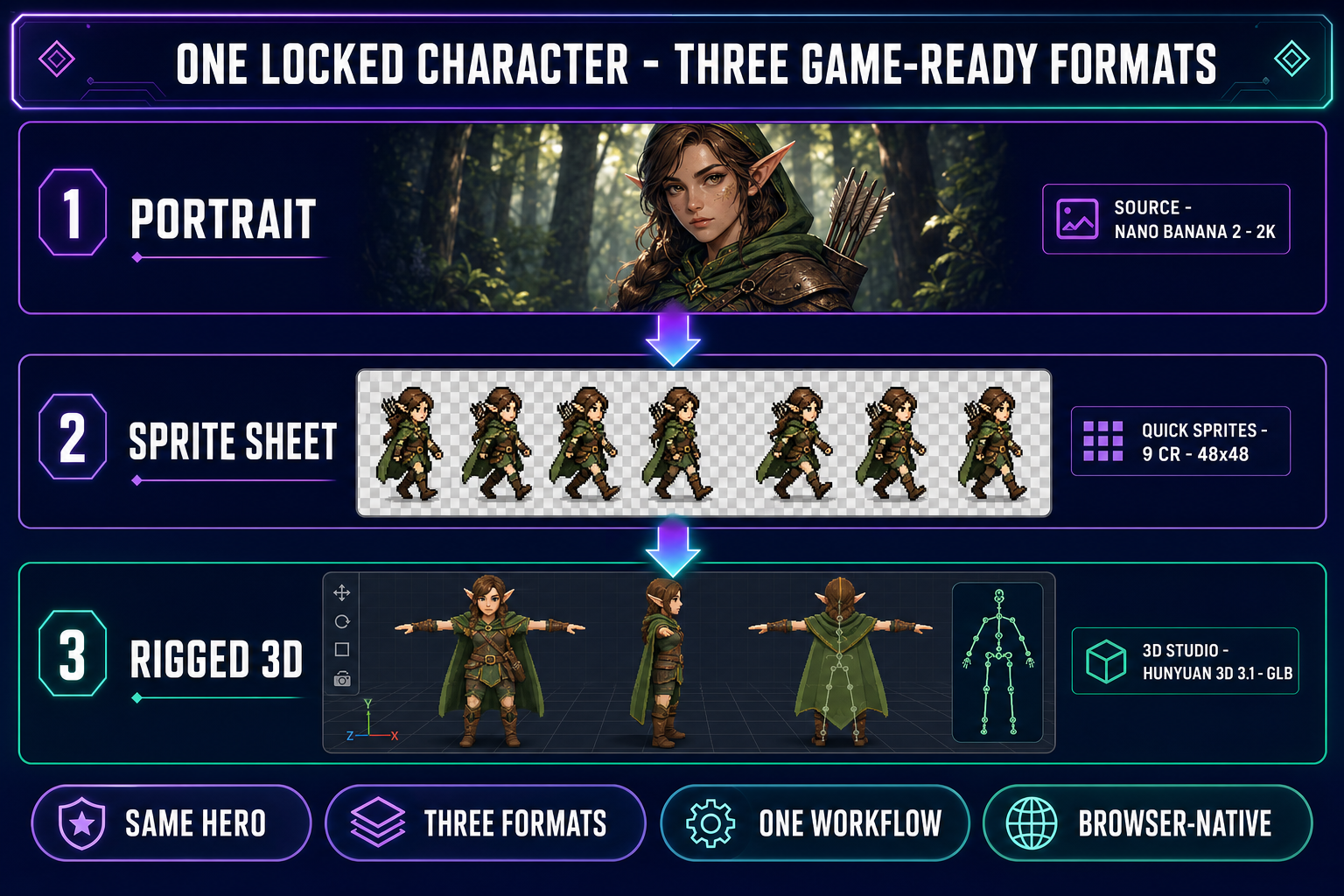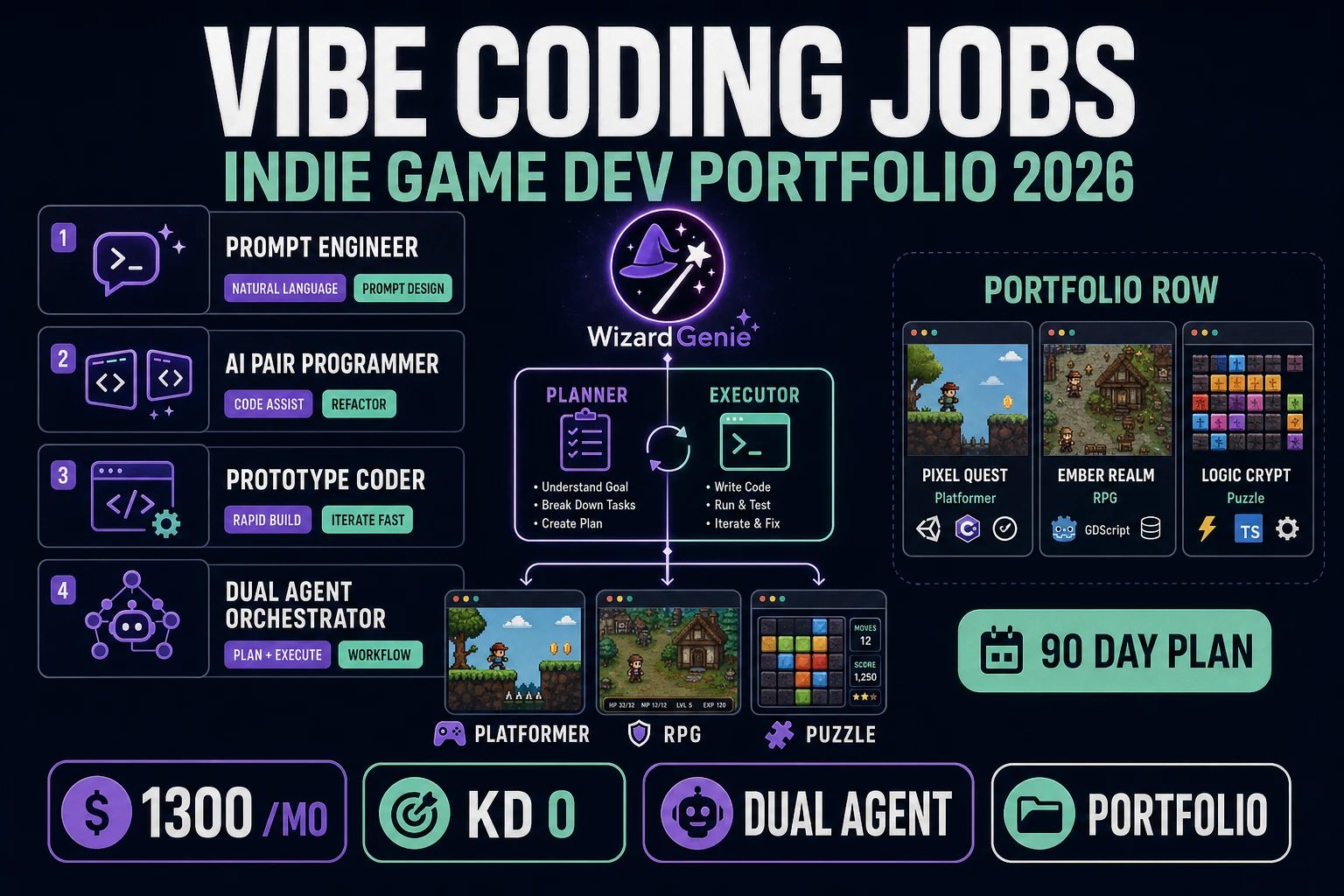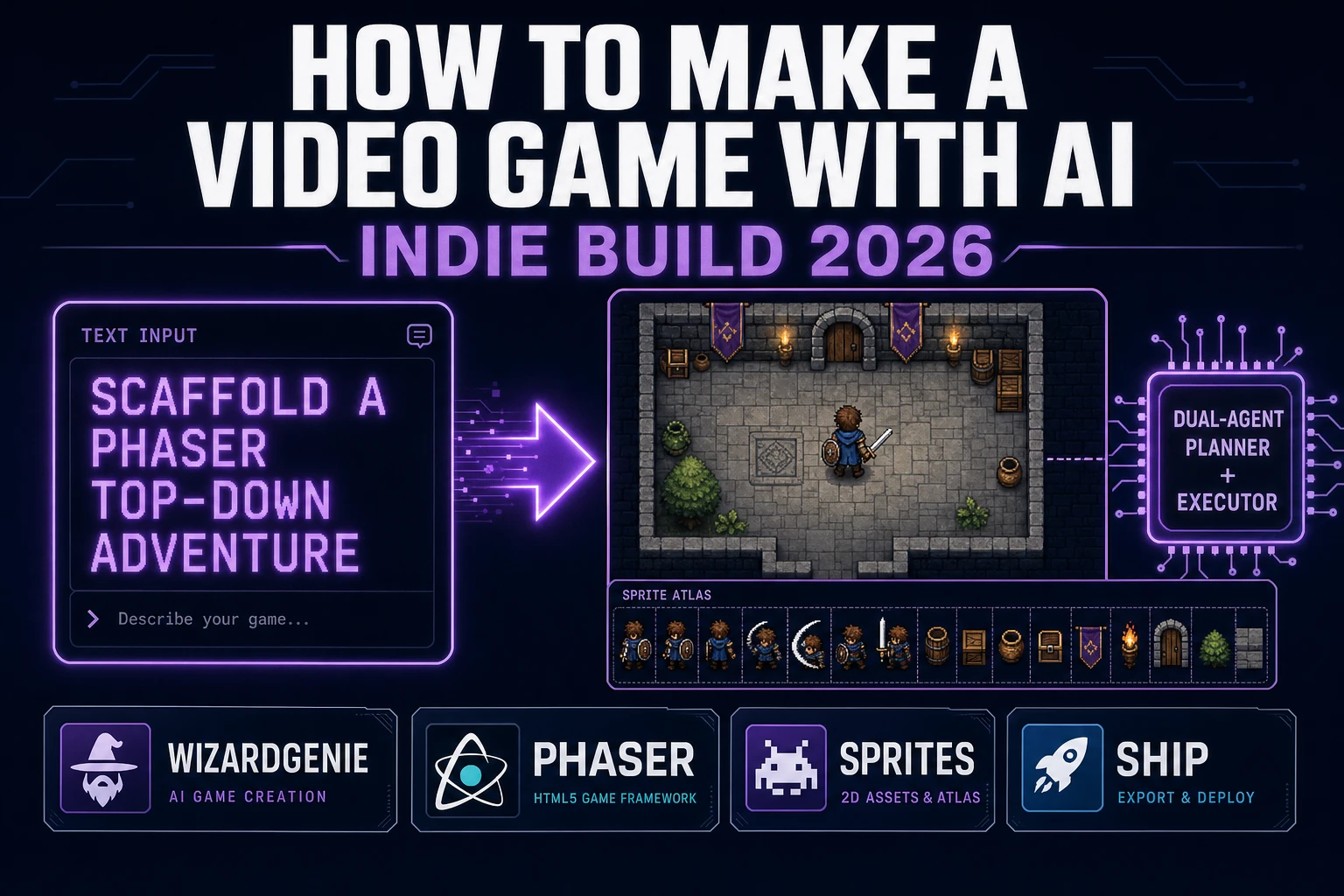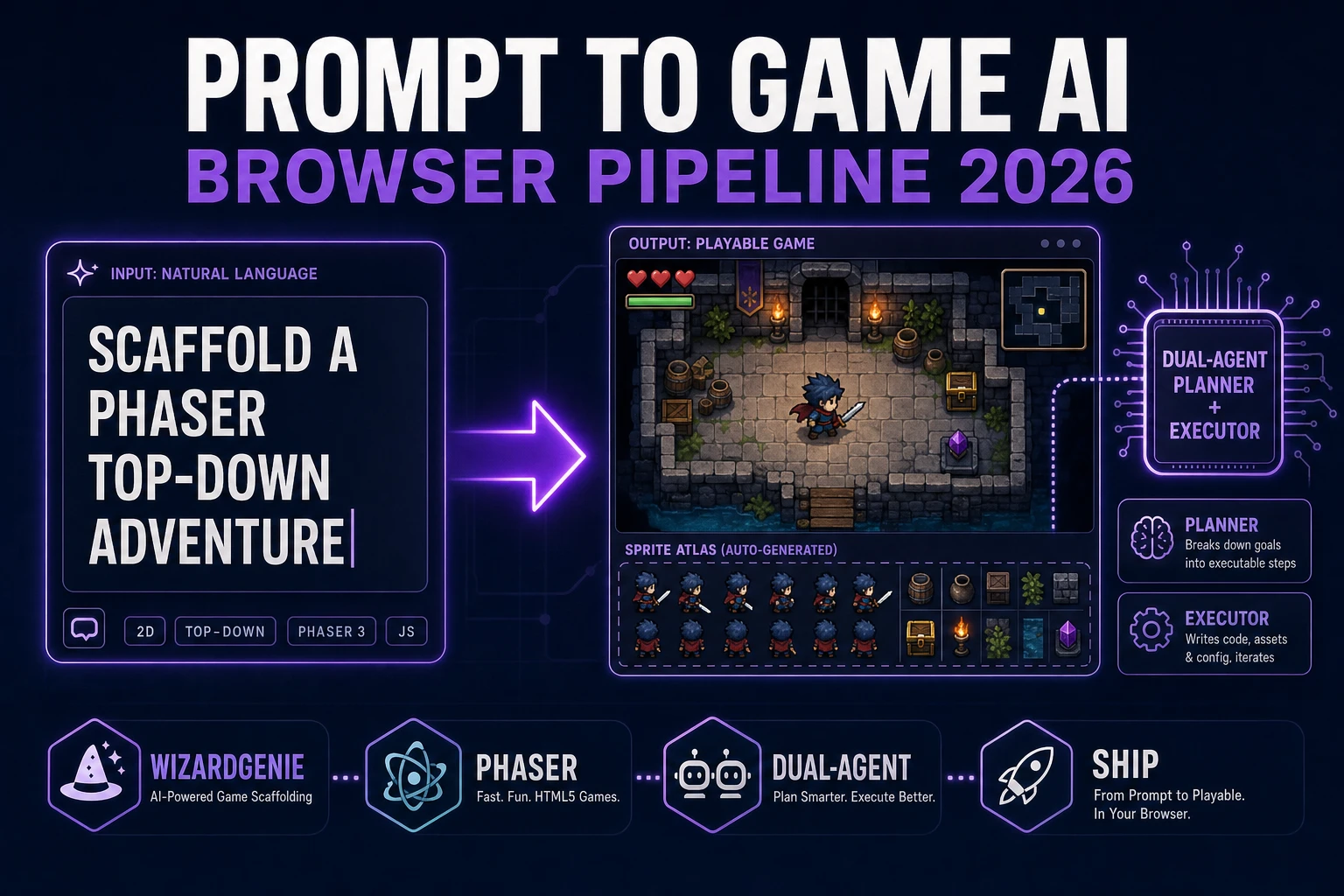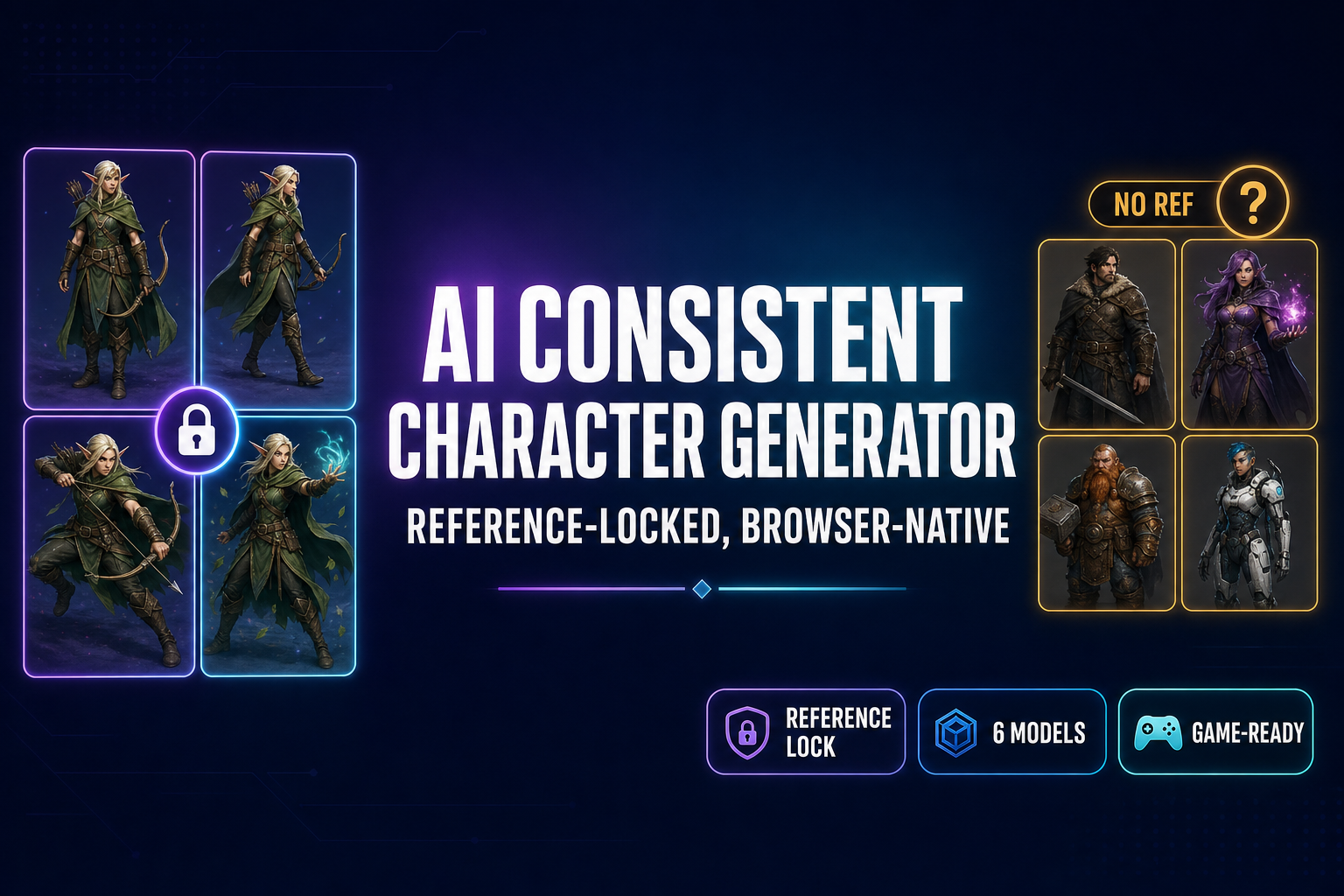
The phrase “AI consistent character generator” describes the most-asked feature in 2026 image generation: keep one character looking the same across many regenerations. A regular text-to-image tool samples a fresh point in latent space every run, so the same prompt typed twice returns two different-looking heroes. The workaround that production image-gen stacks added between 2024 and 2026 is the reference-image input — pin one canonical portrait, then iterate poses without losing the face. Below is what an AI consistent character generator actually is in 2026, the four production paths that ship the feature today, and the reference-locked Sorceress AI Image Gen workflow that bridges from one canonical character into a sprite sheet, a rigged 3D model, and an engine import. Verified May 19, 2026 against the live IMAGE_MODELS array in src/lib/models.ts and the four vendor documentation pages cited inline.
What an AI consistent character generator actually does in 2026
A consistent character generator is the user-facing name for a tool that keeps one character on-model across many image generations. Same face, same hair, same costume color, same distinguishing marks, but different pose, different angle, different scene, different expression. The technical primitive that enables this is the reference-image input — a second input channel where you upload one canonical portrait, and the model treats the latent-space cloud around that image as the source-of-truth identity. Prompts then steer pose, lighting, and scene without changing who the person is.
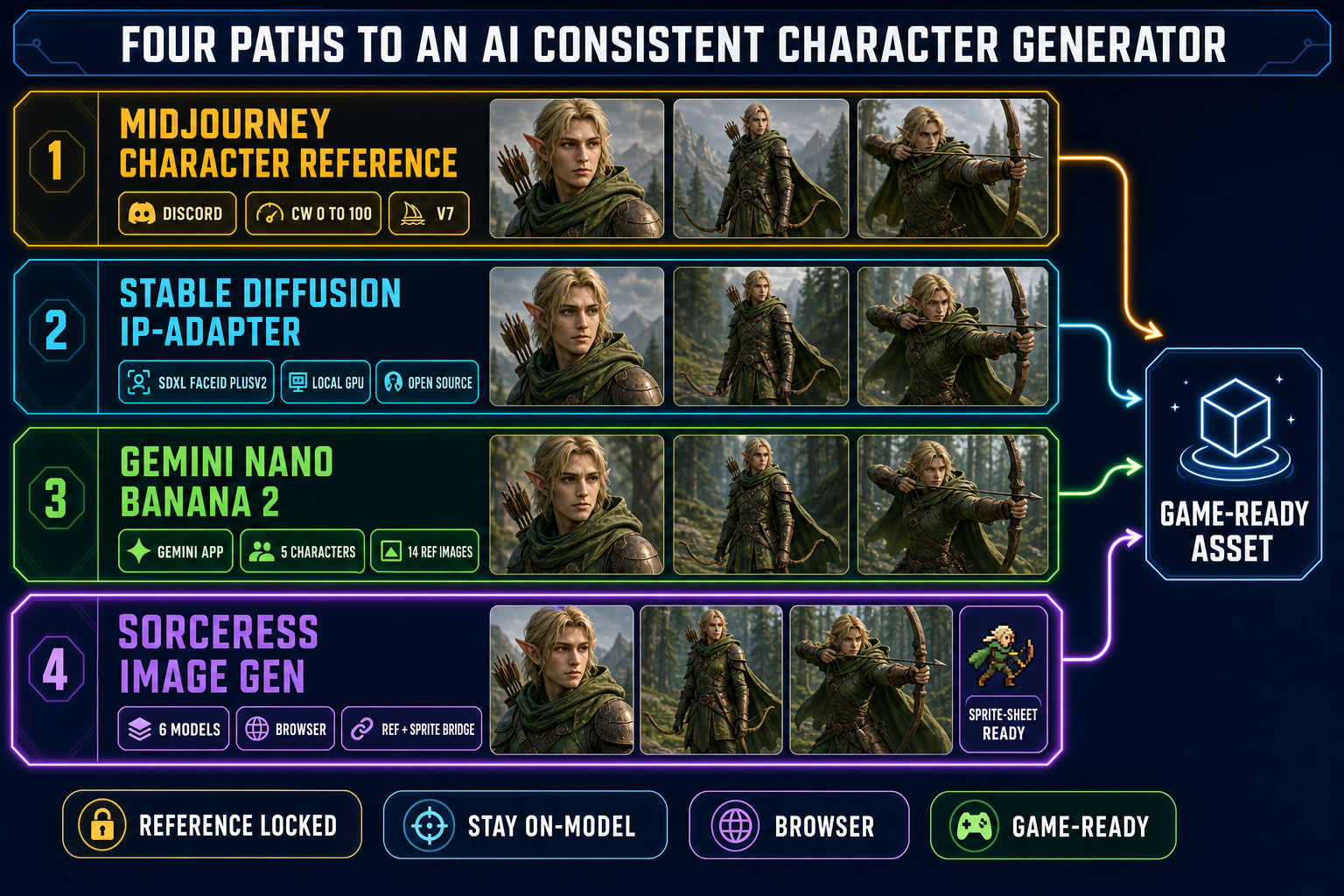
The four production paths shipping the AI consistent character generator feature in May 2026:
- Midjourney with the character reference parameter (
--cref) and the character weight knob (--cw 0to--cw 100). V7 made the lock tight enough for game work; V6 was the first usable build. Verified May 19, 2026 against the Midjourney documentation. - Stable Diffusion with IP-Adapter FaceID Plus v2 or a custom-trained character LoRA, running on a local GPU (roughly 6 to 12 gigabytes of VRAM for an SDXL base model plus the 100-megabyte adapter).
- Google Gemini Nano Banana 2 with native multi-character consistency — up to 5 distinct characters per generation in the Gemini app, up to 14 reference images per call. Released February 2026.
- OpenAI GPT Image 2 with reference-image input (up to 10 images), surfaced inside ChatGPT for Plus, Pro, and Team subscribers.
All four paths share a common technical ancestor: the IP-Adapter cross-attention adapter from arXiv 2308.06721, which turns image features into prompt-equivalent conditioning. Without that adapter (or one of its descendants), an AI consistent character generator is mathematically impossible — the diffusion model has nothing to anchor identity to.
Where AI consistent character generator features live in 2026 (four current paths)
The four paths split cleanly by infrastructure (where it runs), cost model, and whether the tool bridges into the rest of the game pipeline.
| Path | Where it runs | Cost | Game-pipeline bridge |
|---|---|---|---|
Midjourney --cref | Discord + paid web app | ~$10–$60/mo subscription | None — stops at the image |
| Stable Diffusion + IP-Adapter | Local GPU (Automatic1111, ComfyUI, Forge) | Free after model download | Manual — you wire the next step |
| Gemini Nano Banana 2 | Gemini app + API | Free tier in Gemini app | None — stops at the image |
| Sorceress AI Image Gen | Browser tab | 100 credits free, then per-gen | Quick Sprites + 3D Studio + Wizard Genie |
Beyond those four, there are partial-credit options. Adobe Firefly ships Style Reference and Structure Reference but no dedicated character-lock input — useful for layout and mood, weak for face anchoring. The Canva basic AI character generator has no reference-image slot at all; it is a prompt-only tool. The free Stable Diffusion wrappers on perchance.org also have no reference-image input — that limitation is covered in detail in the Perchance comparison post. Those tools are useful for brainstorming but they are not AI consistent character generators by the strict definition: no reference input, no character lock, no way to anchor identity across iterations.
How a reference-locked AI consistent character generator works under the hood
Stable Diffusion and the latent diffusion model family that descends from it generate images by starting from random Gaussian noise and iteratively denoising it toward a target distribution conditioned on the prompt. Without a reference image, the prompt is the only conditioning signal — and the prompt is fundamentally underdetermined. The sentence “a young elf ranger with long black hair and a forest-green cloak” maps to a wide cloud of millions of points in the model’s latent space, all of which technically match the description. Two consecutive samples from that cloud return two different elves who happen to wear similar cloaks.
The reference-image input adds a second conditioning signal. The IP-Adapter encodes the reference image with a vision encoder (CLIP image encoder for the original; newer FaceID variants use ArcFace face embeddings on top), projects the embeddings into the same vector space the text prompt embeddings live in, and injects them into the diffusion model’s cross-attention layers — the same mechanism the text prompt uses. From the model’s perspective, the reference image becomes a non-text “prompt” describing identity. The text prompt then steers everything else: pose, lighting, expression, costume detail, scene background. The two channels work together. This is the architectural reason an AI consistent character generator can keep one face across eight poses while a prompt-only tool cannot.
The technical descendants of IP-Adapter that ship in production tools today include FaceID Plus v2 (the gold standard for SDXL face-locking, around 80 to 95 percent identity preservation), Reference Only ControlNet (looser lock, more pose freedom), InstantID (stronger lock with explicit pose control), and the proprietary character-reference channels inside Midjourney V7, Nano Banana 2, and GPT Image 2. The vendor implementations differ in detail; the architecture is the same.
The reference-locked AI consistent character generator workflow
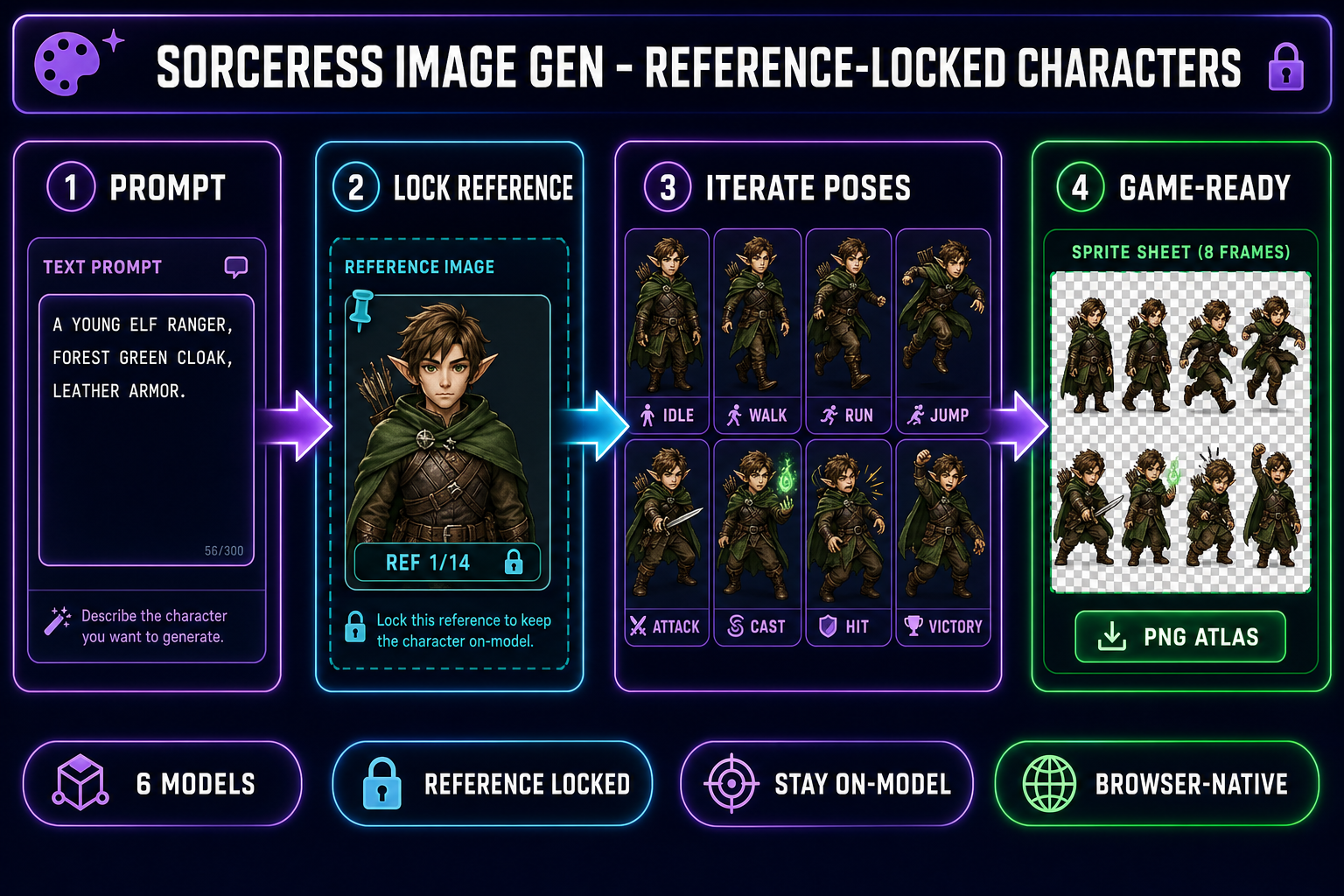
The workflow inside Sorceress AI Image Gen is four steps. Verified May 19, 2026 against the IMAGE_MODELS array in src/lib/models.ts and the credit logic in src/contexts/CreditsContext.tsx.
- Generate the canonical character once at high quality. Open AI Image Gen, pick Nano Banana 2 at 2K resolution (12 credits per generation), and type a detailed prompt: “a young elf ranger, forest-green hooded cloak, light leather armor, longbow strapped to back, soft fantasy lighting, full-body front-facing portrait, neutral standing pose, transparent background.” One generation, one canonical hero. Save the output.
- Pin the canonical hero into the reference-image slot. Drag the saved image into the reference panel. Nano Banana 2 accepts up to 14 reference images per call — for a single character you usually only need one, but the slot stays open for outfit and pose references in the next section.
- Run seven follow-up prompts at 1K resolution (9 credits each). Each prompt is short and pose-focused: “same character, idle standing pose,” “same character, walking to the right, side view,” “same character, running to the right,” “same character, mid-air jump,” “same character, drawing bow to attack,” “same character, casting a green spell,” “same character, victory celebration.” The reference anchors identity; the text prompt steers pose. Every output keeps the elf’s face, hair, costume, and color palette constant.
- Lay the eight outputs out as a sprite sheet. Drop them into Quick Sprites for alpha-channel cleanup and grid layout, or into Canvas for manual arrangement. The pack ships as a single PNG atlas the engine reads in one spritesheet load call.
Total credit spend: 75 credits — well inside the 100-credit starter pack a new Sorceress account ships with. The hero stays on-model because every generation after the first is anchored to the same reference image, which is the one capability a prompt-only AI character generator does not have.