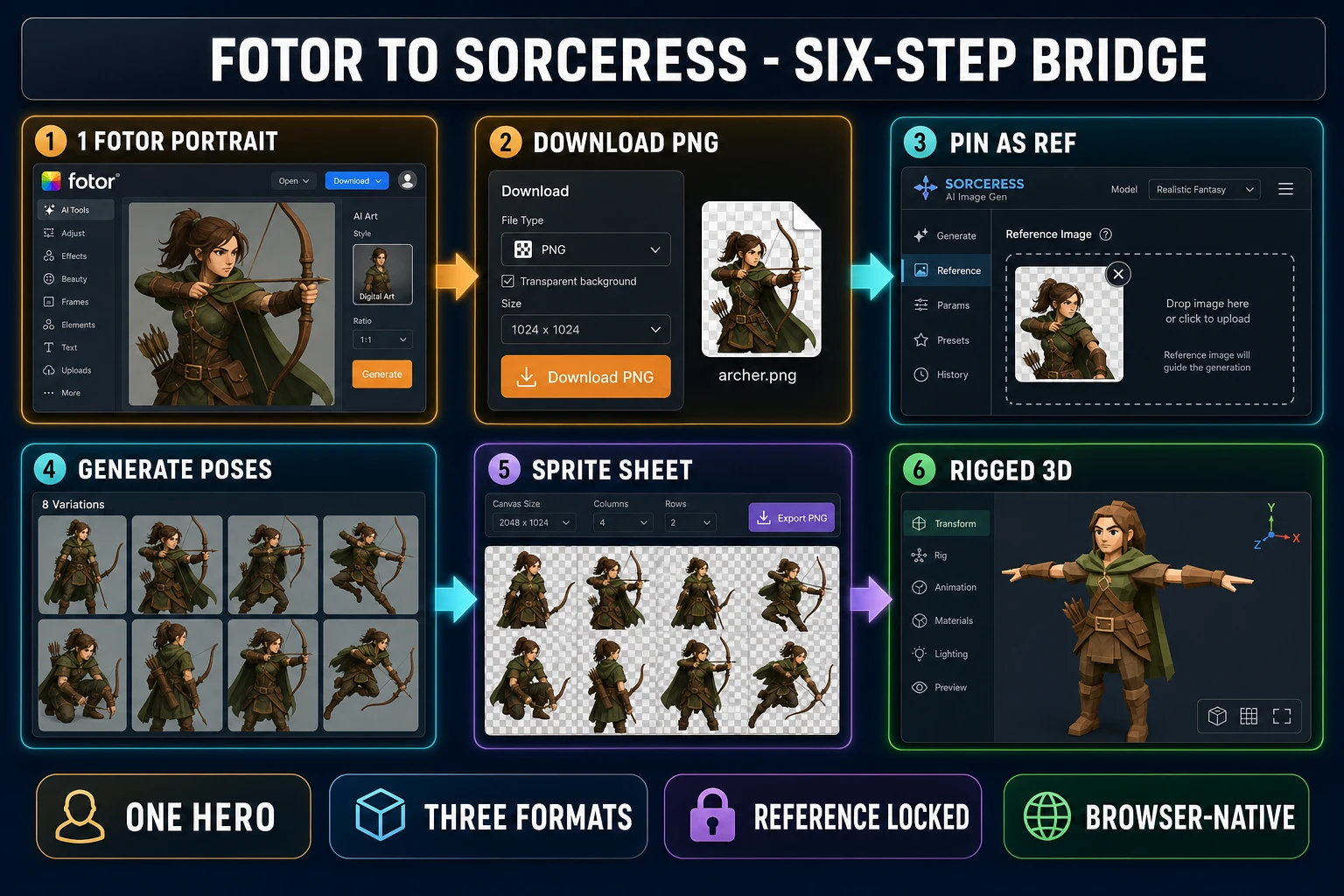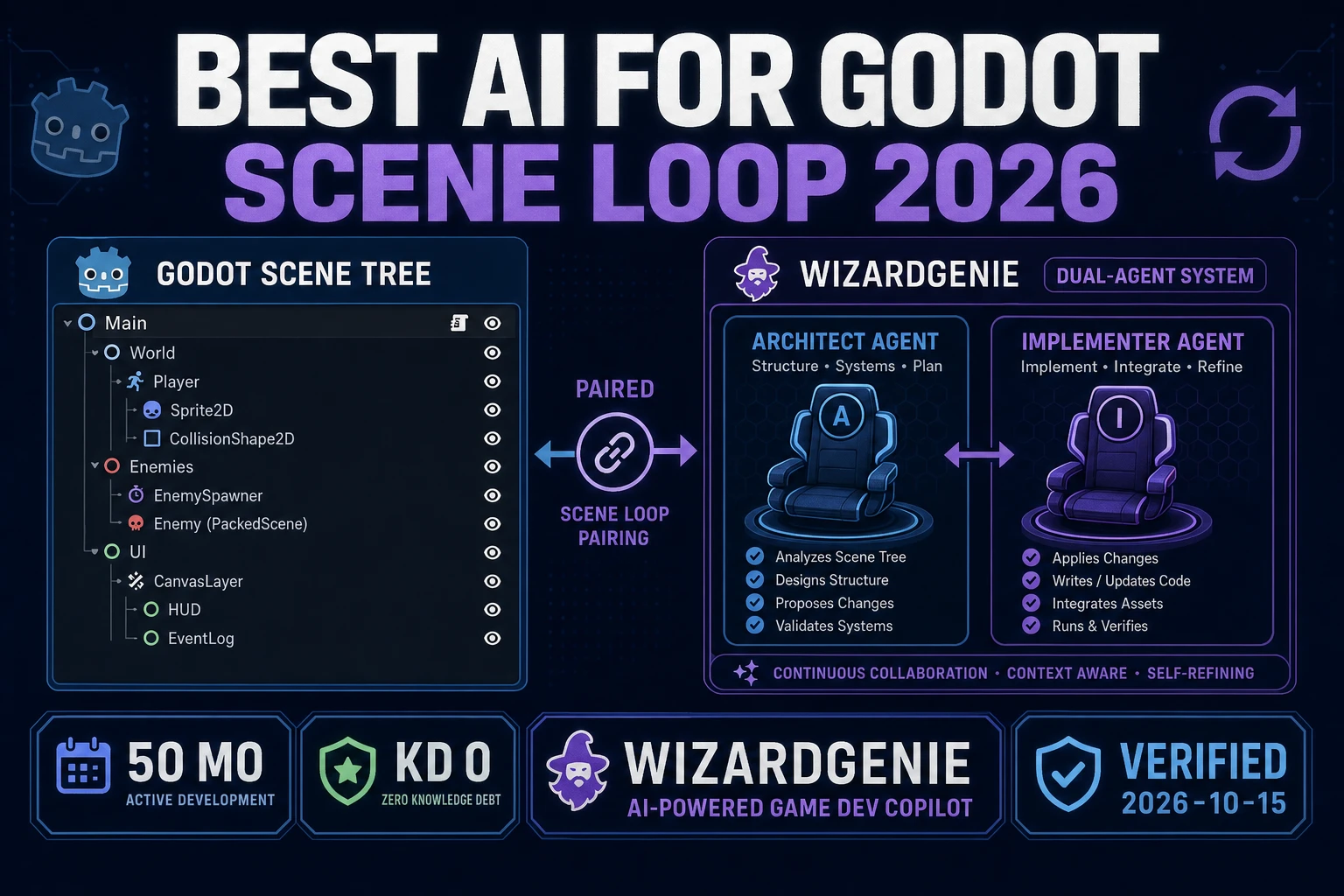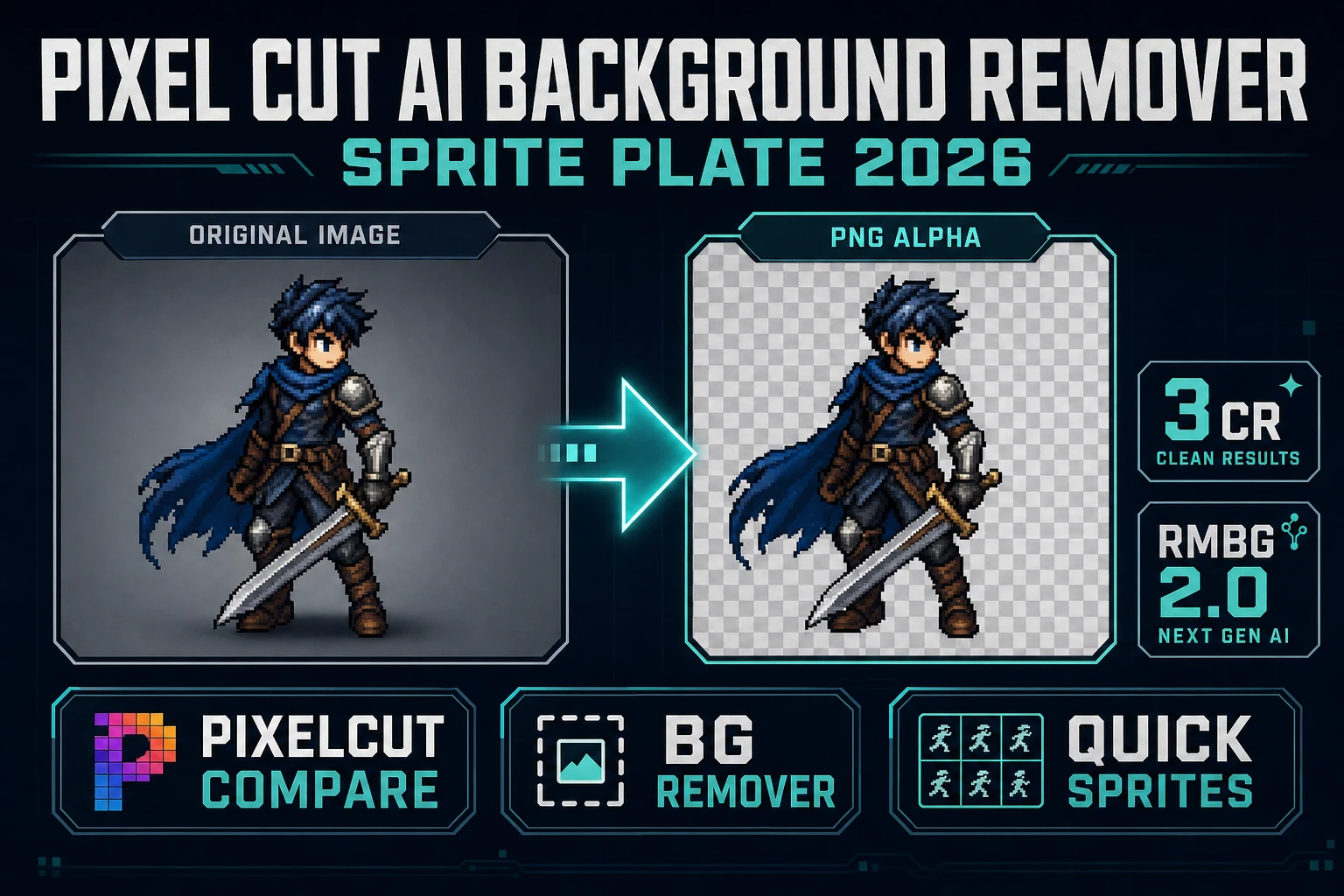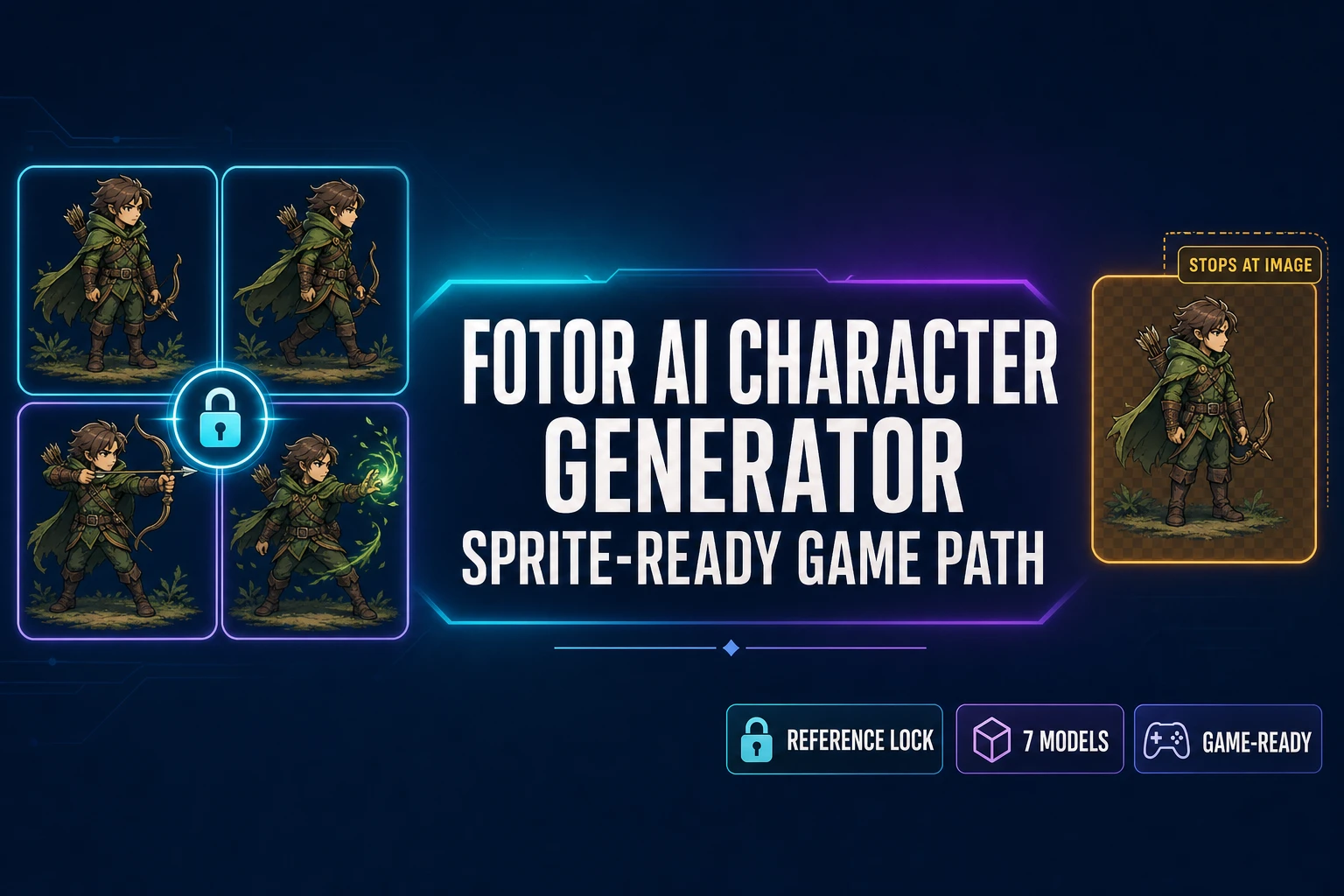
The Fotor AI character generator sits in a comfortable middle of the AI-character-tool market. It is genuinely free to try, the model lineup behind it is the same flagship roster (Nano Banana 2, Flux Pro, Seedream 5 Lite, Midjourney V7) that paid power-tools surface, and CREF and SREF reference-image locking ship inside the dashboard so a single hero can hold across multiple generations. The catch for indie game devs is what happens after the portrait lands: Fotor outputs stop at a single PNG, the free tier exports with a Fotor watermark, and there is no sprite-sheet packer, no engine-format atlas, no 3D-mesh bridge inside the same workspace. Below is what the Fotor AI character generator actually does in 2026, the live pricing as of today, where it shines, where it stops cold for a game pipeline, and the sprite-ready alternative inside Sorceress AI Image Gen that runs the same model families straight through to a walk cycle and a rigged 3D model. Verified June 2, 2026 against the live fotor.com pricing page, the Fotor AI character generator product page, and the Sorceress IMAGE_MODELS registry in src/lib/models.ts.
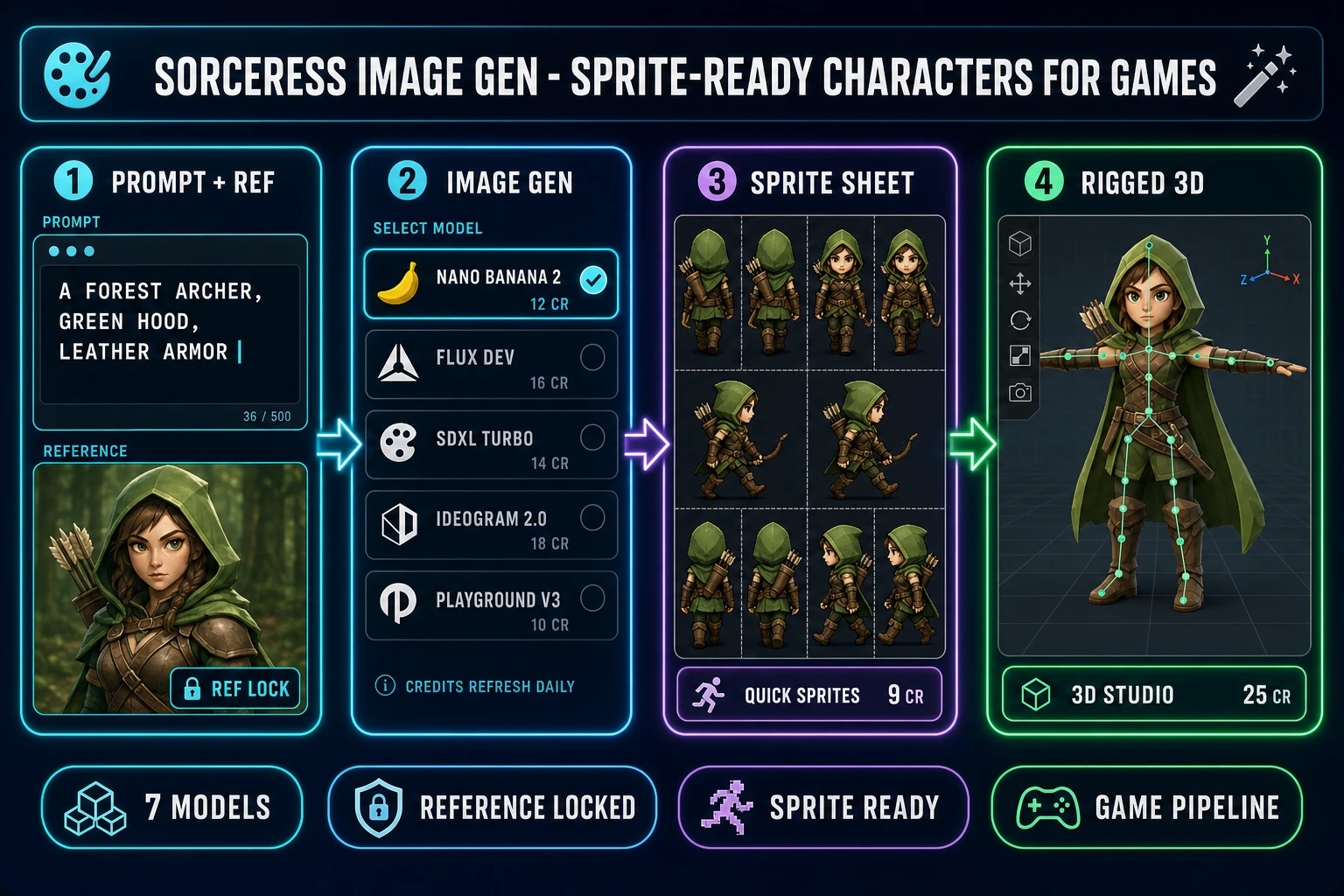
What the Fotor AI character generator actually does in 2026
Fotor (fotor.com) is an all-in-one AI photo editing and design platform that bundles image generation, character art, video, AI portrait retouch, batch background removal, and a deep editing module behind a single dashboard. The character-specific entry point lives at fotor.com/features/character-generator/, and the underlying generator routes prompts through four models that the vendor surfaces on the AI Image Generator page:
- Nano Banana 2 (Google) — the consistent-character flagship in 2026. Strong on facial stability across multiple generations, the right pick when you need the same hero to hold across a portrait, a side profile, and an action pose.
- Flux Pro (Black Forest Labs) — the photoreal-leaning Flux variant. Better for stylized fantasy art or hand-drawn-looking outputs where adjective-heavy prompts need to land cleanly.
- Seedream 5 Lite (ByteDance) — the cheapest credit-per-generation pick. Useful for prototyping when you do not need final-quality output.
- Midjourney V7 — surfaced inside Fotor as a paid model. Most artistic of the four; the right pick when you want a painterly aesthetic.
Reference-image locking ships through two named features: CREF (Character Reference) and SREF (Style Reference). CREF lets you upload a portrait, a flat-lay outfit photo, an action scene, or a landscape, and the generator merges those elements into a single cohesive image while keeping every feature consistent. SREF locks an artistic vibe across multiple generations. Both are the practical equivalent of pinning a reference image in any other modern character tool. Verified June 2, 2026 via fotor.com/features/character-generator.
Fotor pricing today: Basic, Pro, Pro Plus, Max
The pricing matters for game devs because the free tier outputs a Fotor watermark on every export, which makes free-tier outputs unusable for a paid Steam release or a paid mobile launch. Here is what fotor.com/pricing shows on June 2, 2026:
- Fotor Basic — free. Limited free credits, one concurrent generation, two chats with the AI Agent Sisi, one Sisi task, basic editing tools, 30-day creation storage, and a Fotor watermark on exports.
- Fotor Pro — 8.99 dollars a month month-to-month, or 39.99 dollars a year (which works out to 3.33 dollars a month). Monthly credit allocation, ten concurrent generations, 1,000 Sisi chats, two Sisi tasks, 100-plus editing tools, 20-plus AI portrait retouch tools, 100,000-plus templates, 1,000-plus premium effects, watermark-free HD exports, and 2GB cloud storage.
- Fotor Pro Plus — 19.99 dollars a month or 89.99 dollars a year (7.49 dollars a month). Higher monthly credit allocation, thirty concurrent generations, 2,000 Sisi chats, five Sisi tasks, batch AI editing (including batch background remover and replacement), multiple brand kits, AI slides generation, 100GB cloud storage.
- Fotor Max — 49.99 dollars a month. 1,000 monthly credits, the highest concurrent-generation limit, and Fotor’s deepest enterprise features.
Two important nuances: unused subscription credits roll over for up to five months as long as you stay subscribed, and one-time credit purchases (starting at 11.99 dollars) stay valid for two years. The free tier’s “limited free credits” cap is not published as a hard number on the pricing page; in practice it is enough for a few generations a day before the daily window resets. Verified June 2, 2026 against the live fotor.com/pricing page.
How the Fotor AI character generator workflow actually runs
The flow inside the Fotor dashboard is short and clean. After signing in (Google, Facebook, Discord, or email), you land on the AI character generator page. From there:
- Type a text prompt describing the character — appearance, personality, mood, art style. Fotor accepts prompts in plain English and exposes an “Enhance prompt” helper that rewrites the input for better model comprehension.
- Optionally upload a reference image as the CREF input. Fotor accepts a portrait as the face base, flat-lay outfit photos for clothing, action scenes for posture, or landscapes for backgrounds. The generator merges these into a single cohesive output while keeping the locked features consistent.
- Pick a model. Nano Banana 2 for consistent character work, Flux Pro for stylized art, Seedream for cheap prototyping, Midjourney V7 for painterly output.
- Pick an art style. The Fotor character generator ships preset styles for anime, realistic, 3D-render, oil-painting, watercolor, and pixel art among others.
- Click Generate. Outputs land in roughly ten seconds for lightweight models, longer for Midjourney V7 or 4K-resolution work.
- Optionally apply post-processing inside the same Fotor dashboard: AI portrait retouch, background removal, upscaling, or color matching.
- Download. Free tier exports with the Fotor watermark; Pro and higher strip the watermark and ship HD PNG or transparent PNG.
It is a polished workflow. For one portrait, one art card, or one social-media-ready character render, the Fotor AI character generator is genuinely fine. The pipeline gap is what comes next.
Where the Fotor AI character generator stops for game devs
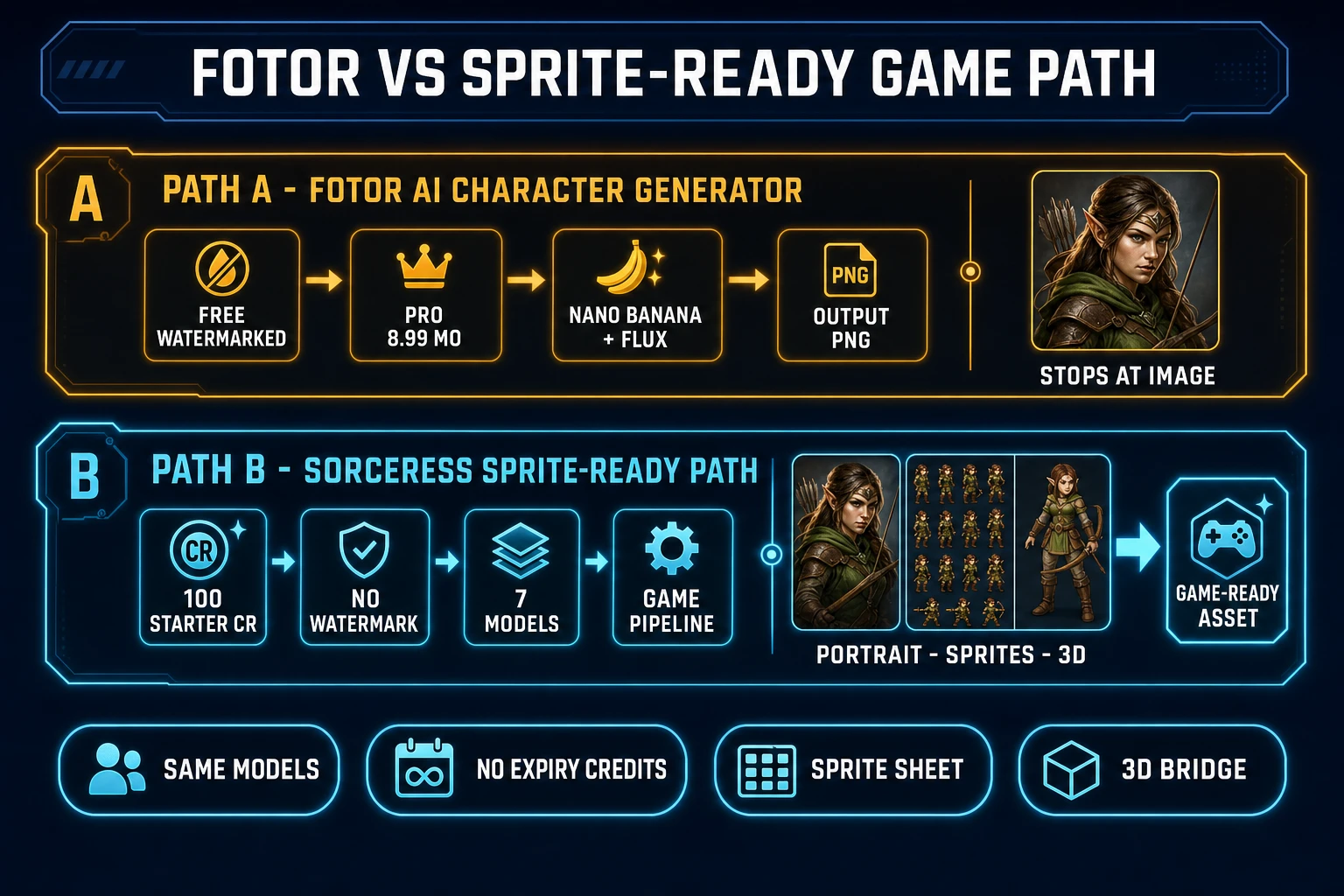
For a game project, “the character image is done” is the start of the work, not the end. A game-ready hero needs at minimum a directional sprite sheet (idle, walk, attack frames at consistent dimensions on a transparent background), and often a low-poly 3D mesh for cutscenes or 3D gameplay. Here is what the Fotor AI character generator cannot do without sending you to a separate tool:
- No sprite-sheet packer. Fotor outputs single PNGs. There is no grid layout, no frame-numbering, no transparent-background batch export across multiple poses. You would generate the eight pose images one at a time and then drop them into an external sheet packer.
- No engine-format atlas. No Phaser frame layout, no Godot AtlasTexture export, no Unity sprite-slice metadata, no direct path into a game engine’s asset pipeline.
- No 3D-mesh bridge. The Fotor character generator outputs 2D images only. For a textured GLB or FBX 3D mesh of the same character, you would need to send the portrait through a separate image-to-3D model.
- No auto-rig or skeleton. Even with a 3D mesh in hand, you would still need a separate auto-rigging pass before the character can animate inside a game engine. The Fotor dashboard does not surface this step.
- No watermark-free free tier. Indie game devs evaluating tools without a credit card cannot ship Fotor-generated assets directly because the free tier brands every export.
None of this is a knock on Fotor as a product — the platform is designed for marketing creatives, social-media designers, and photo editors, and it is genuinely excellent for those use cases. It is just that “single polished character image” is one node in a five-node game-asset graph, and Fotor only owns the first node.