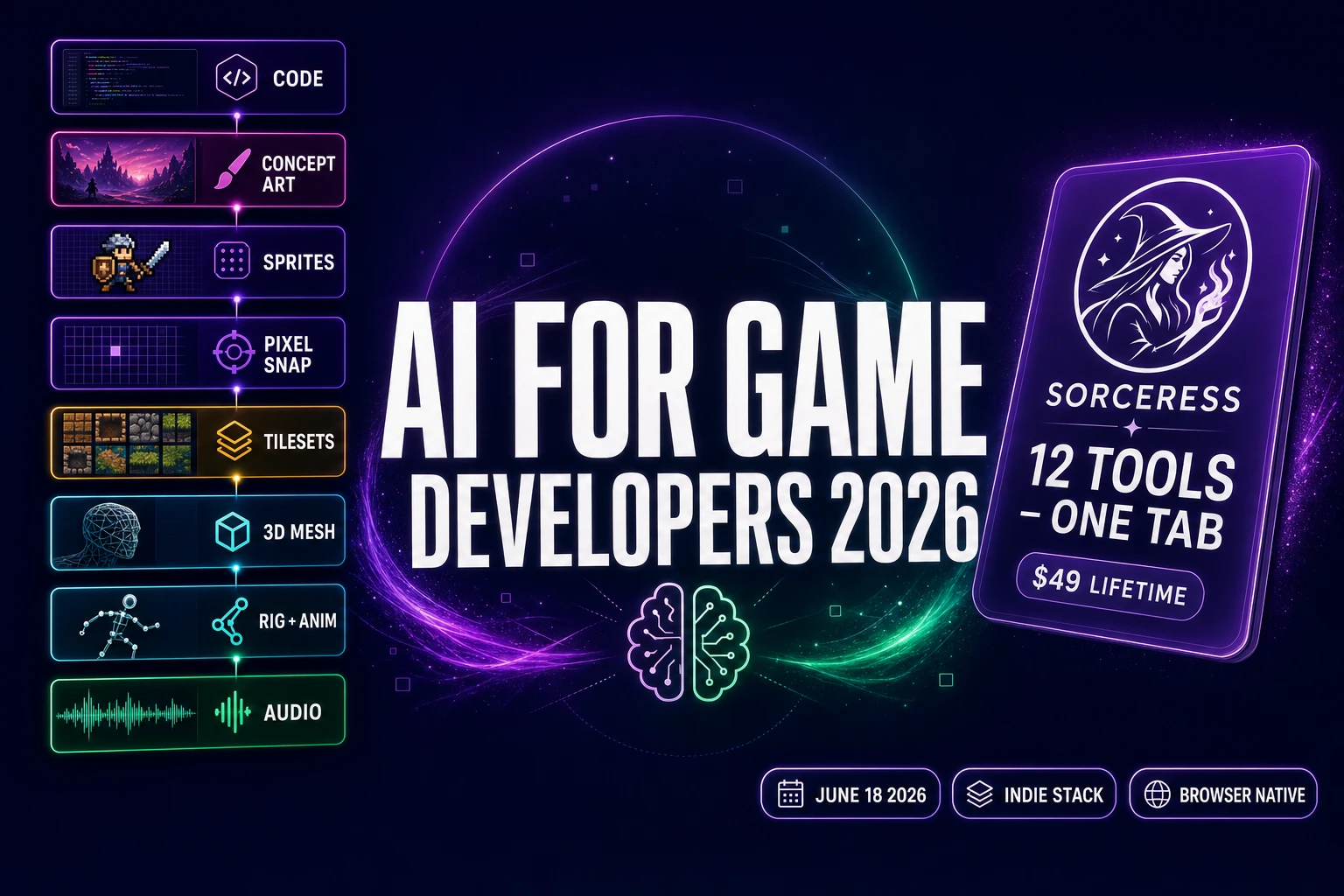
Type ai for game developers into Google on June 18, 2026 and the SERP is split between two readers with very different problems. One is a hobbyist who has never shipped a game and wants to know which tools to grab first. The other is a working dev with a half-finished Phaser or Godot project who already pays for one or two AI subscriptions and wants to know which layers of the indie pipeline have caught up. This piece writes both audiences the same answer: the honest 2026 stack for an indie game developer is now eight tool layers that all live in one tab, verified June 18, 2026 against the Sorceress catalog. The catalog page lists every tool below; this post is the field guide that walks the layers in the order a dev uses them, with the trade-offs spelled out.
What “AI for game developers” actually means in 2026
The phrase AI for game developers covers three distinct kinds of work in 2026, and the SERP collapses them into one query because the searcher framing — “I am a developer; tell me what AI is for me” — is the same regardless of which work they need today. Code generation is the slice most blog posts cover, because the audience for “AI for coding” is large and easy to write to. Asset generation is the slice the working indie game developer actually spends most of their time on: sprite art, tilesets, 3D meshes, rigs, music loops, SFX, NPC voice lines. And pipeline glue — sprite slicing, GLB rigging, format export, asset packing — is the slice that determines whether the asset you generated in tab A can actually load into the engine in tab B.
The mistake the older “best AI tool for game dev” roundups make is treating those three slices as a single ranked list. They are three separate workflows that happen at different moments in the project, and the right pick at each moment is different. A working dev who already has a Cursor or VS Code coding habit may want the AI coding pick first; a dev who can already code but cannot draw will pick the AI art layers first; a dev who has both halves locked in will care most about the audio and rigging glue. Any honest 2026 answer to AI for game developers has to walk all three slices in turn.
This piece does. The eight tool layers below cover the code half (one tool with eight models inside it), the 2D asset half (four tools that compound in a specific order), the 3D asset half (three tools that produce engine-ready GLB out of a single image input), and the audio half (four tools that take a project from silent to fully scored). Every tool listed has been verified against the live Sorceress source code on June 18, 2026 and against the public catalog at /tools-guide.
The honest 2026 stack — eight tool layers AI for game developers actually use
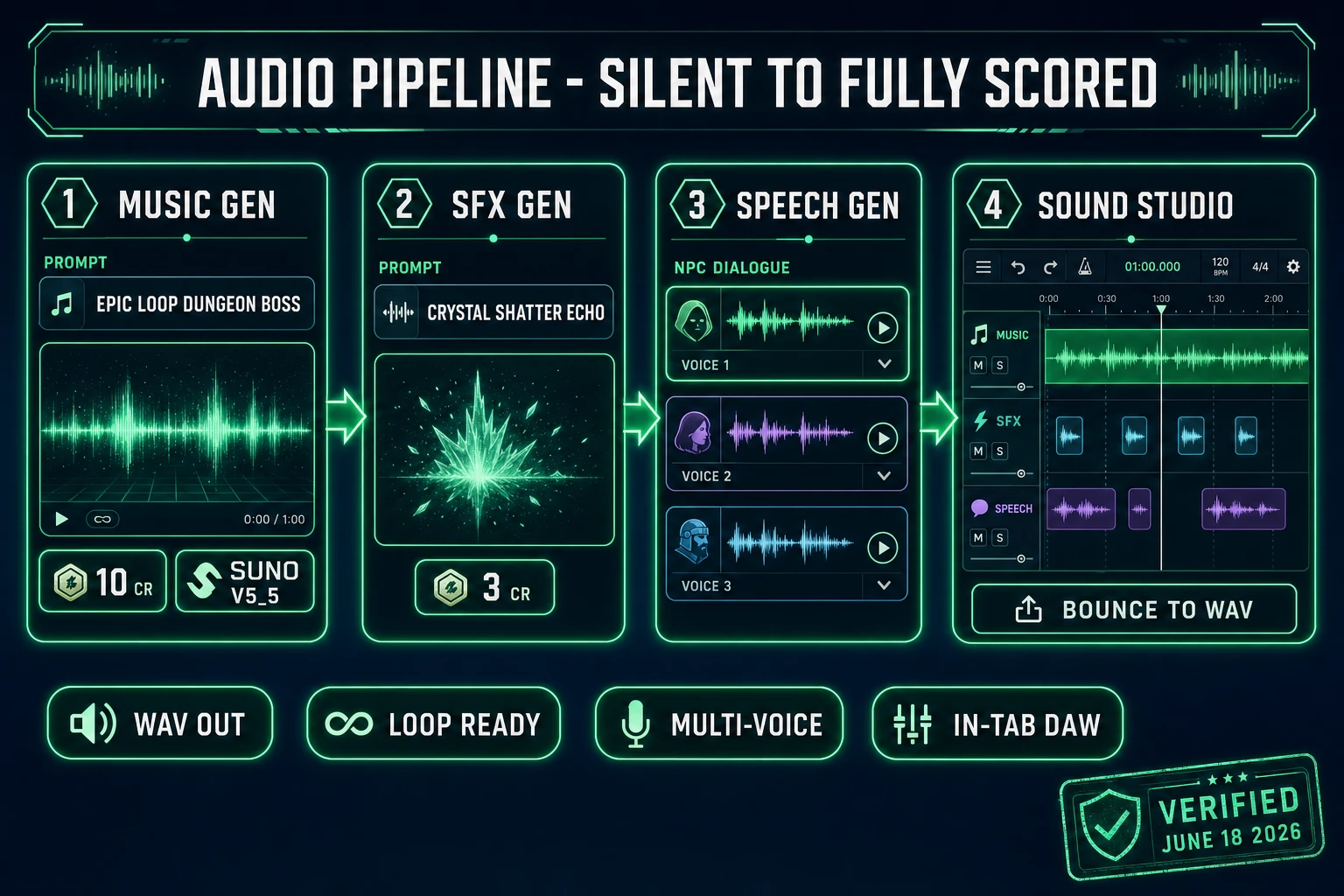
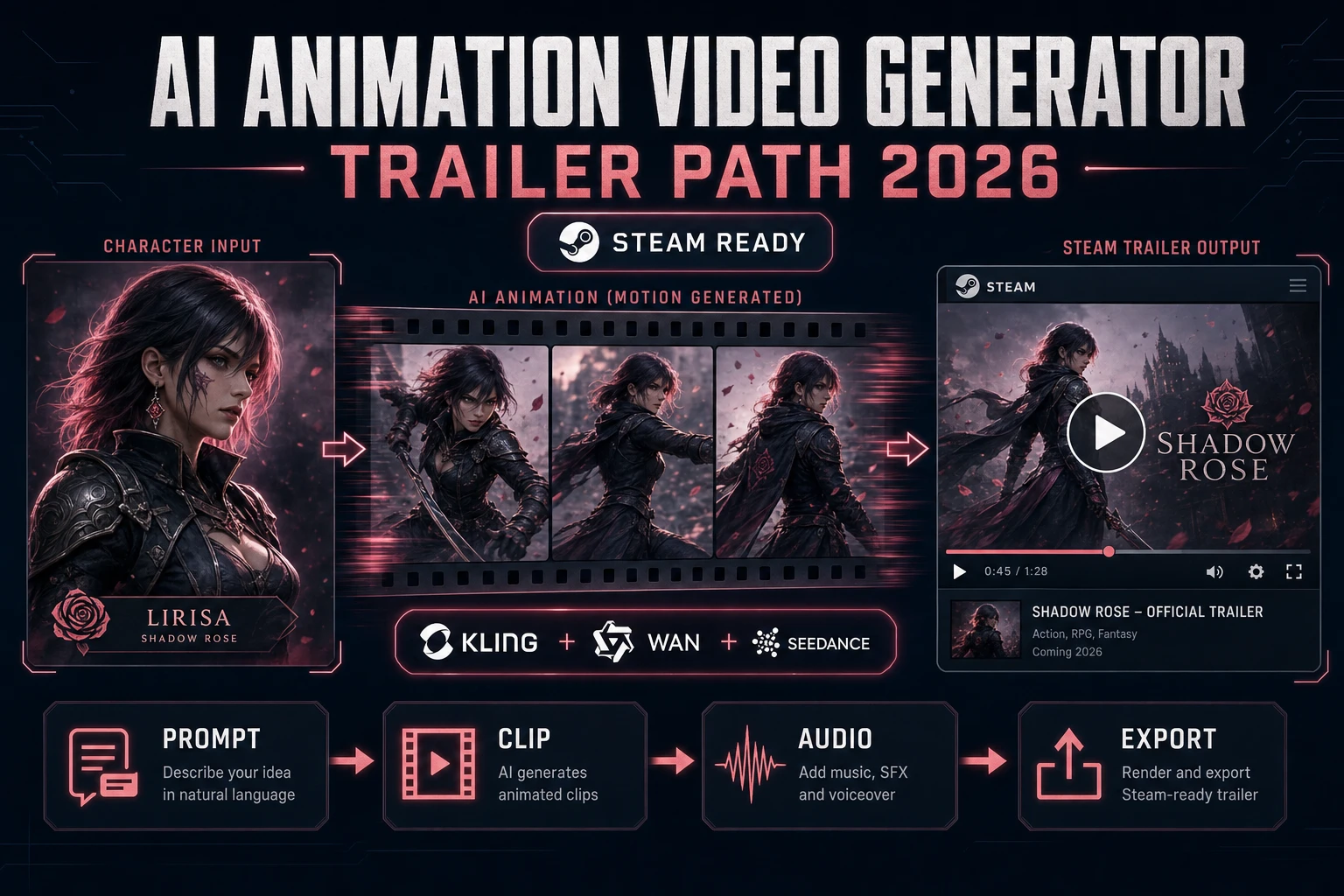
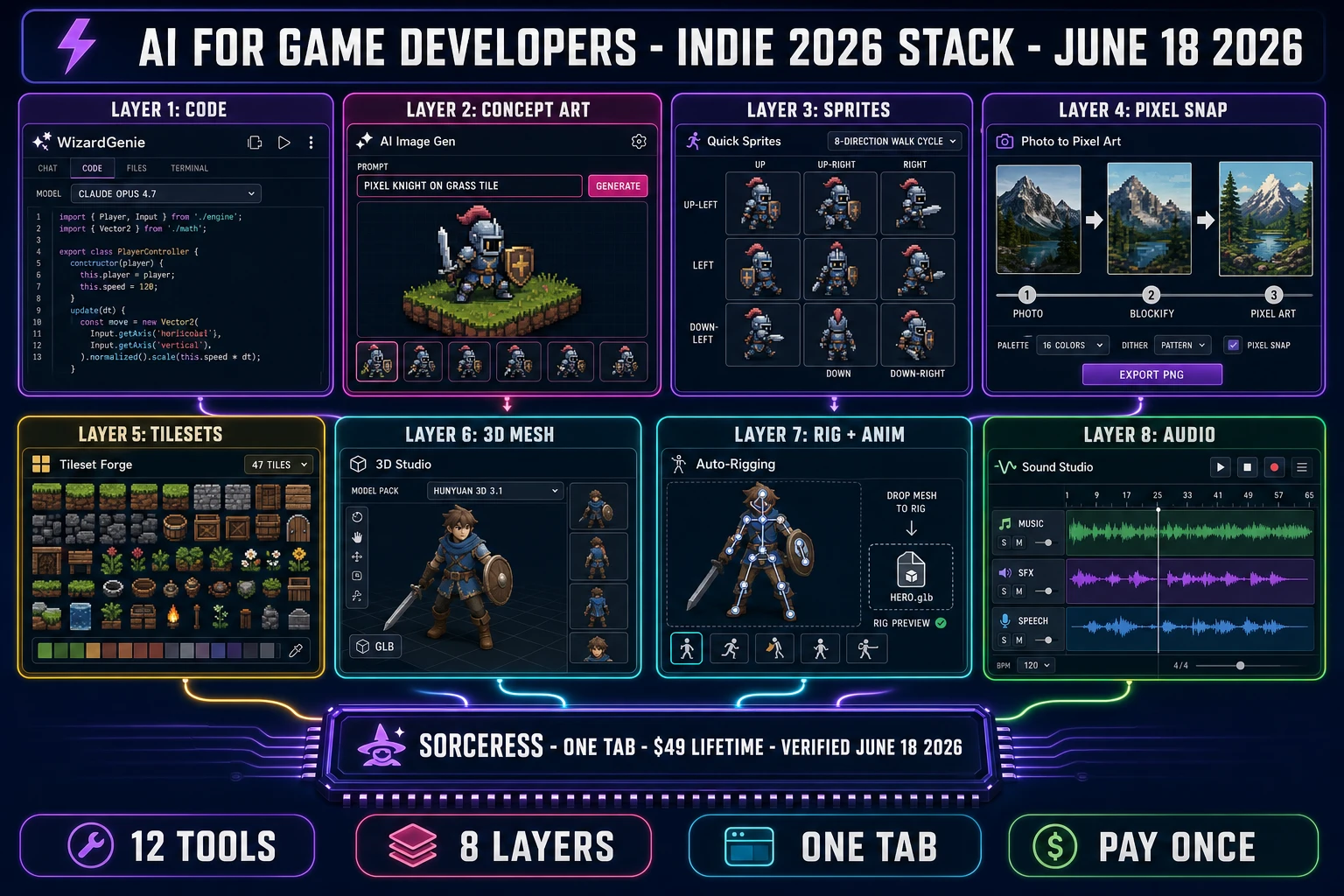
The honest 2026 stack for AI for game developers is twelve tools across eight functional layers, all reachable from one Sorceress account. Verified against src/app/_home-v2/_data/tools.ts on June 18, 2026, the layers are: (1) the code layer built on a multi-model picker; (2) the concept-art layer for character keys, environments, and reference frames; (3) the sprite layer that turns a single character key into a walk cycle and full animation set; (4) the pixel-conversion layer that takes any image to a tile-grid-snapped sprite; (5) the tileset layer that ships 8-direction or 47-tile blob sets ready for a Phaser or Godot level; (6) the 3D mesh layer that turns concept art into game-ready GLB with auto-rig as a one-click follow-up; (7) the 3D animation layer that drives the rigged GLB with text-to-motion clips; and (8) the audio layer — music loops, SFX one-shots, NPC dialogue speech — mixed in a DAW that lives in the same tab.
The pattern in every layer is the same: the AI does the asset generation, the dev does the creative decision, and the engine-side handoff is a clean web-standard format (PNG, GLB, WebM, MP3, WAV). None of the layers requires a desktop install, an Adobe ID, or a Unity Asset Store account. The bundle for all eight layers is a single $49 Lifetime fee plus pay-once credit packs that never expire — verified against src/app/plans/page.tsx on June 18, 2026. The same multi-model picker logic appears in every layer too: the dev picks the model that fits the job from the dropdown in the tool, with the credit cost displayed inline before the run.
The next six sections walk each layer in turn. Read straight through for a full reality check; jump to a section by H2 if a specific handoff is the one you came in for.
The code half — WizardGenie’s eight-model picker (browser + desktop, BYO key or trial)
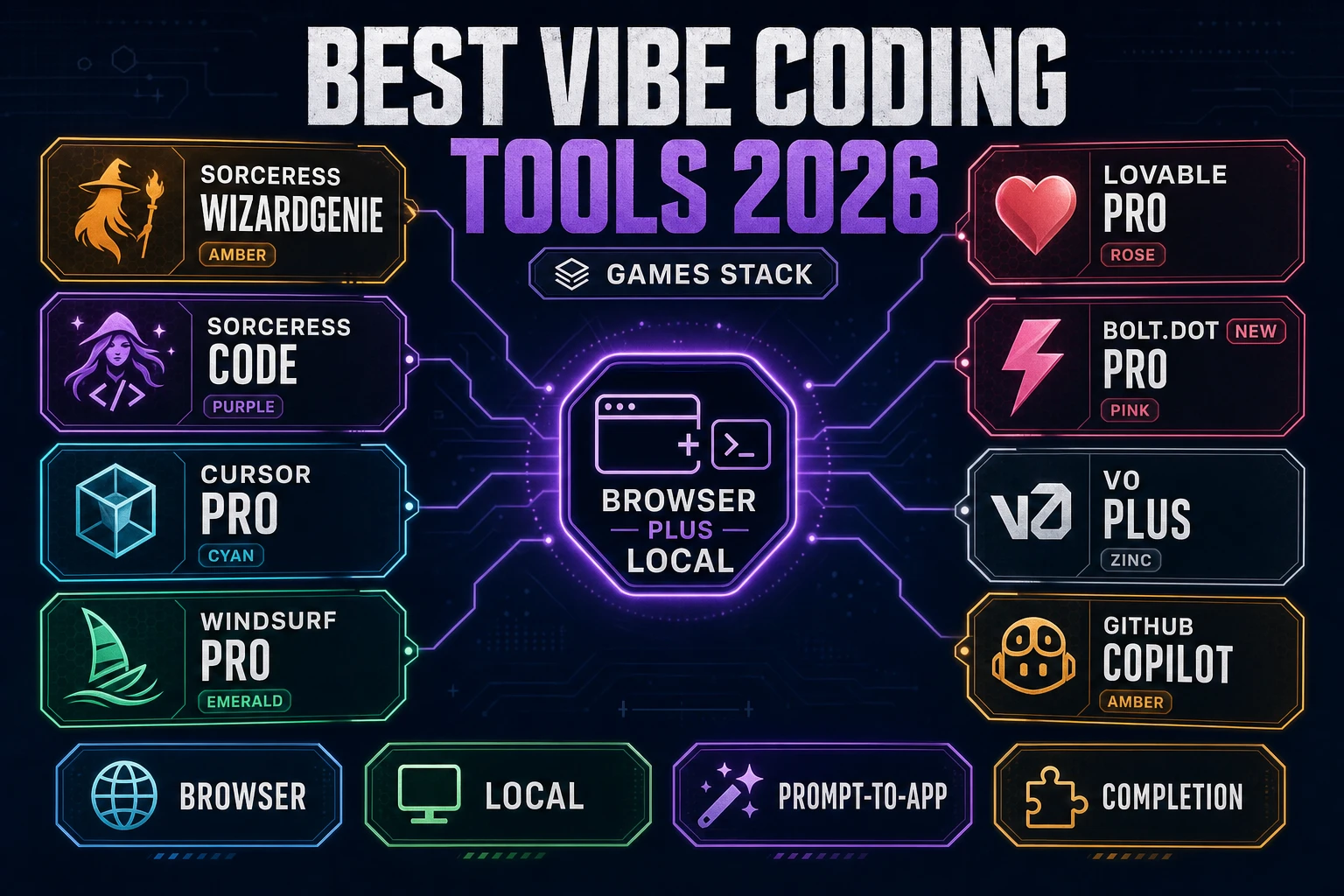
The code layer for an indie game developer in mid-2026 is WizardGenie, an agentic IDE that ships in two parallel forms: a no-install browser tab (Fly.io-hosted, persists project state between sessions) and a native Windows desktop installer with electron-updater (longer agent runs, filesystem access, offline-capable project work after the initial sync). Both surfaces ship the same eight-model picker, verified against src/app/_home-v2/_data/tools.ts CODING_MODELS on June 18, 2026. The eight models are Claude Opus 4.7 (heavy reasoner, $5 input / $25 output per million tokens, 1M context), Claude Sonnet 4.6 (daily flow, $3/$15), GPT-5.5 (cross-check, $5/$30, 1M context with long-context surcharge above 272K), Gemini 3.1 Pro (paid-only, $2/$12 below 200K then $4/$18 above, 2M context), Grok 4.2 ($1.25/$2.50, up to 2M context), DeepSeek V4 Pro (cheap executor, $0.435/$0.87 since the 75% promotional rate became permanent 2026-05-31, 1M context, MIT-licensed), Kimi K2.5 (long-context executor, $0.60/$3, 256K context), and MiniMax M2.7 (agent executor).
The picker matters more than any single model on the list. The right pick for a one-shot game scaffold is Opus 4.7; for the next eight hours of polish, Sonnet 4.6; for whole-repo refactors, Gemini 3.1 Pro or Grok 4.2; for the typing side of a long agent loop, DeepSeek V4 Pro or Kimi K2.5. WizardGenie’s picker swaps inline without restarting the project session, which is the difference between a Planner+Executor workflow that works and one that bleeds frontier-priced tokens on tasks that should ship a cheap MoE-based executor. The pattern of pairing an expensive reasoner with a cheap typer cuts cost to roughly one-fifth of single-frontier billing — a number that only holds when the executor is genuinely a low-priced mixture-of-experts model, not a frontier-priced one.
BYO-key works at zero per-token markup for devs already subscribed to a coding model directly; trial credits cover devs who want to evaluate the eight-model picker before committing to a vendor. The sister piece at Choose the Best AI Model for Coding Right Now (2026) walks the model-by-model picks; the open-source flank is at Test the Best Local AI Model for Coding (No GPU Setup); the umbrella state-of-the-field read is at AI in Game Development (2026 Indie Reality Check). Large language models are the engine under every pick on the list.
The 2D pipeline — AI Image Gen, Quick Sprites, Pixel Snap, Tileset Forge
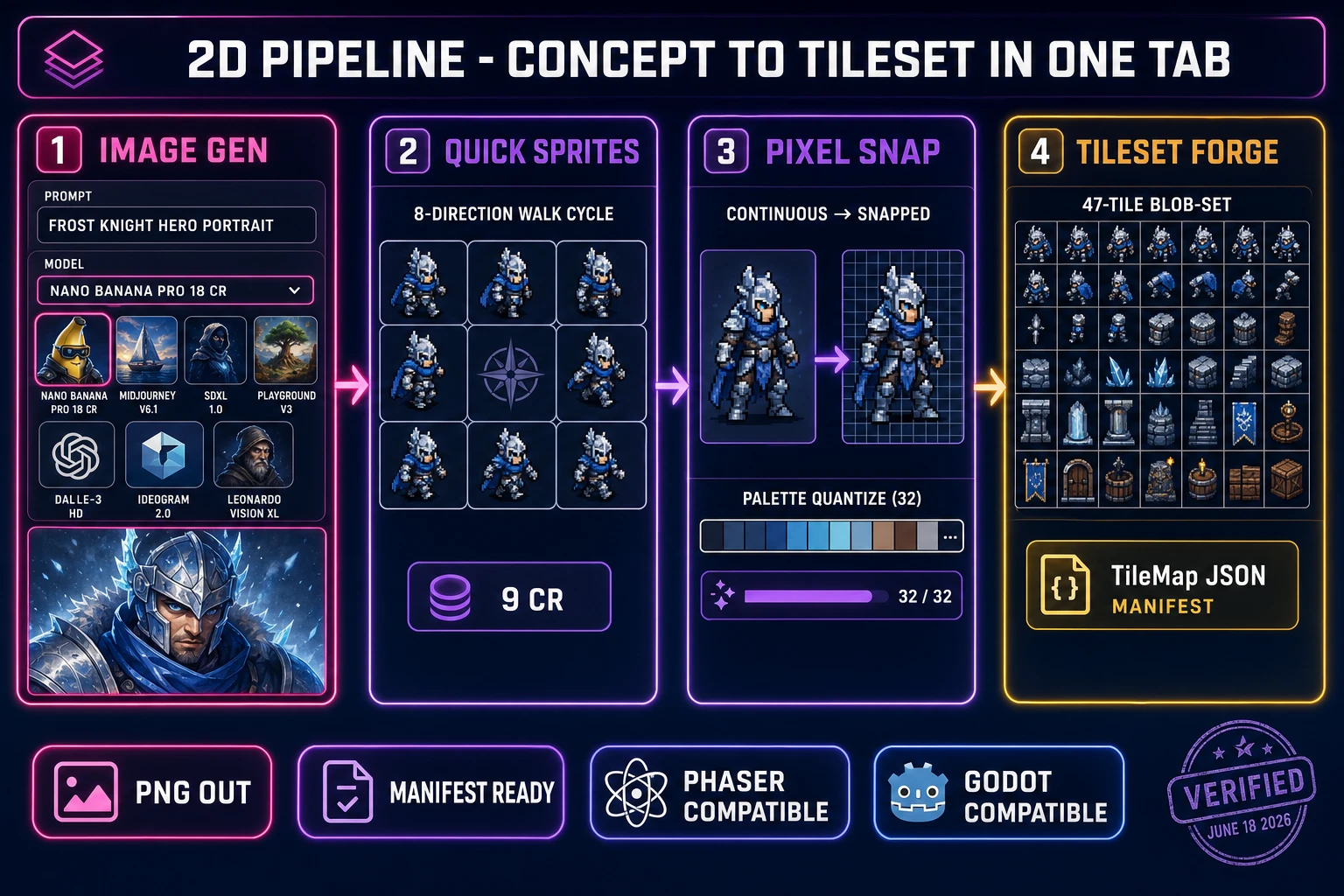
The 2D pipeline for ai for game developers in 2026 is a four-tool chain that turns a one-sentence prompt into a complete asset pack ready to drop into a Phaser, Godot, or GameMaker project. Verified against the Sorceress source on June 18, 2026: AI Image Gen ships a seven-model picker (Nano Banana Pro at 18 credits, Nano Banana 2 at 9 to 17 credits depending on resolution, GPT Image 2, Seedream 5 Lite at 6 credits, Flux 2 Pro at 6 credits base plus 3 per reference image, Z-Image Turbo at 2 credits, and Grok Imagine) for the upstream concept art — hero portraits, environment plates, item icons, banner art. Each model has a different style range; the picker dropdown shows the credit cost inline before the run.
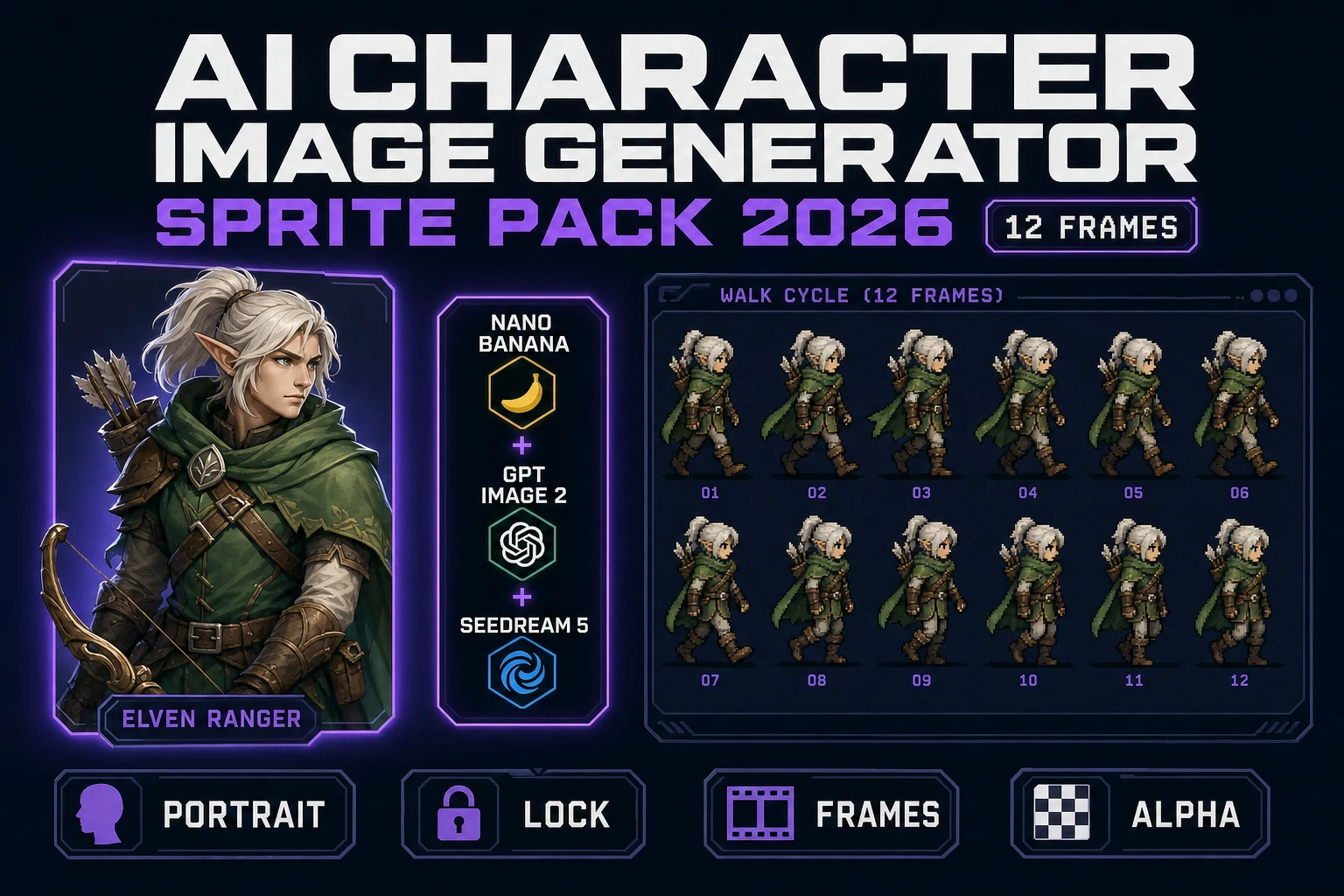
Downstream of the concept key, Quick Sprites turns a single character key into an 8-direction walk cycle, idle pose, jump, and attack frames at 9 credits per generation. Pixel Snap converts any image — an AI Image Gen output, a photo, a scanned doodle — into a tile-grid-aligned sprite with a palette quantized to the dev’s chosen target. Tileset Forge ships the level art: 8-direction or 47-tile auto-tile blob sets that load directly into a Tiled JSON or Godot TileMap.
The chain works because each tool ships the format the next tool expects: AI Image Gen exports PNG, Quick Sprites slices the PNG into per-direction sub-sheets with manifest JSON, Pixel Snap rounds the PNG to the chosen tile grid, and Tileset Forge writes a TileMap-compatible JSON alongside the PNG. A working dev does not need to write a single sprite-packing utility; the manifest-and-PNG output is engine-ready. Diffusion models underpin AI Image Gen; Phaser and the Canvas API are the most common downstream loaders.